How we make this list: we compare pricing pages, product documentation and public user reviews. Rankite is independent; if a vendor ever pays for a featured spot, that listing is clearly labeled Partner.
Key takeaways
- Start free and stay free for a while: Sender's Free Forever plan covers 2,500 subscribers and 15,000 emails a month, MailerLite's free plan covers 250 subscribers, and Mailchimp's free plan covers 250 contacts.
- The cheapest paid ramps are MailerLite's Comfort plan from $12 per month, AWeber's Lite plan at $12.49 per month billed annually, and GetResponse's Starter plan at $19 per month for 1,000 contacts.
- Constant Contact is the priciest entry point at $10 per month billed annually for Lite, but it is also the simplest tool for non-marketers who want email plus events.
- Every tool on this list offers a trial of its paid features: Mailchimp and AWeber give 14 days, MailerLite gives 14 days of premium features, and Moosend gives 30 days.
- If you write a newsletter or create content, shortlist Kit (free Newsletter plan) and GetResponse (free account plus paid newsletters on Creator). If you send a lot on a small list, Sender's free tier is the most generous.
Quick comparison
| Tool | Best for | Starting price | Free plan |
|---|
 Mailchimp Mailchimp | Beginners who want the most familiar name with the most tutorials available | See website (Essentials and Standard plans priced by contact count) | Yes (Free plan: $0, up to 250 contacts, 500 emails per month) |
 Brevo Brevo | Beginners who want email, SMS and WhatsApp in one beginner-friendly tool | See website (plans priced by email volume) | Yes (free plan listed on the pricing page) |
 MailerLite MailerLite | Beginners who want the simplest interface that still looks professional | $12/month (Comfort plan) | Yes (Free plan: up to 250 subscribers, 2,500 emails per month) |
 Constant Contact Constant Contact | Local businesses, nonprofits and franchises new to marketing | $10/month (Lite plan, billed annually) | No (free trial offered) |
 GetResponse GetResponse | Beginners who want email plus landing pages, funnels and webinars in one account | $19/month (Starter plan, 1,000 contacts, unlimited sends) | Yes (free account with limits; 14-day premium trial) |
 Kit Kit | Creators, bloggers and newsletter writers who want to grow an audience | See website (paid plans priced by subscriber count) | Yes (free Newsletter plan) |
 AWeber AWeber | Small businesses that want a stable, long-running email vendor | $12.49/month (Lite plan, billed annually) | No (14-day free trial) |
 Moosend Moosend | Budget-conscious beginners who want real automation without paying for it yet | See website (Pro plan priced by subscriber count) | No (30-day free trial) |
 Sender Sender | Beginners with small lists who send often and want to stay free | See website (Standard and Professional plans priced by subscriber count) | Yes (Free Forever: up to 2,500 subscribers, 15,000 emails per month) |
Is your product missing or out of date?
We review this list regularly. Vendors can request a listing, send updated pricing or ask about featured placement.
The best email marketing software for beginners
Your first email tool should disappear into the background. You write, you send, people open. That is the whole job in month one, and every tool below can do it. The differences show up later: in what the free plan allows, in how fast the price climbs as your list grows, and in how much hand-holding the interface gives you when you build your first automation.
These nine tools are the ones beginners actually end up with, ranked for ease of use, free tiers and honest pricing. Every number below comes from the vendor's own pricing page.
#1
Mailchimp
Best for: Beginners who want the most familiar name with the most tutorials available
Visit mailchimp.com
Starting priceSee website (Essentials and Standard plans priced by contact count)
Free planYes (Free plan: $0, up to 250 contacts, 500 emails per month)
Mailchimp is the default answer for a reason: everyone has heard of it, so every question you will ever have is already answered in a tutorial somewhere. The free plan handles 250 contacts and 500 sends a month with pre-built templates and popup forms. A 14-day trial of Standard adds enhanced automations, generative AI features and personalized onboarding, and you can downgrade to Free or Essentials any time.
The honest catch is pricing opacity. The pricing page confirms the free tier clearly but keeps paid numbers behind the contact-count selector, so you cannot do quick math against rivals. For a beginner with a tiny list who wants maximum tutorial coverage, Mailchimp is still the safe first pick. Outgrow the free plan and price it against MailerLite and Sender before committing.
What we like- The free plan costs nothing and includes the core campaign tools
- A 14-day trial of the Standard plan comes with personalized onboarding
- 300-plus integrations, so it connects to almost anything you already use
Watch out for- Paid prices are not shown in plain text on the pricing page, which makes comparing painful
- The free plan caps at 250 contacts and pauses sending when you exceed limits
#2
Brevo
Best for: Beginners who want email, SMS and WhatsApp in one beginner-friendly tool
Visit brevo.com
Starting priceSee website (plans priced by email volume)
Free planYes (free plan listed on the pricing page)
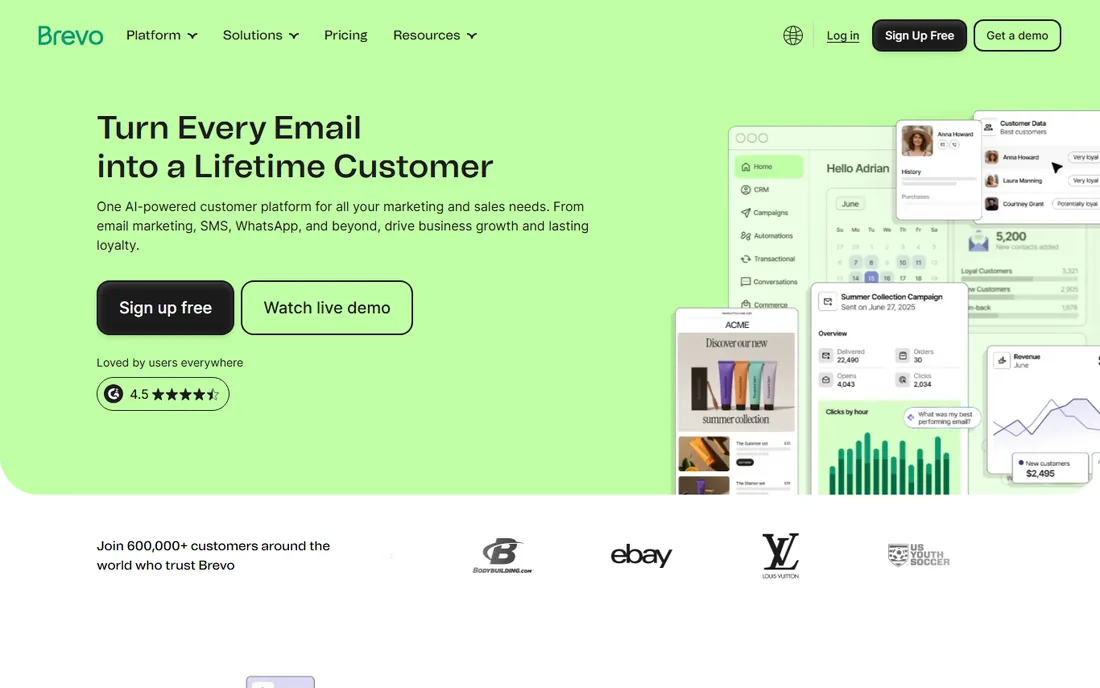
Brevo takes the beginner angle seriously. The homepage pitches drag-and-drop editors, ready-to-use templates and no-code automation that anyone can master, and the product backs that up with a clean campaign builder. Because pricing is based on email volume rather than contacts, a small list that sends rarely stays cheap.
The trade is focus. If your plan is a monthly newsletter, Brevo's SMS, WhatsApp and CRM features are doors you may never open. If you run a shop and want to add SMS later without switching tools, Brevo is the best two-in-one on this list. Start on the free plan and see how far it takes you.
What we like- A genuinely multi-channel platform: email, SMS, WhatsApp and CRM in one place
- Ready-made templates and guided automation built for non-marketers
- 600,000-plus customers, so the product is battle-tested
Watch out for- The pricing page failed to load plan prices during our check, so you cannot budget without signing up
- The breadth of features can overwhelm someone who only wants a newsletter
#3
MailerLite
Best for: Beginners who want the simplest interface that still looks professional
Visit mailerlite.com
Starting price$12/month (Comfort plan)
Free planYes (Free plan: up to 250 subscribers, 2,500 emails per month)
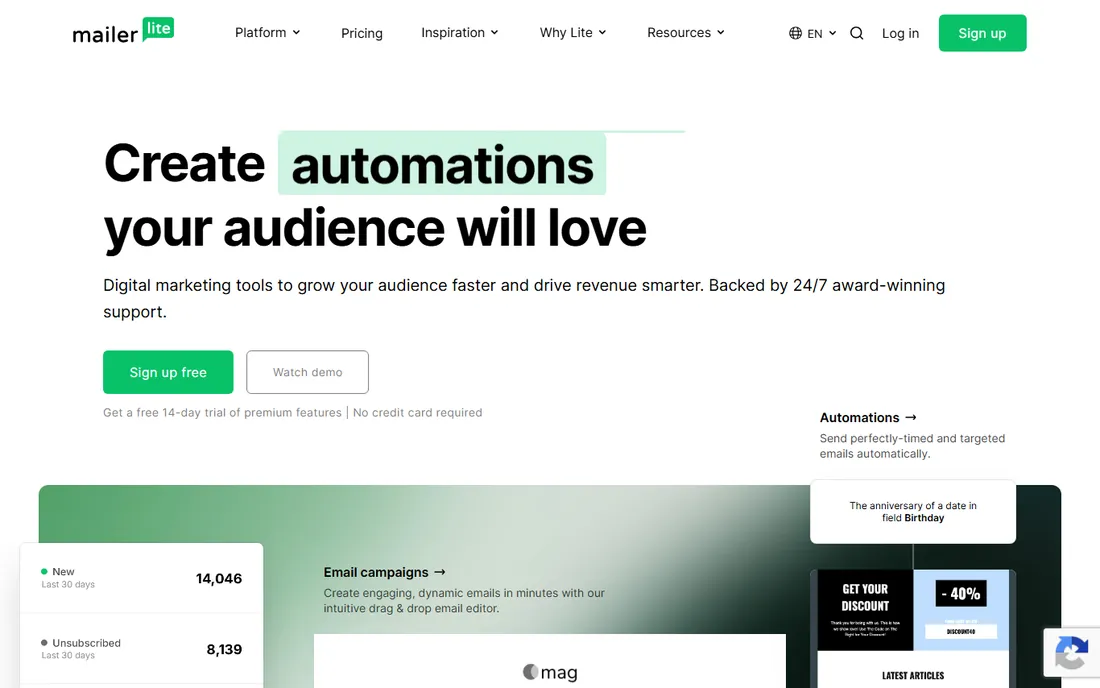
MailerLite is the tool reviewers recommend to friends who hate software. The interface is clean, the drag-and-drop editor is genuinely easy, and the free plan is unusually complete: 250 subscribers, 2,500 monthly emails, automations, a website and landing pages. The Comfort plan at $12 per month adds unlimited templates, multivariate testing, an AI writing assistant and smart sending.
The pricing logic is usage-based, not feature-based, which keeps things fair: you pay for subscribers and volume, not for access to extra tools. Comfort gives 10 times your subscriber tier in monthly emails; Power at $25 per month removes the cap entirely. For a beginner who wants the shortest path from signup to a good-looking first campaign, start here.
What we like- The free plan includes campaigns, automations, a website, a landing page and signup forms, not just email
- Comfort at $12 per month is the cheapest full-featured paid tier on this list
- Every new account gets 14 days of premium features to try
Watch out for- Paid pricing scales with subscriber count, so costs rise as your list grows
- API email sending needs a paid plan
Starting price$10/month (Lite plan, billed annually)
Free planNo (free trial offered)
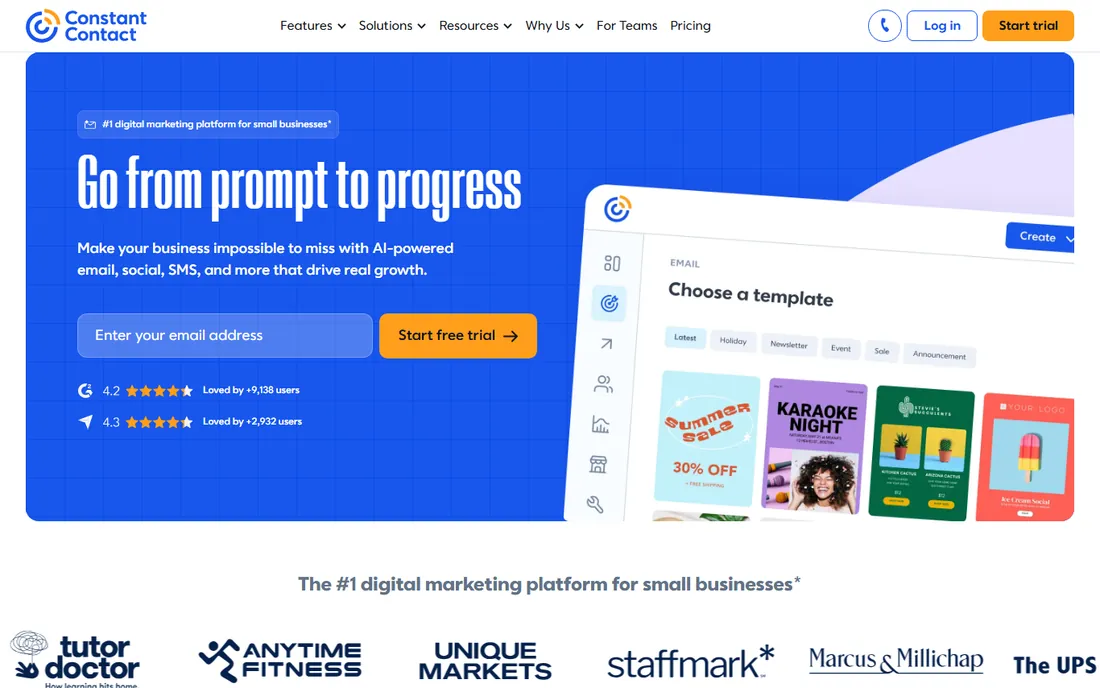
Constant Contact sells to people who do not think of themselves as marketers. The pitch is launch your marketing with confidence, and the product is correspondingly guided: simple editors, event management and social tools in one place. Published pricing makes budgeting easy: Lite at $10 per month billed annually for beginners, Standard at $29 for most businesses, Premium at $68 for pros.
The honest catch is that there is no free tier to learn on. You trial, then you pay. For a local business, nonprofit or franchise that wants one vendor for email plus events, Constant Contact is the most hand-held option here. For a solo creator watching every dollar, the free plans elsewhere stretch further.
What we like- The homepage prices are public and simple: Lite $10, Standard $29, Premium $68 per month billed annually
- The Lite plan is explicitly labeled ideal for beginners
- Built for non-marketers, with events and social tools alongside email
Watch out for- No permanent free plan, so you pay from day one
- The Lite plan is basic, and most growing businesses land on Standard at $29 per month
#5
GetResponse
Best for: Beginners who want email plus landing pages, funnels and webinars in one account
Visit getresponse.com
Starting price$19/month (Starter plan, 1,000 contacts, unlimited sends)
Free planYes (free account with limits; 14-day premium trial)
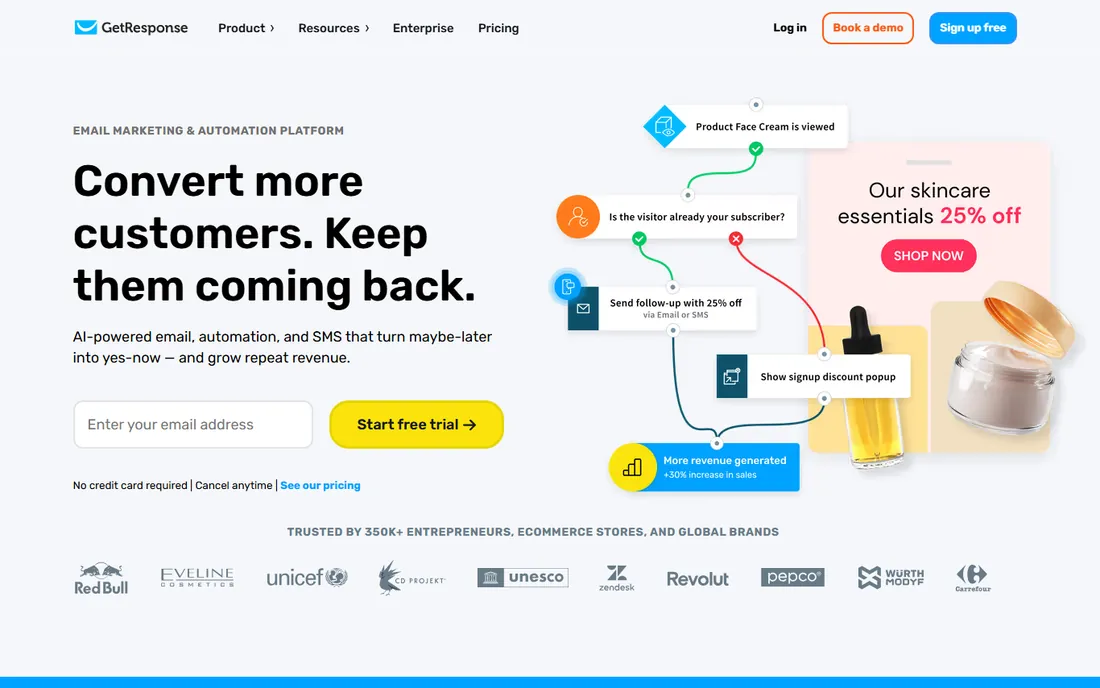
GetResponse is the value bundle of this list. For $19 per month, the Starter plan gives unlimited sends to 1,000 contacts, AI content generators, a landing page builder and signup forms. Every new account also gets 14 days of premium features, and the free account that remains after is usable for learning: you keep landing pages, workflows and messaging with some limits.
The catch is complexity. There are three standard plans plus enterprise, and the free tier's badge and limits nudge you toward paying sooner than MailerLite's free plan does. If you know you will want webinars, funnels or a course within the year, GetResponse saves you a second subscription. If you only need email, it is more tool than you need.
What we like- Starter includes unlimited monthly email sends to 1,000 contacts for $19 per month
- The free account never expires and includes landing pages and automation basics
- Higher plans add webinars, a course creator and a website builder
Watch out for- The free account adds a GetResponse badge to messages and limits automation, landing page visits and webinars
- The interface has more menus than the simpler tools here
#6
Kit
Best for: Creators, bloggers and newsletter writers who want to grow an audience
Visit kit.com
Starting priceSee website (paid plans priced by subscriber count)
Free planYes (free Newsletter plan)
Kit is the new name for ConvertKit, and the rebrand kept the creator focus. The free Newsletter plan is the most generous free tier for writers on this list: up to 10,000 subscribers, unlimited landing pages and opt-in forms, list growth reporting and creator recommendations that the company says can double list growth. Paid plans price by active subscriber count with unlimited emails, and annual billing gives two months free.
The honest catch is pricing visibility: the pricing page leans on an interactive slider rather than printed numbers. For newsletter writers, bloggers, podcasters and coaches building an audience, Kit's free plan is the best starting point on this list. For shops and local businesses, the generalist tools fit better.
What we like- The free Newsletter plan covers up to 10,000 subscribers with unlimited landing pages and forms
- Paid plans charge by subscribers, never by emails sent
- Free migration from another platform on every paid plan
Watch out for- The pricing page does not show paid prices in plain text, so budgeting means using the on-page slider
- The product is creator-focused, so ecommerce features are thinner than Mailchimp or GetResponse
#7
AWeber
Best for: Small businesses that want a stable, long-running email vendor
Visit aweber.com
Starting price$12.49/month (Lite plan, billed annually)
Free planNo (14-day free trial)
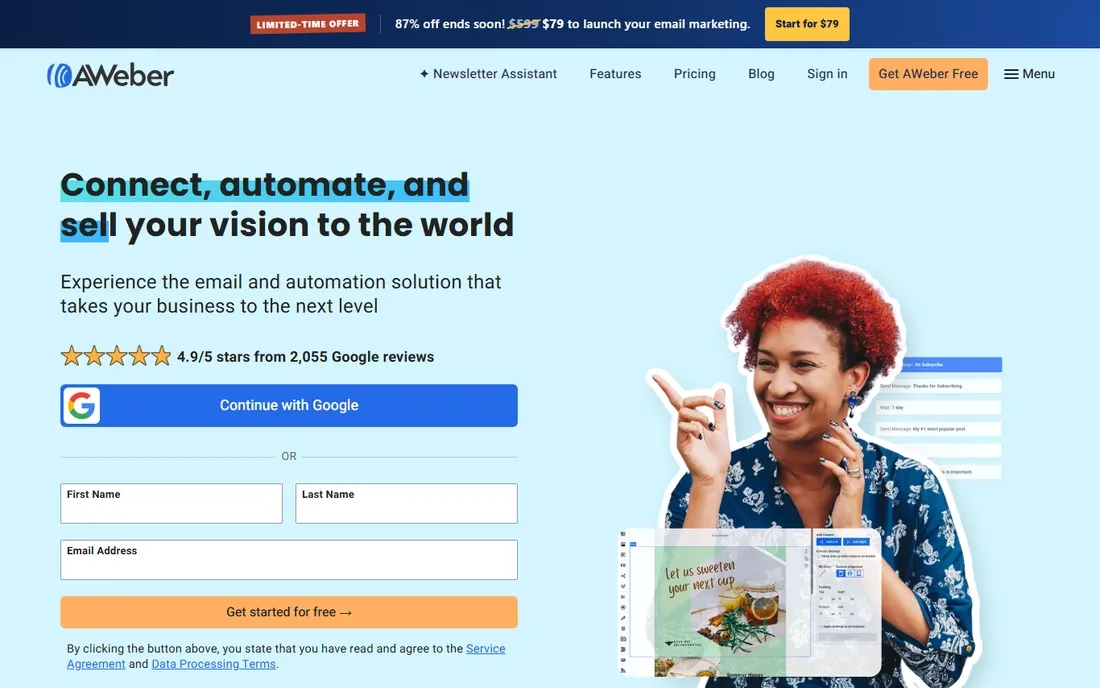
AWeber has been selling email marketing since before most of this list existed, and it shows in the stability. The pricing page is refreshingly transparent: Lite at $12.49 per month billed annually covers landing pages, 3 automations and ecommerce selling; Plus at $19.99 adds unlimited automations and analytics. Full pricing tables by subscriber count run from 500 to 150,000 subscribers.
The trade is the missing free tier. Beginners who want to learn for free should look at MailerLite, Sender or Kit first. But if you value a vendor that has survived every platform shift in email marketing and publishes every price, AWeber is the steady hand. The 14-day trial is enough to build your first campaign and automation before paying.
What we like- Clear tiered pricing: Lite from $12.49 per month billed annually, Plus from $19.99
- A 14-day free trial on paid plans
- Deep small-business integrations with Shopify, WooCommerce, WordPress and PayPal
Watch out for- No permanent free plan, so learning costs money from day one
- The Plus plan jumps to $30 per month monthly for 500 subscribers, which adds up fast as lists grow
#8
Moosend
Best for: Budget-conscious beginners who want real automation without paying for it yet
Visit moosend.com
Starting priceSee website (Pro plan priced by subscriber count)
Free planNo (30-day free trial)
Moosend's pitch to beginners is simple: try everything free for 30 days, then pay by subscriber count. The trial is the most generous evaluation period on this list: unlimited email sends to up to 1,000 contacts, full automation workflows, landing pages, forms and AI writing help, all without a card. After the trial, subscription plans scale with your list, and occasional senders can buy email credits that never expire.
The catch is that 30 days passes fast when you are learning. Set up your list, your welcome automation and your first campaign inside the trial window. For a beginner who wants to test serious automation before spending anything, Moosend's trial is the best free look on this list. For a permanent free home, pick Sender or MailerLite.
What we like- The 30-day trial needs no credit card and includes unlimited sends to 1,000 contacts
- The trial covers the email builder, automations, landing pages and the AI writer
- Pay-as-you-go email credits never expire for occasional senders
Watch out for- No permanent free plan, so the trial clock is always ticking
- Paid plan prices sit behind a subscriber-count selector rather than printed on the page
#9
Sender
Best for: Beginners with small lists who send often and want to stay free
Visit sender.net
Starting priceSee website (Standard and Professional plans priced by subscriber count)
Free planYes (Free Forever: up to 2,500 subscribers, 15,000 emails per month)
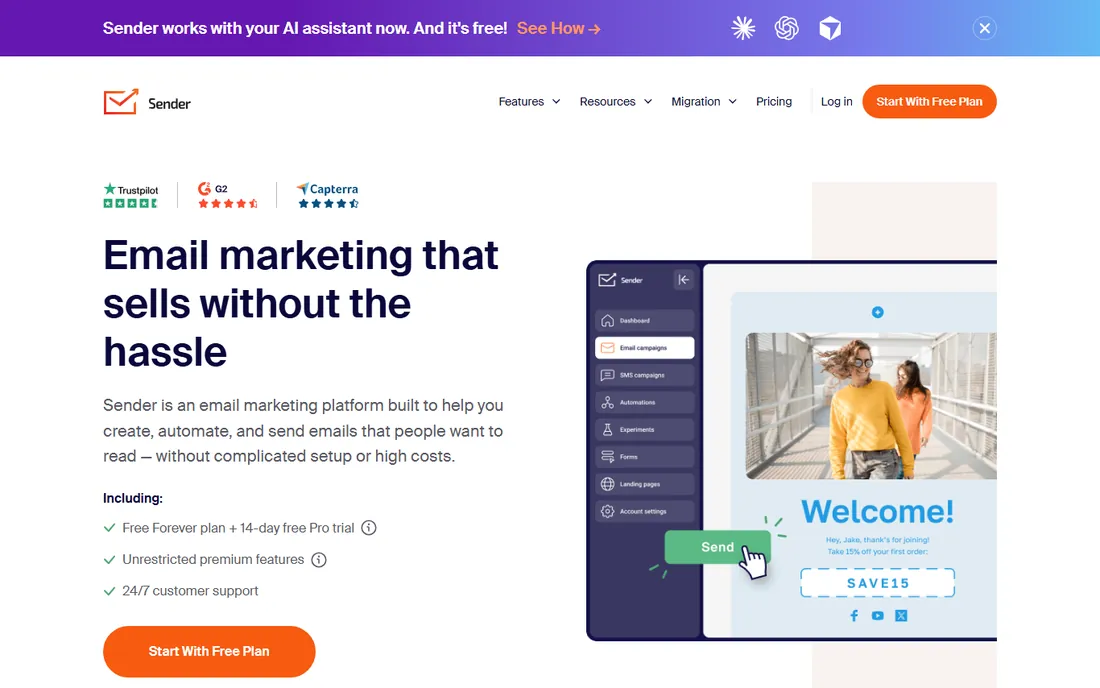
Sender is the quiet value pick of this list. The Free Forever plan covers 2,500 subscribers and 15,000 emails a month with all the features the paid plans have, and it never expires. New accounts also get a 14-day Professional trial automatically, no card needed. The pricing page confirms branding is removed once you move to a paid plan or the credits system.
The honest catch is obscurity. Fewer tutorials, fewer integrations write-ups, less community help than the big names. If you are comfortable learning from the vendor's own docs, Sender lets a small business send seriously high volume for free. When you outgrow it, the paid tiers and a dedicated IP are waiting.
What we like- The Free Forever plan never expires and includes 2,500 subscribers with 15,000 emails a month, the most generous free tier here
- Every new account also gets 14 days of the Professional plan free
- Paid plans remove branding and add a dedicated IP option
Watch out for- Paid plan prices are not printed on the pricing page
- The brand is less known, so third-party tutorials are thinner than Mailchimp's or MailerLite's
How we chose
We started with the tools beginners actually search for: email marketing software, email marketing for beginners, free email marketing and newsletter software. For each candidate we opened the vendor's own pricing page, checked free plan limits and trial terms against public reviews on G2 and Capterra and practitioner discussion on Reddit, and compared ease of use, template quality, automation depth and list-size fit. Where a price could not be verified on the vendor's page we wrote "See website" rather than guessing.
Beginners overbuy. They compare the top tiers of five tools when their list has 40 people. The truth is that your list size and sending frequency decide the price, not the feature list. Under 250 subscribers, the free plans of MailerLite, Mailchimp, Sender and Kit all work, and Sender stays free the longest.
Between 250 and 2,500 subscribers, compare MailerLite Comfort at $12 per month, AWeber Lite at $12.49 billed annually and GetResponse Starter at $19. Sender's free tier still covers you here. Past 2,500, paid plans take over everywhere, and that is when per-subscriber pricing differences start to matter. Check what each tool charges at 5,000 and 10,000 subscribers before you commit, because the cheapest starter is not always the cheapest at scale.
One more thing: count what a "subscriber" means. Most tools bill on active subscribers and ignore unsubscribes and bounces. Cleaning your list every few months keeps you in a cheaper tier. MailerLite and Moosend both spell this out on their pricing pages.
What beginners get wrong about free plans
The first mistake is treating all free plans as equal. They are not. Sender gives you 2,500 subscribers and 15,000 emails a month free. Mailchimp gives you 250 contacts and 500 emails. Kit gives you up to 10,000 subscribers but a simpler feature set. Read the limits before you invest weeks building in a tool you will outgrow in month two.
The second mistake is ignoring the branding. Free plans usually put the vendor's logo in your emails. Mailchimp's free plan keeps its branding, and so does Sender's. That is fine for a hobby newsletter and less fine for client work. Check whether removing branding requires a paid plan, and budget for it if your emails represent a business.
The third mistake is skipping the trial of paid features. MailerLite, Mailchimp, AWeber and Sender all hand you a trial of the paid tier when you sign up. Use it. Build one automation, test the AI writing help, try the advanced reports. You will learn in two weeks what the feature lists cannot tell you, and you will know whether the paid plan is worth it before your card is ever charged.
Frequently asked questions
Is free email marketing really free?
Yes, within limits. Sender, MailerLite, Mailchimp, Brevo, GetResponse and Kit all offer free plans or free accounts that never expire. The limits are on subscribers and monthly sends, and free plans usually include the vendor's branding. For a list under a few hundred people, free is genuinely enough.
How many emails can I send per month on a free plan?
It varies widely. Sender allows 15,000 emails a month to 2,500 subscribers. MailerLite allows 2,500 emails to 250 subscribers. Mailchimp allows 500 emails to 250 contacts. Always check both numbers: the subscriber cap and the send cap. You will hit whichever comes first.
Will my emails land in the spam folder?
That depends more on you than on the tool. All nine vendors maintain shared sending IPs with standard authentication. What matters is your list hygiene: only email people who opted in, keep bounces low, and avoid spam-trigger words in subject lines. Paid plans with dedicated IPs help at high volume, but no tool fixes a purchased list.
Do I need automation as a beginner?
Not on day one, but soon. Start with a welcome email for new subscribers and a simple abandoned-browse or re-engagement message. Every tool here except the most basic free tiers includes at least one automation. MailerLite and Moosend make the first automation genuinely easy.
Can I switch email tools later?
Yes, and vendors compete for your switch. Kit includes free migration on every paid plan, and most tools offer list importers. The painful part is rebuilding automations and templates, which do not transfer. Export your subscriber list regularly so you always have the option.
Which tool is easiest for a complete non-marketer?
Constant Contact and MailerLite. Constant Contact is built for people who do not think of themselves as marketers, with guided setup and events tools. MailerLite has the cleanest interface on this list and a free plan to learn on. Between the two, start with MailerLite if budget matters and Constant Contact if hand-holding matters.
Sources we checked (11)
- https://mailchimp.com/pricing/
- https://www.brevo.com/pricing/
- https://www.mailerlite.com/pricing
- https://www.constantcontact.com/
- https://www.getresponse.com/pricing
- https://kit.com/pricing
- https://www.aweber.com/pricing.htm
- https://moosend.com/pricing/
- https://www.sender.net/pricing/
- https://www.g2.com/categories/email-marketing
- https://www.capterra.com/email-marketing-software/
Is your product missing or out of date?
We review this list regularly. Vendors can request a listing, send updated pricing or ask about featured placement.

Shihab Mia · Founder, Rankite
Shihab has spent more than a decade helping SaaS and e-commerce brands grow through search. He writes Rankite's software buying guides from pricing pages, documentation and public user reviews. More about Shihab.