How we make this list: we compare pricing pages, product documentation and public user reviews. Ratings come from G2, Capterra or Trustpilot, with the date we checked them.
Direct answer
Start with MailerLite if a small real estate team needs a low cost sender with a free plan for 250 subscribers. Pick Constant Contact if you want clear starting prices and plan based send limits. Choose HubSpot Marketing Hub if email must sit beside a CRM record for buyers, sellers, and past clients.
Key takeaways
- Solo agents should test MailerLite first, because the free plan covers 250 subscribers and 2,500 monthly emails.
- Small brokerages should compare Constant Contact, because Lite starts at $12 per month and Standard starts at $35 per month.
- Teams with a CRM process should review HubSpot, because the free email tool includes 2,000 sends per calendar month.
- Agents who send listing updates often should check GetResponse, because Starter lists unlimited monthly email sends at $19 per month.
- Brokerages with many seats should check Zoho Campaigns, because Standard lists 10 users and Professional lists 20 users.
Quick comparison
| Tool | Best for | Starting price | Free plan |
|---|
 Mailchimp | Familiar templates and audiences | See website | Free plan with 250 contacts |
 Constant Contact | Clear plan based send limits | $12 per month for Lite | Free trial, no credit card required |
 Brevo | Email with forms and reporting | $17 per month for Starter | Free plan, no credit card required |
 ActiveCampaign | Automation focused teams | See website | None found on vendor page |
 GetResponse | Unlimited sends on Starter | $19 per month for Starter | 14 day premium trial, then limited free version |
 Campaign Monitor | Design and journey tools | See website | 30 day trial with 500 contacts |
 MailerLite | Small agent lists | $12 per month for Comfort | Free plan with 250 subscribers |
 Zoho Campaigns | Zoho based brokerages | See website | Free plan with 500 contacts |
 HubSpot Marketing Hub | CRM linked email | See website | Free email with 2,000 sends per month |
 Moosend | Trial before a paid plan | See website | 30 day trial for up to 1,000 contacts |
Is your product missing or out of date?
We review this list regularly. Vendors can request a listing, send updated pricing or ask about featured placement.
The best email marketing service for real estate
Real estate email works when contacts are split by buyer, seller, past client, open house guest, and neighborhood interest. A generic sender can handle that work if it gives you clean segments, forms, automations, and send limits that match your list size. None of the tools in this guide should be treated as a listing feed or a real estate CRM by itself. We ranked them by vendor price clarity, free plan limits, seats, send allowances, and automation depth. Prices come from vendor pricing pages checked on 2026-11-28. If price numerals did not appear in the opened vendor text, the entry says See website.
Starting priceSee website
Free planFree plan with 250 contacts
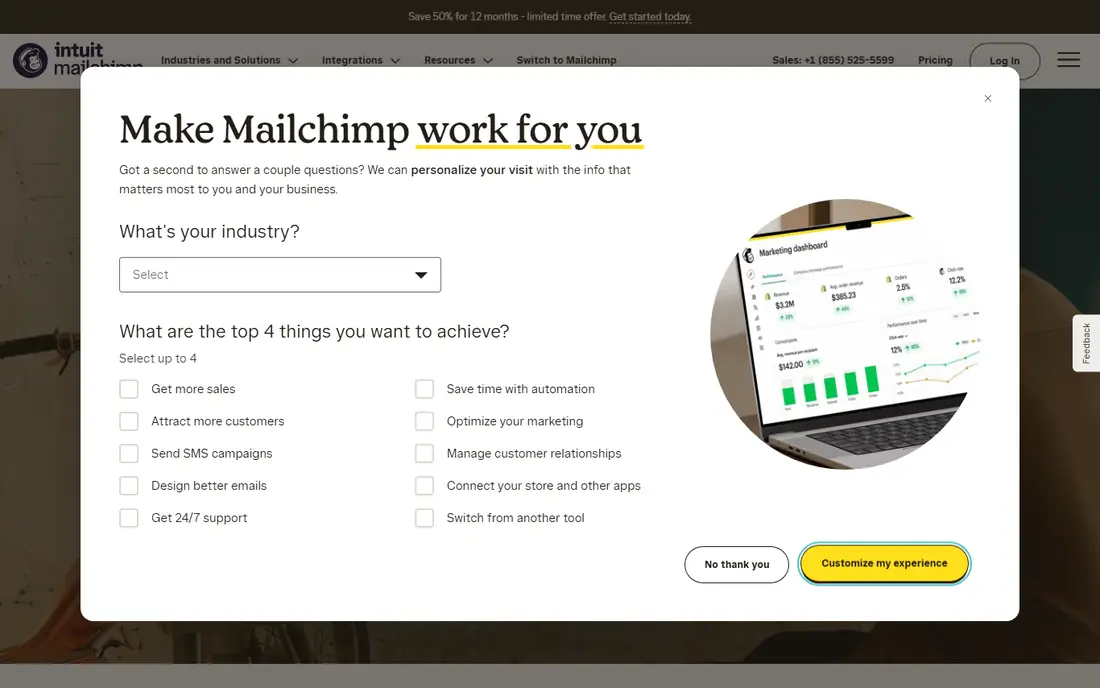
Mailchimp fits agents who want a familiar email builder and a simple audience model. The vendor pricing text we opened states a free plan limit of 250 contacts, a maximum of 500 sends per month or 250 per day, 1 seat, and 1 audience. It also lists automations, segmentation, templates, and 300 plus integrations for paid marketing plans. For a solo agent, that can cover a monthly market update, a new listing note to a small segment, and an open house follow up if the list stays small. That matters when several agents share one contact database and one sending calendar.
The catch is scale and price clarity. The free plan is tight for a brokerage with several agents and separate buyer and seller audiences. Paid price numerals did not appear in the fetched pricing text, so this guide does not copy a starting price. Pick Mailchimp if your list is small and you value a known interface. Look elsewhere if you need many seats, several audiences, or a public starting price in this comparison.
What we like- Free plan states contact and send limits
- Standard and Premium list automations and segmentation
- 300 plus integrations are listed
Watch out for- Paid price numerals did not appear in the opened pricing text
- Free plan has only 1 seat and 1 audience
Starting price$12 per month for Lite
Free planFree trial, no credit card required
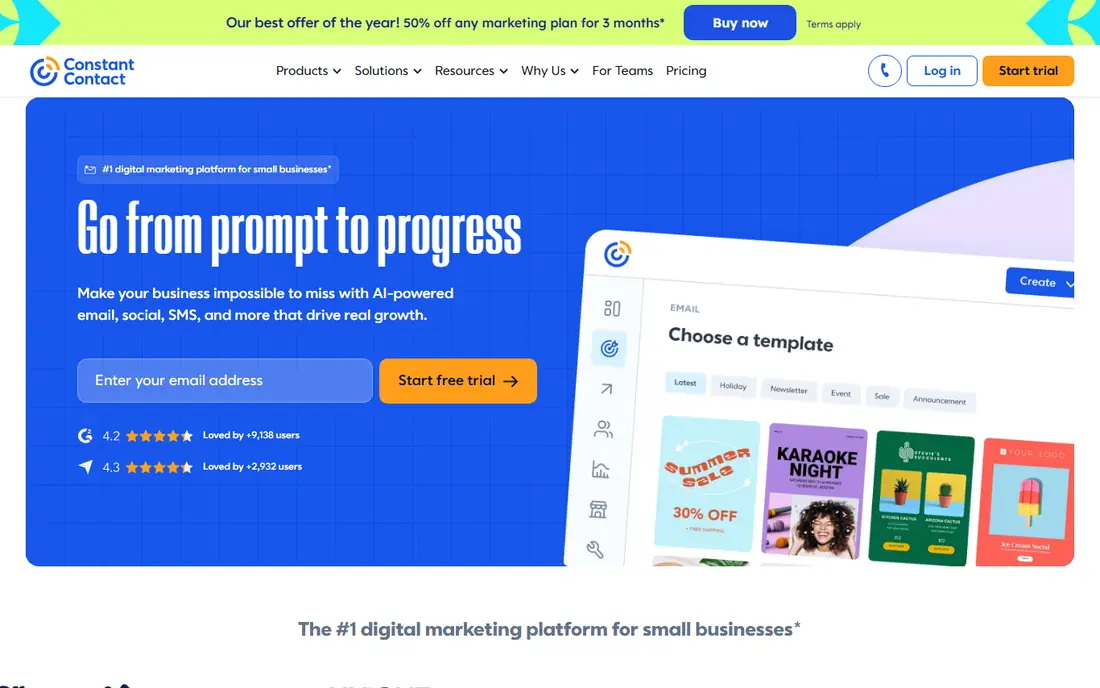
Constant Contact suits brokerages that want plan math stated before signup. The vendor page lists Lite starting at $12 per month, Standard starting at $35 per month, and Premium starting at $80 per month. It states send limits of 10 times contacts for Lite, 12 times for Standard, and 24 times for Premium. Lite includes 1 user and 1 automation template. Standard includes 3 users, scheduling, A/B testing, resend to nonopeners, and 10 custom segments. Premium lists unlimited users, automations, and segments. That matters when several agents share one contact database and one sending calendar.
The catch is that seat and automation limits rise by plan. A 6 agent team cannot treat Lite as a shared brokerage tool. Overage sends also cost $0.002 per send over allowance, which matters during a busy listing month. Pick Constant Contact if you want clear plan steps and a trial with no credit card required. Look elsewhere if you need deep CRM workflows or unlimited sends on the entry plan.
What we like- Lite, Standard, and Premium prices are stated
- Send limits are tied to contact count
- Standard adds A/B testing and resend to nonopeners
Watch out for- Lite has only 1 user and 1 automation template
- Overage sends cost $0.002 per send over allowance
Starting price$17 per month for Starter
Free planFree plan, no credit card required
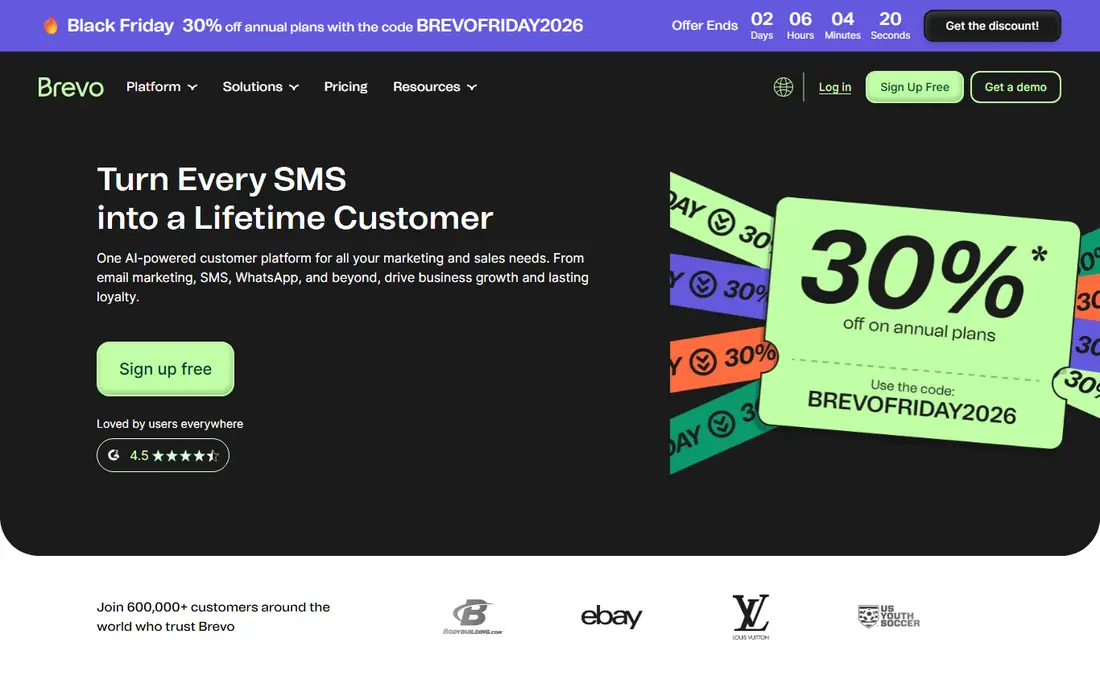
Brevo fits real estate teams that need email, forms, and basic reporting without a complex setup. The vendor pricing page lists Starter at $17 per month before coupon text and says Starter starts from 5,000 emails per month. It lists a drag and drop editor, templates, forms, basic reporting, and email support. For an agent, that can support open house signup forms, a monthly neighborhood update, and simple follow up emails. The page also states a free plan with no credit card needed. That matters when several agents share one contact database and one sending calendar.
The catch is that the fetched text did not state the free plan contact or send limit. A buyer should confirm those limits before moving a brokerage list. Coupon figures also appear near the price, so use the regular Starter figure for budget planning unless the vendor confirms a discount term. Pick Brevo if you want a stated Starter price and form tools. Look elsewhere if you need the free limit printed in this guide.
What we like- Starter price is stated
- Starter starts from 5,000 emails per month
- Free plan needs no credit card
Watch out for- Free plan send and contact limits were not in the fetched text
- Coupon figures on the page can confuse the regular price
Starting priceSee website
Free planNone found on vendor page
ActiveCampaign is the automation first option for teams that run several follow up paths. The vendor pricing text we opened lists email, forms, and landing pages, with add ons for SMS, WhatsApp, and transactional email. For real estate, that structure can support separate paths for new buyer leads, seller valuation requests, open house guests, and past client check ins. The value is workflow control, not a simple monthly newsletter. A brokerage should map each path before it buys, because automation depth only helps if contact data is clean. That matters when several agents share one contact database and one sending calendar.
The catch is price and free plan visibility. Price numerals did not appear in the fetched pricing text, and no free plan limit was stated there. Pick ActiveCampaign if automation is the main buying reason and you will confirm current plan pricing on the vendor page. Look elsewhere if you need a free starter plan, a public entry price, or a tool that a solo agent can learn in one afternoon.
What we like- Vendor text lists email, forms, and landing pages
- SMS and WhatsApp are listed as add ons
- Transactional email is listed as an add on
Watch out for- Price numerals did not appear in the opened pricing text
- No free plan limit was stated in the fetched text
Starting price$19 per month for Starter
Free plan14 day premium trial, then limited free version
GetResponse fits agents who send often and do not want a monthly send cap on the entry paid plan. The vendor page lists Starter at $19 per month, Marketer at $59 per month, and Creator at $69 per month. Starter includes unlimited monthly email sends, a welcome series, 1 custom automation workflow, a landing page builder, and signup forms and popups. For a listing heavy team, unlimited sends can simplify weekly property updates and open house reminders. That matters when several agents share one contact database and one sending calendar.
The catch is workflow depth on Starter. One custom automation workflow is not enough for separate buyer, seller, and past client journeys. The trial also changes after 14 days, leaving a limited free version with a badge on messages and a landing page visit limit. Pick GetResponse if send volume is the main cost concern. Look elsewhere if you need several custom workflows on the first paid plan.
What we like- Starter lists unlimited monthly email sends
- Starter includes landing pages and signup forms
- Trial lasts 14 days
Watch out for- Starter has only 1 custom automation workflow
- Free version after trial has limits and a badge on messages
Starting priceSee website
Free plan30 day trial with 500 contacts
Campaign Monitor suits teams that care about email design, segmentation, and journey structure. The vendor text we opened lists a drag and drop builder, 100 plus templates, segmentation, signup forms, A/B testing, automated journeys, and design and spam testing. It also lists agency features, which can matter for a brokerage marketing manager who supports several agents. The trial facts are clear: 500 contacts for a 30 day free trial and a 500 email limit for the trial. That matters when several agents share one contact database and one sending calendar.
The catch is that the trial is a test, not a full launch plan for a large list. Paid price numerals did not appear in the fetched pricing text, so this guide does not state a starting price. Pick Campaign Monitor if design review and journey planning are central to your process. Look elsewhere if you need a public entry price or a free plan that can carry a full month of brokerage sends.
What we like- Trial states 500 contacts and a 500 email limit
- Builder lists 100 plus templates
- A/B testing and automated journeys are listed
Watch out for- Paid price numerals did not appear in the opened pricing text
- Trial email limit is low for a full brokerage list
Starting price$12 per month for Comfort
Free planFree plan with 250 subscribers
MailerLite is a strong fit for solo agents and small teams that need clean email tools at a low entry price. The vendor page lists Comfort starting at $12 per month and Power starting at $25 per month. The free plan covers up to 250 subscribers, 2,500 monthly emails, and 2 seats. A 14 day trial of paid features needs no credit card. Comfort sends 10 times the subscriber tier. Power lists unlimited monthly emails up to 200,000 subscribers, subject to fair use. That matters when several agents share one contact database and one sending calendar.
The catch is growth. A brokerage that imports 3,000 past clients will outgrow the free plan at once. Comfort also ties sends to the subscriber tier, so a team that emails weekly must check the math. Pick MailerLite if your list is small and you want clear limits. Look elsewhere if you need CRM records, many seats, or a free plan for a full brokerage database.
What we like- Comfort starts at $12 per month
- Free plan states 250 subscribers and 2,500 monthly emails
- Paid trial lasts 14 days
Watch out for- Free plan is small for a brokerage
- Comfort send limit is 10 times the subscriber tier
Starting priceSee website
Free planFree plan with 500 contacts
Zoho Campaigns fits brokerages that already use Zoho tools and need more seats than many entry email plans allow. The vendor page lists a forever free plan for up to 500 contacts and 2,000 emails per month. A 14 day free trial also covers up to 500 contacts and 2,000 emails per month, then downgrades to forever free. Standard starts from 500 contacts and lists unlimited email sends, A/B testing, 120 plus templates, and 10 users. Professional adds advanced segmentation, workflows, dynamic content, contact scoring, and 20 users.
The catch is price visibility and ecosystem fit. Paid price numerals did not appear in the fetched text, so this guide does not copy a starting price. Pick Zoho Campaigns if your brokerage already uses Zoho and seat count matters. Look elsewhere if your team does not use Zoho, needs a public price here, or wants a simpler sender for one agent.
What we like- Forever free plan states 500 contacts and 2,000 emails per month
- Standard lists 10 users
- Professional lists 20 users
Watch out for- Paid price numerals did not appear in the opened pricing text
- Free trial downgrades to the forever free plan after 14 days
Starting priceSee website
Free planFree email with 2,000 sends per month
HubSpot Marketing Hub suits real estate teams that want email tied to contact records and lifecycle stages. The vendor text we opened lists free email marketing with 2,000 email sends per calendar month, HubSpot branding, and 1 automated action. Starter includes 1,000 marketing contacts and a send limit of 5 times the marketing contact tier. Professional includes 2,000 marketing contacts and a 10 times limit. Enterprise includes 10,000 marketing contacts and a 20 times limit. That matters when several agents share one contact database and one sending calendar.
The catch is commitment and branding. Free email carries HubSpot branding, which is a poor fit for a luxury listing brand. The page also says a contact tier cannot be downgraded until the contract renews. Pick HubSpot if CRM context is the reason to buy and your team will manage contact tiers carefully. Look elsewhere if you need a low cost sender with no contract pressure.
What we like- Free email includes 2,000 sends per calendar month
- Starter lists 1,000 marketing contacts
- Professional lists 2,000 marketing contacts
Watch out for- Free email carries HubSpot branding
- Contact tier cannot be downgraded until contract renewal
Starting priceSee website
Free plan30 day trial for up to 1,000 contacts
Moosend fits teams that want a longer trial before they move a real estate list. The vendor text lists a 30 day free trial with no credit card required. Its trial FAQ states unlimited sends for up to 1,000 contacts. The pricing page also shows email credit packs, including 350,000 credits for $350 and 500,000 credits for $500, and says credits never expire. Those credit figures help a high volume sender, but they are not the same as a monthly subscription starting price. That matters when several agents share one contact database and one sending calendar.
The catch is subscription price clarity. The fetched text did not show a clear subscription starting price, so this guide writes See website. Pick Moosend if a 30 day trial matters and you will confirm the current subscription price on the vendor page. Look elsewhere if you need a public monthly price in this comparison or a free plan after the trial ends.
What we like- Trial lasts 30 days with no credit card required
- Trial FAQ states unlimited sends for up to 1,000 contacts
- Email credits never expire
Watch out for- Subscription starting price was not clear in the fetched text
- Credit pack prices should not be read as a subscription price
What should a 12 agent brokerage check before it buys?
A 12 agent brokerage should check seats, audiences, send limits, and contact tiers before it compares templates. Constant Contact Standard lists 3 users, while Premium lists unlimited users. Zoho Campaigns Standard lists 10 users and Professional lists 20 users, which fits a 12 agent team on seat count if the team uses Zoho. Mailchimp free lists 1 seat and 1 audience, so it is not a shared brokerage plan. HubSpot Starter lists 1,000 marketing contacts, which may be too small for a brokerage database with past clients. Send math matters too. Constant Contact Lite allows 10 times contacts, Standard allows 12 times, and Premium allows 24 times. If the brokerage has 4,000 contacts and sends 6 emails per month, it needs 24,000 sends before overage. That equals 6 times contacts, so Lite send volume may fit, but Lite seats do not. Buy for the constraint that breaks first.
These tools can send listing update emails to segments you build, but this guide does not claim MLS or IDX feed support for any tool. A listing alert needs current property data, correct status, and permission to email the contact. Use the email tool for segments, forms, and sends. Use your CRM or listing system for property data. Before you buy, ask how listing data enters the email tool and how sold or expired listings are removed.
How many emails can a small team send each month?
It depends on the plan rule. MailerLite free allows 2,500 monthly emails for 250 subscribers. Zoho Campaigns free allows 2,000 emails per month for 500 contacts. HubSpot free allows 2,000 sends per calendar month. GetResponse Starter lists unlimited monthly email sends. Constant Contact ties sends to contacts, from 10 times contacts on Lite to 24 times on Premium. Price the send rule with your real contact count.
Should a brokerage choose a CRM instead?
Choose a CRM first if agents cannot see who opened, clicked, replied, or booked a showing. Email tools send campaigns and manage segments. A CRM holds ownership, tasks, notes, and deal stages. HubSpot is the closest fit in this list because email sits in a CRM product. Other tools can work if contact data syncs cleanly. Do not buy an email tool to fix a broken lead ownership process.
Frequently asked questions
What is the best free email tool for a solo agent?
MailerLite is the clearest free start for a solo agent because it states 250 subscribers, 2,500 monthly emails, and 2 seats. Zoho Campaigns free covers 500 contacts and 2,000 emails per month. HubSpot free covers 2,000 sends per month but carries branding. Pick based on list size and whether branding is acceptable.
How should agents segment buyers and sellers?
Create separate segments for buyers, sellers, past clients, open house guests, and sphere contacts. Add tags for price range, area, timeline, and last contact date. Do not send every listing to every contact. Constant Contact Standard lists 10 custom segments. Zoho Professional lists advanced segmentation. The segment plan matters more than the template library.
Do real estate teams need SMS in the same tool?
SMS helps for open house reminders and fast follow up, but it is not required for email marketing. Constant Contact Premium lists 500 SMS per month included. ActiveCampaign lists SMS as an add on. Check consent rules and opt out handling before you add SMS. Email should carry market updates and longer listing notes.
What send limit should a 2,000 contact brokerage buy?
If the brokerage sends 4 emails per month to 2,000 contacts, it needs 8,000 sends. Constant Contact Lite allows 10 times contacts, or 20,000 sends, but Lite has 1 user. GetResponse Starter lists unlimited monthly sends. MailerLite Comfort sends 10 times the subscriber tier. Check seats and sends together, not price alone.
Can email software replace a real estate CRM?
No. Email software can manage campaigns, forms, segments, and automations. A CRM manages lead ownership, tasks, notes, appointments, and pipeline stages. HubSpot links email to a CRM product, but the team still needs a follow up process. If agents work from spreadsheets, fix contact ownership before you scale email sends.
What to look for before you buy
First, count contacts by buyer, seller, past client, and open house source. Second, check seats for every agent who must send or edit. Third, price sends with your real monthly campaign count. Fourth, confirm how listing data and CRM contacts enter the tool. Fifth, test forms, unsubscribe handling, and segment exports with a small list before you import the full brokerage database.
How we chose
We compared vendor pricing pages and official product pages checked on 2026-11-28. We favored tools with clear free limits, seat counts, send rules, and automation facts. We did not claim hands on testing or MLS support. Where a vendor page loaded but price numerals did not appear in the opened text, we wrote See website instead of copying a third party figure.
Sources we checked (10)
- https://mailchimp.com/pricing/marketing
- https://constantcontact.com/pricing
- https://www.brevo.com/pricing
- https://activecampaign.com/pricing
- https://getresponse.com/pricing
- https://www.campaignmonitor.com/pricing
- https://www.mailerlite.com/pricing
- https://www.zoho.com/campaigns/pricing.html
- https://hubspot.com/pricing/marketing
- https://moosend.com/pricing
Is your product missing or out of date?
We review this list regularly. Vendors can request a listing, send updated pricing or ask about featured placement.

Shihab Mia · Founder, Rankite
Shihab has 5+ years in B2B and SaaS SEO. He writes Rankite's software buying guides from pricing pages, documentation and public user reviews. More about Shihab.