How we make this list: we compare pricing pages, product documentation and public user reviews. Ratings come from G2, Capterra or Trustpilot, with the date we checked them.
Key takeaways
- HubSpot CRM's free plan has no time limit and covers up to 2 users and 1,000 contacts, per HubSpot's own pricing page.
- Paid small business CRMs in this comparison start at $9 a user a month (Freshsales Growth) and range up to $25 a user a month (Salesforce Starter Suite).
- Nucleus Research found CRM software returns $8.71 for every $1 spent, though that figure assumes the team actually uses the tool.
- DemandSage's 2026 CRM statistics found 91% of companies with 10 or more employees use a CRM, against only 50% of businesses under 10 employees.
- Zoho CRM's free plan supports up to 3 users at no cost, one more than HubSpot's free tier.
- The right CRM depends on team size, sales process and which tools you already use, not on which platform has the longest feature list.
Quick comparison
| Tool | Best for | Starting price | Free plan |
|---|
 HubSpot CRM HubSpot CRM | Teams that want to start free and are not sure yet how much CRM they need | $7/seat/mo (Starter) | Yes, up to 2 users and 1,000 contacts |
 Zoho CRM Zoho CRM | A 2-3 person team that wants to delay paying as long as possible | $14/user/mo (Standard, annual) | Yes, up to 3 users |
 Pipedrive Pipedrive | Teams whose main job is moving deals through defined stages | $14.90/user/mo (Essential, annual) | No, 14-day trial |
 Freshsales Freshsales | Small businesses that want paid features without HubSpot- or Salesforce-level pricing | $9/user/mo (Growth, annual) | No, 21-day trial |
 Less Annoying CRM Less Annoying CRM | A solo owner or very small team that wants one flat price | $15/user/mo, no tiers | No, 30-day trial |
 Salesforce Starter Suite Salesforce Starter Suite | A small business that expects to need enterprise-grade CRM within a few years | $25/user/mo | No, free trial available |
Is your product missing or out of date?
We review this list regularly. Vendors can request a listing, send updated pricing or ask about featured placement.
What is the best CRM for small business overall?
For most small businesses, HubSpot CRM is the best overall pick because its free plan covers real contact and deal management with no expiration date, so you are not on a trial clock while you decide if a CRM fits your workflow. Teams with a defined sales pipeline and a bit of budget often prefer Pipedrive for its visual deal stages, while businesses that want deeper automation without a big price jump lean toward Zoho CRM or Freshsales. There is no universal winner; the right answer depends on your team size, budget and whether you need marketing tools bundled in or just contact and deal tracking.
If you are also running email campaigns and want the CRM and your email tool talking to each other instead of holding separate contact lists, our guide to integrating a CRM with email marketing covers the setup step by step.
The 6 best CRMs for small business in 2026
Every price below comes from each vendor's own pricing page, checked in 2026, not an estimate. Where a vendor bills only annually for its lowest advertised price, that is noted so you can compare like for like.
#1HubSpot CRM
Best for: Teams that want to start free and are not sure yet how much CRM they need4.5/5 on
Capterra (4,485 reviews, checked Oct 2026)
Visit hubspot.com
Starting price$7/seat/mo (Starter)
Free planYes, up to 2 users and 1,000 contacts
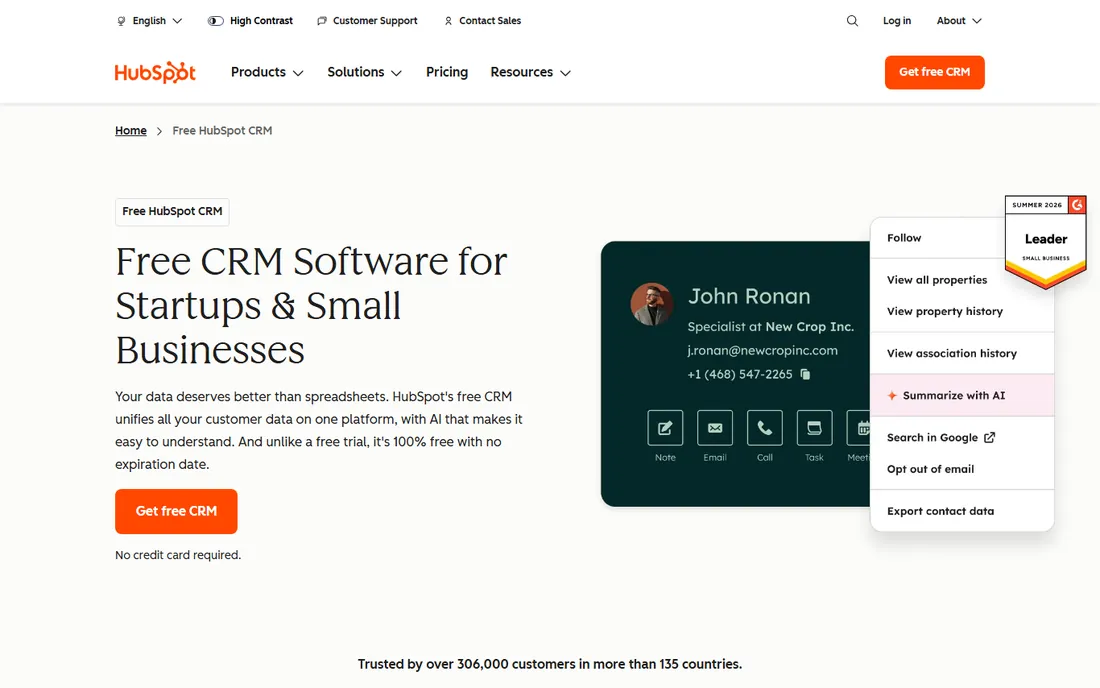
HubSpot's free CRM covers up to 2 users, 1,000 contacts, basic email tracking, live chat and 500 calling minutes a month, with no trial countdown, per HubSpot's pricing page. The paid Starter tier begins at $7 per seat a month and removes HubSpot branding, unlocks up to 10 workflow actions instead of 1, and adds more email templates and reporting dashboards. The jump from Starter to the Professional tier is steep at $800 a month, so most small teams get real mileage out of free and Starter alone before considering it.
What we like- Free plan has no time limit
- Free tier includes basic email tracking, live chat and 500 calling minutes a month
- Starter at $7 per seat removes HubSpot branding and unlocks up to 10 workflow actions
Watch out for- Free plan caps automation at 1 action and carries HubSpot branding on some outgoing emails
- The jump to Professional is steep at $800 a month
#2Zoho CRM
Best for: A 2-3 person team that wants to delay paying as long as possible4.1/5 on
G2 (2,952 reviews, checked Oct 2026)
Visit zoho.com
Starting price$14/user/mo (Standard, annual)
Free planYes, up to 3 users
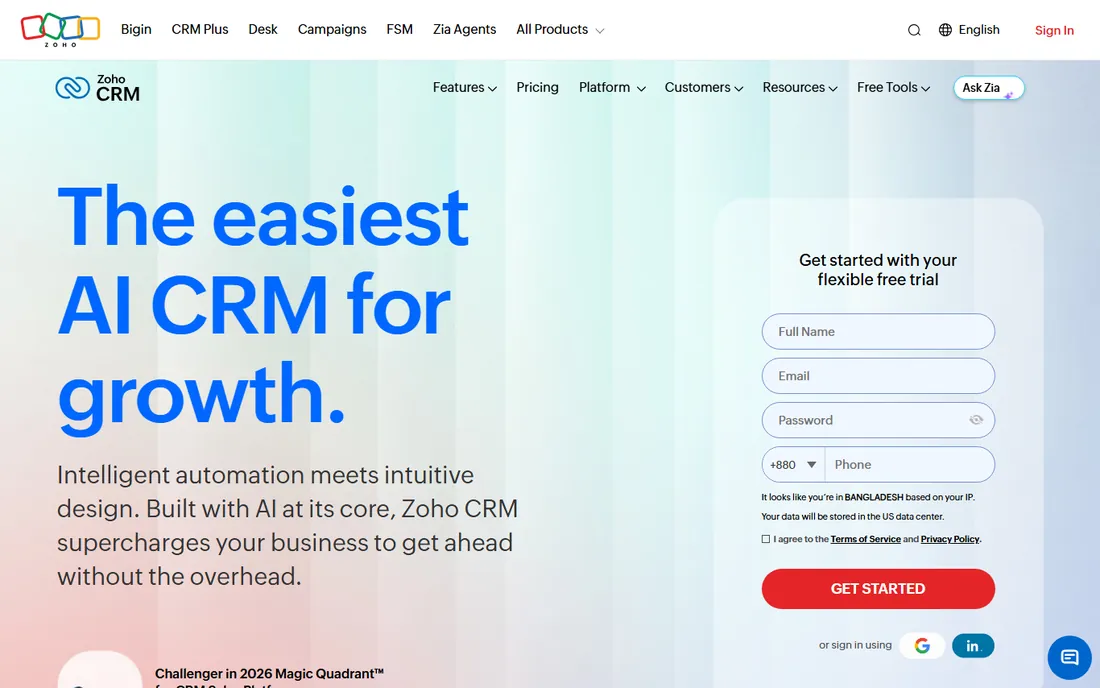
Zoho CRM's free plan supports up to 3 users with contact management, basic workflow automation, task and call tracking, and 5,000 API calls a day, per Zoho's pricing page. Paid plans start at Standard for $14 a user a month billed annually (or $20 billed monthly), Professional at $23 a user a month annually, Enterprise at $40, and Ultimate at $52, each tier adding deeper automation, territory management or custom AI tooling. It is one of the few CRMs here that lets more than two people use it for free at once.
What we like- Most generous free-tier user count in this list (up to 3 users)
- Free plan includes contact management, basic workflow automation and task and call tracking
- Paid tiers add deeper automation, territory management or custom AI tooling
Watch out for- Free plan's 3-user cap bites sooner than most owners expect
- Standard costs $20 a user a month if billed monthly
#3Pipedrive
Best for: Teams whose main job is moving deals through defined stages4.3/5 on
G2 (5,034 reviews, checked Oct 2026)
Visit pipedrive.com
Starting price$14.90/user/mo (Essential, annual)
Free planNo, 14-day trial
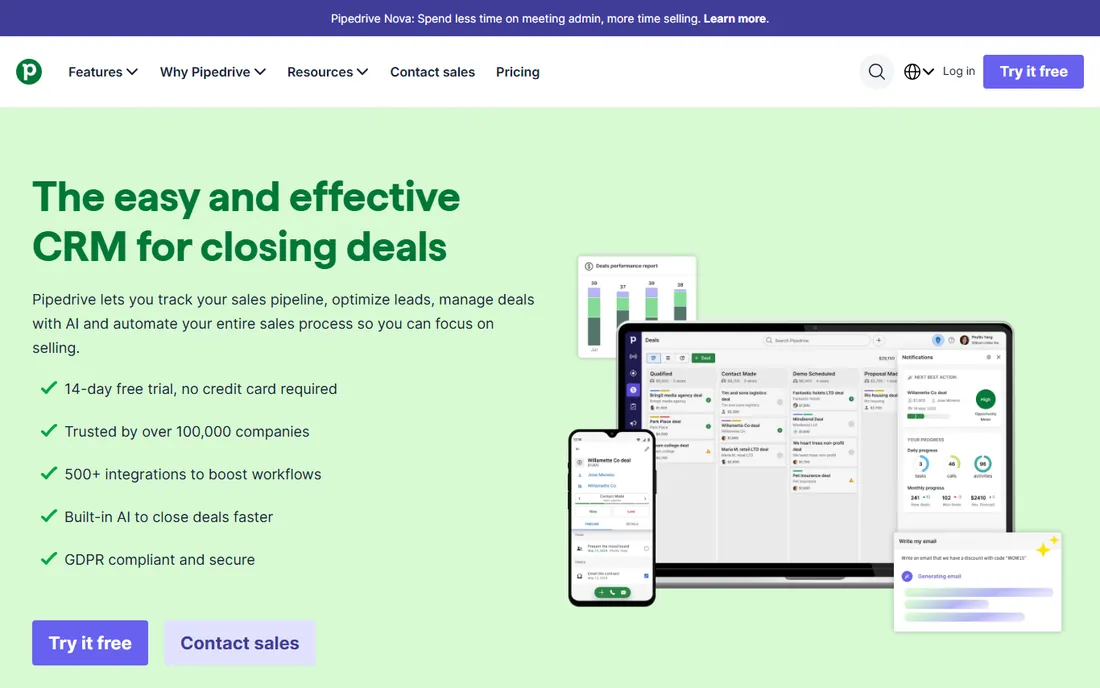
Pipedrive was built around a single idea: a drag-and-drop pipeline view that shows every deal's stage at a glance, which makes it the fastest of these six to onboard a sales-only hire. Pricing starts at Essential for $14.90 a user a month billed annually, Advanced at $24.90 for two-way email sync and automation, and Professional at $49.90 for forecasting and e-signatures, per Pipedrive's published 2026 pricing. Monthly billing (no annual commitment) runs higher on every tier.
What we like- Clearest visual pipeline in this comparison, with drag-and-drop deal stages
- Fastest of the six to onboard a sales-only hire
- Advanced tier adds two-way email sync and automation
Watch out for- No free plan
- Monthly billing runs higher on every tier
- Forecasting and e-signatures need Professional at $49.90 a user a month
#4Freshsales
Best for: Small businesses that want paid features without HubSpot- or Salesforce-level pricing4.5/5 on
G2 (1,237 reviews, checked Oct 2026)
Visit freshworks.com
Starting price$9/user/mo (Growth, annual)
Free planNo, 21-day trial
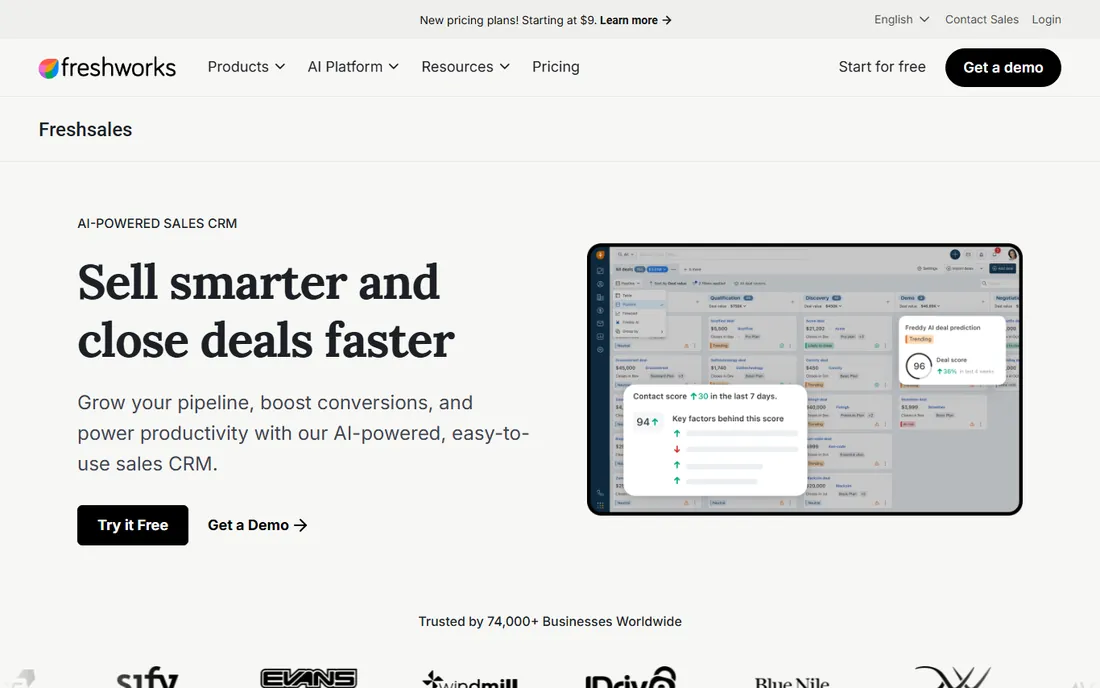
Freshsales undercuts every other paid option here on its entry tier: Growth starts at $9 a user a month billed annually, aimed squarely at startups and small teams, with Pro at $39 a user a month adding advanced reporting and territory management, and Enterprise at $59 for larger sales orgs, per Freshworks' pricing page. Freshworks also offers a 21-day full-feature trial, longer than the 14-day trials common elsewhere on this list.
What we like- Cheapest per-user paid tier in this comparison
- 21-day full-feature trial, longer than the usual 14 days
- Pro tier adds advanced reporting and territory management
Watch out for- No free plan
- The $9 entry price is billed annually
- Enterprise runs $59 a user a month
#5Less Annoying CRM
Best for: A solo owner or very small team that wants one flat price4.9/5 on
G2 (668 reviews, checked Oct 2026)
Visit lessannoyingcrm.com
Starting price$15/user/mo, no tiers
Free planNo, 30-day trial
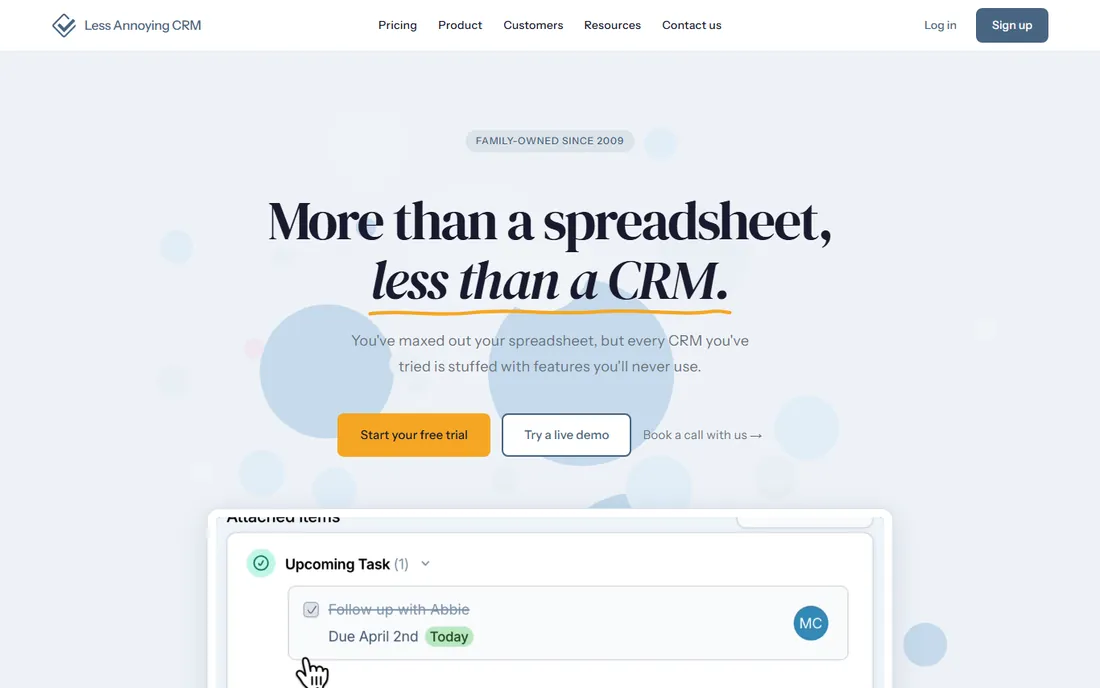
Less Annoying CRM skips tiers entirely: one plan, $15 a user a month, with unlimited contacts, 25GB of storage per user, unlimited pipelines and free phone and email support included, per the company's own pricing page. There is a 30-day free trial with no credit card required. The tradeoff is fewer built-in marketing features than HubSpot or Zoho, since the product is deliberately kept simple.
What we like- One price with no feature-gating or upsell ladder
- Unlimited contacts and pipelines plus 25GB of storage per user
- Free phone and email support included
- 30-day free trial with no credit card required
Watch out for- Fewer built-in marketing features than HubSpot or Zoho
- No free plan after the trial
#6
Salesforce Starter Suite
Best for: A small business that expects to need enterprise-grade CRM within a few years
Visit salesforce.com
Starting price$25/user/mo
Free planNo, free trial available
Salesforce Starter Suite costs $25 a user a month billed monthly or annually and bundles sales, service, marketing and a basic ecommerce storefront into one small business edition, with unlimited users, per Salesforce's own small business pricing page. It is the most expensive entry tier in this comparison, but it is also the only one built to grow directly into the full Salesforce Pro Suite ($100 a user a month) and the wider Salesforce ecosystem without a data migration later.
What we like- Bundles sales, service, marketing and a basic ecommerce storefront in one edition
- Direct upgrade path into Salesforce Pro Suite with no data migration later
Watch out for- Most expensive entry tier in this comparison
- The full Pro Suite costs $100 a user a month
- Longer setup if you add custom fields, automation and integrations
How much does a CRM for small business cost?
A small business CRM costs anywhere from $0 to about $25 a user a month depending on the vendor and tier, with free plans available from HubSpot (up to 2 users) and Zoho (up to 3 users), and paid entry tiers ranging from $9 a user a month at Freshsales to $25 a user a month at Salesforce Starter Suite. Most small teams settle somewhere between $9 and $15 a user a month once they move past a free plan.
Do very small teams and solo businesses actually need a CRM?
A CRM earns its cost once you have more active leads or clients than you can reliably track in your head or a spreadsheet, typically somewhere around 15 to 20 open relationships at a time. DemandSage's 2026 CRM statistics found that 91% of companies with 10 or more employees already use a CRM, compared with only 50% of businesses under 10 employees, which suggests most very small teams are still relying on memory, email search and spreadsheets long after they would benefit from a system that reminds them who to follow up with.
If you run a one-person service business, a CRM is still worth it once you are managing repeat clients, referrals and a pipeline of quotes at the same time. Less Annoying CRM and HubSpot's free tier were both built with exactly that person in mind, not a sales team of twenty.
Should I choose a free CRM or pay from day one?
Start with a free plan (HubSpot or Zoho) unless you already know you need automation, more than 2-3 users, or deeper reporting on day one, since a free plan costs nothing to test against your actual workflow before you commit a monthly budget. Upgrade to a paid tier once a specific limit gets in your way, such as HubSpot's single automation action or Zoho's 3-user cap, rather than upgrading on a feature list alone.
The one case for paying immediately is a sales-first team that needs a visual pipeline and email sync from week one; free plans on this list either lack that or cap it hard enough to be frustrating within days. In that situation, Pipedrive's or Freshsales' entry tier is worth the $9 to $15 a month rather than fighting a free plan's limits.
What should I check before choosing a CRM?
Beyond price, four things decide whether a CRM actually gets used six months from now instead of getting abandoned like a forgotten spreadsheet.
- User and contact limits. Check exactly where a free or entry tier stops, not just the headline price. Zoho's 3-user free cap and HubSpot's 1,000-contact free cap both bite sooner than most owners expect.
- Integrations you already rely on. A CRM that does not connect to your email, calendar or invoicing tool creates double data entry, which is the single biggest reason CRMs get abandoned.
- Data export rights. Confirm you can export contacts and deal history as a plain CSV at any time, ideally without contacting support, so switching later is never a hostage situation.
- Realistic time to value. A tool your team opens once and forgets is worse than a spreadsheet you actually update. Favor the simplest CRM that covers your must-haves over the one with the longest feature list.
If your marketing stack is still forming and a CRM is only one piece of it, our broader roundup of marketing tools for small business covers email, design and social scheduling options that pair well with any CRM on this list. Agencies managing CRM and SEO reporting for multiple clients at once may also want to see our comparison of SEO software for agencies.
Frequently asked questions
What is the best CRM for small business in 2026?
There is no single best CRM for every small business. HubSpot CRM is the strongest free starting point, Zoho CRM and Freshsales are the best value paid options, Pipedrive suits sales-first teams that live in a visual pipeline, Less Annoying CRM fits a solo owner who wants one flat price, and Salesforce Starter Suite fits a business planning to scale into a bigger platform later.
Is HubSpot CRM actually free forever?
Yes. HubSpot's free plan has no expiration date and covers up to 2 users, 1,000 contacts, and basic sales, marketing and service tools, per HubSpot's own pricing page. It carries HubSpot branding on some outgoing emails and caps automation at 1 action, which is why growing teams eventually move to a paid Starter seat.
What is the cheapest CRM for a small business?
For a paying plan, Freshsales Growth starts at $9 per user a month billed annually, per Freshworks' pricing page, making it the least expensive paid option in this comparison. If budget is zero, HubSpot CRM and Zoho CRM (up to 3 users) both offer permanent free tiers with no time limit.
How much should a small business budget for CRM software?
Most small teams land between $9 and $25 per user a month once they move past a free plan, based on 2026 vendor pricing from Freshsales, Zoho, Pipedrive and Salesforce Starter Suite. A 3-person team on a mid-tier plan like Zoho Standard at $14 a user typically runs about $42 a month before any add-ons.
Can I switch CRMs later without losing my data?
In most cases yes, since every CRM in this comparison supports CSV export of contacts and deals, but the effort varies. Confirm export format and any field-mapping limits before you commit, and avoid vendors that lock exports behind a paid support ticket, since that turns a routine switch into a costly one.
What is the difference between a CRM and an email marketing tool?
A CRM tracks the full relationship with a contact, deals, calls, tasks and history, while an email marketing tool focuses on sending and measuring campaigns to a list. Many small businesses eventually run both together; our guide to CRM and email marketing integration covers exactly how to connect them without duplicating contacts.
Do I need a CRM if my team is just me?
A CRM helps even a team of one once you are juggling more than a handful of active leads, since a spreadsheet has no reminders and no history of every call or email. DemandSage's 2026 CRM statistics found that only 50% of businesses with fewer than 10 employees use a CRM at all, well behind the 91% adoption rate at larger companies, which usually means solo operators are leaving follow-ups to memory.
How long does it take to set up a small business CRM?
A lean setup, importing an existing contact list, building one pipeline, and connecting your inbox, typically takes half a day to a day for tools like HubSpot, Pipedrive or Less Annoying CRM. Systems like Salesforce Starter Suite or Zoho's higher tiers take longer if you add custom fields, automation and integrations before rolling it out to a team.
What is the best CRM for a small business that also does email marketing?
HubSpot CRM is the simplest single-login option since its free tier already includes basic email sending alongside contact records. If you would rather keep a dedicated email platform like Mailchimp working alongside a separate CRM such as Pipedrive or Zoho, our guide to CRM and email marketing integration walks through connecting the two without double data entry.
Is your product missing or out of date?
We review this list regularly. Vendors can request a listing, send updated pricing or ask about featured placement.

Shihab Mia · Founder, Rankite
Shihab has 5+ years in B2B and SaaS SEO. He writes Rankite's software buying guides from pricing pages, documentation and public user reviews. More about Shihab.