How we make this list: we compare pricing pages, product documentation and public user reviews. Ratings come from G2, Capterra or Trustpilot, with the date we checked them.
Key takeaways
- Shortwave and Spark are the closest Superhuman shape: fast clients with AI triage, bundles, and keyboard first workflows, at a fraction of Superhuman's 30 dollars a month.
- Notion Mail is the interesting free option for Gmail users who live in Notion, while Proton Mail and Fastmail answer the privacy and independence reasons people leave Gmail entirely.
- Hey remains the opinionated alternative: its screening model fixes the inbox by changing the rules rather than speeding up the old ones.
- Superhuman's real product is speed plus coaching; any alternative should be judged on whether it gives you back the same minutes, not on feature lists.
Quick comparison
| Tool | Best for | Starting price | Free plan |
|---|
 Shortwave Shortwave | Gmail power users wanting AI triage | See website | Yes |
 Spark Spark | Teams and individuals across platforms | $4.99 per month | Yes |
 Notion Mail Notion Mail | Notion users on Gmail | Free | Yes |
 Proton Mail Proton Mail | Privacy first email with encryption | $4.99 per month | Yes |
 Hey Hey | Opinionated inbox screening | $99 per year | No |
 Fastmail Fastmail | Independent email done properly | $5 per user per month | No |
 Missive Missive | Shared inboxes for teams | $14 per user per month | Yes |
 Canary Mail Canary Mail | Apple devices with privacy extras | See website | Yes |
Is your product missing or out of date?
We review this list regularly. Vendors can request a listing, send updated pricing or ask about featured placement.
The best email apps alternatives to Superhuman
Starting priceSee website
Free planYes
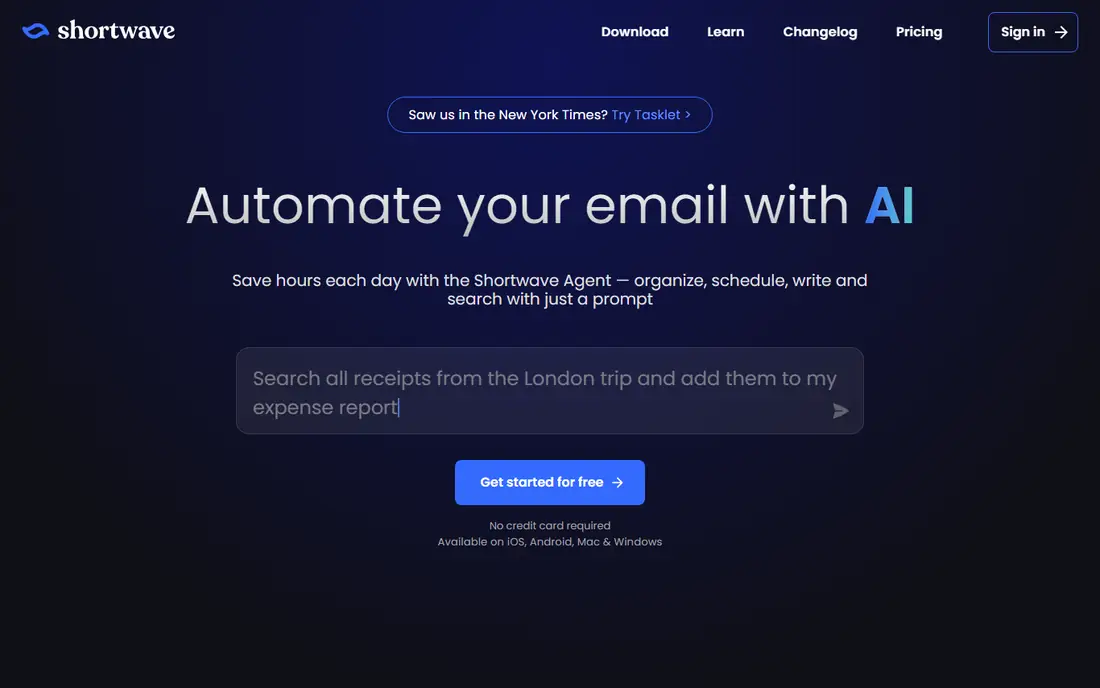
What we like- Shortwave, built by former Google engineers, is the closest student of Superhuman's lesson: it rebuilds Gmail into bundles, todos, and AI summaries, with an assistant that drafts in your voice, schedules from plain language, and searches your history conversationally. Keyboard shortcuts cover the whole app, and the free tier is genuinely usable, with paid plans adding the full AI assistant and longer history. Gmail users who want Superhuman's direction at a lower price start here.
Watch out for- Shortwave's published prices have changed shape several times, so this guide lists see website
- Check the current plan structure before budgeting. It only works with Gmail and Google Workspace, which repeats Superhuman's main limitation. The AI assistant's best features sit in the paid tiers, and heavy emailers can hit the free tier's history limits quickly.
Starting price$4.99 per month
Free planYes
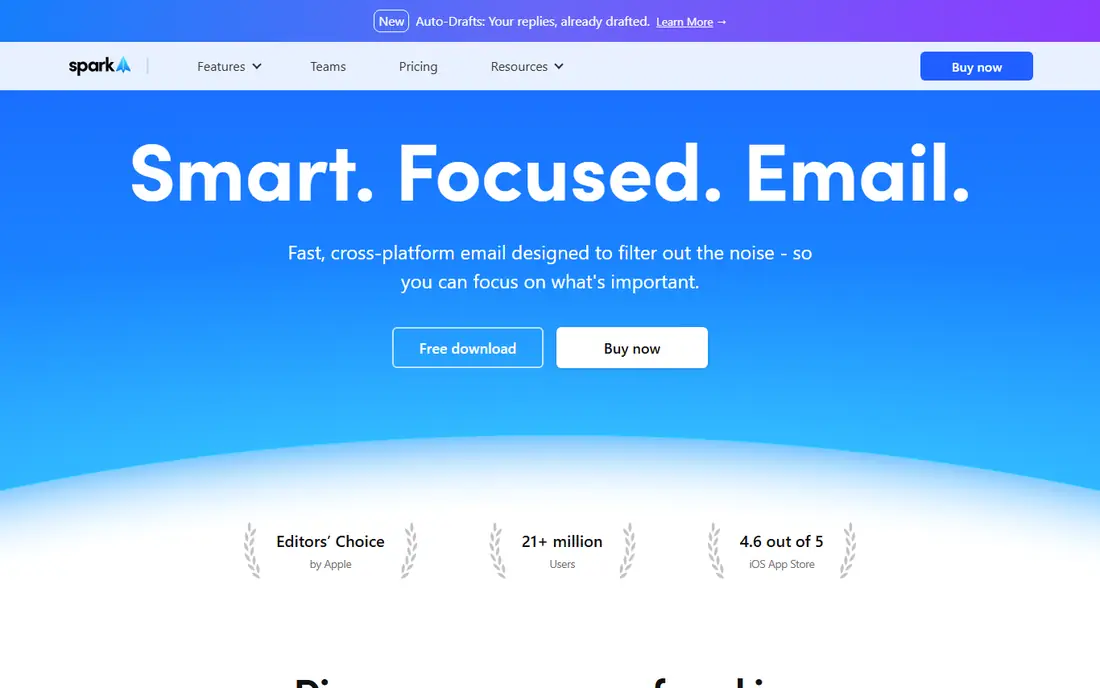
What we like- Spark is the polished all rounder: a smart inbox that surfaces important mail, snoozing, send later, and follow up reminders, plus shared drafts, shared inboxes, and delegation features teams actually use, across iOS, Android, Mac, and Windows. Premium runs about 4.99 dollars a month billed annually, with a capable free tier, and it works with Gmail, Outlook, Yahoo, and IMAP accounts alike. For a team leaving Superhuman over price or platform limits, Spark is the standard answer.
Watch out for- Spark's smart inbox makes classification choices some users fight, and its AI writing tools sit behind Premium. Privacy minded users should read its data practices, since server side features mean mail passes through Spark's systems. Desktop power users find its shortcut depth a step below Superhuman's total keyboard model.
Starting priceFree
Free planYes
What we like- Notion Mail rebuilds a Gmail inbox as Notion style views: custom filtered views of your mail, snippets and automations, and an AI that labels, drafts, and organizes against your Notion workspace habits. It is free to use with a Notion account, with heavier AI use tied to Notion's paid plans, which makes it the zero risk experiment for the millions already working in Notion. The view system suits project shaped inboxes better than the traditional folder model.
Watch out for- It is a Gmail client only, and a young one: features Superhuman users take for granted are still arriving. Anyone outside the Notion ecosystem gains less, since its best tricks compound with Notion pages and databases. Offline and edge case email handling trail the mature clients here.
#4
Proton Mail
Best for: Privacy first email with encryption
Visit proton.me
Starting price$4.99 per month
Free planYes
What we like- Proton Mail changes the mailbox, not just the client: end to end encryption, a Swiss legal base, and a free tier with real storage make it the privacy benchmark. Mail Plus at about 4.99 dollars a month adds storage, custom domains, and more addresses, and the wider Proton suite, Drive, VPN, Pass, sits one subscription away. For users whose Superhuman question is really about who can read their mail, Proton is the honest answer.
Watch out for- Encryption has costs: search inside old mail is limited compared with Gmail's server side magic, and some client side conveniences arrive slowly. You migrate your mailbox or forward into it, a bigger step than installing a client. End to end encryption only fully applies between Proton users or with setup for outsiders, which dilutes the headline benefit in mixed company.
Starting price$99 per year
Free planNo
What we like- Hey, from 37signals, fixes email by changing its rules: every new sender waits in a screener for your yes or no, accepted mail splits into an Imbox for important senders, a feed for newsletters, and a paper trail for receipts, and tracking pixels are blocked by default. At 99 dollars a year it costs a third of Superhuman while solving the volume problem rather than the speed problem. People who adopt its model tend to stay for years, because it is a philosophy with software attached.
Watch out for- The philosophy demands surrender: you move to a hey.com address or a custom domain on its terms, use its apps, and accept its splits, with no IMAP freedom to take your habits elsewhere. Power features Superhuman users love, granular shortcuts and read statuses, are not the point here. There is no free tier, only a trial, and group and business use runs through its separate work offering.
Starting price$5 per user per month
Free planNo
What we like- Fastmail is the professional independent mailbox: your own domain handled beautifully, masked email addresses for signups, excellent search, rules, and calendaring, standards based access so any client works, and a company whose product is the subscription rather than your attention. At 5 dollars per user a month it pairs with a client of your choice, including several in this list, and its migration tools from Gmail are mature. For people leaving platform email entirely, it is the grown up default.
Watch out for- There is no free tier, and Fastmail itself is a service, not a Superhuman style client experience
- The speed layer must come from your chosen app. Its Australian base has its own privacy law context to read for the cautious. Built in AI features are minimal by design, which is either the point or a gap, depending on what you came for.
Starting price$14 per user per month
Free planYes
What we like- Missive turns email into a team sport: shared inboxes where colleagues comment beside the message, assign conversations, and draft together, plus chat and tasks in the same app. For support, sales, and operations teams whose inbox is really a queue, it replaces the forward and cc chaos Superhuman never addressed. A free tier covers small teams, and paid plans start at 14 dollars per user a month, with integrations to the usual business stack.
Watch out for- Missive is a team tool bought per user, so a solo user pays for collaboration they do not need. Its personal email polish and AI extras trail the consumer leaders here. Very large shared inboxes need workflow discipline that the tool supports but cannot impose.
#8Canary Mail
Best for: Apple devices with privacy extras4.5/5 on
G2 (53 reviews, checked Oct 2026)
Visit canarymail.io
Starting priceSee website
Free planYes
What we like- Canary Mail is the Apple platform specialist: a fast, native feeling client for Mac and iPhone with PGP support built in for the encryption minded, read tracking controls, and an AI assistant for summaries and drafts. It connects to Gmail, iCloud, Outlook, and IMAP accounts, and its one time and subscription options have historically given buyers a choice rivals do not. Apple loyalists who find the default Mail app thin and Superhuman expensive land here.
Watch out for- Canary's pricing has been restructured more than once between subscriptions and tiers, so current figures should be taken from its site
- We list see website. It is Apple only: no Windows or Android, which ends the discussion for mixed platform teams. AI and security features split across tiers in ways that need a careful read before paying.
How we chose
We compared email clients and mailbox services on speed of everyday triage, keyboard and automation depth, AI features and their pricing, platform coverage, and privacy model, distinguishing clearly between clients that overlay Gmail or Outlook and providers that host the mailbox. We favoured tools with a free tier or trial for evaluation, and flagged where a vendor's pricing could not be stated cleanly. Read status style surveillance features were treated neutrally; some users love them and some correspondents consider them rude, and the guide takes no side.
How to choose the right Superhuman alternative
Decide what problem you are solving, because the list splits on it. Speed and triage on Gmail: Shortwave or Spark, tested over one real week of your inbox, measuring minutes saved rather than features admired. Life inside Notion: Notion Mail, free to test. Privacy: Proton if you will migrate the mailbox, Canary if you only want a better client. Volume and overload: Hey's screening model, which works by refusal, not acceleration. Team queues: Missive. Address independence: Fastmail under any client you like.
Protect the exit in both directions. Client switches are reversible in an afternoon, so trial aggressively: run the finalist beside your current setup through your busiest week, and check the three habits, search, filing, and drafting, that dominate your day. Provider migrations, to Proton, Fastmail, or Hey, deserve a slower plan: custom domain first, forwarding during transition, and your old mailbox kept read only until every important sender has your new address. Email is the account recovery key to a person's whole digital life, which is why the appendix to any switch is updating the address on your bank and critical accounts, a chore no app performs for you.
Frequently asked questions
What makes Superhuman worth 30 dollars a month to its users?
Speed coaching. Beyond the fast client, Superhuman's onboarding teaches a workflow, keyboard everything, inbox zero as a daily practice, that saves heavy emailers real time, and its read statuses and snippets suit sales and executive work. The alternatives here match most features for less; what they do not replicate is the enforced habit change, which self disciplined users can adopt free on any client.
Which alternative is best for Gmail?
Shortwave for the Superhuman shape, rebuilt bundles, AI help, and keyboard control, or Spark for a friendlier smart inbox with team features. Notion Mail is the free experiment if Notion runs your work. All three leave your Gmail account untouched underneath, so trying them risks nothing but an afternoon.
Do I need to change my email address to leave Gmail?
No, if you choose a client: Spark, Shortwave, Notion Mail, Missive, and Canary all run over your existing Gmail or Outlook account. Yes, in effect, if you choose a provider, Proton, Fastmail, or Hey, though a custom domain on any of them means you never change addresses again, since the domain moves with you between providers for life.
Which of these is most private?
Proton Mail, with end to end encryption and a Swiss base, by a clear margin. Fastmail follows for users who want independence from advertising platforms without encryption's trade offs. Remember the client layer too: any app with server side AI features processes your mail somewhere, so read the privacy policy of the client as well as the provider before combining them.
Are AI drafting features safe for work email?
They are productivity tools with confidentiality terms attached. Each vendor here processes text to generate drafts, and the enterprise question is retention and training use, answered in their policies and paid tier terms. Keep client confidential, legal, and personal data out of any assistant whose terms you have not read, and review every AI draft before sending: these tools write confidently past the edge of what you actually know.
Sources we checked (0)
Is your product missing or out of date?
We review this list regularly. Vendors can request a listing, send updated pricing or ask about featured placement.

Shihab Mia · Founder, Rankite
Shihab has 5+ years in B2B and SaaS SEO. He writes Rankite's software buying guides from pricing pages, documentation and public user reviews. More about Shihab.