How we make this list: we compare pricing pages, product documentation and public user reviews. Rankite is independent; if a vendor ever pays for a featured spot, that listing is clearly labeled Partner.
Key takeaways
- STACK, PlanSwift, Bluebeam Revu, and On-Screen Takeoff are the takeoff specialists: they turn blueprints into measured quantities fast.
- The EDGE is built specifically for drywall and interior trades, with preloaded assemblies for board, tape, mud, and labor.
- Contractor+, BuildXact, and Clear Estimates bundle estimating with the rest of the business: scheduling, invoicing, and project management.
- Almost nothing here publishes simple pricing, so verify current numbers on the vendor's site before budgeting.
Quick comparison
| Tool | Best for | Starting price | Free plan |
|---|
 STACK STACK | cloud takeoff and estimating | See website | Yes |
 PlanSwift PlanSwift | point-and-click takeoff | See website | Free trial |
 Bluebeam Revu Bluebeam Revu | PDF markup and measurement | See website | Free trial |
 On-Screen Takeoff On-Screen Takeoff | AI-assisted digital takeoff | See website | Free trial |
 The EDGE The EDGE | drywall-specific estimating | See website | No |
 BuildXact BuildXact | residential estimating and jobs | See website | No |
 Contractor+ Contractor+ | all-in-one contractor platform | See website | Yes |
 Clear Estimates Clear Estimates | fast residential estimates | See website | Free trial |
Is your product missing or out of date?
We review this list regularly. Vendors can request a listing, send updated pricing or ask about featured placement.
The best drywall estimating software
Starting priceSee website
Free planYes
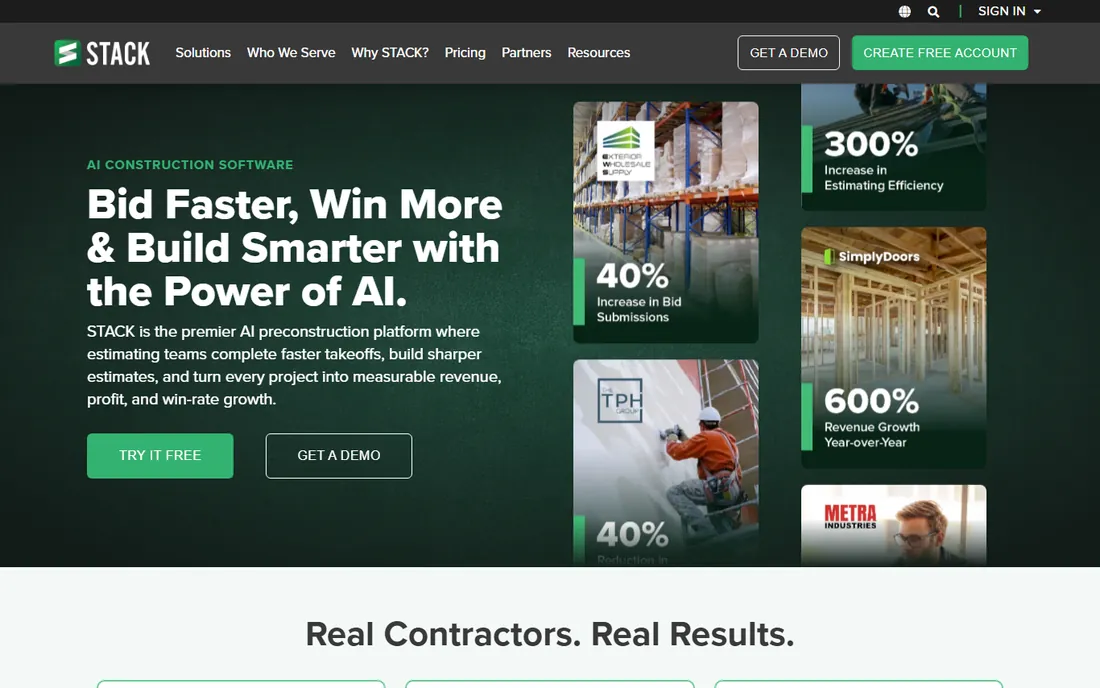
STACK is the cloud-native answer to takeoff. Upload plans and the platform reads every sheet, auto-names pages, and flags revisions, then lets estimators measure linear, area, count, and volume with AI auto-counting symbols. Takeoff quantities flow straight into live estimates, and the whole team works the same numbers in real time.
The honest catch is the browser. On enormous plan sets, desktop tools like PlanSwift still feel faster, and STACK needs a stable internet connection with no offline mode. For drywall contractors with distributed teams or estimators working from anywhere, the collaboration advantage usually wins.
What we like- 100 percent cloud-based with real-time team collaboration
- Drywall-specific workflows with trade catalogs and assemblies
- AI features for auto-count and plan reading
Watch out for- Browser-based performance lags desktop tools on very large plan sets
- Pricing requires a quote for full tiers
Starting priceSee website
Free planFree trial
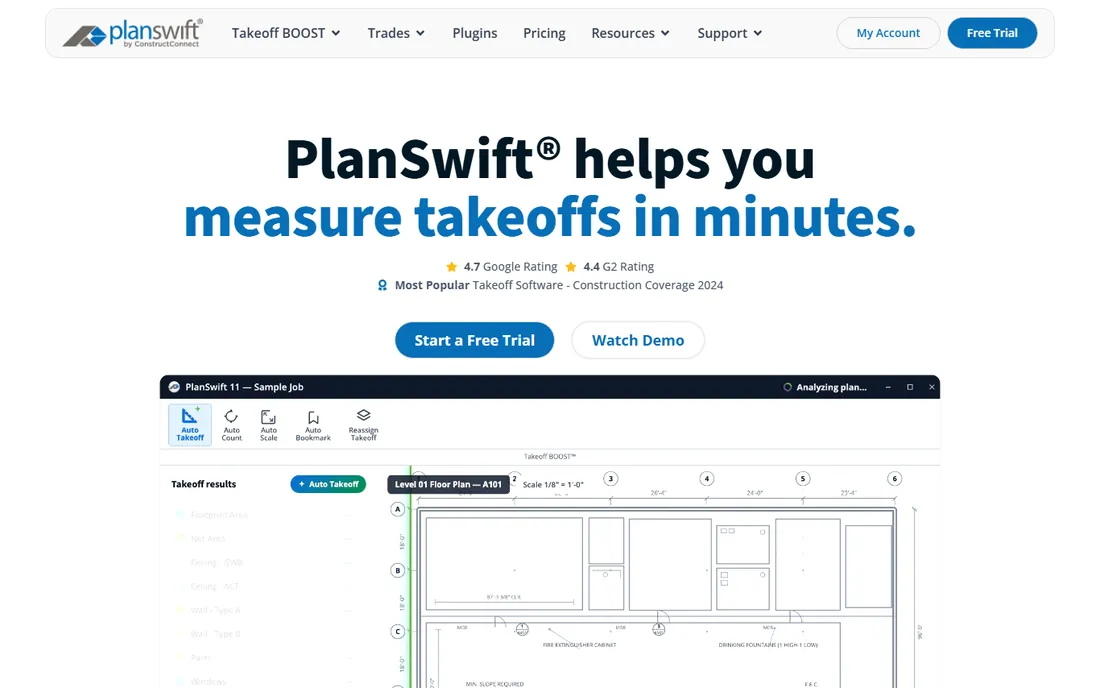
PlanSwift has been the drywall estimator's workhorse for nearly two decades. The workflow is simple: click on the digitized plans, and the software calculates board footage, linear feet of tape, gallons of mud, and labor hours using your saved assemblies. The new Takeoff BOOST suite adds AI that handles measuring, counting, scaling, and bookmarking automatically.
The honest catch is the model. PlanSwift is a desktop license at a per-year cost, with a 10 to 20 hour learning curve before you are truly proficient, and its cloud and collaboration features trail newer competitors. For contractors who live in takeoff and want speed above all, it remains the standard.
What we like- Point-and-click takeoff that most estimators learn in a day
- Trade-specific plugins with drywall assemblies for board, tape, mud, and labor
- New Takeoff BOOST AI automates measuring and counting
Watch out for- Desktop-focused with weaker cloud features than competitors
- The annual license is a real upfront commitment
Starting priceSee website
Free planFree trial
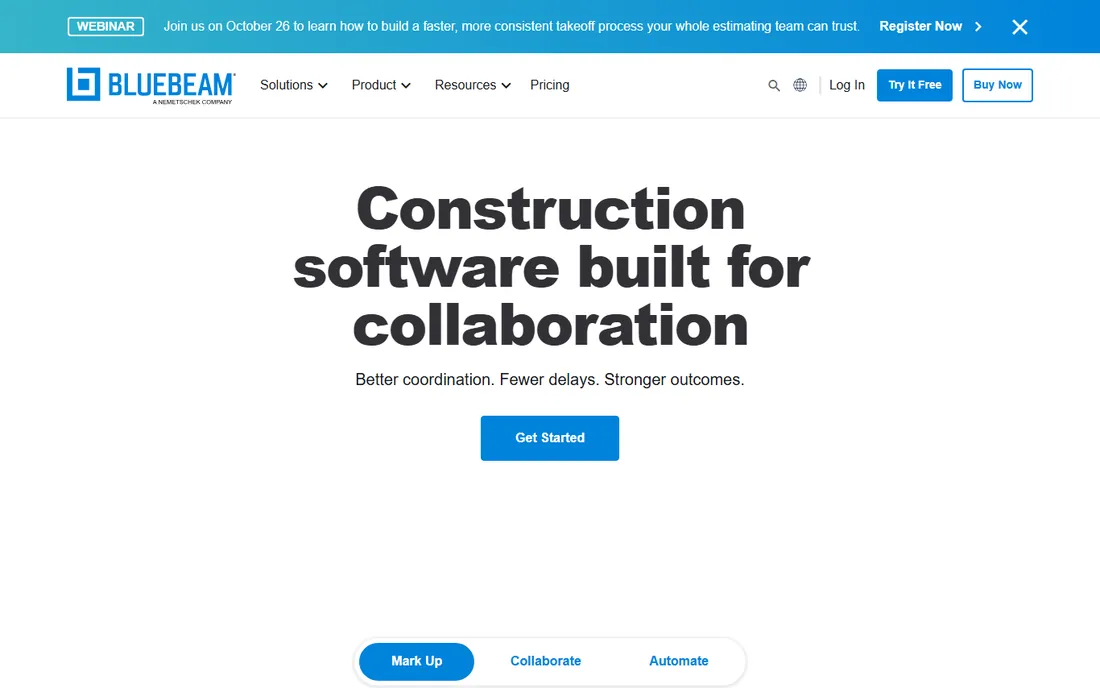
Bluebeam Revu is everywhere in construction, and drywall contractors use it for a reason: the measurement tools capture quantities directly on annotated PDFs, custom tool sets can encode your drywall assemblies, and Studio lets the whole project team mark up the same drawings in real time.
The honest catch is that Revu is not estimating software. You will measure in Revu and price somewhere else, whether that is Excel or a dedicated tool. For contractors standardizing how the whole team reads and measures plans, it is the common language; for producing the bid itself, pair it with something else on this list.
What we like- Industry-standard PDF markup with powerful measurement tools
- Studio sessions enable real-time collaboration on plans
- Widely adopted, so subs and GCs already speak its language
Watch out for- It is a markup and measurement tool, not a full estimating suite
- Pricing moved to subscription tiers
Starting priceSee website
Free planFree trial

On-Screen Takeoff, from ConstructConnect, pairs one of the oldest names in digital takeoff with one of the newest AI features. Takeoff Boost uploads a plan and returns automated measurements fast, with smart detection that identifies wall types and builds conditions for you. Multi-condition takeoff lets you measure an entire room in a few clicks, and the vendor backs it with a free 14-day trial.
The honest catch is the ecosystem. OST is strongest paired with ConstructConnect's own estimating tools, and it is aimed more at general contractors and larger firms than at solo drywall shops. For teams managing many bids, the structured workflow and revision tracking earn their keep.
What we like- Takeoff Boost AI completes an automated first pass on plans in about 30 seconds
- Structured workflow scales well for larger teams
- Integrates with Quick Bid for the pricing step
Watch out for- Desktop heritage with a browser product still rolling out
- Pricing is quote-based
Starting priceSee website
Free planNo
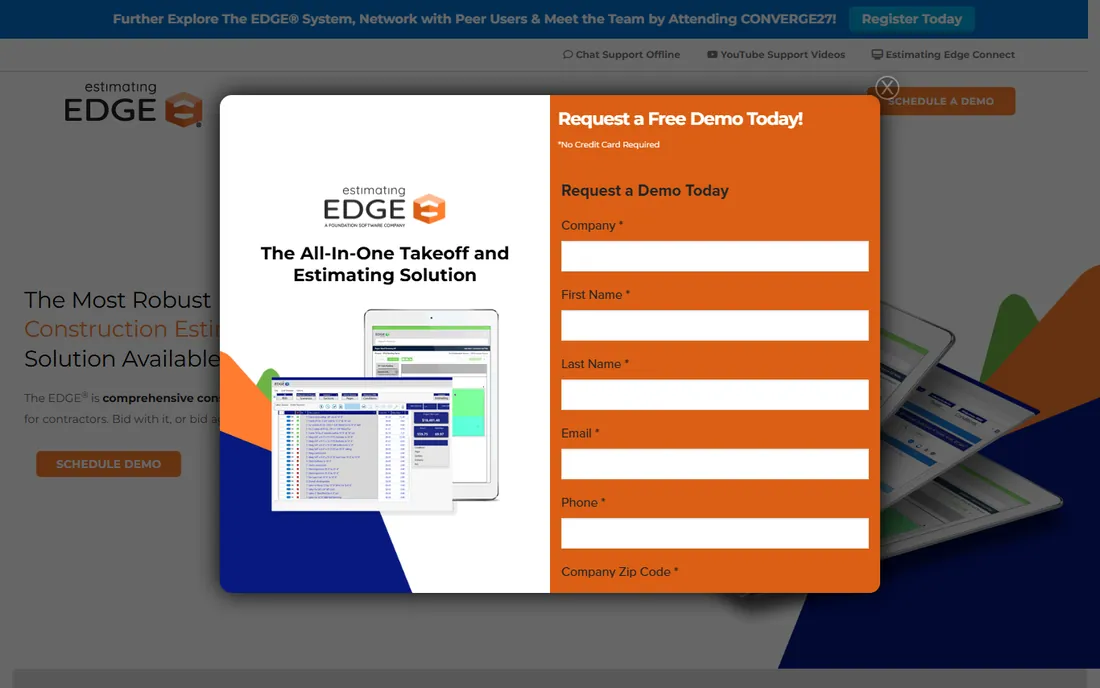
The EDGE is the specialist: estimating software designed for drywall, framing, insulation, acoustical ceilings, painting, and related trades. The databases come preloaded with trade-specific assemblies, so bids include board, tape, mud, corner bead, and labor broken out the way drywall contractors think. Reports cover profit recaps, alternate pricing, material ordering, and job costing.
The honest catch is focus. If you only do residential drywall patch and repair, this is more software than you need, and pricing comes through the sales team. For commercial drywall subcontractors bidding real projects, it is built for exactly your workflow.
What we like- Built specifically for drywall and interior trades with preloaded databases
- Detailed reports including profit recaps, alternates, and job costing
- Commercial drywall contractors are its core audience
Watch out for- Quote-based pricing with no public tiers
- Narrower appeal if you work outside the interior trades
Starting priceSee website
Free planNo
BuildXact serves residential builders and trades that want the estimate to flow into the job. Takeoffs, quoting, scheduling, and invoicing live in one platform, with live pricing from material dealers and an AI assistant, Blu, that helps with takeoffs, catches estimate mistakes, and generates estimates from scratch.
The honest catch is the audience. BuildXact is built around residential construction, so commercial drywall contractors doing big plan-based bids will find the takeoff specialists a better fit. For residential drywall and remodeling crews, the quote-to-invoice continuity is the selling point.
What we like- Combines estimating, scheduling, and job management in one platform
- Dealer connections with live material pricing
- AI assistant Blu helps with takeoffs and estimate review
Watch out for- Built for residential builders and remodelers, less suited to commercial drywall
- Pricing details are not published
Starting priceSee website
Free planYes
Contractor+ takes the opposite approach from the takeoff specialists: one platform for the whole small contracting business. Estimating connects to CRM, scheduling, payments, job costing, and crew management, with AI-assisted estimating to speed up bids. The free tier lets small crews start without spending, and users rate it highly for ease of use.
The honest catch is depth. The takeoff is good enough for most small jobs but will not match PlanSwift or STACK on complex commercial plans. For small drywall crews that want one system instead of five, the trade is usually worth it.
What we like- Free tier to start with estimating plus CRM, scheduling, and payments
- AI-assisted estimating and takeoff
- Highly rated by small contractor users
Watch out for- Takeoff is not as deep as dedicated tools like PlanSwift or STACK
- The all-in-one scope means trade-offs in each module
Starting priceSee website
Free planFree trial
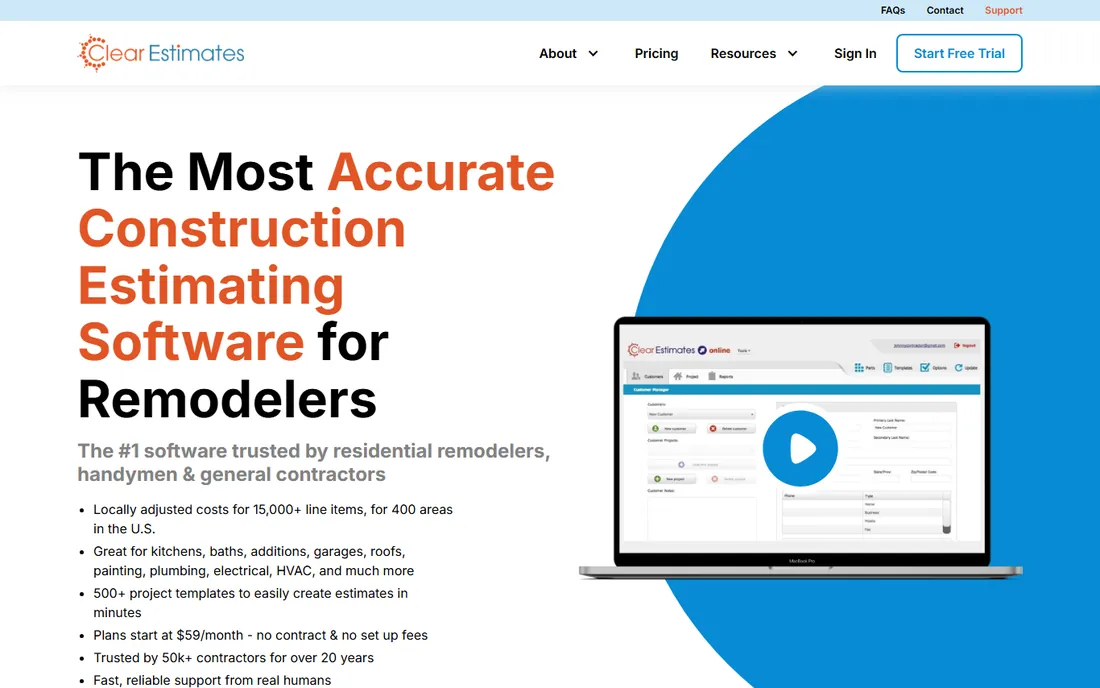
Clear Estimates is the fastest path from a site visit to a professional proposal. Pick a template, enter your dimensions, and the software generates an itemized estimate using localized material and labor rates updated quarterly. The pre-written contract language and branded PDF proposals make small contractors look polished with minimal effort.
The honest catch is the use case. This is for residential work priced from templates and local cost data, not for measuring commercial blueprints. For drywall contractors doing residential jobs, additions, and remodels, it is one of the quickest estimating tools available.
What we like- Pre-loaded cost database with localized pricing for over 400 US areas
- 500-plus project templates generate estimates in minutes
- Professional proposals with contract language built in
Watch out for- Residential focus, not built for commercial plan takeoff
- 30-day trial but no permanent free tier
How we chose
We reviewed each vendor's product pages, documentation, and pricing materials, then cross-checked with public reviews on G2, Capterra, and contractor communities, plus recent takeoff software comparisons published in 2026. We weighted drywall relevance, takeoff accuracy, pricing accessibility for small contractors, and how well each tool connects the estimate to the rest of the business. We did not test any of these tools hands-on, and pricing in this category changes often, so we verified only what vendors publish and marked the rest as "See website."
What to check before you buy drywall estimating software
Drywall margins are thin enough that the wrong tool costs you twice: once in the subscription, once in bad bids. Check these before committing.
Decide: takeoff or full business platform
If you bid from blueprints, you need real takeoff: STACK, PlanSwift, Bluebeam, On-Screen Takeoff, or The EDGE. If your work is residential and template-driven, an all-in-one like Contractor+, BuildXact, or Clear Estimates covers estimating plus invoicing and scheduling. Buying the wrong type means paying for features you never use.
Test the AI on your own plans
Every vendor now claims AI takeoff. Upload one of your actual plan sets during the trial and compare the automated quantities against your manual takeoff. The honest number is how much review time it saves you, not how fast the demo runs.
Check the assembly library
Drywall estimating lives and dies on assemblies: board, tape, mud, bead, fasteners, and labor per square foot. Ask whether the tool ships drywall-specific assemblies, how easy they are to customize, and whether your material pricing can be imported or updated automatically.
Count the total cost
A per-seat license looks different when five estimators need it. Get the full picture: licenses, annual renewals, training, and any per-project fees. A free tier or trial, offered by STACK, Contractor+, and others here, is the cheapest way to find out if the tool fits.
The AI takeoff shift
The meaningful change in 2026 is that takeoff stopped being purely manual. AI suites now do the first pass: auto-counting symbols, identifying wall types, scaling plans, and bookmarking sheets, while the estimator reviews and adjusts. The vendors are honest that this gives you a head start rather than a finished bid, and that is the right way to think about it. The estimators who win are the ones who spend the saved hours on scope review and pricing strategy, not the ones who trust the automation blindly.
Frequently asked questions
What is the best software for drywall takeoffs?
For dedicated takeoff from blueprints, STACK and PlanSwift lead for most drywall contractors, with On-Screen Takeoff strong for larger teams and The EDGE purpose-built for the drywall trade. If you mostly measure PDFs, Bluebeam Revu covers the measurement side. Pick based on plan volume and team size.
How much does drywall estimating software cost?
It ranges widely. Clear Estimates and Contractor+ have accessible entry points, PlanSwift runs around $1,749 per year per license according to third-party sources, and STACK, On-Screen Takeoff, and The EDGE are quote-based. Verify current pricing on each vendor's site before budgeting.
Can drywall estimating software replace my spreadsheets?
For bidding, yes: assemblies, takeoffs, and proposals beat spreadsheets on speed and consistency. For job costing and accounting, most tools still export to accounting software rather than replacing it. The best setup is estimating software feeding clean numbers into your books.
Do I need AI takeoff features?
They help most on high plan volume. If you bid several jobs a week from blueprints, AI auto-count and first-pass takeoff save real hours. If your work is residential and site-measured, templates and localized cost data matter more than plan-reading AI.
What is the difference between takeoff and estimating software?
Takeoff measures quantities from plans: square feet of board, linear feet of tape, counts of beads. Estimating turns those quantities into costs with material prices, labor rates, and markups. Tools like PlanSwift and STACK do both; Bluebeam does takeoff-style measurement only.
Is there free drywall estimating software?
STACK and Contractor+ offer free tiers, and PlanSwift, On-Screen Takeoff, Bluebeam, and Clear Estimates offer free trials. Free tiers work for light use; production bidding usually needs a paid plan for full assemblies, collaboration, and support.
Sources we checked (8)
- https://www.stackct.com/
- https://www.planswift.com/
- https://www.bluebeam.com/
- https://www.constructconnect.com/products/on-screen-takeoff
- https://estimatingedge.com/
- https://buildxact.com/
- https://contractorplus.app/
- https://clearestimates.com/
Is your product missing or out of date?
We review this list regularly. Vendors can request a listing, send updated pricing or ask about featured placement.

Shihab Mia · Founder, Rankite
Shihab has spent more than a decade helping SaaS and e-commerce brands grow through search. He writes Rankite's software buying guides from pricing pages, documentation and public user reviews. More about Shihab.