How we make this list: we compare pricing pages, product documentation and public user reviews. Rankite is independent; if a vendor ever pays for a featured spot, that listing is clearly labeled Partner.
Key takeaways
- Blancco Drive Eraser is the enterprise standard with certified erasure and audit reports, but pricing is quote-only.
- KillDisk (freeware edition), Eraser and BleachBit wipe drives for free, which covers most personal use.
- CCleaner and AOMEI Partition Assistant include drive wiping inside broader free utilities you may already have.
- SSDs need special handling: firmware-level commands beat multi-pass overwriting, so check SSD support before buying.
Quick comparison
| Tool | Best for | Starting price | Free plan |
|---|
 Blancco Drive Eraser Blancco Drive Eraser | Businesses that need certified erasure with proof for auditors | See website (custom quote) | Free trial |
 KillDisk KillDisk | Free, no-nonsense wiping for personal drives | See website | Yes (freeware edition) |
 CCleaner CCleaner | Quick drive wipes inside a utility you probably already have | See website | Yes (free version) |
 AOMEI Partition Assistant AOMEI Partition Assistant | Wiping drives as part of full disk management | See website | Yes (free Standard edition) |
 Eraser Eraser | Secure deletion of files, folders and drives, free forever | Free (open source) | Yes |
 DiskGenius DiskGenius | Wiping inside a deep disk repair and recovery toolkit | See website | Yes (free edition with limits) |
 EaseUS BitWiper EaseUS BitWiper | Simple, free wiping for Windows users who want no learning curve | See website | Yes (free edition) |
 BleachBit BleachBit | Open-source system cleaning with file shredding built in | Free (open source) | Yes |
Is your product missing or out of date?
We review this list regularly. Vendors can request a listing, send updated pricing or ask about featured placement.
The best drive wipe software
The US National Institute of Standards and Technology defines media sanitization in three levels: Clear, Purge and Destroy (NIST SP 800-88). Deleting files or formatting a drive does not even reach the first level: the data stays on the disk until overwritten. The tools below do the actual overwriting, from free utilities for a single laptop to certified platforms that produce audit reports for a thousand retired office PCs.
Eight drive wipers worth your time
#1
Blancco Drive Eraser
Best for: Businesses that need certified erasure with proof for auditors
Visit blancco.com
Starting priceSee website (custom quote)
Free planFree trial
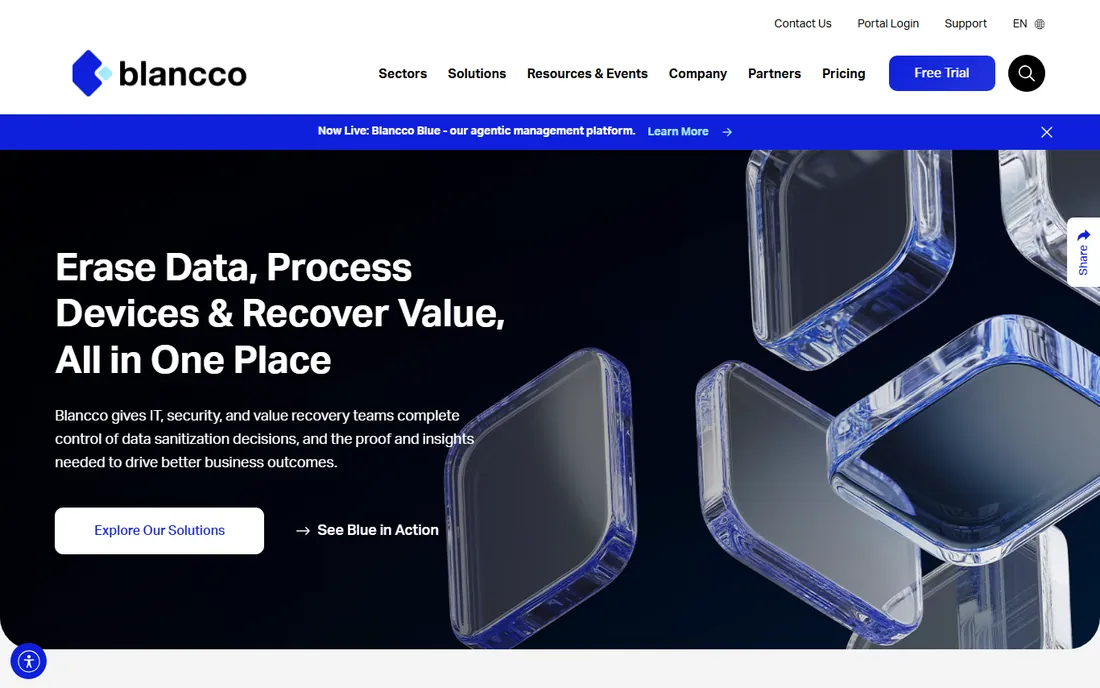
Blancco is what enterprises and IT asset disposition firms use when a drive leaves the building. Every erasure produces a tamper-proof certificate, which is what auditors, regulators and resale buyers actually want to see. The SSD handling matters: Blancco uses firmware-level commands and cryptographic erasure where plain overwriting fails on flash storage.
None of this is priced publicly. Expect a sales conversation built around volume and use case. For a business retiring hardware with customer data on it, the certificate is worth more than the software. For wiping your own laptop before selling it, the free tools below do the job.
What we like- Certified erasure meeting 25-plus standards including NIST and IEEE, with digitally signed reports per device
- Purpose-built SSD erasure that goes beyond simple overwriting
- Centralized management for wiping fleets of machines
Watch out for- Quote-only pricing puts it out of reach for casual use
- The platform assumes an IT operation, not a single home PC
Starting priceSee website
Free planYes (freeware edition)
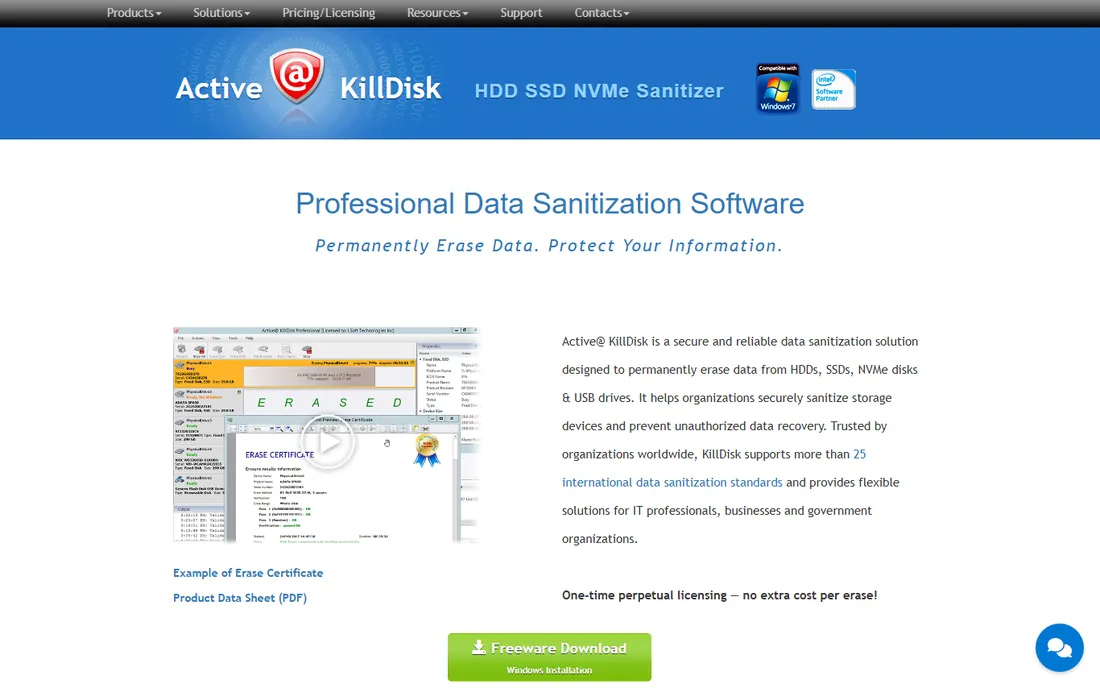
KillDisk has been wiping drives since the floppy era, and the freeware edition remains one of the best free options. Download it, make a bootable USB, boot the target machine and wipe every attached drive, including the one Windows runs on, which no Windows-installed wiper can fully do. It handles modern NVMe and SSDs alongside old spinning disks.
The free edition does the core job; the paid Pro, Suite and Industrial editions add erasure certificates, more standards and centralized features for business use. Prices are not on the site, so personal users should just take the freeware and businesses should request a quote. The dated look hides a tool that does exactly what it says.
What we like- A genuinely free edition that wipes HDDs, SSDs, USB drives and NVMe
- Boots from USB to wipe the system drive completely
- Paid Pro editions add certificates and advanced standards
Watch out for- The interface is spartan and technical
- Pricing for paid editions is not published on the site
#3
CCleaner
Best for: Quick drive wipes inside a utility you probably already have
Visit ccleaner.com
Starting priceSee website
Free planYes (free version)
CCleaner earns its spot on convenience. Millions of PCs already have it installed, and the Drive Wiper under Tools overwrites an entire drive or just the free space, with up to 35 passes for the paranoid. Wiping free space is the underrated feature: it destroys deleted-file remnants without harming your current files.
Treat it as the casual option. It lacks bootable media for wiping the system drive, and there are no compliance reports. For preparing a personal drive for reuse or wiping free space before selling a PC with the OS intact, it is the fastest path. For regulated data, look at Blancco or KillDisk Pro.
What we like- The Drive Wiper lives in the free version under Tools, with 1 to 35 overwrite passes
- Familiar interface that non-technical users already know
- Also wipes free space without touching existing files
Watch out for- It is a cleaner with a wiper attached, not a dedicated erasure platform
- No erasure certificates for compliance needs
#4
AOMEI Partition Assistant
Best for: Wiping drives as part of full disk management
Visit diskpart.com
Starting priceSee website
Free planYes (free Standard edition)
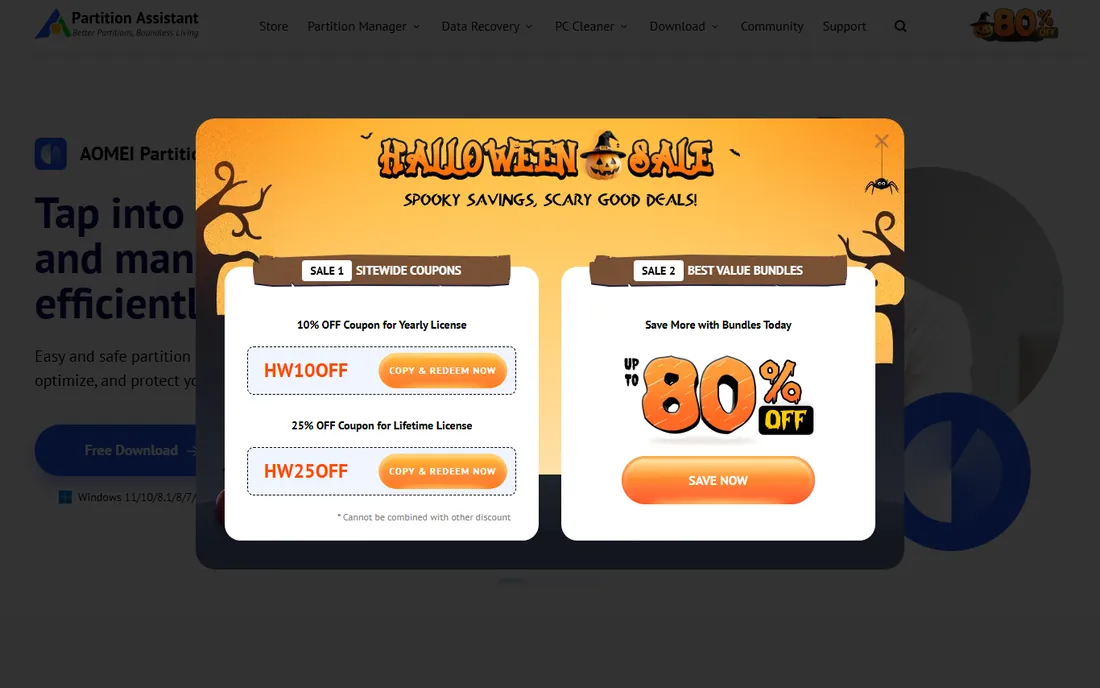
AOMEI makes sense when wiping is one job among several. The free Standard edition partitions, clones, migrates and wipes, so a user preparing drives for reuse gets the whole toolkit in one install. The wipe options include full-disk wiping and SSD secure erase, presented as guided wizards rather than raw settings.
The free edition is personal-use only, and AOMEI nudges toward paid Pro and Technician editions for business features. Pricing is not published on the homepage, so confirm before buying. If you only need to wipe one drive once, a single-purpose tool is simpler; if you manage disks regularly, AOMEI's breadth wins.
What we like- Disk wiping sits alongside partitioning, cloning, migration and recovery in one free tool
- The free Standard edition covers personal use
- Clear wizards for SSD secure erase and partition wiping
Watch out for- The free edition is for personal use only
- Businesses need a paid license, and pricing is not on the homepage
Starting priceFree (open source)
Free planYes
Eraser is the classic open-source answer to "delete means delete." It overwrites selected files, folders, drives and free space on a schedule you set, and it adds itself to the right-click menu so secure deletion is one click away. Being open source means the code is inspectable and the tool is free without asterisks.
The caveat is maintenance. The official site did not respond during our research, which happens with long-running volunteer projects. The software itself remains widely mirrored and used. Download from a reputable source, check the file hash if you can, and you get a capable free wiper with no commercial strings.
What we like- Free and open source with no tiers or upsells
- Scheduled wiping and secure deletion integrated into the Windows right-click menu
- Supports standard erasure methods including Gutmann and DoD patterns
Watch out for- Windows only
- The project's site was unreachable during our checks, so download from a trusted mirror and verify the file
Starting priceSee website
Free planYes (free edition with limits)
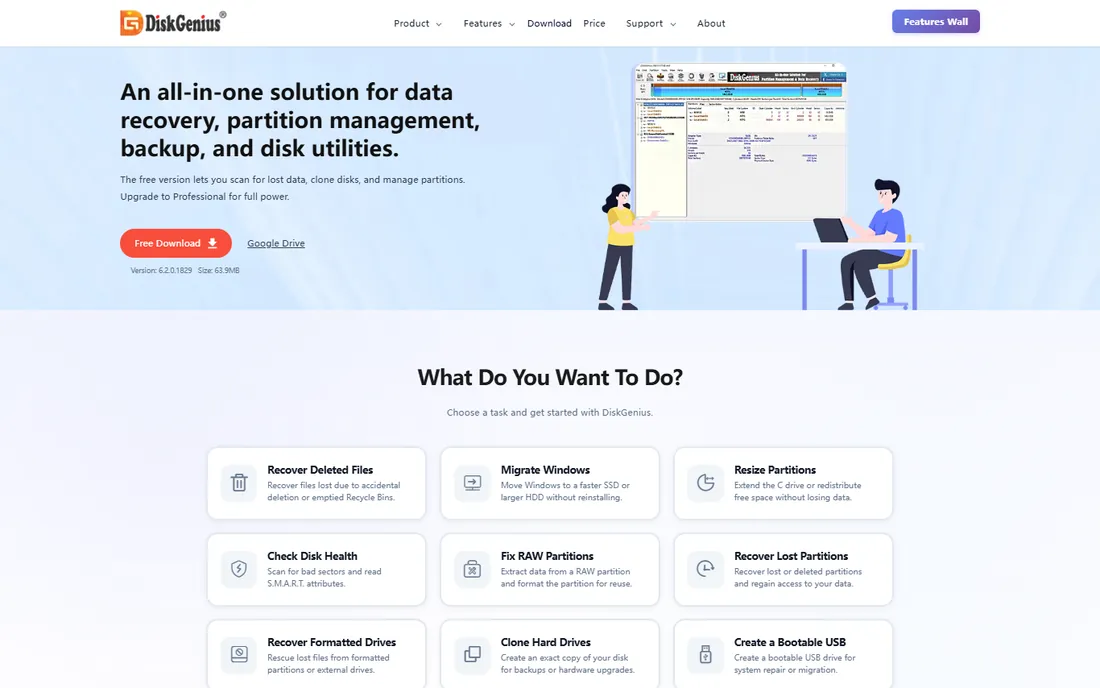
DiskGenius is a technician's toolkit that happens to wipe drives well. Beyond wiping, it recovers partitions, repairs bad sectors, clones disks and edits hex sectors, which makes it the pick when a drive is both suspect and destined for disposal. The wiping itself covers full disks and free space with standard overwrite methods.
The free edition covers personal basics; paid editions add the deeper features, but prices are not on the purchase page. The dense interface assumes you know what a sector is. For a one-time wipe, simpler tools win; for drive triage plus wiping, DiskGenius is unusually capable.
What we like- Sector-level wiping alongside partition recovery, bad-sector repair and disk cloning
- The free edition handles basic wiping
- Unusually deep disk tools for the price
Watch out for- Pricing for paid editions is not published on the purchase page
- The interface packs a lot in and can overwhelm casual users
#7
EaseUS BitWiper
Best for: Simple, free wiping for Windows users who want no learning curve
Visit easeus.com
Starting priceSee website
Free planYes (free edition)
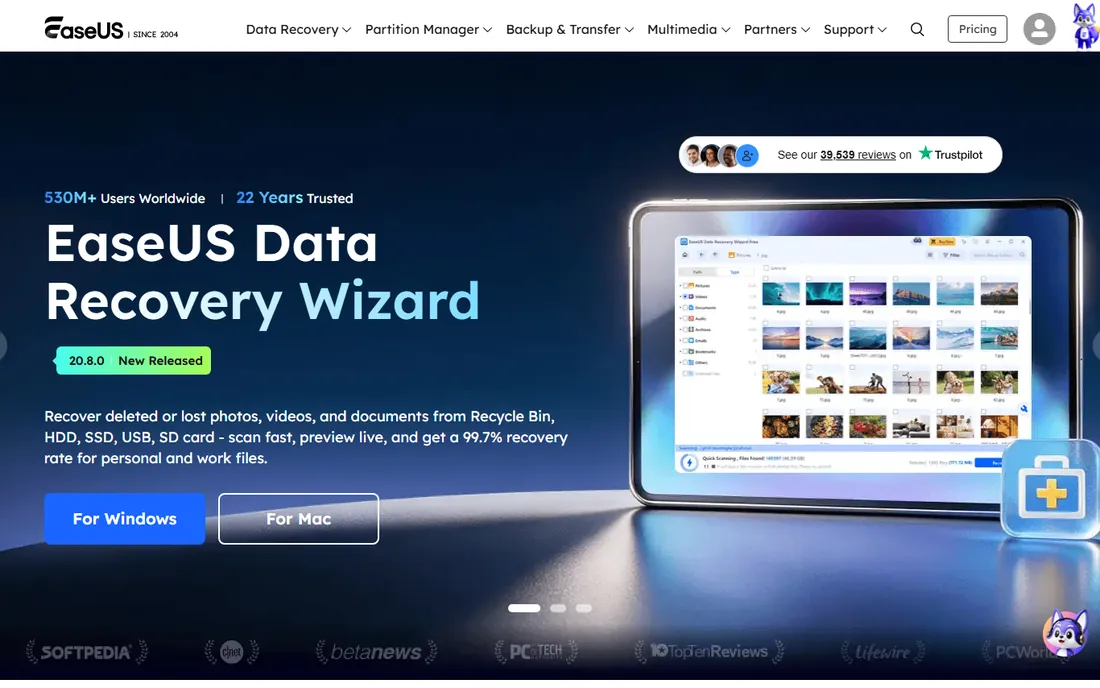
BitWiper is EaseUS's answer to the simple question "how do I wipe this drive." Install it on Windows, pick the disk, partition or free space, choose a wipe method and go. There is no partitioning suite or recovery toolkit to navigate, which is the point: it does one thing with minimal decisions.
The limits are the flip side of the simplicity. It runs inside Windows, so it cannot wipe the drive Windows is running on, and the erasure standards menu is shorter than the specialists'. For wiping a secondary drive, USB stick or free space before disposal, it is the easiest free option here.
What we like- Free and focused: wipe a disk, partition or free space with a few clicks
- Clean modern interface with none of the technician jargon
- From an established vendor with real support
Watch out for- Windows only, with no bootable-media option for wiping the active system drive
- Fewer erasure standards than KillDisk or Blancco
#8
BleachBit
Best for: Open-source system cleaning with file shredding built in
Visit bleachbit.org
Starting priceFree (open source)
Free planYes
BleachBit is best known as the open-source CCleaner alternative, but its shredding features earn it a place here. It securely deletes files, wipes free space and cleans application traces across Windows and Linux, with the source code open for inspection. Privacy-conscious users like that there is no company deciding what "clean" means.
It will not boot-wipe a system drive or produce compliance certificates. Think of it as ongoing hygiene plus secure deletion for daily use, paired with a dedicated wiper for end-of-life drives. For Linux users especially, it is the most capable free option in this category.
What we like- Free and open source on Windows and Linux
- Shreds files and wipes free space alongside deep system cleaning
- No account, no tiers, no telemetry debates
Watch out for- It is a cleaner first, so full-drive wiping is less central than in KillDisk
- The interface is functional rather than friendly
How we chose
We started with the searches buyers actually run: drive wipe software, secure erase hard drive, wipe SSD before selling. For each candidate we opened the vendor's homepage and pricing or purchase page, and recorded what the vendor itself publishes. We checked erasure features against public reviews and practitioner discussion, kept tools that are still maintained and sold, and replaced one acquired product (WhiteCanyon WipeDrive, now part of Blancco) with an independent alternative. Where a price could not be verified on the vendor's own page, we wrote "See website" instead of guessing.
What actually makes a wipe secure
Three things decide whether a wipe worked, and none of them is the number of passes. First, coverage: the wipe must reach every addressable area, including reallocated sectors and, on SSDs, over-provisioned space that overwriting cannot touch. Second, verification: the software should read back and confirm, because a wipe that fails silently is worse than none. Third, the drive type: HDDs are straightforward to overwrite, while SSDs need firmware-level secure erase or cryptographic erase commands.
This is why the free-versus-paid line matters less than the method. A free tool that issues the SSD's own secure erase command beats an expensive tool doing 35 overwrite passes on flash. Check that your chosen tool explicitly supports your drive type, verify the wipe completed, and keep the report if compliance is involved. For personal drives, one verified pass is enough; the multi-pass standards exist for regulated environments.
SSDs are a different problem
Everything intuitive about wiping comes from hard drives, and SSDs break the intuition. Overwriting every logical address does not reach the physical flash cells because the controller remaps writes for wear leveling, leaving old data in unreachable blocks. The correct approach is the drive's own secure erase command (ATA Secure Erase or NVMe Format), which tells the controller to purge everything, or cryptographic erase on self-encrypting drives, which destroys the key and renders all data unreadable instantly.
In practice: use a tool that explicitly offers SSD secure erase (AOMEI, KillDisk and Blancco all do), prefer the firmware command over multi-pass overwriting on flash, and know that no software wipe satisfies the strictest standards for top-secret data, where physical destruction remains the answer. For a personal SSD going to a new owner, one proper secure erase is sufficient.
Frequently asked questions
Does formatting a drive erase data?
No. Formatting removes the file index but leaves the data on the disk, recoverable with free tools. Secure wiping overwrites every sector (or issues a firmware erase on SSDs) so the data is actually gone.
How many overwrite passes do I need?
One verified pass is enough for personal use on a hard drive. Multi-pass standards (3, 7 or 35 passes) exist for regulated environments and add time without meaningful security benefit on modern drives. On SSDs, use the secure erase command instead of passes.
Can wiped data be recovered?
Properly wiped data cannot be recovered with any commercially available means. That is the point of verification: a wipe that completes and verifies is final. This is also why you should double-check you wiped the right drive before starting.
What is the best free drive wipe software?
KillDisk's freeware edition for full bootable wipes, Eraser or BleachBit for secure file deletion and free-space wiping, and CCleaner's free Drive Wiper for quick jobs. All four handle personal use without spending anything.
Should I wipe or physically destroy an old drive?
Wipe for reuse, resale or donation: a verified wipe protects your data and keeps the hardware useful. Destroy (drilling, crushing, shredding) only for drives that held highly sensitive data under strict compliance rules, or drives that no longer work.
Sources we checked (9)
- https://blancco.com/products/drive-eraser/
- https://www.killdisk.com/order.htm
- https://www.ccleaner.com/
- https://www.diskpart.com/
- https://eraser.heidi.ie/
- https://www.diskgenius.com/
- https://www.easeus.com/
- https://www.bleachbit.org/
- https://csrc.nist.gov/publications/detail/sp/800-88/rev-1/final
Is your product missing or out of date?
We review this list regularly. Vendors can request a listing, send updated pricing or ask about featured placement.

Shihab Mia · Founder, Rankite
Shihab has spent more than a decade helping SaaS and e-commerce brands grow through search. He writes Rankite's software buying guides from pricing pages, documentation and public user reviews. More about Shihab.