How we make this list: we compare pricing pages, product documentation and public user reviews. Rankite is independent; if a vendor ever pays for a featured spot, that listing is clearly labeled Partner.
Key takeaways
- DoD 5220.22-M is the classic 3-pass overwrite standard everyone asks for; NIST 800-88 is the modern official replacement.
- Blancco is the enterprise standard with 25+ certified erasure standards and tamper-proof audit reporting.
- DBAN is free for personal use but cannot wipe SSDs or produce the compliance certificates businesses need.
- Active@ KillDisk offers a free version, with commercial licenses starting from $85 per license.
- iShredder covers phones and tablets too, starting from $7.90 per year, with GDPR-compliant reports.
Quick comparison
Is your product missing or out of date?
We review this list regularly. Vendors can request a listing, send updated pricing or ask about featured placement.
The best DoD wipe software
Starting priceSee website
Free planFree trial
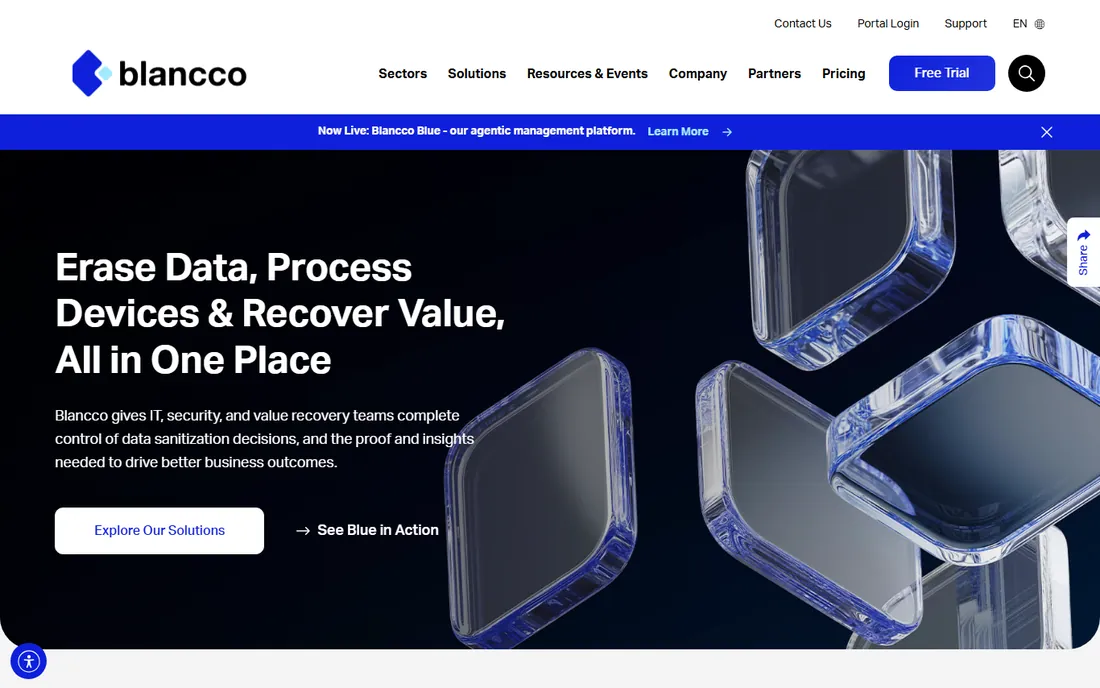
Blancco is the industry standard for certified data erasure: 70,000-plus devices erased daily, certifications from 13-plus governments and bodies, and support for standards including NIST, IEEE, ISO, and DoD. Twenty-nine years in the business shows clearly in the polish of the reporting and workflow automation. Every erasure produces a digitally signed certificate for audit-ready proof.
Pricing is quote-based and trials are business-only. If compliance documentation matters, nothing else carries the same weight with auditors. Blancco also covers mobile devices, virtual machines, and data center decommissioning, so one vendor can handle the entire asset lifecycle.
What we like- 25+ certified erasure standards
- Tamper-proof audit reports
- SSD-aware erasure methods
Watch out for- Enterprise pricing is quote-based
- Overkill for home users
- Trials not for personal use
Starting price$85 per license
Free planYes (freeware)
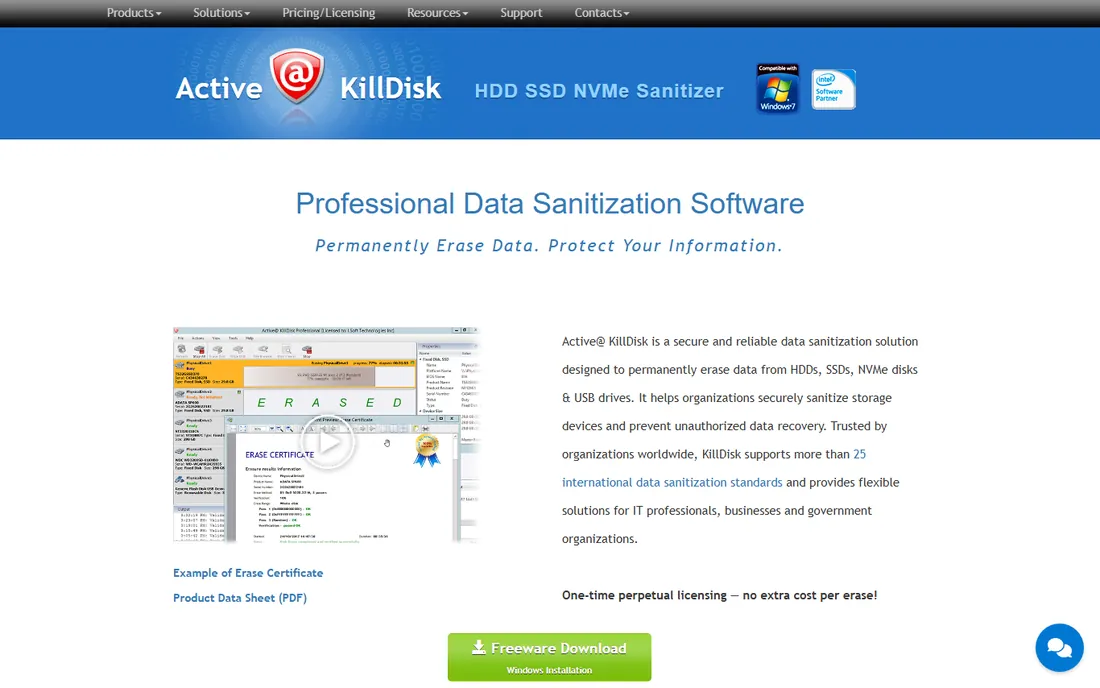
KillDisk spans from freeware to industrial hardware appliances, supporting 25-plus international sanitation standards including US DoD 5220.22M and NIST 800-88. Few tools cover the full range from a home user wiping a single drive to a recycler processing hundreds at once. Commercial licenses start at $85, with erase verification, PDF certificates, SMART monitoring, and parallel erasing.
The freeware edition handles basic wiping; paid tiers add certificates and automation. It is the best value for small IT shops and refurbishers. The industrial editions scale to wiping dozens of drives in parallel, which is exactly what high-volume refurbishers need.
What we like- Freeware version available
- 25+ sanitation standards
- Parallel erasing and PDF certificates
Watch out for- Interface is utilitarian
- Industrial features need higher tiers
- Support varies by edition
Starting priceFree
Free planYes
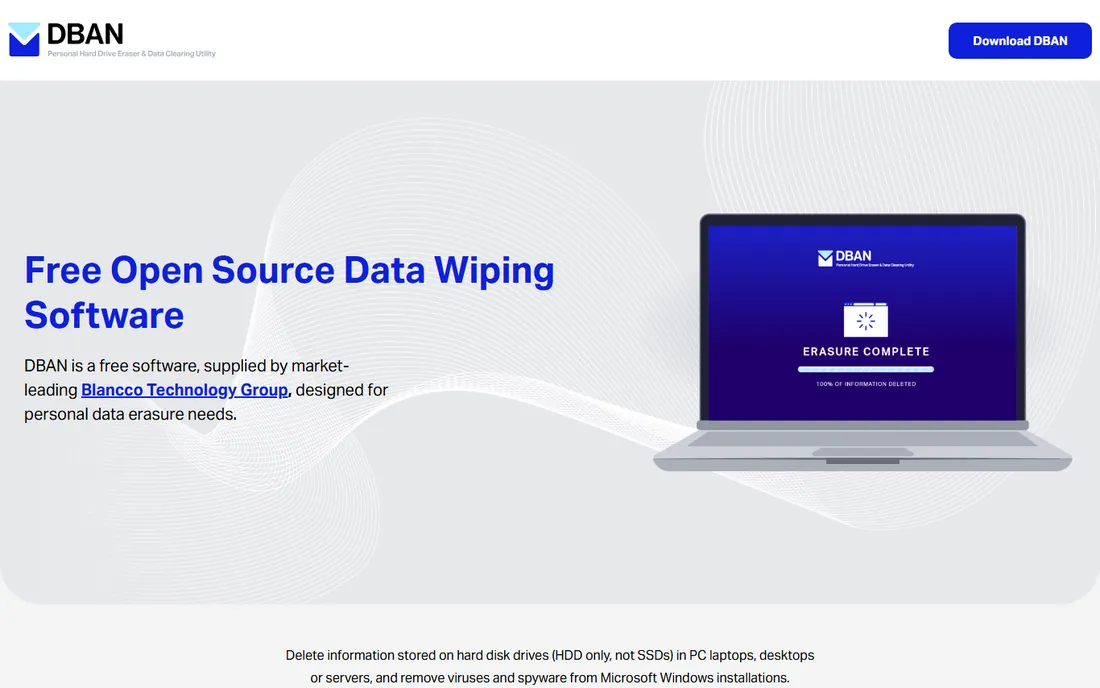
Darik's Boot and Nuke is the classic free drive wiper: boot from USB and wipe entire HDDs. Now maintained by Blancco, it remains free for personal use. Its longevity means endless community guides exist for nearly every step of the process.
The limitations are real: it cannot reliably wipe SSDs, provides no certificate of erasure, and offers no support. Fine for personal PCs; unsuitable for business compliance. Note that DBAN wipes the entire drive it runs on, so double-check your target disk before starting: there is no undo.
What we like- Completely free
- Boots from USB
- Simple and well-known
Watch out for- HDD only, no SSD support
- No erasure certificate
- No support or updates
Starting priceSee website
Free planNo
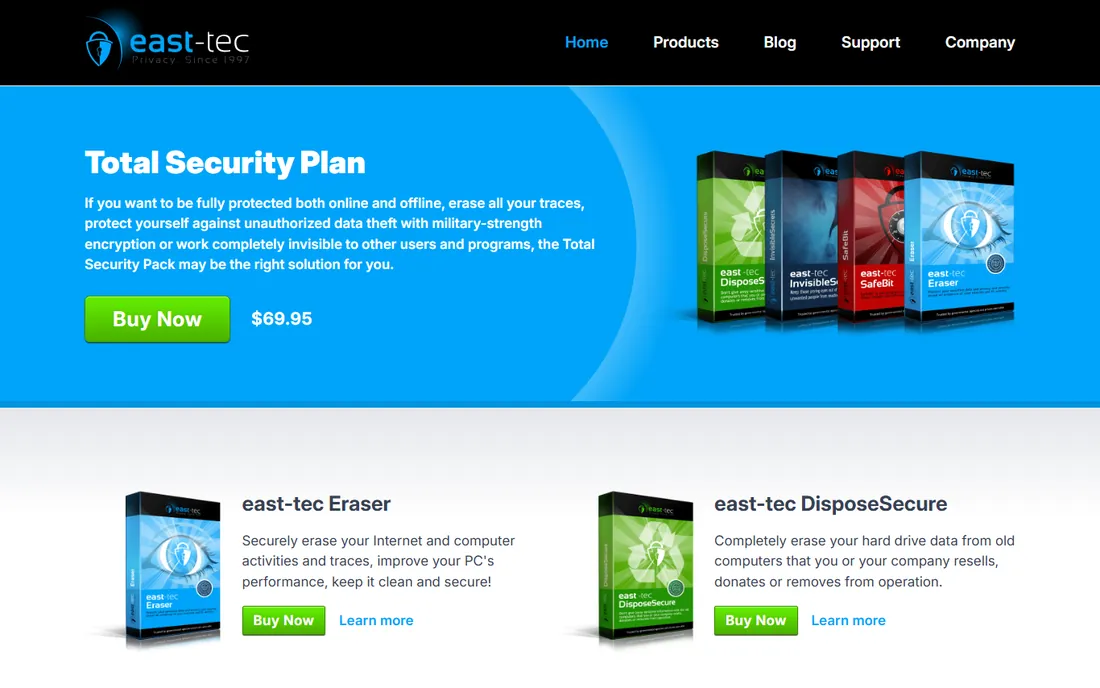
east-tec DisposeSecure is built for one job: completely erasing hard drives from computers being resold, donated, or retired. The Romanian vendor has been in the privacy business since 1998, and its erasure methods exceed government standards per its product pages. For a straightforward wipe-this-old-laptop task, that simplicity is exactly right.
It is a consumer-friendly tool rather than an enterprise platform. Home users and small businesses retiring old machines are the target. The 28-year track record suggests it will still be around when you need support, which is worth something in this category.
What we like- Straightforward whole-drive erasure
- From a 28-year-old vendor
- DoD methods included
Watch out for- Pricing not shown on homepage
- Windows-focused
- Fewer enterprise features
Starting price$7.90 per year
Free planYes (limited)
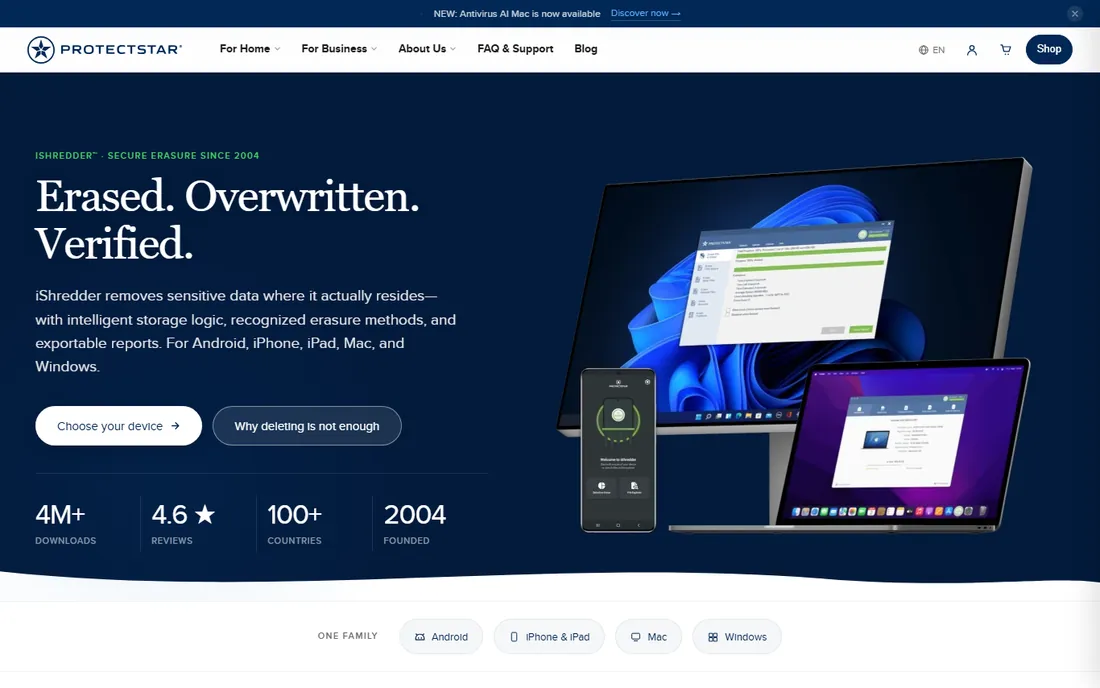
iShredder is unusual here: it wipes phones and tablets as well as PCs, with 23 erasure methods from NIST 800-88 to DoD 5220.22-M ECE and GDPR-compliant erasure reports. The per-platform editions mean you only ever pay for the devices you actually need to wipe. Android Pro starts at $7.90 per year; Windows and Mac editions run $19.90 to $49.90 per year.
If your disposal pile includes smartphones, iShredder fills a gap the drive-focused tools miss. Company phones hold email, authenticator apps, and client data, yet they remain the devices most often forgotten in disposal policies.
What we like- Covers Android, iOS, Mac, Windows
- 23 erasure algorithms
- Exportable PDF erasure reports
Watch out for- Mobile-focused editions differ
- Yearly subscriptions
- Desktop depth less than KillDisk
Starting priceSee website
Free planNo
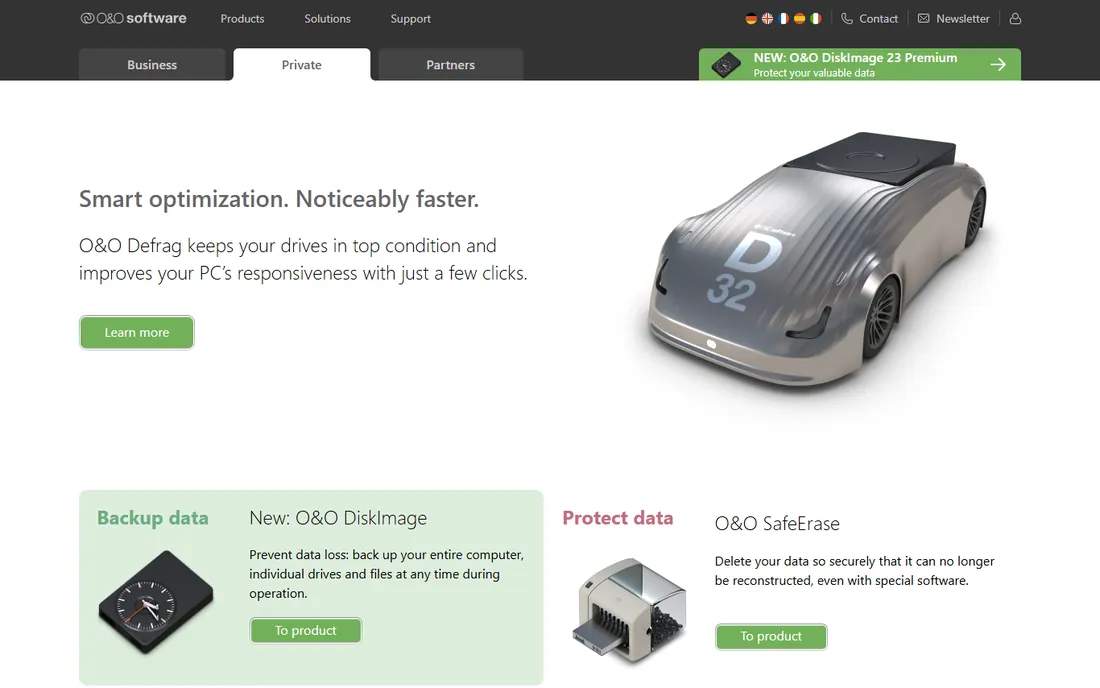
O&O SafeErase from Berlin-based O&O Software wipes files, folders, and entire drives using methods from a quick single pass to the 35-pass Gutmann method, including DoD 5220.22-M variants. The 35-pass Gutmann method is serious overkill for modern drives, but its presence signals thoroughness. The company has built Windows utilities since 1997.
It is a solid Windows desktop choice for secure deletion of sensitive files and retiring drives. Enterprise buyers should look at Blancco or KillDisk instead. O&O also lets you wipe free space on live systems, which is genuinely useful for sanitizing a PC you intend to keep using.
What we like- DoD 5220.22-M and Gutmann methods
- German engineering
- File, folder, and drive wiping
Watch out for- Windows only
- Pricing not shown on homepage
- Consumer-oriented
Starting priceSee website
Free planNo
ASCOMP Secure Eraser permanently deletes files, folders, and drive areas using DoD 5220.22-M, Gutmann, and other standards, with detailed deletion logs. The German vendor also bundles registry optimization and system cleaning, making it a decent general PC maintenance tool as well as a secure deletion utility.
It is a budget-friendly option for individuals who want secure file deletion without enterprise complexity. Pricing is modest; check the vendor site for current numbers. The detailed deletion logs give it a real edge over simpler shredders when you want a written record of exactly what was destroyed and when.
What we like- DoD and Gutmann algorithms
- Drive cleaning plus registry cleanup
- Simple interface
Watch out for- Windows only
- Basic reporting
- Smaller vendor
How we chose
We reviewed vendor product pages, documentation, and IT community discussion across forums and review sites, comparing supported erasure standards, SSD handling, reporting and certificates, platform coverage, and pricing. Every tool had to be currently available. We did not claim hands-on testing. Test your chosen tool on a non-critical drive first to confirm the workflow before wiping anything irreplaceable. A dry run also reveals how long a full wipe takes on your hardware, which matters when scheduling bulk jobs. A multi-pass wipe of a large HDD can run for many hours, so schedule overnight runs when possible so wiping never ties up workstations during the day.
DoD 5220.22-M versus NIST 800-88
DoD 5220.22-M is the classic three-pass overwrite standard everyone searches for, and every tool here supports it or a variant. But the modern guidance is NIST 800-88, which recognizes that overwriting is not always effective on SSDs and recommends firmware-level commands and cryptographic erasure instead. If you are wiping SSDs, choose a tool with SSD-aware methods, not just DoD passes.
For HDDs, multiple overwrite passes remain perfectly effective. The physics of magnetic storage mean overwritten data is practically unrecoverable, which is why the DoD standard persists in contracts and RFPs even as guidance evolves. Always match the method to the media: overwrite passes for spinning disks, firmware commands for flash.
Do not confuse software wiping with degaussing or shredding. Software erasure preserves the drive for reuse or resale, which is both greener and more valuable than shredding a perfectly working drive that someone else could happily reuse. Physical destruction should be the last resort, not the default.
Certificates matter for business
If you are disposing of company equipment, the erasure certificate is the product. Auditors, regulators, and clients want documented proof: what was wiped, with which method, when, verified how. Blancco, KillDisk, and iShredder all generate exportable PDF reports. DBAN does not, which is why it is personal-use only in practice.
Store certificates with the asset records. When a client or auditor asks about a decommissioned server three years later, the PDF report is your answer. Build the habit of filing every certificate before the hardware leaves the building.
Retired drives from regulated industries may need witnessed or video-documented destruction. Check your contracts: some clients require physical destruction on top of software erasure, and no software certificate can substitute for that requirement.
Frequently asked questions
What is DoD 5220.22-M?
A US Department of Defense data sanitization standard specifying overwrite passes: typically three passes with fixed values, complements, and random data. It remains the most requested erasure standard, though NIST 800-88 is the current official guidance.
Can DBAN wipe SSDs?
No. DBAN is designed for HDDs and cannot reliably sanitize SSDs due to how flash storage manages data. Use an SSD-aware tool like Blancco or KillDisk for solid-state drives.
Is free data wiping software safe?
For personal use, yes: DBAN and KillDisk freeware wipe HDDs effectively. For business disposal, free tools lack the certificates and audit trails compliance requires. The wiping itself works fine; it is the documentation and audit trail that businesses actually pay for.
Can wiped drives be reused or resold?
Yes, and that is the point of software erasure over physical destruction. A certified wiped drive can be resold, donated, or redeployed, recovering real value and reducing e-waste. Blancco explicitly markets this circular-economy benefit to enterprise clients.
How much does data erasure software cost?
KillDisk commercial starts at $85 per license. iShredder starts at $7.90 per year. Blancco and enterprise tools are quote-based. DBAN is free.
Does a factory reset securely erase data?
No. Factory resets typically remove encryption keys and file references while data blocks remain recoverable. Secure erasure overwrites the actual data areas. For encrypted devices, destroying the key plus overwriting free space is usually sufficient, but always verify against your specific compliance requirements.
What is the fastest way to wipe many drives?
Use a tool with parallel erasing, like KillDisk Industrial or Blancco, with a dedicated wiping station. Wiping drives one at a time on a spare PC does not scale past a small handful of machines.
Sources we checked (8)
- https://blancco.com/
- https://www.killdisk.com/
- https://dban.org/
- https://east-tec.com/
- https://www.protectstar.com/en/products/ishredder
- https://oo-software.com/
- https://www.ascompsoftware.com/
- https://univik.com/blog/best-data-erasure-software/
Is your product missing or out of date?
We review this list regularly. Vendors can request a listing, send updated pricing or ask about featured placement.

Shihab Mia · Founder, Rankite
Shihab has spent more than a decade helping SaaS and e-commerce brands grow through search. He writes Rankite's software buying guides from pricing pages, documentation and public user reviews. More about Shihab.
 Blancco Drive Eraser
 Active@ KillDisk
 DBAN
DBAN east-tec DisposeSecure
 iShredder
 O&O SafeErase
 ASCOMP Secure Eraser