How we make this list: we compare pricing pages, product documentation and public user reviews. Rankite is independent; if a vendor ever pays for a featured spot, that listing is clearly labeled Partner.
Key takeaways
- PostgreSQL is the best software for database work in most cases: free, open source, ACID-compliant, and capable enough for startups and enterprises alike.
- MySQL remains the simplest reliable choice for web applications and read-heavy workloads, with the widest hosting support in the industry.
- Microsoft SQL Server is the right pick for Windows-centric organizations, with a genuinely free Express edition for smaller workloads.
- MongoDB Atlas (free M0 tier, dedicated from $57/month) is the document database standard when the data model needs flexibility that relational tables fight.
Quick comparison
| Tool | Best for | Starting price | Free plan |
|---|
 PostgreSQL PostgreSQL | Most applications, from startups to enterprises | $0 (open source, free forever) | Yes |
 MySQL MySQL | Web applications and read-heavy workloads | $0 (Community edition, open source) | Yes |
 Microsoft SQL Server Microsoft SQL Server | Organizations standardized on Microsoft | $0 (Express and Developer editions free); Standard and Enterprise on website | Yes |
 Oracle Database Oracle Database | Regulated industries and legacy enterprise estates | Free (Express Edition); Standard and Enterprise editions on website | Yes |
 MongoDB MongoDB | Applications with flexible, evolving data | $0 (Atlas M0 free tier); dedicated clusters from $57 per month | Yes |
 MariaDB MariaDB | Teams that want MySQL without Oracle | $0 (open source, free forever) | Yes |
 SQLite SQLite | Embedded, mobile, and lightweight applications | $0 (public domain, free forever) | Yes |
 Redis Redis | Caching, sessions, and real-time data | $0 (open source); managed cloud tiers on website | Yes |
 Snowflake Snowflake | Analytics and data warehousing at scale | Usage-based credits; free trial available | Free trial |
Is your product missing or out of date?
We review this list regularly. Vendors can request a listing, send updated pricing or ask about featured placement.
The best database software
A 40-person logistics company in Ohio was running its dispatch system on a database installed in 2011. It worked, in the sense that it had not fallen over that week. But every new feature took months because the schema could not change without breaking three reports, and the one person who understood the stored procedures was planning to retire. They migrated to a modern database over one careful quarter, and feature development went from quarterly to weekly. The old database had not been cheap; it had been expensive in the way that never shows up on an invoice.
Database software is infrastructure, which means the buying decision is really about the next five years. The wrong database does not fail loudly; it slows everything down gradually until changing it feels impossible. The right one disappears into the background and lets the business move. For small and mid-size companies choosing in 2026, the good news is that the best options are mostly free.
The nine tools below are the realistic choices for US businesses today, from free open-source workhorses to enterprise and cloud-native platforms.
Starting price$0 (open source, free forever)
Free planYes
PostgreSQL is the database the industry converged on. It handles transactions with full ACID compliance, stores JSON documents when the schema needs flexibility, extends with plugins for everything from full-text search to geospatial data, and costs nothing. Startups run it, enterprises run it for mission-critical workloads, and every major cloud offers it as a managed service. For the typical business application, it is the default answer.
The cost is expertise. Out of the box it is excellent; at serious scale it rewards teams that understand vacuuming, indexing, and replication tuning. Managed services (RDS, Cloud SQL, Azure) remove most of that burden for a monthly fee. Unless you have a specific reason to choose otherwise, PostgreSQL is where the evaluation should start and usually where it ends.
What we like- The most capable free database available
- ACID-compliant with JSON support and extensibility
- Huge community and cloud hosting options
Watch out for- Requires real DBA skill at scale
- Replication and high availability need configuration
- No commercial vendor to call by default
#2
MySQL
Best for: Web applications and read-heavy workloads
Visit mysql.com
Starting price$0 (Community edition, open source)
Free planYes
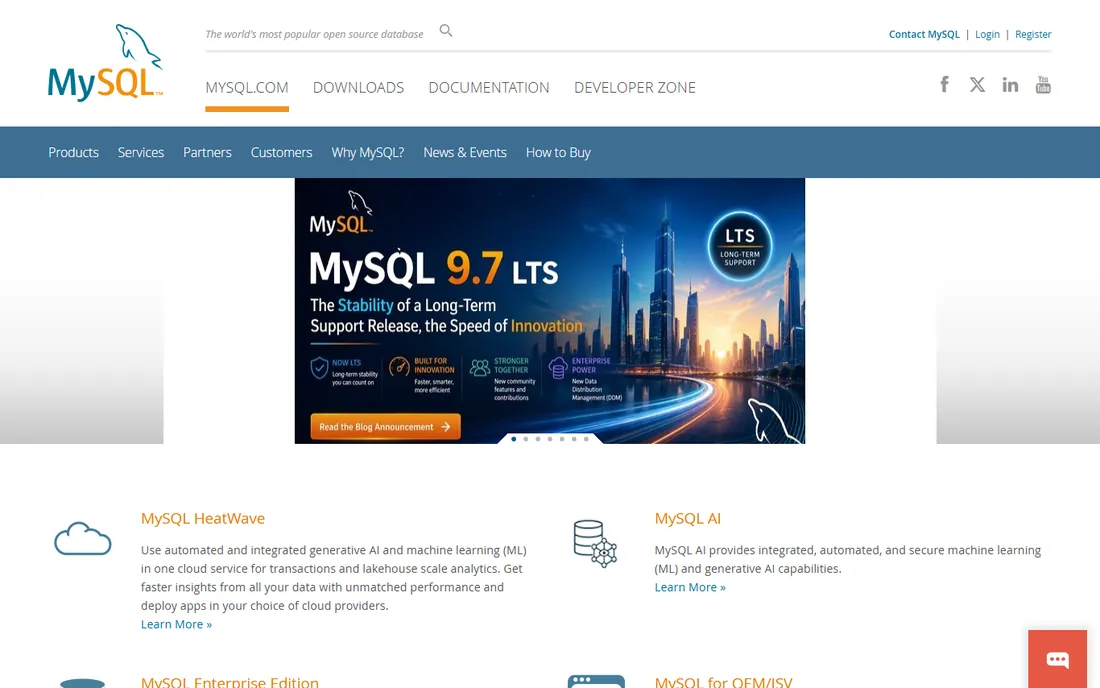
MySQL powers an enormous share of the web, from WordPress blogs to some of the largest sites on earth, because it does the common job extremely well: store data, serve reads fast, stay up. Deployment is simple, every hosting provider supports it, and developers everywhere know it. For read-heavy web applications and standard business systems, its reliability is beyond question.
PostgreSQL has pulled ahead on advanced features: complex queries, JSON handling, and extensibility all favor Postgres now. And MySQL's ownership by Oracle makes some teams nervous about the open-source future, which is why MariaDB exists as a fork. But for the classic web application workload, MySQL remains the simplest dependable choice, and simplicity has real operational value.
What we like- Dead simple to deploy and run
- The widest hosting and tooling support of any database
- Proven at massive web scale
Watch out for- Less feature-rich than PostgreSQL for complex queries
- Oracle's stewardship worries some open-source purists
- Weaker JSON and analytics support
Starting price$0 (Express and Developer editions free); Standard and Enterprise on website
Free planYes
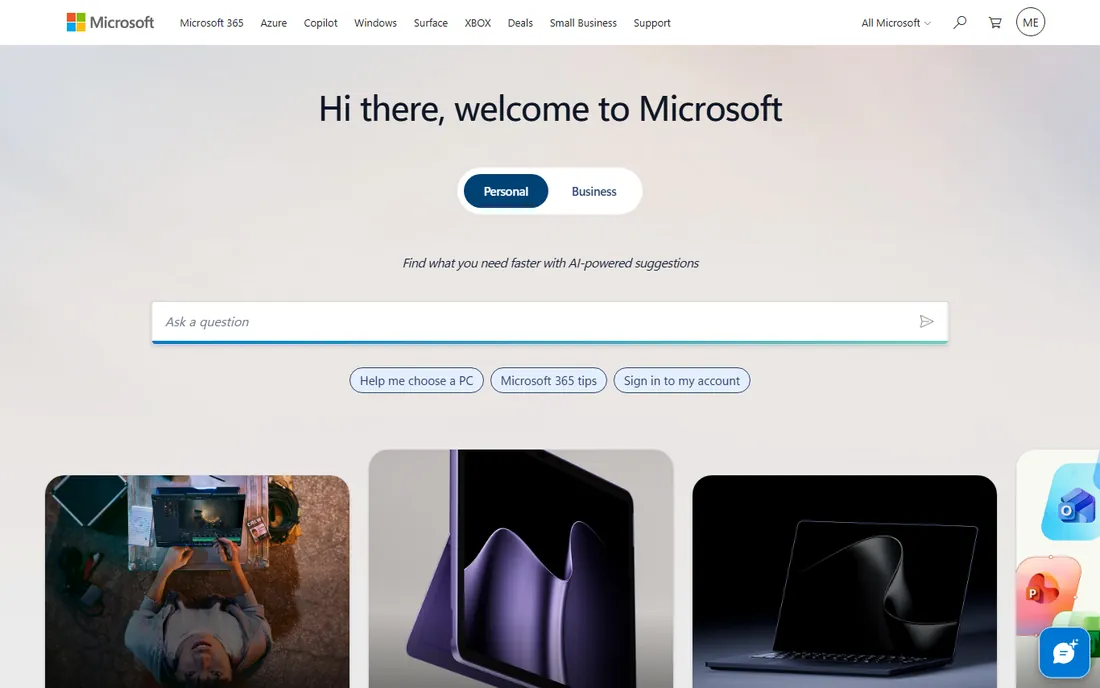
SQL Server is the database of the Microsoft enterprise. It integrates with Active Directory, Azure, Power BI, and the .NET stack in ways nothing else can, the management tooling is excellent, and the security and compliance features satisfy regulated industries. For the organization that runs on Windows and Microsoft 365, it is the path of least resistance by a wide margin.
The Express edition is free and handles smaller workloads fine, but growing into Standard or Enterprise brings real licensing costs and famously complicated license terms. It is not the tool for a Linux-first startup or a team avoiding vendor lock-in. But in its natural habitat, the Microsoft enterprise, nothing else fits as well.
What we like- Deep integration with the Microsoft stack and Azure
- Excellent tooling (SSMS is genuinely good)
- Strong security and compliance features
Watch out for- Paid editions are expensive
- Linux support exists but Windows is the natural home
- Licensing is famously complex
#4
Oracle Database
Best for: Regulated industries and legacy enterprise estates
Visit oracle.com
Starting priceFree (Express Edition); Standard and Enterprise editions on website
Free planYes
Oracle Database dominates the workloads where failure is not an option: banking, telecom, and large-scale ERP. Its transactional power, high-availability options, and security features are the best in the industry, and decades of enterprise tooling surround it. When regulation or scale demands the proven choice, Oracle is it.
For small and mid-size businesses, it is almost never the right answer. The licensing costs are the highest in the category, the audit practices are notorious, and PostgreSQL handles 95 percent of what most companies need for free. Oracle belongs on this list because it runs so much of the enterprise world, not because most readers should buy it. If you are not already an Oracle shop, you almost certainly should not become one.
What we like- The most battle-tested enterprise database
- Unmatched for complex transactional workloads
- Strong high-availability and security story
Watch out for- Among the most expensive software in the category
- Licensing audits are legendary
- Overkill for typical SMB workloads
Starting price$0 (Atlas M0 free tier); dedicated clusters from $57 per month
Free planYes
MongoDB is the document database standard: instead of tables and rows, data lives in flexible JSON-like documents that evolve with the application. That flexibility is the whole point for products where the data model changes constantly. Atlas, the managed cloud service, handles deployment, backups, and scaling, with a genuinely free M0 tier for learning and small projects.
The pricing curve deserves honest modeling. The free tier is tiny by design, and production dedicated clusters start at $57 a month and climb into the thousands as data and traffic grow. The SSPL license also blocks some organizations with strict open-source procurement rules. MongoDB is the right choice when the data is document-shaped and evolving; for neat relational data, PostgreSQL's JSON support increasingly covers the same ground for free.
What we like- Document model matches how applications think
- Atlas managed service removes operational burden
- Scales horizontally naturally
Watch out for- Production Atlas costs escalate fast
- SSPL license concerns some organizations
- Easy to design yourself into performance problems
Starting price$0 (open source, free forever)
Free planYes
MariaDB is MySQL's community fork, created when Oracle acquired MySQL and the open-source world wanted insurance. For most workloads it is a drop-in replacement: same protocols, same tools, same knowledge. It adds some performance improvements and storage engines MySQL lacks, and its governance is genuinely community-driven rather than corporate-controlled.
In practice, the differences rarely decide anything. MySQL has the bigger ecosystem and broader tooling support; MariaDB has the cleaner open-source story. New projects choosing between them should pick based on philosophy and specific feature needs rather than performance claims. Either way, you get a free, proven relational database with decades of operational knowledge behind it.
What we like- Drop-in MySQL compatibility for most workloads
- Truly community-governed open source
- Some performance and feature improvements over MySQL
Watch out for- Smaller ecosystem than MySQL proper
- Some MySQL-specific tooling lags
- The fork's long-term divergence is an open question
#7
SQLite
Best for: Embedded, mobile, and lightweight applications
Visit sqlite.org
Starting price$0 (public domain, free forever)
Free planYes
SQLite is the database inside your phone, your browser, and countless applications: a complete SQL engine in a single file with zero configuration. For embedded use, mobile apps, desktop software, and small web applications, it is effectively perfect. It is public domain, free forever, and more tested than almost any software on earth.
Its limits are architectural, not qualitative. It is not a network database server; write concurrency is limited, and there are no users, permissions, or network protocols. Anyone building a multi-user web application outgrows it. But for the enormous class of software that needs reliable local storage, SQLite is the right answer and has been for twenty years.
What we like- Zero configuration
- The most deployed database engine in the world
- Astonishingly reliable for its simplicity
Watch out for- Not a client-server database
- Limited concurrency for write-heavy workloads
- No user management or network access
#8
Redis
Best for: Caching, sessions, and real-time data
Visit redis.io
Starting price$0 (open source); managed cloud tiers on website
Free planYes
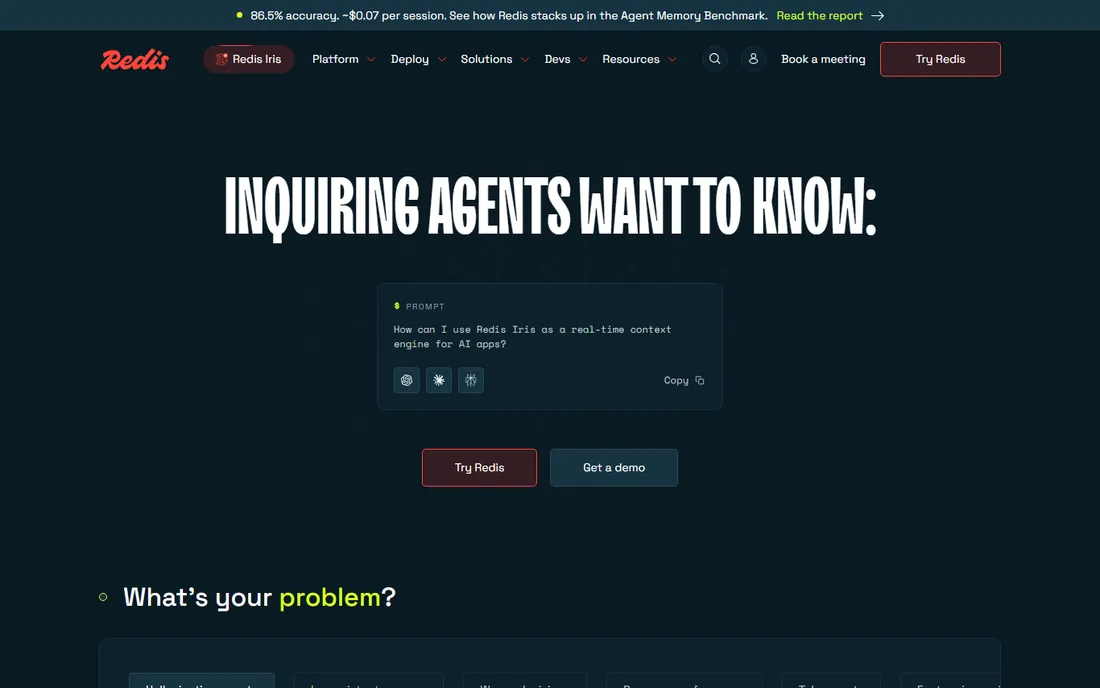
Redis is the speed layer: an in-memory data store that serves cached data, sessions, leaderboards, and real-time counters at sub-millisecond latency. Nearly every serious web application ends up with Redis in front of its primary database, absorbing the read traffic that would otherwise hammer PostgreSQL or MySQL. The data structures, lists, sets, sorted sets, streams, map directly to application patterns.
It is a complement, not a replacement. Keeping everything in memory gets expensive at scale, and while persistence options exist, Redis is not where you keep the data you cannot afford to lose. The standard architecture is PostgreSQL or MySQL for truth, Redis for speed. Every team running a web application at scale should understand that pairing.
What we like- Sub-millisecond reads for cached data
- Simple data structures that map to application needs
- Enormous ecosystem and client libraries
Watch out for- Primarily in-memory, so dataset size follows RAM
- Persistence options add complexity
- Not a primary database for most workloads
Starting priceUsage-based credits; free trial available
Free planFree trial
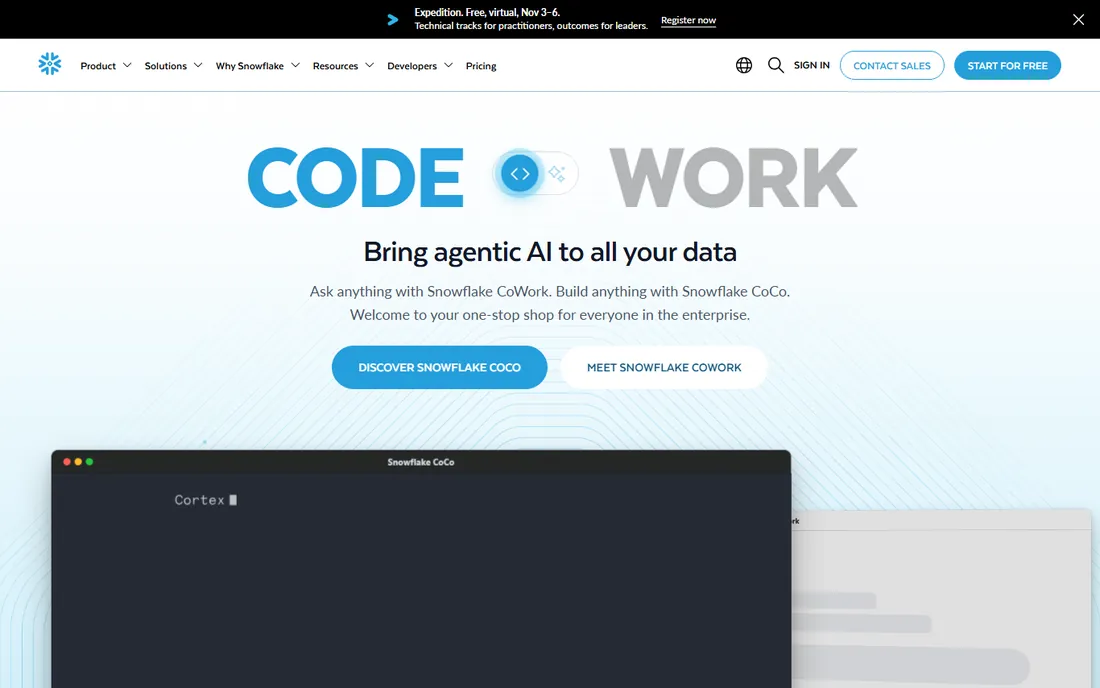
Snowflake reinvented the data warehouse for the cloud: storage and compute billed separately, so you pay for the queries you run rather than the servers you keep warm. For analytics at scale, it removed the administrative burden that made traditional warehouses expensive to run. Data sharing between companies without copying data is a genuine differentiator.
The pricing model demands discipline. Every query costs money, and unoptimized queries from a growing analytics team can produce shocking bills. It is also purely analytical; transactional applications belong on PostgreSQL or MySQL. Snowflake is the right choice when the business needs serious analytics without a data engineering team to run the warehouse. Start with the free trial and set spending guards on day one.
What we like- Storage and compute scale independently
- Near-zero administration for a warehouse
- Secure data sharing between organizations
Watch out for- Usage-based pricing surprises the careless
- Not a transactional database
- Costs scale with sloppy queries
How we chose these nine
We selected database platforms that US small and mid-size businesses actually deploy, identified through developer surveys, cloud provider documentation, and practitioner communities. The list covers the realistic categories: free open-source relational databases, commercial relational platforms, document databases, embedded engines, in-memory stores, and cloud warehouses. Every tool is actively maintained in 2026. Pricing notes reflect the free editions and published cloud tiers as of mid-2026. This is a research-based comparison, not hands-on benchmarking.
What to check before you commit
Start with the workload, because it eliminates most options immediately. Transactional business applications point to PostgreSQL, MySQL, or SQL Server. Flexible document data points to MongoDB. Analytics at scale points to Snowflake. Caching points to Redis alongside a primary database. Embedded and mobile point to SQLite. Choosing a database for the wrong workload is the mistake that compounds for years.
Then decide managed versus self-hosted, because that is the real cost question. The software is mostly free; the expense is operations. Managed services (RDS, Atlas, Cloud SQL, Azure SQL) charge monthly but remove backups, patching, and high-availability engineering. Self-hosting costs nothing in licenses but demands real DBA skill. Small teams without database expertise should almost always choose managed, and price that monthly cost rather than the $0 license.
Finally, check the exit and the license. Understand how you export your data and what the migration path looks like, because databases are the hardest systems to change later. Note the license too: MongoDB's SSPL and Redis's licensing changes have real procurement implications for some organizations. The database decision lasts five to ten years; an hour of license review now prevents a painful surprise later.
The managed-vs-self-hosted decision
The most common budgeting error in database decisions is comparing $0 licenses and concluding the database is free. A self-hosted PostgreSQL cluster needs backups, monitoring, patching, failover testing, and someone who understands all four at 3 a.m. when the primary goes down. For a team with that expertise, self-hosting is genuinely economical. For a team without it, a managed service at a few hundred dollars a month is dramatically cheaper than the first outage. The honest calculation is not license versus license but salary-risk versus subscription. Most small and mid-size companies should buy managed and spend their engineering time on the product, not the database.
Frequently asked questions
What is the best database software for a small business?
PostgreSQL is the best default: free, powerful, and capable of growing with the business for years. MySQL is the simpler alternative for standard web applications. Small teams without database expertise should use a managed service (Amazon RDS, Google Cloud SQL, or MongoDB Atlas) rather than self-hosting.
Is free database software actually good enough?
Yes. PostgreSQL, MySQL, MariaDB, and SQLite are world-class databases that cost nothing and run some of the largest systems on earth. The paid databases (Oracle, SQL Server Enterprise, Snowflake) earn their keep on specific enterprise needs: extreme scale, regulatory compliance, or specialized analytics. Most businesses never need them.
What is the difference between SQL and NoSQL databases?
SQL databases (PostgreSQL, MySQL) store data in tables with fixed schemas and excel at structured data with complex relationships. NoSQL databases (MongoDB, Redis) use flexible formats like documents or key-value pairs and suit evolving data models and massive scale. Many applications use both: SQL for core data, NoSQL for specific needs.
How much does database software cost?
The open-source databases cost $0 in licenses. Managed cloud hosting typically runs $15 to $500 a month for small to mid-size workloads. MongoDB Atlas dedicated clusters start at $57 a month. Snowflake bills by usage, which varies widely. Commercial licenses (Oracle, SQL Server Enterprise) run into thousands to tens of thousands annually.
Should I use a managed database service?
For most small and mid-size teams, yes. Managed services handle backups, patching, monitoring, and failover, which are the tasks that cause outages when done poorly. The monthly cost is almost always less than the engineering time and risk of self-hosting without dedicated database expertise.
Can I switch databases later if I choose wrong?
Technically yes, practically it is one of the hardest migrations in software. Schema conversion, query rewriting, and application changes make database migrations multi-month projects. Migration tooling has improved, with high automation rates on common conversions, but the best strategy is choosing carefully now. This is a five-to-ten-year decision.
Sources we checked (6)
- https://cio.economictimes.indiatimes.com/tools/best-dbms-tools/127107941
- https://www.analyticsinsight.net/business/picking-a-business-database-in-2026?utm_source=website&utm_medium=related-stories
- https://www.analyticsinsight.net/photo/best-database-management-tools-in-2026
- https://staxly.dev/platforms/mongodb-atlas
- https://www.trustradius.com/products/mongodb-atlas/pricing
- https://www.guru99.com/best-free-mongodb-hosting.html
Is your product missing or out of date?
We review this list regularly. Vendors can request a listing, send updated pricing or ask about featured placement.

Shihab Mia · Founder, Rankite
Shihab has spent more than a decade helping SaaS and e-commerce brands grow through search. He writes Rankite's software buying guides from pricing pages, documentation and public user reviews. More about Shihab.