How we make this list: we compare pricing pages, product documentation and public user reviews. Ratings come from G2, Capterra or Trustpilot, with the date we checked them.
What is the best data science notebook software
The best data science notebook software for most teams is JupyterLab, because it is free, open source, and runs the standard notebook format that nearly every other tool in this guide can read. If you want hosted notebooks with no setup, Google Colab is the best free cloud option, and Deepnote is the best paid team notebook at $39 per editor per month when billed yearly. Databricks Notebooks is the best choice when your notebooks must run directly on a lakehouse at enterprise scale.
A data science notebook is an interactive document that mixes live code, charts, tables, and written explanation in one place. You run a cell, see the output right below it, change the code, and run it again. That loop is how most data scientists explore a dataset, test a model, and explain results to colleagues. The notebook format most tools use is the Jupyter .ipynb format, which keeps code, outputs, and notes in a single file that many different products can open.
This guide covers notebook environments for Python and R analysis only, not electronic lab notebooks for wet lab science or full platforms where the notebook is a minor feature. Every product is judged as a notebook first: how fast you can start, how it handles real datasets, how it shares work, and what it costs as a team grows.
Key takeaways: JupyterLab costs nothing and is the default standard for notebook work. Google Colab gives free GPU access, with paid plans from $9.99 per month. Hex and Deepnote are the strongest paid team notebooks, at $36 and $39 per editor per month. Databricks and Posit Workbench are built for governed enterprise teams and are priced accordingly.
How do I choose a data science notebook
Start with where your code will run. A local notebook such as JupyterLab runs on your own machine, so you control the environment and the data, but you manage installation and hardware. A hosted notebook such as Google Colab runs in the cloud, so you open a browser tab and start working, but you pay for compute and trust the vendor with your data.
Next, check language support. Python is supported everywhere here. R support is strongest in JupyterLab, Posit Workbench, and Deepnote, while Observable is built around JavaScript and suits visualisation more than statistical modelling. If your team works in R, narrow the list before you compare prices.
Then look at collaboration. Solo analysts can use almost anything. Teams need real-time co-editing, comments, version history, and a way to publish a notebook as a readable report. Hex and Deepnote lead here, with scheduled runs and published apps.
Finally, work out the true cost. Colab gives free GPU time with limits, JupyterLab is free forever, and Deepnote gives a small free tier. Paid plans usually charge per editor per month, and several add compute charges on top. Databricks charges per DBU, so the bill depends on compute use.
Which data science notebook software is cheapest
The cheapest options are the free ones: JupyterLab and VS Code notebooks cost nothing, and Google Colab has a free tier with limited GPU access. Among paid team notebooks, Hex Professional at $36 per editor per month and Deepnote Team at $39 per editor per month are the lowest priced plans here. Observable Pro is $22 per month billed yearly. Databricks and Posit Workbench cost far more, because they are sold as enterprise platforms rather than single notebooks.
| Tool |
Starting price |
Free plan |
Best for |
| JupyterLab |
Free |
Yes, fully free |
Solo analysts and standard notebook work |
| Google Colab |
Free, Pro from $9.99 per user per month |
Yes |
Free GPU notebooks in the browser |
| Databricks Notebooks |
Pay as you go from $0.55 per DBU |
Trial credits |
Lakehouse teams at enterprise scale |
| Hex |
Free, Professional from $36 per Editor per month |
Yes, Community plan |
Collaborative team notebooks and apps |
| Deepnote |
Free, Team from $39 per editor per month billed yearly |
Yes |
Teams that want a Jupyter replacement |
| Observable |
Free, Pro from $22 per month billed annually |
Yes |
Interactive JavaScript visualisation |
| Posit Workbench |
From $6,413 per year for 5 named users, Basic tier |
No |
Governed R and Python teams |
| VS Code notebooks |
Free |
Yes, fully free |
Developers who already use VS Code |
Prices checked 21 Nov 2026 from each vendor pricing page or published price list. Databricks prices vary by cloud, region, and compute type.
Quick comparison
| Tool | Best for | Starting price | Free plan |
|---|
 JupyterLab | Solo analysts, researchers, and anyone who wants the standard open source notebook | Free | Yes, the full product is free and open source |
 Google Colab | Students, learners, and anyone who wants free GPU access with no setup | Free, Colab Pro from $9.99 per user per month | Yes, with limited GPU and runtime |
 Databricks Notebooks | Enterprise data teams that run notebooks directly on a lakehouse | Pay as you go from $0.55 per DBU for all-purpose compute on the Premium tier, AWS US East, plus cloud VM costs on classic compute | No free plan, trial credits available |
 Hex | Data teams that want collaborative notebooks that turn into dashboards and apps | Free, Professional from $36 per Editor per month | Yes, Community plan is free |
 Deepnote | Teams that want a hosted Jupyter replacement with real-time collaboration | Free, Team from $39 per editor per month billed yearly, $49 per editor per month billed monthly | Yes, up to 3 editors and 5 projects |
 Observable | Interactive data visualisation and JavaScript notebooks | Free, Pro from $22 per month billed annually, $25 per month billed monthly | Yes, for public notebooks |
 Posit Workbench | Governed enterprise teams that work in R and Python | From $6,413 per year for 5 named users on the Basic tier, from the Posit 2026 price list, with higher tiers priced per user | No |
 VS Code notebooks | Developers who already work in VS Code and want notebooks beside their code | Free | Yes, the full editor is free |
Is your product missing or out of date?
We review this list regularly. Vendors can request a listing, send updated pricing or ask about featured placement.
The 8 best data science notebook software options
The eight notebooks below cover the full range, from free local tools to governed enterprise platforms. Each entry lists the vendor price checked 21 Nov 2026, the free plan, and one real drawback to weigh before you buy.
#1
JupyterLab
Best for: Solo analysts, researchers, and anyone who wants the standard open source notebook
Visit jupyter.org
Starting priceFree
Free planYes, the full product is free and open source
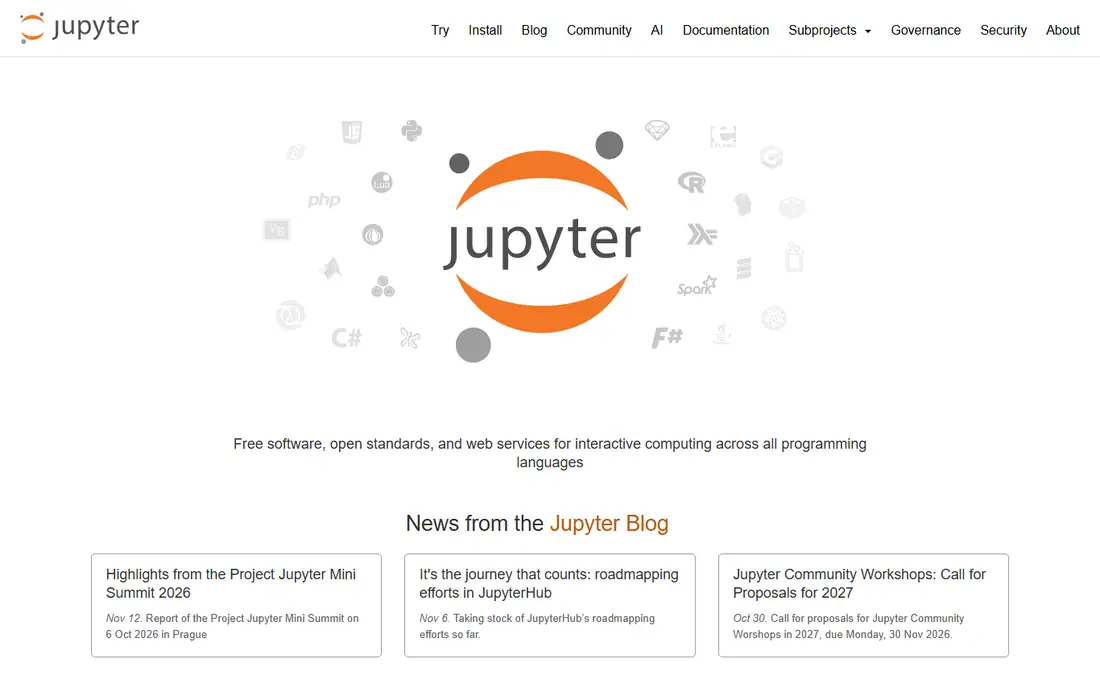
JupyterLab is the web based interface of Project Jupyter and the reference implementation of the notebook format the rest of this market follows. You install it with one pip or conda command, open it in a browser, and get notebooks, a file browser, terminals, and text editors in one workspace. It runs on your own machine, so your data never leaves your control and there is no monthly bill. The trade off is that everything beyond the editor is your job: you install packages, manage environments, and share files yourself.
What we like- Free forever under a BSD licence, huge extension ecosystem, runs Python, R, and Julia kernels
Watch out for- No built-in cloud hosting or team collaboration, so you must set up servers and sharing yourself
Starting priceFree, Colab Pro from $9.99 per user per month
Free planYes, with limited GPU and runtime
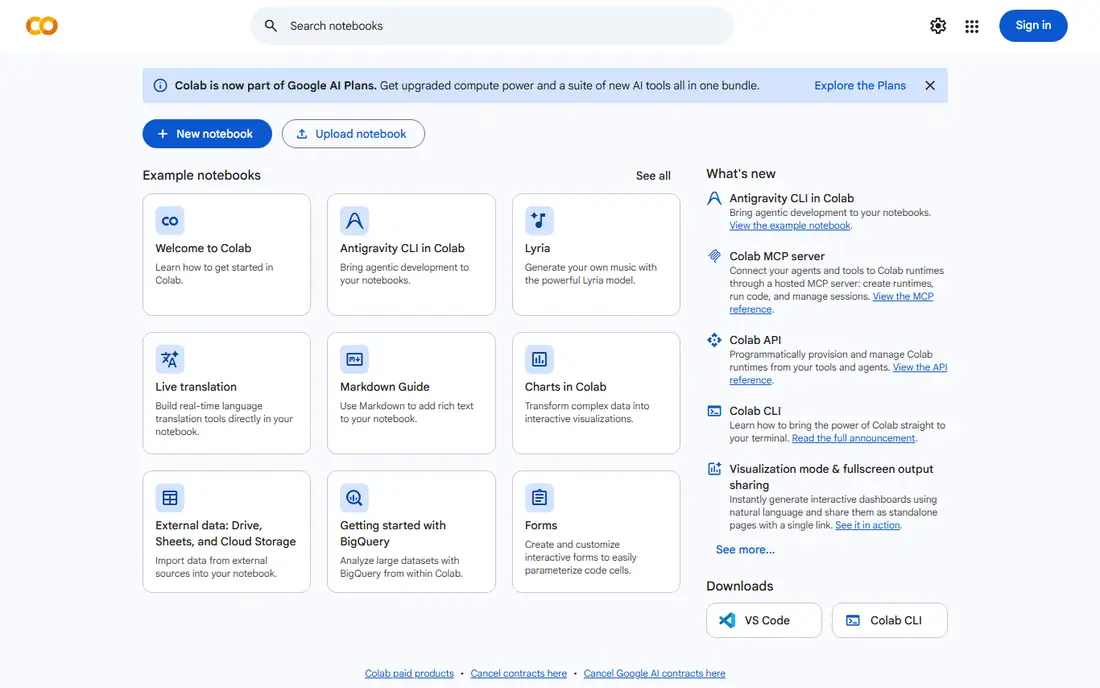
Google Colab is a hosted Jupyter notebook service from Google that opens in a browser with no installation. The free tier gives access to GPUs and TPUs, so a student can train a small model without buying hardware. Notebooks live in Google Drive, so sharing is a link. Colab Pro costs $9.99 per month and adds 100 compute units a month and longer sessions. The catch is the compute unit system: you buy a budget of units, not a reserved machine, and Google does not guarantee which GPU you get.
What we like- Free GPU and TPU access in the browser, zero installation, easy sharing through Google Drive
Watch out for- Free sessions disconnect after idle time and have usage limits, and paid plans sell compute units rather than guaranteed GPU time
#3
Databricks Notebooks
Best for: Enterprise data teams that run notebooks directly on a lakehouse
Visit databricks.com
Starting pricePay as you go from $0.55 per DBU for all-purpose compute on the Premium tier, AWS US East, plus cloud VM costs on classic compute
Free planNo free plan, trial credits available
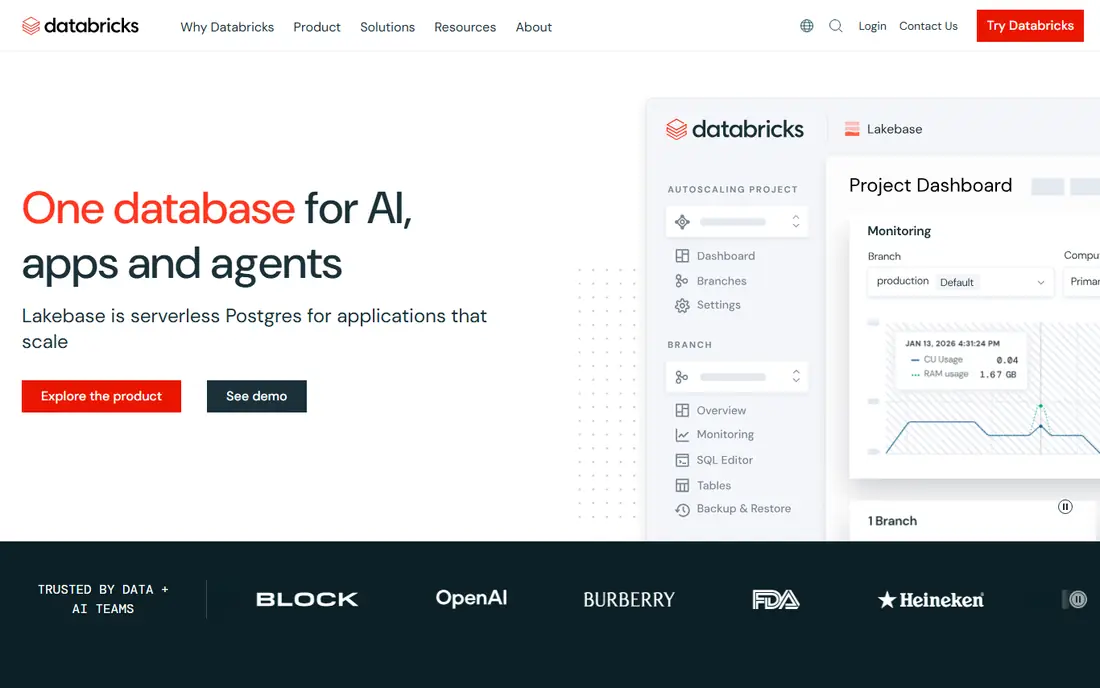
Databricks Notebooks are the interactive front end of the Databricks lakehouse platform, where notebooks run against governed data in Delta Lake with Spark underneath. Notebooks support Python, SQL, R, and Scala in one document, with version control and scheduled jobs. Unity Catalog adds table level access control and audit trails, which is why regulated teams pick Databricks over lighter notebooks. The pricing is the hard part: you pay per DBU, with all-purpose compute at $0.55 per DBU on Premium in AWS US East and serverless notebooks at $0.75 per DBU on AWS and $0.95 on Azure.
What we like- Notebooks run on the same lakehouse as your data, strong governance and Unity Catalog controls, built-in Git and scheduling
Watch out for- Pricing is hard to predict because it is billed per DBU and varies by compute type, cloud, and region
#4Hex
Best for: Data teams that want collaborative notebooks that turn into dashboards and apps4.5/5 on
G2 (404 reviews, checked Oct 2026)
Visit hex.tech
Starting priceFree, Professional from $36 per Editor per month
Free planYes, Community plan is free
Hex is a cloud notebook workspace built for teams that analyse data together and then share the result with people who do not write code. A Hex project mixes SQL cells, Python cells, and visualisations on one canvas, and several people can edit at the same time with comments and version history. When the analysis is done, the same notebook can be published as an interactive app or dashboard, which removes the usual step of rebuilding charts in a separate reporting tool. The Community plan is free for hobbyists. Professional costs $36 per Editor per month and adds more compute and up to five published apps.
What we like- Real-time multiplayer editing, notebooks publish as interactive apps, scheduled runs, SQL and Python in one canvas
Watch out for- The free plan limits projects and compute, and larger compute profiles and AI credits add usage charges on top of the seat price
#5
Deepnote
Best for: Teams that want a hosted Jupyter replacement with real-time collaboration
Visit deepnote.com
Starting priceFree, Team from $39 per editor per month billed yearly, $49 per editor per month billed monthly
Free planYes, up to 3 editors and 5 projects
Deepnote describes itself as a Jupyter replacement for teams. Notebooks run in the browser with managed machines, so nobody installs Python or configures an environment. Several people can edit the same notebook at once, leave comments, and follow version history. You can import and export standard .ipynb files, so work is not locked into Deepnote, and SQL cells connect to common databases alongside Python. The free plan covers up to three editors and five projects. Team costs $39 per editor per month when billed yearly and includes monthly AI, CPU, and GPU credits plus scheduled runs.
What we like- Real-time collaboration with comments and version control, managed compute with no setup, .ipynb import and export
Watch out for- The free plan caps editors and projects, and the Team plan includes a fixed monthly allowance of AI, CPU, and GPU credits, so heavy use adds pay-as-you-go charges
Starting priceFree, Pro from $22 per month billed annually, $25 per month billed monthly
Free planYes, for public notebooks
Observable is a reactive notebook platform where cells update automatically when the values they depend on change, which makes it feel more like a live document than a script you run top to bottom. It was built by the creator of D3.js, and it shows: charting and interactive visualisation are first class, with Observable Plot and D3 built in. Data can come from files, databases, and APIs. Pro costs $22 per month when billed annually and adds private notebooks, scheduled runs, and version control. Team costs $40 per editor per month billed annually, with viewers at $10 per month.
What we like- Reactive cells update instantly when inputs change, excellent charting with Observable Plot and D3, free for public work
Watch out for- It is a JavaScript notebook, not a Python or R notebook, so it cannot replace a Python workflow, and private team features need a paid plan
#7
Posit Workbench
Best for: Governed enterprise teams that work in R and Python
Visit posit.co
Starting priceFrom $6,413 per year for 5 named users on the Basic tier, from the Posit 2026 price list, with higher tiers priced per user
Free planNo
Posit Workbench, formerly RStudio Workbench, is a shared server that gives a whole data science team governed access to R and Python sessions in the browser. Each person gets RStudio, Positron, Jupyter, or VS Code sessions on managed infrastructure. Because it is licensed per named user with no consumption meters, the cost does not change when a workload runs longer. The trade off is price: the 2026 price list shows Basic at $6,413 per year for 5 named users, with higher tiers costing more, and there is no free tier for Workbench itself.
What we like- One governed server for RStudio, Positron, Jupyter, and VS Code sessions, central authentication and resource controls
Watch out for- No free plan and no public self-serve pricing, so small teams must go through sales, and the annual cost is far above a simple hosted notebook
Starting priceFree
Free planYes, the full editor is free
Visual Studio Code supports Jupyter notebooks natively through the Jupyter extension, so a developer can open a .ipynb file, run cells, inspect variables, and see charts without leaving the editor. Notebooks live in the same workspace as application code, tests, and Git history, which suits teams that treat analysis as part of a software project. The variable viewer, data viewer, and debugger work inside notebooks, and remote development lets the notebook run on a container or a remote server. VS Code and the Jupyter extension are both free, so the only costs are your own compute and cloud resources.
What we like- Free editor with native Jupyter support, notebooks sit next to code, Git, and terminals, huge extension library
Watch out for- You manage your own Python environments and kernels, with no built-in cloud hosting or team collaboration
Which notebook should your team pick
Pick JupyterLab if you want the standard notebook for free and you are comfortable managing your own machine. Pick Google Colab if you want free GPU time in the browser and you can live with session limits. Pick Deepnote if your team wants a hosted Jupyter style notebook with real-time collaboration at a fair per editor price. Pick Hex if your notebooks need to become dashboards and apps that non-technical colleagues can use. Pick Databricks Notebooks if your data already lives in a lakehouse and you need governed Spark compute. Pick Observable if the work is interactive visualisation in JavaScript. Pick Posit Workbench if you run a governed R and Python team in a regulated organisation. Pick VS Code notebooks if you are a developer who wants notebooks inside your editor.
How we picked these 8 notebooks
We picked notebook environments whose main job is interactive Python or R analysis, checked each vendor pricing page or published price list on 21 Nov 2026, and kept only products that are currently available with a working official site. We excluded electronic lab notebooks for wet lab science and general data science platforms where the notebook is a minor feature. Prices change, so check the vendor pricing page before you buy.
Frequently asked questions
What is the best free data science notebook software
JupyterLab is the best free data science notebook software, because it is fully free and open source, runs the standard .ipynb format, and supports Python, R, and Julia. Google Colab is the best free hosted option, with free GPU access in the browser and no installation. VS Code notebooks are also free and suit developers who already use the editor.
Is Google Colab better than JupyterLab
Google Colab is better when you want hosted notebooks with free GPU access and no setup, while JupyterLab is better when you want full control over your environment, your data, and your packages. Colab sessions have usage limits and can disconnect, and its paid plans sell compute units rather than guaranteed GPU time. JupyterLab runs on your own machine, so it never disconnects and never charges you, but you manage installation and hardware yourself.
Can I use R in a data science notebook
Yes, R works in JupyterLab through the IRkernel, in Posit Workbench through RStudio and Positron, and in Deepnote and Databricks Notebooks, which both support R cells. Posit Workbench is the strongest choice for a team that works mainly in R, because it is built around RStudio and adds governed package and session management. If you work in both R and Python, JupyterLab and Deepnote handle mixed language projects well.
How much does a data science notebook cost for a team
A team of five editors pays about $180 per month on Hex Professional at $36 per editor, or about $195 per month on Deepnote Team at $39 per editor billed yearly. Google Colab Pro costs $9.99 per user per month, so five users pay about $50 per month plus any extra compute units. Databricks bills per DBU, so the cost depends on compute use rather than headcount. JupyterLab and VS Code notebooks cost nothing for the software itself.
What is the difference between a data science notebook and an electronic lab notebook
A data science notebook is an interactive document for writing and running Python or R code, with charts and tables produced by that code. An electronic lab notebook is a record keeping system for wet lab science, used to log experiments, samples, and procedures in a laboratory. The two share the word notebook but solve different problems. If your work is code, data, and models, you need a data science notebook from this guide.
Sources we checked (8)
- https://jupyter.org/install
- https://colab.research.google.com/signup
- https://www.databricks.com/pricing
- https://hex.tech/pricing
- https://deepnote.com/pricing
- https://talk.observablehq.com/t/a-better-individual-experience/10855
- https://pub.current.posit.team/public/slp_2025-01-01/slp-pricing-2025.html
- https://code.visualstudio.com/docs/datascience/jupyter-notebooks
Is your product missing or out of date?
We review this list regularly. Vendors can request a listing, send updated pricing or ask about featured placement.

Shihab Mia · Founder, Rankite
Shihab has 5+ years in B2B and SaaS SEO. He writes Rankite's software buying guides from pricing pages, documentation and public user reviews. More about Shihab.