How we make this list: we compare pricing pages, product documentation and public user reviews. Ratings come from G2, Capterra or Trustpilot, with the date we checked them.
Key takeaways
- Incogni and DeleteMe suit most buyers, since they cover many brokers, handle removals automatically, and report progress clearly.
- Optery and EasyOptOuts suit budget buyers, since Optery has a free tier and EasyOptOuts costs under $20 a year.
- Kanary and Privacy Bee suit buyers who want deeper coverage or family plans, with higher prices to match.
- Aura and Mozilla Monitor suit buyers who also want identity protection, since removal sits inside broader security bundles.
Quick comparison
| Tool | Best for | Starting price | Free plan |
|---|
 Incogni Incogni | Automatic broker removals | $95.88 per year | No |
 DeleteMe DeleteMe | Hands-off removal service | $129 per year | No |
 Optery Optery | Free tier and transparency | Free | Yes |
 Privacy Bee Privacy Bee | Guided privacy cleanup | See website | No |
 Kanary Kanary | Deep broker coverage | $250 per year | No |
 Aura Aura | Removal plus identity protection | See website | No |
 Mozilla Monitor Mozilla Monitor | Breach alerts plus removal | $8.99 per month | No |
 EasyOptOuts EasyOptOuts | Lowest-cost removal | $19.99 per year | No |
Is your product missing or out of date?
We review this list regularly. Vendors can request a listing, send updated pricing or ask about featured placement.
The best data removal services
Starting price$95.88 per year
Free planNo
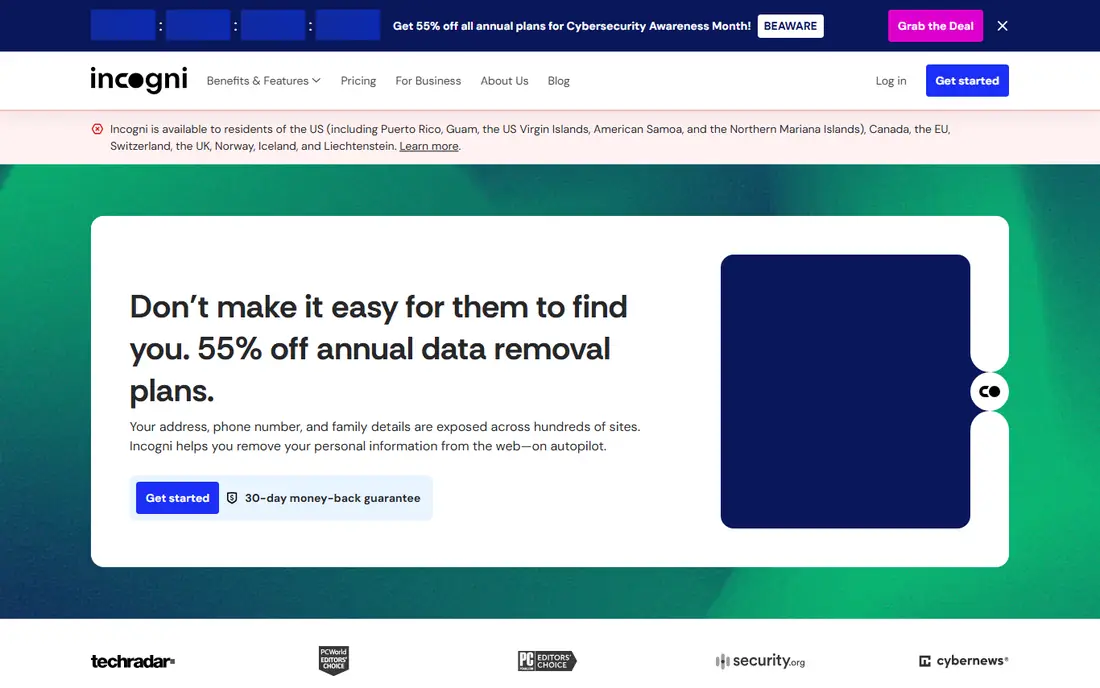
Incogni, from the team behind Surfshark, contacts data brokers on your behalf and requests removal of your personal details, then repeats the process as brokers relist data. Its standard plan costs $95.88 a year in comparison guides from October 2026, with an unlimited plan at $179.88 a year for more removals and custom requests. The dashboard shows which brokers have complied, which are pending, and which refused, so progress is visible rather than vague.
The main limit is time. Brokers respond slowly, and some relist data after removal, so Incogni is an ongoing service rather than a one-time fix. There is also no free plan, so budget buyers should look at Optery first. Incogni suits buyers who want a set-and-forget service with broad coverage. Expect the first removals within weeks, and judge the service after three months, not three days.
What we like- Wide broker coverage
- Automatic removal requests
- Clear progress reports
Watch out for- No free plan
- Removals take weeks to complete
Starting price$129 per year
Free planNo
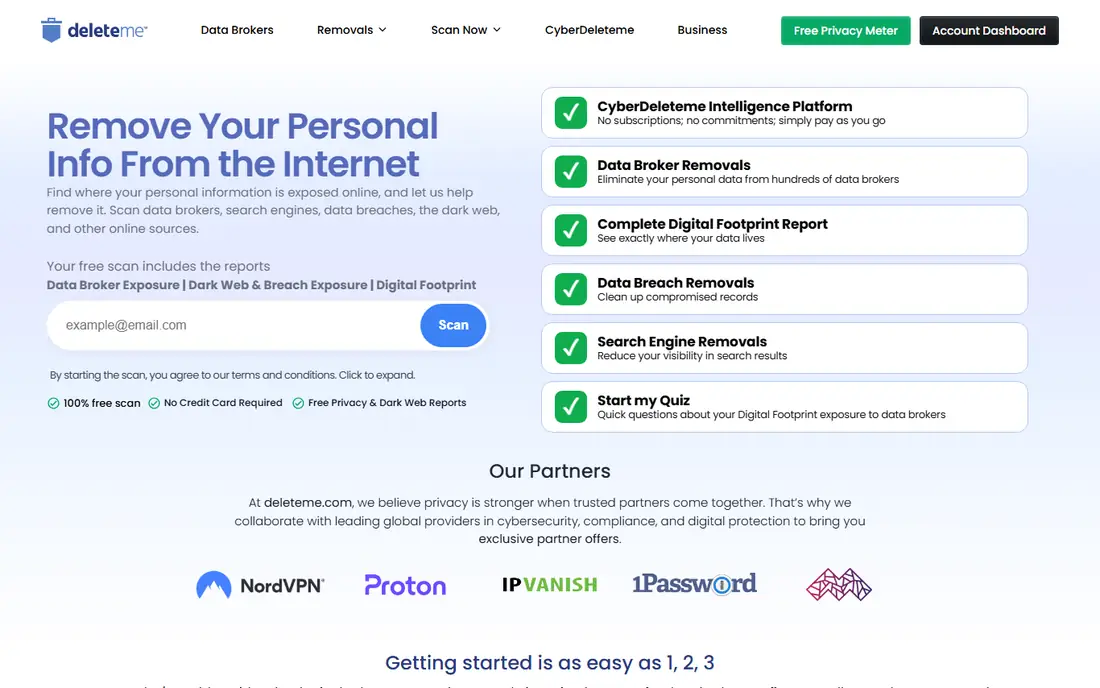
DeleteMe is one of the oldest data removal services, with human reviewers checking removal results rather than relying only on automation. Its standard plan costs $129 a year in comparison guides, with two-person and four-person plans at $229 and $329 a year. Reports arrive regularly, showing which brokers removed your data and which still list it, and the service repeats removals as brokers relist information.
DeleteMe costs more than Incogni and far more than EasyOptOuts, and it offers no free tier. The human review justifies part of that price, since brokers often use forms and responses that trip up pure automation. DeleteMe suits buyers who want a proven, hands-off service and are willing to pay for it. Families should compare its multi-person plans against buying separate budget subscriptions.
What we like- Human-reviewed removals
- Detailed reports
- Family plans available
Watch out for- Higher price than budget rivals
- No free tier
Starting priceFree
Free planYes
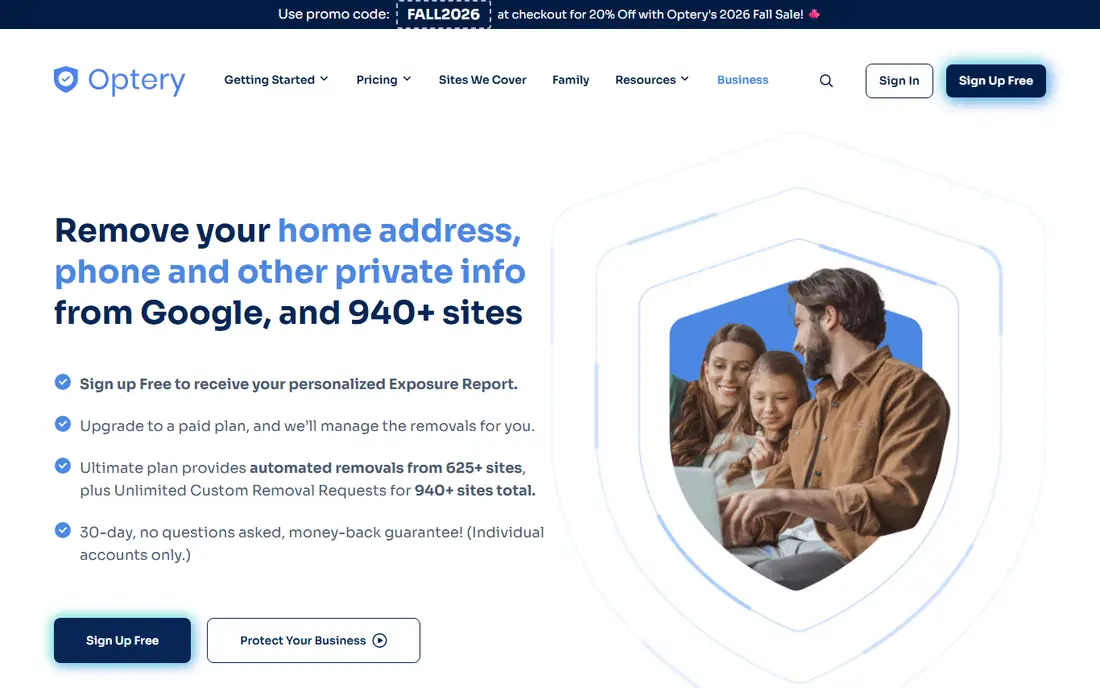
Optery stands out for transparency. Its free tier scans data brokers and shows where your personal information appears, with screenshot proof, before you pay anything. Paid tiers start at $39 a year for Core, $149 for Extended, and $249 for Ultimate in comparison guides, adding automatic removals and wider broker coverage at each step. That ladder lets buyers start free, see the problem, and then choose how much help they need.
The free tier only reports exposures and does not remove anything, so it suits diagnosis rather than cleanup. Full automatic coverage costs more than budget rivals, though the transparency justifies it for many buyers. Optery suits buyers who want to see the problem before paying, and who value proof of removal. Start free, review your exposure report, and upgrade only if the list worries you.
What we like- Free tier shows your exposures
- Tiered paid plans
- Screenshot proof
Watch out for- Free tier removes nothing automatically
- Paid tiers cost more for full coverage
Starting priceSee website
Free planNo
Privacy Bee combines data broker removal with guided privacy steps, such as reviewing account settings and reducing future exposures. Its plans start from around $8 a month billed annually in comparison guides, with family options that cover several people under one account. The service also monitors for breaches, so you learn when a new leak exposes your details, and it guides you through cleanup beyond broker removals.
Privacy Bee is less transparent than Optery about exactly which brokers it covers, and its pricing varies enough that you should check the current plan page before buying. It suits buyers who want a broader privacy cleanup, not just broker removal, and who value guidance over raw coverage numbers. Families should compare its household pricing against separate individual plans from budget services.
What we like- Guided cleanup steps
- Family coverage
- Breach monitoring
Watch out for- Pricing varies by plan
- Less transparent than Optery on coverage
Starting price$250 per year
Free planNo
Kanary targets buyers who want the deepest broker coverage available, with a Core plan at $250 a year and an Advanced plan at $500 a year in comparison guides. Its removal process covers many smaller brokers that cheaper services skip, which matters because obscure brokers still sell your details. Progress tracking shows removal status per broker, and the service repeats requests as data reappears.
The price is the obvious drawback, since Kanary costs several times more than EasyOptOuts or Optery Core. There is also no free tier, so you pay before seeing your exposure list. Kanary suits buyers with serious privacy concerns, such as public figures or people facing harassment, who need maximum coverage. Most buyers should start cheaper and upgrade only if budget services leave major brokers untouched.
What we like- Very wide broker list
- Thorough removal process
- Progress tracking
Starting priceSee website
Free planNo
Aura bundles data broker removal inside a broader identity protection suite, with credit monitoring, antivirus, VPN, and identity theft insurance on higher plans. Comparison guides list Aura from around $12 a month, with exact pricing varying by plan and household size. For buyers who already want identity protection, getting removal included avoids a second subscription, and the single dashboard covers both areas.
The drawback is focus. Removal is one feature among many, so Aura covers fewer brokers than dedicated services like Kanary or DeleteMe. Buyers who only need removal pay for features they may never use. Aura suits buyers who want one bundle for identity protection and removal together. If removal is your only goal, a dedicated service gives more coverage per dollar.
What we like- Identity theft protection bundled
- Credit monitoring
- Family plans
Watch out for- Removal is one feature among many
- Pricing varies by plan
Starting price$8.99 per month
Free planNo
Mozilla Monitor, from the nonprofit behind Firefox, starts with free breach alerts that tell you when your email appears in a known data breach. The paid Plus plan, from $8.99 a month in comparison guides, adds automatic data broker removal and ongoing monitoring. The Mozilla brand carries trust that newer startups cannot match, and the interface stays simple, with clear explanations of each breach and what to do next.
The free tier only alerts and does not remove anything, so cleanup needs the paid plan. Mozilla Monitor also covers fewer brokers than dedicated removal services, since its focus starts with breaches. It suits buyers who trust Mozilla, want breach alerts first, and are happy to add removal as a paid extra. Privacy-conscious buyers who already use Firefox will find it the most natural fit.
What we like- Trusted Mozilla brand
- Breach alerts
- Removal on Plus plan
Watch out for- Free tier is alerts only
- Removal needs the paid Plus plan
Starting price$19.99 per year
Free planNo
EasyOptOuts is the cheapest paid option on this list at $19.99 a year, with a single simple plan and no upsell tiers. It submits opt-out requests to a list of data brokers and people-search sites, covering the major ones that expose addresses and phone numbers. For buyers who want basic cleanup without a large bill, EasyOptOuts delivers the core job at a fraction of rival prices.
The limits are coverage and reporting. EasyOptOuts covers fewer brokers than Incogni, DeleteMe, or Kanary, and its reports are simpler, with less detail per broker. It suits budget buyers who want the main brokers handled cheaply. If your exposure report from Optery free shows many smaller brokers listing you, pair EasyOptOuts with a wider service, or upgrade to a mid-priced option instead.
What we like- Very low price
- Simple service
- No upsell tiers
Watch out for- Smaller broker list than premium rivals
- Minimal reporting
How we chose
We compared data removal services on broker coverage, removal automation, reporting transparency, price, and extra protection features, using vendor pages, pricing pages, and comparison guides from October 2026. The reference buyer was a US consumer whose address and phone number appear on people-search sites, so US broker coverage mattered most. Prices were taken from comparison guides where vendor pages were unclear, and they are marked "See website" where figures conflicted across sources. Coverage claims were treated as vendor-reported, since brokers change constantly, so trial reports and free scans matter more than marketing counts.
How to pick a data removal service
Start with a free exposure scan
Run Optery free or Mozilla Monitor free before paying, so you see which brokers list your details and how bad the problem is. A short exposure list may need only EasyOptOuts, while a long list justifies Incogni or DeleteMe. Save the exposure report, since it gives you a baseline to judge any paid service against. Never pay for removal before knowing what needs removing, since some buyers find only a handful of brokers involved.
Match coverage to your risk
Public figures, journalists, and people facing harassment need the widest coverage, so Kanary or DeleteMe make sense despite higher prices. Most consumers do fine with Incogni or Optery Extended, which cover the major brokers that expose addresses and phone numbers. Budget buyers should start with EasyOptOuts and check results after three months. If major brokers still list you, upgrade rather than adding a second cheap service.
Judge results after three months
Broker removals take weeks, and some brokers relist data, so judge a service after three months, not three days. Check the progress report monthly, and verify a few brokers yourself by searching your name on their sites. If a service shows little progress after three months, cancel and try a rival, since coverage and methods differ. Keep the service running if results hold, since new brokers appear and old ones relist data regularly.
Reduce future exposure too
Removal alone never finishes the job, since new data appears constantly. Limit what you share on social media, use a PO box or mail service for public registrations where legal, and remove your details from shopping and loyalty accounts you no longer use. Use unique email aliases for signups where possible, so future breaches expose less. Combine removal with good sharing habits, and your exposure list will shrink over time instead of growing back.
Frequently asked questions
Do data removal services really delete my information?
They request removal from data brokers, and most major brokers comply, but removal is not the same as deletion everywhere. Brokers may keep internal records, and some relist data from new sources, which is why services repeat requests. Think of removal as suppression from public listings, not erasure from every database. Ongoing subscriptions maintain results better than one-time cleanups.
How long does data removal take?
First removals often appear within two to four weeks, while full coverage takes two to three months. Brokers respond at different speeds, and some require repeated requests or identity checks. Smaller brokers can take longer than major ones. Judge a service after three months, and verify results yourself by searching people-search sites for your name and address.
Can I remove my data from brokers myself for free?
Yes, but it takes many hours. Each broker has its own opt-out form, and some require ID checks or mailed requests. Optery free shows which brokers list you, which helps you prioritize manual requests. Manual removal suits buyers with few exposures and plenty of time. Paid services suit buyers with long exposure lists or limited patience for forms.
Will removal stop spam calls and junk mail?
It reduces them, but it does not stop them fully. Data brokers are one source of your details, while breaches, signups, and public records also feed marketers and scammers. Combine removal with call blocking, spam filters, and careful sharing habits for the best result. Register with the national Do Not Call list as well, since it covers telemarketers separately from brokers.
Is it safe to give a removal service my personal details?
Reputable services need your details to find and remove your listings, and they use encryption and limited retention policies. Check the privacy policy, confirm the company is established, and avoid services that ask for sensitive identifiers like Social Security numbers unless strictly needed. Read independent reviews before paying, and cancel if the service requests more data than its job requires.
Sources we checked (0)
Is your product missing or out of date?
We review this list regularly. Vendors can request a listing, send updated pricing or ask about featured placement.

Shihab Mia · Founder, Rankite
Shihab has 5+ years in B2B and SaaS SEO. He writes Rankite's software buying guides from pricing pages, documentation and public user reviews. More about Shihab.