How we make this list: we compare pricing pages, product documentation and public user reviews. Ratings come from G2, Capterra or Trustpilot, with the date we checked them.
Key takeaways
- The best dashcam apps in 2026 are led by Nexar, Rove, and Dride for drivers who want phone based recording without buying a separate camera.
- A dashcam app turns your phone into a driving recorder, but it needs a solid mount, a car charger, and free storage space to work well on long drives.
- Loop recording, incident detection, and cloud backup matter more than filters or social features, since the whole point of a dashcam is evidence after an incident.
- Free apps cover basic recording, while paid plans add cloud storage, incident alerts, parking mode features, and longer clip history.
- Check local laws on phone mounts and recording before you drive, since mount placement rules and audio recording consent rules vary by state.
Quick comparison
Is your product missing or out of date?
We review this list regularly. Vendors can request a listing, send updated pricing or ask about featured placement.
The best dashcam apps
Starting priceFree
Free planYes
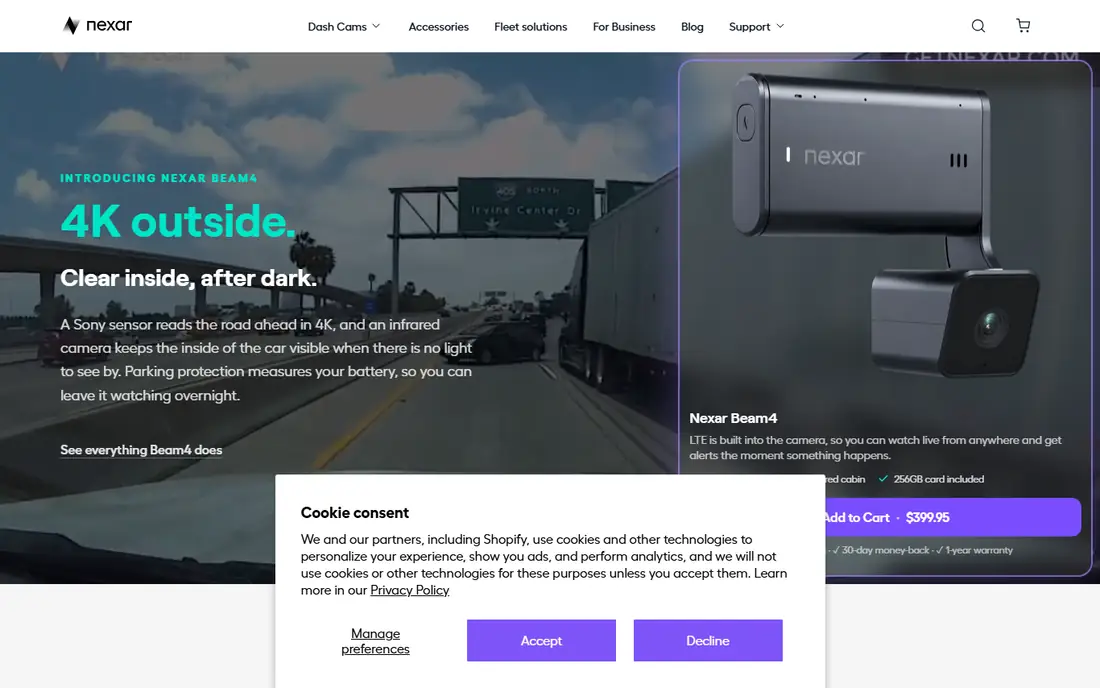
Nexar is the best fit for a cloud connected dashcam, recording your drive with loop recording and uploading incident clips to the cloud automatically when a crash is detected by its sensors. Its incident reports help with insurance claims, since they package video, location, time, and speed into a report you can share. Nexar also offers a dedicated camera for drivers who want better video than a phone, though the app alone works well with your phone camera.
The limits are subscription and battery. Full cloud features need a paid plan, and continuous recording drains phone battery very fast, so a car charger is essential. For a driver who wants cloud backup and insurance ready reports, Nexar is the best choice, and its basic recording is free to use.
What we like- Cloud backup
- Incident detection
- Insurance report help
Watch out for- Subscription for full features
- Battery drain
- Needs a mount
Starting priceFree
Free planYes
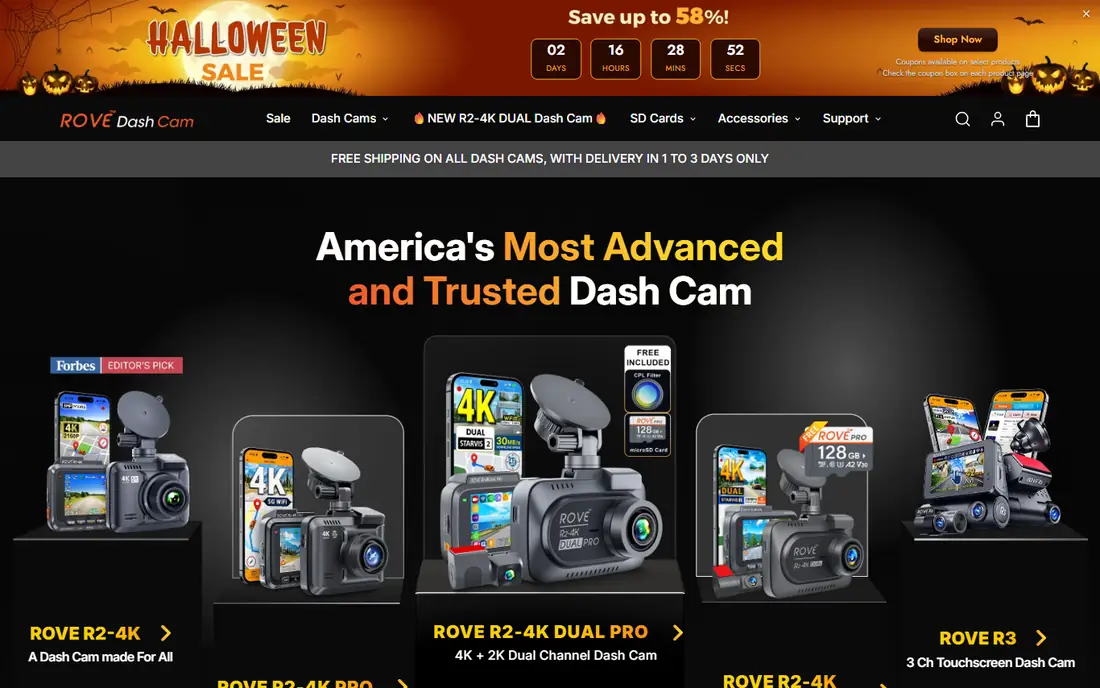
Rove suits simple phone recording, with a clean interface, loop recording, and easy clip sharing for drivers who want a dashcam without any complexity. Its app pairs with Rove dedicated cameras too, but it works as a standalone phone recorder with adjustable resolution, frame rate, and loop length. Clip sharing makes it easy to send a video to insurance, police, or family after an incident.
The limits are cloud depth and incident detection. Rove cloud features trail Nexar, and its incident detection is basic compared with dedicated cameras today. For a driver who wants simple, reliable phone recording, Rove is a strong choice overall.
What we like- Simple interface
- Loop recording
- Easy clip sharing
Watch out for- Fewer cloud features
- Android focus
- Incident detection basic
Starting priceFree
Free planYes
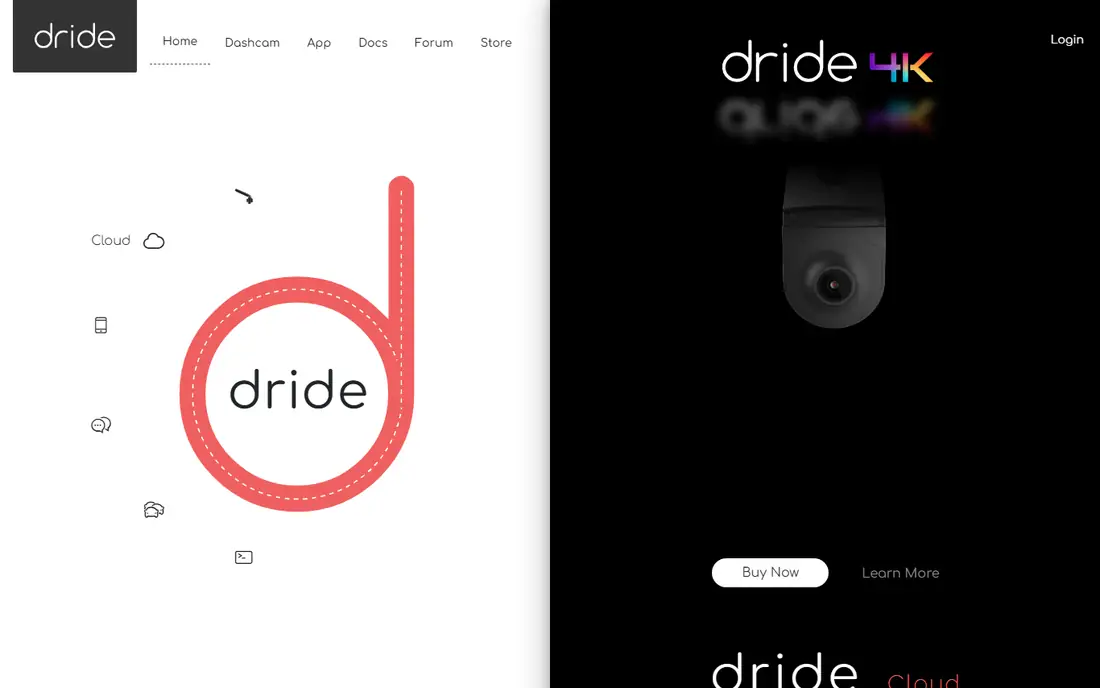
Dride is the best fit for a connected driving recorder, with cloud clips, incident alerts, and community features that let drivers share road events easily. Its app records in the background while you use navigation, and its incident detection saves clips automatically when a sudden stop, swerve, or impact is detected. Dride also supports its own camera hardware for drivers who want a dedicated device instead.
The limits are user base and subscription. Dride has a much smaller user base than Nexar, and full cloud storage needs a paid plan. For a driver who wants connected features and community sharing, Dride is a strong choice today.
What we like- Cloud clips
- Incident alerts
- Community features
Watch out for- Smaller user base
- Subscription for cloud
- Setup takes time
Starting priceFree
Free planYes
CamOnRoad suits offline recording, working without a data connection and using less storage than cloud first apps overall. Its speed camera warnings help drivers avoid fines, and its background recording lets you run navigation apps at the same time. Offline maps and local storage suit drivers in areas with weak signal, rural roads, or limited data.
The limits are interface and cloud. Its interface feels older than Nexar or Rove, and cloud backup is limited. For a driver who wants offline recording with low data use, CamOnRoad is a strong choice.
What we like- Works offline
- Speed camera warnings
- Low storage use
Watch out for- Older interface
- Fewer cloud features
- Android focus
Starting priceFree
Free planYes
DailyRoads Voyager is the best fit for lightweight recording, with a small app that runs well on older phones and records looped video with photo capture. Its simple controls suit drivers who want a dashcam that just records without extra features, and its file management makes it easy to find clips by date.
The limits are design and cloud. Its design feels dated, there is no cloud backup, and the free version shows ads. For a driver with an older phone who wants light, reliable recording, DailyRoads Voyager is a strong choice.
What we like- Lightweight app
- Loop recording
- Photo capture
Watch out for- Older design
- No cloud backup
- Ads in free version
Starting priceFree
Free planYes
AutoBoy Dash Cam suits feature rich recording, with loop recording, background mode, speed display, and video stabilization options in one app. Its background mode lets you use other apps while recording continues, and its settings cover resolution, loop length, and storage limits in detail.
The limits are interface and battery. Its interface feels busy with many options, the free version shows ads, and continuous recording drains battery. For a driver who wants deep settings and features, AutoBoy Dash Cam is a strong choice.
What we like- Many features
- Loop recording
- Background mode
Watch out for- Interface busy
- Ads in free version
- Battery drain
Starting priceFree
Free planYes
Smart Dash Cam is the best fit for simple Android recording, with loop recording, easy setup, and a clean interface for Android drivers. Its low learning curve suits drivers who want to mount the phone and start recording with no setup fuss, and its storage controls keep old clips from filling the phone.
The limits are platform and cloud. It is Android only, there is no cloud backup, and incident detection is basic. For an Android driver who wants the simplest recorder, Smart Dash Cam is a strong choice.
What we like- Simple Android app
- Loop recording
- Easy setup
Watch out for- Android only
- No cloud
- Basic incident detection
Starting priceFree
Free planYes
Dash Cam by Lana suits basic iOS recording, with loop recording and quick start for iPhone drivers who want a dashcam without setup. Its simple design covers the core job, record the drive and save incident clips, without extra features that slow you down.
The limits are platform and depth. It is iOS only, advanced features are few, and there is no cloud backup. For an iPhone driver who wants the simplest recorder, Dash Cam by Lana is a strong choice.
What we like- Simple iOS app
- Loop recording
- Quick start
Watch out for- IOS only
- Few advanced features
- No cloud backup
How we chose
We ranked apps by recording quality, loop recording, incident detection, storage options, and ease of use, favoring apps that record reliably over apps with the longest feature lists. We gave extra weight to loop recording and incident detection, since a dashcam that overwrites an incident clip or fails to save it is useless. We also weighed battery and storage use, since a phone app that drains battery or fills storage in an hour will not survive a long drive.
Buying guide
Start by naming your phone and mount. A good windshield or dashboard mount holds the phone steady and keeps the camera view clear, and a car charger keeps recording through long drives. One solid mount beats an app chosen for features alone, since shaky video is weak evidence.
Next, set loop length and storage before your first drive. Short loops save storage but risk overwriting an incident, while long loops use more space. A 3 to 5 minute loop suits most drivers, and a storage limit that keeps at least an hour of video is a good baseline.
Finally, test incident detection and clip saving before you rely on the app. Simulate a sudden stop in a safe place, confirm the clip is saved and locked, and check that you can share it. A dashcam you have never tested is a gamble, not protection.
Also check local laws on mounts and recording. Some states restrict windshield mounts to certain areas, and audio recording rules vary by state, with some states requiring all party consent. A dashcam that violates mount rules can earn a fine, and audio recording without consent can create legal trouble in two party consent states. When in doubt, disable audio recording and mount the phone on the dashboard rather than the windshield, since that placement is legal in more states.
Frequently asked questions
Do dashcam apps drain battery fast?
Yes, continuous video recording drains battery fast, so use a car charger on every drive. A phone that dies mid drive records nothing, and heat from charging plus recording can also slow older phones.
Is a phone dashcam app as good as a dedicated dashcam?
A dedicated dashcam records better video, handles heat better, and offers parking mode, while a phone app costs less and adds cloud features. For daily driving, a phone app is enough, but for parking surveillance or extreme heat, a dedicated camera wins.
How much storage does dashcam recording use?
Storage use depends on resolution and loop length, but an hour of 1080p video uses several gigabytes. Set a loop length and storage limit, and use cloud backup or regular clip cleanup to avoid filling your phone.
Can dashcam video help with insurance?
Yes, dashcam video can prove fault, speed, and road conditions after a crash, and apps like Nexar package clips into insurance reports. Save the original clip without editing, since edited video carries less weight.
Are dashcam apps legal?
Dashcam apps are legal in most US states for video recording in public, but mount placement rules and audio recording consent rules vary. Check your state rules on mounts and two party consent before you record audio.
What is loop recording?
Loop recording overwrites the oldest video when storage fills, so the camera records continuously without filling the phone. Incident clips are locked and not overwritten, which preserves evidence after a crash.
Sources we checked (0)
Is your product missing or out of date?
We review this list regularly. Vendors can request a listing, send updated pricing or ask about featured placement.

Shihab Mia · Founder, Rankite
Shihab has 5+ years in B2B and SaaS SEO. He writes Rankite's software buying guides from pricing pages, documentation and public user reviews. More about Shihab.
 Nexar
Nexar Rove
Rove Dride
Dride CamOnRoad
 DailyRoads Voyager
 AutoBoy Dash Cam
 Smart Dash Cam
 Dash Cam by Lana