How we make this list: we compare pricing pages, product documentation and public user reviews. Ratings come from G2, Capterra or Trustpilot, with the date we checked them.
Key takeaways
- Google Maps is the best all round choice for most drivers, with strong place search, live traffic, and offline areas in one free app.
- Waze wins for live incident reports from other drivers, while Apple Maps wins for iPhone owners who want a clean, private, built in option.
- Offline apps such as Sygic, OsmAnd, and MAPS.ME matter when you drive abroad, through rural areas, or anywhere with weak mobile coverage.
- Most driving apps are free, so the real cost is data use, ads, or an optional premium subscription, not a monthly fee for basic directions.
- Keep two apps on your phone: one for daily driving and one offline backup, so a dead signal or a bad reroute never leaves you without directions.
Quick comparison
| Tool | Best for | Starting price | Free plan |
|---|
 Google Maps Google Maps | All round driving, places, and offline areas | Free | Yes |
 Waze Waze | Live traffic and driver reported hazards | Free | Yes |
 Apple Maps Apple Maps | iPhone, CarPlay, and privacy | Free | Yes |
 MapQuest MapQuest | Simple route planning on web and mobile | Free | Yes |
 TomTom GO TomTom GO | Focused driving with live traffic and speed cameras | See website | Yes |
 Sygic Sygic | Offline 3D maps for travel abroad | See website | Yes |
 OsmAnd OsmAnd | Offline maps and privacy from OpenStreetMap | Free | Yes |
 MAPS.ME MAPS.ME | Simple offline maps for travelers | Free | Yes |
Is your product missing or out of date?
We review this list regularly. Vendors can request a listing, send updated pricing or ask about featured placement.
The best app for driving directions
Starting priceFree
Free planYes
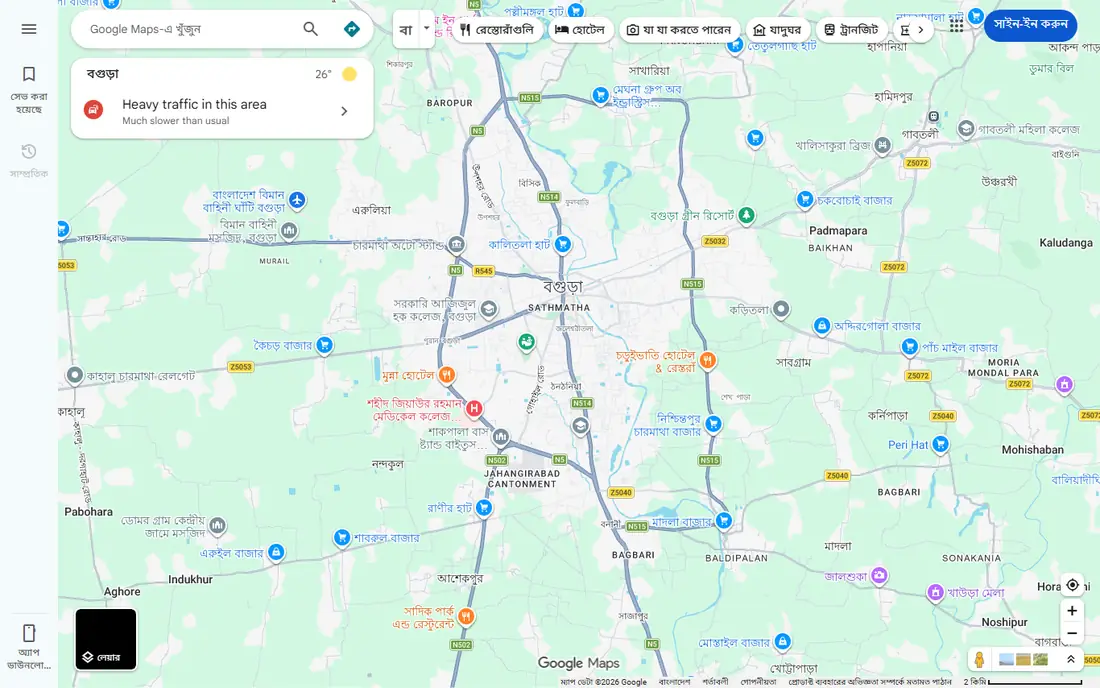
Google Maps is the default driving app for most people, and it earns that spot. Search for a business, address, or place type, and you get hours, reviews, photos, and a route in seconds. Live traffic colors the route, suggests faster alternatives, and updates your arrival time as conditions change. You can add multiple stops, search along your route for fuel, food, or charging, and share your trip progress with others.
Offline support is a real strength. Download a map area before you leave, and directions keep working inside that area without mobile data, though live traffic and rerouting need a connection. Google Maps also works with Android Auto and CarPlay, and it covers driving, transit, walking, and cycling in one app. The trade off is a busy screen: because it does everything, it sometimes shows more than a driver needs at a glance. For most drivers, though, Google Maps is the safest first pick, and it costs nothing.
What we like- Best place search and business details
- Live traffic with route alternatives
- Downloadable offline areas and multi stop routes
Watch out for- Interface can feel busy on the road
- Some features vary by region
- Live traffic needs a data connection
#2
Waze
Best for: Live traffic and driver reported hazards
Visit waze.com
Starting priceFree
Free planYes
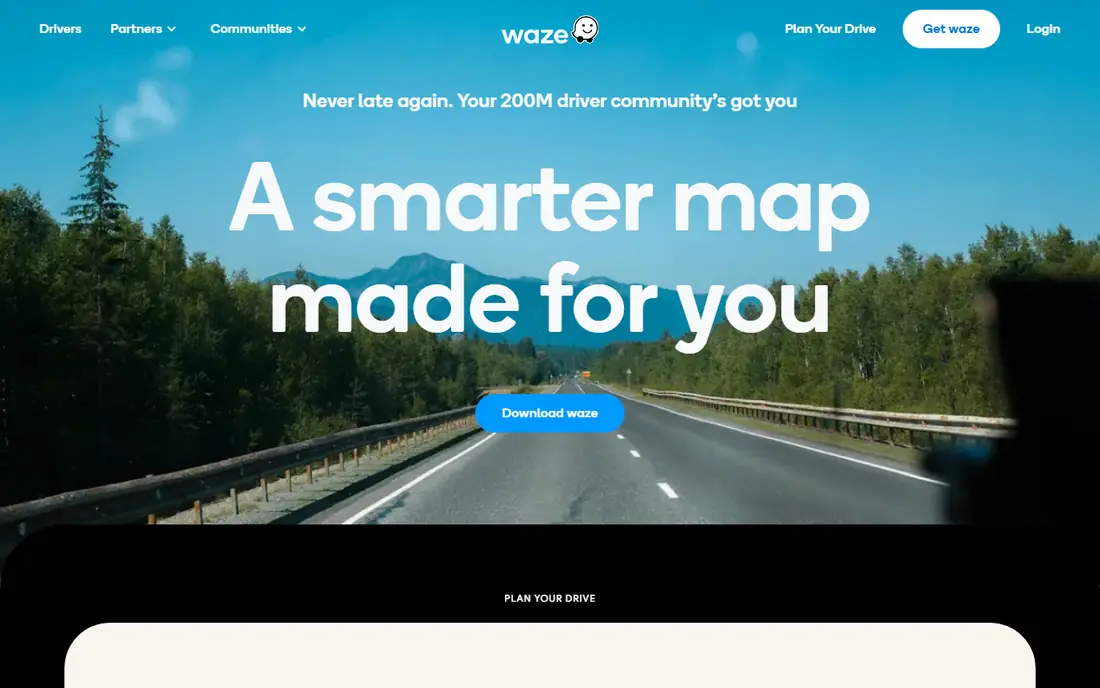
Waze is built for one job: getting drivers through traffic with help from other drivers. Its community of more than 200 million drivers reports crashes, stalled cars, hazards, speed checks, and road work in real time, and Waze reroutes you the moment a faster path opens up. That makes it the best choice for commutes, city driving, and any trip where a jam or closure could cost you serious time.
Waze also includes a motorcycle mode, trip planning with departure times, and shared drives so friends can see each other's progress. It uses less mobile data than Google Maps or Apple Maps, which helps on limited plans. The downsides are real: Waze needs a live connection, so it cannot guide you offline, and its constant alerts and playful interface can distract if you leave every notification on. Keep Waze as your traffic specialist, and pair it with an offline app for remote trips.
What we like- Fast community reports on crashes, hazards, police, and road work
- Automatic rerouting around jams
- Light on mobile data
Watch out for- No offline maps, needs a live connection
- Frequent alerts can distract
- Place search is weaker than Google Maps
Starting priceFree
Free planYes
Apple Maps has closed the gap with Google Maps in recent years, and for iPhone owners it is often the simplest choice. It comes preloaded, works with Siri and Apple Watch, and shows a clean CarPlay layout with clear lane guidance and detailed city views. Offline maps are supported in many regions, and Apple states that Maps does not associate your data with your Apple Account or keep a history of where you have been.
Apple Maps handles driving, transit, walking, and cycling, and its Guides feature surfaces curated places to eat, shop, and visit. It lacks Waze style community hazard reports, and some advanced features, such as detailed EV routing, depend on your car and region. If you use an iPhone and value privacy and a calm interface, Apple Maps is an excellent default. Android users will need another app on this list.
What we like- Built into every iPhone, no download needed
- Clean CarPlay layout with Siri control
- Strong privacy, with no account required and no location history kept
Watch out for- Apple devices only
- Some features vary by region
- No community hazard reporting like Waze
Starting priceFree
Free planYes
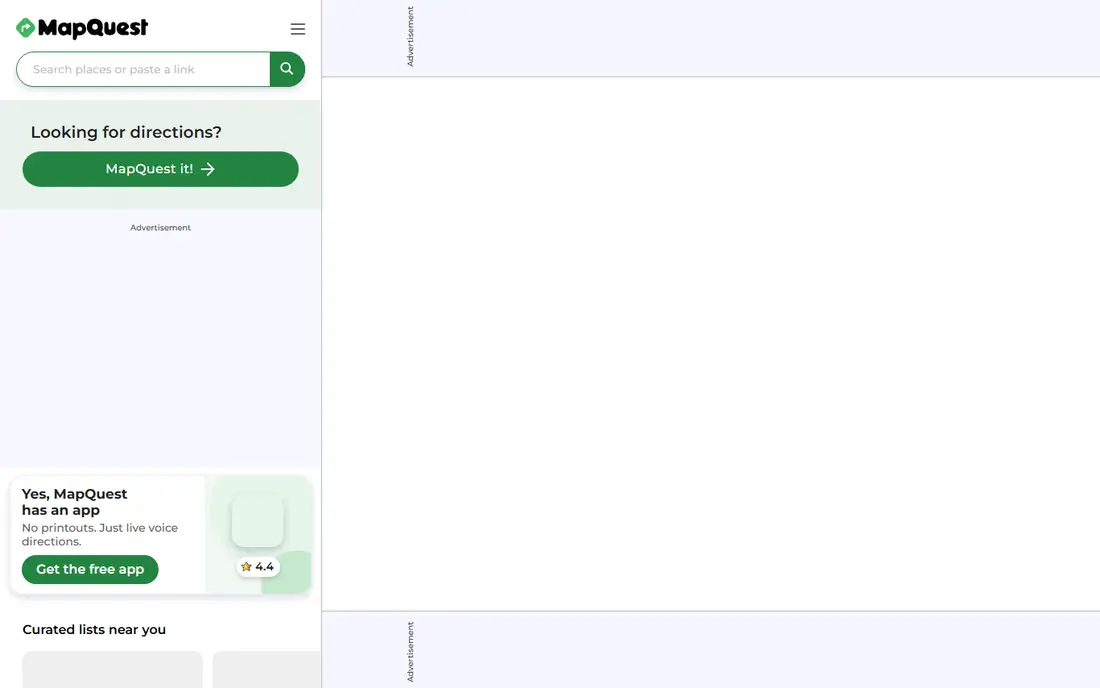
MapQuest has offered driving directions since the early web, and it remains a solid, simple option. Enter a start and end point, add stops, and MapQuest gives you turn by turn directions with distance, time, and live traffic. The web version is handy for planning a route on a computer before you drive, and the mobile app covers the same basics on the road.
MapQuest will not match Google Maps for place discovery or Waze for live incident reports, and its app feels dated next to newer rivals. But for drivers who want a straightforward route without signing in, paying, or learning a new interface, it works. It is free, it is easy, and it is a useful backup when your main app has a problem.
What we like- Long running, simple route planner that works well on the web
- Live traffic and multi stop routes
- No account or payment needed
Watch out for- Mobile app is less polished than Google Maps or Waze
- Fewer advanced features such as offline maps
- Smaller user community
#5
TomTom GO
Best for: Focused driving with live traffic and speed cameras
Visit tomtom.com
Starting priceSee website
Free planYes
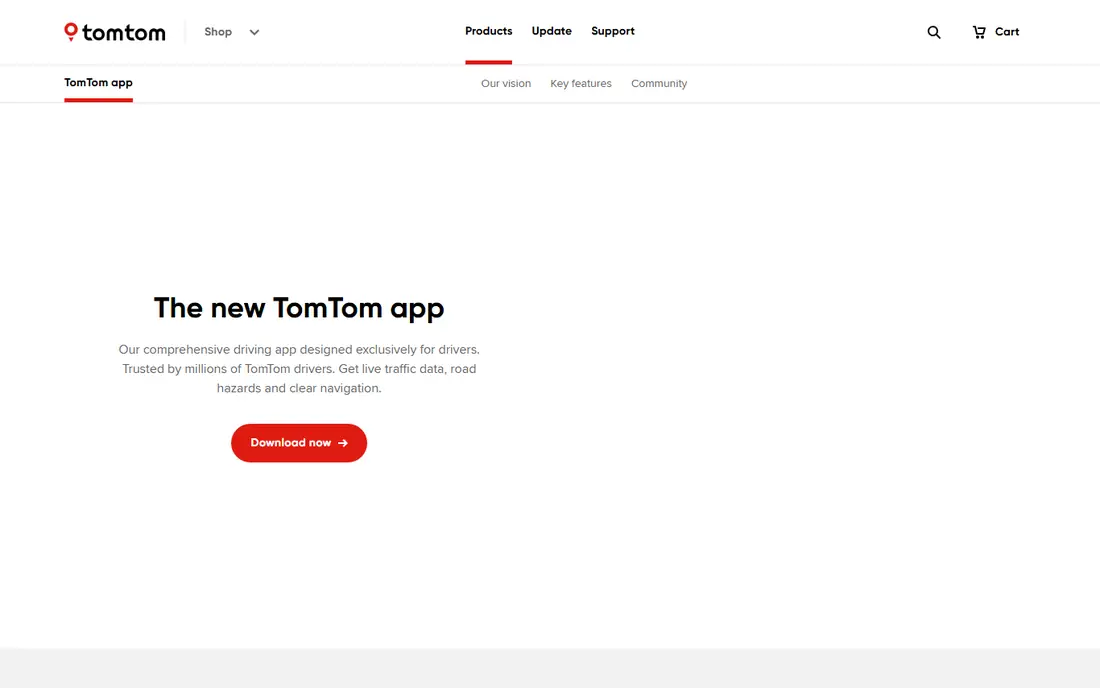
TomTom GO is the app version of the classic TomTom sat nav, rebuilt for phones. It focuses on driving and does it well: precise maps, detailed turn by turn guidance, lane assistance for complex exits, and live traffic that reroutes around congestion. Its speed camera database, covering Europe and North America, and its speed limit warnings help drivers stay aware on unfamiliar roads.
The app is free to download, with full navigation features offered through a subscription, so check the current price in your app store before committing. EV drivers on Android get charging station search and route planning with charging preferences. TomTom GO suits drivers who want a calm, focused driving screen rather than a do everything map, and who trust TomTom's long history in navigation.
What we like- Clear, driver focused guidance with lane assistance
- Live traffic from billions of kilometers of driving data
- Speed camera database for Europe and North America
Watch out for- Full features need a subscription, so check current pricing in the app
- EV routing is Android only
- Place search is thinner than Google Maps
Starting priceSee website
Free planYes
Sygic is the strongest choice for driving abroad without roaming charges. Its 3D offline maps cover every country, and they live on your phone, so navigation, voice guidance, and speed warnings keep working with no data connection. Maps update several times a year for free, and the app includes millions of places, lane guidance, speed limit warnings, and a head up display that projects directions onto your windshield at night.
Sygic is free to download, with Premium features such as live traffic and speed camera alerts offered by subscription, so confirm the current price before you buy. The app is large, especially with several countries downloaded, and its many settings take a little learning. For road trips, rentals abroad, and rural driving, Sygic is one of the most dependable offline options available.
What we like- High quality 3D offline maps for every country
- Free map updates several times a year
- Speed camera warnings, lane guidance, and head up display
Watch out for- Advanced features need a Premium subscription
- App size is large with many maps downloaded
- Interface takes time to learn
Starting priceFree
Free planYes
OsmAnd is an open source navigation app built on OpenStreetMap data, and it is the privacy pick on this list. It does not track your location or sell your data, and it computes routes on your device. Download maps by country or region, and you get turn by turn voice guidance, lane guidance, speed warnings, and automatic rerouting, all offline. It also records tracks, shows contour lines and hill shading, and covers walking and cycling routes in detail.
The trade off is complexity. OsmAnd has many plugins and settings, and new users coming from Google Maps may find it confusing at first. Offline map management is manual, and OpenStreetMap place data, while often excellent for paths and small features, can be thinner for businesses in some regions. If you value privacy, offline freedom, and detailed maps, and you do not mind a learning curve, OsmAnd is outstanding, and it is free.
What we like- Fully offline maps and navigation from OpenStreetMap
- No tracking or sale of location data
- Rich detail for walking, cycling, and driving
Watch out for- Interface has a steep learning curve
- Managing offline map downloads takes effort
- Place data can lag behind Google Maps in some areas
#8
MAPS.ME
Best for: Simple offline maps for travelers
Visit maps.me
Starting priceFree
Free planYes
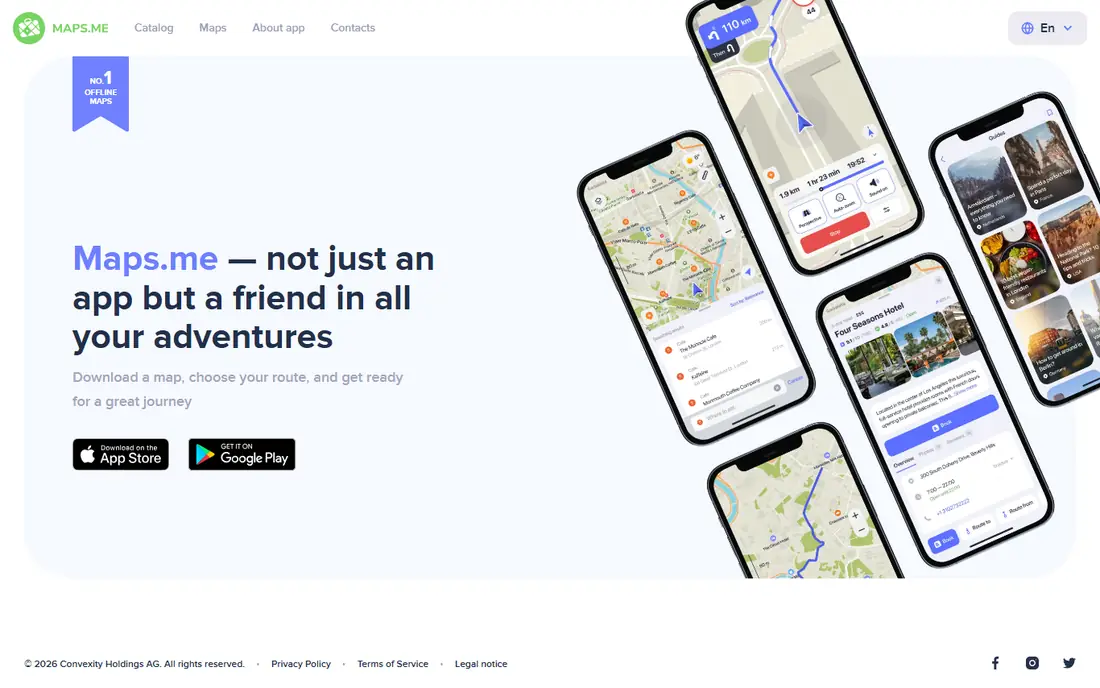
MAPS.ME is the simplest offline option here. Download a map for a city, region, or country, and you can search, route, and navigate without a connection. It covers driving, walking, and cycling, and its clean design makes it easy for travelers who just want a reliable map abroad. Like OsmAnd, it uses OpenStreetMap data, so coverage is global and often detailed for paths, parks, and small streets.
MAPS.ME does not offer the live traffic depth of Google Maps or the community reports of Waze, and some features are sold as in app purchases. But as a free, lightweight travel backup, it is hard to fault. Download your destination before you fly, and you have directions from the moment you land, with no roaming bill waiting for you.
What we like- Simple offline maps that are easy to download and use
- Turn by turn driving, walking, and cycling routes
- Lightweight and traveler friendly
Watch out for- Fewer live traffic features than Google Maps or Waze
- Some features need in app purchases
- Place data depends on OpenStreetMap
How we chose
We picked apps that give turn by turn driving directions today on iOS or Android, with a working homepage and a real user base. We favored apps that cover different needs: all round driving, live traffic, iPhone integration, simple planning, and offline travel, rather than listing eight near identical apps. We checked that each app is free to start or offers a free download, and where a subscription price was not confirmed from the vendor, we marked it as "See website" rather than guessing.
How to choose a driving directions app
Start with where you drive. Daily commuters need live traffic and fast rerouting, so Waze or Google Maps fits best. iPhone owners who want a quiet, private default should try Apple Maps first. Travelers and rural drivers should pick an offline app such as Sygic, OsmAnd, or MAPS.ME, and download maps before leaving home. Long distance drivers may prefer TomTom GO for its focused guidance and speed camera coverage.
Use two apps, not one
No single app is best at everything. Use Google Maps or Waze for traffic and places, and keep an offline app as backup. Before a long trip, download the offline map, check that your phone mount and charger work, and set your destination while parked. Switching apps mid drive is a distraction you do not need.
Check CarPlay and Android Auto support
If you drive with your phone on the car screen, confirm your app works with CarPlay or Android Auto before you rely on it. Google Maps, Waze, Apple Maps, TomTom GO, and Sygic all support car displays, while some smaller apps have limited car support. Test the car connection on a short trip first.
Mind data, battery, and safety
Navigation with live traffic uses data and battery, so bring a car charger on long trips and download offline maps to cut data use. Never type a destination or adjust settings while driving: set the route before you move, use voice control, and follow road signs and local traffic rules over any app instruction when they disagree. This guide is for planning only, and safe driving always comes first.
Frequently asked questions
What is the best app for driving directions overall?
Google Maps is the best all round choice for most drivers, thanks to its place search, live traffic, multi stop routes, and offline areas. Waze is better for live traffic alerts, and Apple Maps is better for iPhone owners who want privacy and simplicity.
Which driving app works without internet?
Sygic, OsmAnd, and MAPS.ME all work fully offline once you download maps. Google Maps also works offline inside a downloaded area, but live traffic and rerouting need a connection. Waze needs a live connection and does not offer offline maps.
Is Waze better than Google Maps?
Waze is better for live incident reports and fast rerouting around traffic, since its driver community reports hazards in real time. Google Maps is better for finding places, planning multi stop trips, and navigating offline. Many drivers keep both and use Waze for commutes and Google Maps for everything else.
Are these driving apps free?
Yes, all eight apps are free to download and give basic directions for free. TomTom GO and Sygic sell Premium features by subscription, and MAPS.ME and OsmAnd offer paid extras, but you can navigate without paying. Check the current price in your app store before buying any subscription.
Do driving apps work with CarPlay and Android Auto?
Google Maps, Waze, Apple Maps, TomTom GO, and Sygic support CarPlay, Android Auto, or both. Apple Maps is the most deeply integrated option on iPhone, while Google Maps and Waze are the most widely supported across both car systems. Check your car and phone combination before a long trip.
What should I do if the app route disagrees with road signs?
Follow the road signs and local traffic rules. Apps can miss temporary closures, new restrictions, and local rules. If a route looks wrong, pull over safely and check an alternative route or a second app before continuing.
Sources we checked (8)
- https://maps.google.com
- https://www.waze.com
- https://www.apple.com/maps/
- https://www.mapquest.com
- https://www.tomtom.com/en_ie/navigation/mobile-apps/tomtom-app/
- https://www.sygic.com
- https://osmand.net
- https://maps.me
Is your product missing or out of date?
We review this list regularly. Vendors can request a listing, send updated pricing or ask about featured placement.

Shihab Mia · Founder, Rankite
Shihab has 5+ years in B2B and SaaS SEO. He writes Rankite's software buying guides from pricing pages, documentation and public user reviews. More about Shihab.