How we make this list: we compare pricing pages, product documentation and public user reviews. Ratings come from G2, Capterra or Trustpilot, with the date we checked them.
Key takeaways
- Zendesk, Intercom and Freshdesk lead on automation depth, but their AI features are often billed on top of seat prices, so model the full cost before signing.
- Freshdesk Growth at $19 per agent per month and Zoho Desk Standard at $14 per agent per month are the cheapest automation-capable entry points in this list.
- Intercom's Fin and Help Scout's AI Answers bill per resolution ($0.99 and $0.75 respectively), which suits teams with steady volume but punishes spikes.
- Tidio prices conversations instead of seats, which makes it the cheapest option for small teams with a few agents and modest chat volume.
- Automation works best when the help center is current: AI agents answer from your articles, so stale documentation produces confident wrong answers.
Quick comparison
| Tool | Best for | Starting price | Free plan |
|---|
 Zendesk Zendesk | Full omnichannel automation | $55 per agent per month (billed annually) | Free trial (14 days) |
 Intercom Intercom | AI-first support with Fin | $29 per seat per month (billed annually) | Free trial (14 days) |
 Freshdesk Freshdesk | Affordable ticketing automation | $19 per agent per month (billed annually) | Free trial (14 days) |
 Front Front | Shared inbox automation | $25 per seat per month (billed annually) | Free trial |
 Zoho Desk Zoho Desk | Budget automation in Zoho | $14 per agent per month (billed annually) | Yes |
 Help Scout Help Scout | Email-first automation | $25 per user per month (billed annually) | Yes |
 HubSpot Service Hub HubSpot Service Hub | Automation inside HubSpot CRM | See website | Yes |
 Salesforce Service Cloud Salesforce Service Cloud | Enterprise automation at scale | See website | Free trial |
 Tidio Tidio | Conversation-priced chat automation | $24.17 per month (billed annually) | Yes |
Is your product missing or out of date?
We review this list regularly. Vendors can request a listing, send updated pricing or ask about featured placement.
The best customer service automation software
Starting price$55 per agent per month (billed annually)
Free planFree trial (14 days)
Zendesk is the reference point for support automation. Triggers and automations route tickets, apply macros, set priorities and send notifications without human touch, while AI agents answer common questions from the knowledge base. Suite Team at $55 per agent per month on annual billing is the real entry point for automation, since the cheaper $19 Support Team plan covers email ticketing only.
The billing structure needs careful reading. Each plan includes only 5 to 10 automated AI resolutions per agent per month, and extra resolutions cost $1.50 each on a commitment or $2.00 pay-as-you-go. Copilot, the agent assistant, costs another $50 per agent per month. A 20-agent team on Suite Professional with Copilot can therefore pay far more than the headline seat price suggests, so model AI volume before committing.
What we like- Deep triggers, automations and routing
- AI agents on every Suite plan
- Huge app marketplace
Watch out for- AI resolutions billed per use beyond allowance
- Copilot costs $50 per agent extra
- No free plan
#2Intercom
Best for: AI-first support with Fin4.5/5 on
G2 (3,918 reviews, checked Oct 2026)
Visit intercom.com
Starting price$29 per seat per month (billed annually)
Free planFree trial (14 days)
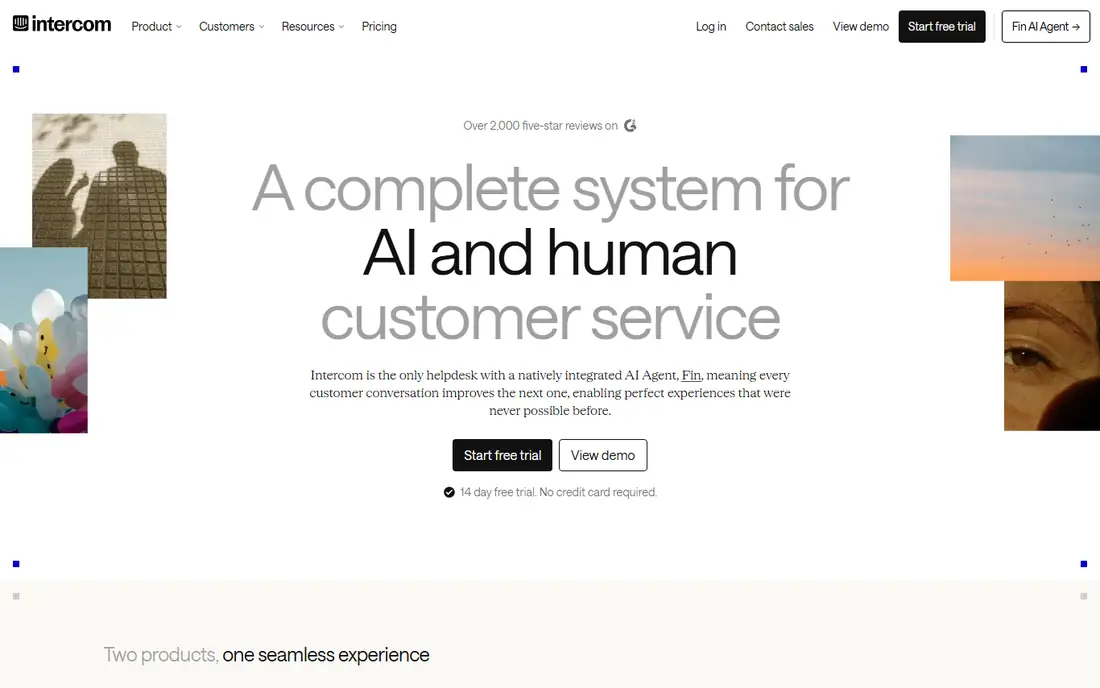
Intercom rebuilt itself around Fin, its AI agent, which answers customers in Messenger, email, WhatsApp and other channels around the clock. Fin follows Procedures (multi-step workflows written in plain language) and takes actions through custom Actions that call other systems, such as looking up an order or issuing a refund. Seats start at $29 per month on Essential, $85 on Advanced and $132 on Expert, all on annual billing.
The catch is dual billing: seats plus $0.99 per Fin outcome. An outcome counts when a customer confirms resolution, does not ask for more help, or Fin completes a workflow, which means a customer who reads an answer and leaves can count as resolved. Copilot for agents costs another $29 per agent per month. Teams should test Fin against real questions during the 14-day trial and check billed outcomes in the first month.
What we like- Fin AI agent resolves many chats unaided
- Workflows and automation built in
- Strong Messenger
Watch out for- Fin billed $0.99 per outcome on top of seats
- Add-ons stack up
- No free plan
#3Freshdesk
Best for: Affordable ticketing automation4.4/5 on
G2 (3,809 reviews, checked Oct 2026)
Visit freshdesk.com
Starting price$19 per agent per month (billed annually)
Free planFree trial (14 days)
Freshdesk gives small and mid-size teams professional ticketing automation at a low entry price. Growth at $19 per agent per month on annual billing adds workflow automations, marketplace apps, SLA management and reports. Pro at $55 adds custom roles and advanced reporting, while Enterprise at $89 adds skill-based routing and audit logs.
Automation beyond basics costs extra. Freddy AI Copilot costs $29 per agent per month on Pro or Enterprise, and Freddy AI Agent sessions cost $49 per 100 after an included starter allowance. Broader messaging channels may require moving from Freshdesk to the pricier Freshdesk Omni plans. A free program covers up to 2 agents for 6 months, which is useful for testing but not a permanent free tier.
What we like- Low entry price
- Solid workflow automations
- Freddy AI add-ons
Watch out for- No permanent free plan
- Freddy AI Agent billed per 100 sessions
- Omnichannel needs Omni plans
#4Front
Best for: Shared inbox automation4.7/5 on
G2 (2,511 reviews, checked Oct 2026)
Visit front.com
Starting price$25 per seat per month (billed annually)
Free planFree trial
Front turns email, chat and SMS into one shared inbox with rules that assign, tag and escalate conversations automatically. Starter costs $25 per seat per month on annual billing and covers a single channel type, while Professional at $65 adds omnichannel support and advanced analytics, and Enterprise at $105 includes most AI features. The interface suits teams that live in email and want automation without a heavy ticketing system.
Two pricing cliffs matter. Starter caps at 10 seats, so growing from 10 to 11 agents forces a jump to Professional, and passing 50 seats forces Enterprise. AI add-ons on Starter and Professional (Copilot at $20 per seat, Smart QA at $20, Smart CSAT at $10) can push a Professional seat past the Enterprise price. Teams near a seat cap should price the next tier before they hit it.
What we like- Clean shared inbox
- Rules and auto-assignment
- Good for email-heavy teams
Watch out for- Starter capped at 10 seats
- AI features cost extra on lower plans
- Seat cliffs at 10 and 50
#5Zoho Desk
Best for: Budget automation in Zoho4.4/5 on
G2 (8,002 reviews, checked Oct 2026)
Visit zoho.com
Starting price$14 per agent per month (billed annually)
Free planYes
Zoho Desk is the budget pick for teams already using Zoho products. A free plan covers 3 users with email ticketing and a knowledge base, Express costs $7 per agent per month, and Standard at $14 adds the Answer Bot, community forums and custom reports. Professional at $23 adds the full Zia AI assistant, Blueprints and telephony, while Enterprise at $40 adds live chat and multi-brand help centers.
The AI story improved in 2026: the Answer Bot now starts on Standard rather than Enterprise, and Express can run generative AI with a team's own OpenAI or DeepSeek key. The deeper Zia features still sit on Professional and above, and reviewers note reporting feels limited next to Zendesk. For a Zoho shop, the value is strong. For teams outside Zoho, the integrations matter less and the interface can feel dated.
What we like- Free plan for 3 users
- Answer Bot on Standard
- Deep Zoho integrations
Watch out for- Best AI features sit on higher tiers
- Reporting feels limited
- Ecosystem matters less outside Zoho
#6Help Scout
Best for: Email-first automation4.4/5 on
G2 (431 reviews, checked Oct 2026)
Visit helpscout.com
Starting price$25 per user per month (billed annually)
Free planYes
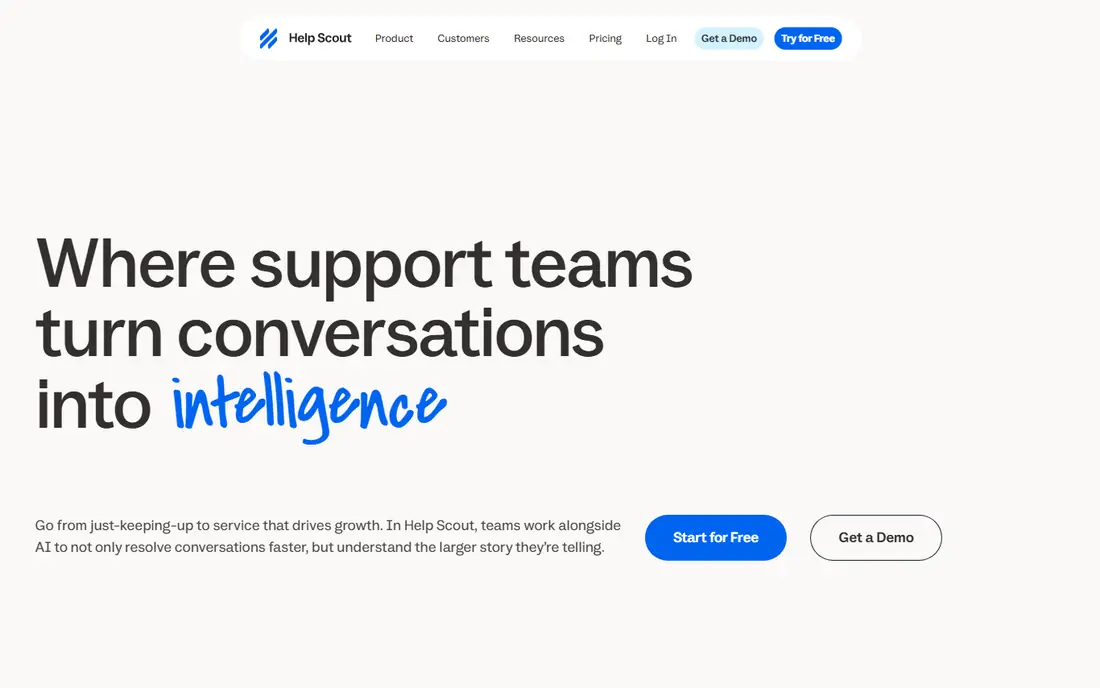
Help Scout suits email-first teams that want automation without enterprise complexity. A free plan covers 5 users, 1 inbox and 1 Docs site with 100 contacts per month. Standard at $25 per user per month adds multiple inboxes, live chat, WhatsApp and basic workflows, while Plus at $45 adds advanced workflows and a customer portal, and Pro at $75 adds unlimited workflows, SSO and HIPAA.
AI Answers, the customer-facing AI agent, costs $0.75 per resolution on every paid plan, which is cheaper per resolution than Intercom's Fin but still variable. User caps create cliffs: Standard stops at 25 users and Plus at 50, so a growing team should check the next tier early. Extra inboxes and Docs sites also cost extra. For a small team that values readable pricing, Help Scout is one of the easiest tools to budget.
What we like- Real free plan for 5 users
- Simple pricing
- AI Answers at $0.75 per resolution
Watch out for- User caps on Standard (25) and Plus (50)
- AI billed per resolution
- Docs sites cost extra
#7HubSpot Service Hub
Best for: Automation inside HubSpot CRM4.4/5 on
G2 (2,922 reviews, checked Oct 2026)
Visit hubspot.com
Starting priceSee website
Free planYes
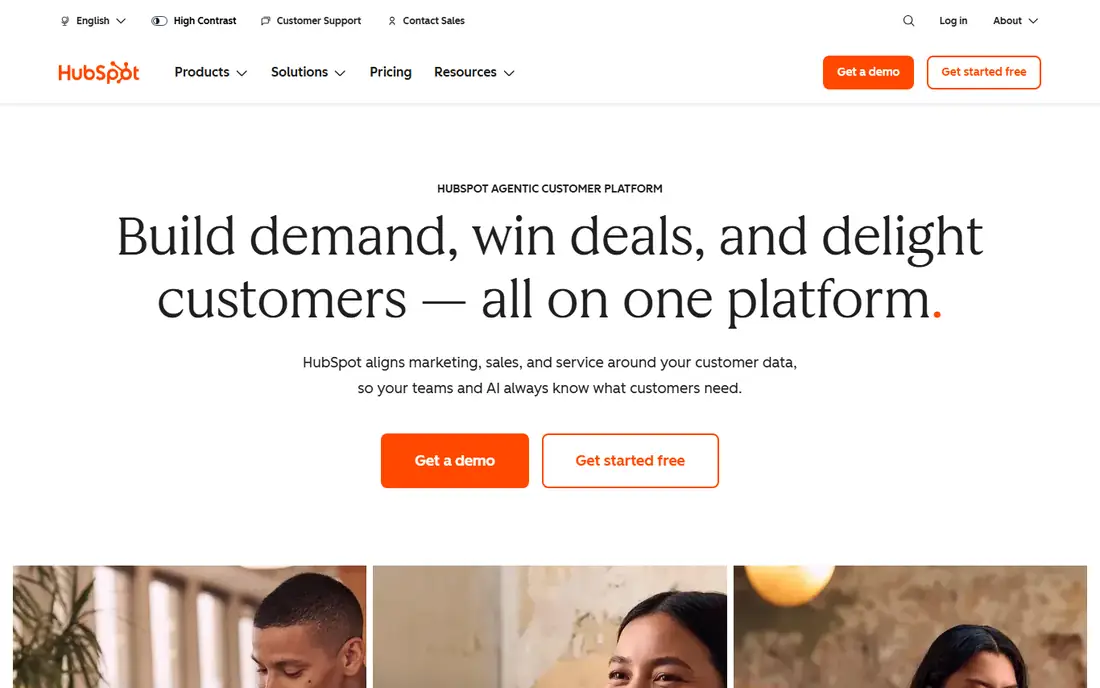
HubSpot Service Hub appeals to teams already running HubSpot CRM, because tickets, conversations and automation all sit on the same customer record. Free service tools cover basic ticketing and live chat, while paid tiers add automation, playbooks, customer feedback tools and advanced reporting. Because support data joins sales and marketing data, a team can automate follow-ups based on deal stage or lifecycle without syncing systems.
Pricing is the weak point for comparison. HubSpot does not publish a single simple price for Service Hub in the same way as the tools above, and higher tiers carry required one-time onboarding fees (reported at $1,500 for Professional and $3,500 for Enterprise). Teams should get a written quote for their exact hub combination, since bundling Service Hub with Sales and Marketing Hubs changes the total.
What we like- Free service tools included
- Automation tied to CRM data
- Strong knowledge base
Watch out for- Paid tiers jump sharply in price
- Onboarding fees on higher tiers
- Pricing varies by hub bundle
Starting priceSee website
Free planFree trial
Salesforce Service Cloud is the enterprise end of this list. It combines case management, knowledge, omni-channel routing, automation flows and Einstein AI in one platform, with an app ecosystem larger than any rival. Large teams use it to automate complex service processes, from warranty claims to field service dispatch, with rules and AI that smaller tools cannot match.
The cost is money, time and expertise. Most tiers are quote-based, implementation commonly takes months rather than weeks, and running the platform well usually needs a dedicated admin or partner. Small teams will find it heavy and expensive. Large organisations that already run Salesforce, or that need automation across many departments and regions, will find the depth worth the effort.
What we like- Deepest automation and AI at enterprise scale
- Einstein AI across the platform
- Huge ecosystem
Watch out for- Quote-based pricing for most tiers
- Implementation takes months
- Needs admin expertise
#9Tidio
Best for: Conversation-priced chat automation4.6/5 on
G2 (1,967 reviews, checked Oct 2026)
Visit tidio.com
Starting price$24.17 per month (billed annually)
Free planYes
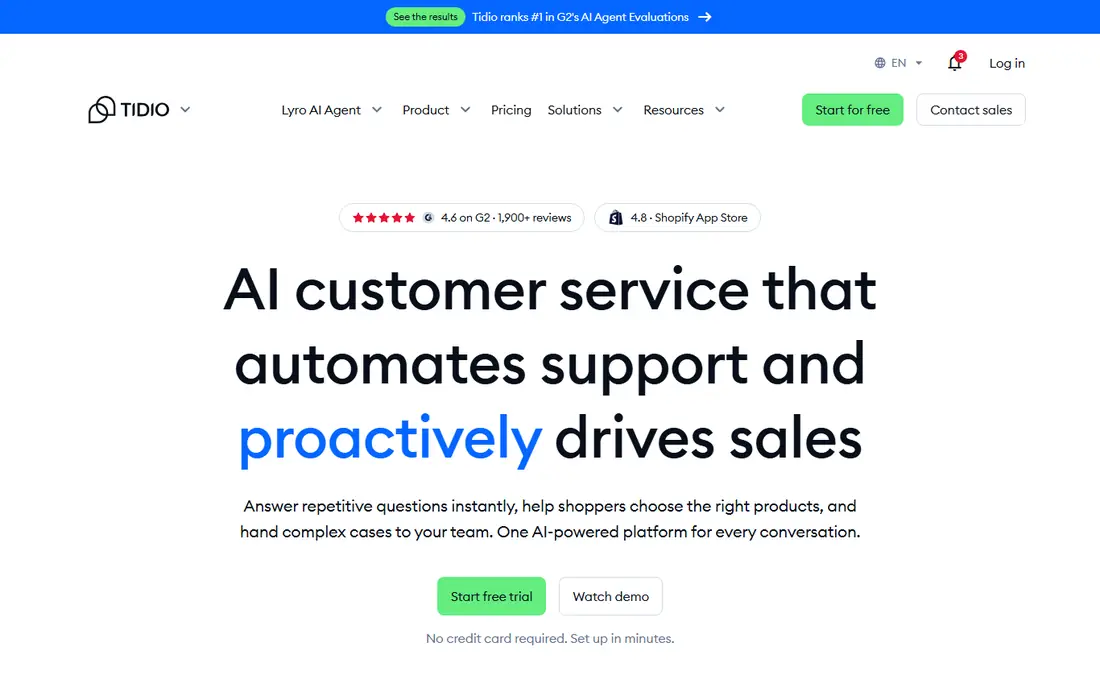
Tidio prices conversations instead of seats, which changes the maths for small teams. The free plan includes 50 billable conversations per month and 10 seats, Starter costs $24.17 per month on annual billing for 100 conversations, and Growth starts at $49.17 per month for 250 conversations. Lyro, the AI agent, is billed separately per AI conversation (from about $32.50 per month for 50 AI conversations), and Flows automation is a separate add-on too.
That structure suits a small shop with a few agents and modest chat volume, especially on an ecommerce site where live chat drives sales. The catch is stacking: base plan plus Lyro plus Flows can reach $60 or more per month before volume grows, and the jump from Growth to Plus (from $300 per month plus usage) is steep. Teams should forecast conversation counts carefully, since Tidio meters three things: billable conversations, Lyro conversations and Flows visitors.
What we like- Free plan with 50 conversations
- Prices conversations, not seats
- Lyro AI agent
Watch out for- AI billed separately per conversation
- Growth to Plus jump is steep
- Branding removal costs extra
How we chose
We compared platforms on vendor pricing pages, documentation and public reviews on G2, Capterra and Reddit, and we checked that each product is still sold today and fits customer service automation rather than general chat or CRM alone. We favoured tools with real automation features (workflows, AI agents, routing, knowledge bases) and verifiable pricing, and we mixed per-seat, per-resolution and per-conversation billing models so different team shapes have an option. Where a vendor does not publish pricing, we say so instead of repeating third-party estimates as fact. No vendor paid for placement, and none of these tools was tested hands-on for this guide.
How to budget for automation honestly
Start with the billing unit, since it decides the bill more than the headline price. Per-seat tools (Zendesk, Intercom, Freshdesk, Front, Zoho Desk, Help Scout) multiply by headcount. Per-resolution tools (Fin at $0.99, AI Answers at $0.75, Zendesk AI resolutions at $1.50 to $2.00) multiply by volume. Per-conversation tools (Tidio) multiply by chat counts. A team of 10 on Help Scout Standard pays $250 per month before AI, while 500 AI resolutions add $375 more.
Fix the knowledge base first
AI agents answer from your help center, so stale articles produce confident wrong answers. Before buying an AI agent, audit the top 50 questions customers actually ask and make sure each has a current, clear article. Teams that skip this step blame the AI for failures their documentation caused.
Trial with real volume
Run trials on real tickets, not demo data. Measure deflection rate (questions resolved without an agent), escalation quality and billed AI outcomes in the first month. A resolution billed whether or not the customer was happy is a cost, not a success, so sample billed outcomes and compare them with what your team would call resolved.
Watch the cliffs
Seat caps (Front at 10 and 50, Help Scout at 25 and 50, Zoho Desk Express at 5) force tier jumps that can double a bill overnight. AI allowances (Zendesk at 5 to 10 per agent, Tidio at 50 Lyro conversations) create similar jumps when volume grows. Price the next tier and the next volume band before signing, not after hitting them.
Frequently asked questions
What is the best customer service automation software?
It depends on team shape. Zendesk suits large omnichannel teams, Intercom suits AI-first product teams, Freshdesk and Zoho Desk suit budget-conscious teams, Help Scout suits email-first teams, and Tidio suits small chat-led shops. Start with your main channel (email, chat or phone) and your billing unit, then shortlist two tools to trial.
How much does customer service automation cost?
Entry prices here run from $14 per agent per month (Zoho Desk Standard) to $55 per agent per month (Zendesk Suite Team), plus AI charges. Per-resolution AI costs $0.75 to $2.00 each, and Tidio starts at $24.17 per month for 100 conversations. A 10-agent team typically pays $140 to $550 per month before AI add-ons, so model AI volume separately.
Is there a free customer service automation tool?
Zoho Desk, Help Scout and Tidio all offer free plans with real limits (3 users, 5 users and 50 conversations respectively). Freshdesk offers a free program for up to 2 agents for 6 months. Zendesk, Intercom and Front offer trials only, with no permanent free tier.
Do AI agents replace human agents?
No, they deflect repetitive questions and draft replies so humans handle complex cases. Fin, AI Answers, Freddy AI and Lyro resolve common questions from help center content, but they escalate unclear, emotional or high-value conversations to people. Teams that treat AI as a replacement for hiring usually see satisfaction fall, while teams that treat it as a first line see faster responses and happier agents.
What is the difference between per-seat and per-resolution pricing?
Per-seat pricing charges for each agent every month, which suits teams with steady headcount. Per-resolution pricing charges each time the AI resolves a conversation, which suits teams with spiky volume but punishes high deflection if every resolution is billed. Some vendors combine both (Intercom seats plus Fin outcomes), so add the two lines together before comparing.
How long does it take to set up automation?
Self-serve tools such as Tidio, Zoho Desk and Help Scout can run in days, while Zendesk and Intercom typically take weeks to configure workflows and tune AI answers. Salesforce Service Cloud commonly takes months with admin or partner help. The longest part is usually fixing the knowledge base, not installing the software.
Sources we checked (9)
- https://www.zendesk.com
- https://www.intercom.com
- https://www.freshdesk.com
- https://www.front.com
- https://www.zoho.com/desk
- https://www.helpscout.com
- https://www.hubspot.com
- https://www.salesforce.com
- https://www.tidio.com
Is your product missing or out of date?
We review this list regularly. Vendors can request a listing, send updated pricing or ask about featured placement.

Shihab Mia · Founder, Rankite
Shihab has 5+ years in B2B and SaaS SEO. He writes Rankite's software buying guides from pricing pages, documentation and public user reviews. More about Shihab.