How we make this list: we compare pricing pages, product documentation and public user reviews. Ratings come from G2, Capterra or Trustpilot, with the date we checked them.
Key takeaways
- This guide covers customer service software, meaning help desk and support tools, not general advice on service quality.
- Zendesk and Salesforce Service Cloud lead for larger teams with complex support operations.
- Freshdesk and Zoho Desk give smaller teams strong ticketing at lower cost.
- Intercom and LiveChat suit teams that support customers mainly through chat and messaging.
Quick comparison
Is your product missing or out of date?
We review this list regularly. Vendors can request a listing, send updated pricing or ask about featured placement.
The best customer service software
Starting priceSee website
Free planFree trial
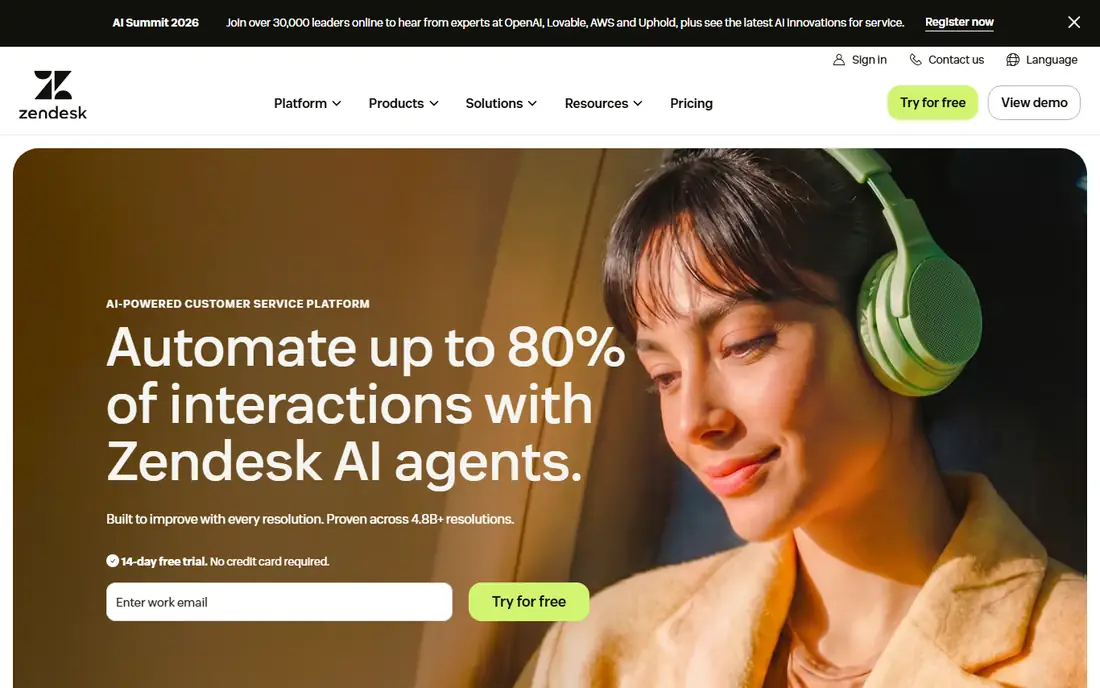
Zendesk is the most complete support platform on this list, covering email ticketing, live chat, phone, social messaging, and a self-service knowledge base in one system. Automation routes tickets, triggers macros, and escalates by priority, while reporting shows response times, resolution rates, and customer satisfaction. Its integration library connects with CRMs, e-commerce platforms, and internal tools, which suits teams with complex stacks.
Pricing rises as you add features and seats, and setup takes time for large teams that need custom workflows and permissions. A free trial helps test the platform. For a growing or large support team that needs depth across every channel, Zendesk remains the default choice.
What we like- Complete ticketing, chat, and knowledge base
- Strong automation
- Huge integration library
Watch out for- Pricing rises with features
- Setup takes time for large teams

#2Freshdesk
Best for: Affordable ticketing4.4/5 on
G2 (3,809 reviews, checked Oct 2026)
Visit freshdesk.com
Starting priceFree
Free planYes
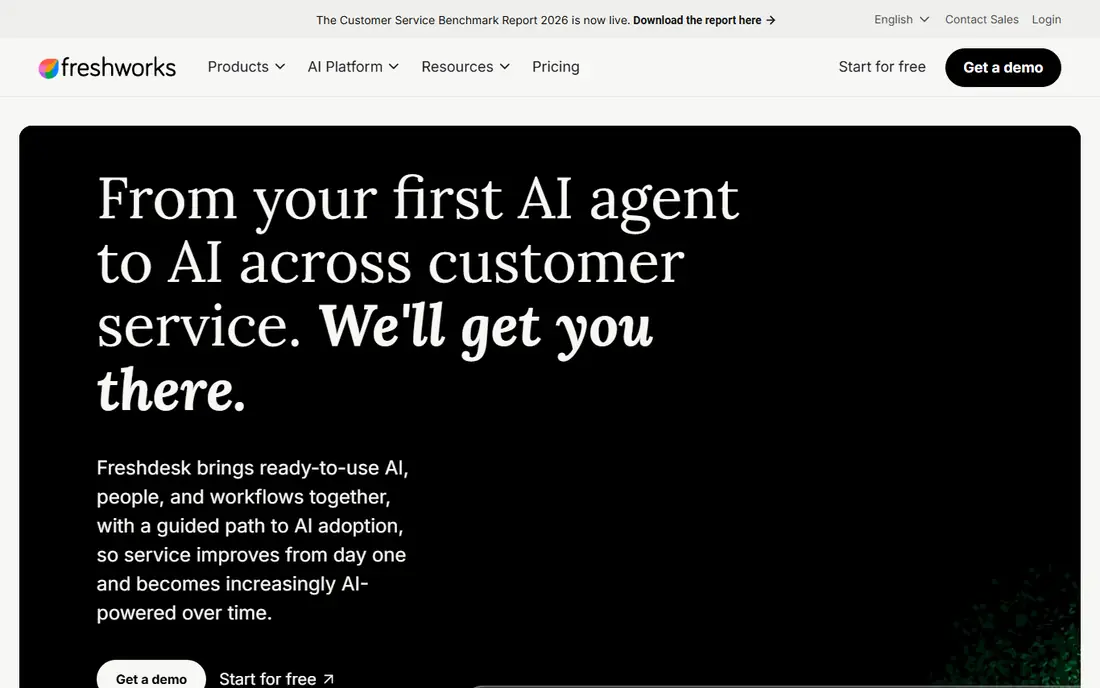
Freshdesk, from Freshworks, gives small teams a capable help desk at low cost, with a free tier that covers basic ticketing for up to a few agents. Setup is fast, the interface is friendly, and automation covers ticket assignment, SLAs, and canned responses. Paid tiers add chat, phone, and deeper reporting without jumping to enterprise pricing.
Advanced features such as advanced analytics and multi-language knowledge bases sit on higher tiers, and reporting trails Zendesk on depth. For a startup or small business building its first support operation, Freshdesk gives the best balance of price and capability.
What we like- Free tier for small teams
- Easy setup
- Good automation for the price
Watch out for- Advanced features need higher tiers
- Reporting trails Zendesk

#3HubSpot Service Hub
Best for: Service plus CRM4.4/5 on
G2 (2,922 reviews, checked Oct 2026)
Visit hubspot.com
Starting priceFree
Free planYes
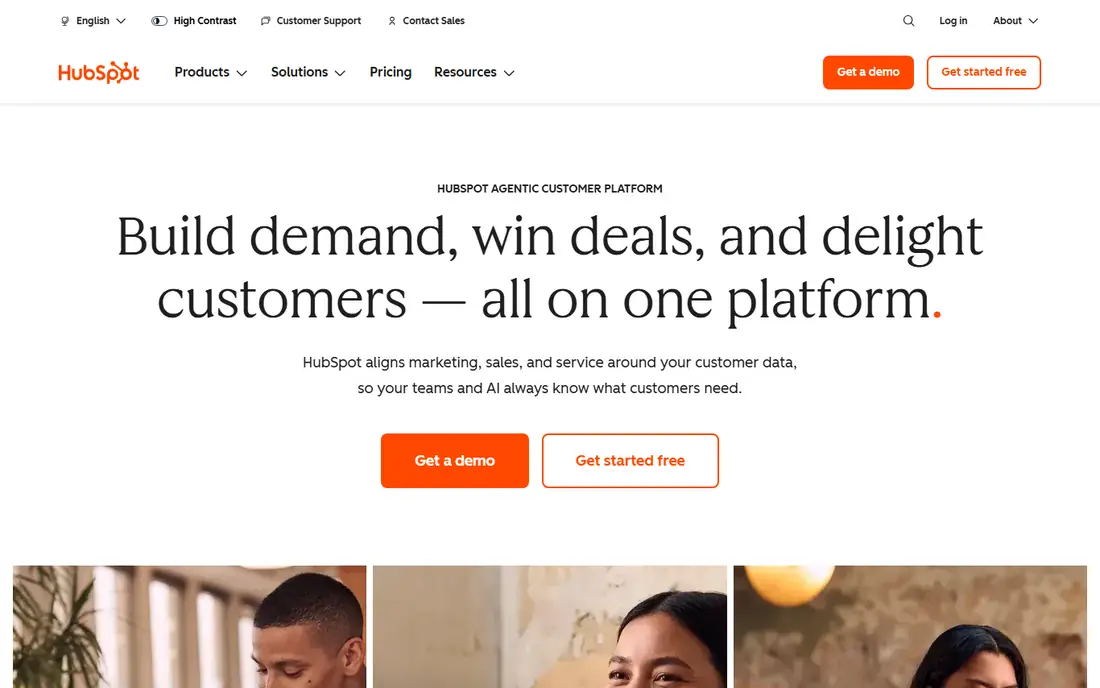
HubSpot Service Hub suits teams already using HubSpot CRM, since tickets, contacts, and conversation history live in one record. The free tier covers ticketing, live chat, and a knowledge base, while paid tiers add automation, SLAs, customer feedback surveys, and deeper reporting. That CRM connection helps agents see purchase history and past issues without switching tools.
Advanced automation and reporting need paid tiers, and total costs rise as you add hubs and contacts. For a team that wants support connected to sales and marketing data, HubSpot Service Hub is the natural choice, and its free tier makes starting easy.
What we like- Free ticketing and CRM
- Customer feedback tools
- Strong reporting as you scale
Watch out for- Advanced automation needs paid tiers
- Costs rise with hubs

#4Intercom
Best for: Chat and messaging support4.5/5 on
G2 (3,918 reviews, checked Oct 2026)
Visit intercom.com
Starting priceSee website
Free planFree trial
Intercom is built for messaging-first support, with live chat, in-app messages, and bots that answer common questions before a human steps in. Its help center lives inside your product or site, so customers find answers without leaving, and automation routes conversations by topic, plan, or behavior. That design suits SaaS and app companies whose customers prefer chat over email.
Pricing is seat- and usage-based, so costs can rise with conversation volume, and email ticketing is weaker than Zendesk for teams that live in email. A free trial is available. For a product company whose support happens in chat, Intercom is the best fit.
What we like- Excellent live chat and messaging
- In-app help center
- Strong automation and bots
Watch out for- Pricing is seat- and usage-based
- Email ticketing is weaker than Zendesk

#5Zoho Desk
Best for: Budget team ticketing4.4/5 on
G2 (8,002 reviews, checked Oct 2026)
Visit zoho.com
Starting priceFree
Free planYes
Zoho Desk gives budget teams a solid multi-channel help desk, covering email, chat, phone, and social tickets in one queue. It fits teams already using Zoho CRM, since customer records sync across products, and the free tier covers basic ticketing for small teams. Automation, SLAs, and reporting cover the core support job well.
The interface feels dated next to Intercom or Help Scout, and advanced AI features such as intelligent assignment sit on higher tiers. For a small business that wants capable ticketing at the lowest cost, especially inside the Zoho suite, Zoho Desk is a strong value pick.
What we like- Low cost
- Multi-channel ticketing
- Fits Zoho CRM users
Watch out for- Interface feels dated
- Advanced AI features need higher tiers

#6Help Scout
Best for: Simple shared inbox4.4/5 on
G2 (431 reviews, checked Oct 2026)
Visit helpscout.com
Starting priceSee website
Free planFree trial
Help Scout suits small teams that want support to feel personal, not industrial. Its shared inbox looks like email, so agents reply naturally, while collision detection prevents two agents answering the same ticket. The knowledge base is clean and easy to maintain, and reporting covers the essentials without overwhelming a small team.
Very large teams with complex routing and automation needs will outgrow Help Scout, since advanced workflows are thinner than Zendesk or Salesforce. Pricing is tiered and published on the vendor site, with a free trial. For a small team that values simplicity and a human tone, Help Scout is the most pleasant tool here.
What we like- Clean shared inbox
- Easy for small teams
- Good knowledge base
Watch out for- Less suited to very large teams
- Fewer advanced automations
Starting priceSee website
Free planFree trial
Salesforce Service Cloud is the enterprise choice for large contact centers, with deep customization, AI-assisted case handling, omni-channel routing, and analytics that scale to thousands of agents. It connects with the wider Salesforce platform, so service data joins sales, marketing, and field service records in one system.
Pricing is enterprise-level, and the platform needs admin expertise to configure well, so small teams will find it heavy and expensive. A free trial is available. For a large organization already on Salesforce, Service Cloud gives unmatched depth. For anyone else, a simpler tool will deliver faster value.
What we like- Deepest enterprise customization
- AI and automation
- Strong for large contact centers
Watch out for- Enterprise pricing and complexity
- Needs admin expertise

#8LiveChat
Best for: Live chat support4.5/5 on
G2 (812 reviews, checked Oct 2026)
Visit livechat.com
Starting priceSee website
Free planFree trial
LiveChat does one job well: live chat on your website, with fast setup, canned responses, chat routing, and analytics on response times and satisfaction. It also supports sales chats, so a visitor asking a pre-sales question can become a customer in the same conversation. Integrations connect chat transcripts to CRMs and help desks.
LiveChat is chat-focused, not a full help desk, so email ticketing and knowledge bases need add-ons or integrations. Pricing is tiered and published on the vendor site, with a free trial. For a business whose support and sales happen mainly in live chat, LiveChat is the most focused and affordable choice.
What we like- Fast chat setup
- Good for sales plus support
- Strong chat analytics
Watch out for- Chat-focused, not a full help desk
- Ticketing needs add-ons or integrations
How we chose
We compared vendor pricing pages, product documentation, and public user reviews, and we judged each tool on channel coverage, ticketing quality, automation, knowledge base, reporting, ease of use, and price. We interpreted the topic as customer service software, since that is the product category behind the keyword, and we stated that interpretation plainly. We did not claim hands-on testing. Where pricing varied by seats, usage, or tier, we wrote See website rather than publish a figure that could mislead.
What to check before you pick
Start with your channels. A team that lives in email needs strong ticketing, a chat-first team needs Intercom or LiveChat, and a phone-heavy contact center needs voice support and routing that simpler tools lack. Check ticket volume and growth, since per-agent and per-conversation pricing can rise fast as teams and volumes grow.
Also check automation and self-service, because a good knowledge base and bots deflect routine questions and free agents for complex cases. Check reporting on first response time, resolution time, and satisfaction, since those metrics show whether service is improving. Check integrations with your CRM, e-commerce platform, and internal tools, so agents see customer history without switching screens.
A further check matters for scaling: confirm how the tool handles peak loads, such as a product launch or an outage, when ticket volume spikes tenfold overnight. Ask whether automation, canned responses, and status-page integrations can absorb the surge, and whether the vendor support team itself responds quickly when your system is down. Teams that plan for the worst day, not the average day, avoid the support meltdowns that damage trust most.
Finally, run a trial with real tickets, not demo data, and involve the agents who will use the tool daily. A help desk that looks clean in a demo can feel slow when agents handle fifty tickets a day, and agent feedback during a trial predicts adoption better than any feature list. Measure first response time and agent effort during the trial, and compare those numbers with your current tool before committing to an annual plan.
Frequently asked questions
What is the best customer service software overall?
Zendesk is the best overall platform for growing and large teams, with depth across every channel. Freshdesk suits small teams on a budget, while Intercom suits chat-first product companies and Help Scout suits small teams that value simplicity.
Can I start with a free help desk?
Yes, Freshdesk, HubSpot Service Hub, and Zoho Desk all offer free tiers that cover basic ticketing for small teams. Free tiers limit agents, features, or history, so growing teams usually need a paid plan, but a new support operation can start free.
Do I need live chat or just email ticketing?
It depends on your customers. Website visitors and app users often prefer chat for quick questions, while complex issues suit email, where agents can research and reply carefully. Many teams offer both, using chat for quick help and tickets for deeper cases.
How important is a knowledge base?
Very important, since a good knowledge base lets customers solve routine issues themselves, day or night, which cuts ticket volume and speeds help. Measure which articles get used and which questions still become tickets, then improve the articles that fail.
Should support software connect to my CRM?
Yes, when possible, since agents who see purchase history, past tickets, and account details resolve issues faster and more personally. HubSpot and Salesforce excel here, while other tools connect through integrations.
How do I measure support quality?
Track first response time, resolution time, customer satisfaction scores, and reopen rates together, since one metric alone misleads. A fast first reply means little if the issue is not resolved, and a high satisfaction score means little if tickets take weeks to close.
Sources we checked (8)
- https://www.zendesk.com
- https://www.freshdesk.com
- https://www.hubspot.com
- https://www.intercom.com
- https://www.zoho.com
- https://www.helpscout.com
- https://www.salesforce.com
- https://www.livechat.com
Is your product missing or out of date?
We review this list regularly. Vendors can request a listing, send updated pricing or ask about featured placement.

Shihab Mia · Founder, Rankite
Shihab has 5+ years in B2B and SaaS SEO. He writes Rankite's software buying guides from pricing pages, documentation and public user reviews. More about Shihab.
 Zendesk
 Salesforce Service Cloud