How we make this list: we compare pricing pages, product documentation and public user reviews. Ratings come from G2, Capterra or Trustpilot, with the date we checked them.
Key takeaways
- Zendesk and Freshdesk remain the safest all-round help desks, with AI agents now handling a large share of routine tickets.
- HubSpot Service Hub is the strongest pick if your support, sales and marketing data already live in HubSpot, with a genuinely free tier.
- Intercom suits teams that want chat-first service with an AI agent built into the same inbox as the human team.
- Salesforce Service Cloud is the enterprise choice, but its depth and price make it overkill for small teams.
Quick comparison
| Tool | Best for | Starting price | Free plan |
|---|
 Zendesk Zendesk | All-round AI help desk | See website | Free trial (14 days) |
 Freshdesk Freshdesk | Value for growing teams | See website | Free trial (14 days) |
 HubSpot Service Hub HubSpot Service Hub | HubSpot-based teams | Free | Yes |
 Intercom Intercom | Chat-first AI service | $19 per seat/month | Free trial (14 days) |
 Zoho Desk Zoho Desk | Budget-friendly ticketing | See website | Free trial |
 Help Scout Help Scout | Human-feeling shared inbox | See website | Free trial |
 Salesforce Service Cloud Salesforce Service Cloud | Enterprise service at scale | See website | Free trial |
 LiveChat (Text) LiveChat (Text) | Live chat that sells | See website | Free trial (14 days) |
Is your product missing or out of date?
We review this list regularly. Vendors can request a listing, send updated pricing or ask about featured placement.
The best customer service software
Starting priceSee website
Free planFree trial (14 days)
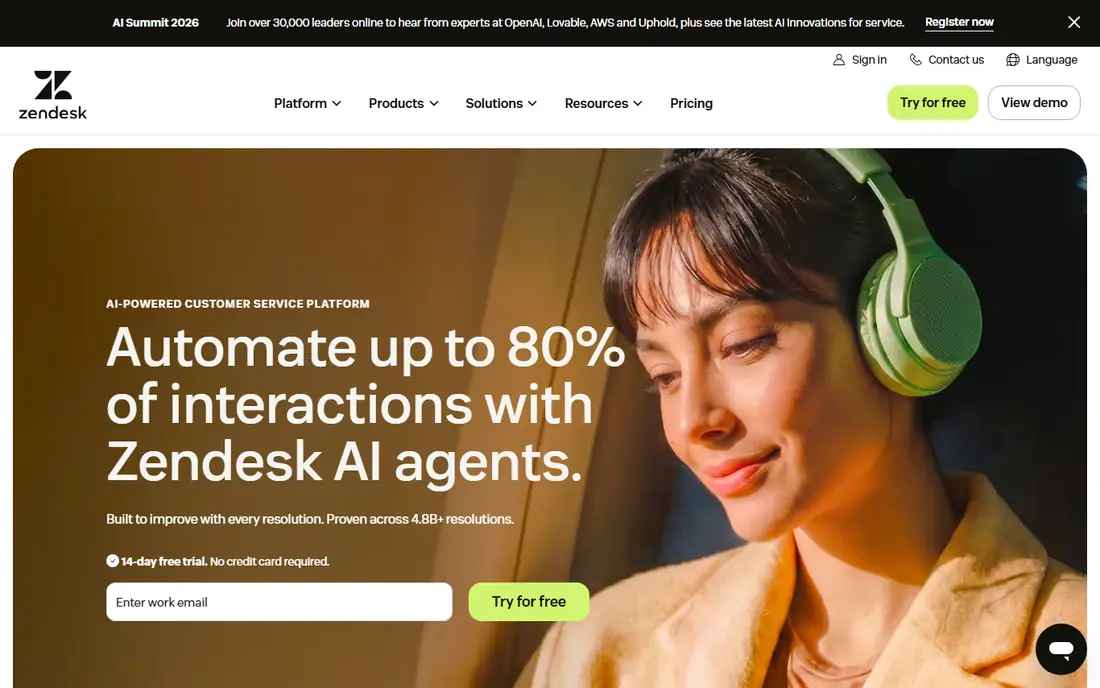
Zendesk positions itself as an AI-first service platform, claiming its AI agents automate up to 80 percent of interactions and improve with every resolution. The platform covers email, chat, voice and social in one workspace, with a marketplace of integrations for the rest of a team's stack. A 14-day free trial needs no credit card, which makes it easy to test against a real ticket queue.
The honest catch is complexity and cost. Zendesk's entry tiers are straightforward, but larger deployments with AI agents, workforce tools and custom objects need careful scoping, and headline prices are not all visible on the homepage. Small teams should start with the trial and a single channel, then add AI agents only once the knowledge base is in shape, since an agent is only as good as the content it answers from.
What we like- AI agents that improve with every resolution
- Strong marketplace of integrations
- Proven at very high volumes
Watch out for- Pricing sits behind a sales conversation for larger tiers
- The full platform can feel heavy for tiny teams
#2Freshdesk
Best for: Value for growing teams4.4/5 on
G2 (3,809 reviews, checked Oct 2026)
Visit freshworks.com
Starting priceSee website
Free planFree trial (14 days)
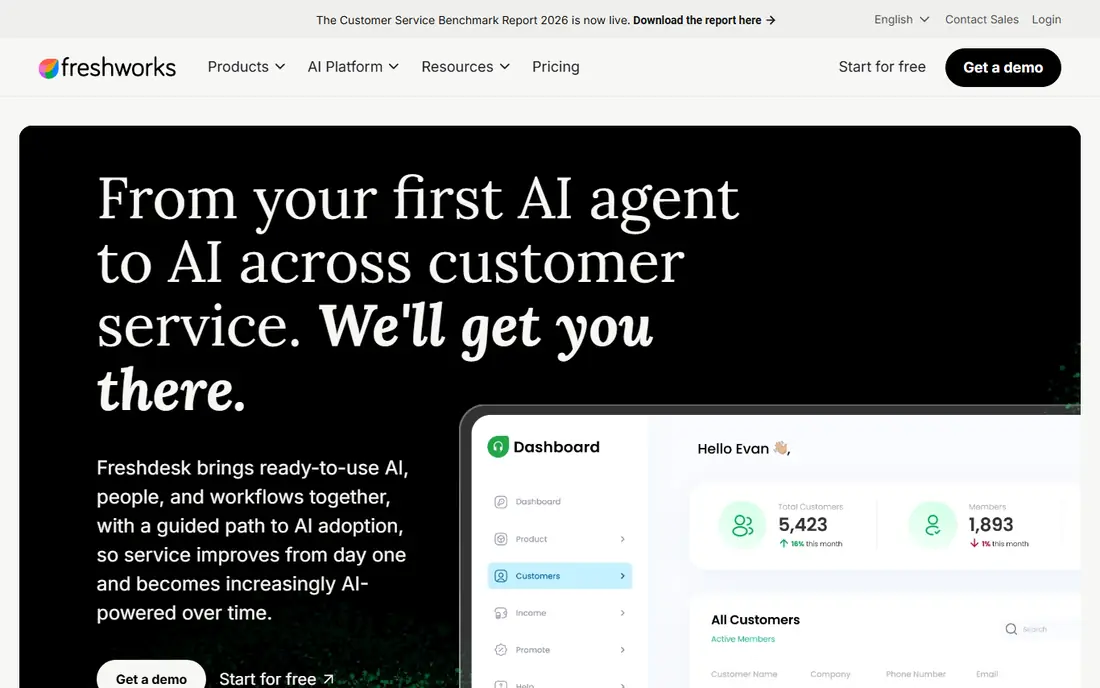
Freshdesk, from Freshworks, frames its product as a guided path to AI-powered service: start with one AI agent, then expand automation as the team gets comfortable. It pulls email, chat, phone, WhatsApp, Facebook, Instagram and other channels into one workspace, and integrates with Shopify, Salesforce, Jira, Slack and Stripe. That breadth matters for small businesses that sell through several channels at once.
Freshdesk's long appeal has been value: a capable help desk at a lower price point than Zendesk or Salesforce. The homepage does not show exact plan prices, so the pricing page is the next stop, and teams should check which AI features their tier includes before committing. For a growing team that wants AI without an enterprise budget, it remains a strong shortlist candidate.
What we like- Guided path from first AI agent to full AI service
- Wide integration set including WhatsApp and Shopify
- Trusted by 50,000+ businesses
Watch out for- Exact pricing not shown on the homepage
- Advanced AI features sit on higher tiers
#3HubSpot Service Hub
Best for: HubSpot-based teams4.4/5 on
G2 (2,922 reviews, checked Oct 2026)
Visit hubspot.com
Starting priceFree
Free planYes
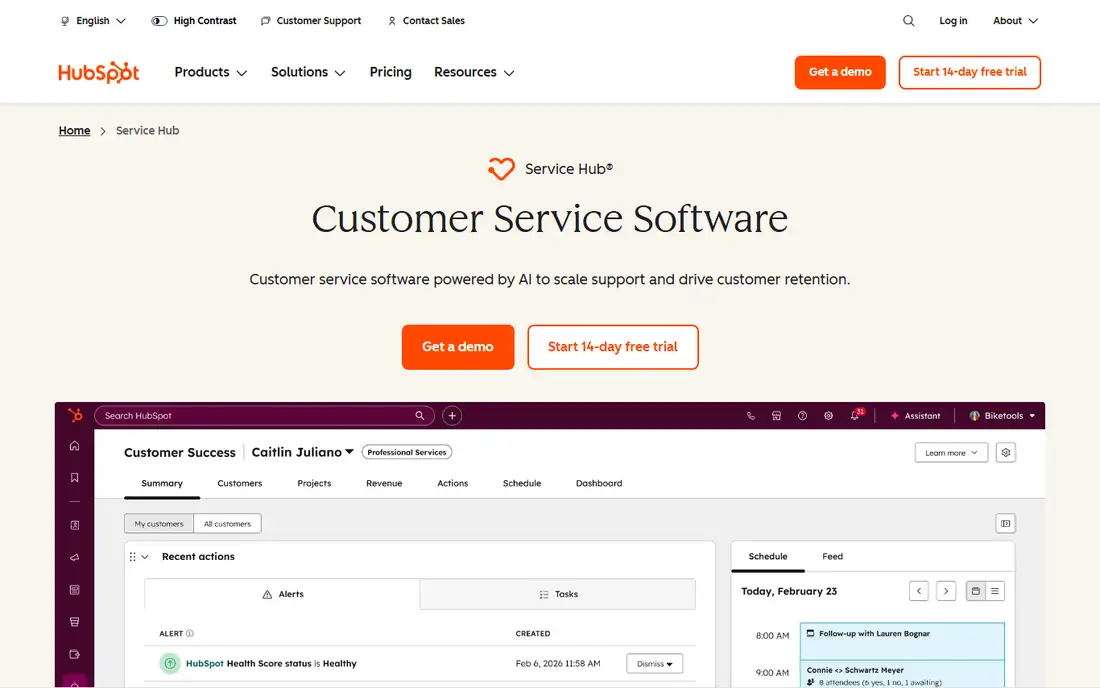
Service Hub is HubSpot's customer service product, built on the same CRM as its marketing and sales tools. The free tier includes contact management, ticketing and team email at $0 per month with no credit card. Starter begins at $10 per seat per month (discounted from $20 for new customers), Professional at $100 per seat per month, and Enterprise at $150 per seat per month, all in USD.
The unified data is the real selling point. A support rep sees every deal, marketing touchpoint and prior ticket for a customer in one record, and the customer success workspace tracks health scores and retention alongside tickets. The catch is the per-seat math: a ten-person team on Professional pays far more than a flat-rate help desk, and the value fades if the rest of the business does not use HubSpot. For HubSpot shops, though, the free tier alone is a credible starting point.
What we like- Free tier with ticketing and team email
- Unified CRM data across sales, marketing and service
- AI customer agent on Professional
Watch out for- Per-seat pricing climbs fast at Professional and Enterprise
- Best value only inside the HubSpot ecosystem
#4Intercom
Best for: Chat-first AI service4.5/5 on
G2 (3,918 reviews, checked Oct 2026)
Visit intercom.com
Starting price$19 per seat/month
Free planFree trial (14 days)
Intercom describes itself as a complete system for AI and human customer service, built around two products: the Intercom help desk and Fin, its AI agent. Fin averages a 76 percent resolution rate across more than 12,000 customers, according to Intercom, and because Fin shares the same inbox, record and knowledge base as the human team, every conversation improves the next one. The platform connects with Slack, Shopify, Stripe, Salesforce, Jira, WhatsApp and more.
Pricing is transparent on the homepage: $19 per seat per month plus $0.99 per Fin resolution, with spending limits so costs stay inside a budget. A 14-day free trial needs no card. The model rewards teams with high chat volume and good help content, but finance should model the per-resolution fees against ticket volume before signing, since a successful AI agent that resolves thousands of chats is also a growing line item.
What we like- Fin AI agent natively integrated with the help desk
- Outcome-based pricing with spending limits
- Strong integrations
Watch out for- AI resolution fees add up ($0.99 per Fin resolution)
- Per-seat plus usage pricing needs careful budgeting
#5Zoho Desk
Best for: Budget-friendly ticketing4.4/5 on
G2 (8,002 reviews, checked Oct 2026)
Visit zoho.com
Starting priceSee website
Free planFree trial
Zoho Desk organizes customer conversations from every channel into one contextual workspace, with a branded help center where customers track tickets, search the knowledge base and get help from an AI bot. Its AI layer, Zia, handles routine issues end to end and drafts responses for agents on complex cases, while dashboards track satisfaction and flag issues early. It integrates with more than 360 apps, including the wider Zoho ecosystem.
Zoho's pitch is transparent pricing with no long-term lock-ins, though exact plan prices are not on the homepage, so the pricing page is the authority. Teams already using Zoho CRM, Books or other Zoho apps get the most value, since ticket data flows into the same system. For a small business watching licensing costs, Zoho Desk is often the cheapest credible full help desk, with the trade-off being a plainer interface than Zendesk or Intercom.
What we like- Contextual workspace across channels
- Zia AI agents for routine issues
- 360+ integrations including the Zoho suite
Watch out for- Pricing not shown on the homepage
- AI depth varies by tier
#6Help Scout
Best for: Human-feeling shared inbox4.4/5 on
G2 (431 reviews, checked Oct 2026)
Visit helpscout.com
Starting priceSee website
Free planFree trial
Help Scout started with a simple premise: support software should treat customers like people, not tickets. Fifteen years and more than 3 billion conversations later, its platform centers on Inbox, a shared workspace for email, SMS, social, chat and voice, plus Envoy (its AI agent, Scout), Copilot (an agent assistant) and Signal (trend analytics). Scout resolves 73 percent of the requests it receives on average, and teams respond to 56 percent more messages in their first year, according to Help Scout.
The experience is deliberately human: context carries through escalations, drafts sound like the team, and reporting focuses on the story behind conversations rather than raw ticket counts. The homepage invites a free trial but does not show plan prices, so budget checks need the pricing page. Teams that care most about email quality and brand voice, rather than phone-first contact centers, will feel most at home here.
What we like- Shared inbox that keeps conversation context across handoffs
- AI agent Scout resolves 73% of requests on average
- Trend-spotting analytics
Watch out for- Pricing not shown on the homepage
- Voice support is less central than chat and email
Starting priceSee website
Free planFree trial
Service Cloud is Salesforce's customer service platform, connecting customer service, field service and employee service with AI agents under the Agentforce brand. Agents resolve customer questions around the clock, assist reps with context and next steps, and give supervisors a real-time view of operations. Industry clouds tailor the platform for healthcare, banking, retail, manufacturing and more, and Salesforce notes that its Fin customer agent platform has joined Salesforce, adding another automation option.
The platform's depth is also its cost. Service Cloud needs admin time, implementation planning and often a partner for larger rollouts, and small teams can drown in configuration options they will never use. It earns its place for enterprises that already run Salesforce, need field service alongside case management, or operate across many countries and business units. For a team under twenty agents, a simpler help desk usually ships faster and cheaper.
What we like- Unites service, field service and employee service on one platform
- Agentforce AI agents across channels
- Deep industry clouds
Watch out for- Implementation and admin overhead are high
- Pricing requires the pricing page and often a sales conversation
Starting priceSee website
Free planFree trial (14 days)
LiveChat, now presented as Text by LiveChat, is live chat software built to grow sales as well as answer questions. Agents see who is browsing, which pages visitors view, and live cart contents, then start conversations, qualify leads and recover abandoned carts from the same window. An AI agent answers common questions like order status when the team is offline, and hands conversations to humans with the full context attached. A free 14-day trial needs no credit card.
The product's strength is commercial chat: tracking sales from chats, comparing AI and human agent performance, and connecting with Shopify, WooCommerce, WordPress, WhatsApp and Messenger. It is less of a full help desk than Zendesk or Freshdesk, since ticketing is an add-on to chat rather than the core. Ecommerce teams that live on their storefront will get the most from it; email-heavy support teams should pair it with a ticketing tool.
What we like- Real-time visitor monitoring and live cart preview
- AI agent for 24/7 answers
- 200+ eCommerce and CMS integrations
Watch out for- Chat-first, not a full ticketing suite
- Pricing not shown on the homepage
How we chose
We selected tools that cover the main ways customers reach a business: email ticketing, live chat, voice and self-service, plus AI agents that now handle a large share of routine contacts. Each vendor homepage was opened to confirm the product still exists and matches its description, and prices were taken from the vendor's own pages where shown. Where a homepage did not display prices, we wrote "See website" rather than guessing. Tools that are only a chatbot widget, or that require a sales call for any trial, were left out.
What to check before you buy
Start with your channels, not the feature list. A team that gets 90 percent of contacts by email does not need a chat-first platform, and a store that sells through live chat does not need a heavy case management suite. Next, model the real price: per-seat plans multiply with headcount, while Intercom-style usage fees grow with AI resolutions, so a cheap headline price can double at scale. Check the trial properly: route real tickets through it for a week, test the mobile experience, and confirm the integrations you rely on actually sync data rather than just listing a logo.
Finally, invest in the knowledge base before the AI. Every AI agent on this list answers from your help content, and a thin or outdated help center produces confident wrong answers at scale. Write the twenty articles that answer 80 percent of questions, keep them current, and the AI tier you pay for will perform far better than the same tool with an empty library.
Frequently asked questions
What is the best customer service software for a small business?
HubSpot Service Hub's free tier or Zoho Desk, depending on your stack. HubSpot wins if you already use its CRM, since ticketing and contact data live together at no cost. Zoho Desk wins on licensing value for teams outside the HubSpot ecosystem.
Is Zendesk or Freshdesk better?
Zendesk offers deeper AI and a larger marketplace, while Freshdesk typically costs less and is easier to adopt for growing teams. Run both 14-day trials with real tickets and compare how quickly agents resolve common issues, rather than deciding on feature lists alone.
Do I need AI agents for customer service?
Not on day one. AI agents pay off once you have steady volume and a solid knowledge base, since they answer from your help content. Start with good ticketing, a help center and canned replies, then add an AI agent when repetitive questions consume a clear share of agent time.
How much does customer service software cost?
Free tiers exist at HubSpot, and trials run 14 days at most vendors here. Paid plans range from about $10 per seat per month at HubSpot Starter to $19 per seat per month plus usage fees at Intercom, up to $100 or more per seat at higher tiers. Always model the cost at your actual headcount and ticket volume.
Can live chat replace email support?
No, it complements it. Live chat suits pre-sale questions and quick issues, while email handles complex cases that need attachments, investigation or a paper trail. Most teams need both, which is why shared-inbox tools that cover email and chat together are popular.
What should I look for in a free trial?
Route real tickets, not demo data. Check how fast agents find customer history, whether automations trigger correctly, how the mobile app feels, and whether reports answer the questions your manager actually asks. A trial that only tests the demo workspace tells you very little.
Sources we checked (8)
- https://www.zendesk.com
- https://www.freshworks.com/freshdesk/
- https://www.hubspot.com/products/service
- https://www.intercom.com
- https://www.zoho.com/desk/
- https://www.helpscout.com
- https://www.salesforce.com/service/
- https://www.livechat.com
Is your product missing or out of date?
We review this list regularly. Vendors can request a listing, send updated pricing or ask about featured placement.

Shihab Mia · Founder, Rankite
Shihab has 5+ years in B2B and SaaS SEO. He writes Rankite's software buying guides from pricing pages, documentation and public user reviews. More about Shihab.