How we make this list: we compare pricing pages, product documentation and public user reviews. Ratings come from G2, Capterra or Trustpilot, with the date we checked them.
Key takeaways
- SurveyMonkey and Typeform cover most general survey needs, but they meter responses in different ways, so the cheaper plan depends on volume.
- Qualtrics fits large research and experience programs, while smaller teams often get faster value from SurveySparrow, Jotform, or Zoho Survey.
- For post support feedback, a focused tool such as Nicereply or Retently can beat a general survey builder.
- Response limits, branching logic, and closed loop follow up matter more than the number of question types on a feature page.
- Always test a survey on a phone before launch, because many customers answer on mobile and abandon long forms.
Quick comparison
| Tool | Best for | Starting price | Free plan |
|---|
 SurveyMonkey SurveyMonkey | General surveys and panels | $39 per month (billed annually) | Yes |
 Typeform Typeform | Conversational surveys | See website | Yes |
 Qualtrics Qualtrics | Enterprise experience programs | See website | Yes |
 QuestionPro QuestionPro | Research grade analysis | $99 per user/month (billed annually) | Yes |
 Jotform Jotform | Forms plus surveys | $34 per month (billed annually) | Yes |
 SurveySparrow SurveySparrow | Chat style CX surveys | $19 per month (billed annually) | Yes |
 Zoho Survey Zoho Survey | Affordable surveys for Zoho users | See website | Yes |
 Survicate Survicate | In product and website surveys | See website | Yes |
 Retently Retently | Automated NPS and CSAT campaigns | See website | Free trial |
Is your product missing or out of date?
We review this list regularly. Vendors can request a listing, send updated pricing or ask about featured placement.
#1SurveyMonkey
Best for: General surveys and panels4.4/5 on
G2 (23,901 reviews, checked Oct 2026)
Visit surveymonkey.com
Starting price$39 per month (billed annually)
Free planYes
SurveyMonkey remains the default choice for many teams because respondents recognize it and builders can start from a tested template. It handles NPS, CSAT, and CES questions, supports branching logic, and offers an audience panel when you need answers from people outside your customer list. Reporting covers basic charts, filters, and exports, which is enough for most routine satisfaction tracking.
The limits show up at scale. The free plan caps questions and responses, and paid plans still meter volume in ways that need checking before a large send. Teams that run frequent surveys should compare the annual cost against response needs, not just the monthly headline price. For a single team doing regular customer surveys, SurveyMonkey is a safe, well documented starting point.
What we like- Large template library
- Audience panels for paid respondents
- Familiar interface for respondents
Watch out for- Free plan limits questions and responses
- Costs rise with response volume
- Advanced analysis needs higher plans
#2Typeform
Best for: Conversational surveys4.5/5 on
G2 (1,014 reviews, checked Oct 2026)
Visit typeform.com
Starting priceSee website
Free planYes
Typeform presents one question at a time, which can lift completion on short surveys. The design feels closer to a conversation than a form, and that matters when you ask customers for feedback after a purchase or a support interaction. Logic jumps, payment fields, and integrations with tools such as HubSpot and Slack make it useful beyond simple polls.
Long, complex research surveys are not its best use. Response caps on entry plans mean a popular survey can hit a limit mid campaign, and upgrading for volume can get expensive. Use Typeform when completion and brand feel matter for a short survey, and use a research tool when you need deep analysis on thousands of responses.
What we like- One question at a time format
- Clean design that suits brand led surveys
- Good logic and integrations
Watch out for- Response limits on lower plans
- Costs rise quickly with volume
- Less suited to long research questionnaires
Starting priceSee website
Free planYes
Qualtrics is built for programs, not just single surveys. It supports complex logic, conjoint and MaxDiff style research methods, and text analysis that groups open responses into themes. Large teams can run customer, employee, and product feedback in one system, with roles, permissions, and audit controls that smaller tools often lack.
That depth comes with cost and complexity. Pricing is custom, and small teams may find setup takes longer than the survey itself. Qualtrics makes sense when feedback feeds a formal program, when research methods matter, or when security and governance are strict. For a monthly CSAT check, a lighter tool will usually deliver faster results.
What we like- Deep logic and research methods
- Text analysis for open responses
- Strong enterprise security and controls
Watch out for- Custom pricing can be high
- Setup and learning time is longer
- Overkill for a simple CSAT pulse
Starting price$99 per user/month (billed annually)
Free planYes
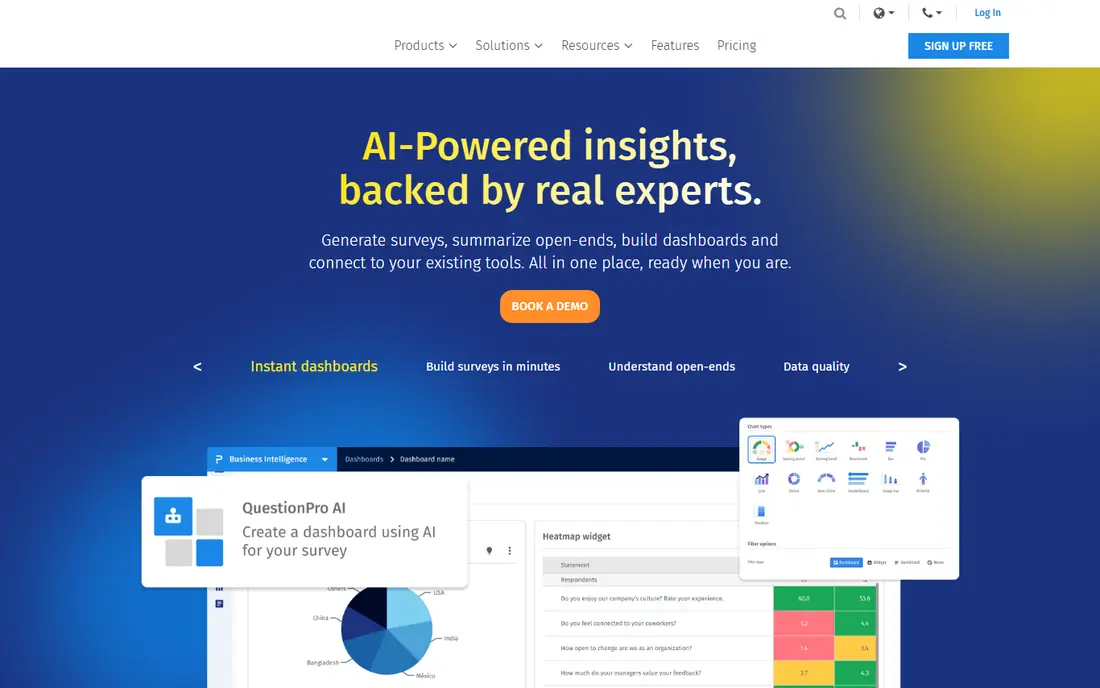
QuestionPro sits between general survey builders and enterprise platforms. It offers detailed analysis, cross tabulation, and a broad set of question types, which suits teams that need more than a simple score chart. Survey distribution covers email, web links, and embeds, and reporting can be shared with stakeholders without exporting to a spreadsheet for every view.
New users may find the interface dense, because many options sit in menus that take time to learn. The per user price also adds up when several analysts need full access. QuestionPro fits research minded teams that run repeated studies and want analysis inside the survey tool, rather than in a separate analytics product.
What we like- Strong analytics and cross tabs
- Wide question and logic options
- Panel and community features on higher plans
Watch out for- Price per user is high for large teams
- Interface feels dense at first
- Some features need higher tiers
#5Jotform
Best for: Forms plus surveys4.7/5 on
G2 (5,415 reviews, checked Oct 2026)
Visit jotform.com
Starting price$34 per month (billed annually)
Free planYes
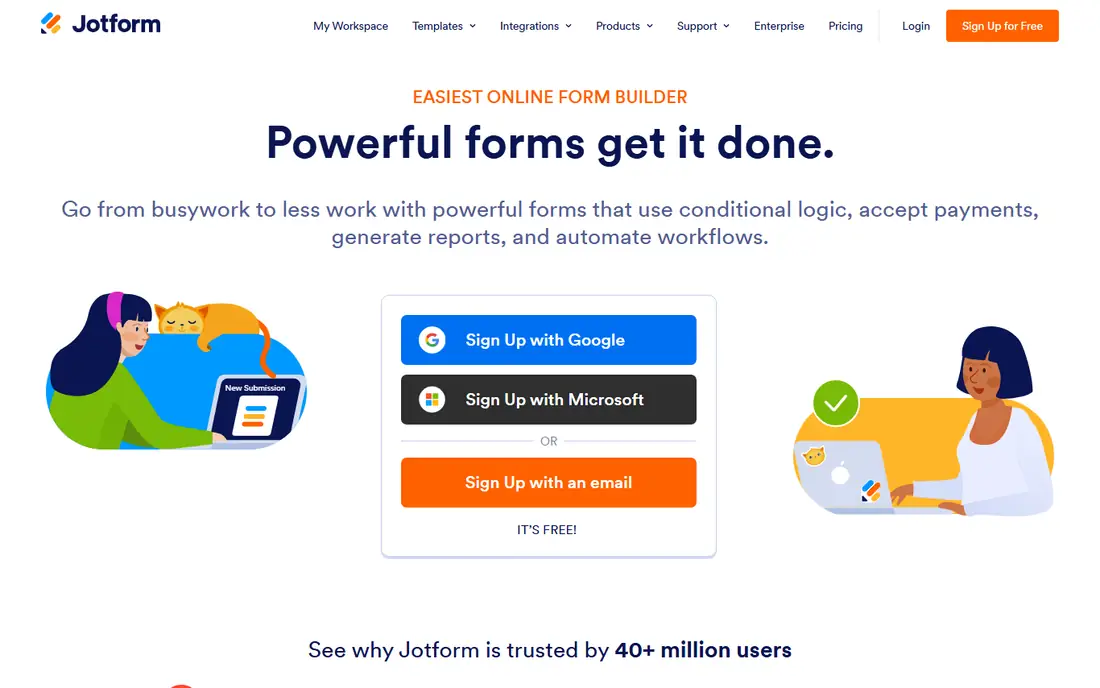
Jotform works well when a satisfaction survey is part of a wider form workflow. A team can collect feedback, take a payment, gather an upload, and route a submission to staff from one builder. Templates cover many industries, and the drag and drop editor is quick to learn. That breadth makes it a practical pick for small businesses that do not want a separate tool for every form type.
Pure survey analysis is thinner than in QuestionPro or Qualtrics. Charts and exports cover routine needs, but advanced statistical work needs another tool. Jotform is best when you want one form platform for surveys, registrations, and requests, and when feedback volume is moderate rather than enterprise scale.
What we like- Very large template library
- Payment and workflow options
- Easy embedding on websites
Watch out for- Survey analysis is less deep than research tools
- Interface can feel crowded
- Higher plans needed for large volume
Starting price$19 per month (billed annually)
Free planYes
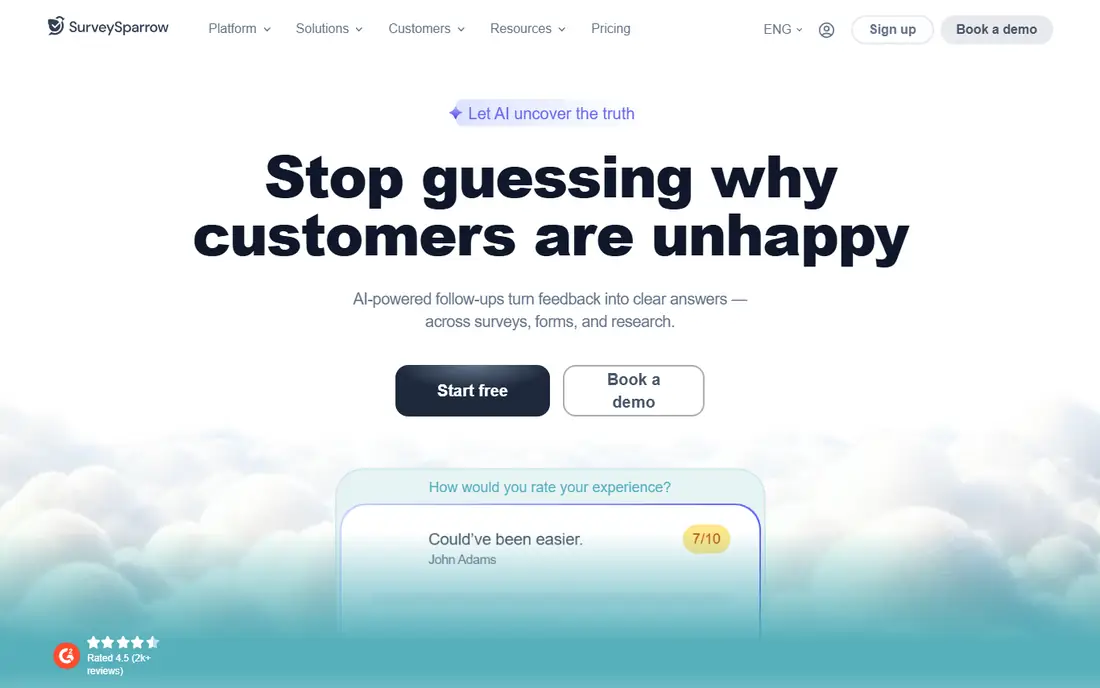
SurveySparrow turns a survey into a chat style conversation, which can feel less formal than a long form. It supports recurring NPS and CSAT campaigns, so a team can track satisfaction over time without rebuilding the survey each month. Automation can trigger a follow up task or message when a score drops, which helps close the loop with unhappy customers.
The trade is breadth. It has fewer third party integrations than SurveyMonkey or Typeform, and very long questionnaires can feel awkward in chat form. For customer experience teams that run regular pulse surveys and want follow up built in, SurveySparrow offers good value at its entry price.
What we like- Chat style surveys on web and mobile
- Recurring NPS and CSAT campaigns
- Automation for follow up actions
Watch out for- Integration list is smaller than larger rivals
- Advanced reporting needs higher plans
- Chat format may not suit long surveys
#7Zoho Survey
Best for: Affordable surveys for Zoho users4.4/5 on
G2 (1,038 reviews, checked Oct 2026)
Visit zoho.com
Starting priceSee website
Free planYes
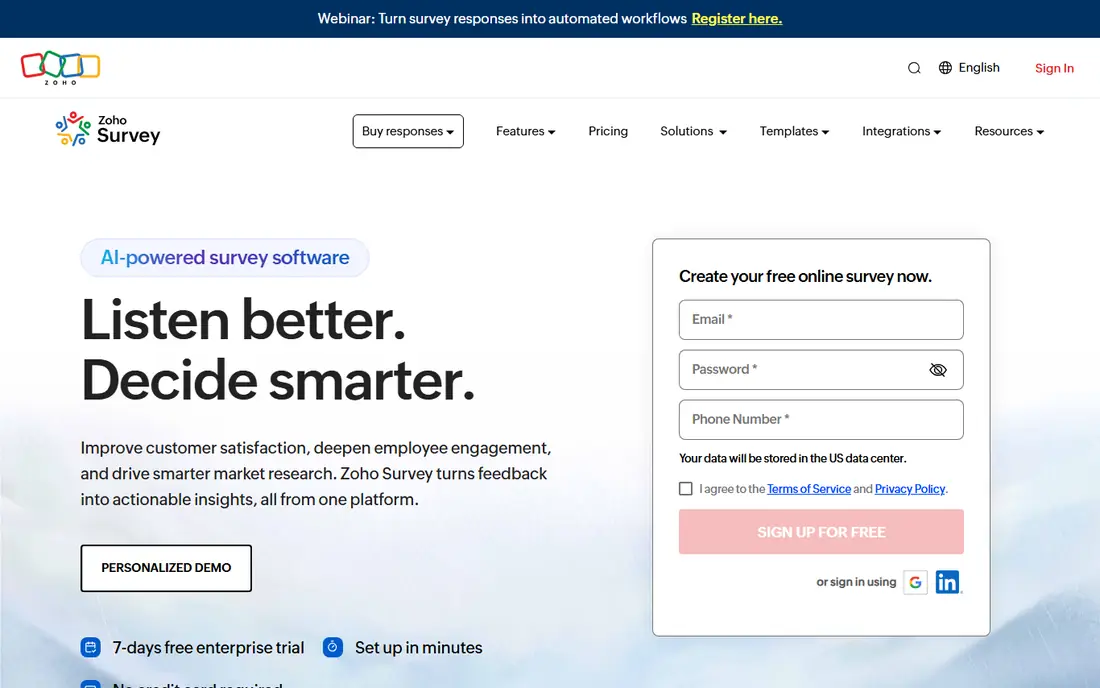
Zoho Survey is a straightforward builder for teams that already use Zoho CRM, Desk, or other Zoho apps. Responses can flow into CRM records or support workflows without a complex integration project. The builder covers NPS, CSAT, rating scales, logic, and custom branding, which covers most satisfaction work.
Outside the Zoho system, the case is weaker. The template library and integration range are smaller than larger survey platforms, and advanced analysis sits on higher plans. Zoho users get the most value here, because the survey tool fits the stack they already pay for. Other teams should compare it directly with SurveyMonkey or SurveySparrow on templates and reporting.
What we like- Clean builder with logic and scoring
- Works well with other Zoho apps
- Lower cost than enterprise tools
Watch out for- Template range is smaller than SurveyMonkey
- Analysis is basic on lower plans
- Best value only inside the Zoho system
#8Survicate
Best for: In product and website surveys4.6/5 on
G2 (214 reviews, checked Oct 2026)
Visit survicate.com
Starting priceSee website
Free planYes
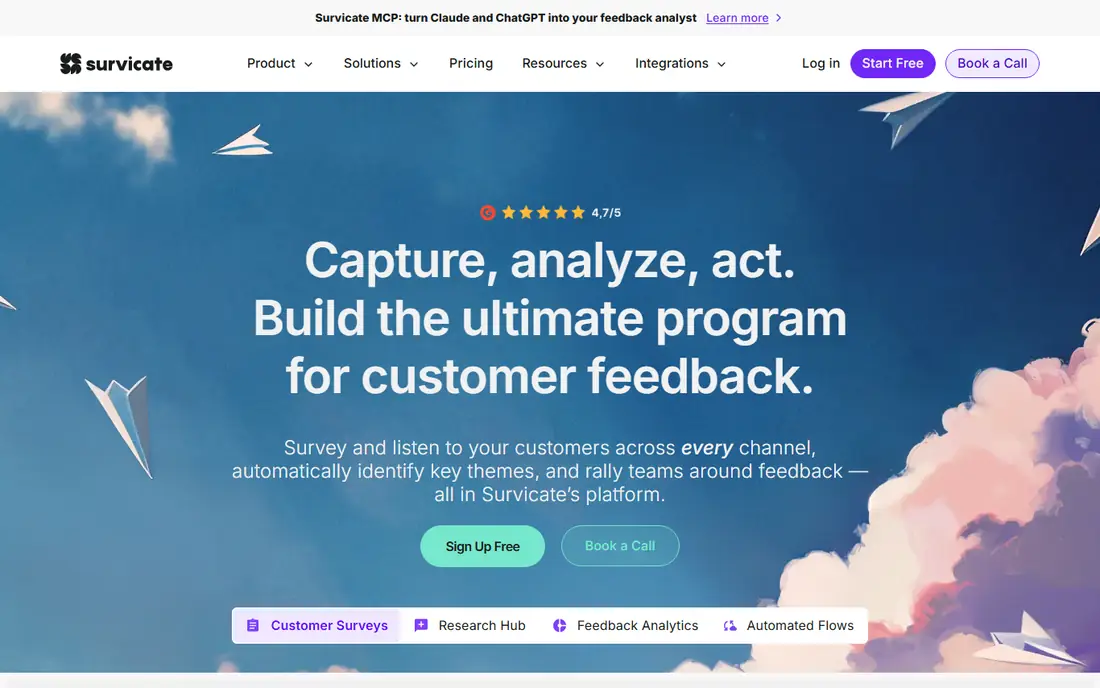
Survicate focuses on asking at the moment of experience. A survey can appear inside a product, on a website page, or in an email after an action, and targeting can limit it to a specific user group or behavior. That timing often produces more useful feedback than a survey sent weeks later, because the experience is still fresh.
Volume pricing needs care. Costs rise as responses grow, so a high traffic site should model expected responses before committing. Survicate is less of a general research tool and more of a feedback collection tool for product and marketing teams. When the question is what users think right after using a feature, it is a strong fit.
What we like- Website, email, and in product surveys
- Targeting by user behavior or page
- Integrations with HubSpot and other CRMs
Watch out for- Pricing scales with response volume
- Less suited to long research surveys
- Some features need higher plans
#9Retently
Best for: Automated NPS and CSAT campaigns4.7/5 on
G2 (30 reviews, checked Oct 2026)
Visit retently.com
Starting priceSee website
Free planFree trial
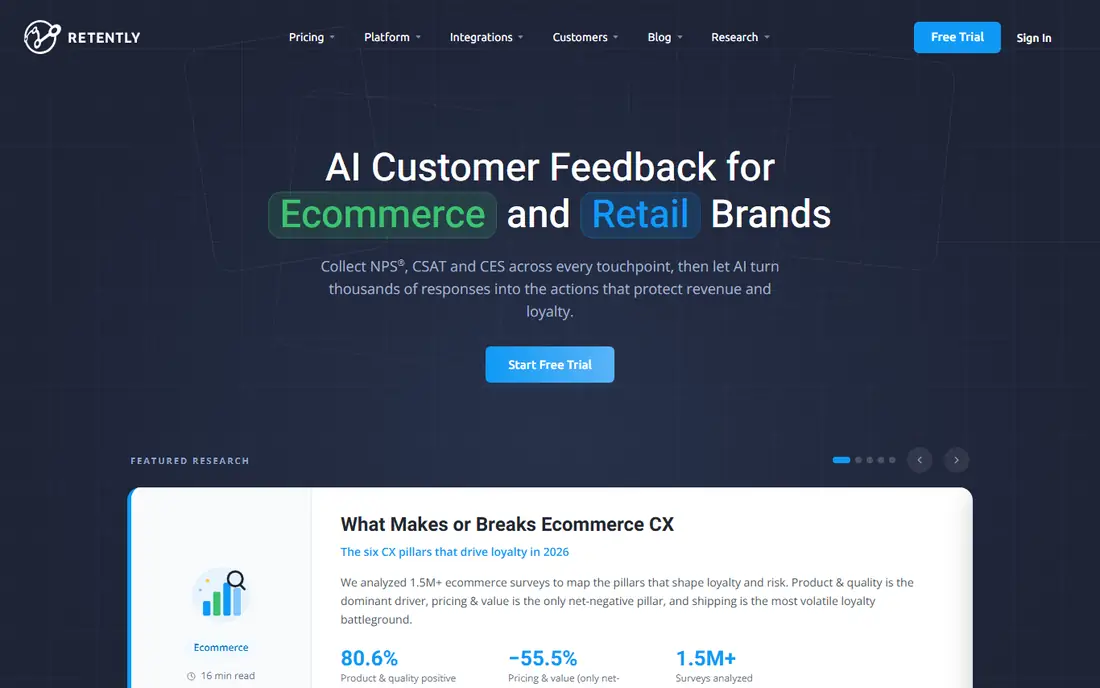
Retently is built around ongoing satisfaction campaigns rather than one off questionnaires. It automates NPS, CSAT, and CES sends, tracks trends over time, and connects to CRMs such as HubSpot and Salesforce so low scores can trigger follow up. That focus helps teams that want a steady satisfaction signal without rebuilding surveys each month.
General survey work is not its strength. If you need long questionnaires, complex research logic, or audience panels, a broader tool fits better. Retently suits customer success and support teams that run regular satisfaction tracking and need a clear trend line, with follow up tied to customer records.
What we like- Automated NPS, CSAT, and CES campaigns
- CRM integrations for follow up
- Clear trend reporting over time
Watch out for- Narrower than a general survey builder
- Pricing depends on contacts and volume
- Less suited to ad hoc research
How we chose
We compared vendor pricing pages, product documentation, and public reviews on G2, Capterra, and Reddit, and we checked question types, logic, distribution channels, reporting, integrations, and limits on free and entry plans. A tool made this list only if it exists today and can run NPS, CSAT, or CES surveys for real customers, not just internal polls. We treated vendor claims about completion and insight as claims to verify in a trial, and we favored tools with clear pricing or a free plan where possible.
The list mixes general builders, research tools, and focused CX tools on purpose. A general builder may win for a one off survey, while a focused CX tool may win for a recurring program. Readers should test distribution, mobile display, and reporting on a small real send before choosing, because those details decide whether feedback actually gets used.
Before you send: survey design that gets answers
Keep the survey short and state why you are asking. A CSAT survey after support can be two or three questions, while a quarterly NPS survey can add one open question about the reason for the score. Long surveys with many rating grids tend to lose respondents, and the people who finish may not represent all customers.
Timing, length, and follow up
Send feedback requests close to the experience, and avoid sending the same survey to the same customer too often. Test the survey on a phone, check that branching works, and confirm that a low score creates a visible task for someone on the team. A survey with no follow up teaches customers that their answers do not matter, which hurts response rates over time.
Metrics and reporting checks
Decide in advance how you will read NPS, CSAT, and CES, and whether you will segment by product, plan, or support channel. Check whether the tool exports raw data, supports filters, and shows trends rather than a single snapshot. Also confirm data handling, consent wording, and retention settings, especially when collecting feedback from customers in regulated industries.
Frequently asked questions
What is the difference between NPS, CSAT, and CES?
NPS measures how likely customers are to recommend you, CSAT measures satisfaction with a specific interaction or product, and CES measures how easy it was to get help or complete a task. Many teams use CSAT after support, CES after a process change, and NPS for an overall relationship check. Using all three at different times gives a fuller picture than any single score.
How many questions should a satisfaction survey have?
Short surveys usually perform better. Two to five questions work well for post support CSAT, while a quarterly survey can include a few more questions plus one open text question. Every extra question should have a clear owner and a decision attached to it, or it should be removed.
Which survey tool is best for small businesses?
SurveySparrow, Jotform, and Zoho Survey offer lower entry prices and quick setup for small teams. SurveyMonkey and Typeform also work well for small businesses when templates or conversational design matter more than the lowest price. Start with response volume and distribution channel, then compare plans on those facts.
Can I run satisfaction surveys for free?
Yes, for small volumes. Most tools here offer a free plan with limits on questions, responses, or branding. Free plans suit a small pilot or an occasional survey, but regular programs with hundreds of responses usually need a paid plan. Check response caps and export limits before relying on a free tier.
How do I improve response rates?
Send at the right time, keep the survey short, explain the purpose in one sentence, and follow up on low scores. Mobile friendly design matters, because many customers open survey links on a phone. Avoid incentives that distort answers, and avoid sending repeated surveys to the same people in a short period.
Should I use one tool for all feedback?
Not always. A general survey tool can handle most needs, but product teams may also need in product surveys, and support teams may need post ticket CSAT tied to a helpdesk. Using one main tool plus a focused tool for a specific channel is often simpler than forcing every feedback type into a single builder.
Sources we checked (9)
- https://www.surveymonkey.com/pricing
- https://www.typeform.com/pricing
- https://www.qualtrics.com/pricing
- https://www.questionpro.com/pricing
- https://www.jotform.com/pricing
- https://surveysparrow.com/pricing
- https://www.zoho.com/survey/pricing
- https://survicate.com/pricing
- https://retently.com/pricing
Is your product missing or out of date?
We review this list regularly. Vendors can request a listing, send updated pricing or ask about featured placement.

Shihab Mia · Founder, Rankite
Shihab has 5+ years in B2B and SaaS SEO. He writes Rankite's software buying guides from pricing pages, documentation and public user reviews. More about Shihab.