How we make this list: we compare pricing pages, product documentation and public user reviews. Ratings come from G2, Capterra or Trustpilot, with the date we checked them.
Key takeaways
- GitHub Copilot is the safest all-round alternative: it works in VS Code, Visual Studio, JetBrains IDEs, Xcode, Vim, Neovim, Zed and Eclipse, has a free plan and paid plans from $10 per month.
- Claude Code is the strongest pick for developers who want an agent to handle multi-step work from the terminal, and it is included with Claude Pro at $20 per month ($17 on annual billing).
- Windsurf is the closest like-for-like swap for an AI-first editor, with a free plan, Pro at $20 per month and tools to manage many agents locally or in the cloud.
- Cline is the best free and open-source option: the extension costs nothing and you pay only for the AI models you use, including local models.
- Kiro, Zed, JetBrains AI and Augment Code suit specific needs: spec-driven development, a fast open-source editor, JetBrains users and large team codebases.
Quick comparison
| Tool | Best for | Starting price | Free plan |
|---|
 GitHub Copilot GitHub Copilot | Developers who want AI in the editor they already use | $10 per month | Yes |
 Claude Code Claude Code | Agent-led work from the terminal and IDE | $20 per month ($17 billed annually) | No |
 Windsurf Windsurf | An AI-first editor similar to Cursor | $20 per month | Yes |
 Kiro Kiro | Spec-driven development for teams | $20 per user per month | Yes |
 Cline Cline | Open source with any model | Free (pay for model usage) | Yes |
 Zed Zed | A fast, open-source editor with optional AI | $10 per month | Yes |
 JetBrains AI JetBrains AI | Developers who live in JetBrains IDEs | US $100 per year (AI Pro) | Yes |
 Augment Code Augment Code | Teams working across large codebases | $20 per month (flat, up to 50 seats) | No |
Is your product missing or out of date?
We review this list regularly. Vendors can request a listing, send updated pricing or ask about featured placement.
The best Cursor alternatives
Cursor turned the code editor into an AI workspace, with chat, agents and multi-file edits built into a fork of VS Code. It is still a strong product, but plenty of developers look for an alternative. The usual reasons are cost on heavy usage, a preference for staying in their current editor, a wish to choose their own models, or a company policy that favors a vendor it already uses.
The good news is that the gap between Cursor and its rivals has narrowed. Every tool below can edit across files, run commands and work as an agent. The rankings reflect how well each one replaces Cursor for a typical professional developer. Prices come from each vendor's own pricing page in October 2026. Most tools now include a monthly usage allowance, so the headline price is only part of the cost.
#1GitHub Copilot
Best for: Developers who want AI in the editor they already use4.4/5 on
G2 (397 reviews, checked Oct 2026)
Visit github.com
Starting price$10 per month
Free planYes
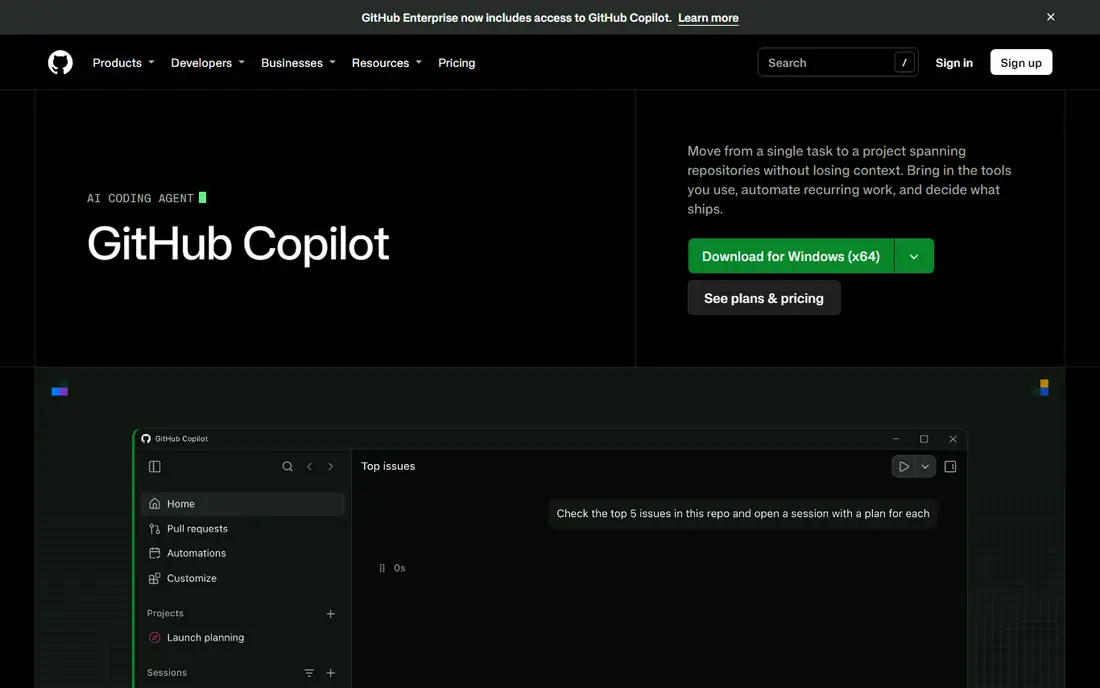
GitHub Copilot is the default choice for many teams because it goes where developers already are. Instead of switching editors, you install it in VS Code, Visual Studio, a JetBrains IDE, Xcode, Vim, Neovim, Zed or Eclipse, and it is also available in the terminal. For companies already on GitHub, it also ties into pull requests, code review and cloud agents.
Copilot now does far more than autocomplete. Agent mode, code review, the coding agent in the cloud, Copilot CLI and Copilot Chat all run on GitHub AI Credits. You can also bring your own API key for supported providers or run models locally with Ollama.
The Free plan includes 2,000 completions a month and supports CLI and agent mode. Pro costs $10 per month with $15 of monthly AI credits, Pro+ costs $39 per month with $70 of credits, and Max costs $100 per month with $200 of credits. Business and Enterprise plans pool credits across an organization.
What we like- Works in VS Code, Visual Studio, JetBrains IDEs, Xcode, Vim, Neovim, Zed, Eclipse and the terminal
- Free plan with 2,000 completions a month plus agent mode and CLI
- Pro plans include access to third-party agents such as Claude Code and Codex
Watch out for- Agent and chat usage draws on monthly AI credits, which heavy users can run through
- The best features sit on higher tiers
#2Claude Code
Best for: Agent-led work from the terminal and IDE4.7/5 on
G2 (125 reviews, checked Oct 2026)
Visit claude.com
Starting price$20 per month ($17 billed annually)
Free planNo
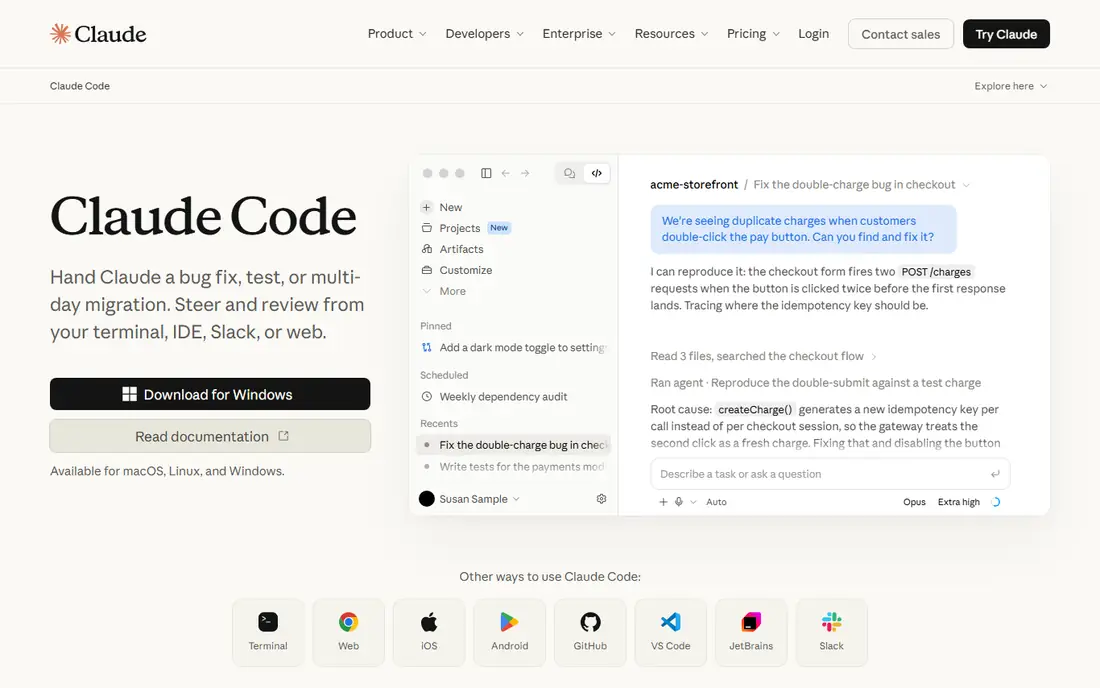
Claude Code is Anthropic's coding agent, and it takes a different approach from Cursor. Rather than an editor with AI added, it is an agent you hand work to. You can give it a bug fix, a test suite or a multi-day migration, then steer and review its progress from your terminal, your IDE, Slack or the web. It reads the codebase, explains its plan and makes changes across files.
For teams, Claude Code is available on every Team seat with self-serve seat management, and companies can run Claude Code sessions on their own infrastructure in a public beta.
Claude Code is included with Claude Pro, which costs $20 per month billed monthly or $17 per month with an annual subscription. Max plans start at $100 per month for much higher usage. Team standard seats are $20 per seat per month billed annually, or $25 billed monthly.
What we like- Handles bug fixes, tests and multi-day migrations as an agent
- Steer and review from the terminal, IDE, Slack or web
- Included in Claude Pro, Max and Team plans
Watch out for- Usage limits on Pro can be reached quickly in long sessions
- Terminal-first workflow takes adjusting if you prefer a visual editor
#3Windsurf
Best for: An AI-first editor similar to Cursor4.2/5 on
G2 (56 reviews, checked Oct 2026)
Visit windsurf.com
Starting price$20 per month
Free planYes
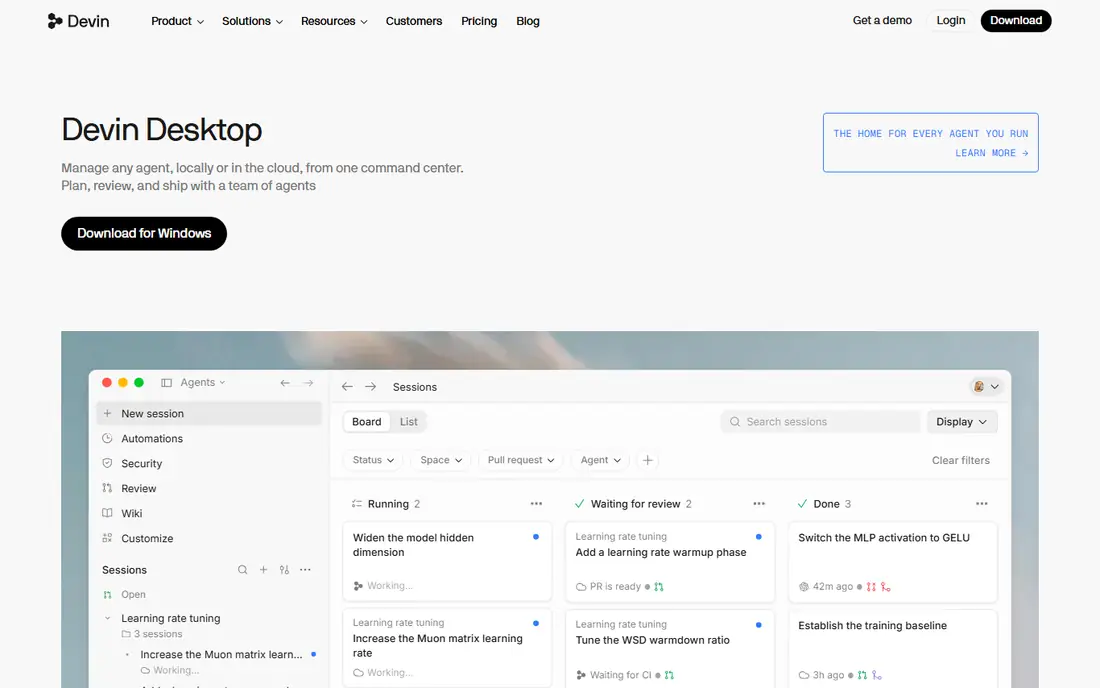
Windsurf is the most direct Cursor competitor: an AI-first code editor where agents plan, write and test code while you review. It now positions itself as a home for every agent you run, with a command center for managing agents locally or in the cloud and access to many frontier models in one place. It also connects with Devin, so cloud work keeps running after you close your laptop.
The free plan is genuinely usable for everyday coding. It includes a light quota for agents, limited model choice, and unlimited inline edits and Tab completions.
Pro costs $20 per month, and Max costs $200 per month for power users who need much higher usage quotas. Teams pay $80 per month for the team plan plus $40 per month for each full developer seat, and enterprise plans are available.
What we like- AI-first editor with agents, inline edits and Tab completions
- Manage agents locally or in the cloud from one place
- Free plan with unlimited inline edits and Tab completions
Watch out for- The free agent quota is light
- Team pricing combines a base fee and per-seat fees
Starting price$20 per user per month
Free planYes
Kiro is an agentic IDE that pushes structure into AI coding. Instead of jumping straight to code, it turns your prompt into an executable spec with requirements, an architectural design and a sequence of tasks, then builds against it. Kiro says this helps catch the edge cases that pass unit tests but break in production, and it supports parallel agents for large codebases.
A subscription covers Kiro IDE, Kiro CLI and Kiro Web, along with other compatible tools. That makes it a good fit for professional teams who want AI-written code to match an agreed plan.
Kiro Free includes 50 credits a month. Pro is $20 per user per month with 1,000 credits, Pro+ is $40 with 2,000 credits, Pro Max is $100 with 5,000 credits and Power is $200 with 10,000 credits. Extra credits cost $0.04 each, and new paid users get $20 credited toward their first subscription when they sign up with a social login or Builder ID.
What we like- Turns prompts into specs with requirements, designs and tasks before writing code
- One subscription covers Kiro IDE, CLI and web
- Free plan with 50 credits a month
Watch out for- Unused credits do not roll over
- The spec-first workflow can feel slow for quick fixes
Starting priceFree (pay for model usage)
Free planYes
Cline is the pick for developers who want full control. It is an open-source coding agent that runs in your editor, in the terminal, as a desktop app or inside your own products through its SDK. You choose the model, whether that is Claude, GPT, Gemini, a local model in Ollama or LM Studio, or any OpenAI-compatible endpoint, and you can bring your own key or your own weights.
The workflow is careful by design. Plan mode lets you agree on a strategy, then Act mode carries it out, with diffs, checkpoints and one-click undo. You can approve every step or turn on auto-approve. Cline also runs commands in your terminal and reacts to the output.
The extension is free for individual developers, and you pay only for AI inference when you use hosted models. An Enterprise plan adds team management, centralized billing and role-based access.
What we like- Open-source extension that is free for individual developers
- Works with Claude, GPT, Gemini, local models through Ollama or LM Studio and any OpenAI-compatible endpoint
- Plan and Act modes with approval for every step
Watch out for- You manage model costs and API keys yourself
- Quality depends on the model you choose
#6
Zed
Best for: A fast, open-source editor with optional AI
Visit zed.dev
Starting price$10 per month
Free planYes
Zed is a code editor built for speed, and it calls itself the world's fastest IDE. It is open source, and AI is optional, which appeals to developers who want a lightweight editor first and AI help second. It also has collaboration built in, with a multiplayer environment for coding with teammates and agents.
You can use Zed with your own model keys, or subscribe to Pro for hosted models and edit predictions. The 14-day Pro trial includes $5 of usage.
The editor itself is free forever. Pro costs $10 per month and includes $5 of tokens, with extra usage billed at API list price plus 10 percent. Business costs $30 per seat per month.
What we like- Open-source editor that is free forever
- AI is optional, with hosted models on Pro
- Built-in multiplayer collaboration
Watch out for- Smaller extension ecosystem than VS Code-based editors
- Usage beyond the included $5 is billed at API list price plus 10 percent
Starting priceUS $100 per year (AI Pro)
Free planYes
For developers who already use IntelliJ IDEA, PyCharm, WebStorm or another JetBrains IDE, JetBrains AI is the least disruptive way to get Cursor-style features. AI chat and coding agents work inside the IDE you know, with its refactoring, debugging and inspection tools.
JetBrains has also launched Air, a system for building software with agents. It finds compatible agents on your machine, lets you review every change as a diff and comment on specific lines, and can run agent tasks in cloud environments. You can bring your existing provider subscription or API keys, or use JetBrains AI credits billed at public API rates.
AI Free includes 3 AI credits every 30 days. AI Pro is listed at US $100 per year with 10 monthly AI credits, and AI Ultimate at US $300 per year with 35 monthly AI credits. A free 30-day trial is available.
What we like- AI built into IntelliJ IDEA, PyCharm and other JetBrains IDEs
- Works with your existing provider subscription or API keys
- Free AI tier and 30-day trial of paid plans
Watch out for- AI Free is not available in some IDE editions, such as IntelliJ IDEA without Ultimate
- Credit allowances are small on the free tier
Starting price$20 per month (flat, up to 50 seats)
Free planNo
Augment Code focuses on the problem that trips up many AI tools: large, messy codebases. Its Context Engine is designed to keep track of how a project fits together, so agents can move from a single task to a project spanning several repositories without losing context. Augment Code has joined Harness, the software delivery company.
Its Cosmos platform runs agents for recurring work: a first-pass review on every pull request, investigating and fixing tickets end to end, raising test coverage and triaging alerts before a human steps in.
The Standard plan is a flat $20 per month for up to 50 seats with $20 of usage included, and Business is a flat $100 per month with $100 of usage. Usage covers models, the Context Engine and compute, with pay-as-you-go top-ups. Enterprise pricing is custom.
What we like- Context Engine built to understand large codebases
- One flat price for up to 50 seats
- Agents for code review, tickets, test coverage and alert triage
Watch out for- Usage beyond the included amount needs top-ups
- More of a team platform than a personal editor
How we chose
We compared each tool on what Cursor users rely on most: multi-file edits, agent mode, codebase awareness, model choice, editor support and cost under real usage. We then read each vendor's product page, pricing page and FAQ in October 2026 and noted how usage allowances, credits and seats are counted.
We did not benchmark every tool on the same codebase, so the rankings reflect published features, pricing and fit for a typical professional developer or small team. Tools that work in several editors or let you choose your own model rank higher for flexibility.
How to choose a Cursor alternative
Decide whether to switch editors
If you like your current editor, GitHub Copilot, Cline and JetBrains AI bring AI to it. If you want an AI-first editor like Cursor, look at Windsurf, Kiro or Zed. If you prefer to hand work to an agent, try Claude Code.
Compare usage, not just price
Nearly every tool includes a monthly usage allowance in credits or dollars. Heavy agent use can cost far more than the headline price, so check what happens when the allowance runs out and whether you can set a spending cap.
Check model choice and privacy
Some tools let you bring your own API key or run local models, which helps with cost and data rules. For company code, check whether your data is used for training and whether SSO and admin controls are available.
Test on a real task
Pick a bug or small feature from your own codebase and give the same task to two or three tools. How each one plans, edits and explains its changes will tell you more than any feature list.
Frequently asked questions
What is the best free alternative to Cursor?
Cline is free and open source, and you pay only for the models you use, including free local models. GitHub Copilot Free, Windsurf Free, Kiro Free and Zed's free editor are also good starting points.
Is GitHub Copilot better than Cursor?
Copilot is better if you want to stay in your current editor or your company already uses GitHub. Cursor and Windsurf offer a more AI-first editor experience. Many developers try both before deciding.
Is Claude Code a replacement for Cursor?
It can be. Claude Code works as an agent from the terminal, IDE, Slack or web rather than as a full editor, so many developers pair it with an editor they already like.
Which Cursor alternative works with JetBrains IDEs?
JetBrains AI is built into JetBrains IDEs, and GitHub Copilot also supports them. Claude Code can be steered from your IDE as well.
Can I use my own API key instead of a subscription?
Yes, with several tools. Cline is built around bringing your own key, Zed supports your own keys, JetBrains Air accepts existing provider subscriptions and API keys, and GitHub Copilot lets you connect supported providers with your own key.
Sources we checked (12)
- https://cursor.com/pricing
- https://github.com/features/copilot
- https://github.com/features/copilot/plans
- https://www.claude.com/pricing
- https://www.claude.com/product/claude-code
- https://windsurf.com/pricing
- https://kiro.dev/pricing/
- https://cline.bot/pricing
- https://zed.dev/pricing
- https://www.jetbrains.com/ai/
- https://www.jetbrains.com/ai-ides/buy/
- https://www.augmentcode.com/pricing
Is your product missing or out of date?
We review this list regularly. Vendors can request a listing, send updated pricing or ask about featured placement.

Shihab Mia · Founder, Rankite
Shihab has 5+ years in B2B and SaaS SEO. He writes Rankite's software buying guides from pricing pages, documentation and public user reviews. More about Shihab.