How we make this list: we compare pricing pages, product documentation and public user reviews. Ratings come from G2, Capterra or Trustpilot, with the date we checked them.
Key takeaways
- Salesforce suits the most complex, global deployments, but its total cost rises with add-ons, admins, and implementation help.
- Microsoft Dynamics 365 Sales suits companies already built on Microsoft 365, Teams, Outlook, and Power BI.
- HubSpot Sales Hub Enterprise suits large teams that want faster rollout and easier adoption than a traditional enterprise CRM.
- SAP Sales Cloud and Oracle Fusion Sales suit companies already running SAP or Oracle ERP and finance systems.
- Zoho CRM, SugarCRM, and Freshsales suit enterprises that want strong function at a lower per-user price, with trade-offs in ecosystem depth.
Quick comparison
Is your product missing or out of date?
We review this list regularly. Vendors can request a listing, send updated pricing or ask about featured placement.
The best CRM software for enterprise

#1Salesforce Sales Cloud
Best for: Complex global deployments4.4/5 on
G2 (27,571 reviews, checked Oct 2026)
Visit salesforce.com
Starting priceSee website
Free planFree trial
Salesforce remains the default shortlist pick when a deployment spans countries, business units, and complex sales processes. Its data model, automation, and AppExchange ecosystem allow a large company to model territories, product families, approvals, and partner channels in one system. Agentforce AI features add agents for research, follow-up, and routine work, though their value depends on clean data and clear guardrails. Slack, Tableau, and MuleSoft integrations extend the platform into collaboration, analytics, and system connections.
The cost is the honest catch. License tiers, add-ons, data storage, AI usage, and partner implementation can push total cost far above the headline per-user price. A company also needs skilled admins or a partner to keep the system clean as teams request new fields and workflows. Salesforce fits best when complexity truly demands it and the company will fund governance. A simpler sales process may get the same result faster on a lighter platform.
What we like- Deepest customization and app ecosystem
- Strong forecasting, AI agents, and automation
- Large partner and admin talent pool
Watch out for- Total cost rises with editions, add-ons, and implementation
- Admin skill is essential
- Rollout can take months for complex orgs
#2Microsoft Dynamics 365 Sales
Best for: Microsoft-centric enterprises3.8/5 on
G2 (1,623 reviews, checked Oct 2026)
Visit microsoft.com
Starting price$65 per user/month
Free planFree trial
Dynamics 365 Sales is the natural choice for a company that already lives in Outlook, Teams, SharePoint, and Power BI. Sellers can track emails, meetings, and Teams calls in the CRM without switching tools, and managers can report in Power BI with familiar data models. Copilot features summarize records, draft emails, and surface next steps, which helps a large sales team work from the inbox rather than from a separate CRM tab. Pricing starts at $65 per user per month for Sales Professional, with Enterprise at $105 and Premium at $150 on annual billing in recent public listings.
The platform rewards Microsoft commitment and punishes a mixed stack. Companies on Google Workspace or with a separate data warehouse will need more integration work to get the same benefit. Power Platform skill also matters for custom workflows, approvals, and dashboards. For a Microsoft-aligned enterprise, Dynamics gives a coherent sales, service, and finance story. For a company outside that stack, the integration advantage fades.
What we like- Native Outlook, Teams, and Microsoft 365 integration
- Copilot AI in the sales flow
- Strong Power BI reporting options
Watch out for- Best value requires Microsoft stack commitment
- Configuration needs Power Platform skill
- Premium tier costs more for advanced AI
Starting price$150 per seat/month
Free planFree trial
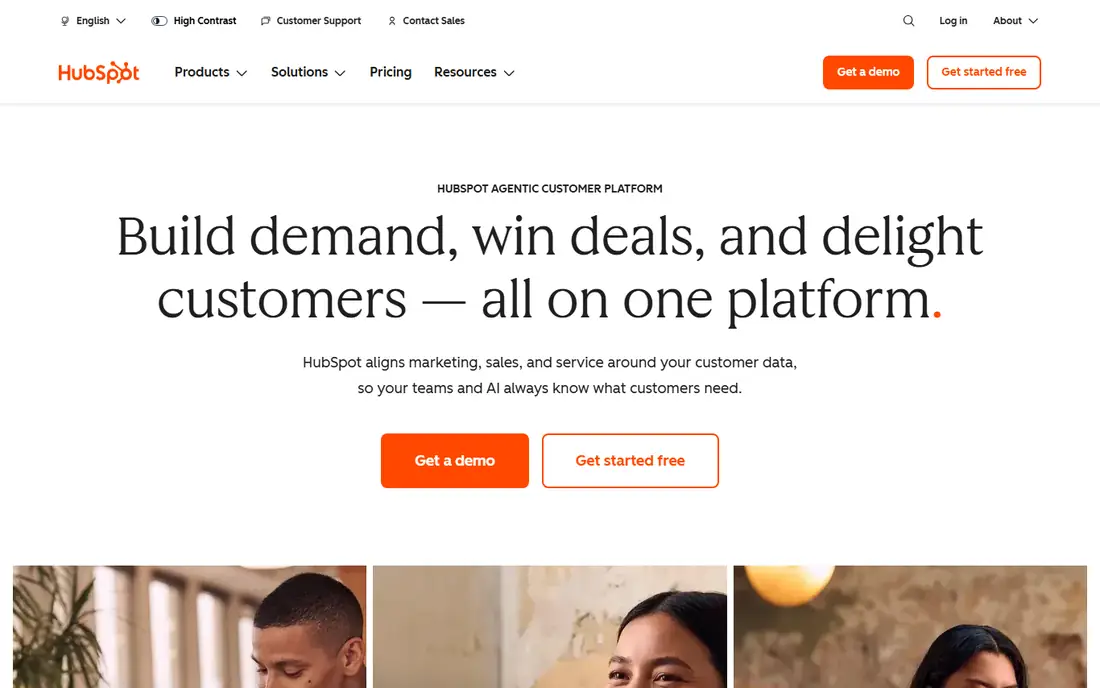
HubSpot Sales Hub Enterprise suits a large company that wants enterprise controls without a long, partner-led rollout. Reps get sequences, playbooks, forecasting, custom objects, and revenue attribution in an interface most sellers learn quickly, which improves data quality from day one. Marketing and service data sit on the same platform, so a deal, a campaign, and a support ticket share one customer record. Enterprise pricing is listed around $150 per seat per month, with a free CRM tier below it for smaller teams.
HubSpot is not a like-for-like Salesforce replacement for the most complex deployments. Deep custom data models, multi-entity finance workflows, and heavy CPQ rules may need workarounds or third-party tools. Companies should also price all hubs together, since marketing, sales, service, and operations seats add up. For a growing enterprise that values speed, adoption, and a single customer view, HubSpot often delivers value sooner than a heavier platform.
What we like- Easiest adoption among enterprise options
- Unified marketing, sales, and service data
- Strong sequences, reporting, and custom objects
Watch out for- Advanced customization has limits compared with Salesforce
- Enterprise costs rise with seats and hubs
- Complex CPQ needs may need add-ons
Starting priceSee website
Free planNo
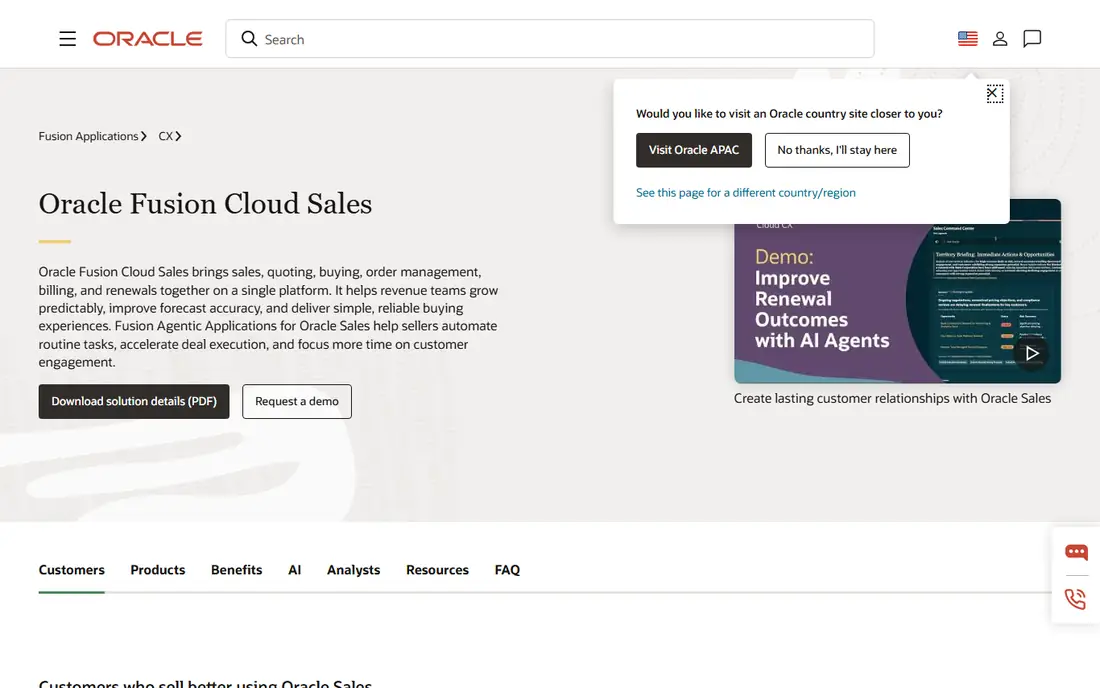
Oracle Fusion Sales, formerly Oracle CX Sales, fits companies already running Oracle Fusion Cloud ERP and HCM. Sales, quoting, order management, billing, renewals, and incentive compensation share one Fusion platform, which reduces reconciliation between sales and finance. Guided selling, CPQ, and AI summaries help sellers quote complex products accurately and see margin and win probability before submitting a deal. That quote-to-cash coherence is the main reason to choose Oracle over a standalone CRM.
The platform is not a quick, self-serve purchase. Pricing is quoted by module and scope, implementation takes planning, and the full benefit arrives only when ERP, order, and compensation data are connected. A company without Oracle Fusion will pay integration costs that erase much of the advantage. For an Oracle enterprise with complex B2B sales, Fusion Sales gives a single revenue flow that a separate CRM would struggle to match.
What we like- Native Fusion ERP, order, billing, and incentive links
- Guided quoting and CPQ strength
- Strong forecast and compensation tools
Watch out for- Pricing is quoted and implementation is substantial
- Best value requires Oracle Fusion commitment
- User experience needs careful rollout
Starting priceSee website
Free planNo
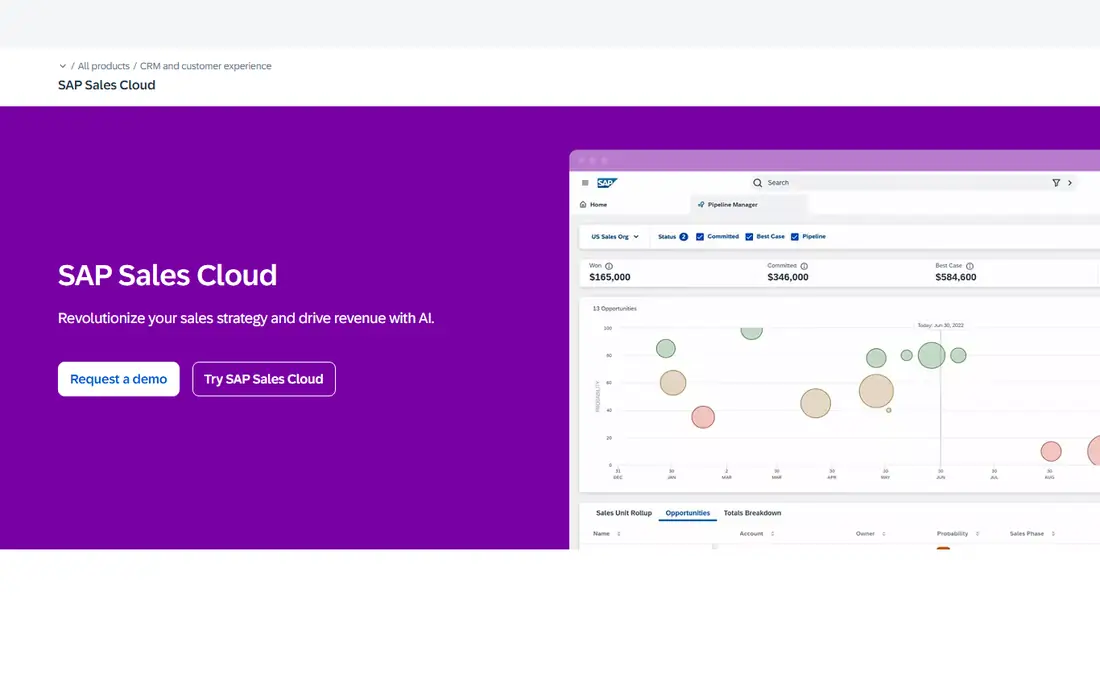
SAP Sales Cloud suits manufacturers, distributors, and consumer goods companies already running SAP ERP. Sales teams get product availability, pricing, quotes, orders, and order status from SAP systems without re-entering data, and guided selling recommends next actions from real pipeline data. Forecast intelligence, mobile selling, and dynamic visit planning help field teams plan routes, track visits, and update deals from the road, even with limited connectivity.
SAP expertise is essential. Configuration, data migration, and integration with S/4HANA need experienced consultants, and pricing depends on user count, modules, and contract scope. A company without SAP ERP should compare standalone CRMs first, since the native integration advantage will not apply. For an SAP enterprise, Sales Cloud turns the CRM into a front end for the same business data that finance and operations already trust.
What we like- Native SAP S/4HANA and ERP integration
- Guided selling and forecast intelligence
- Strong mobile and field sales tools
Watch out for- Pricing is quoted for enterprise scope
- Implementation needs SAP expertise
- Best value requires SAP back-end commitment

#6Zoho CRM
Best for: Value at enterprise scale4.1/5 on
G2 (2,952 reviews, checked Oct 2026)
Visit zoho.com
Starting price$40 per user/month
Free planFree trial
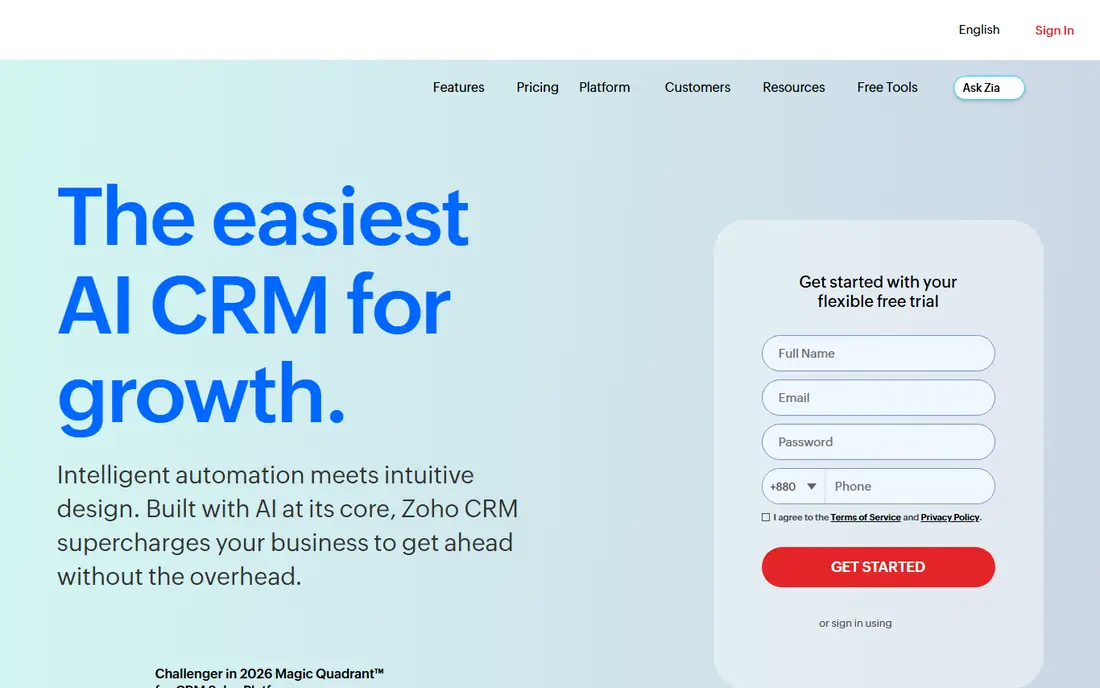
Zoho CRM Enterprise, listed at $40 per user per month with Ultimate at $52, gives large teams enterprise features at a fraction of Salesforce or Dynamics pricing. Zia AI assists with predictions, suggestions, and automation, Blueprint enforces sales processes stage by stage, and the wider Zoho suite covers books, inventory, support, and marketing. Integrations with Google Workspace, Microsoft 365, Slack, and Zoom cover common tools, and Zoho offers migration help for companies moving from Salesforce or HubSpot.
The trade is ecosystem depth. Third-party app choice, partner availability, and advanced industry templates are narrower than the largest platforms, and a very complex, multi-entity deployment may hit limits. Zoho also sells many products, so a buyer should price only the modules the sales team will use. For an enterprise that wants strong CRM function, process control, and a lower bill, Zoho is a credible value leader.
What we like- Low enterprise per-user price
- Zia AI, Blueprint process management, and wide app suite
- Free migration help from larger CRMs
Watch out for- Ecosystem is smaller than Salesforce or Microsoft
- Very complex deployments may need workarounds
- Support tiers vary by plan

#7SugarCRM
Best for: B2B teams needing flexibility4.3/5 on
G2 (6 reviews, checked Oct 2026)
Visit sugarcrm.com
Starting priceSee website
Free planNo
SugarCRM fits B2B companies that sell through complex processes and want a CRM that adapts to how they already work. Its no-code and low-code tools let RevOps teams build workflows, approvals, and custom views without heavy development, and its ERP integrations connect sales data to orders, inventory, and finance. Revenue intelligence surfaces hidden opportunities and next best actions, which helps a team that manages long cycles and many stakeholders per deal.
SugarCRM pricing is quoted, so a buyer should ask for a full estimate that includes users, modules, implementation, and support. Its app marketplace is smaller than Salesforce, and success depends on a clear data model and an admin who owns it. For a mid-size to large B2B team that values flexibility over a massive ecosystem, SugarCRM offers a strong balance of control and usability.
What we like- Flexible no-code and low-code configuration
- Strong ERP integrations
- Revenue intelligence and guided selling for B2B teams
Watch out for- Pricing is quoted
- Smaller ecosystem than Salesforce
- Implementation quality depends on partner and internal admin skill

#8Freshsales
Best for: Fast-scaling sales teams4.5/5 on
G2 (1,237 reviews, checked Oct 2026)
Visit freshworks.com
Starting price$71 per user/month
Free planFree trial
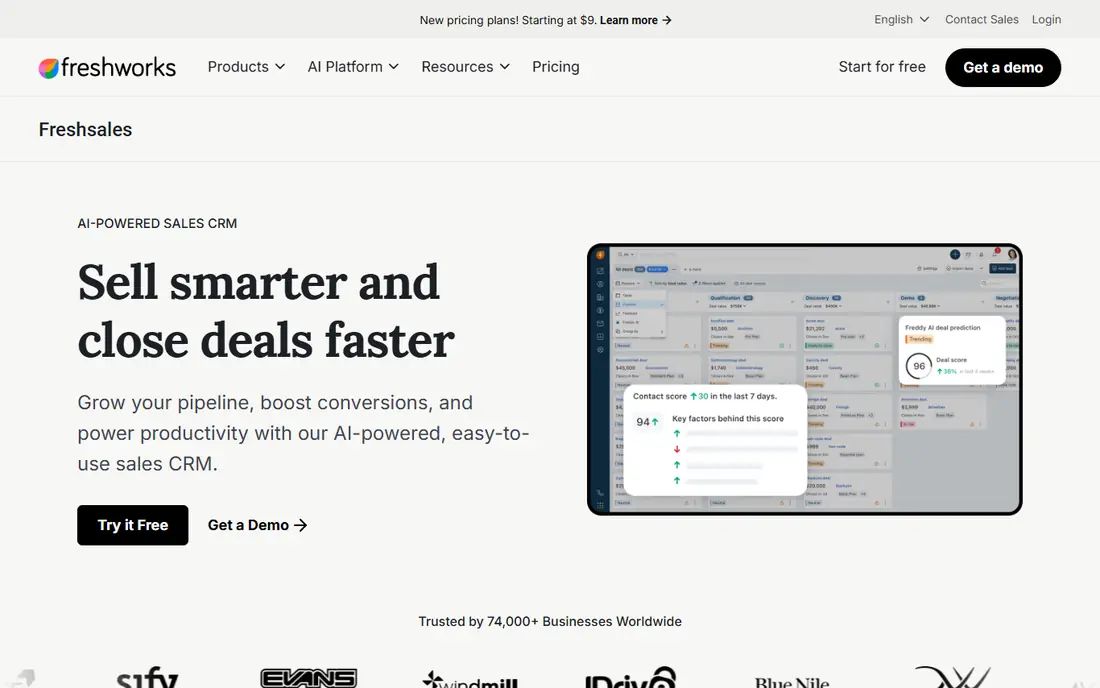
Freshsales, from Freshworks, suits a sales team that is scaling fast and wants adoption without a long rollout. Freddy AI scores leads and deals, recommends next steps, and drafts emails, while built-in phone, email, and chat keep conversations in the record. Enterprise, listed at $71 per user per month in recent comparisons, adds sandbox environments, audit logs, and stronger controls for larger teams. A free tier exists for very small teams, with a 21-day trial for paid plans.
Freshsales is not the best pick for the most complex global deployments. Multi-entity finance, heavy CPQ, and deep industry workflows may need third-party tools or a larger platform. Teams should test pipeline, forecasting, and reporting on their real sales process during the trial, not just on demo data. For a growing enterprise that values speed, a clean interface, and AI-assisted selling, Freshsales gives a strong middle path between a small-team CRM and a heavy enterprise suite.
What we like- Easy interface with Freddy AI lead and deal scoring
- Built-in phone, email, and chat
- Sandbox and audit features on Enterprise
Watch out for- Enterprise depth is lighter than Salesforce or Dynamics
- Advanced CPQ and multi-entity needs may need add-ons
- Per-user cost rises at Enterprise tier
How we chose
We compared pricing pages, product documentation, and public reviews on G2, Capterra, and Reddit, and we checked each homepage to confirm the product exists and matches enterprise CRM use. We weighed native ERP fit, because an enterprise CRM rarely stands alone, and we looked at seat pricing, contract style, AI features, integrations, security controls, and rollout effort. We used See website where vendors quote by scope rather than listing a public enterprise price, and we avoided inventing user counts or ratings. No platform here was chosen on price alone; each one serves a distinct enterprise pattern, from Microsoft and SAP shops to fast-adoption teams.
What an enterprise rollout really costs
License price is only the first line of an enterprise CRM budget. Add implementation, data migration, integrations, training, admin staffing, and add-ons for AI, CPQ, or analytics, and the first-year total can double the license cost. Ask each vendor for a total cost estimate for your user count, data volume, and integration list, including onboarding fees and minimums. A vendor that gives a clear, itemized estimate is easier to trust than one that quotes only a per-user rate.
Test with your real sales process
Run a pilot with one sales team, real deals, and real data, not a demo org with clean sample records. Test territory rules, approval chains, quote generation, forecasting, and mobile use in the field. Measure how long a rep takes to log a meeting, update an opportunity, and generate a quote, and ask reps what they would skip. Adoption is the main risk in enterprise CRM, and a pilot reveals friction before a company-wide rollout locks it in.
Protect data quality and governance
Decide who owns fields, stages, and duplicate rules before go-live, and give that owner authority to say no to one-off requests. Set up role-based access, audit logs, sandbox testing, and a change process for new workflows. Clean data before migration, because a new CRM with old duplicates and stale records will lose rep trust fast. Plan quarterly reviews of fields, reports, and automations, and retire anything the team no longer uses.
Frequently asked questions
Which enterprise CRM is best overall?
There is no single best choice. Salesforce suits complex global deployments, Dynamics suits Microsoft shops, HubSpot suits fast adoption, and SAP or Oracle suit companies already on those ERP platforms. Choose by ERP fit, sales complexity, rollout capacity, and total cost, then validate with a pilot.
How long does an enterprise CRM rollout take?
A focused rollout for one team can take six to twelve weeks, while a global, multi-entity deployment can take six to twelve months or more. Time depends on data migration, integrations, custom workflows, and training. A phased rollout by team or region usually works better than a single big launch.
Do enterprise CRMs offer a free plan?
Most enterprise tiers do not offer a lasting free plan, though HubSpot and Zoho offer free tiers at lower levels, and most vendors offer a trial or demo. Enterprise pricing is usually quoted or listed per seat per month on annual billing, with add-ons for AI, CPQ, and analytics.
How do I estimate total cost of ownership?
Add licenses, implementation, migration, integrations, training, admin salaries or partner fees, and add-ons, then add renewal and expansion costs for year two and three. Ask vendors for an itemized estimate for your exact user count and integration list, and compare that total, not just the per-user rate.
Can an enterprise CRM replace our ERP?
No. A CRM manages customer relationships, pipeline, and sales execution, while an ERP manages finance, inventory, orders, and operations. The best setups integrate the two, so sales sees product, pricing, and order status, and finance sees clean deal data without re-entry.
What security features should an enterprise CRM have?
Look for role-based access, single sign-on, audit logs, data residency options where needed, sandbox environments, and compliance support for your industry. Ask how data is backed up, how access is revoked when staff leave, and how AI features handle customer data. Security review should happen before contract signing, not after rollout.
Sources we checked (8)
- https://www.salesforce.com
- https://www.microsoft.com/en-us/dynamics-365
- https://www.hubspot.com
- https://www.oracle.com/cx/sales/
- https://www.sap.com/products/crm/sales-cloud.html
- https://www.zoho.com/crm/
- https://www.sugarcrm.com
- https://www.freshworks.com/crm/sales/
Is your product missing or out of date?
We review this list regularly. Vendors can request a listing, send updated pricing or ask about featured placement.

Shihab Mia · Founder, Rankite
Shihab has 5+ years in B2B and SaaS SEO. He writes Rankite's software buying guides from pricing pages, documentation and public user reviews. More about Shihab.
 HubSpot Sales Hub Enterprise
 Oracle Fusion Sales
 SAP Sales Cloud