How we make this list: we compare pricing pages, product documentation and public user reviews. Ratings come from G2, Capterra or Trustpilot, with the date we checked them.
Key takeaways
- JobNimbus and AccuLynx lead for roofing and exterior contractors, with job boards, photo tracking, and insurance workflow support.
- Followup CRM suits commercial subcontractors and sales teams that need structured bid follow-up and pipeline reporting.
- Buildertrend and JobTread suit builders who want CRM connected to estimating, scheduling, and client communication in one system.
- HubSpot offers the strongest free CRM starting point, while Pipedrive offers the simplest visual pipeline for small firms on a budget.
- Contractor Foreman and MarketSharp give smaller and remodel-focused firms a lower-cost or niche alternative, depending on trade and volume.
Quick comparison
| Tool | Best for | Starting price | Free plan |
|---|
 JobNimbus JobNimbus | Roofing and exterior contractors | See website | Free trial (14 days) |
 AccuLynx AccuLynx | Roofing and restoration firms | See website | No |
 Buildertrend Buildertrend | Builders and remodelers | See website | No |
 Followup CRM Followup CRM | Commercial subcontractors | $99 per user/month | No |
 JobTread JobTread | Remodelers and small builders | $159 per month | Free trial (30 days) |
 HubSpot HubSpot | Marketing-led construction firms | $0 per month | Yes |
 Pipedrive Pipedrive | Small firms wanting a simple pipeline | $14 per user/month | Free trial (14 days) |
 Contractor Foreman Contractor Foreman | Budget-conscious contractors | $49 per month | Free trial (30 days) |
 MarketSharp MarketSharp | High-volume remodelers | See website | No |
Is your product missing or out of date?
We review this list regularly. Vendors can request a listing, send updated pricing or ask about featured placement.
The best CRM software for construction
#1JobNimbus
Best for: Roofing and exterior contractors4.5/5 on
G2 (144 reviews, checked Oct 2026)
Visit jobnimbus.com
Starting priceSee website
Free planFree trial (14 days)
JobNimbus is the most widely used CRM for roofing and exterior contractors, and its design shows that focus. Leads, contacts, jobs, estimates, and invoices live on boards that a sales rep can move from first contact to close without switching systems. Photos, measurements from EagleView, and financing options connect to the same job, which helps a roofing rep present a complete proposal on site. A 14-day trial lets a team test that flow on real leads.
Pricing is quote-based, so firms need a sales conversation to get a total for their team size and add-ons. That lack of a published rate is a drawback for small firms comparing options quickly. For an established roofing company with several reps, though, the trade-specific workflow, mobile app, and integration list often outweigh the pricing opacity. Test lead-to-job conversion reporting in the trial, since that report is the core value of any CRM.
What we like- Built for roofing sales and jobs
- Strong mobile app
- Many integrations for photos, measurements, and payments
Watch out for- Pricing is quote-based
- Setup takes time to fit your sales process
#2AccuLynx
Best for: Roofing and restoration firms4.2/5 on
G2 (36 reviews, checked Oct 2026)
Visit acculynx.com
Starting priceSee website
Free planNo
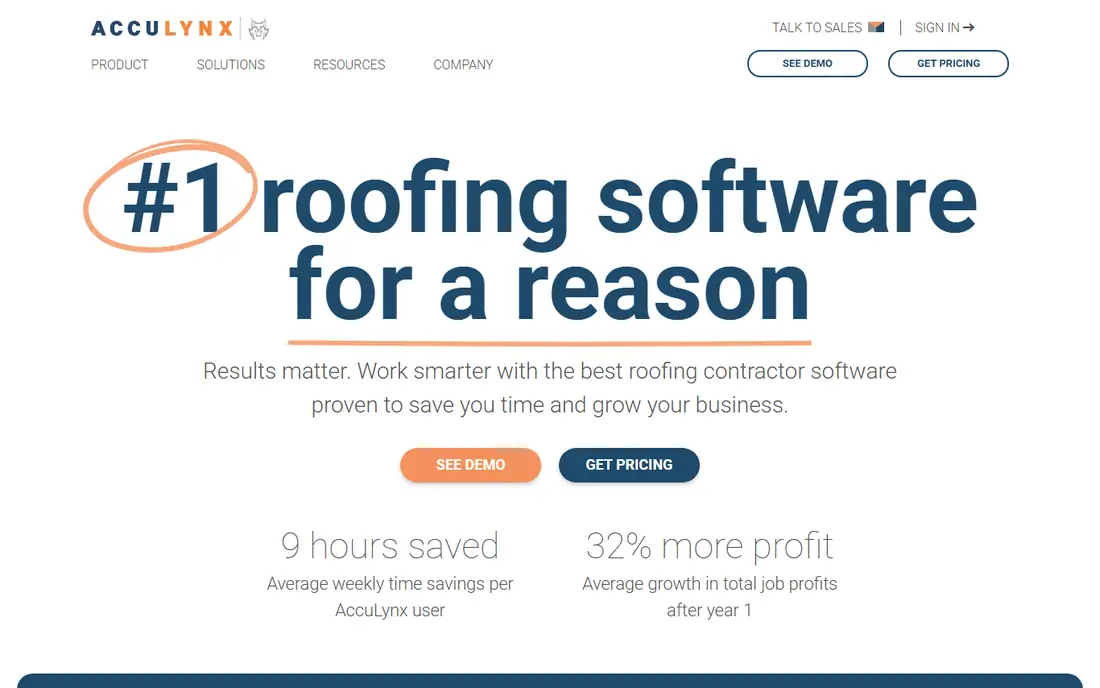
AccuLynx covers the full roofing arc, from lead and estimate through production, invoicing, and reporting. Its strength is insurance restoration work, where job tracking, documentation, and supplement handling need to stay organized across many parties. Production scheduling, crew tracking, and customer communication sit beside the CRM, so a job does not get lost between sales and install teams.
AccuLynx does not publish pricing, and its depth is aimed at roofing rather than general construction. A remodeler or commercial GC may find parts of the system too roofing-specific, while a roofing firm with high volume will use those same features daily. Firms should request a demo with their own job types, including an insurance claim example, and confirm integration costs for measurements, photos, and accounting before committing.
What we like- End-to-end roofing job management
- Insurance and Xactimate workflow support
- Strong production tracking
Watch out for- Pricing is quote-based
- Less suited to general contractors outside roofing
Starting priceSee website
Free planNo
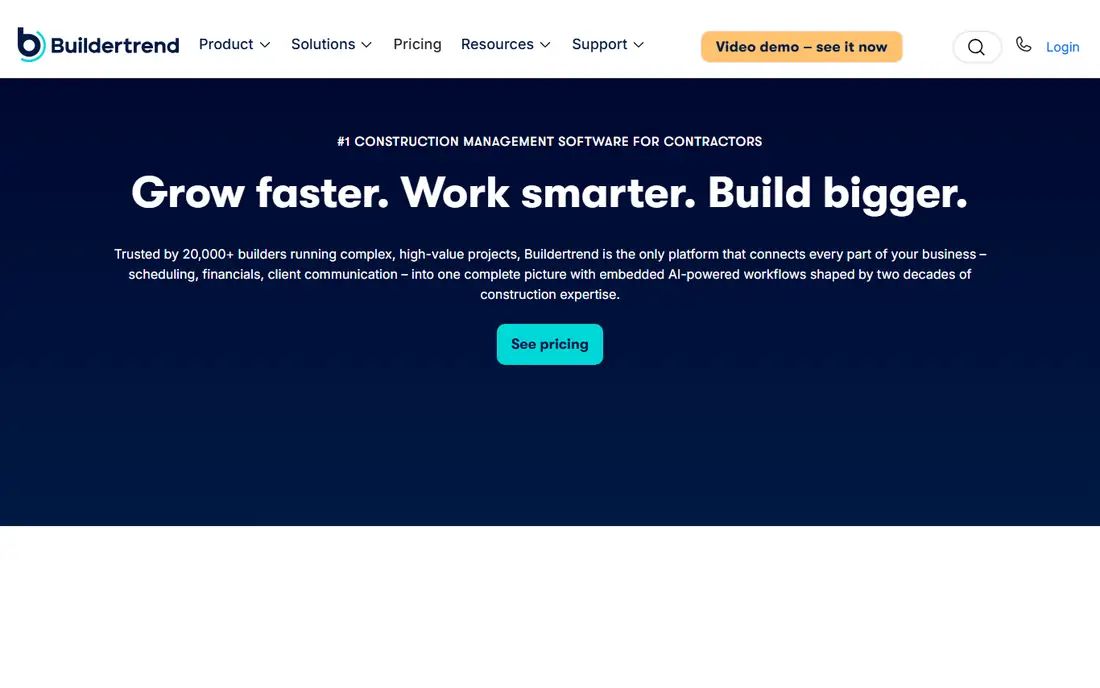
Buildertrend includes CRM as part of a wider construction platform, which is its main appeal for builders. A lead can become a contact, then an estimate, then a scheduled job with budgets, change orders, and client messages, all without moving data between systems. Homeowners get a portal to view progress, selections, and documents, which reduces status calls for the office. That connected flow helps builders who lose time to retyping between sales and project tools.
The CRM side is less focused on aggressive sales follow-up than a tool like Followup CRM. It tracks leads and pipeline stages well, but firms with large bid teams may want deeper follow-up automation and reporting. Pricing is quote-based and tied in part to construction volume, so get a written total for your project count. For a builder or remodeler who wants one system from lead to closeout, Buildertrend remains a strong default.
What we like- CRM linked to scheduling and job costing
- Strong client portal
- QuickBooks and Xero sync
Watch out for- Pricing is quote-based
- CRM alone is less sales-focused than Followup CRM
Starting price$99 per user/month
Free planNo
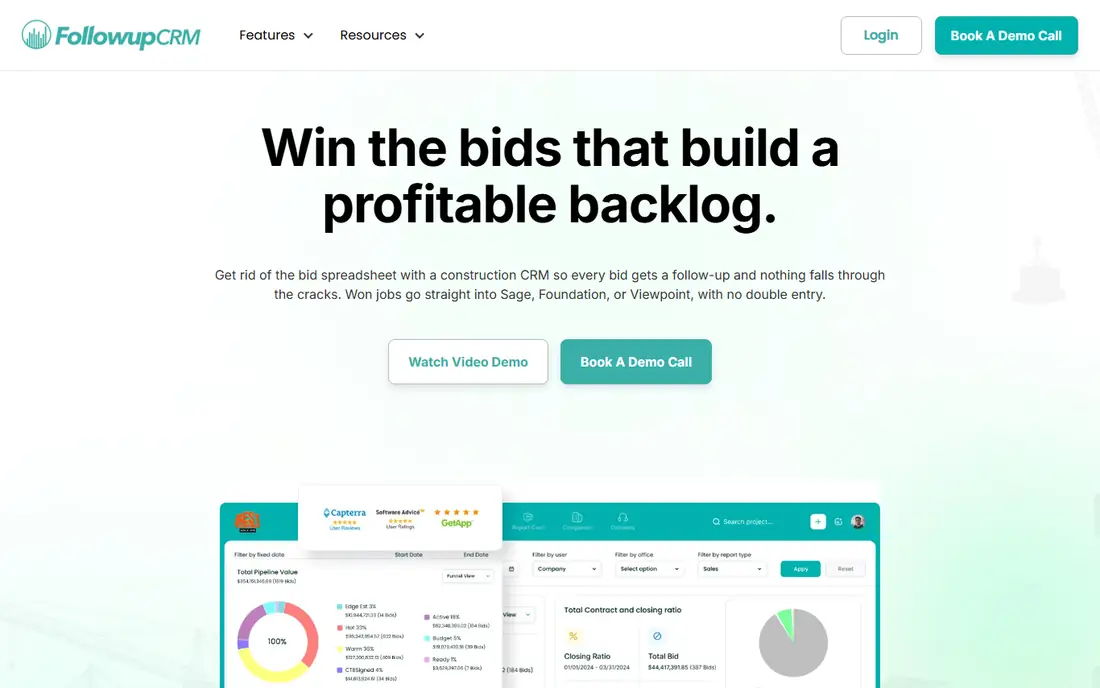
Followup CRM was built for a specific pain: bids that go quiet after submission. It tracks estimates, follow-up tasks, and bid outcomes in a pipeline designed for commercial subcontractors and sales teams. Managers can see which reps follow up on time, which bids are stalled, and where revenue is coming from by estimator, project type, or general contractor. That reporting is the reason sales-led firms choose it over a general CRM.
Pricing is a clear barrier for small firms. Published plans start at $99 per user per month with a five-user minimum on annual billing, which puts the entry cost well above HubSpot or Pipedrive. There is also no client portal, since Followup CRM is a sales tool, not a project delivery system. For a commercial sub with a real sales team and a bid follow-up problem, the cost can pay back quickly. For a two-person firm, a simpler CRM will likely fit better.
What we like- Built for construction sales follow-up
- Clear bid pipeline and reporting
- Good for multi-rep teams
Watch out for- $99 per user per month with a five-user minimum in published plans
- No client portal
#5JobTread
Best for: Remodelers and small builders4.9/5 on
G2 (108 reviews, checked Oct 2026)
Visit jobtread.com
Starting price$159 per month
Free planFree trial (30 days)
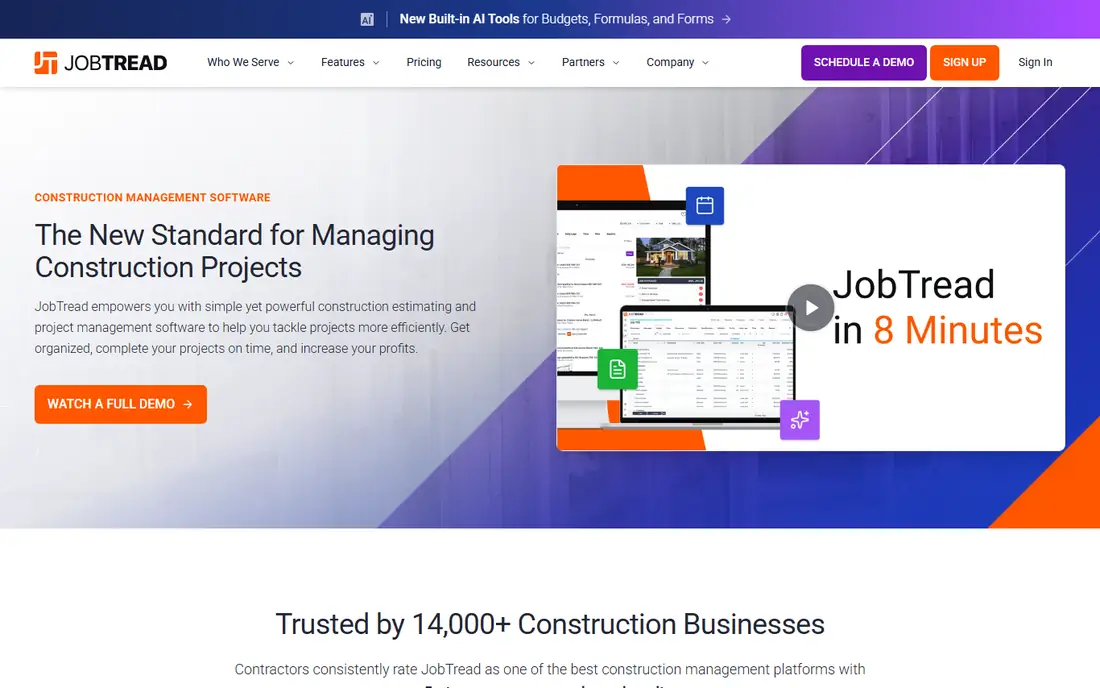
JobTread treats CRM as the start of a job, not a separate sales silo. A lead becomes an opportunity, then a priced proposal, then a budget and a scheduled job, with costs tracked against the original estimate. That chain helps remodelers see which lead sources produce profitable jobs, not just which ones produce calls. Pricing starts at $159 per month billed annually, with all features included, which makes budgeting simpler than tiered rivals.
Sales automation is not as deep as in Followup CRM, and the integration list is shorter than in HubSpot or JobNimbus. Firms that need complex email sequences or many third-party tools should check those connections first. For a small builder or remodeler who wants CRM, estimating, and job costing in one transparently priced system, JobTread is a strong middle option, especially when the team is still moving off spreadsheets.
What we like- CRM plus estimating and job costing in one price
- Clear proposal flow
- 30-day money-back offer
Watch out for- Sales automation is lighter than Followup CRM
- Fewer integrations than older platforms
Starting price$0 per month
Free planYes
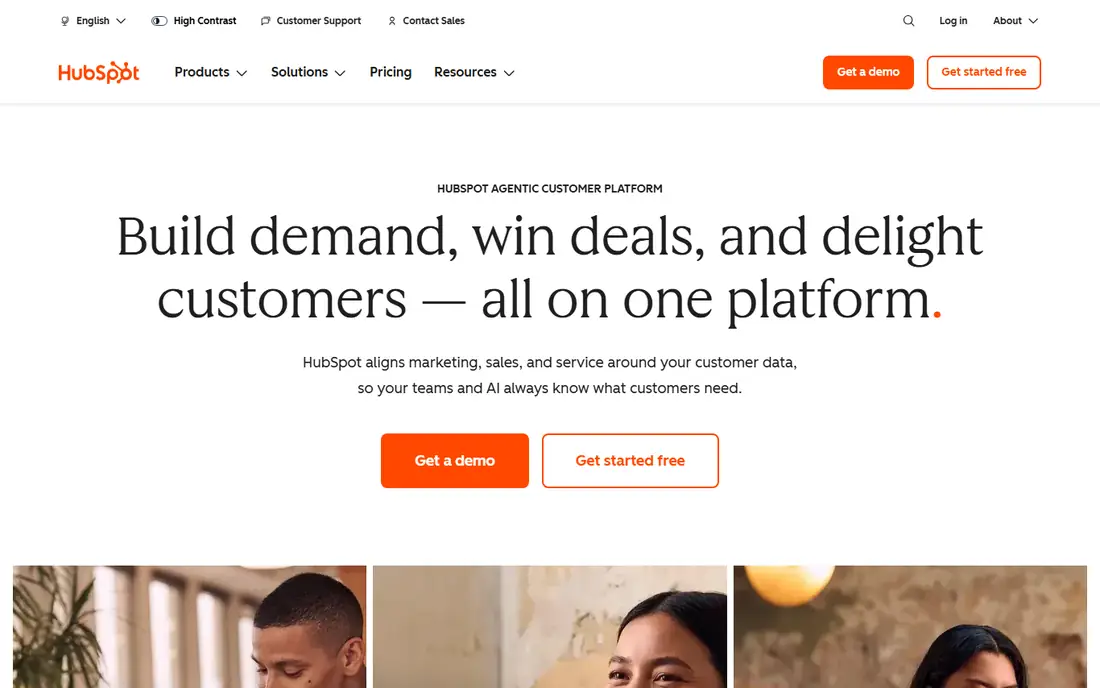
HubSpot CRM is free at entry level, with contact management, deal tracking, email, and reporting that any construction firm can start using in a day. That free tier makes it the easiest way to stop losing leads in spreadsheets. Marketing tools for landing pages, email, and ads can be added as the firm grows, and the integration library covers accounting, scheduling, and photo tools that construction teams already use.
HubSpot is not built for construction out of the box. Pipelines, deal stages, and custom fields must be set up to match lead, estimate, job, and warranty stages, and there is no built-in takeoff, scheduling, or job costing. Paid Sales and Marketing Hub plans can also grow costly as contacts and features increase. For a marketing-led firm that wants a flexible CRM and is willing to configure it, HubSpot offers the best free start and the widest room to grow.
What we like- Free CRM with contacts and deal tracking
- Strong marketing and email tools
- Large integration library
Watch out for- Construction setup needs custom fields and pipelines
- Paid plans can become costly
#7Pipedrive
Best for: Small firms wanting a simple pipeline4.3/5 on
G2 (5,034 reviews, checked Oct 2026)
Visit pipedrive.com
Starting price$14 per user/month
Free planFree trial (14 days)
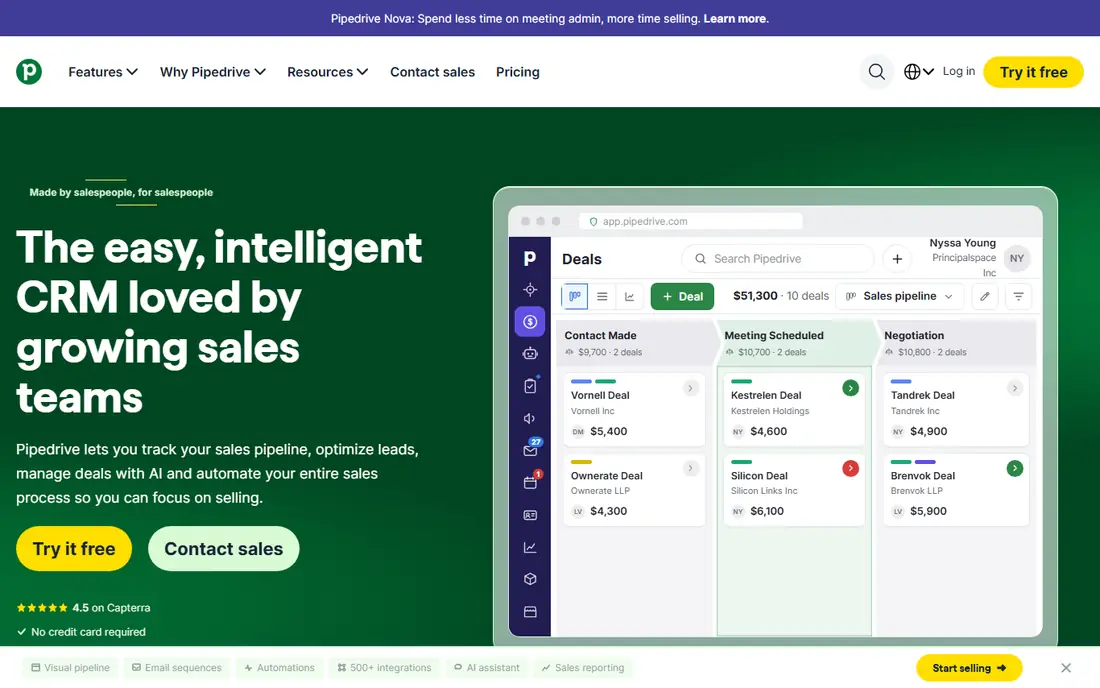
Pipedrive keeps sales simple: deals move across a visual pipeline from new lead to won or lost, with activities, reminders, and notes attached to each deal. That clarity suits a small construction firm where the owner and one or two reps handle sales beside site work. Paid plans start at $14 per user per month for the Lite plan billed annually, with a trial available, which makes it one of the lowest-cost paid CRMs in this list.
Pipedrive has no roofing measurements, job costing, or client portal, so it works best as a sales tracker beside a project system, not as a replacement for one. Automation, advanced reporting, and some integrations sit on higher tiers, which can raise the real cost for larger teams. For a firm whose main problem is forgotten follow-ups, not project delivery, Pipedrive is often enough, and its simplicity helps adoption.
What we like- Simple visual pipeline
- Low starting price
- Easy for small teams to adopt
Watch out for- No construction-specific features
- Reporting and automation need paid tiers
Starting price$49 per month
Free planFree trial (30 days)
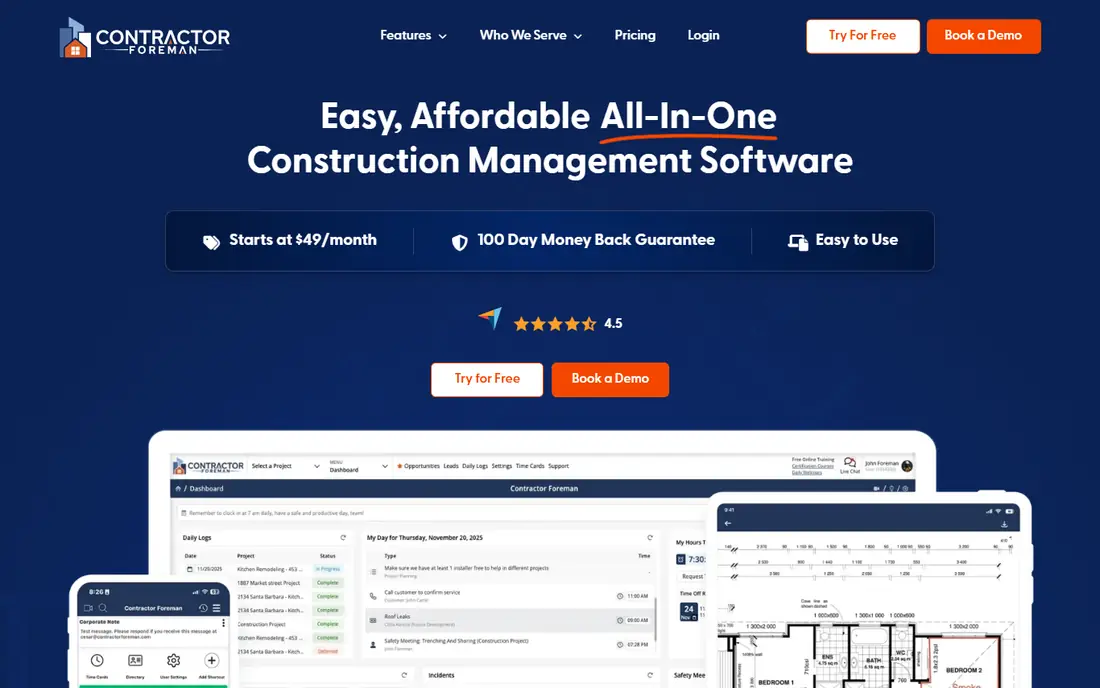
Contractor Foreman includes CRM features inside an all-in-one platform that starts at $49 per month, which makes it a budget alternative to buying a separate CRM and project system. Leads and customers can be tracked, estimates sent, jobs scheduled, and invoices issued from one account. That breadth suits small general and trade contractors who want one login for office and field staff without per-seat pricing at the entry level.
CRM depth is the trade-off. Follow-up automation, bid reporting, and marketing tools are thinner than in Followup CRM or HubSpot, and the wide module list can feel busy until the team learns which parts to use. Start with leads, estimates, and scheduling, and ignore other modules until those three are used daily. On total cost alone, Contractor Foreman is hard to beat for a small firm that needs CRM plus project basics.
What we like- CRM inside a low-cost all-in-one system
- Scheduling, invoicing, and logs included
- Flat company pricing at entry
Watch out for- CRM depth is thinner than Followup CRM
- Interface can feel busy with many modules on
Starting priceSee website
Free planNo
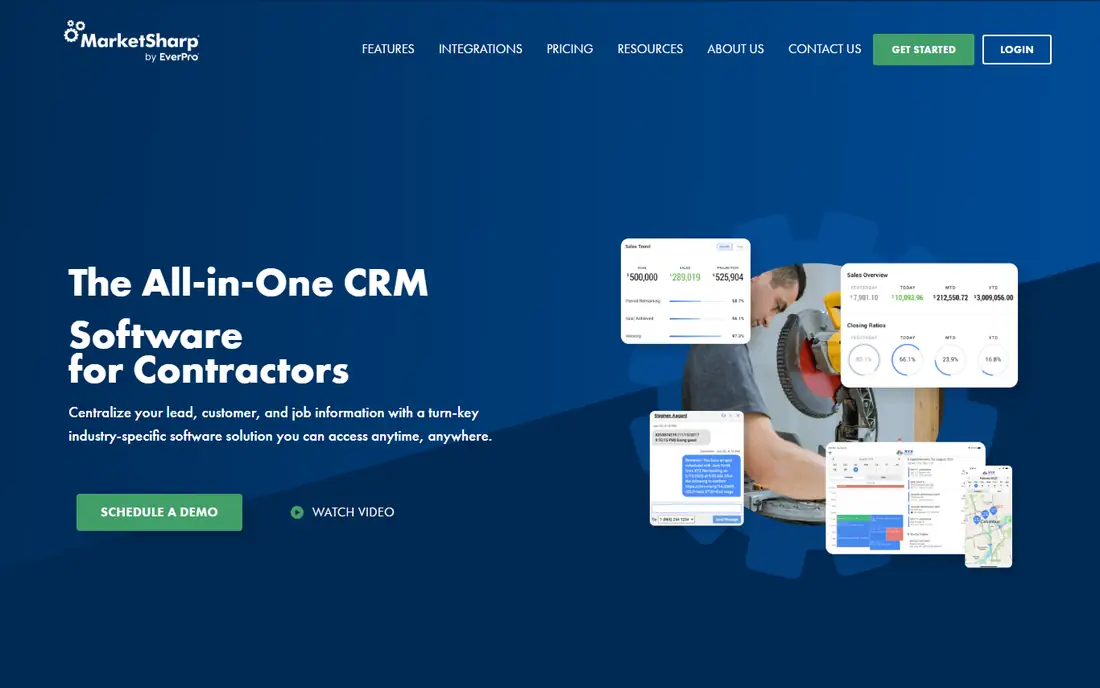
MarketSharp is a long-standing CRM for remodelers, with lead tracking, sales pipeline, production scheduling, and follow-up tools designed around high-volume remodeling work. It suits firms that run many leads each month and need to track source, appointment, estimate, and close rates by rep and campaign. That remodeler focus gives it an edge over general CRMs for firms that live on kitchen, bath, and exterior jobs.
MarketSharp does not publish pricing, and its interface feels older than JobNimbus or HubSpot. Newer firms may prefer a cleaner, mobile-first tool, while established remodelers already using MarketSharp may value its depth and history. Request a demo with your lead volume and sales stages, and compare its reporting with Followup CRM if bid follow-up is your main gap. For high-volume remodelers, it remains a credible niche pick.
What we like- Built for remodeler lead and sales flow
- Production and follow-up tools
- Long history in remodeling
Watch out for- Pricing is quote-based
- Interface and setup feel dated next to newer CRMs
How we chose
We compared vendor pricing pages, product documentation, and public reviews on G2, Capterra, and Reddit, with attention to lead tracking, pipeline reporting, estimate flow, job handoff, mobile use, and accounting integrations. We favored tools with a clear construction use, either trade-specific design or a proven fit for builders, over general CRMs with no construction workflow. We also weighed price transparency and team size fit, since a sales CRM for a 20-rep team and one for a two-person firm solve different problems.
We did not claim hands-on testing for this guide. Prices change, and quote-based vendors can vary by team size and add-ons, so figures here reflect published starting prices at the time of writing. Readers should test lead-to-job flow in a trial or demo with real past leads, and confirm current pricing, user minimums, and integration costs on the vendor site before purchase.
How to pick a construction CRM
Map your sales stages first
Write down your actual stages, from first call to estimate sent, follow-up, contract signed, job scheduled, and job closed. If a CRM cannot match those stages without heavy workarounds, it will frustrate reps. Trade CRMs often match roofing or remodeling stages out of the box. General CRMs need custom stages, which is fine if you have time to set them up once and train the team.
Test follow-up, not just lead entry
Entering a lead is easy. Following up on time is the hard part. In a trial, create ten old leads, set follow-up tasks, and see which ones surface at the right time. Check whether managers can see stalled bids, missed calls, and overdue tasks in one report. A CRM that only stores contacts will not raise close rates. A CRM that drives daily follow-up will.
Check the handoff to jobs and accounting
A lead that becomes a job should not need retyping. Check whether estimates, contacts, and documents flow into scheduling, invoicing, and accounting without manual copying. All-in-one tools handle this best. Standalone CRMs need integrations with QuickBooks, project tools, and photo apps. List your must-have integrations before a demo, and test at least one end-to-end job.
Plan for rep adoption
Reps will avoid a CRM that takes ten minutes per lead. Pick a tool with a fast mobile app, simple activity logging, and clear next steps for each deal. Train on real leads, not sample data, and review pipeline reports weekly for the first month. Adoption is a management habit as much as a software choice, and early follow-through decides whether the CRM stays useful.
Frequently asked questions
What is the best CRM for roofing contractors?
JobNimbus and AccuLynx are the strongest roofing picks, because both combine lead tracking with job boards, photos, measurements, and production tracking. JobNimbus suits firms that value customization and integrations. AccuLynx suits firms with heavy insurance restoration work. Get a demo from both with a real roofing job before deciding.
Can a general CRM like HubSpot work for construction?
Yes, with setup. HubSpot free CRM covers contacts, deals, and follow-up tasks, and its marketing tools help firms that generate leads online. You will need custom pipelines for estimate, job, and warranty stages, and a separate tool for scheduling and job costing. Firms that want construction stages out of the box should shortlist trade-specific tools instead.
Do I need a separate CRM if I use Buildertrend or JobTread?
Not always. Buildertrend and JobTread include CRM features linked to estimating and project delivery, which suits many builders. You may still need a separate CRM if you run a large sales team, need deep bid reporting, or use complex marketing automation. In that case, Followup CRM or HubSpot can sit beside the project system.
How much does construction CRM software cost?
Costs range from free with HubSpot, to $14 to $49 per user or per month for small-firm tools, to $99 per user per month for Followup CRM, to quote-based pricing for JobNimbus, AccuLynx, Buildertrend, and MarketSharp. Add integration and onboarding costs to the headline price. Always get a written total for your rep count and required add-ons.
What integrations matter most for a construction CRM?
QuickBooks or Xero for invoicing, CompanyCam or a photo tool for job photos, EagleView or a measurement tool for roofing, and email and calendar sync for follow-up are the most common needs. Check each integration in a trial, not just on a features page. A listed integration that only syncs contacts will not help with estimates or invoices.
How long does it take to set up a construction CRM?
A simple tool such as Pipedrive or HubSpot can be set up in days with basic pipelines. A trade-specific tool such as JobNimbus or AccuLynx usually takes one to four weeks, including data import, pipeline setup, and rep training. All-in-one platforms can take longer if you also move scheduling and accounting at the same time. Start with sales stages first, then add project features in phases.
Sources we checked (9)
- https://www.jobnimbus.com
- https://www.acculynx.com
- https://buildertrend.com
- https://www.followupcrm.com
- https://www.jobtread.com
- https://www.hubspot.com
- https://www.pipedrive.com
- https://contractorforeman.com
- https://www.marketsharp.com
Is your product missing or out of date?
We review this list regularly. Vendors can request a listing, send updated pricing or ask about featured placement.

Shihab Mia · Founder, Rankite
Shihab has 5+ years in B2B and SaaS SEO. He writes Rankite's software buying guides from pricing pages, documentation and public user reviews. More about Shihab.