How we make this list: we compare pricing pages, product documentation and public user reviews. Ratings come from G2, Capterra or Trustpilot, with the date we checked them.
Key takeaways
- Free CRMs suit very small teams, but contact limits, automation caps, and reporting limits push growing teams to paid plans quickly.
- HubSpot and Zoho CRM offer the strongest free starting points, while Pipedrive offers the clearest pipeline for sales-led teams.
- Salesforce suits larger or complex sales operations, but setup time and total cost are higher than simpler rivals.
- Per-user pricing hides add-ons, so check automation, calling, onboarding, and storage costs before comparing headline prices.
- A CRM only helps if the team updates it daily, so pick the tool reps will actually open, not the one with the longest feature list.
Quick comparison
| Tool | Best for | Starting price | Free plan |
|---|
 Salesforce Salesforce | large and complex sales teams | $25 per user/month | Yes |
 HubSpot HubSpot | free start with marketing and sales | $20 per user/month | Yes |
 Zoho CRM Zoho CRM | value for small businesses | $14 per user/month | Yes |
 Pipedrive Pipedrive | visual sales pipelines | $14 per user/month | Free trial |
 Freshsales Freshsales | fast setup on a budget | $9 per user/month | Yes |
 monday Sales CRM monday Sales CRM | custom workflows and boards | $12 per user/month | Free trial |
 Capsule Capsule | simple CRM for small teams | See website | Free trial |
 Insightly Insightly | CRM with project tracking | See website | Free trial |
 Close Close | calling-heavy outbound teams | See website | Free trial |
 Copper Copper | teams that live in Google Workspace | See website | Free trial |
Is your product missing or out of date?
We review this list regularly. Vendors can request a listing, send updated pricing or ask about featured placement.
The best CRM software
#1Salesforce
Best for: large and complex sales teams4.4/5 on
G2 (27,566 reviews, checked Oct 2026)
Visit salesforce.com
Starting price$25 per user/month
Free planYes
Salesforce remains the benchmark for complex sales operations. It handles multiple pipelines, territories, approval processes, forecasting, and custom objects in a way smaller CRMs cannot match, and its AppExchange marketplace adds thousands of integrations. A free Suite tier covers up to two users in recent listings, while paid Starter plans start at $25 per user per month, with Professional and Enterprise tiers costing far more. For a growing company with dedicated sales operations support, that depth is worth the price.
The catch is total cost and complexity. Implementation often needs an administrator or consultant, training takes longer, and add-ons for advanced analytics, support, and automation increase the bill beyond the headline seat price. Small teams with a simple pipeline will find Salesforce heavy and slow to adopt. Choose it when sales processes are genuinely complex, when reporting needs are deep, or when the company plans to scale across departments on one platform.
What we like- Deepest customization and integrations
- Strong reporting
- Large app ecosystem
Watch out for- Setup and admin time are high
- Costs rise sharply on higher tiers
Starting price$20 per user/month
Free planYes
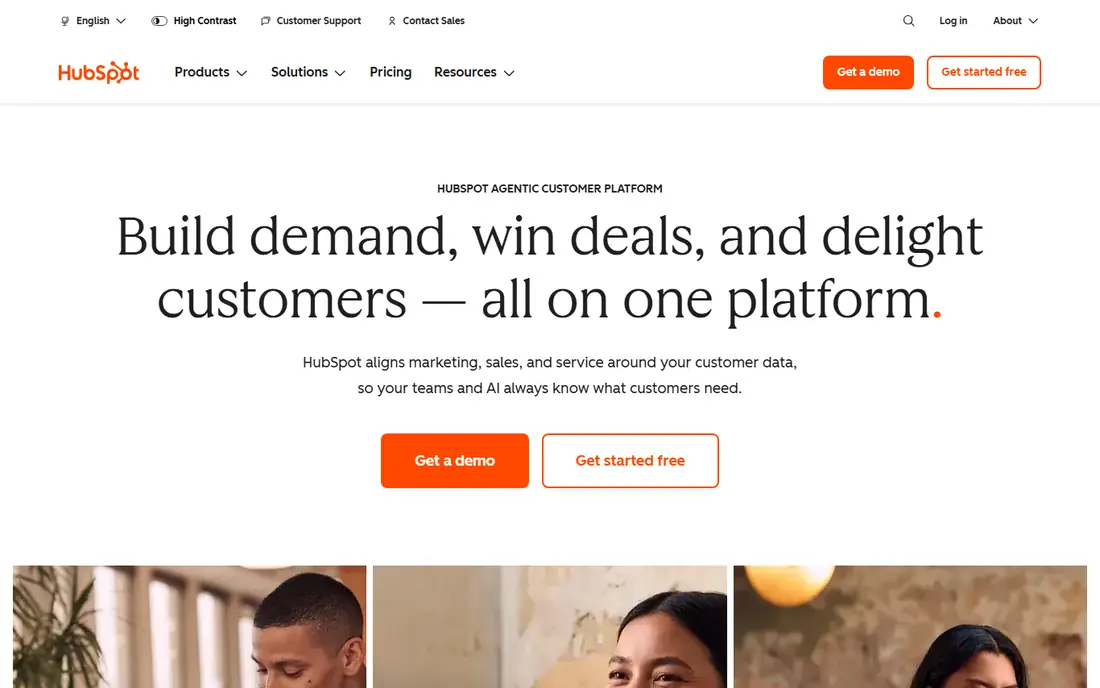
HubSpot is the easiest CRM to start with at no cost. The free tier covers contacts, deals, pipelines, email tracking, and basic reporting for up to two users in recent listings, with a 1,000-contact limit noted in some comparisons. That makes it ideal for a founder or a two-person team testing a sales process. Paid Sales Hub plans start at $20 per seat per month billed annually, and the platform expands into marketing, service, content, and operations hubs as a company grows.
Costs climb with scale. Higher tiers use bundle pricing rather than simple per-seat rates, and onboarding fees can apply to larger plans. Contact and automation limits also push teams upward sooner than the free tier suggests. Even so, HubSpot suits teams that want sales, marketing, and service in one system, and that value a polished interface reps will use. Start free, prove the pipeline, and upgrade only when limits actually bite.
What we like- Generous free CRM
- Strong marketing and service tools
- Large integration library
Watch out for- Paid hubs get expensive as seats and contacts grow
- Onboarding can cost extra
#3Zoho CRM
Best for: value for small businesses4.1/5 on
G2 (2,952 reviews, checked Oct 2026)
Visit zoho.com
Starting price$14 per user/month
Free planYes
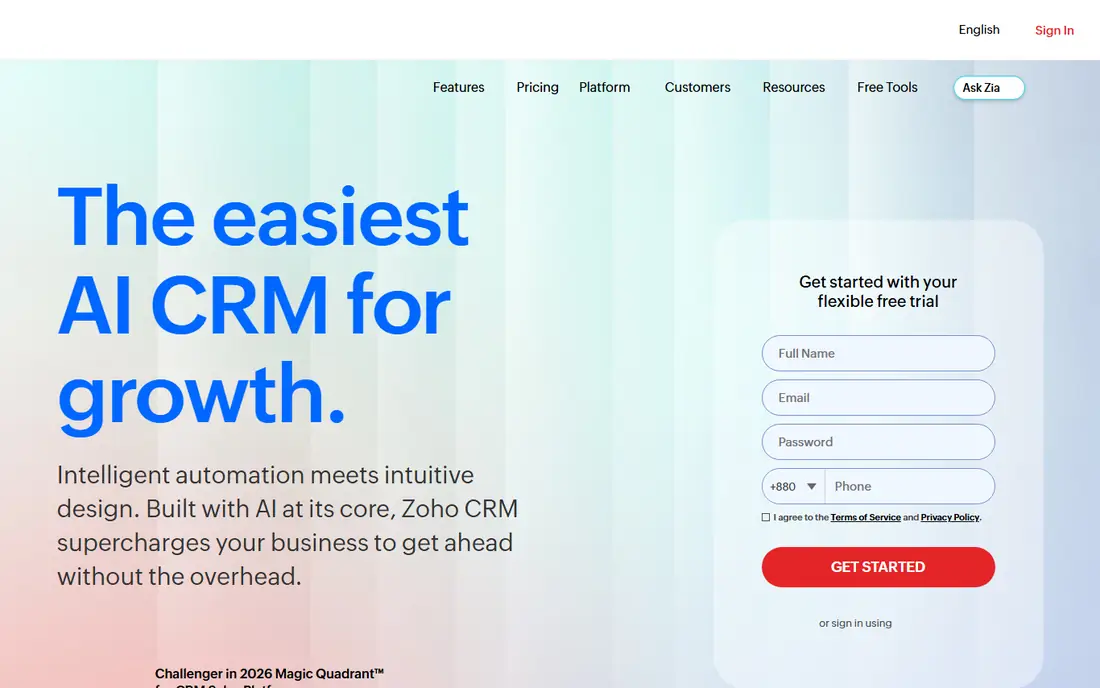
Zoho CRM gives small businesses a great deal of CRM for the price. A free plan covers up to three users, while Standard starts at $14 per user per month billed annually, adding scoring rules, workflows, and deeper customization. The platform integrates with Zoho Books, Campaigns, Desk, and other Zoho apps, which helps a small business run sales, finance, and support without buying separate tools. Automation, email templates, and forecasting cover most everyday sales needs.
The interface is functional rather than beautiful, and some users find settings spread across many menus. Zia, Zoho's AI assistant, and the most advanced analytics sit on higher tiers, so budget buyers should check which tier includes the features they need. For a cost-conscious team that wants a full CRM rather than a simple pipeline, Zoho CRM is the strongest value pick in this guide.
What we like- Low price for the feature set
- Strong automation
- Wide Zoho app ecosystem
Watch out for- Interface can feel busy
- Best AI features sit on higher tiers
#4Pipedrive
Best for: visual sales pipelines4.3/5 on
G2 (5,034 reviews, checked Oct 2026)
Visit pipedrive.com
Starting price$14 per user/month
Free planFree trial
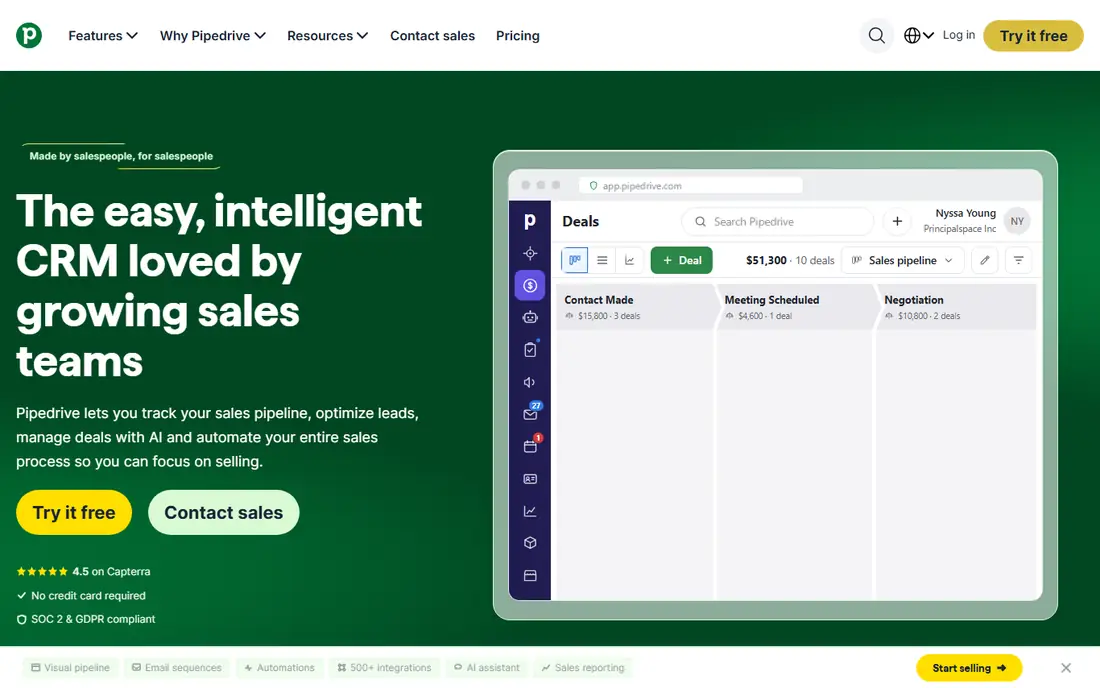
Pipedrive is built around one clear idea: a visual pipeline that shows where every deal sits and what happens next. Deals move by dragging cards, activities and reminders keep follow-ups visible, and reporting shows conversion by stage without deep setup. Essential starts at $14 per seat per month billed annually, with a 14-day trial and no permanent free tier. That simplicity helps sales-led teams adopt it quickly, because reps see their pipeline on first login.
Limits appear when a team needs more than sales. Marketing automation, lead generation add-ons such as LeadBooster, and advanced reporting cost extra, and service or project features are thinner than in HubSpot or Zoho. Pipedrive also lacks the customization depth of Salesforce. For a team whose main job is moving deals through stages, Pipedrive is an excellent, focused choice. For a team that also needs marketing and service in one tool, compare HubSpot first.
What we like- Clear drag-and-drop pipeline
- Activity reminders
- Easy setup for sales teams
Watch out for- No free plan
- Marketing and service features need add-ons
#5Freshsales
Best for: fast setup on a budget4.5/5 on
G2 (1,237 reviews, checked Oct 2026)
Visit freshsales.com
Starting price$9 per user/month
Free planYes
Freshsales, from Freshworks, suits teams that want a working CRM this week, not after a long implementation. A free plan covers up to three users, while Growth starts at $9 per user per month billed annually, adding more pipelines, workflows, and reporting. Built-in phone, email, and chat keep outreach inside the CRM, and the interface is clean enough for new reps to learn quickly. A 21-day trial covers paid plans in recent listings.
The free plan is a starting point, not a long-term home, because it limits integrations and advanced features. AI scoring, advanced automation, and deeper forecasting sit on higher tiers, so growing teams should budget for Pro or Enterprise. Freshsales also integrates best inside the Freshworks ecosystem, though it connects to many outside tools as well. For a small team that needs speed and low cost, Freshsales is a strong budget pick.
What we like- Quick setup
- Built-in phone and email
- AI lead scoring on higher tiers
Watch out for- Free plan limits integrations
- Advanced features need higher tiers
#6monday Sales CRM
Best for: custom workflows and boards4.5/5 on
G2 (1,636 reviews, checked Oct 2026)
Visit monday.com
Starting price$12 per user/month
Free planFree trial
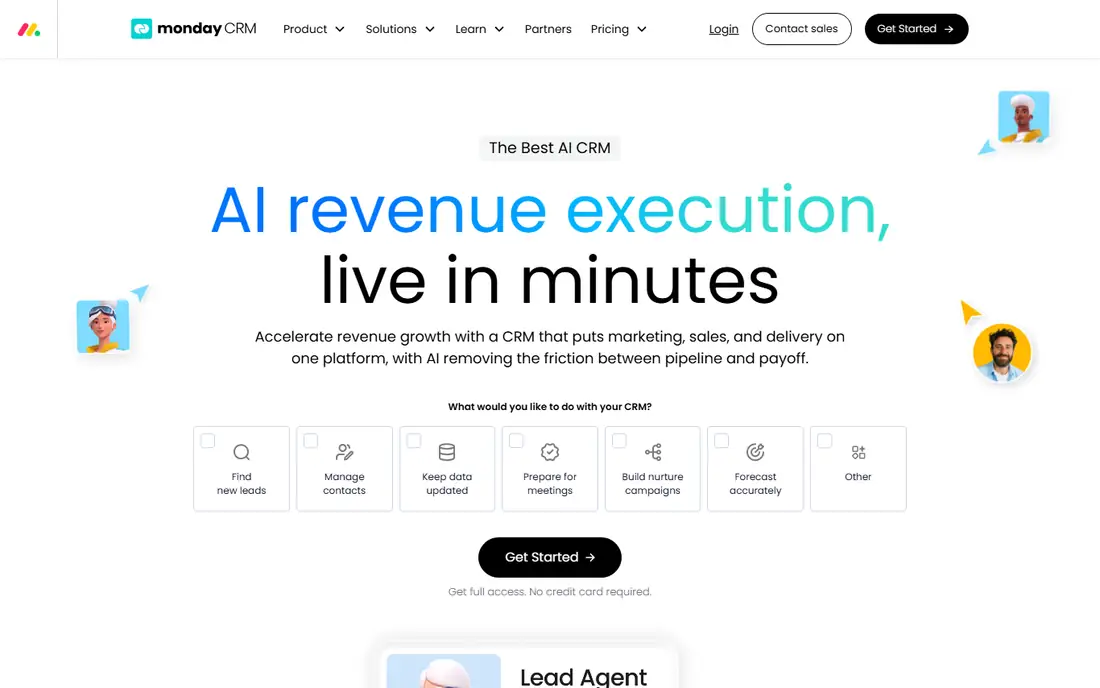
monday Sales CRM turns sales work into boards, where leads, deals, and activities can be viewed as tables, Kanban boards, timelines, or dashboards. That flexibility suits teams with unusual processes, such as agencies, real estate teams, or project-based sellers, because columns, statuses, and automations can be shaped without code. Basic starts at $12 per seat per month billed annually, with a trial available, and higher tiers add more automation, integrations, and dashboards.
Pricing needs care. Lower tiers limit contacts and automation runs, and monday typically bills with a minimum seat count, so a two-person team may pay for three seats. The platform is also broader than a pure CRM, which means sales reporting can feel less focused than in Pipedrive or Close. For teams that already use monday for projects, or that need custom workflows more than standard sales features, monday Sales CRM is a natural fit.
What we like- Flexible boards and automations
- Visual dashboards
- Easy customization without code
Watch out for- Contact limits on lower tiers
- Per-seat pricing with minimum seat counts
#7Capsule
Best for: simple CRM for small teams4.7/5 on
G2 (525 reviews, checked Oct 2026)
Visit capsulecrm.com
Starting priceSee website
Free planFree trial
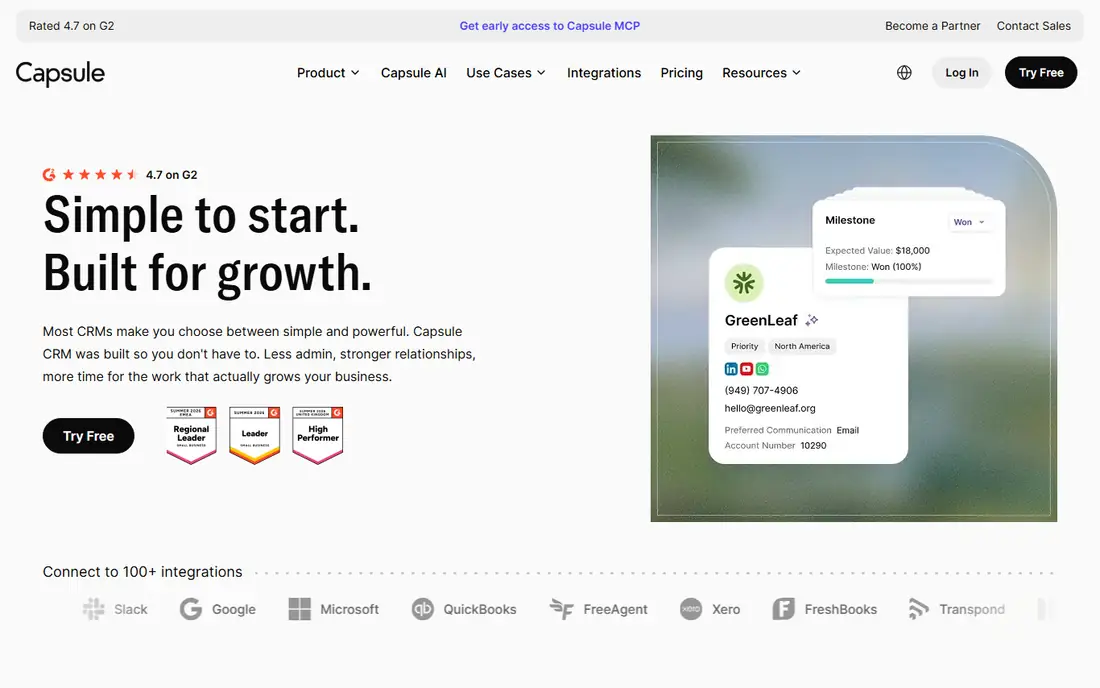
Capsule suits small teams that find larger CRMs overwhelming. Contacts, deals, tasks, and a shared calendar sit in a clean interface, and setup takes hours rather than weeks. It integrates well with Google Workspace, Mailchimp, Xero, and other small business tools, which helps a team keep sales, email, and accounting connected without a complex stack. A trial is offered, and paid plans are priced per user, so check the current vendor page for the latest rates.
Depth is the limit. Automation, forecasting, and advanced reporting are lighter than in Zoho, HubSpot, or Salesforce, and larger teams will outgrow Capsule sooner. It also lacks built-in calling and marketing automation at the level of Close or HubSpot. For a team of two to ten people who want a CRM reps will actually update, Capsule offers clarity that heavier tools often lose.
What we like- Simple and fast to learn
- Good contact and task management
- Google Workspace integration
Watch out for- Automation and reporting are lighter than rivals
- Pricing should be checked on the vendor site
#8Insightly
Best for: CRM with project tracking4.2/5 on
G2 (945 reviews, checked Oct 2026)
Visit insightly.com
Starting priceSee website
Free planFree trial
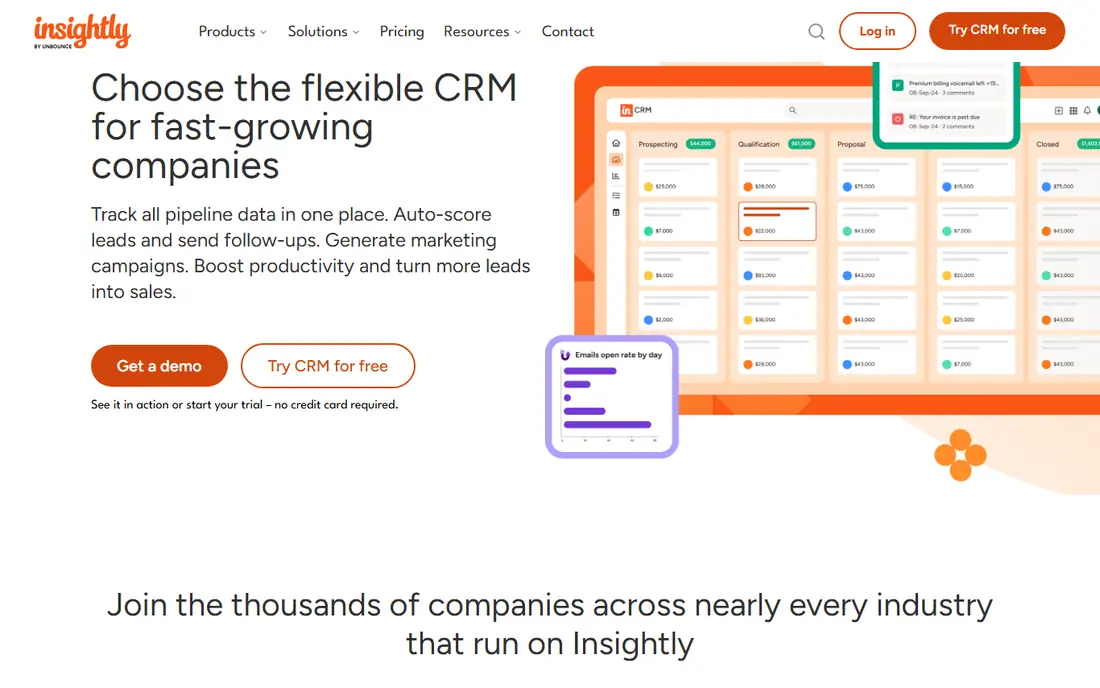
Insightly stands out by linking projects to sales. When a deal closes, the delivery project, tasks, and milestones can live in the same system, which suits agencies, consultants, and service businesses that sell and then deliver work. Contacts, pipelines, email tracking, and reporting cover core CRM needs, and integrations connect to Google Workspace, Microsoft 365, and other tools. A trial is offered, with paid plans priced per user, so confirm current rates and limits on the vendor site.
The interface is less polished than HubSpot or Pipedrive, and some advanced automation sits on higher tiers. Insightly also suits service-led teams more than high-volume outbound sales, where Close will feel faster. For a business where the handoff from sales to delivery often breaks, Insightly closes that gap in one tool, and that alone can justify it over a prettier pipeline-only CRM.
What we like- Projects linked to deals
- Solid contact and pipeline management
- Good for service-led teams
Watch out for- Interface feels dated in places
- Pricing and tier limits should be checked before buying
#9Close
Best for: calling-heavy outbound teams4.7/5 on
G2 (2,069 reviews, checked Oct 2026)
Visit close.com
Starting priceSee website
Free planFree trial
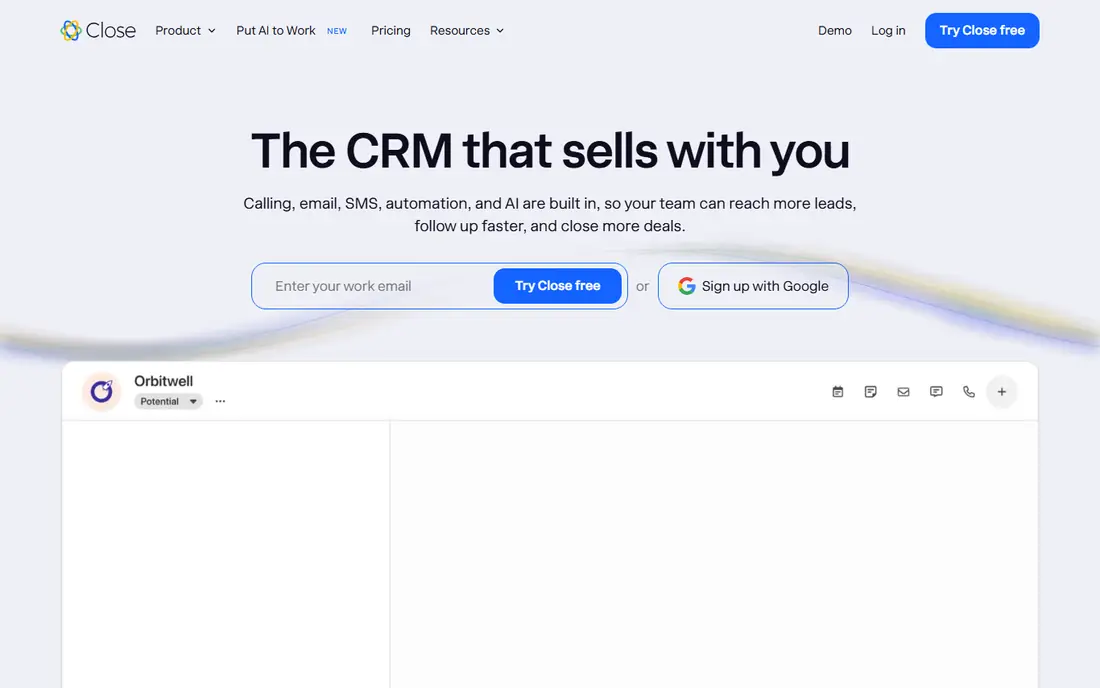
Close is built for teams that sell by phone and email. Built-in calling, SMS, and email sequences let reps call, text, and follow up without switching tools, and leads move through pipelines with minimal clicks. That speed matters for outbound teams making dozens of calls a day, where a general CRM can feel slow. Plans are priced per user, with tiers ranging from a solo starter plan to enterprise, so check the current vendor page, because published starting prices have varied across sources.
Marketing features are thinner than in HubSpot, and the interface favors sales activity over broad business management. Close also assumes a sales-led model, so a team that mainly needs contact management or service tracking should look elsewhere. For outbound, cold calling, and fast follow-up, Close removes friction that other CRMs add, and reps tend to adopt it quickly for that reason.
What we like- Built-in calling, SMS, and email
- Fast lead management
- Strong for outbound sales
Watch out for- Pricing varies by tier and has risen over time
- Less suited to marketing-heavy teams
#10Copper
Best for: teams that live in Google Workspace4.5/5 on
G2 (1,158 reviews, checked Oct 2026)
Visit copper.com
Starting priceSee website
Free planFree trial
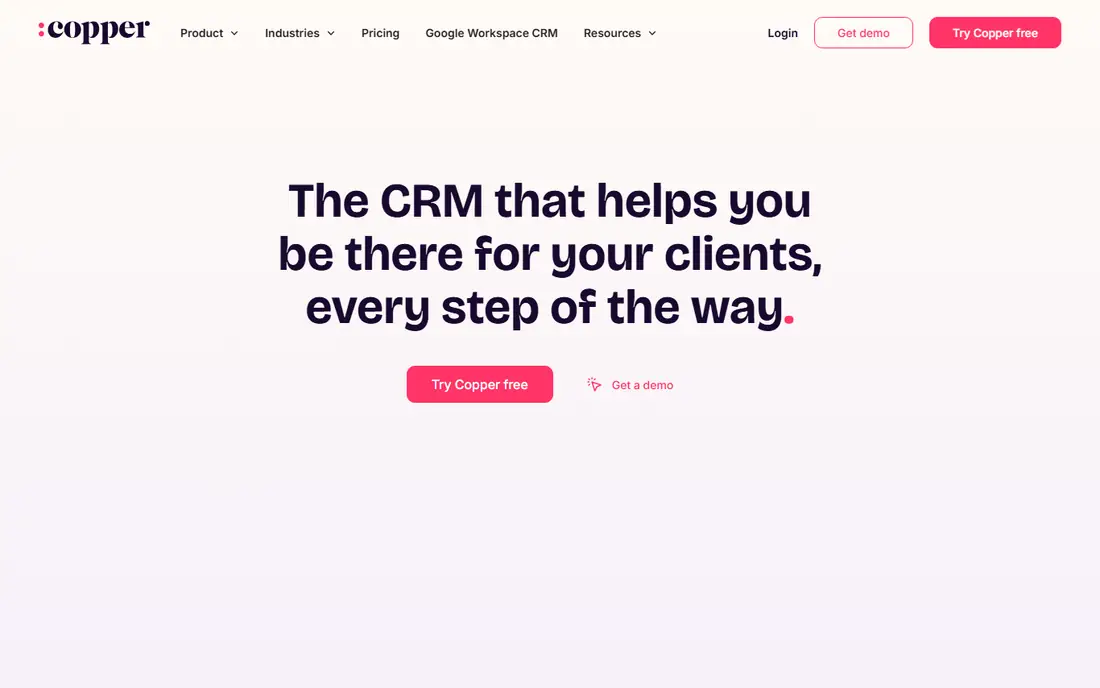
Copper is the CRM for teams that live in Gmail. It pulls contact details, emails, and meetings into the CRM automatically, so reps spend less time typing data and more time selling. Pipelines, tasks, and reporting sit inside a familiar Google-style interface, and integration with Drive, Calendar, and Sheets keeps documents and schedules close to deals. A trial is offered, with paid plans priced per user, so check the current vendor page for rates and limits.
The Google focus is also the limit. Teams on Microsoft 365, or teams that need deep customization, will find Copper less natural than Salesforce or Zoho. Automation and reporting are solid for small and mid-sized teams, but not as deep as enterprise CRMs. For a Google Workspace business that wants a CRM inside Gmail rather than beside it, Copper is the most natural choice in this guide.
What we like- Deep Gmail and Google Workspace integration
- Automatic data capture from email
- Simple pipeline views
Watch out for- Weaker outside Google Workspace
- Pricing should be checked on the vendor site
How we chose
We compared vendor pricing pages, product documentation, and public reviews on G2, Capterra, and Reddit, and favored CRMs that are currently available, genuinely fit sales and customer management, and cover different team sizes and styles rather than repeating the same pipeline ten times. Prices were checked in October 2026, and any price that varied sharply by source or tier is shown as See website. We did not claim hands-on testing, and we weighted free plan usefulness, setup time, automation, integrations, and total cost, including add-ons, alongside core pipeline features.
Choosing a CRM by team size and sales style
Start with team size, not with the feature list. A team of two to five people needs a free or low-cost CRM that reps will update daily, such as HubSpot, Zoho CRM, or Freshsales. A team of five to twenty with a clear pipeline needs Pipedrive, monday Sales CRM, or Close, depending on whether sales are visual, custom, or call-led. A larger team with complex processes needs Salesforce or a higher HubSpot tier, with admin support budgeted from the start.
Count total cost, not just seat price
Seat price is only part of the bill. Add onboarding fees, calling lines, automation add-ons, extra storage, and integration costs, then multiply by seats and months. A $14 seat with a $32 add-on costs more than a $20 seat without one, and a free plan with a 1,000-contact limit can force an upgrade sooner than expected. Ask each vendor for a written quote for your seat count and required features before deciding.
Run a two-week trial with real deals
A trial with sample data proves little. Import real contacts, move ten live deals through the pipeline, and build one report you actually need. Notice whether reps update deals without prompting, whether mobile access works in the field, and whether data exports cleanly. If adoption feels forced after two weeks, it will feel worse after six months.
Plan the migration before you buy
A CRM switch fails most often on data, not on features. Clean duplicate contacts, standardize deal stages, and map old fields to new fields before importing. Export a backup from the old system, test the import with a small batch, and keep the old CRM read-only for a month. That preparation matters more than any single automation feature.
Frequently asked questions
What is the best CRM for a small business?
Zoho CRM and Freshsales offer the best value for small businesses, with free plans for up to three users and low-cost paid tiers. HubSpot is the best free start for a team that also wants marketing tools. Pipedrive is the best choice for a small sales-led team that wants a clear visual pipeline.
Is there a truly free CRM?
Yes, with limits. HubSpot offers a free CRM for up to two users, Zoho CRM and Freshsales offer free plans for up to three users, and Salesforce offers a free Suite tier for up to two users in recent listings. Free plans usually limit contacts, automation, or reporting, so they suit very small teams best.
How much does CRM software cost per user?
Entry prices in this guide range from $9 per user per month for Freshsales Growth to $25 per user per month for Salesforce Starter, billed annually where noted. Higher tiers, add-ons, onboarding, and calling costs raise the total, so compare a written quote for your seat count rather than headline prices alone.
Is Salesforce worth it for a small team?
Usually not at first, because setup time, admin needs, and higher-tier costs outweigh the benefits for a simple pipeline. Salesforce becomes worth it when sales processes grow complex, when reporting needs deepen, or when several departments will share one platform. Small teams should start with HubSpot, Zoho, or Pipedrive and move later if needed.
Which CRM is best for outbound sales?
Close is the best fit for calling-heavy outbound teams, because built-in calling, SMS, and email sequences keep reps in one tool. Pipedrive also works well for outbound pipelines, with activity reminders and clear deal stages. Choose Close when call volume is high, and Pipedrive when pipeline visibility matters more than calling.
Can I switch CRMs later without losing data?
Yes, if you plan the move. Most CRMs export contacts, companies, deals, and activities to CSV, and import tools map those fields into the new system. Notes, email history, and custom fields need checking, because they do not always transfer cleanly. Test with a small batch, keep a backup, and keep the old system read-only for a month after migration.
Sources we checked (10)
- https://www.salesforce.com/pricing
- https://www.hubspot.com/pricing
- https://www.zoho.com/crm/pricing
- https://www.pipedrive.com/pricing
- https://www.freshsales.com/pricing
- https://www.monday.com/crm/pricing
- https://capsulecrm.com/pricing
- https://www.insightly.com/pricing
- https://close.com/pricing
- https://www.copper.com/pricing
Is your product missing or out of date?
We review this list regularly. Vendors can request a listing, send updated pricing or ask about featured placement.

Shihab Mia · Founder, Rankite
Shihab has 5+ years in B2B and SaaS SEO. He writes Rankite's software buying guides from pricing pages, documentation and public user reviews. More about Shihab.