How we make this list: we compare pricing pages, product documentation and public user reviews. Ratings come from G2, Capterra or Trustpilot, with the date we checked them.
Key takeaways
- Ramp, Brex and BILL Spend & Expense all offer a $0 software tier, funded by spend on their own corporate cards.
- SAP Concur is the only major tool priced per report rather than per user, starting at $7 per report on its Base plan with unlimited users.
- Expensify Control lists at $18 per member per month on an annual plan, but drops to as low as $9 when at least half of US spend runs on the Expensify Card.
- Navan is free for companies up to 300 employees on travel, with expense free for the first 5 expensing users and $15 per user per month after that.
- Zoho Expense is the cheapest paid option for small teams, at $3 per user per month billed annually for Standard.
Quick comparison
| Tool | Best for | Starting price | Free plan |
|---|
 Ramp Ramp | US companies moving spend onto corporate cards | $0 (Free); Plus $15 per user/month plus a platform fee | Yes |
 Brex Brex | Multi-entity and global companies | $0 (Essentials); Premium $12 per user/month | Yes |
 SAP Concur SAP Concur | Large enterprises with complex travel policies | $7 per report (Base plan) | No |
 Navan Navan | Companies that want travel booking and expense in one app | Free for first 5 expensing users, then $15 per user/month | Yes (Navan Business, up to 300 employees) |
 Expensify Expensify | Small teams and reimbursement-heavy workflows | $5 per member/month (Collect) | No |
 Emburse Emburse | Mid-market and enterprise firms keeping existing cards | See website | No |
 BILL Spend & Expense BILL Spend & Expense | QuickBooks and Xero users already paying bills in BILL | $0 per user/month | Yes |
 Zoho Expense Zoho Expense | Budget-conscious small businesses | $3 per user/month (Standard, billed annually) | Yes (up to 3 users) |
 Rydoo Rydoo | Mid-size teams with staff in several countries | $9 per user/month (Essentials, billed annually, 5-user minimum) | No |
Is your product missing or out of date?
We review this list regularly. Vendors can request a listing, send updated pricing or ask about featured placement.
The best corporate expense management software
#1Ramp
Best for: US companies moving spend onto corporate cards4.8/5 on
G2 (2,540 reviews, checked Oct 2026)
Visit ramp.com
Starting price$0 (Free); Plus $15 per user/month plus a platform fee
Free planYes
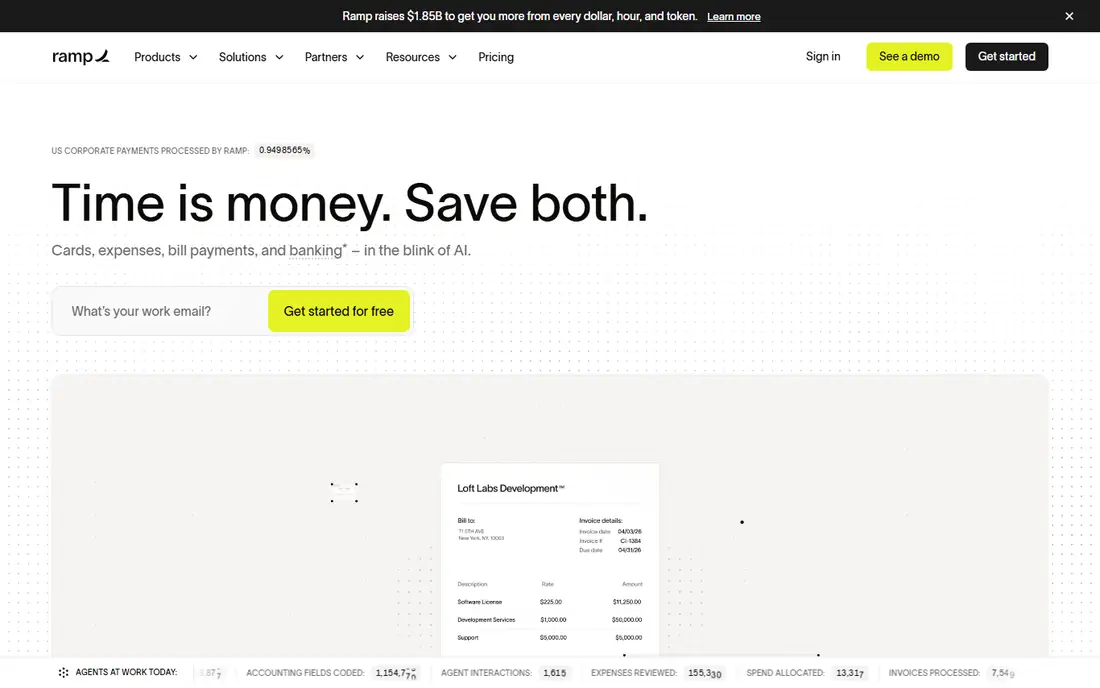
For a US company with a few dozen to a few thousand employees, Ramp is usually the first platform finance teams look at, and its free tier explains why. Ramp Free covers unlimited physical and virtual cards, travel and expense, bill pay, AI-assisted reporting, vendor management and accounting sync with QuickBooks Online and Xero. There is no per-seat charge at that level.
Plus costs $15 per user per month on monthly billing, with a 20 percent discount on annual terms, plus a platform fee that scales with team size. It adds AI expense reviews, auto-coded bill line items, batch payments, custom roles, an audit log and the NetSuite and Sage Intacct integrations that many mid-market controllers need.
The catch is structural. Ramp makes its money when your team spends on Ramp cards, so the economics work best when you move most company spend there. If you need to keep an existing bank card program, a card-agnostic tool such as Concur or Emburse may fit better.
What we like- Free tier includes unlimited cards, AP and QuickBooks or Xero sync
- Strong automation for receipt matching and policy checks
- 30-day trial of Plus
Watch out for- Best value only if you consolidate spend on Ramp cards
- NetSuite and Sage Intacct sync need the paid Plus plan
#2Brex
Best for: Multi-entity and global companies4.8/5 on
G2 (1,643 reviews, checked Oct 2026)
Visit brex.com
Starting price$0 (Essentials); Premium $12 per user/month
Free planYes
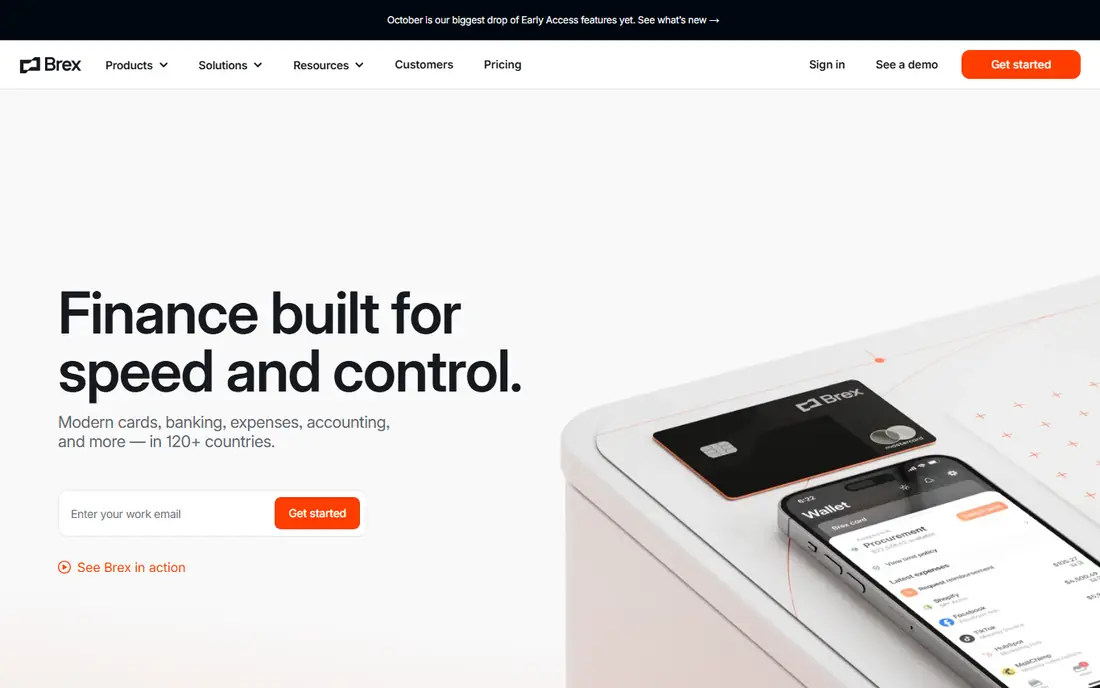
Brex started as a startup card and has grown into a spend platform for companies with operations in several countries. The free Essentials plan includes global card acceptance, one local card program, AI-written expense rules, accounting integrations, bill pay, reimbursements and API access, but is limited to two entities.
Premium, at $12 per user per month, is where Brex earns its place on a corporate shortlist. You get custom expense policies, multi-step review chains, multi-entity support for US and international subsidiaries, custom ERP and HRIS integrations, VAT documentation and live budgets. Enterprise and the Smart Card program are quoted and add local card issuance in more than 50 countries plus a named account manager.
The tradeoff is similar to Ramp's. You get the most value when Brex cards carry your spend.
What we like- Local-currency cards in 50+ countries on Smart Card and Enterprise
- Multi-entity support on Premium
- API access even on the free plan
Watch out for- Free Essentials plan is capped at two entities
- Fee schedules for banking and bill pay live on a separate page
#3SAP Concur
Best for: Large enterprises with complex travel policies4.0/5 on
G2 (7,226 reviews, checked Oct 2026)
Visit concur.com
Starting price$7 per report (Base plan)
Free planNo
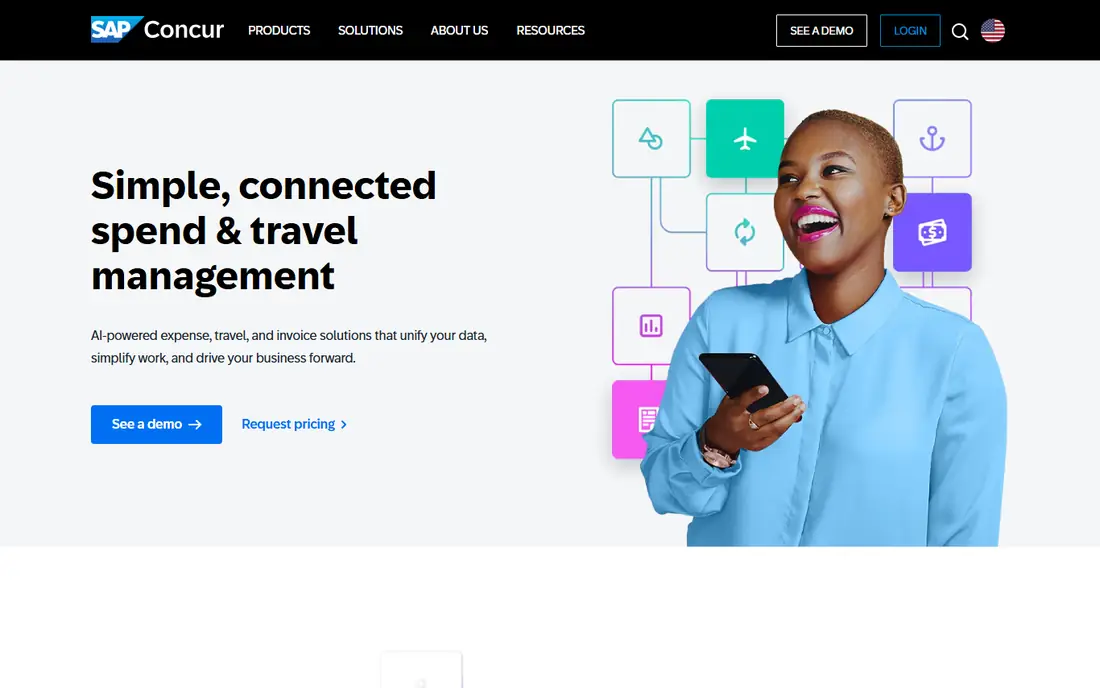
Concur is the long-standing default for large companies, and for good reason. Its expense suite reaches well past receipts: Concur Request for pre-trip approval, Concur Detect and Intelligent Audit for fraud and compliance checks, Verify, Budget, Drive for mileage, and bank card feeds from most major issuers. If your auditors, your travel management company and your ERP all expect Concur, switching away is a big project.
The pricing page lists Base at $7 per report and Plus at $11 per report, both with unlimited users, while Premium (which bundles Concur Travel and Intelligence) is custom. Per-report pricing suits companies where many employees travel rarely, because you are not paying a monthly seat for someone who files two reports a year. SAP notes that larger volume commitments reduce the per-report cost.
The honest catch is effort. Public reviews on Capterra and G2 regularly mention lengthy implementations, admin complexity and an interface that feels dated next to newer tools. Smaller teams often find the total first-year cost, once services are added, higher than the headline rate suggests.
What we like- Per-report pricing with unlimited users
- Deep travel, audit and ERP integration
- Works with existing corporate card programs
Watch out for- Implementation and training add cost and time
- Mobile and user experience draw frequent complaints in reviews
#4Navan
Best for: Companies that want travel booking and expense in one app4.7/5 on
G2 (9,297 reviews, checked Oct 2026)
Visit navan.com
Starting priceFree for first 5 expensing users, then $15 per user/month
Free planYes (Navan Business, up to 300 employees)
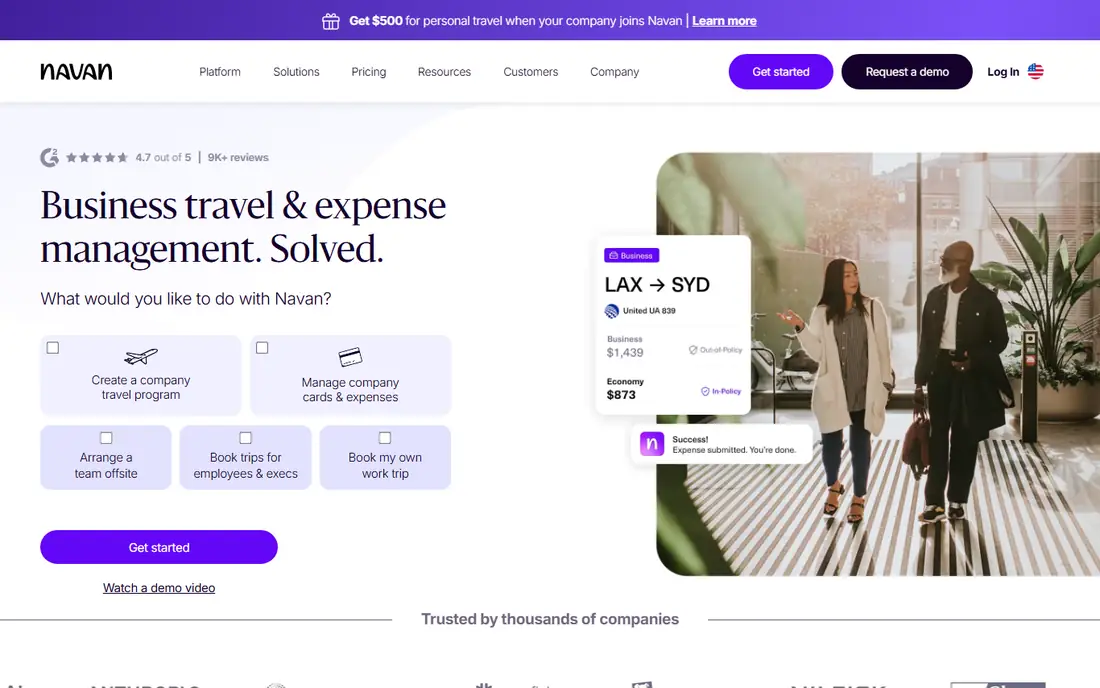
Navan (formerly TripActions) is built around business travel, and the expense module grows out of it. Navan Business is free for organizations up to 300 employees on the travel side, with no cap on trips, unlimited policy and approval workflows, 24/7 travel support and more than 30 HRIS integrations.
Expense is free for the first five expensing users. After that, Navan charges $15 per user per month, counted for anyone who submits a transaction in a given month. That active-user model is friendlier than paying for every employee, but it is still higher than Brex Premium or Zoho Expense on a per-head basis. Features include manual expenses and reimbursements, card connections, receipt scanning and ERP integrations.
Navan makes the most sense when travel is a large share of your spend and you want bookings, policy and receipts to line up without manual matching. If your team rarely travels, a cheaper expense-only tool will do the job.
What we like- Travel booking is free for companies up to 300 employees
- Travel and expense data live in one place
- 24/7 travel support
Watch out for- Expense gets expensive at $15 per active user once past 5 users
- Enterprise pricing is quote-only
#5Expensify
Best for: Small teams and reimbursement-heavy workflows4.5/5 on
G2 (5,685 reviews, checked Oct 2026)
Visit expensify.com
Starting price$5 per member/month (Collect)
Free planNo
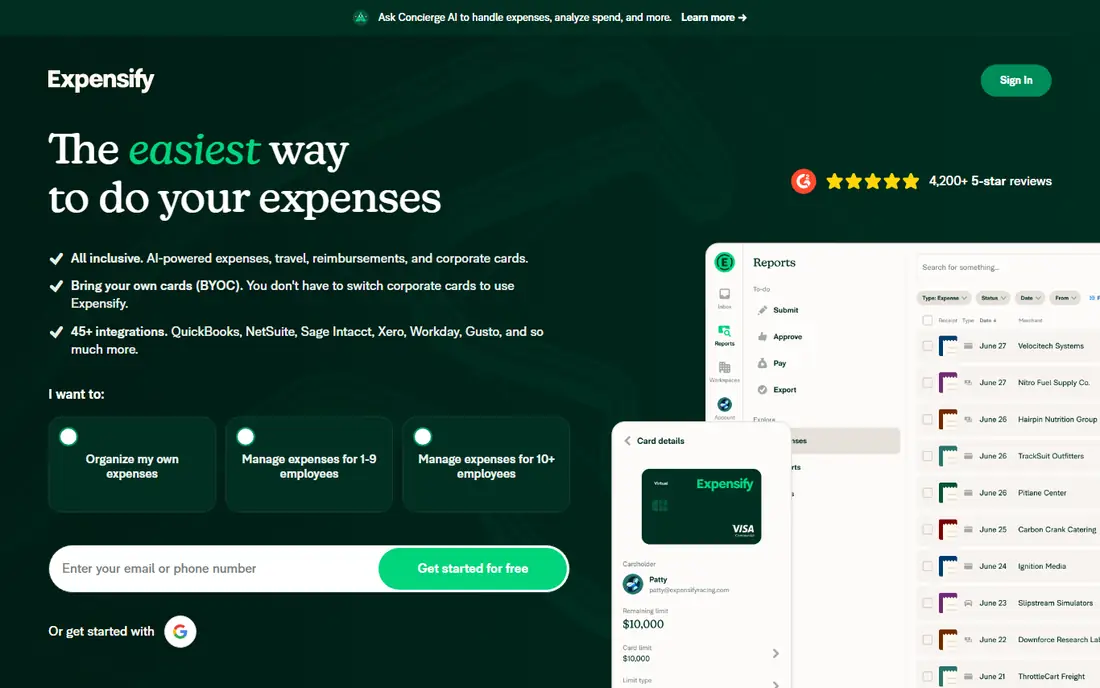
Expensify built its reputation on receipt scanning that people actually use, and that is still its strongest selling point. Employees snap a receipt, the app reads it, and managers approve in a chat-style interface.
Pricing comes in two tiers. Collect is $5 per unique member per month, billed month to month. Control, which adds advanced approvals and deeper accounting integrations, is $18 per member per month on an annual subscription, or $36 per active member on pay-per-use. Using the Expensify Card cuts the Control price by up to 50 percent, so the annual plan can fall to $9 per member when at least half of US spend runs on the card.
Two billing details catch buyers out. Collect charges for every member added to a workspace whether they submit or not, and annual Control charges $36 for any active member above your committed count. Size your subscription carefully.
What we like- Month-to-month Collect plan with no contract
- Familiar receipt scanning that employees pick up quickly
- Card discount can halve the Control price
Watch out for- Control costs $36 per active member on pay-per-use
- Collect bills every member in a workspace, active or not
#6
Emburse
Best for: Mid-market and enterprise firms keeping existing cards
Visit emburse.com
Starting priceSee website
Free planNo
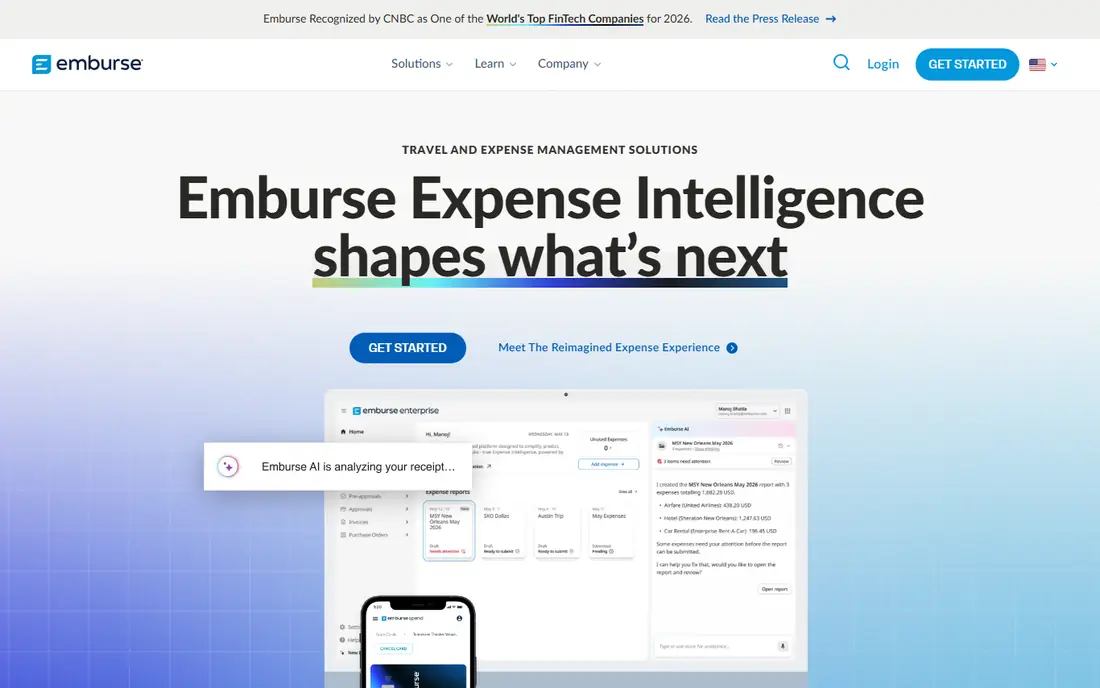
Emburse was built by acquiring several well-known expense brands, among them Certify, Chrome River and Captio, and now sells Emburse Expense Professional and Emburse Expense Enterprise. It works with the corporate cards you already have, which matters for companies tied to a bank card program.
The Professional edition targets growing mid-size companies, while Enterprise handles complex approval chains, multiple currencies and large ERP rollouts.
Pricing is quote-only, and third-party estimates disagree widely, so budget time for a sales cycle. Because the lineup came from acquisitions, confirm exactly which product and edition you are buying, and ask how long the vendor plans to support it.
What we like- Separate Professional and Enterprise editions for different company sizes
- Card-agnostic
- AI Audit and travel audit add-ons
Watch out for- No published pricing
- Product lineup from several acquisitions can be confusing
#7BILL Spend & Expense
Best for: QuickBooks and Xero users already paying bills in BILL4.5/5 on
G2 (2,241 reviews, checked Oct 2026)
Visit bill.com
Starting price$0 per user/month
Free planYes
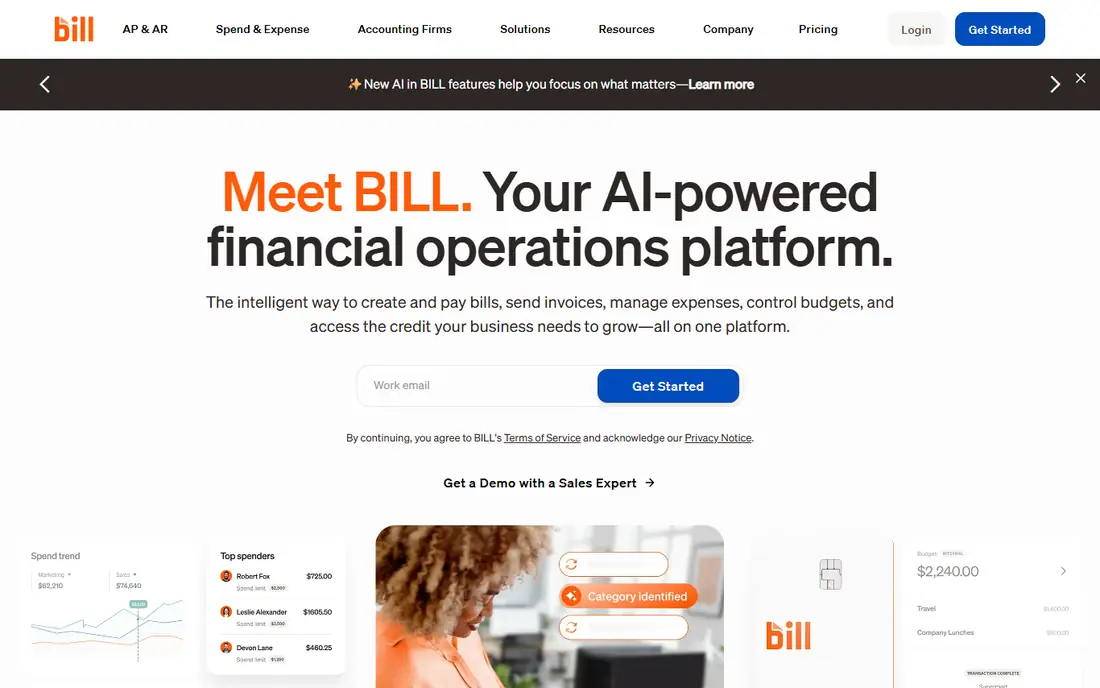
BILL Spend & Expense is the product formerly known as Divvy. BILL lists it at $0 per user per month with no subscription fee, and earns its revenue from card interchange. Credit lines range from $1,000 to $5 million, though approval is not guaranteed.
Its strength is budget control. Managers create budgets for a team, project or event, issue virtual or physical cards against them, and see spend in real time. Receipts are captured in the mobile app and matched automatically, with AI suggesting categories. Reimbursements and travel booking are included.
The limitation is that the free product is built around the BILL Divvy Card. If you want accounts payable automation, that is BILL's separate AP and AR product, priced at $49, $65 or $89 per user per month depending on tier. For many small businesses already paying vendors through BILL, though, adding Spend & Expense is close to free.
What we like- No subscription or per-user software fee
- Credit lines from $1,000 to $5 million subject to approval
- Two-way sync with QuickBooks, NetSuite, Xero and Sage Intacct
Watch out for- Value depends on using the BILL Divvy Card
- Accounts payable is a separate paid product starting at $49 per user/month
#8Zoho Expense
Best for: Budget-conscious small businesses4.5/5 on
G2 (1,579 reviews, checked Oct 2026)
Visit zoho.com
Starting price$3 per user/month (Standard, billed annually)
Free planYes (up to 3 users)
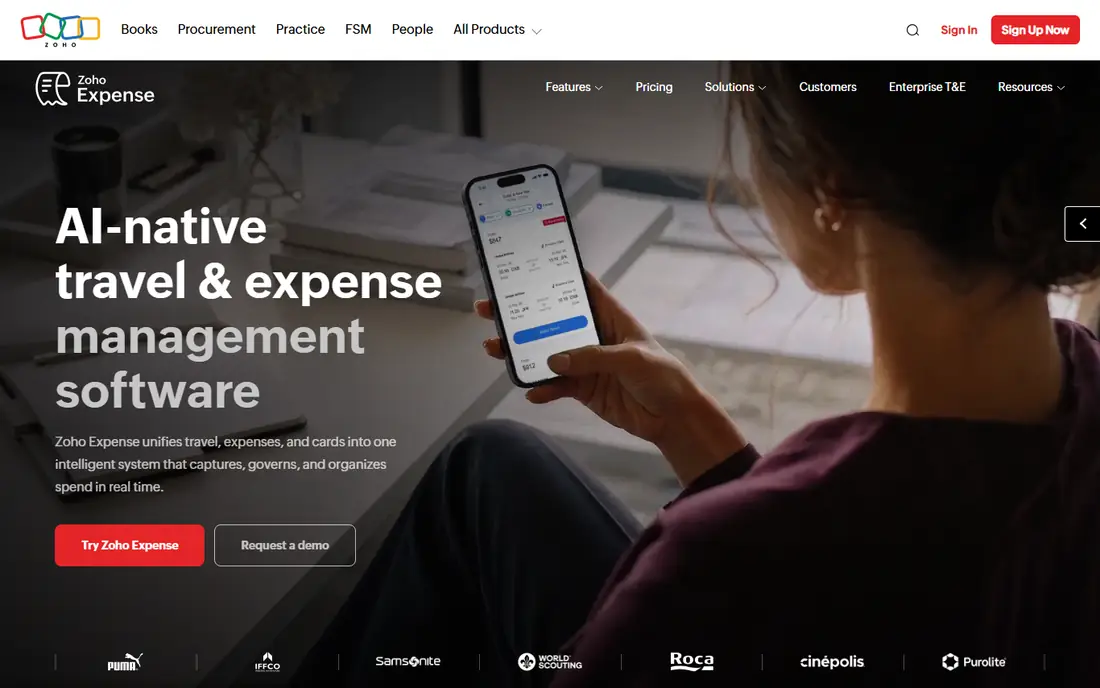
Zoho Expense is the practical choice for a small company that wants proper expense reports, approvals and policy checks without paying corporate-card-platform prices. Standard costs $3 per user per month billed annually ($4 monthly) and Premium is $5 annually ($6 monthly). Enterprise plans are quoted.
The free plan supports up to three users with 20 AI receipt scans per user per month, 5 GB of receipt storage and email support, which is enough for a founder-led team to get started. Zoho Expense connects naturally with Zoho Books, Zoho CRM and Zoho People, and it also integrates with QuickBooks and other accounting tools.
The weakness is scale. Zoho Expense handles policy and reporting well, but it lacks the native card programs and spend controls that Ramp or Brex bundle for free. Larger teams with complex multi-entity rules may outgrow it.
What we like- Lowest per-user price among paid plans here
- Free plan for up to 3 users
- Strong fit with Zoho Books and the wider Zoho suite
Watch out for- Free plan limits AI receipt scans to 20 per user per month
- Fewer corporate card features than card-first platforms
#9Rydoo
Best for: Mid-size teams with staff in several countries4.4/5 on
G2 (743 reviews, checked Oct 2026)
Visit rydoo.com
Starting price$9 per user/month (Essentials, billed annually, 5-user minimum)
Free planNo
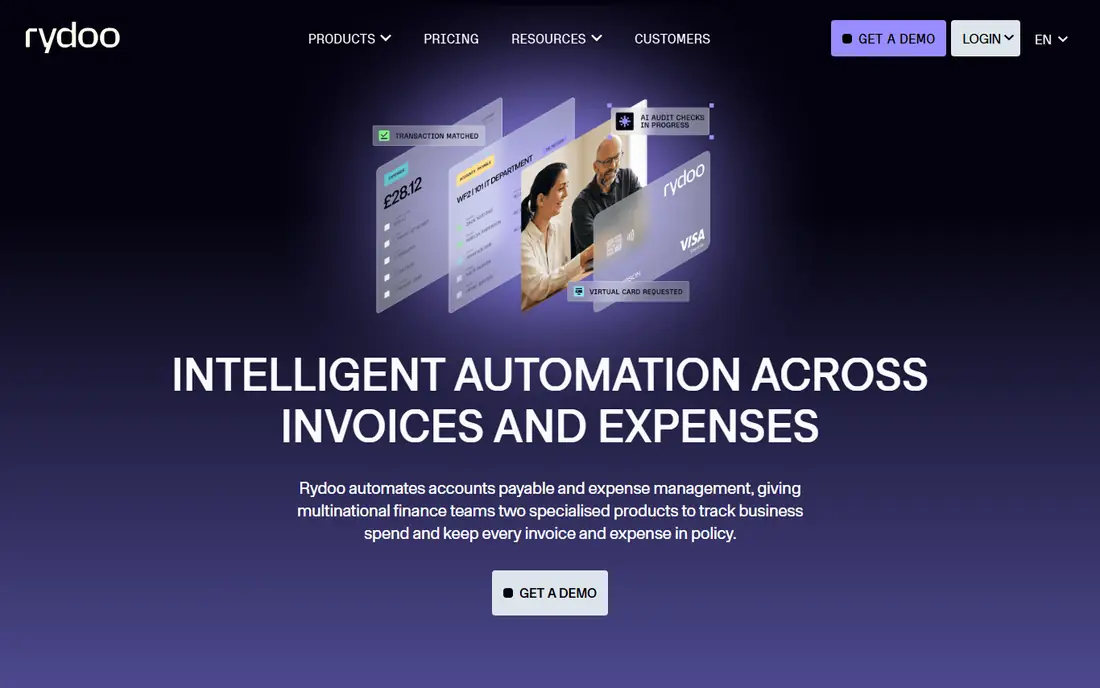
Rydoo, based in Belgium, is a strong option for companies with employees spread across Europe and the US. Self-service Essentials costs $9 per user per month on annual billing ($12 monthly) and Pro costs $11 ($14 monthly), both with a five-user minimum. Business (30 active users minimum) and Enterprise (50 minimum) are quoted.
The "Fair Billing" policy on Business and Enterprise means you only pay for users who actually submit expenses in a period. For companies where many employees file only occasionally, that can save real money compared with per-seat tools. Rydoo also sells an accounts payable product with entity limits by tier.
Rydoo is card-agnostic rather than card-first, so you keep your existing corporate cards. The tradeoff is that it lacks the free tier and built-in card program that US-focused rivals now offer.
What we like- Clear self-service pricing
- Business and Enterprise plans bill only active users
- Good fit for international teams with per diems and multiple currencies
Watch out for- 5-user minimum on self-service plans
- Business plan requires 30 active users
Decide on the card question first
Ask whether you are willing to move company spend onto a new corporate card. If yes, Ramp, Brex and BILL give you capable software at no subscription cost. If no, look at Concur, Emburse, Expensify Collect, Zoho Expense or Rydoo, which work with existing cards and reimbursement flows.
Model the real per-user cost
Headline prices hide different counting rules. Concur charges per report, Navan and Rydoo's larger plans charge per active user, and Expensify Collect charges for every member in a workspace. Build a simple spreadsheet with your headcount, how many people file each month and how many reports they file, then compare annual totals.
Check the ERP and HRIS connectors on your plan
Many tools list NetSuite, Sage Intacct or Workday integrations, but only on paid tiers. Ramp moves NetSuite and Sage Intacct to Plus, and Workday to Enterprise. Confirm the connector you need is on the plan you are pricing.
Look at implementation and contract terms
Enterprise suites often include implementation fees and annual commitments. Card-first tools usually onboard in days. Ask about contract length, auto-renewal terms, and how you export receipts and reports if you leave.
How we chose
We built the list from vendors that appear consistently in G2 and Capterra corporate expense categories, then read each vendor's pricing page and product documentation in October 2026. We checked plan prices, free tiers, billing rules, card requirements, accounting and ERP integrations, and multi-entity support, and we compared how each fits small, mid-size and enterprise companies.
We also read public reviews on G2, Capterra and Reddit to identify recurring complaints, such as implementation time or billing surprises. We did not run these platforms in our own environment. Where a vendor does not publish pricing, we say so instead of quoting third-party estimates.
Frequently asked questions
What is the difference between expense management and spend management?
Expense management covers receipts, expense reports, approvals and reimbursements. Spend management adds corporate cards, budgets, bill pay and procurement, so finance controls money before it is spent rather than after. Ramp, Brex and BILL sit on the spend management side, while Concur, Expensify and Zoho Expense started on the expense side.
Is free expense management software really free?
The software is free, but the vendor earns on card interchange when your team spends on its cards. Ramp, Brex and BILL Spend & Expense work this way. Extra services such as international payments, procurement or accounts payable can carry separate fees.
Which expense software is best for large enterprises?
SAP Concur and Emburse Enterprise are the traditional choices for large, complex organizations, especially those with travel management contracts and existing card programs. Ramp Enterprise, Brex Enterprise and Navan Enterprise now compete for the same buyers with more modern interfaces. Your ERP and card program will often decide the shortlist.
How long does it take to implement expense management software?
Card-first tools such as Ramp and Brex often go live within days for small teams. Enterprise rollouts of Concur or Emburse with ERP integration, policy setup and training can take several weeks or months. Ask vendors for a written implementation plan and timeline.
Does expense software integrate with QuickBooks?
Yes. Ramp, Brex, Expensify, BILL Spend & Expense and Zoho Expense all integrate with QuickBooks. Ramp includes QuickBooks Online and Xero on its free plan, while some advanced ERP connectors require a paid tier on several platforms.
Sources we checked (12)
- https://ramp.com/pricing
- https://www.brex.com/pricing
- https://www.concur.com/about/pricing
- https://www.concur.com
- https://navan.com/pricing
- https://help.expensify.com/articles/new-expensify/billing-and-subscriptions/Billing-page
- https://www.emburse.com
- https://www.bill.com/pricing
- https://www.bill.com/product/spend-and-expense
- https://www.zoho.com/us/expense/pricing/
- https://www.rydoo.com/pricing/
- https://www.capterra.com/p/380/Concur-Expense/
Is your product missing or out of date?
We review this list regularly. Vendors can request a listing, send updated pricing or ask about featured placement.

Shihab Mia · Founder, Rankite
Shihab has 5+ years in B2B and SaaS SEO. He writes Rankite's software buying guides from pricing pages, documentation and public user reviews. More about Shihab.