How we make this list: we compare pricing pages, product documentation and public user reviews. Ratings come from G2, Capterra or Trustpilot, with the date we checked them.
Key takeaways
- Ironclad and DocuSign CLM suit larger teams that want a full contract lifecycle platform, not just storage.
- ContractWorks and ContractSafe suit smaller teams that want a searchable repository with alerts, without enterprise complexity.
- Agiloft suits teams that want deep customisation and workflow automation around their repository.
- Juro and Concord suit teams that want contracts created, negotiated and stored in one browser-based system.
- AI extraction matters: tools that read key dates and clauses from uploaded contracts save the most migration time.
A contract repository is where signed and draft agreements live, searchable and safe, with alerts before renewals and expirations. The best tools go beyond storage: they extract key dates and clauses, control permissions, track versions and remind owners before deadlines. The eight below range from simple repositories to full lifecycle platforms.
Pricing is usually per user per month, with tiers for storage, AI features and workflows, and enterprise tiers quoted by volume. Prices below are marked "See website" where tier pricing changes often. A trial with your own contracts is the best test, since search quality and AI extraction vary by document type.
Quick comparison
| Tool | Best for | Starting price | Free plan |
|---|
 Ironclad Ironclad | Full lifecycle platform | See website | No |
 DocuSign CLM DocuSign CLM | Enterprise repository | See website | No |
 ContractWorks ContractWorks | Simple searchable repository | See website | Free trial |
 Agiloft Agiloft | Custom workflows | See website | Free trial |
 PandaDoc PandaDoc | Documents and e-signatures | See website | Yes |
 Concord Concord | Browser-based contracts | See website | Yes |
 Juro Juro | All-in-one contracts | See website | Free trial |
 ContractSafe ContractSafe | Affordable repository | See website | Free trial |
Is your product missing or out of date?
We review this list regularly. Vendors can request a listing, send updated pricing or ask about featured placement.
The best contract repository software
Starting priceSee website
Free planNo
Ironclad covers the full contract lifecycle, with drafting, negotiation, approval workflows, e-signature and a searchable repository in one platform. AI reads uploaded contracts to extract key dates, parties and clauses, and alerts flag renewals before they pass. Permissions control who sees each contract, and reporting tracks cycle times and bottlenecks.
Pricing and implementation suit larger teams, with onboarding that takes weeks. For a legal or operations team that wants contracts managed end to end, not just stored, Ironclad is the most complete platform here.
What we like- Full lifecycle from drafting to storage
- AI extraction of dates and clauses
- Strong workflow automation
Watch out for- Enterprise pricing
- Implementation takes time
Starting priceSee website
Free planNo
DocuSign CLM pairs a central repository with the world's most used e-signature tool, so contracts move from negotiation to signature to storage without leaving the system. AI search finds clauses and dates across the repository, version control tracks changes, and enterprise security covers permissions and audit trails. Integrations cover Salesforce, Microsoft and other enterprise systems.
Setup is complex, and pricing suits larger organisations. For a team already on DocuSign that wants its contracts in a governed repository, CLM is the natural extension.
What we like- Deep integration with DocuSign e-signature
- AI search and clause extraction
- Enterprise security
Watch out for- Complex setup
- Pricing suits larger organisations
Starting priceSee website
Free planFree trial
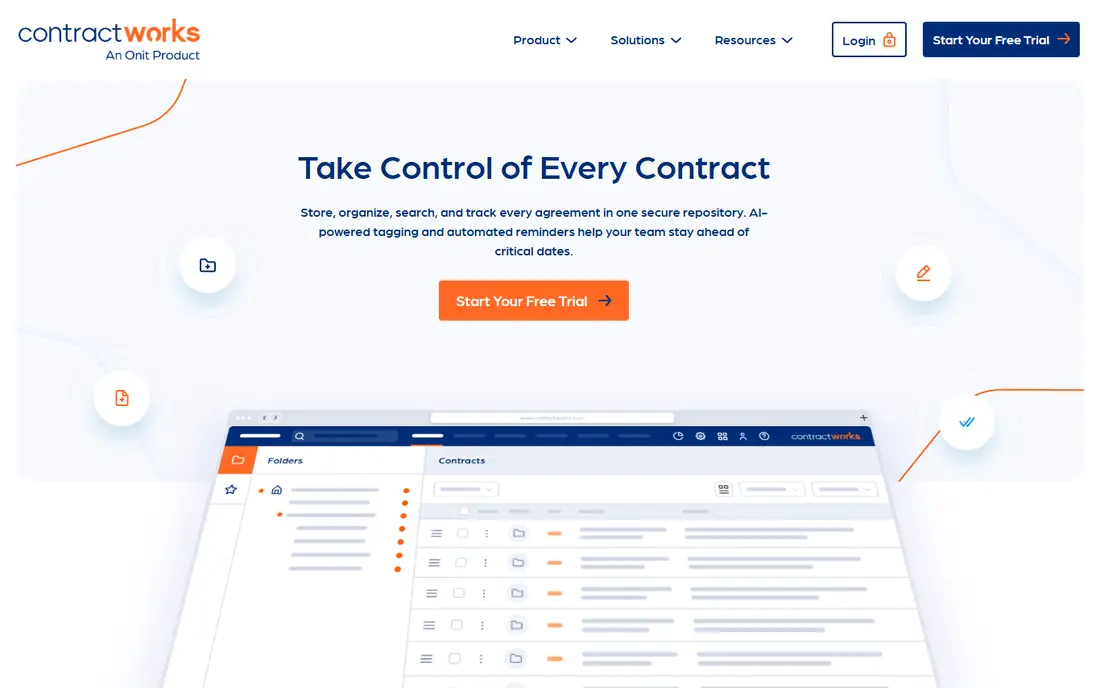
ContractWorks focuses on the repository job: upload contracts, make them searchable, and never miss a renewal. OCR reads scanned PDFs, custom tags organise agreements, and alerts flag expirations and renewals ahead of time. Permissions control access by user and folder, and setup takes days rather than weeks.
Workflow and drafting features are thinner than full lifecycle platforms. For a small or mid-size team that wants a searchable, alert-driven repository without enterprise complexity, ContractWorks is the simplest strong choice.
What we like- Fast setup and simple search
- OCR makes scanned contracts searchable
- Alerts for key dates
Watch out for- Fewer workflow features than Ironclad or Agiloft
- No native drafting tools
#4Agiloft
Best for: Custom workflows4.5/5 on
G2 (110 reviews, checked Oct 2026)
Visit agiloft.com
Starting priceSee website
Free planFree trial
Agiloft is a highly configurable contract platform, with no-code workflows that model complex approval chains, clause libraries and repository rules. AI extracts key data from contracts, alerts track dates, and permissions govern access. The platform suits teams with unusual processes that off-the-shelf tools cannot model.
That flexibility needs configuration time, and the interface feels enterprise-grade rather than consumer-simple. For a team with complex workflows that wants the repository to fit its process exactly, Agiloft is the most adaptable option.
What we like- Deep customisation and no-code workflows
- AI extraction
- Strong for complex approval chains
Watch out for- Customisation takes configuration time
- Interface feels enterprise-grade
#5PandaDoc
Best for: Documents and e-signatures4.7/5 on
G2 (3,621 reviews, checked Oct 2026)
Visit pandadoc.com
Starting priceSee website
Free planYes
PandaDoc starts from documents: create proposals, quotes and contracts from templates, send for e-signature, and store the signed result in a searchable library. The content library, approval flows and CRM integrations suit sales and operations teams that generate many documents. A free tier covers basic documents and signatures.
Dedicated repository features, such as AI clause extraction and deep contract analytics, trail Ironclad or DocuSign CLM. For a sales-led team that wants documents, signatures and storage in one easy tool, PandaDoc is the most practical choice.
What we like- Easy document creation and e-signatures
- Templates and content library
- Free tier for basics
Watch out for- Repository features are thinner than dedicated CLM tools
- Advanced workflows need higher tiers
#6Concord
Best for: Browser-based contracts4.2/5 on
G2 (133 reviews, checked Oct 2026)
Visit concord.app
Starting priceSee website
Free planYes
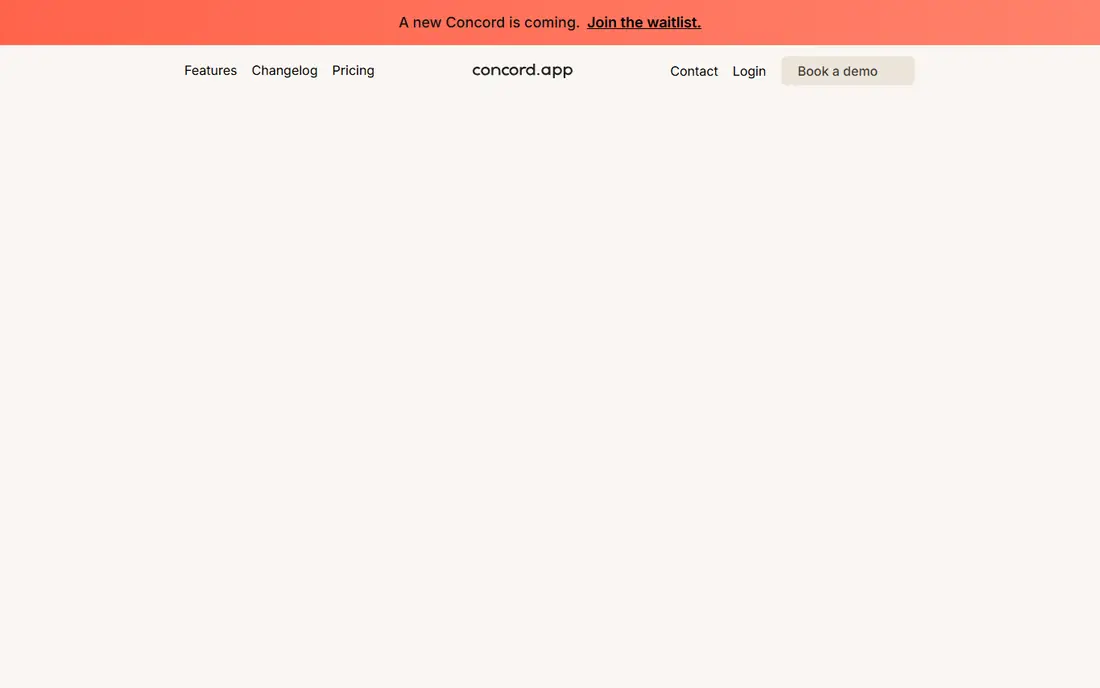
Concord runs contracts entirely in the browser, with creation, redlining, approval, e-signature and storage in one workspace. Unlimited e-signatures on paid tiers suit teams that sign often, and collaboration tools keep negotiation inside the contract rather than in email threads. A free tier covers basic use.
The ecosystem is smaller than DocuSign's, and advanced analytics trail full CLM platforms. For a team that wants contracts handled end to end in a simple browser workspace, Concord is the easiest all-in-one option.
What we like- Contracts created, negotiated and signed in the browser
- Unlimited e-signatures on paid tiers
- Simple collaboration
Watch out for- Smaller ecosystem than DocuSign
- Advanced CLM analytics are limited
#7Juro
Best for: All-in-one contracts4.5/5 on
G2 (248 reviews, checked Oct 2026)
Visit juro.com
Starting priceSee website
Free planFree trial
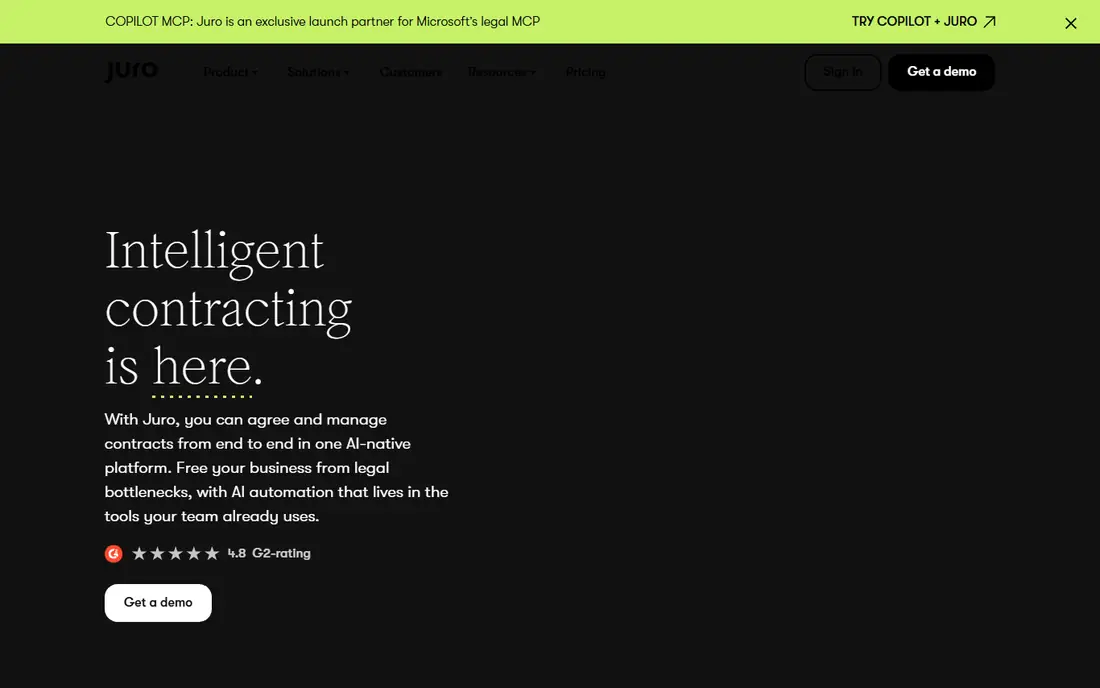
Juro offers browser-native contracts with AI drafting assistance, negotiation, e-signature and a searchable repository. The interface is clean, and the tool suits legal teams that want business users to self-serve standard contracts while legal keeps control of templates. Integrations cover CRM and storage tools.
Pricing suits growing teams rather than the smallest ones, and the template library is smaller than PandaDoc's. For a legal team that wants business-friendly contracts with AI help, Juro is the most modern-feeling platform here.
What we like- Browser-native contracts with AI drafting help
- Clean interface
- Good for legal and sales teams
Watch out for- Pricing suits growing teams rather than tiny ones
- Template library is smaller than PandaDoc
Starting priceSee website
Free planFree trial
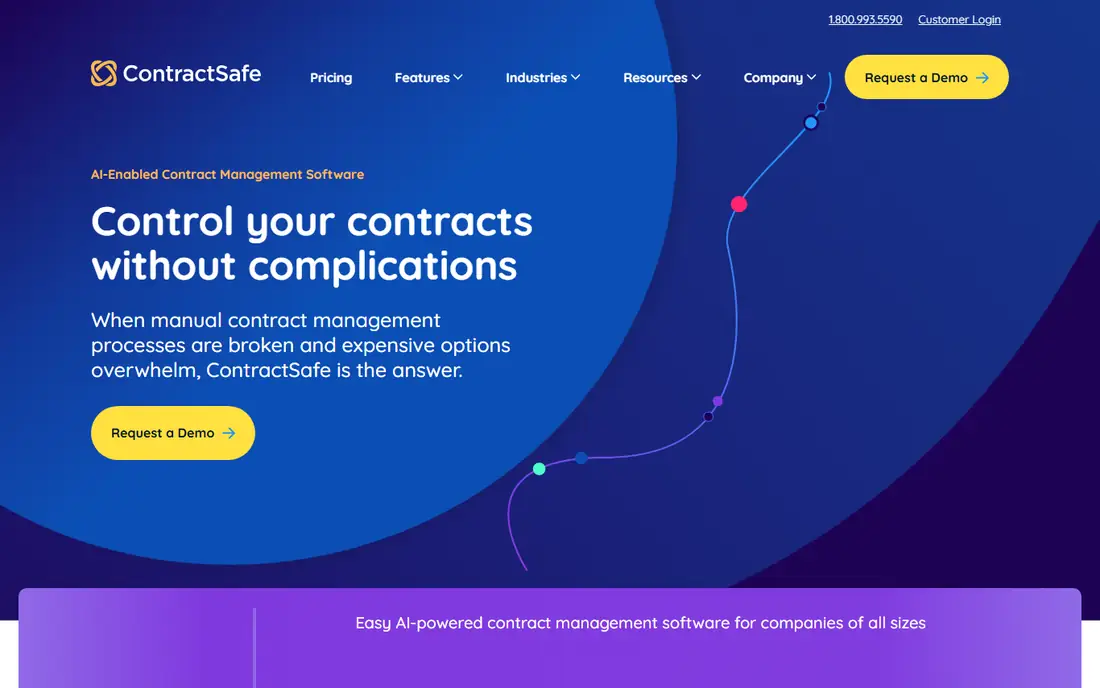
ContractSafe competes on price for the core repository job: upload contracts, search them with OCR, tag and organise them, and get alerts before renewals and expirations. Permissions and audit trails cover governance basics, and setup is quick. The tool suits small and mid-size teams that need a proper repository without enterprise cost.
Workflow, drafting and AI features trail the full platforms. For a budget buyer who wants a searchable, alert-driven repository at a low price, ContractSafe is the value pick.
What we like- Low prices for a full repository
- OCR search
- Alerts and reminders for key dates
Watch out for- Fewer workflow and drafting features
- Smaller integrations list
How we chose
We compared tools on their published repository features, AI extraction, pricing pages and public reviews from legal and operations teams. We favoured tools with OCR search, date alerts, permissions and version control, whether as dedicated repositories or full lifecycle platforms. Prices were marked "See website" because tier pricing changes often. We did not claim hands-on testing.
Migrating contracts into a repository
Migration decides success more than feature lists. Start by gathering contracts from email, shared drives and filing cabinets, then bulk-upload them and let OCR and AI extract parties, dates and key clauses. Review the extracted data for your most important contracts, since AI accuracy varies on scanned or unusual documents.
Set up alerts during migration, not after, so no renewal slips while the system fills. Tag contracts by type, owner and department, and set permissions before inviting the wider team. A repository with clean tags and working alerts pays for itself at the first renewal it catches.
A repository rollout should start with the contracts that hurt most when missed. Identify agreements with renewal dates in the next six months, high values, or auto-renewal clauses, and migrate those first with their key dates verified by a human, since an AI extraction error on a renewal date costs real money. Assign one owner per contract during migration, because unowned contracts rot: nobody watches their dates and nobody knows their terms. Build the folder and tag structure around how your team searches, such as by counterparty, department or renewal month, rather than copying a vendor template nobody understands. Run the old and new systems in parallel for one renewal cycle, so the team trusts the alerts before the old spreadsheets retire.
Contract data quality needs a named owner. Assign one person per department to review extracted dates, values and parties for that department's contracts each quarter, because AI extraction errors compound when nobody checks them. Create a simple quality checklist: parties correct, dates correct, renewal and termination clauses captured, and owner assigned, and refuse to mark a contract complete until all four pass. Report extraction accuracy monthly, and retrain or adjust the tool's templates when a document type repeatedly fails. A repository trusted by its users gets used, while one known for wrong dates gets ignored, and trust comes from this unglamorous review work.
Frequently asked questions
What is contract repository software?
Contract repository software stores agreements in a central, searchable system with permissions, version control and alerts for renewals and expirations. Better tools add OCR search and AI extraction of key dates and clauses. It replaces shared drives and email as the home for contracts.
Is a repository the same as contract lifecycle management?
No. A repository stores and organises contracts, while lifecycle management (CLM) also covers drafting, negotiation, approval and signature. Tools like Ironclad and DocuSign CLM do both, while ContractWorks and ContractSafe focus on the repository job. Choose by whether you need drafting workflows or just storage.
How does AI help in a contract repository?
AI reads uploaded contracts to extract parties, dates, values and clauses, making them searchable without manual data entry. It can also flag unusual terms and summarise obligations. Accuracy varies by document quality, so review extracted data on important contracts.
What should I look for in contract repository security?
Permissions by user and folder, audit trails, encryption in transit and at rest, and single sign-on are the basics. Enterprise teams should also check SOC 2 compliance and data residency options. Permissions matter most, since contracts contain sensitive commercial terms.
How much does contract repository software cost?
Simple repositories start at low monthly prices per user, while full CLM platforms charge enterprise annual fees. Pricing depends on users, storage, AI features and workflows. Expect a sales conversation for enterprise tiers and check free trials for smaller tools.
Can I import contracts from a shared drive?
Yes. Most tools offer bulk upload, and OCR makes scanned PDFs searchable. AI extraction then pulls key dates and clauses, though accuracy varies on poor scans. Plan time to review extracted data for your most important agreements during migration.
Sources we checked (8)
- https://ironcladapp.com
- https://www.docusign.com/products/clm
- https://www.contractworks.com
- https://www.agiloft.com
- https://www.pandadoc.com
- https://www.concord.app
- https://juro.com
- https://www.contractsafe.com
Is your product missing or out of date?
We review this list regularly. Vendors can request a listing, send updated pricing or ask about featured placement.

Shihab Mia · Founder, Rankite
Shihab has 5+ years in B2B and SaaS SEO. He writes Rankite's software buying guides from pricing pages, documentation and public user reviews. More about Shihab.