How we make this list: we compare pricing pages, product documentation and public user reviews. Ratings come from G2, Capterra or Trustpilot, with the date we checked them.
Key takeaways
- PandaDoc and Concord are the most accessible starting points, with published prices and a workflow a small team can run without a long implementation.
- ContractWorks and ContractSafe suit teams that mainly need a searchable repository, alerts, and unlimited users at a flat, predictable price.
- Ironclad, Agiloft, DocuSign CLM, and Juro are built for larger contract volumes and complex approvals, and most of them price by quote.
- The biggest cost split in this market is not features, it is pricing transparency: some vendors publish a number, others require a sales conversation before any budget can be set.
- AI review helps with extraction and first-pass risk checks, but it does not replace legal judgment on unusual clauses or high-value deals.
Quick comparison
| Tool | Best for | Starting price | Free plan |
|---|
 PandaDoc PandaDoc | Sales and business teams sending documents fast | $19 per user/month | Free trial |
 Concord Concord | Business teams negotiating in the document | $499 per month | No |
 ContractWorks ContractWorks | Fast, searchable repository with unlimited users | See website | Free trial |
 ContractSafe ContractSafe | Flat-priced repository with volume tiers | $450 per month | No |
 Ironclad Ironclad | Large legal teams with deep workflow automation | See website | No |
 Agiloft Agiloft | Highly configurable workflows without code | See website | No |
 DocuSign CLM DocuSign CLM | Enterprises already using DocuSign eSignature | See website | No |
 Juro Juro | Fast-growing teams that negotiate inside one platform | See website | No |
Is your product missing or out of date?
We review this list regularly. Vendors can request a listing, send updated pricing or ask about featured placement.
The best contract management software
#1PandaDoc
Best for: Sales and business teams sending documents fast4.7/5 on
G2 (3,621 reviews, checked Oct 2026)
Visit pandadoc.com
Starting price$19 per user/month
Free planFree trial
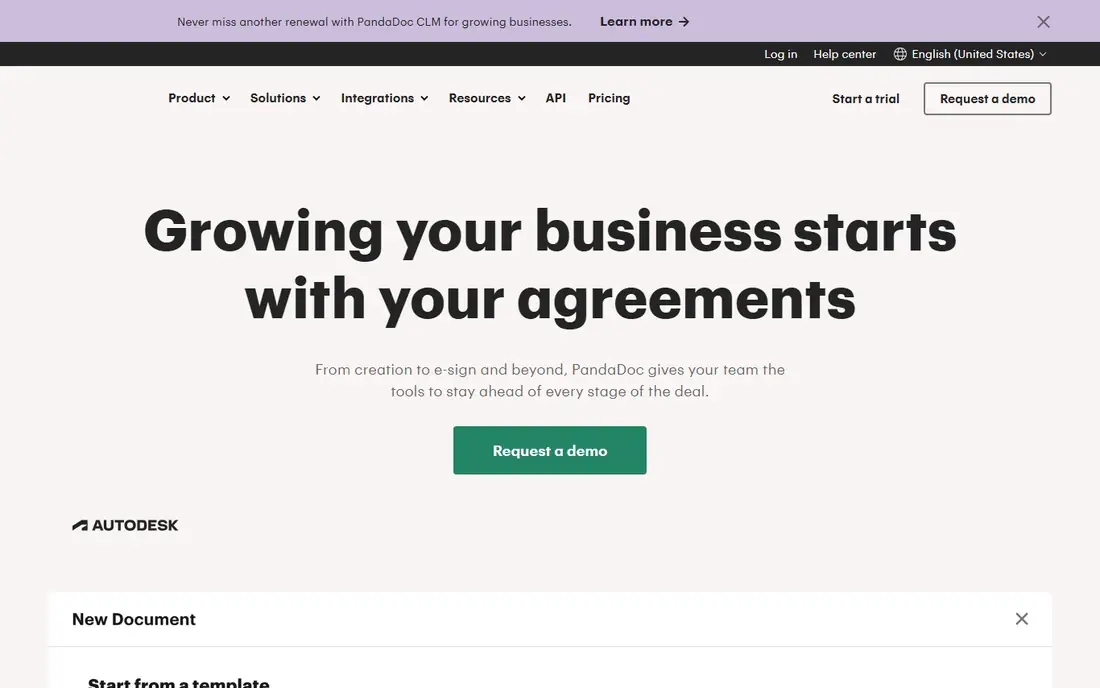
PandaDoc is the easiest tool in this comparison for a team that needs contracts out the door today. Templates, reusable content blocks, and a document editor that feels closer to a proposal tool than a legal database help sales, marketing, and operations teams build a clean agreement without waiting for legal on every draft. Built-in eSignature, document tracking, and payment collection keep the whole deal in one flow, and integrations with HubSpot, Salesforce, and other CRMs pull deal data straight into the document.
That speed comes with a ceiling. PandaDoc handles creation, signature, and storage well, but a legal team managing thousands of agreements, complex approval chains, and deep obligation tracking will find dedicated CLM platforms stronger on repository search, AI extraction, and workflow design. Pricing is published, starting at $19 per user per month on Essentials, with Business at $49 per user per month in third-party summaries, and a free eSign plan for basic signing. For a growing business that values published pricing and fast adoption, PandaDoc is a sensible first contract platform.
What we like- Fast document creation from templates
- Built-in eSignature and payments
- Strong CRM integrations
Watch out for- Full contract lifecycle depth is lighter than enterprise CLM
- Advanced workflow features sit on higher tiers
#2Concord
Best for: Business teams negotiating in the document4.2/5 on
G2 (133 reviews, checked Oct 2026)
Visit concord.app
Starting price$499 per month
Free planNo
Concord is built around a simple idea: negotiation should happen inside the contract, not across five email threads with conflicting attachments. Parties comment, redline, and approve in one document, with version control keeping the history clean. Deadline alerts, reporting, and AI features for explaining risks and obligations help business teams handle routine agreements without routing every item through legal. That self-serve model is why Concord positions itself for the post-legal world, where business teams create compliant contracts from approved templates.
Pricing is a team price rather than a low per-seat entry. Third-party pricing summaries list Concord from $499 per month for five users, with extra users priced per seat, and G2 lists an entry figure of $399 per month on older plans, so a buyer should confirm the current bundle on the vendor pricing page before budgeting. There is no free plan, which makes a demo or trial conversation important. Concord fits a mid-size team with steady contract volume that wants negotiation, signature, and renewal tracking in one place, without an enterprise implementation project.
What we like- Real-time collaboration and redlining inside the contract
- Unlimited signatures on paid plans
- Clear deadline alerts
Watch out for- Entry price is a monthly team price, not a low per-user start
- Smaller teams may find it costly for light volume
#3ContractWorks
Best for: Fast, searchable repository with unlimited users4.8/5 on
G2 (81 reviews, checked Oct 2026)
Visit contractworks.com
Starting priceSee website
Free planFree trial
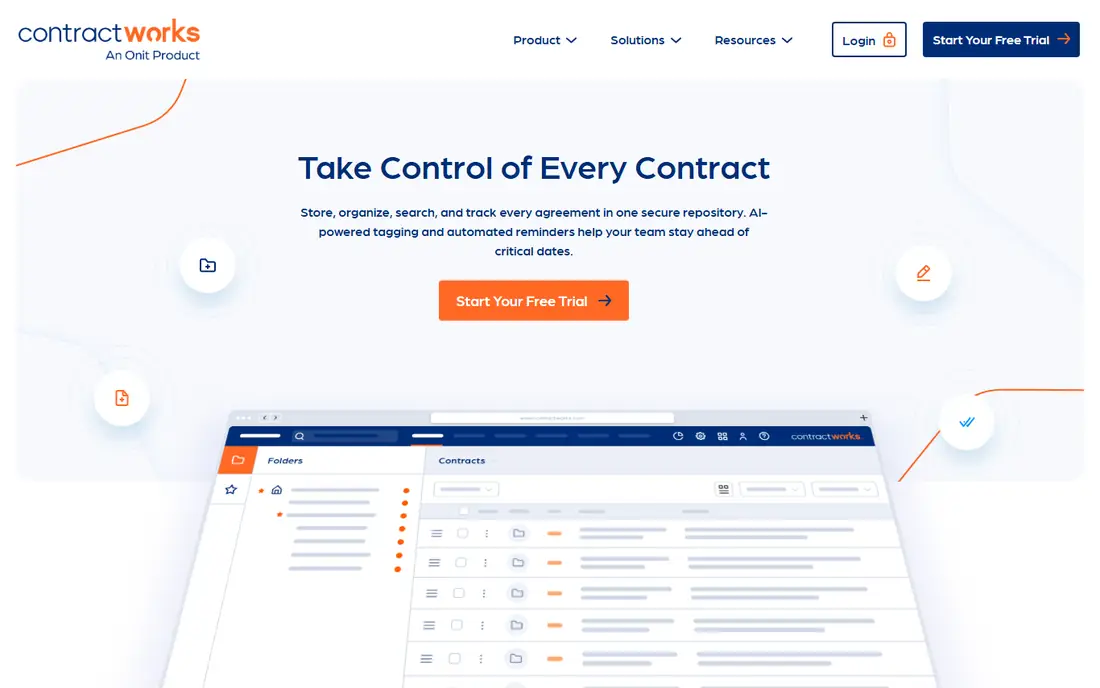
ContractWorks is the fastest route from a scattered drive to a searchable contract repository. A team drags documents in, and AI tagging, OCR search, custom reports, and automated alerts turn that pile into a system where any agreement, date, or clause can be found in seconds. Unlimited users on every plan is a genuine advantage for a company where sales, finance, operations, and legal all need read access without a per-seat penalty. A 14-day free trial lets a team test migration with its own contracts before paying.
The base product is a repository first, and a workflow platform second. Drafting, clause libraries, redlining, approval workflows, and advanced automation sit in the Premium tier, which is quoted rather than published as a simple price. Third-party summaries report Standard pricing around $700 per month, so a buyer should confirm the current tier on the vendor site. ContractWorks fits a small or mid-size team that needs control, search, and renewal visibility quickly, and is willing to step up to Premium only when drafting and approvals become a bottleneck.
What we like- Drag-and-drop setup in minutes
- Unlimited users on every plan
- AI tagging and renewal alerts
Watch out for- Drafting and workflow depth need the Premium tier
- Published price is not a simple per-user figure
#4ContractSafe
Best for: Flat-priced repository with volume tiers4.6/5 on
G2 (134 reviews, checked Oct 2026)
Visit contractsafe.com
Starting price$450 per month
Free planNo
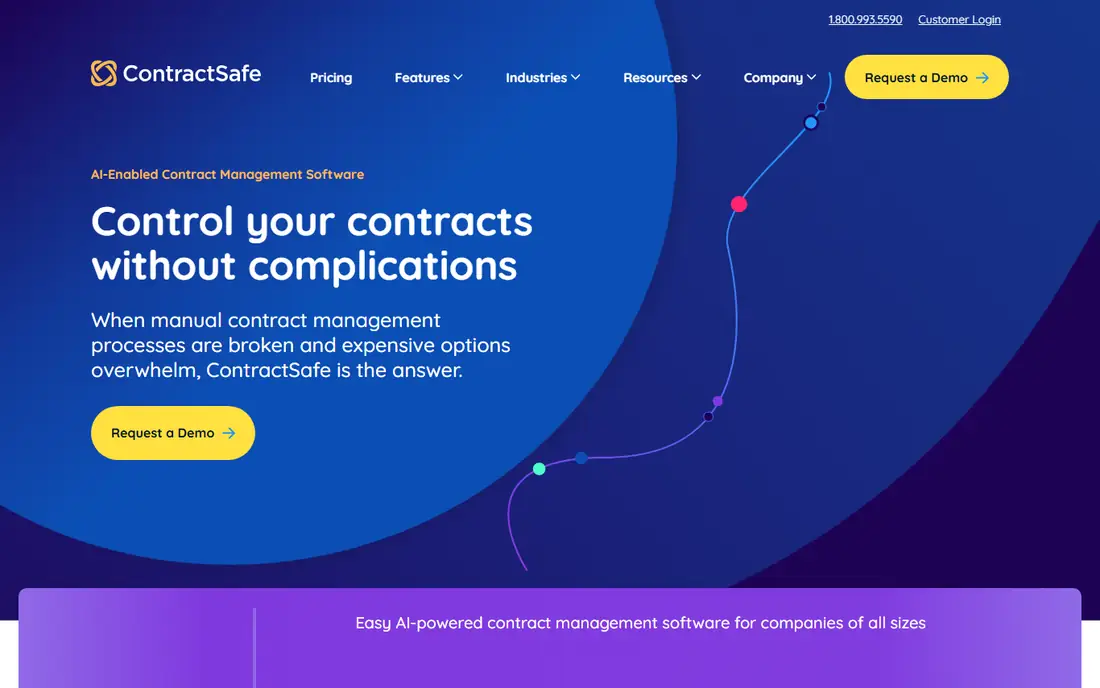
ContractSafe wins on pricing clarity in a market where many vendors hide the number. Plans are priced flat by contract volume, with unlimited users, rather than by seats, so a company with many occasional users does not pay a penalty for giving everyone access. The entry Organize tier is listed from $450 per month for 100 or fewer contracts, with higher volume tiers stepping up from there. Search, reminders, custom fields, and reporting cover the core repository job without a complex setup.
That simplicity is also the limit. ContractSafe is not trying to be a deep workflow designer or an AI negotiation platform, and teams that need multi-stage approvals, clause playbooks, and advanced analytics should look at Ironclad, Agiloft, or Juro instead. Implementation is fast, support is frequently praised in public reviews, and the flat model makes renewal budgeting straightforward. For a team whose main pain is finding contracts and missing renewals, ContractSafe offers a clear, predictable fix.
What we like- Transparent flat pricing by contract volume
- Unlimited users
- Simple search and reminders
Watch out for- Workflow and AI depth are lighter than full CLM
- No free plan for a long evaluation
#5Ironclad
Best for: Large legal teams with deep workflow automation4.4/5 on
G2 (312 reviews, checked Oct 2026)
Visit ironcladapp.com
Starting priceSee website
Free planNo
Ironclad is the name that appears in most enterprise CLM conversations, and it earned that place by treating contracting as a workflow problem rather than a filing problem. Beyond a searchable repository, it offers a workflow designer for approvals, collaborative redlining, a clause library, and AI features that extract data and flag issues across the portfolio. Integrations with Salesforce, Slack, HubSpot, and DocuSign keep contracts connected to the systems where deals and vendors already live.
The trade is cost and implementation time. Pricing is quote-based, with third-party estimates placing annual licenses in the tens of thousands of dollars and first-year totals higher once implementation is included. A rollout can run from weeks to months, depending on workflow complexity, and a dedicated administrator is a realistic need at scale. Ironclad is overkill for a team that mainly needs storage and search, but for a large legal team with high volume, complex approvals, and a need for portfolio analytics, it is the benchmark other enterprise tools are judged against.
What we like- Powerful workflow designer and clause library
- AI extraction and analytics
- Wide CRM and collaboration integrations
Watch out for- Quote-only pricing at enterprise levels
- Implementation can take months
#6Agiloft
Best for: Highly configurable workflows without code4.5/5 on
G2 (110 reviews, checked Oct 2026)
Visit agiloft.com
Starting priceSee website
Free planNo
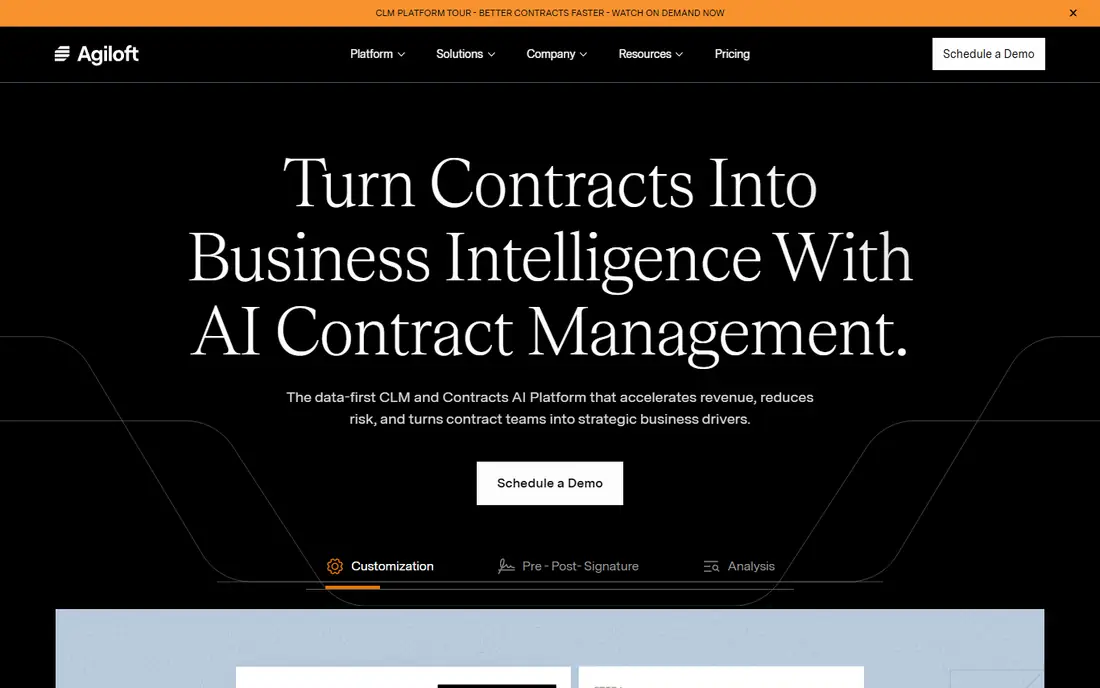
Agiloft suits organizations that need deep customization but do not want to hire developers to get it. Its no-code workflow builder lets legal and operations teams design approval chains, custom fields, permissions, and notifications around their own process, rather than forcing the process into a fixed template. AI features handle extraction, risk analysis, and contract questions, and integrations with Salesforce, SAP, Oracle, and many other systems keep contract data connected to finance and procurement.
Flexibility has a cost in time. A team without a clear process owner can spend weeks configuring options that a simpler tool would have settled by default, and pricing is quote-based, so budget planning needs a sales conversation and a scoped pilot. Agiloft fits mid-market and enterprise teams with complex, multi-jurisdiction workflows, unusual approval rules, or a need to adapt the platform as the business changes. Teams with a standard sales contract flow will move faster on PandaDoc or Concord.
What we like- No-code workflow customization
- Strong permission and integration options
- AI contract analysis
Watch out for- Quote-only pricing
- Configurability can lengthen setup without clear process ownership
#7DocuSign CLM
Best for: Enterprises already using DocuSign eSignature4.5/5 on
Capterra (128 reviews, checked Oct 2026)
Visit docusign.com
Starting priceSee website
Free planNo
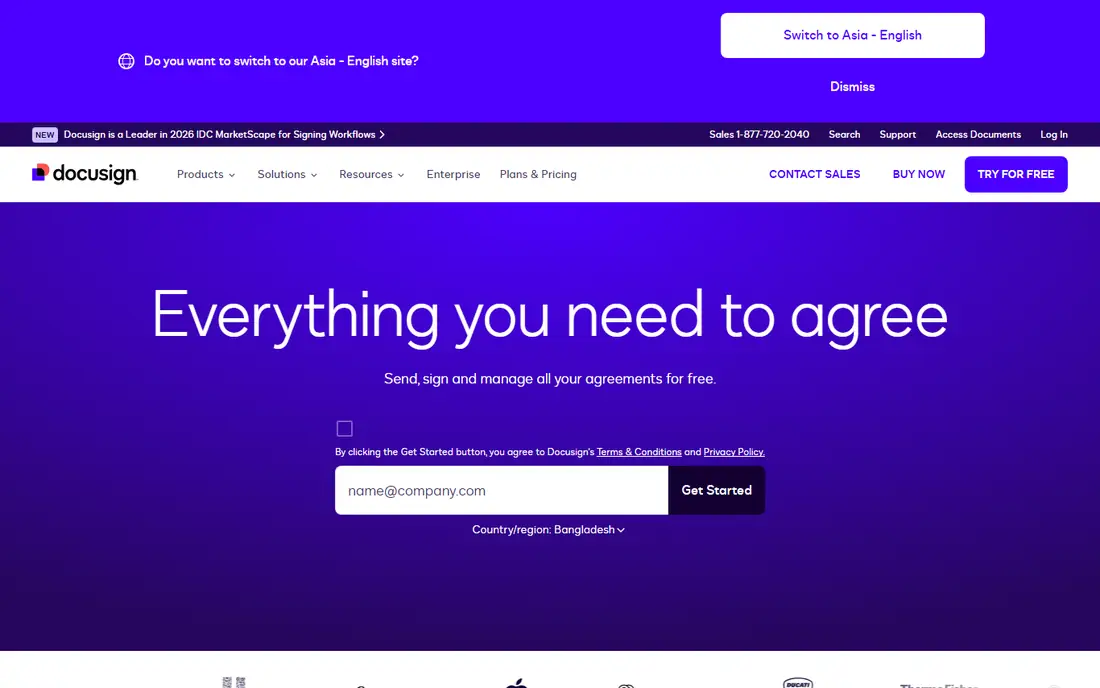
DocuSign CLM makes most sense for an organization already standardized on DocuSign eSignature. The CLM layer adds template generation, clause management, approval workflows, and a repository on top of the signing experience signers already know, which reduces training and adoption friction. AI review, document generation from Salesforce, and a large partner ecosystem extend the platform into sales, procurement, and HR contracting, not just legal.
The catch is that eSignature pricing and CLM pricing are different conversations. Published eSignature plans start low, but CLM itself is quote-based, and third-party estimates place enterprise CLM costs far above a basic signing plan. A buyer should price the repository, workflow, and AI modules separately, and confirm which features are included in the quoted bundle. For a DocuSign-heavy enterprise, the integration value is real. For a small team that only needs signing and storage, DocuSign eSignature alone, or a simpler CLM, will cost less.
What we like- Native DocuSign eSignature pairing
- Template and merge automation
- Large integration ecosystem
Watch out for- CLM pricing is quote-based
- Add-ons can raise total cost well above eSignature plans
#8Juro
Best for: Fast-growing teams that negotiate inside one platform4.5/5 on
G2 (248 reviews, checked Oct 2026)
Visit juro.com
Starting priceSee website
Free planNo
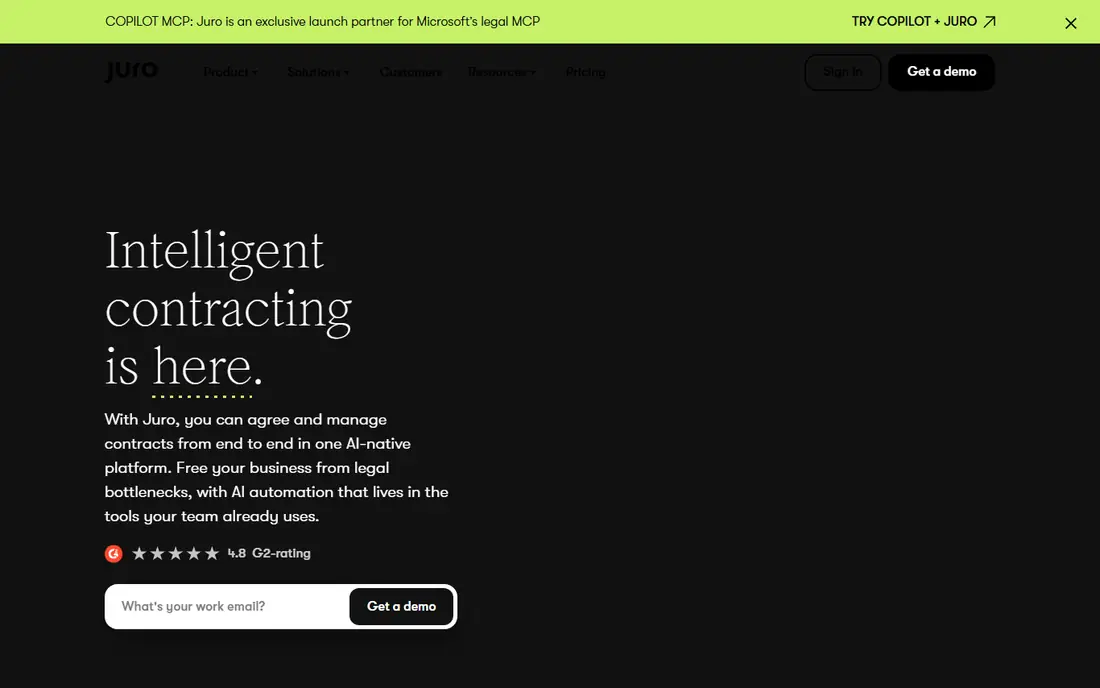
Juro is built for companies that want legal control without legal becoming a bottleneck. Business teams create contracts from templates controlled by legal, negotiate and redline inside the document, and sign without leaving the platform. AI features explain terms, flag risks, and answer questions about the contract portfolio in plain language, which helps non-lawyers handle routine agreements with confidence. Integrations with CRMs and applicant tracking systems let sales and hiring teams start contracts where they already work.
Rollout is faster than a traditional enterprise CLM, and public reviews frequently praise ease of use and support. Pricing is quote-based, so a small team cannot budget from a published number, and a buyer should ask how template volume, user count, and AI features affect the quote. Juro fits a fast-growing company with steady contract volume, a small legal team, and a need to move deals without adding headcount. A very large enterprise with complex procurement workflows may still need Ironclad or Agiloft.
What we like- Negotiation inside the document with AI review
- Self-serve templates controlled by legal
- Fast rollout for growing teams
Watch out for- Quote-based pricing
- Enterprise workflow depth is lighter than Ironclad or Agiloft
How we chose
We compared tools on vendor pricing pages, documentation, and public reviews on G2, Capterra, and TrustRadius, with a focus on repository quality, negotiation workflow, approval design, AI review, integrations, and pricing transparency. A tool made this list only if it is available today as a contract platform, not only as an eSignature add-on, and if its core workflow fits a clear buyer type. We did not claim hands-on testing, and where a vendor does not publish a price, we say so rather than repeating a third-party estimate as a vendor fact. This is general buying information, not legal advice, and a high-value or regulated agreement should still pass through qualified legal review.
Start by sorting your contracts into three piles: routine agreements your business teams could handle from templates, negotiated agreements that need redlining and approvals, and high-value or regulated agreements that need legal review every time. That split decides the tool class. A repository tool solves pile one and part of pile two, while a workflow CLM is needed when approvals, clause playbooks, and obligation tracking span departments.
Run a pilot with real contracts, not sample files. Upload a messy set of PDFs and Word documents, test search for a renewal date and a liability clause, and run one approval chain end to end with the people who will actually use it. Check data export, permission controls, and audit trails during the pilot, because those features matter most when a contract is disputed or an auditor asks for history. Ask each vendor to price the same bundle: users, contract volume, templates, AI features, and implementation, so quotes can be compared on equal terms. A low headline price that excludes AI review or workflow automation is not comparable to a higher price that includes both.
Frequently asked questions
What is the cheapest contract management software for a small team?
PandaDoc is the cheapest published starting point in this guide, at $19 per user per month, followed by flat repository options such as ContractSafe from $450 per month for a small contract volume. The right cheap option depends on volume: a per-user price suits a small team, while a flat volume price suits a company with many occasional users.
Do I need full CLM, or is a repository enough?
A repository is enough if the main problems are finding contracts and missing renewals. Full CLM is worth the cost when approvals cross departments, templates need legal control, and obligations must be tracked after signing. Many teams start with a repository and move to workflow CLM when approval delays become the bottleneck.
Is AI contract review reliable enough to trust?
AI review is reliable for extraction, first-pass risk flags, and answering questions about a portfolio, but it is not a substitute for legal judgment on unusual, high-value, or regulated terms. Use AI to speed up review and surface issues, then have a qualified person decide on anything that changes risk, liability, or termination rights.
How long does implementation take?
Repository tools can be live in days to a few weeks, including migration of existing documents. Workflow CLM platforms often take one to six months, depending on approval design, integrations, and template work. Ask for a dated implementation plan and reference customers of similar size before signing.
Can contract software replace my eSignature tool?
Often, yes, because most platforms in this guide include eSignature. The deciding factor is volume economics: unlimited-signature plans suit high volume, while per-envelope pricing elsewhere can add up. Model annual envelope count before cancelling an existing signing tool.
What should I check before signing a CLM contract?
Check renewal pricing, user and volume limits, AI feature inclusions, data export format, support hours, and implementation scope. Confirm who owns template changes after go-live, and whether a price increase cap applies at renewal. A quote that leaves implementation or AI modules vague will almost always cost more than the headline figure.
Sources we checked (8)
- https://www.pandadoc.com
- https://www.concord.app
- https://www.contractworks.com
- https://www.contractsafe.com
- https://ironcladapp.com
- https://www.agiloft.com
- https://www.docusign.com
- https://juro.com
Is your product missing or out of date?
We review this list regularly. Vendors can request a listing, send updated pricing or ask about featured placement.

Shihab Mia · Founder, Rankite
Shihab has 5+ years in B2B and SaaS SEO. He writes Rankite's software buying guides from pricing pages, documentation and public user reviews. More about Shihab.