How we make this list: we compare pricing pages, product documentation and public user reviews. Ratings come from G2, Capterra or Trustpilot, with the date we checked them.
Key takeaways
- Cloud registries charge mainly for storage and data transfer, so a registry that looks cheap at $5 a month can cost far more once images grow past a few hundred gigabytes.
- Docker Hub is the default public registry, with a free Personal plan and a Pro plan at $9 per user per month on annual billing.
- Amazon ECR, Azure Container Registry and Google Artifact Registry all charge about $0.10 per GB per month for storage, and transfers inside the same cloud region are usually free.
- Harbor is free open source software with no paid edition, which makes it the lowest cost option for teams that can run their own infrastructure.
- Google Container Registry is deprecated and its write access shut down on 18 March 2025, so new projects should use Google Artifact Registry instead.
What is container registry software and why does it matter?
Container registry software stores container images and makes them available to the servers and clusters that run them. Every time a developer pushes an image, a CI pipeline builds one, or Kubernetes pulls one to start a pod, the registry is involved. Good registry software adds image scanning for vulnerabilities, access control so only the right people can push or pull, retention rules that delete old images, and replication so images sit close to where they run.
How much does container registry software cost?
Most cloud registries charge about $0.10 per GB per month for stored images, plus a transfer fee when images leave the cloud. Amazon ECR, Azure Container Registry and Google Artifact Registry all sit near that storage rate, while Docker Hub and GitHub Container Registry use flat per-user pricing instead. The cheapest option in raw dollars is usually the registry that belongs to the cloud you already use, because transfers to your own compute in the same region are free, and moving images across clouds or to the public internet is where the bill grows.
Should you use a public cloud registry or self-host one?
Use a public cloud registry when your workloads already run in that cloud, when you want vulnerability scanning and replication without operating anything, or when your team is small and cannot spare time for infrastructure. Self-hosting makes sense when you must keep images inside your own network for compliance, when you run air-gapped environments, or when your image volume is so large that cloud storage fees exceed the cost of your own disks. Harbor is the usual self-hosted choice, and GitLab includes a registry in its DevSecOps platform for teams that already use it.
How do you pick the right container registry for your team?
Start with where your containers run. If they run on AWS, ECR is the natural fit; on Azure, Azure Container Registry; on Google Cloud, Artifact Registry. Then check the features that matter for your workflow: vulnerability scanning, image signing, retention policies, geo-replication for teams in several regions, and support for Helm charts or other artifacts if you need them. Small teams that publish open source images should look at Docker Hub or GitHub Container Registry, where public images are free and the community is largest. Teams that need one registry for containers, npm, Maven and other package types should look at JFrog Artifactory.
Quick comparison
| Tool | Best for | Starting price | Free plan |
|---|
 Docker Hub | Teams that publish public images and want the largest container community | Free Personal plan; Pro $9 per user per month billed annually ($11 monthly) | Yes, Personal plan is free with one private repository |
 Amazon ECR | Teams running containers on AWS | $0.10 per GB per month for storage, with 500 MB of private storage free for 12 months | Yes, 500 MB of private storage free for 12 months and 50 GB of public storage free every month |
 Azure Container Registry | Teams running containers on Microsoft Azure | Basic $0.167 per day (about $5 per month) with 10 GB included | No free tier, but the Basic tier starts at about $5 per month |
 Google Artifact Registry | Teams running containers on Google Cloud | $0.10 per GB per month above 0.5 GB free | Yes, 0.5 GB of storage free every month |
 JFrog Artifactory | Teams that need one registry for containers, packages and binaries | Pro $150 per month list price ($50 per month limited-time promo through 4 June 2027) | No free tier on the cloud plans, but a free self-hosted Community edition exists for limited use |
 GitHub Container Registry | Teams that already build and store code on GitHub | Container image storage and bandwidth currently free | Yes, container image storage and bandwidth are currently free |
 GitLab Container Registry | Teams that use GitLab for source control and CI | Free plan $0; Premium $29 per user per month billed annually | Yes, Free plan includes a container registry with 10 GiB of storage |
 Harbor | Teams that must self-host a registry for compliance or cost control | Free open source software, no paid edition | Yes, the full product is free under the Apache 2.0 license |
Is your product missing or out of date?
We review this list regularly. Vendors can request a listing, send updated pricing or ask about featured placement.
#1
Docker Hub
Best for: Teams that publish public images and want the largest container community
Visit hub.docker.com
Starting priceFree Personal plan; Pro $9 per user per month billed annually ($11 monthly)
Free planYes, Personal plan is free with one private repository
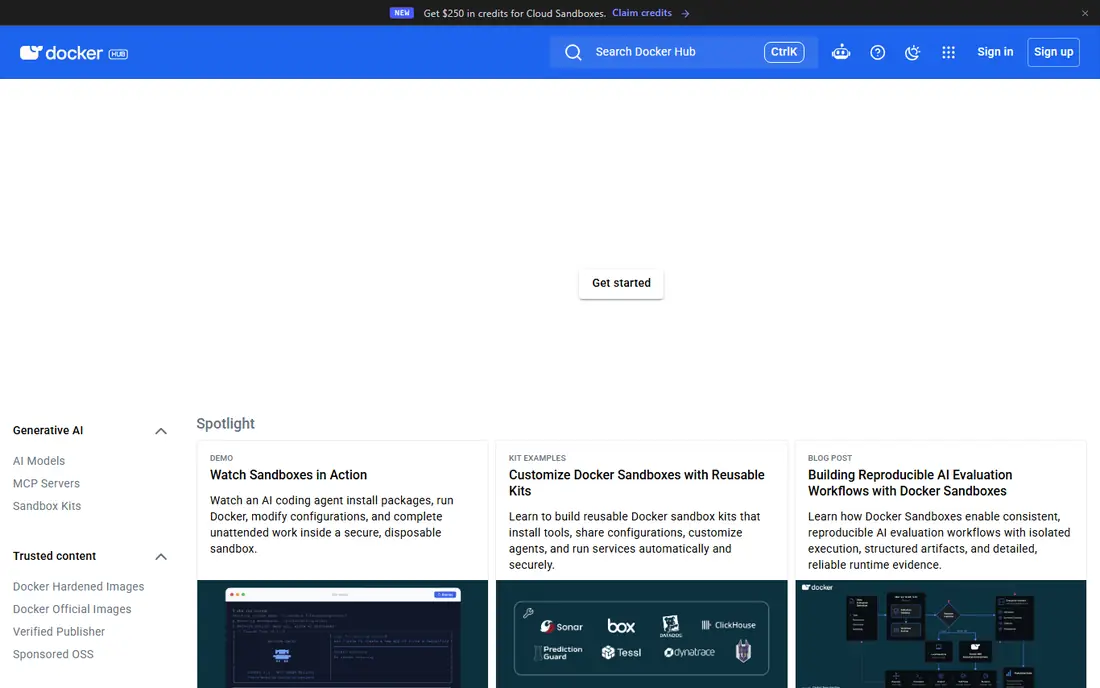
Docker Hub is the registry most developers meet first, and for good reason. It hosts the official images for almost every popular open source project, so a new project can pull a base image in seconds without setting anything up. The free Personal plan covers a single private repository, which is enough for a solo developer or a small side project. Pro at $9 per user per month on annual billing adds unlimited private repositories, higher pull limits and vulnerability scanning. Older price lists still show $5, $7 and $11 tiers, which are stale and should not be used for budgeting.
What we like- Largest public image library, simple to use, official images maintained by Docker, works with every major CI tool
Watch out for- Free plan allows only one private repository, rate limits apply to anonymous pulls, Team and Business plans climb quickly with headcount
Starting price$0.10 per GB per month for storage, with 500 MB of private storage free for 12 months
Free planYes, 500 MB of private storage free for 12 months and 50 GB of public storage free every month
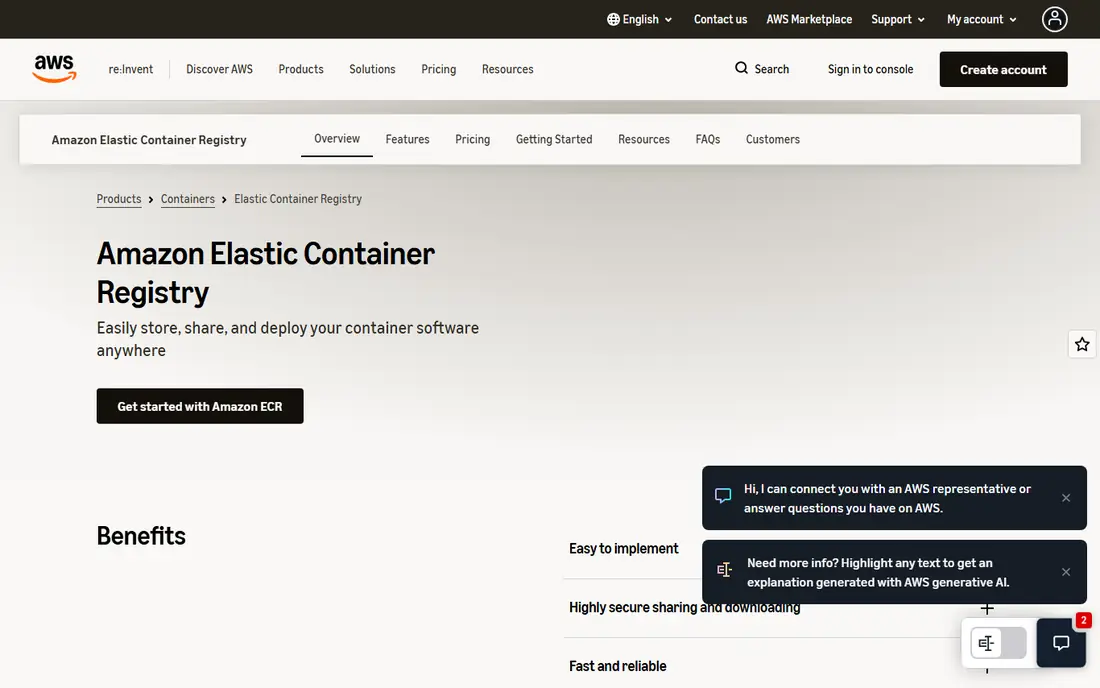
Amazon Elastic Container Registry is the default choice for AWS workloads, and the pricing rewards staying inside AWS. Storage costs $0.10 per GB per month, and the first 500 MB of private storage is free for 12 months. Public storage gives 50 GB free every month, and public image transfer is free up to 500 GB a month for anonymous users and 5 TB a month with an AWS account. Transfers from ECR to EC2, ECS, EKS, Lambda or Fargate in the same region cost nothing, which is the main reason AWS teams rarely look elsewhere. Cross-region and internet transfer costs $0.09 per GB.
What we like- Transfers to EC2, ECS, EKS, Lambda and Fargate in the same region are free, image scanning built in, integrates with AWS IAM
Watch out for- Pricing has several parts that make bills hard to predict, public registry features are separate from private, no flat monthly plan
Starting priceBasic $0.167 per day (about $5 per month) with 10 GB included
Free planNo free tier, but the Basic tier starts at about $5 per month
Azure Container Registry charges by the day rather than by the month, which makes the headline prices look small. Basic costs $0.167 per day, about $5 a month, and includes 10 GB of storage. Standard costs $0.667 per day, about $20 a month, with 100 GB included. Premium costs $1.667 per day, about $50 a month, with 500 GB included and adds geo-replication, private link and content trust. Extra storage costs $0.00334 per GB per day on any tier. The main gap is the lack of a free tier, so even a small test registry costs money, and teams that need replication across regions must pay for Premium.
What we like- Premium tier adds geo-replication and private link, integrates with Azure Active Directory, task automation builds images in the cloud
Watch out for- No permanent free tier, storage overage charges add up, Basic tier lacks geo-replication and content trust
Starting price$0.10 per GB per month above 0.5 GB free
Free planYes, 0.5 GB of storage free every month
Google Artifact Registry is the current Google Cloud registry, and it is the one new projects should use. Storage costs $0.10 per GB per month above the 0.5 GB free allowance, and transfer within the same location is free, which keeps costs low for Google Kubernetes Engine workloads. Vulnerability scanning costs $0.26 per image for the first scan, so a team that scans every build should budget for that separately.
What we like- Same-location transfer is free, vulnerability scanning available, supports Maven, npm, Python and other package formats
Watch out for- Only 0.5 GB free, vulnerability scanning costs $0.26 per image for the first scan, Google Container Registry deprecation forces migration
#5
JFrog Artifactory
Best for: Teams that need one registry for containers, packages and binaries
Visit jfrog.com
Starting pricePro $150 per month list price ($50 per month limited-time promo through 4 June 2027)
Free planNo free tier on the cloud plans, but a free self-hosted Community edition exists for limited use
JFrog Artifactory is the most capable registry in this list, and also the most expensive for small teams. The cloud Pro plan lists at $150 per month with 25 GB of included consumption, though a limited-time promotion cuts that to $50 per month through 4 June 2027. Enterprise X starts from $950 per month with 125 GB included, and Enterprise Plus is custom priced. Overage costs $1.25 per GB on the Pro first tier. Self-managed pricing starts at $27,000 per year for Pro X on one server and $51,000 per year for Enterprise X on three servers. A third-party listing of $98 per month is stale and does not match the current vendor price, so do not use it for budgeting.
What we like- One registry for Docker, Helm, npm, Maven, PyPI and more, strong metadata and promotion workflows, enterprise-grade access control
Watch out for- Cloud Pro pricing is much higher than cloud-native registries, overage costs $1.25 per GB, self-managed pricing starts at $27,000 per year
#6
GitHub Container Registry
Best for: Teams that already build and store code on GitHub
Visit github.com
Starting priceContainer image storage and bandwidth currently free
Free planYes, container image storage and bandwidth are currently free
GitHub Container Registry, often called GHCR, is the cheapest option for teams already on GitHub, because container image storage and bandwidth are currently free according to GitHub documentation, with at least 30 days notice before any change. That makes it a strong choice for open source projects and for teams that publish images alongside their code. The catch is that the free treatment applies to container images specifically; other package formats are metered at $0.25 per GB for storage and $0.50 per GB for transfer overage, with included allowances of 500 MB and 1 GB on Free, 2 GB and 10 GB on Team at $4 per user per month, and 50 GB and 100 GB on Enterprise at $21 per user per month.
What we like- No extra cost for container images, tight integration with GitHub Actions, anonymous pulls supported, fine-grained access control
Watch out for- Other package formats are metered, free status for images could change with at least 30 days notice, storage limits apply to the wider Packages service
Starting priceFree plan $0; Premium $29 per user per month billed annually
Free planYes, Free plan includes a container registry with 10 GiB of storage
GitLab includes a container registry in every plan, which means a team that already uses GitLab for code and CI gets a registry without buying or running another tool. The Free plan costs $0 and includes 5 users, 400 CI minutes a month and 10 GiB of storage. Premium costs $29 per user per month on annual billing and adds more CI minutes, advanced security scanning and support. Ultimate is listed at $99 per user per month in a September 2026 read, but a November 2026 read says Ultimate is sold through sales as a quote, so the price is unclear and buyers should confirm it directly.
What we like- Registry is built into the DevSecOps platform, no separate tool to manage, container scanning included on paid plans, self-managed option available
Watch out for- Free plan is limited to 5 users and 10 GiB of storage, Ultimate pricing is unclear, registry features are tied to the wider GitLab platform
#8
Harbor
Best for: Teams that must self-host a registry for compliance or cost control
Visit goharbor.io
Starting priceFree open source software, no paid edition
Free planYes, the full product is free under the Apache 2.0 license
Harbor is the best choice when the registry must live on your own servers. It is free open source software under the Apache 2.0 license, a graduated project of the Cloud Native Computing Foundation, and there is no commercial edition to buy. It includes vulnerability scanning, image signing with Notary, role-based access control, retention policies and replication between Harbor instances, which covers most of what a paid registry offers. The trade-off is operational: your team installs, upgrades, backs up and monitors Harbor, and there is no vendor to call when something breaks.
What we like- Completely free, CNCF graduated project, vulnerability scanning, image signing, replication between Harbor instances, runs on your own infrastructure
Watch out for- You run and maintain it yourself, no vendor support contract, setup and upgrades need internal expertise, no hosted option
Container registry software compared
| Tool |
Starting price |
Free plan |
Best for |
| Docker Hub |
$9 per user per month annual |
Personal free, 1 private repo |
Public images and community |
| Amazon ECR |
$0.10 per GB per month |
500 MB private free 12 months |
AWS workloads |
| Azure Container Registry |
About $5 per month Basic |
None |
Azure workloads |
| Google Artifact Registry |
$0.10 per GB per month |
0.5 GB free |
Google Cloud workloads |
| JFrog Artifactory |
$150 per month Pro list |
None on cloud plans |
Multi-format artifact store |
| GitHub Container Registry |
Free for container images |
Yes |
GitHub-based teams |
| GitLab Container Registry |
$0 Free, $29 Premium |
Yes, 10 GiB |
GitLab users |
| Harbor |
Free open source |
Yes, full product |
Self-hosted compliance |
Frequently asked questions
Which container registry is cheapest for a small team?
For a small team the cheapest options are Harbor, which is free open source software, GitHub Container Registry, where container image storage and bandwidth are currently free, and GitLab Free with 10 GiB of storage. Docker Hub Personal is free but allows only one private repository. The right choice depends on where your code lives and whether you can run your own infrastructure, because a free registry can cost more in staff time than a paid one.
Is Docker Hub still a good choice in 2026?
Yes, Docker Hub remains a good choice for public images and for teams that want the simplest setup, but the free plan now allows only one private repository and anonymous pulls are rate limited. Pro at $9 per user per month on annual billing removes most of those limits. Teams that publish open source images or use official base images will find Docker Hub the most convenient registry, while teams with many private images may find a cloud-native registry cheaper.
What is the difference between Amazon ECR and Docker Hub?
Amazon ECR is a cloud registry that charges for storage and transfer, while Docker Hub charges a flat fee per user. ECR is cheaper for AWS teams because transfers to AWS compute in the same region are free, and it integrates with AWS IAM for access control. Docker Hub is simpler to use, has a larger public library and works the same way on any cloud. Choose ECR on AWS, and Docker Hub for portability or public distribution.
Should I migrate from Google Container Registry to Artifact Registry?
Yes, you should migrate, because Google Container Registry is deprecated and its write access shut down on 18 March 2025. Artifact Registry is the replacement, with the same $0.10 per GB per month storage rate and support for more package formats. Google provides migration tooling, and the move is mostly a matter of updating image paths in your build and deployment configuration. Do not start any new project on Container Registry.
Can I self-host a container registry for free?
Yes, Harbor is free open source software under the Apache 2.0 license and includes scanning, signing, access control and replication. GitLab also includes a registry in its free plan, and you can self-host GitLab itself. Self-hosting saves the monthly registry fee but adds the work of running, patching, backing up and monitoring the service, so it pays off mainly for teams with infrastructure skills or compliance requirements that rule out a public cloud.
How we picked
We compared eight container registries that cover the main ways teams store images: public cloud registries from AWS, Azure and Google, the community default Docker Hub, the developer platforms GitHub and GitLab, the multi-format JFrog Artifactory, and the self-hosted open source Harbor. Prices were checked against vendor pricing pages and current third-party reads on 20 November 2026. Prices are search-verified; homepages were not individually opened, so confirm the price on the vendor pricing page before you buy.
Last verified: 20 November 2026
Sources we checked (8)
- https://hub.docker.com/pricing
- https://aws.amazon.com/ecr/pricing
- https://azure.microsoft.com/en-us/pricing/details/container-registry
- https://cloud.google.com/artifact-registry/pricing
- https://jfrog.com/pricing
- https://github.com/pricing
- https://about.gitlab.com/pricing
- https://goharbor.io
Is your product missing or out of date?
We review this list regularly. Vendors can request a listing, send updated pricing or ask about featured placement.

Shihab Mia · Founder, Rankite
Shihab has 5+ years in B2B and SaaS SEO. He writes Rankite's software buying guides from pricing pages, documentation and public user reviews. More about Shihab.