How we make this list: we compare pricing pages, product documentation and public user reviews. Ratings come from G2, Capterra or Trustpilot, with the date we checked them.
Key takeaways
- Most platforms in this list are sold on a quote basis, so the real comparison is coverage and billing unit, not a published monthly price.
- Wiz and Orca Security suit teams that want fast, agentless visibility across several clouds without installing agents on every workload first.
- Sysdig and Aqua Security suit container and Kubernetes heavy teams that need runtime detail and enforcement, not just posture scores.
- Microsoft Defender for Cloud is the natural shortlist entry for teams already deep in Azure, and it is the only platform here with a published free tier and a public pricing calculator style model.
- Before signing, confirm what counts as a billable workload, how data retention is charged, and who owns remediation when a finding spans cloud, code, and identity.
Quick comparison
| Tool | Best for | Starting price | Free plan |
|---|
 Wiz Wiz | Agentless multicloud risk prioritization | See website | No free plan listed |
 Palo Alto Networks Cortex Cloud Palo Alto Networks Cortex Cloud | Broad Palo Alto shops wanting code to cloud coverage | See website | No free plan listed |
 Microsoft Defender for Cloud Microsoft Defender for Cloud | Azure centered teams wanting a free tier | See website | Yes |
 Orca Security Orca Security | Agentless visibility with attack path context | See website | No free plan listed |
 Sysdig Sysdig | Container and Kubernetes runtime defense | See website | No free plan listed |
 Aqua Security Aqua Security | Runtime enforcement for containers and serverless | See website | No free plan listed |
 CrowdStrike Falcon Cloud Security CrowdStrike Falcon Cloud Security | Falcon endpoint customers adding cloud protection | See website | Free trial available |
 Check Point CloudGuard Check Point CloudGuard | Check Point network customers extending into cloud | See website | No free plan listed |
Is your product missing or out of date?
We review this list regularly. Vendors can request a listing, send updated pricing or ask about featured placement.
#1Wiz
Best for: Agentless multicloud risk prioritization4.7/5 on
G2 (863 reviews, checked Oct 2026)
Visit wiz.io
Starting priceSee website
Free planNo free plan listed
Wiz fits a security team that needs to answer one question quickly: what in our cloud can an attacker actually reach, and in what order should we fix it. It connects to cloud accounts through APIs, scans without agents, and builds a graph of resources, identities, network paths, and vulnerabilities. A critical vulnerability on an isolated internal workload therefore ranks below the same flaw on an internet facing workload with a permissive identity attached.
That context is the main reason Wiz appears at the top of many shortlists. The trade off is price transparency. Wiz does not publish a per workload rate, and buyer reported estimates found in third party write ups are not vendor prices, so treat any number outside a Wiz quote as unconfirmed. Ask for a quote based on your actual workload count, and ask what happens to the bill when you add accounts or regions.
What we like- Agentless scanning across major clouds
- Attack path analysis that links misconfigurations, vulnerabilities, identities, and exposed data
- Code, cloud, and runtime context in one graph
- Fast first inventory in many deployments
Watch out for- Pricing is quote based, so budgeting needs a sales conversation
- Depth in runtime response is thinner than in dedicated runtime tools
- Large estates can still need tuning to keep alert volume useful
Starting priceSee website
Free planNo free plan listed
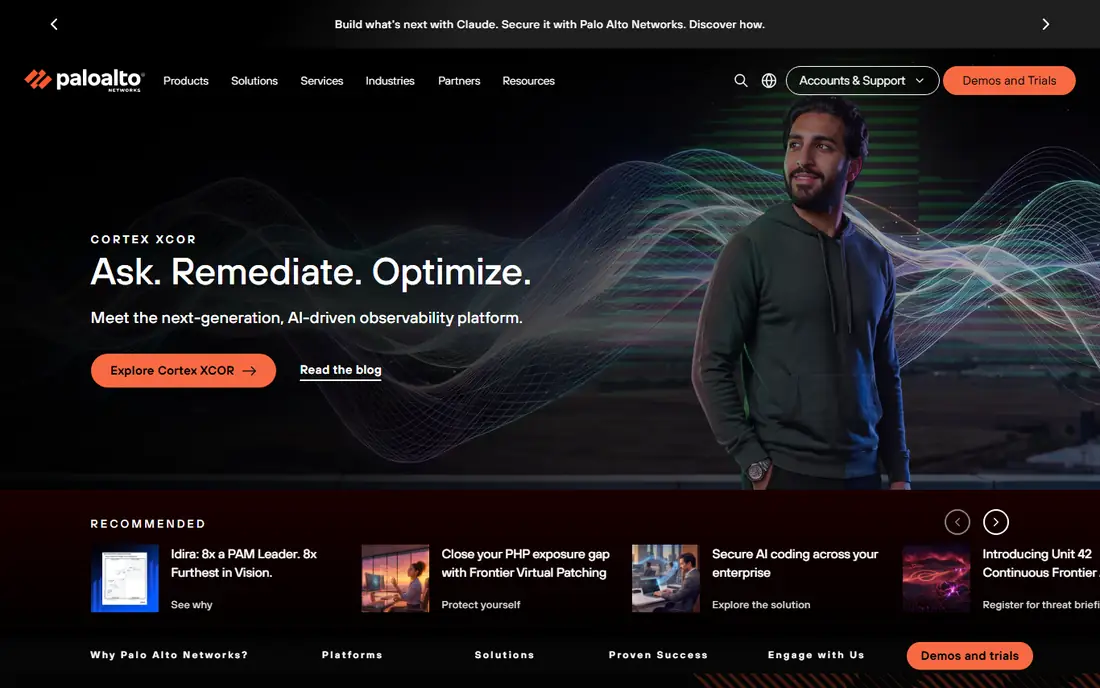
Cortex Cloud suits an organization that already runs Palo Alto firewalls or Cortex operations tooling and wants cloud security inside the same vendor relationship. It combines the former Prisma Cloud capabilities, including cloud security posture management, cloud workload protection, code security, and cloud infrastructure entitlement management, with detection and response for cloud threats. For a team with a Palo Alto account team and existing contracts, that consolidation can cut the number of consoles and vendors to manage.
The weakness is comparison shopping. Credit based pricing means two vendors can both claim a low entry cost while metering different things, so a demo or trial should include a worked pricing example for your own estate.
What we like- Wide module set spanning posture, workload, code, identity, and data security
- Integration with Palo Alto network and operations products
- Cloud detection and response alongside posture
- Strong fit for teams standardizing on one vendor
Watch out for- Quote based and credit based pricing can be hard to compare with per workload rivals
- Breadth can mean longer deployment and more tuning
- Older Prisma Cloud references can confuse buyers, since the product family is now sold under Cortex Cloud
Starting priceSee website
Free planYes
Microsoft Defender for Cloud fits teams that already run most of their workloads in Azure, or that use Microsoft 365 and Defender for Endpoint and want one security home. The free tier covers foundational cloud security posture management, which gives a useful baseline: misconfigurations, compliance recommendations, and a security score across connected subscriptions. Paid Defender plans then add workload protection for servers, containers, databases, storage, and other resource types, plus DevOps security for code repositories.
Pricing is more transparent here than for most rivals in this list. Microsoft publishes per resource pricing and a commit unit model, with discounts for pre purchase, and a 30 day trial for paid plans.
What we like- Free tier for foundational posture management
- Paid plans with per resource pricing and pre purchase commit units
- Native fit with Azure, plus multicloud connectors
- 30 day trial for paid plans
Watch out for- Deepest value sits inside Azure and Microsoft tooling
- Per resource pricing needs care to forecast
- Some advanced workload plans are paid add ons, so the free tier alone is not full protection
Starting priceSee website
Free planNo free plan listed
Orca Security fits a team that wants full cloud visibility in days rather than weeks, and that does not want to negotiate agent installation with every application owner first. Its SideScanning approach reads workload disks from outside the workload, which gives vulnerability, misconfiguration, identity, and sensitive data findings without an agent on each host or container. That design also helps in environments where agents are hard to deploy, such as short lived or third party managed workloads.
Orca then scores findings by business context, so a chain of weaknesses that leads to a sensitive data store ranks above an isolated low severity issue.
What we like- Agentless SideScanning that reads workloads without installing agents
- Attack path analysis across cloud, code, identity, and data
- Fast time to first full inventory
- Clear business risk scoring for reporting to leadership
Watch out for- Quote based pricing with no published rate
- Runtime response is less central than in Sysdig or Aqua
- Teams needing deep inline blocking may need a second tool
Starting priceSee website
Free planNo free plan listed
Sysdig fits teams whose main risk sits in containers and Kubernetes, rather than in static cloud configuration alone. It captures live system calls, which shows what processes are actually doing, what files they open, and what network connections they make. That runtime ground truth lets Sysdig separate a vulnerable package that is loaded and reachable from one that is present on disk but never used, which cuts the fix list to a size a platform team can handle.
Sysdig also covers posture, compliance, and cloud detection, so it is a full cloud native application protection platform, not only a runtime sensor. The trade off is deployment effort: runtime depth comes from agents and careful policy work, and a team that only wants a weekly posture report will pay for depth it does not use. Ask for a trial on a real cluster, not only a demo environment, and measure how many alerts reach a human, how often policies need tuning, and how the agent behaves under load.
What we like- Deep runtime visibility from system call level data
- Strong Kubernetes and container threat detection
- Falco based open source lineage
- Vulnerability prioritization based on what is actually running and in use
Watch out for- Quote based pricing
- Agent based runtime model needs deployment planning
- Posture features are solid but the platform leads with runtime, so pure posture buyers may prefer a simpler tool
#6
Aqua Security
Best for: Runtime enforcement for containers and serverless
Visit aquasec.com
Starting priceSee website
Free planNo free plan listed
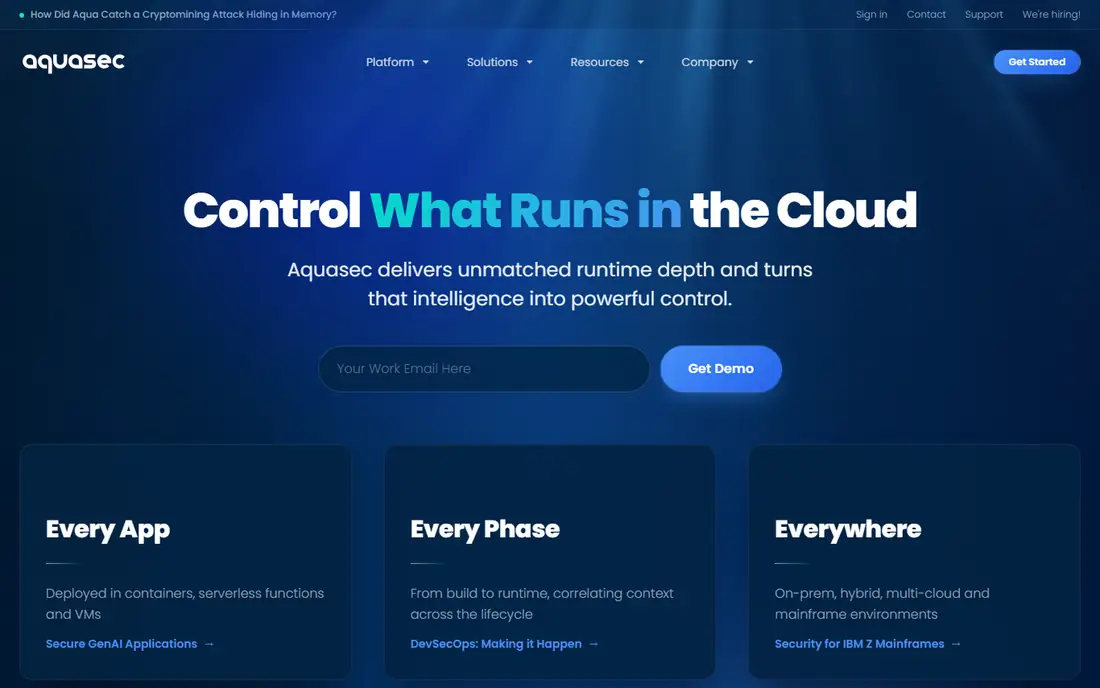
Aqua Security fits teams that want control, not only visibility, over what runs in production. Where many platforms report that a container is vulnerable or misconfigured, Aqua can enforce policy at runtime, deny an unauthorized action at the point of execution, and apply compensating controls while a patch is still being prepared. That distinction matters for workloads that cannot be patched quickly, such as vendor supplied images or long running services with strict change windows.
Aqua also scans code, images, and registries, so policy can start before deployment and continue in production. Its risk ranking uses live workload behavior, which helps teams focus on packages and processes that are actually executing. The cost of that control is operational: agents, policies, and exception handling need owners, and a badly tuned blocking policy can interrupt a legitimate workload. Run Aqua in monitor mode first, review what it would have blocked, and only then move high confidence policies to blocking.
What we like- Inline runtime enforcement that can block unauthorized actions
- Policy control from registry and build through to runtime
- Risk ranking based on live workload behavior
- Coverage for containers, serverless, and virtual machines
Watch out for- Quote based pricing
- Agent based architecture needs rollout planning
- Breadth across the lifecycle can mean more configuration than a posture only tool
#7
CrowdStrike Falcon Cloud Security
Best for: Falcon endpoint customers adding cloud protection
Visit crowdstrike.com
Starting priceSee website
Free planFree trial available
CrowdStrike Falcon Cloud Security fits an organization that already standardizes on Falcon for endpoints and wants cloud posture, workload protection, and cloud detection in the same console and data model. That consolidation can shorten investigations, because an incident that spans a laptop and a cloud workload appears in one timeline with shared threat intelligence. For a security operations team already trained on Falcon, the learning curve is also lower than adopting a separate cloud platform.
Buyers without Falcon should judge the cloud product on its own merits, not on endpoint reputation. Cloud security and endpoint security share intelligence, but they are different problems, with different data sources, policies, and integrations. Ask CrowdStrike to show posture, identity, and runtime findings for your own cloud accounts during a trial, and confirm which cloud modules are included in the quoted price and which are add ons. The Falcon platform offers a free trial, but confirm that the trial covers the cloud modules you plan to buy.
What we like- Cloud security inside the widely deployed Falcon platform
- Agentless and agent based options depending on module
- Strong threat intelligence and detection heritage
- Single console for endpoint and cloud for existing Falcon customers
Watch out for- Cloud module pricing is quote based and separate from endpoint bundles
- Teams without Falcon get less benefit from the consolidation story
- Some cloud specific depth trails vendors that focus only on cloud
#8
Check Point CloudGuard
Best for: Check Point network customers extending into cloud
Visit checkpoint.com
Starting priceSee website
Free planNo free plan listed
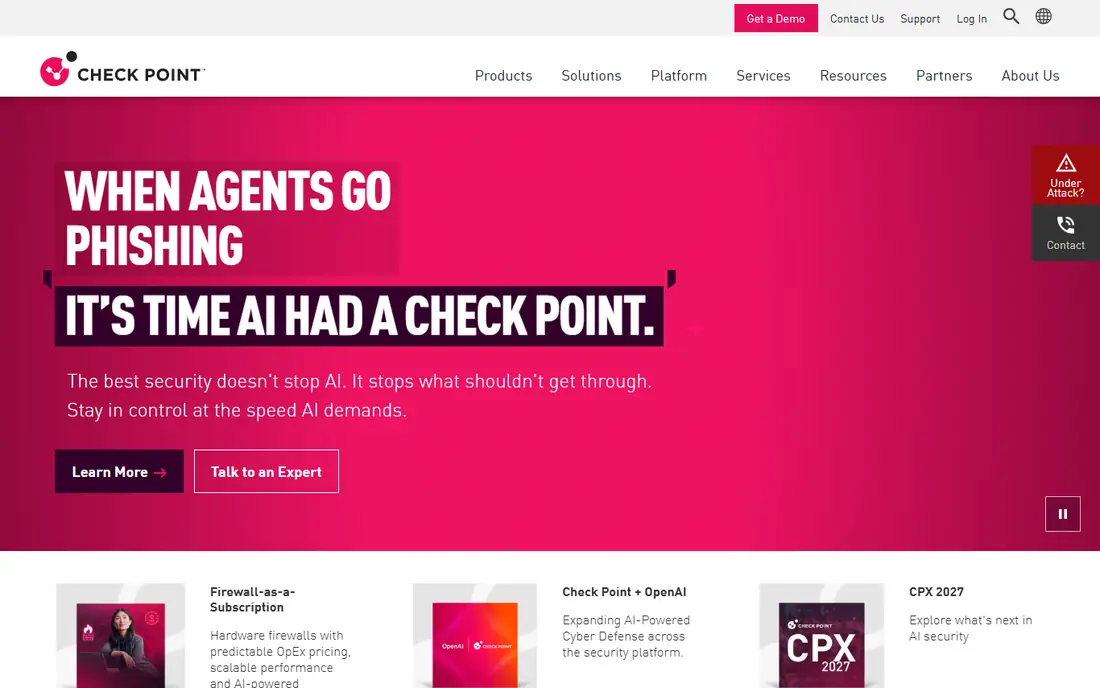
Check Point CloudGuard fits a team that already trusts Check Point for network security and wants its cloud accounts governed with similar policy thinking. It covers cloud security posture, workload protection, and cloud network security, with visualization of assets, traffic, and risk across clouds. For an organization moving workloads to cloud while keeping on premises firewalls, that shared management model can keep policy language consistent instead of splitting network rules across two vendors.
The limit is fit for cloud first buyers. A team with no Check Point estate gets no consolidation benefit, and should compare CloudGuard directly against Wiz, Orca, and Defender for Cloud on posture depth, agentless coverage, and remediation workflow. Also confirm how CloudGuard handles modern serverless and container runtime cases in your own estate, since network centric tooling can miss workload level detail that a runtime focused rival catches. A trial on a representative account, with a scoring rubric agreed in advance, is the fairest way to make that comparison.
What we like- Posture, workload, and network security for cloud in one vendor family
- Strong fit for teams already running Check Point firewalls and management
- Policy consistency from on premises network to cloud
- Compliance and visualization for multicloud estates
Watch out for- Quote based pricing
- Cloud native depth can trail cloud first rivals in some areas
- Best value depends on existing Check Point investment, so standalone buyers should compare carefully
How we chose
We compared vendor pricing pages, product documentation, and public reviews on G2, Capterra, and Reddit, and we checked each vendor homepage to confirm it loads and belongs to the named product. We favored platforms that cover more than one part of cloud security, such as posture, workload protection, code security, and runtime defense, and we included both agentless and agent based approaches so different deployment constraints are represented. We did not claim hands-on testing, and we did not use third party price estimates as vendor prices. Where a vendor does not publish a price, the article says See website. Rankings here reflect breadth, fit for common team shapes, and clarity of pricing and deployment model, not a single test score.
What to check before you sign a cloud security contract
Start with the billing unit. Some vendors charge per workload, some per resource, and some use credits, and those units are not directly comparable. Ask each vendor to price the same inventory: the same accounts, regions, clusters, and resource types, over the same period. Then ask what happens when you grow. Does a new region, a new account, or a burst of short lived workloads change the bill in the same month, or at renewal.
Next, check coverage gaps. Confirm support for every cloud you run, including smaller accounts and shadow accounts created outside central IT. Confirm support for containers, serverless functions, managed databases, storage buckets, and identity providers. Ask how the platform finds assets it has never seen before, and how it handles an account where it has read only access versus full access.
Then check the fix workflow. A platform that only lists findings will leave your team with a long backlog. Ask how findings become tickets, who owns each ticket, whether fixes can be automated or suggested as code changes, and how the platform verifies a fix. Check integrations with your ticketing system, your code repositories, and your incident response tooling, and confirm data retention and export options before you need them during an incident.
Finally, run a timed trial with success criteria written down in advance. Measure time to first inventory, number of findings that reach a human after tuning, false positive rate on a known good workload, and the effort needed to deploy agents if the platform uses them.
Frequently asked questions
Is a cloud security platform the same as a firewall?
No. A firewall controls network traffic, while a cloud security platform checks configuration, identities, vulnerabilities, code, and runtime behavior across cloud accounts. Some vendors sell both, but the products solve different problems, and many teams run both together.
Do I need agents on every workload?
Not always. Wiz and Orca Security use agentless scanning for much of their posture and vulnerability coverage, while Sysdig and Aqua Security use agents for deep runtime visibility and enforcement. Many teams combine both: agentless scanning for broad coverage, plus agents where runtime depth or blocking is required.
Why do so few vendors publish prices?
Cloud estates vary widely in size, resource mix, and data volume, so vendors price by workload, resource, or credit after scoping an estate. That makes published prices less useful, but it also means buyers should insist on a written quote for their own inventory and a clear definition of each billing unit.
Can one platform replace my endpoint and network tools?
Usually not. Cloud security platforms overlap with endpoint and network tools in detection, but they do not replace endpoint protection on laptops or network firewalls at the perimeter. Treat cloud security as one layer, and check how it shares data with your existing endpoint, network, and incident response tooling.
Is Microsoft Defender for Cloud enough on its own?
For an Azure centered team, its free tier plus paid workload plans can cover a large part of cloud security. Teams with large AWS or Google Cloud estates, heavy container use, or a need for deep runtime blocking should still compare it against Wiz, Orca, Sysdig, and Aqua Security before deciding.
How long does deployment take?
Agentless platforms can often show a first inventory within hours or days of connecting cloud accounts, while agent based runtime platforms take longer because agents must be rolled out, tested, and tuned. Policy tuning and remediation workflow setup take longer than the first scan in both cases, so plan for weeks of tuning, not days.
Sources we checked (8)
- https://www.wiz.io/
- https://www.paloaltonetworks.com/
- https://azure.microsoft.com/en-gb/products/defender-for-cloud/
- https://orca.security/
- https://sysdig.com/
- https://www.aquasec.com/
- https://www.crowdstrike.com/
- https://www.checkpoint.com/
Is your product missing or out of date?
We review this list regularly. Vendors can request a listing, send updated pricing or ask about featured placement.

Shihab Mia · Founder, Rankite
Shihab has 5+ years in B2B and SaaS SEO. He writes Rankite's software buying guides from pricing pages, documentation and public user reviews. More about Shihab.