How we make this list: we compare pricing pages, product documentation and public user reviews. Ratings come from G2, Capterra or Trustpilot, with the date we checked them.
Key takeaways
- Google Classroom is the best starting point for schools already using Google Workspace, with free assignments, grading and communication.
- GoGuardian Teacher and Hapara are the strongest screen monitoring picks for Chromebook and Google schools, with safety alerts built in.
- LanSchool and Dyknow suit mixed-device classrooms, with screen viewing, locking and resource pushing across Windows, Mac and Chromebooks.
- ClassDojo is the best choice for younger pupils, behaviour points and family communication, rather than screen monitoring.
- Nearpod and NetSupport School add lesson delivery and assessment, so they suit teachers who want management plus instruction in one tool.
- Most classroom management pricing is by quote per student or device, so request a district quote and check student privacy terms before rollout.
Quick comparison
| Tool | Best for | Starting price | Free plan |
|---|
 Google Classroom Google Classroom | assignments in Google schools | Free | Yes |
 GoGuardian Teacher GoGuardian Teacher | screen monitoring and safety | See website | No |
 LanSchool LanSchool | mixed-device classrooms | See website | Free trial |
 Hapara Hapara | Google Workspace monitoring | See website | No |
 ClassDojo ClassDojo | behaviour and family messaging | Free for teachers | Yes |
 Dyknow Dyknow | screen control and monitoring | See website | No |
 NetSupport School NetSupport School | instruction and monitoring | See website | Free trial |
 Nearpod Nearpod | interactive lessons | See website | Yes |
Is your product missing or out of date?
We review this list regularly. Vendors can request a listing, send updated pricing or ask about featured placement.
The best classroom management software
Starting priceFree
Free planYes
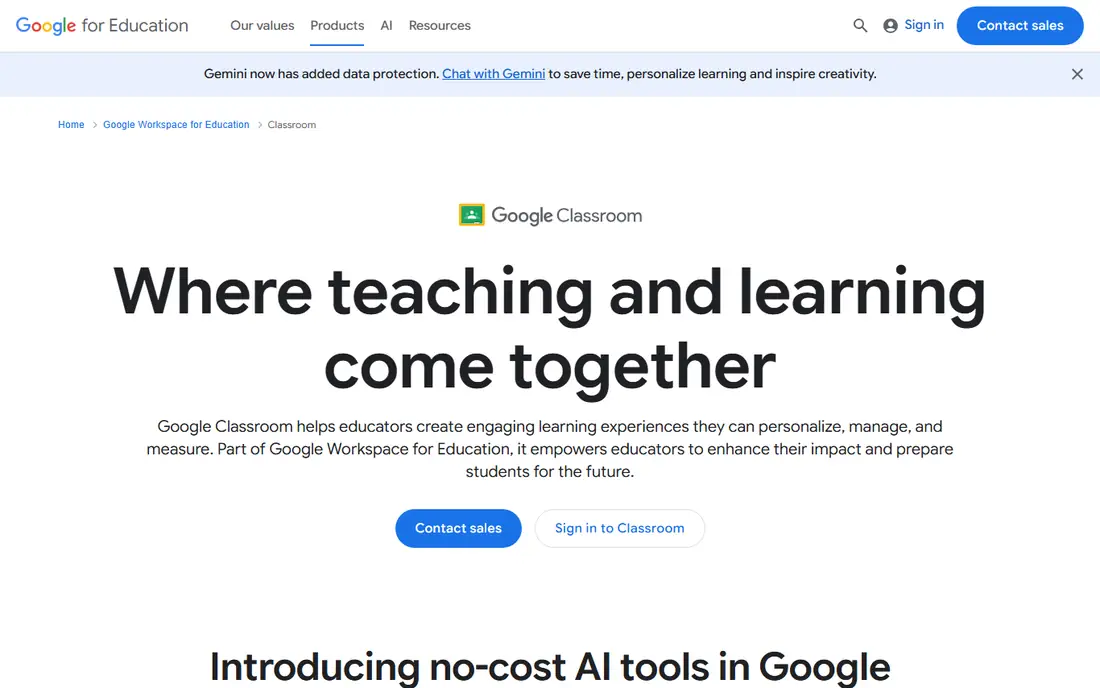
Google Classroom is the hub most Google schools already use, and for many teachers it is enough. Teachers create classes, post assignments and materials, collect work in Docs and Slides, grade with rubrics and return feedback, all inside Google Workspace for Education. Students see a single stream of work, deadlines and announcements, which reduces lost handouts and email confusion.
The limit is scope. Google Classroom does not monitor student screens, lock devices or filter browsing, so schools that need those controls pair it with GoGuardian, Hapara or LanSchool. The free version covers core teaching well, while paid Google Workspace for Education editions add admin controls, originality reports and other features. If your school already runs on Google, start here and add a monitoring tool only where you need it.
What we like- Free base version
- Deep Google Workspace integration
- Simple assignments and grading
Watch out for- Not a screen monitoring tool
- Paid Education Plus adds advanced controls
- Limited behaviour and family tools compared with ClassDojo
Starting priceSee website
Free planNo
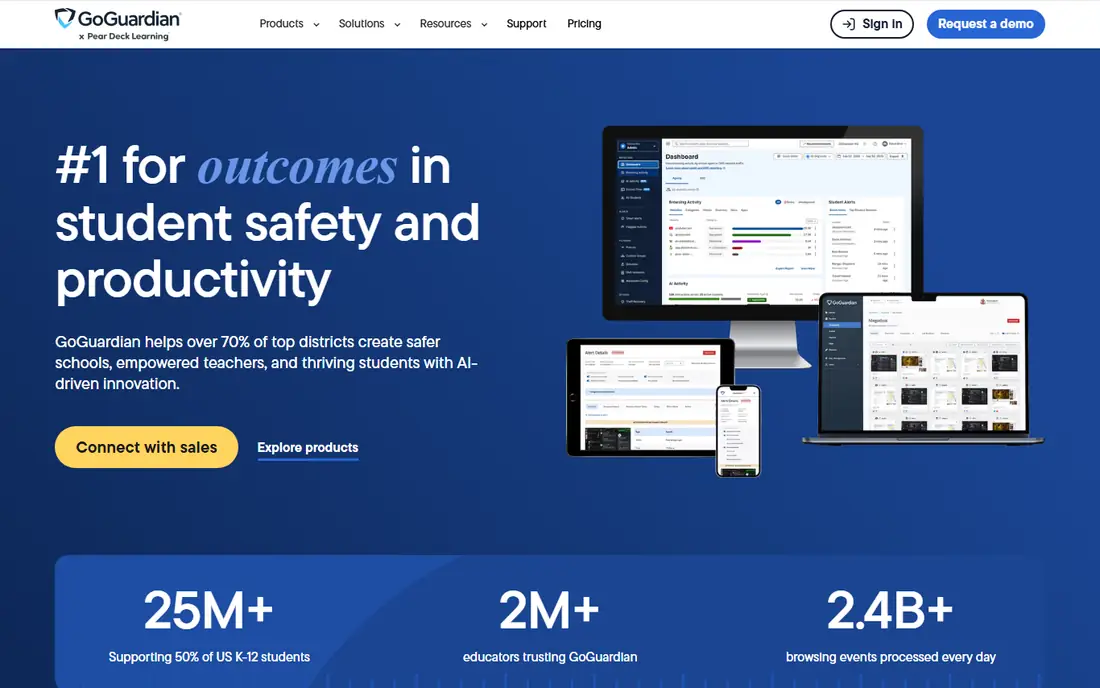
GoGuardian is one of the largest K-12 platforms in the United States, supporting tens of millions of students, and Teacher is its classroom management product. Teachers can view student screens, keep students on task, personalise lessons, and answer questions privately in one-to-one chat. The wider GoGuardian suite adds web filtering, safety alerts for self-harm or violence indicators, and hall pass management, which districts often buy together.
For a teacher, the appeal is speed: a session can start in minutes, with thumbnails, tab controls and messaging in one dashboard. For a district, the appeal is consistency across devices, with filtering and reporting that follow district policy. Pricing is custom, based on enrolment, contract length and bundling, so get a quote for Teacher alone and for the full suite before comparing totals. Schools should also publish a clear monitoring policy for students and families.
What we like- Live screen views and session controls
- Filtering and safety alerts in the wider suite
- Works across ChromeOS, Windows, macOS and iPadOS
Watch out for- Pricing is by custom quote
- Full safety suite needs more than Teacher alone
- Monitoring policies need clear student communication
Starting priceSee website
Free planFree trial
LanSchool, from Lenovo, is a classroom teaching and management suite built for connected classrooms, whether learning happens in school or remotely. Teachers can view screens, share their own screen, push files, message students and run collaborative work, while safety filters help keep browsing appropriate. It can be hosted in the cloud or locally, which gives IT teams flexibility for network and privacy requirements.
LanSchool suits mixed-device schools that do not want to standardise on one operating system. A teacher quoted on its site learned 12 features in 30 minutes, which reflects a focus on simplicity, though larger districts will still need onboarding and rostering work. Pricing is streamlined by school or district needs but not published as a simple rate, so request a quote and confirm whether a free licence is available with eligible Lenovo purchases.
What we like- Cloud or local hosting
- Works on Mac, Windows and Chromebooks
- Screen sharing, messaging and safety filters
Watch out for- Pricing is by quote
- Feature set varies by hosting model
- Setup needs IT time for larger deployments
Starting priceSee website
Free planNo
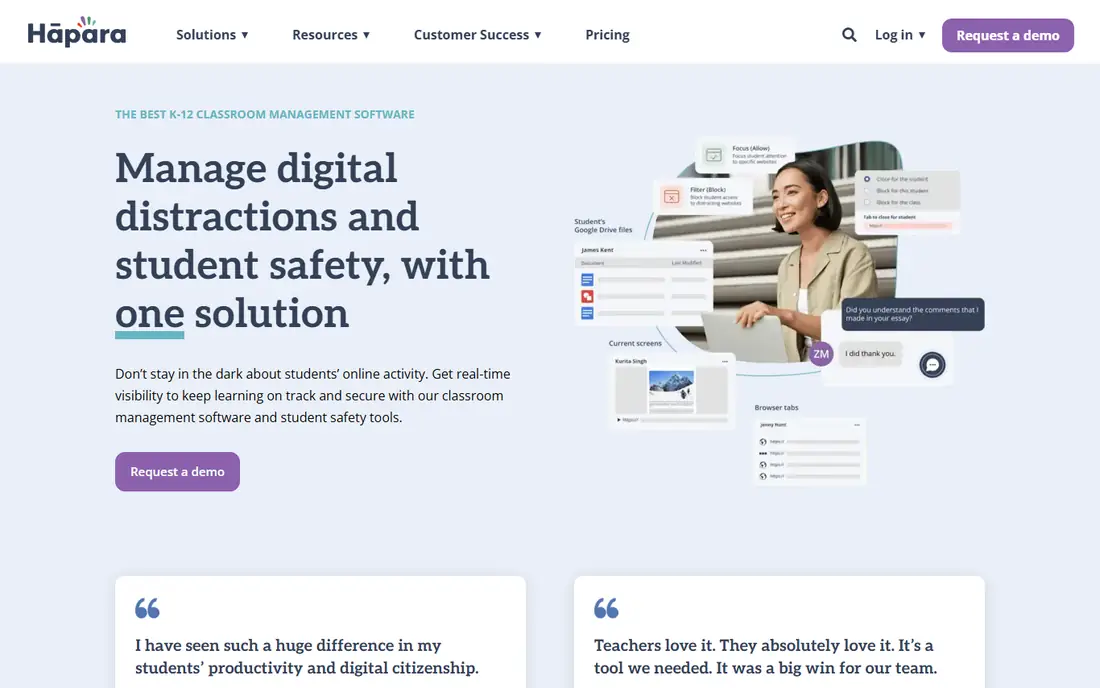
Hapara positions itself as an all-in-one classroom management and safety solution for K-12, with a strong focus on Google Workspace for Education. Teachers can see how students use Chrome or Edge, view Google Drives, guide browsing, differentiate resources for individuals or groups, and send private messages without calling a student out in front of the class. Safety and wellness tools alert designated staff to warning signs in browsing and digital content.
Integration is the reason many Google schools choose Hapara: it syncs with Google Classroom, lets teachers share assignments and materials directly, and pulls Classroom content into a student dashboard planner. It also integrates with rostering systems such as Clever, ClassLink and PowerSchool. Pricing is tailored to school or district budget, so request a quote and pilot with a few teachers first to check browser coverage on your devices.
What we like- Real-time browser visibility for Chrome and Edge
- Google Classroom and Workspace integration
- Safety, wellness and hall pass tools
Watch out for- Strongest in Google schools
- Pricing is tailored by district
- Screen monitoring is browser-based, not full desktop on all devices
#5ClassDojo
Best for: behaviour and family messaging4.5/5 on
G2 (361 reviews, checked Oct 2026)
Visit classdojo.com
Starting priceFree for teachers
Free planYes
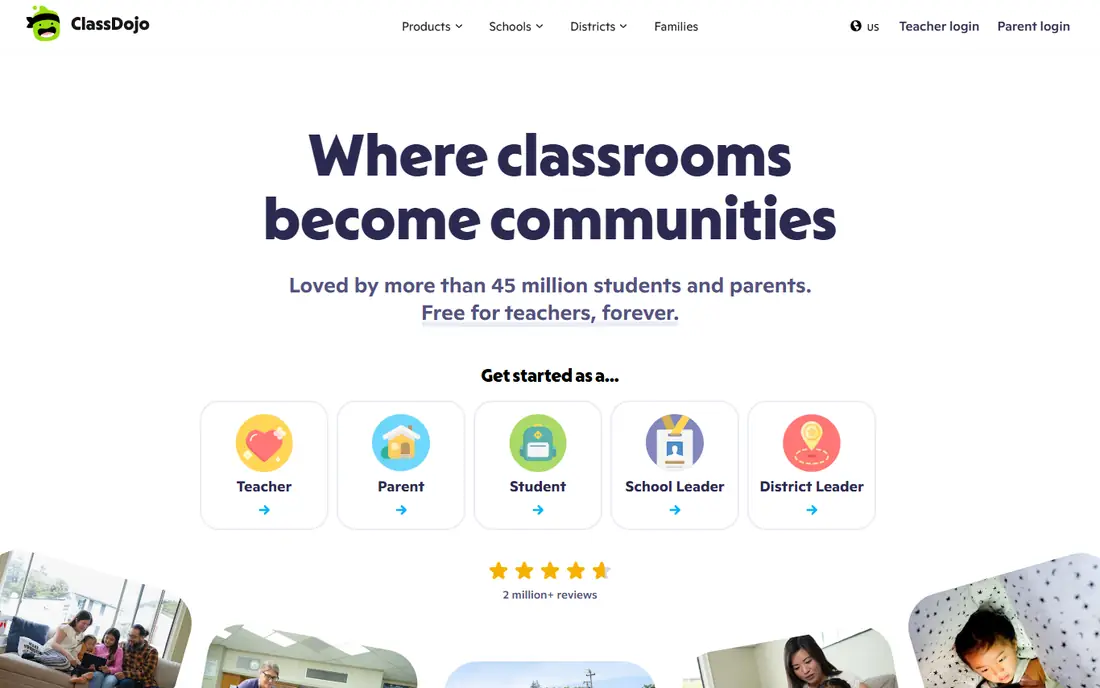
ClassDojo is the community and behaviour tool for younger classrooms, loved by tens of millions of students and parents. Teachers can message families instantly, with automatic translation into more than 190 languages, share photos and updates through Stories, manage events and calendars, and use Points, Portfolios and a Teacher Toolkit for attendance, timers and routines. It is free for teachers, which makes it easy to start in a single classroom.
ClassDojo does not monitor screens or filter browsing, so it complements rather than replaces GoGuardian, Hapara or LanSchool. Its strength is connection: families see classroom life, students build portfolios, and teachers can reinforce positive behaviour consistently. Schools should agree on how points are used, so they reward growth and effort rather than creating a public ranking that embarrasses students.
What we like- Free for teachers
- Messaging translated into 190-plus languages
- Behaviour points, portfolios and family stories
Watch out for- Not a screen monitoring tool
- Paid features for families and schools are separate
- Behaviour points need careful, positive use
Starting priceSee website
Free planNo
Dyknow, now part of Securly, is a classroom management tool focused on control during lessons. Teachers can see student screens, push web pages, lock screens, close tabs and Windows apps, share their own screen, lock students to a set of sites, block sites during class, and view browsing history during or after class. Announcements, one-to-one chat, raise-hand, student groups and class summaries help a teacher run a structured lesson.
Dyknow also covers practical school needs: substitute management, granular permissions by role, audit logs, and a lost mode for Chromebooks. That administrative depth suits districts that need to manage many teachers and substitutes consistently. Pricing is by quote, and the Dyknow homepage now presents the product under Securly, so confirm contract, support and data terms with Securly during procurement.
What we like- Live screen views, locking and tab controls
- Push resources and site locks
- Substitute and audit controls
Watch out for- Homepage now carries Securly branding after acquisition
- Pricing is by quote
- Windows and Chromebook focus needs checking for other devices
Starting priceSee website
Free planFree trial
NetSupport School is the classroom management product from NetSupport, a company with more than 37 years of software development and 22 million users worldwide. It offers instruction, monitoring, control and assessment features to maximise technology-enhanced teaching, alongside remote control, IT management, safeguarding and alerting products in the wider range. That breadth helps a school that wants classroom management plus IT support from one vendor.
Teachers can view thumbnails, control screens, share resources, assess understanding and manage a class across many device types, including Windows, Chrome, Apple, Android and iOS. The product has been used in schools for decades, which gives IT teams a known quantity for deployment and support. Pricing is by quote, with a free trial available, so pilot it with the device mix your school actually uses before committing.
What we like- Instruction, monitoring, control and assessment in one product
- Works across Windows, Chrome, Apple, Android and iOS
- Long track record
Watch out for- Feature breadth takes training time
- Pricing is by quote
- Safeguarding tools are part of a wider NetSupport range
Starting priceSee website
Free planYes
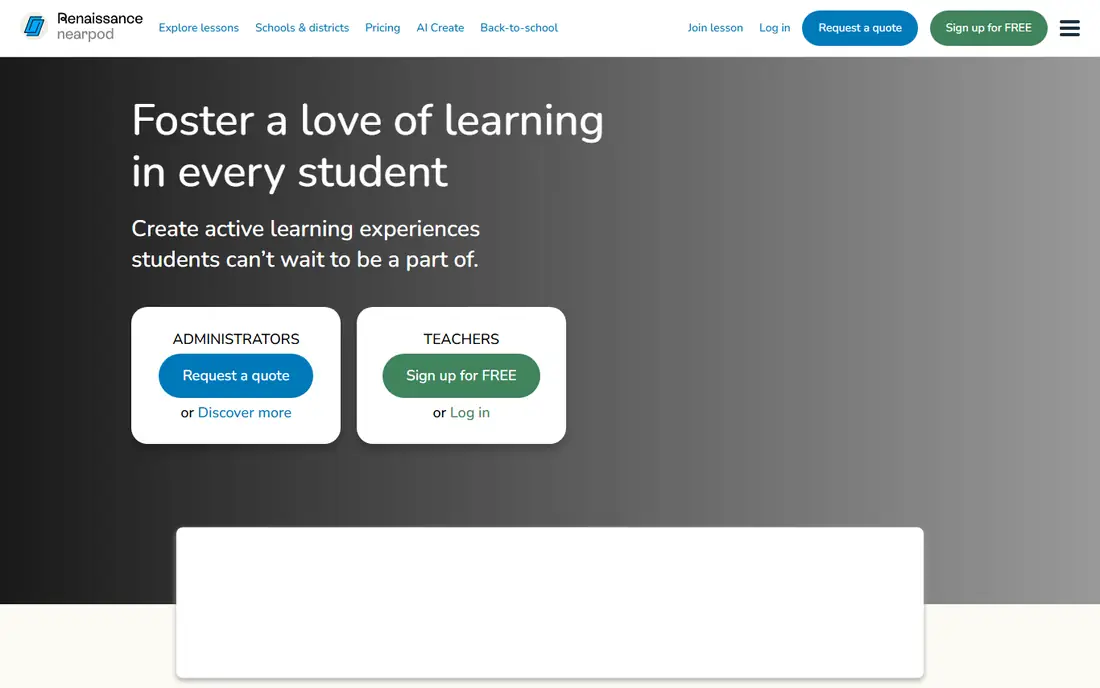
Nearpod is an interactive lesson platform that also helps with classroom management, by keeping every student active in the same lesson. Teachers can make existing resources interactive, add polls, quizzes, open-ended questions, videos and collaborative boards, and see responses live on a dashboard. The Nearpod Library offers more than 22,000 standards-aligned lessons and activities, with AI tools to generate lessons and formative questions.
Nearpod suits teachers who want participation and formative assessment, rather than screen control. It does not lock devices or filter browsing, so schools that need those controls will pair it with a monitoring tool. A free teacher account lets you test interactive lessons before a school or district purchase, and paid plans open the full library, reporting and integrations, including Renaissance recommendations based on student performance.
What we like- Interactive lessons with polls, quizzes and videos
- Library of 22,000-plus standards-aligned lessons
- Real-time insight into student understanding
Watch out for- Lesson delivery focus, not screen locking or filtering
- Paid plans needed for full library and features
- Content quality varies by lesson
How we chose
We compared pricing pages, product documentation and public reviews on G2, Capterra and Reddit, and checked each homepage to confirm the product still exists and matches its category. Google Classroom loads to a sign-in page, which is expected for a Google service, and Dyknow now presents under Securly branding. We favoured tools with clear classroom use, device coverage, privacy handling and support for teachers, not just admin dashboards. Where a vendor does not publish a price, we wrote See website rather than guessing a number, since school pricing depends on enrolment, devices and contract length.
What to check before rollout
Start with your device and platform mix. A Google school will get the most from Google Classroom plus Hapara or GoGuardian, while a mixed-device school may prefer LanSchool, Dyknow or NetSupport School. Check whether monitoring covers browsers only or full desktops, whether it works at home as well as at school, and how rostering syncs with your student information system.
Then check privacy, consent and policy. Review data retention, who can view screens or browsing history, how safety alerts are handled, and what families are told. Publish a clear policy for students, train teachers on private messaging and positive redirection, and pilot with a small group before a district-wide rollout. A tool that helps a teacher in one classroom can create trust problems if it is rolled out without explanation.
Assignments or monitoring
Decide which problem you are solving. If assignments, grading and communication are the gap, Google Classroom or Nearpod may be enough. If distraction and safety are the gap, add GoGuardian Teacher, Hapara, LanSchool or Dyknow. If family communication and behaviour are the gap, ClassDojo is the better first step.
Pilot checklist
Run a two-week pilot with at least three teachers, covering setup time, rostering, screen controls, student experience and support response. Collect teacher and student feedback, check performance on your oldest devices, and confirm that reports actually help teachers adjust lessons, not just add admin work.
Frequently asked questions
What is classroom management software?
It is software that helps teachers run a digital classroom, covering assignments, screen monitoring, device control, behaviour, family communication and interactive lessons. Different tools focus on different parts, so a school often combines an assignment hub with a monitoring tool.
Is Google Classroom free?
Yes, the base version of Google Classroom is free for schools using Google Workspace for Education. Paid editions add advanced admin controls, originality reports and other features, and the paid tier for Education Plus has been reported at $4.80 per student per year in third-party comparisons, though Google pricing should be checked directly.
Do schools need screen monitoring software?
It depends on device use and policy. Schools with one-to-one devices often use monitoring to keep students on task and to spot safety concerns, while schools with shared devices or limited screen time may not need it. Any monitoring rollout should include a clear policy, family communication and privacy safeguards.
Which classroom management tool is best for Chromebooks?
GoGuardian Teacher and Hapara are both strong for Chromebook schools, with browser monitoring, filtering and safety tools. LanSchool and Dyknow also support Chromebooks alongside Windows and Mac, so check full device coverage if your school is mixed.
Is ClassDojo free for teachers?
Yes, ClassDojo states it is free for teachers, forever. Paid options exist for families and for schools or districts that want additional features, so check what is included in the free teacher account before buying.
How much does classroom management software cost?
Most district tools are priced by quote, based on student or device count, contract length and product bundle. Google Classroom is free at base level, ClassDojo is free for teachers, and Nearpod offers a free teacher tier, while GoGuardian, Hapara, LanSchool, Dyknow and NetSupport School require a quote.
Sources we checked (8)
- https://classroom.google.com
- https://www.goguardian.com
- https://lanschool.com/
- https://hapara.com/
- https://www.classdojo.com
- https://dyknow.com/
- https://www.netsupportsoftware.com
- https://nearpod.com/
Is your product missing or out of date?
We review this list regularly. Vendors can request a listing, send updated pricing or ask about featured placement.

Shihab Mia · Founder, Rankite
Shihab has 5+ years in B2B and SaaS SEO. He writes Rankite's software buying guides from pricing pages, documentation and public user reviews. More about Shihab.