How we make this list: we compare pricing pages, product documentation and public user reviews. Rankite is independent; if a vendor ever pays for a featured spot, that listing is clearly labeled Partner.

Key takeaways
- ClearCheckbook and Goodbudget are the two strongest online options: ClearCheckbook leans toward a classic register, Goodbudget toward envelope budgeting.
- CheckBook and Money Pro are the picks for Mac and iOS users who want a traditional desktop or app experience.
- HomeBank and Money Manager Ex are free and open source with full register, budget, and reporting features.
- AceMoney is a long-standing Windows and Mac desktop register with a one-time purchase.
- Decide up front whether you want to enter transactions by hand or import them from your bank, because that choice filters the list fast.
Quick comparison
| Tool | Best for | Starting price | Free plan |
|---|
 ClearCheckbook ClearCheckbook | Online checkbook register with budgets and bills | See website | Yes |
 CheckBook CheckBook | Mac desktop register, one-time purchase | $19.95 one-time | Free trial |
 Money Pro Money Pro | Cross-platform register, bill planning, and reports | See website | Yes |
 Goodbudget Goodbudget | Envelope-based register for households | See website | Yes |
 HomeBank HomeBank | Free open source register and budget manager | Free | Yes |
 Money Manager Ex Money Manager Ex | Free cross-platform money manager | Free | Yes |
 AceMoney AceMoney | Windows/Mac desktop finance manager | $44.95 one-time | No |
Is your product missing or out of date?
We review this list regularly. Vendors can request a listing, send updated pricing or ask about featured placement.
The best check register software
Starting priceSee website
Free planYes
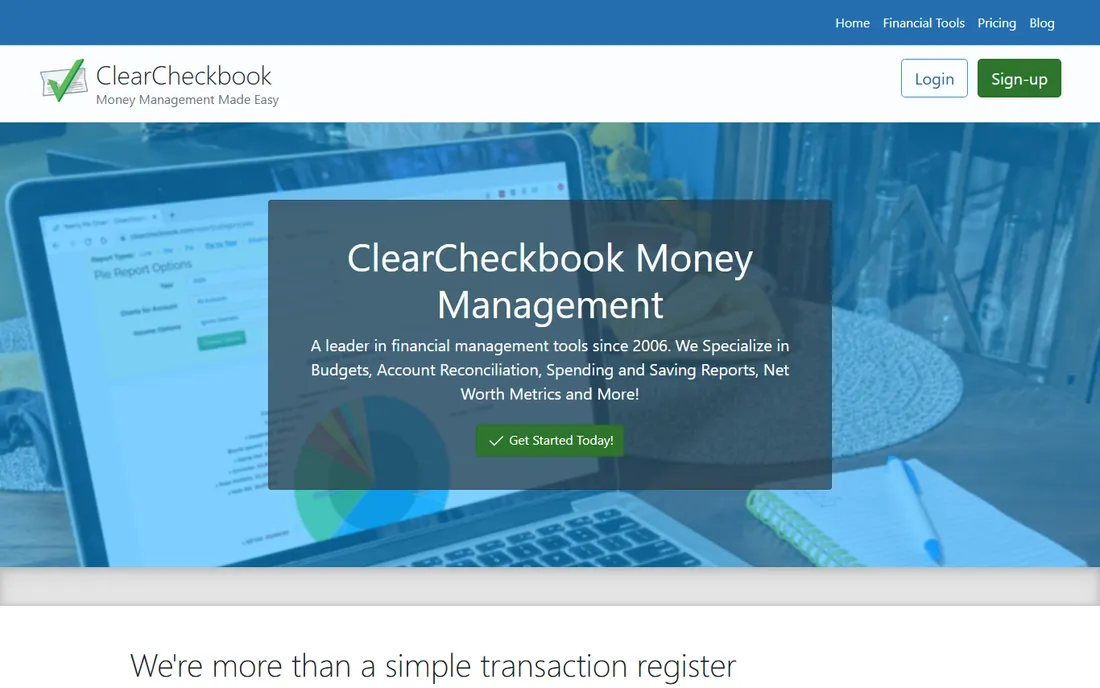
ClearCheckbook describes itself as a leader in financial management tools since 2006, and its core really is the old-fashioned checkbook register updated for the modern age. You enter transactions, assign them to accounts and categories, and mark them cleared as they post, with the site computing cleared and uncleared balances so you always know where you stand.
On top of the register sit budgets, a bill tracker with reminders and recurring transactions, spending reports, and an investment portfolio view. The site is free to sign up and use, with premium features, including bank connections and automatic downloads, available for a small monthly payment. It is a solid middle ground for people who want the register first and the extras second.
What we like- True to the classic register metaphor
- Budgeting, bill tracking, and reports built in
- Mobile apps sync with the website
Watch out for- Premium tier adds most automation
- Bank connections require the paid membership
Starting price$19.95 one-time
Free planFree trial
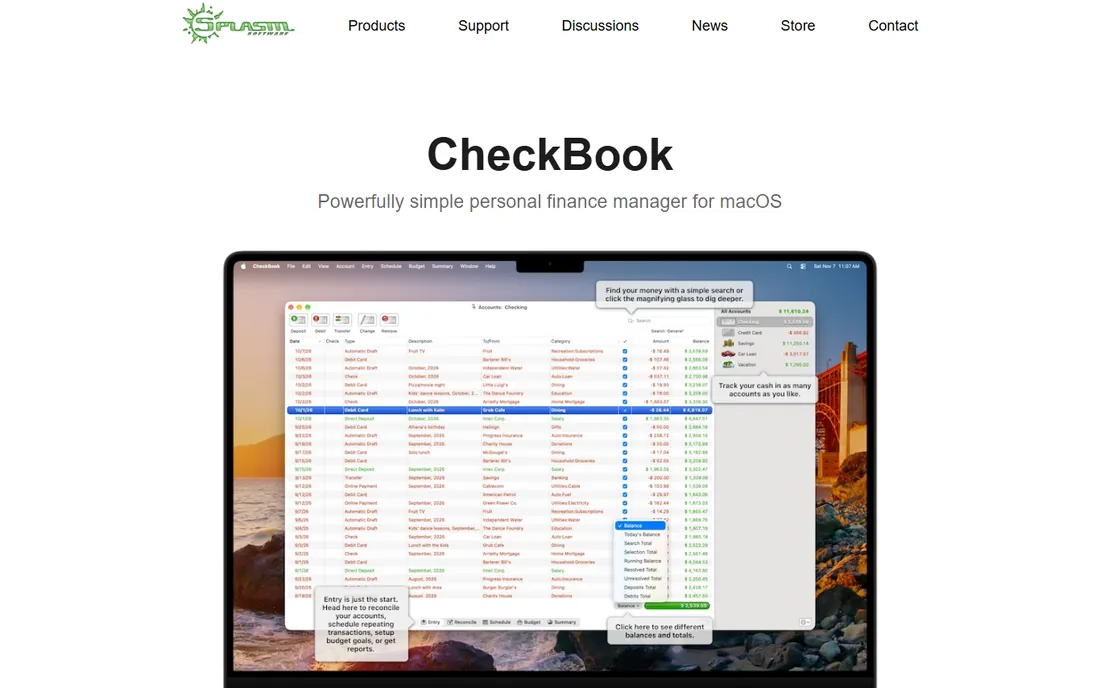
Splasm's CheckBook is what the Mac register crowd has used for years. It is a native Mac app that opens a document where you record entries, reconcile against your statement, schedule recurring transactions, set budget goals, split transactions, and run cash-flow reports. Your data lives on your Mac, with optional iCloud Drive storage, and nothing sits on Splasm's servers.
The pricing is refreshingly simple: US $19.95 from the Splasm Store, not a subscription, with a free trial to evaluate first. A CheckBook Pro version adds investment and liability accounts. The catch is the platform: this is Mac only, so Windows and mobile-first users need another pick.
What we like- One-time license, no subscription
- Fast local app with no account required
- Reconciles to the penny with a clean workflow
Watch out for- Mac only
- No mobile companion app
#3
Money Pro
Best for: Cross-platform register, bill planning, and reports
Visit money.pro
Starting priceSee website
Free planYes
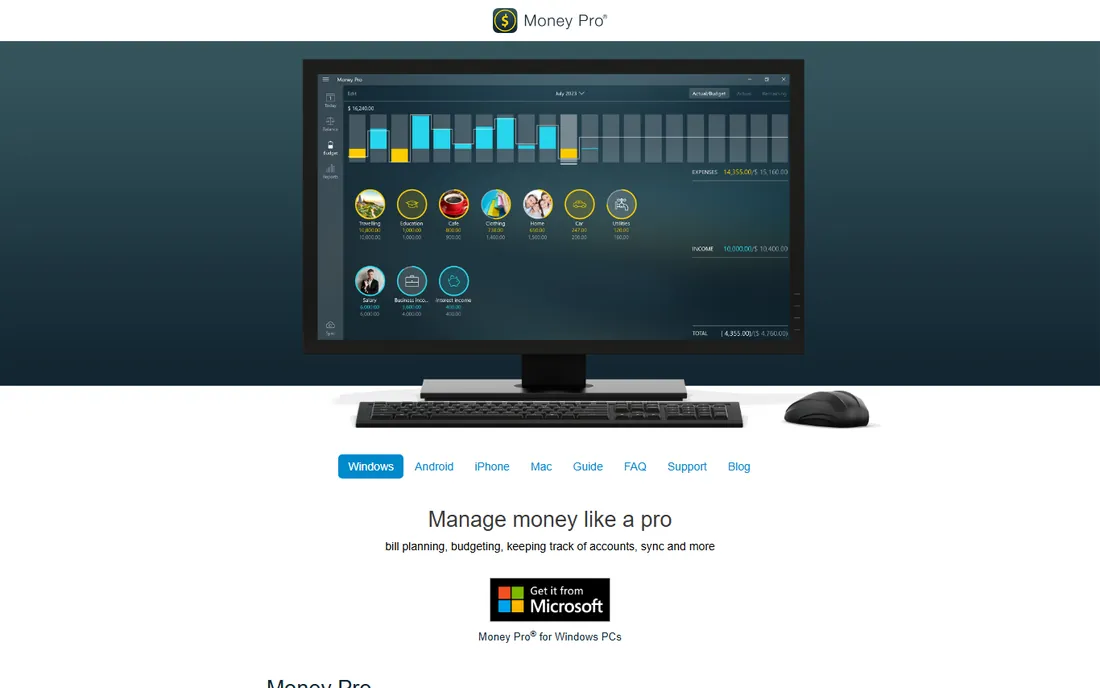
Money Pro is iBear's long-running personal finance app, and the old checkbookhd.com address now leads here, a sign the vendor folded its earlier checkbook apps into this one. The app centers on a checkbook register with unlimited accounts, recurring entries, reconciliation, and cleared versus available balances, wrapped in bill planning, budgets with rollover, and detailed reports.
It is the most cross-platform option on this list, with versions for iPhone, iPad, Android, Mac, and Windows, plus family sync so household members track together. Core sync and bank connections require PLUS or GOLD subscriptions. If you live in the Apple ecosystem but want mobile access too, Money Pro is the natural upgrade path from a desktop-only register.
What we like- Runs on iOS, Android, Mac, and Windows
- Calendar-based bill planning
- Strong reports and receipt attachments
Watch out for- Sync and online banking need paid subscriptions
- Subscription pricing not posted on the homepage
Starting priceSee website
Free planYes
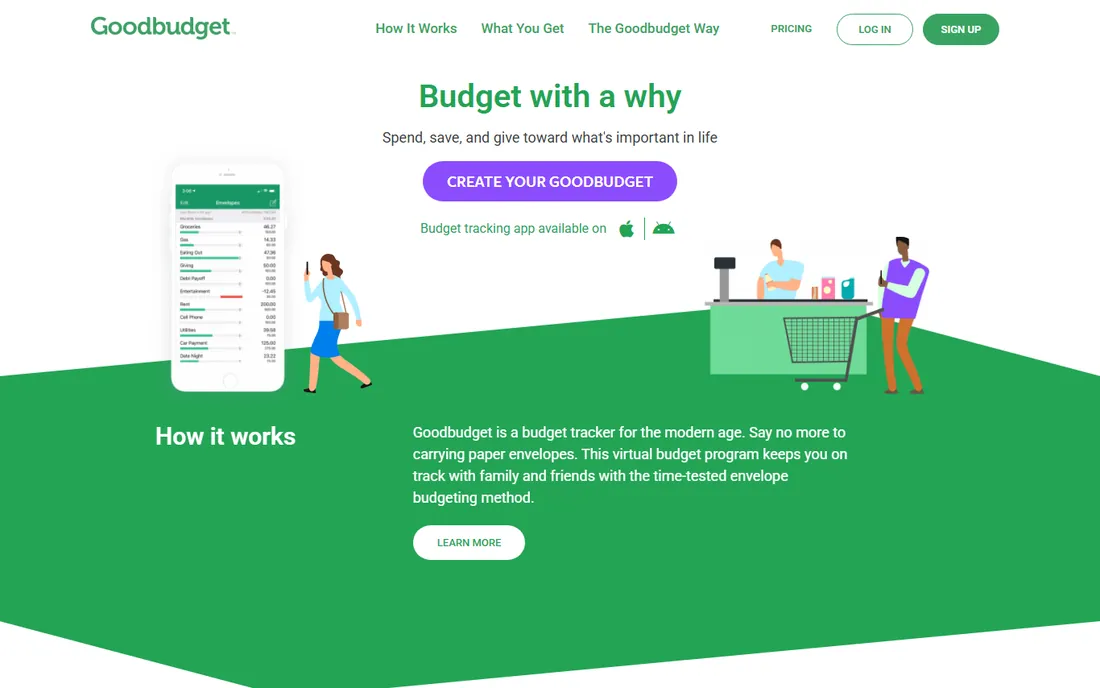
Goodbudget brings the envelope budgeting method to a register format. You create envelopes for spending categories and accounts, log transactions as they happen, and watch how much is left in each envelope. Couples and families like it because budgets sync and can be shared across devices.
The free plan covers 10 regular and 10 annual envelopes, with a paid tier opening up unlimited envelopes and accounts plus bank connections. If your priority is planning where money goes rather than just recording where it went, Goodbudget is the register to beat.
What we like- Envelope budgeting built for shared household budgets
- Free forever plan
- Web plus iPhone and Android apps
Watch out for- Free plan limits the number of envelopes and accounts
- Mostly manual entry
Starting priceFree
Free planYes
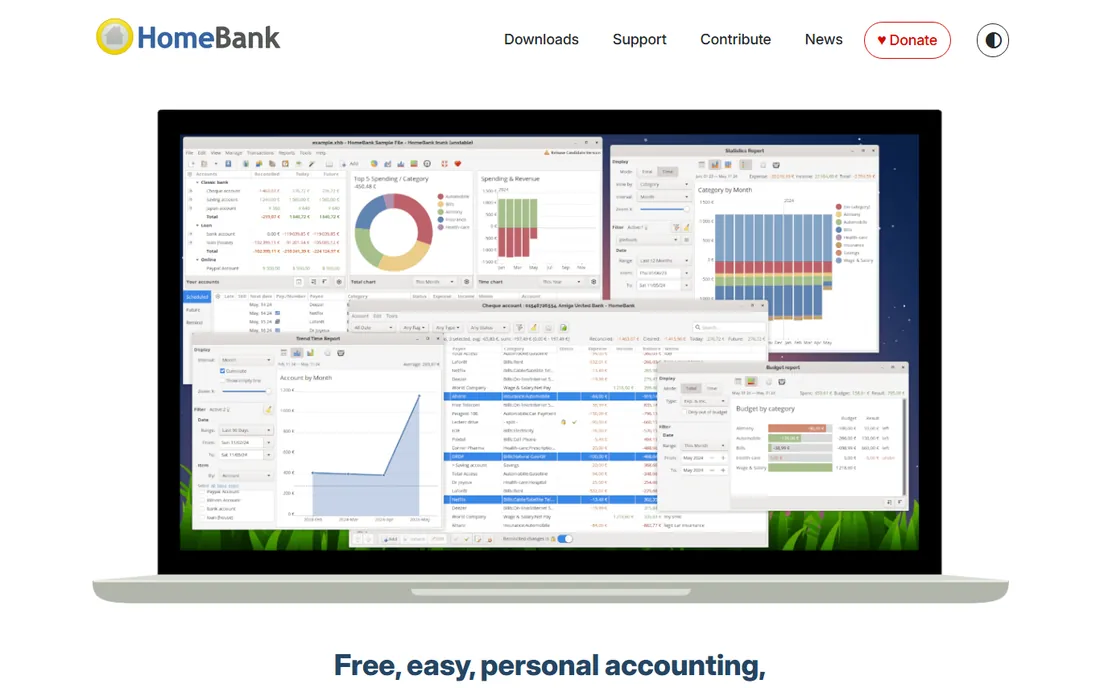
HomeBank is a free personal finance program with about 28 years of development behind it. It gives you a register with scheduled transactions, automatic cheque numbering, split categories, internal transfers, budgets, and dynamic reports with charts, plus handy touches like duplicate detection on imports and automatic category assignment rules.
It imports OFX, QFX, QIF, and CSV statements, so you can download from your bank and reconcile rather than typing everything by hand. It is not the prettiest app on this list, and the Mac version installs through third-party channels, but as a free desktop register it is hard to argue with.
What we like- Completely free
- Automatic cheque numbering and duplicate detection
- Runs on Windows, Linux, macOS, and FreeBSD
Watch out for- Interface feels dated
- Import workflows take some learning
Starting priceFree
Free planYes
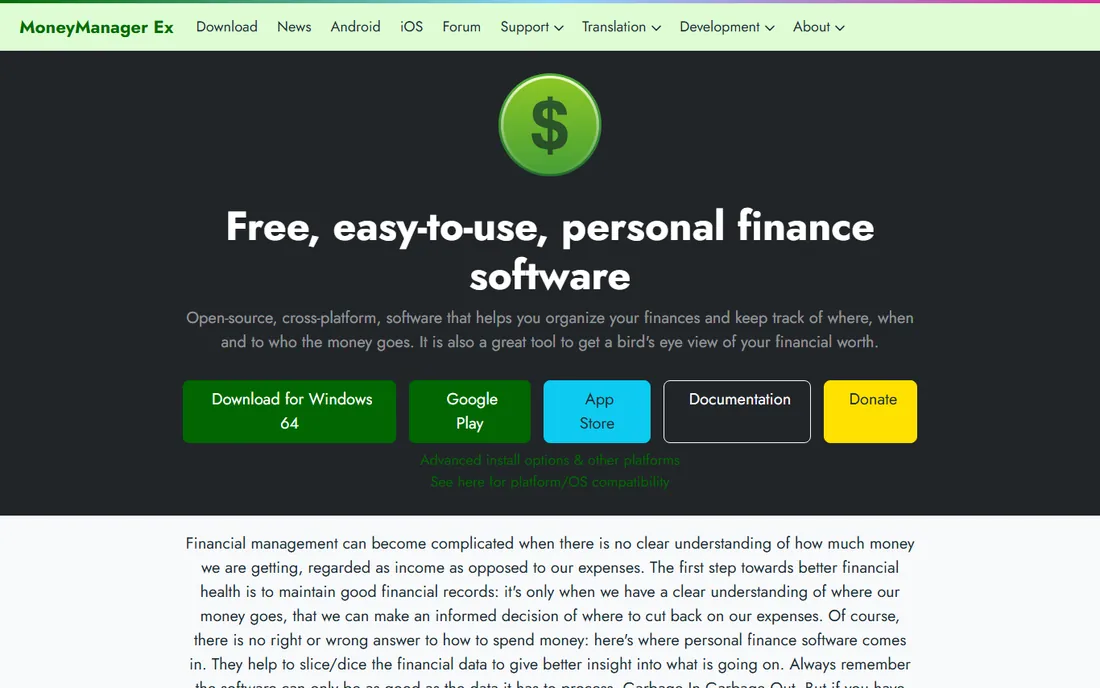
Money Manager Ex is another long-running free and open source personal finance program. Its register handles checking, savings, credit card, investment, and asset accounts with statuses, scheduled transactions, budgets, stocks, and attachments for receipts, all in a SQLite database with AES encryption.
The "bring your own cloud" approach means you can host your data file on Dropbox, Nextcloud, or any cloud service for syncing between devices. Imports come from QIF and CSV. It is less polished than the commercial apps, but for a free register that runs everywhere, it earns its place.
What we like- Free and open source with no ads
- AES-encrypted data file
- Windows, Mac, Linux, and Android builds
Watch out for- Community-supported
- Design is utilitarian
Starting price$44.95 one-time
Free planNo
AceMoney has been around long enough to call itself an award-winning Quicken and Microsoft Money alternative, and it still sells the way software used to: $44.95 once, with all future updates included and a 15-day money-back guarantee. It manages multiple account types, budgets with over 100 built-in categories, bill reminders, automatic balance updates from bank file downloads, and even investment and crypto tracking.
Quicken and Microsoft Money imports make it a natural landing spot for refugees from those products. It is a traditional desktop app for Windows and Mac, so set your expectations accordingly: this is a register and budget manager, not a modern cloud app.
What we like- One-time purchase covers all future updates
- Manages checking, savings, cards, loans, and investments
- Imports Quicken and Microsoft Money files
Watch out for- Dated desktop feel
- Online banking limited to file imports
How we chose
We looked at vendor pricing pages and product documentation, plus public reviews on app stores, Reddit, and finance forums. We prioritized tools whose core metaphor is a check register: transactions, cleared status, reconciliation, and running balances, rather than full accounting suites. Every tool had to be currently available with a working website. We never claimed hands-on testing; this comparison reflects public documentation and documented user experience.
Manual entry or bank sync: pick one
Why manual entry still wins for some people
Typing each transaction forces attention. People who enter receipts by hand catch fraud faster and spend less, because every expense passes through their brain. Register apps like ClearCheckbook were designed around this habit, and ClearCheckbook's own site says it still believes manual entry gives you a better grasp of your finances.
When imports are worth it
If you have hundreds of transactions a month, manual entry collapses. HomeBank, Money Manager Ex, Money Pro, CheckBook, and AceMoney all import bank statements in formats like OFX, QIF, and CSV. Download the file from your bank, import, and reconcile. Goodbudget and the paid tier of ClearCheckbook can pull transactions automatically, which removes the manual step entirely but adds a bank-connection layer to manage.
How to pick the right register app
Start with your devices. Mac-only users can buy CheckBook once and be done. People who need the register on a phone and a computer should look at ClearCheckbook, Goodbudget, Money Pro, or one of the free desktop apps with a phone option.
Then decide how much budgeting you want. A pure register just records and reconciles; CheckBook and the free tools do this well. If you want budgets, bill tracking, and spending reports in the same app, ClearCheckbook, Goodbudget, and Money Pro bundle those in.
Finally, consider longevity and trust. A register holds years of financial data, so pick a vendor with a track record and a clear way to export your data. Every tool on this list supports CSV export or standard import formats, which means you are never locked in.
Frequently asked questions
Is check register software the same as budgeting software?
Not exactly. A check register records transactions and reconciles them against your bank balance, which is the core job. Budgeting apps plan future spending. Many tools do both, but if your main goal is balancing your checkbook, pick a register first and treat budgeting as a bonus.
Can a check register app connect to my bank?
Some can. Goodbudget's paid tier and ClearCheckbook Premium support bank connections, and Money Pro offers online banking through its GOLD subscription. The free and desktop tools typically import statement files like OFX, QIF, or CSV instead, which you download from your bank's website.
What is the best free check register app?
HomeBank and Money Manager Ex are the strongest free options, both open source with full register, budgeting, and reporting features. ClearCheckbook and Goodbudget both offer useful free plans online. The best choice depends on whether you want desktop software or a cloud app.
How do I reconcile my checkbook with an app?
Enter or import your transactions, then mark each as cleared when it appears on your bank statement. The app compares your register balance against the statement's ending balance. When the unreconciled difference hits zero, you are balanced.
Should I still keep a check register if I use online banking?
Yes. Your bank shows what has posted, but only your register knows about outstanding checks, pending deposits, and upcoming automatic payments. That gap is where overdrafts happen, and a register closes it.
Sources we checked (7)
- https://clearcheckbook.com/
- https://www.splasm.com/checkbook/
- https://money.pro/
- https://goodbudget.com/
- https://gethomebank.org/
- http://moneymanagerex.org/
- https://mechcad.net/products/acemoney/
Is your product missing or out of date?
We review this list regularly. Vendors can request a listing, send updated pricing or ask about featured placement.

Shihab Mia · Founder, Rankite
Shihab has spent more than a decade helping SaaS and e-commerce brands grow through search. He writes Rankite's software buying guides from pricing pages, documentation and public user reviews. More about Shihab.