How we make this list: we compare pricing pages, product documentation and public user reviews. Ratings come from G2, Capterra or Trustpilot, with the date we checked them.
Key takeaways
- CamCard is the best pure scanner: fast, accurate card reading with contact and company detail, a free plan with limited scans, and paid plans from 9.99 dollars a month.
- HiHello is the best value for individuals: a free tier with 5 scans a month, Pro at 6 dollars a month, and a digital card to give out as well as cards to scan in.
- Blinq is the team pick: verified contact enrichment and real time sync to HubSpot and Salesforce, with Premium at 9.99 dollars a month.
- A scanned card is someone else's personal data: prefer apps that process on device or state their data practices clearly, and check export and deletion before a conference, not after.
Quick comparison
| Tool | Best for | Starting price | Free plan |
|---|
 CamCard CamCard | Pure scanning accuracy and speed | $9.99 per month | Yes |
 HiHello HiHello | Individuals and digital cards | Free | Yes |
 Blinq Blinq | Teams syncing to a CRM | $9.99 per month | Yes |
 Popl Popl | Events and NFC sharing | $7.99 per month | Yes |
 Covve Covve | Scanning plus staying in touch | $119 per year | Yes |
 ABBYY Business Card Reader ABBYY Business Card Reader | Recognition accuracy | $7.99 per month | Yes |
 ScanBizCards ScanBizCards | Direct CRM export | $10 per month | Yes |
 Genius Scan Genius Scan | Private on device scanning | Free | Yes |
Is your product missing or out of date?
We review this list regularly. Vendors can request a listing, send updated pricing or ask about featured placement.
The best card scanning apps
Starting price$9.99 per month
Free planYes
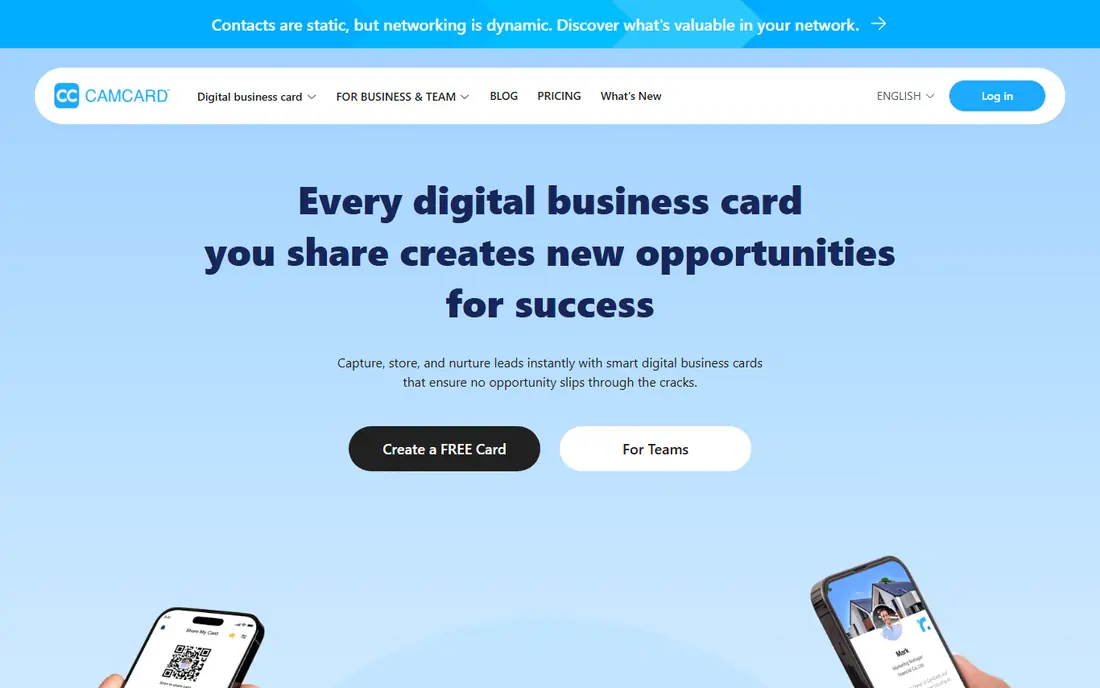
What we like- CamCard is the specialist's scanner: very fast capture, strong recognition across layouts and languages, and automatic enrichment with company information and proofreading features, plus batch scanning after events. Zapier's 2026 testing rates it the best overall card scanner, and paid plans from 9.99 dollars a month serve individuals, with business tiers adding shared contact management. Export to contacts, Excel, and major CRMs covers the destination question well.
Watch out for- The free plan's scan allowance is limited, reported at around 100 scans in one comparison and capped on others, so verify the current cap before a big event. Business pricing is increasingly quote led. Enrichment means card data is processed in CamCard's cloud, so regulated industries should read its data terms first.
#2HiHello
Best for: Individuals and digital cards4.6/5 on
G2 (954 reviews, checked Oct 2026)
Visit hihello.com
Starting priceFree
Free planYes
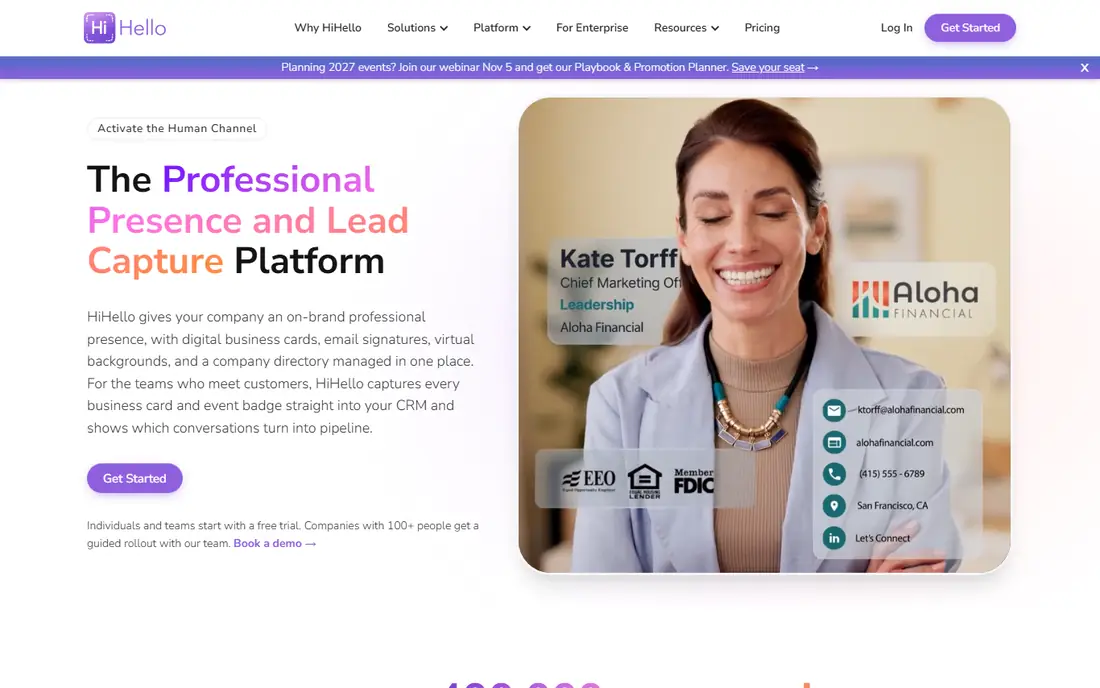
What we like- HiHello pairs the scanner with the other half of networking: your own digital card to share by QR or link, in one tidy app. The free tier includes five scans a month, Professional at 6 dollars a month raises scanning and adds features, and Business at 5 dollars per user a month with a five seat minimum adds team cards and CRM connections. For solo networkers it covers the whole exchange, give and receive, at the lowest real price here.
Watch out for- Five free scans a month runs out halfway through one good conference. Enrichment and CRM sync sit on paid and business tiers, so the free app is a starter. Its digital card ecosystem is a separate habit to adopt
- Contacts who prefer paper still need the scanner to work alone.
#3Blinq
Best for: Teams syncing to a CRM4.8/5 on
G2 (9,609 reviews, checked Oct 2026)
Visit blinq.me
Starting price$9.99 per month
Free planYes
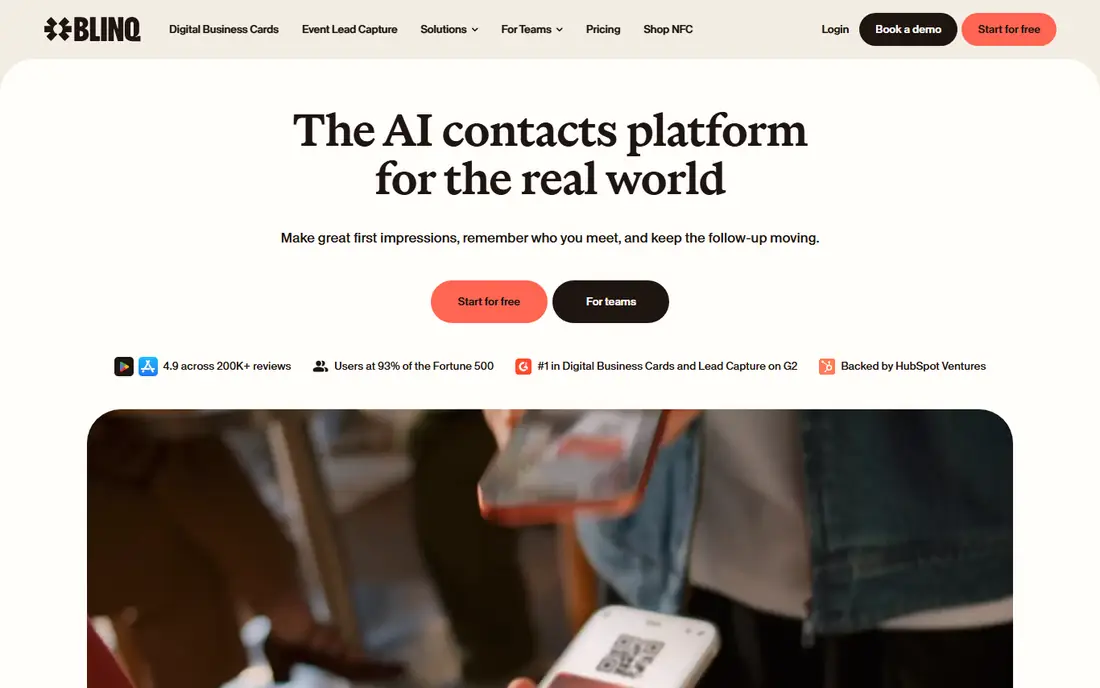
What we like- Blinq is built for teams that live in their CRM: scan a card and its verified enrichment checks email, phone, and LinkedIn against outside data before the contact syncs in real time to HubSpot, Salesforce, or Dynamics, which prevents the wrong data problem at the source. Digital cards are free, Premium at 9.99 dollars a month adds unlimited scanning, and Business runs 6.99 dollars per card a month. Event capture, including badges on team plans, covers conferences end to end.
Watch out for- The verification step means your contacts are checked against third party data sources, a privacy and consent point your organisation should accept on purpose, not by default. Badge scanning and team features gate to business plans whose pricing is less transparent. Individuals gain less: the product's centre of gravity is team pipelines.
Starting price$7.99 per month
Free planYes
What we like- Popl leads with physical sharing: NFC cards and accessories that pass your details with a tap, backed by an app that scans paper cards and event badges and pushes leads into more than 30 CRM integrations on team plans. Individual digital cards are free, Pro runs about 7.99 dollars a month, and enterprise features include automated follow up and AI drafted communication. Event teams standardise on it because the whole floor crew uses one system.
Watch out for- Team pricing is custom and not published, so budgeting starts with a sales call. The NFC accessories are extra hardware to buy and carry. For a person who only scans cards occasionally, Popl's event machinery is more platform than the job needs.
#5Covve
Best for: Scanning plus staying in touch4.7/5 on
G2 (67 reviews, checked Oct 2026)
Visit covve.com
Starting price$119 per year
Free planYes
What we like- Covve treats scanned cards as the start of a relationship system: a well regarded scanner, contact enrichment, and prompts to stay in touch with the people in your network, plus digital sharing through Apple Wallet. Pricing is annual, 119 dollars a year for the scanner product and 199 for Pro in current listings, with a CRM add on at 60 dollars a year. Professionals who network for a living use its follow up nudges as much as its camera.
Watch out for- Annual pricing with add ons makes the true cost a small research project
- Per month figures quoted by roundups vary because of it. The free tier is limited to evaluation scale. Its contact enrichment, like all enrichment, sends data to outside sources, so read the privacy terms before scanning a sensitive contact list.
#6
ABBYY Business Card Reader
Best for: Recognition accuracy
Visit abbyy.com
Starting price$7.99 per month
Free planYes
What we like- ABBYY has done optical character recognition for decades, and its card reader shows it: the most accurate reading in 2026 comparisons on difficult layouts, small type, and many languages, exporting cleanly to phone contacts. It offers ten free scans, then 7.99 dollars a month, 29.99 a year, or a one time purchase around 59.99 dollars, a rare buy once option. For iPhone users who only want accurate contacts, it remains a benchmark.
Watch out for- The Android app was discontinued in 2023, so this is an iPhone recommendation only. Nothing much happens after the scan: no enrichment, no follow up system, just an accurate export. The interface is functional rather than modern beside HiHello or Blinq.
Starting price$10 per month
Free planYes
What we like- ScanBizCards is the export specialist: scan, review, and push contacts directly into Salesforce, HubSpot, and other CRMs, or out as spreadsheets, with a human transcription option for cards the software cannot read confidently. A free tier covers evaluation, and paid plans run about 10 dollars a month or 100 dollars per user a year in current comparisons. Sales reps with a card backlog after every trip are its natural users.
Watch out for- It is a utility, not a platform: no digital cards, no enrichment theatre, and a dated feel beside Blinq or Popl. Batch and team features sit behind the paid tiers. Accuracy on exotic designs trails ABBYY's specialist engine.
Starting priceFree
Free planYes
What we like- Genius Scan is the privacy answer in this list: a general document scanner from Grizzly Labs that works entirely on your phone with no account and no upload, which matters when a card belongs to someone who never agreed to enter a cloud database. It handles cards alongside receipts and documents, saves contacts, and its Plus tier at about 7.99 dollars a year adds convenience features. With Microsoft Lens retired, reviewers point to it as the closest free private replacement.
Watch out for- It is a document scanner first: card field detection and CRM export are not its trade, so contacts take a manual step after the scan. Business card specific intelligence, enrichment, duplicate handling, lives in the specialist apps above. Teams get no shared anything here, by design.
How we chose
We compared the card scanners that 2026 reviews from Zapier, MeetDrop, Flozic, Blinq, and Habsy rank most consistently, and verified scan caps and prices against their published surveys. We required real business card recognition, not just document scanning, for the specialist entries, included one deliberately private general scanner for the consent sensitive case, and excluded Microsoft Lens because Microsoft has retired it. Prices marked from roundups are the figures those surveys published in October 2026; where a vendor has gone quote only, the entry says so.
How to choose the right card scanning app
Test on your hardest cards, not clean ones: the foil logo, the white text on navy, the card with a photograph behind the type. Reviewers repeat this because recognition demos always use easy cards. Judge the wrong column, not the missing one: a blank field asks you to type; a confidently wrong email invents a lead that silently never existed. Scan ten real cards from your wallet in each finalist and count field level errors before you look at any other feature.
Then decide what happens after the scan. If contacts must reach a CRM untouched by human hands, Blinq or ScanBizCards earn their price; if the point is your own follow up discipline, Covve or HiHello serves better; if you hand out as much as you collect, a scanner with a digital card, HiHello, Blinq, Popl, halves the apps you carry. Finally, settle the data question in writing for team use: where card images are processed, whether enrichment lookups are acceptable for your contacts, how to export everything out, and how to delete it. Prefer on device processing where an app offers it for sensitive lists, and never scan a card into a service whose terms you would not read aloud to the person who handed it to you.
Frequently asked questions
How accurate are card scanning apps?
Good apps read clean cards nearly perfectly, and the best engines, ABBYY and CamCard in 2026 testing, handle difficult designs well. Accuracy falls on glossy, dark, or artistic cards, and errors hide in plausible wrong digits, so review every field before saving, especially emails and phone numbers, and test finalists on your hardest real cards.
Are free card scanning apps really free?
Mostly, with caps: HiHello includes five scans a month free, CamCard's free plan is limited, ABBYY offers ten free scans, and Genius Scan is free with an inexpensive Plus tier. The caps are sized for evaluation, so a conference week usually means one month of a paid plan, which is a reasonable trade if the app earns it.
What happened to Microsoft Lens?
Microsoft retired it: removal from iOS began in January 2026 and support ended in February 2026, with scanning folded into Microsoft's other apps. Older guides still recommend it. Genius Scan is the closest free, no account replacement for private scanning, and the specialists above cover card specific work.
Is it legal and polite to scan business cards into the cloud?
A card handed to you implies consent to be contacted, not necessarily to be uploaded, enriched, and retained by third parties. Laws such as GDPR treat business contact data as personal data with duties attached. Keep processing proportionate: scan what you will use, honour deletion requests, prefer on device options for sensitive contacts, and check your organisation's policy for CRM syncing.
Can these apps export to my CRM?
The team tier apps can: Blinq syncs natively to HubSpot, Salesforce, and Dynamics, ScanBizCards exports directly to major CRMs, and Popl, Covve, and HiHello offer CRM connections on paid plans. Free tiers generally export to phone contacts or CSV at best, which is the upgrade line vendors draw deliberately.
Sources we checked (0)
Is your product missing or out of date?
We review this list regularly. Vendors can request a listing, send updated pricing or ask about featured placement.

Shihab Mia · Founder, Rankite
Shihab has 5+ years in B2B and SaaS SEO. He writes Rankite's software buying guides from pricing pages, documentation and public user reviews. More about Shihab.