How we make this list: we compare pricing pages, product documentation and public user reviews. Ratings come from G2, Capterra or Trustpilot, with the date we checked them.
Key takeaways
- The best app is the one you will actually log in every day, so logging speed matters more than a long feature list.
- MyFitnessPal has the largest food database, while Cronometer offers the deepest nutrient detail and MyNetDiary offers strong free macro tracking.
- Barcode scanning, photo logging and gram-level macro targets are often paid features, so check the free tier before committing.
- MacroFactor suits lifters who want adaptive targets, while Lose It suits beginners who want a simple daily budget.
- Calorie targets from any app are estimates, and a food scale plus consistent logging will improve accuracy more than switching apps.
Quick comparison
| Tool | Best for | Starting price | Free plan |
|---|
 MyFitnessPal MyFitnessPal | Largest food database | $79.99 per year | Yes |
 Lose It Lose It | Simple daily budget | See website | Yes |
 Cronometer Cronometer | Detailed nutrient tracking | $59.99 per year | Yes |
 MacroFactor MacroFactor | Adaptive macro coaching | $71.99 per year | Free trial |
 Yazio Yazio | Budget-friendly tracking | See website | Yes |
 Lifesum Lifesum | Guided meal plans | See website | Yes |
 Carb Manager Carb Manager | Low-carb and keto tracking | $39.99 per year | Yes |
 MyNetDiary MyNetDiary | Free macro tracking | $59.99 per year | Yes |
 FatSecret FatSecret | Low-cost basic tracking | $19.99 per year | Yes |
Is your product missing or out of date?
We review this list regularly. Vendors can request a listing, send updated pricing or ask about featured placement.
The best calorie counter apps, ranked by how you actually eat
Starting price$79.99 per year
Free planYes
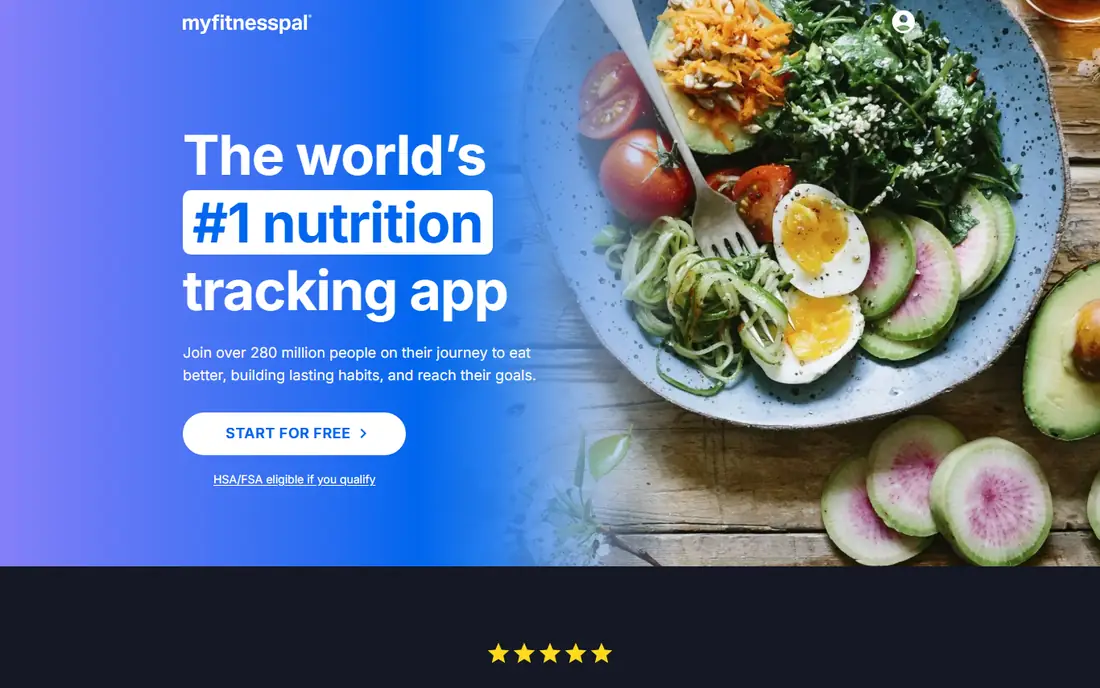
MyFitnessPal remains the easiest app for finding an obscure food, because its database covers branded products, restaurant items and user-submitted entries in huge numbers. The free tier handles basic calorie and macro logging with ads, and the diary layout is familiar to anyone who has tracked food before. Integrations with fitness trackers, scales and other health apps are broad, which helps if you already use a wearable.
Premium, at $79.99 per year or $19.99 per month in recent reporting, adds barcode scanning, photo and voice logging, recipe import, per-meal macro targets and an ad-free experience. That paywall frustrates long-time free users, since barcode scanning is free in several rivals. Database accuracy also varies, because crowd-sourced entries can carry wrong portions or calorie counts. If finding any food quickly matters most, MyFitnessPal still leads. If barcode scanning free matters most, look at Cronometer or MyNetDiary first.
What we like- Very large food database
- Broad device and app integrations
- Familiar diary layout
Watch out for- Barcode, photo and voice logging require Premium in the US
- Crowd-sourced entries vary in accuracy
- Premium is pricey
Starting priceSee website
Free planYes
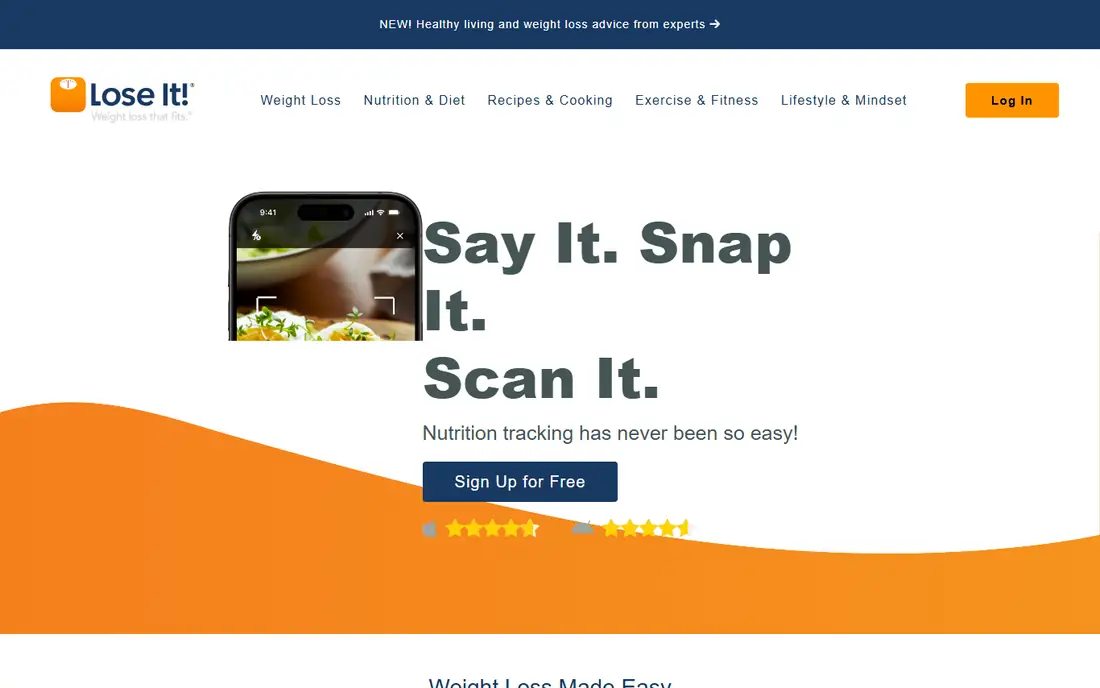
Lose It takes a simpler route to the same goal. After a short setup, it shows a daily calorie budget, tracks food against that budget, and uses a clean diary that beginners find less intimidating than nutrient-heavy apps. Weight, water and exercise logging sit alongside food, and the app offers challenges and social features for users who like accountability. The free tier covers basic logging, which is enough to test whether daily tracking fits your routine.
Premium adds barcode and photo logging, advanced macro and nutrient goals, meal planning and device syncing, but the exact premium price varies by offer and platform, so check the price shown in the app store or on the vendor site before subscribing. Users who need gram-level protein targets or detailed micronutrient data may find Lose It thin compared with Cronometer. For a first-time tracker who wants a clear budget and little clutter, Lose It is a strong, low-friction start.
What we like- Clear daily calorie budget
- Friendly onboarding
- Photo logging and challenges on Premium
Watch out for- Gram-level macro targets require Premium
- Barcode and photo logging are paid
- Database smaller than MyFitnessPal
Starting price$59.99 per year
Free planYes
Cronometer is the app for people who care about nutrients, not just calories. It tracks up to 84 nutrients in its Gold tier and a wide set free, using lab-verified and curated sources more often than crowd-sourced entries. Barcode scanning and custom macro targets by grams are free, which is a genuine advantage over MyFitnessPal and Lose It. Charts, trends and fasting or exercise tracking help users who want to see patterns over weeks, not just one day.
The depth can overwhelm a beginner. A diary full of vitamin, mineral and amino acid figures is useful for a careful eater, but it can slow down a quick lunch log. Gold, at $59.99 per year in October 2026 reporting, adds the day-by-day Macro Scheduler, recipe tools, fasting timers and an ad-free view. For users managing a medical diet, training seriously or simply curious about nutrient gaps, Cronometer is the most precise consumer option here. This article is for general information only and is not medical advice.
What we like- Deep micronutrient data from verified sources
- Free barcode scanning
- Custom gram targets free
Watch out for- Interface shows more data than many users need
- Gold needed for the Macro Scheduler
- Food database smaller than MyFitnessPal
Starting price$71.99 per year
Free planFree trial
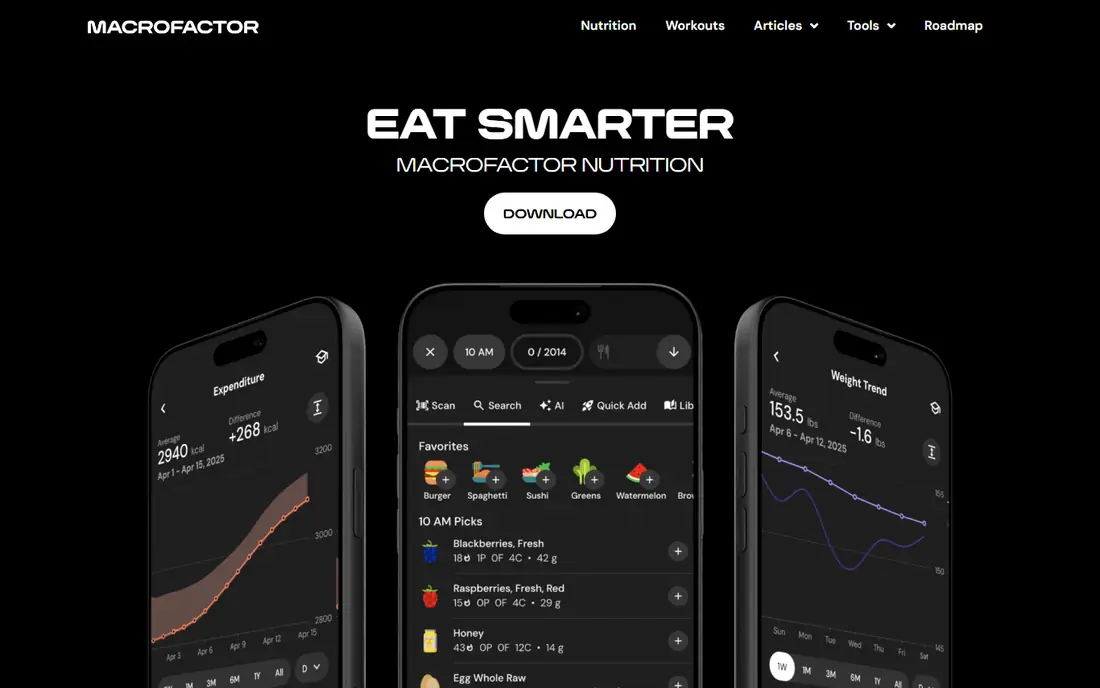
MacroFactor works differently from a standard diary. Instead of fixing your calories on day one, it estimates your energy expenditure from your weight trend and logged intake, then adjusts calorie and macro targets over time. That adaptive approach suits lifters and athletes running structured cuts or bulks, where a static target often stops working after a few weeks. The app supports manual targets too, for users who prefer full control, and it handles protein, carbohydrate and fat goals by grams.
The commitment is real. MacroFactor costs $71.99 per year or $11.99 per month, with a 7-day trial and no free tier, so casual users get little value before paying. It also depends on consistent logging, since gaps in data weaken the expenditure estimate. Users who log most meals and train regularly tend to get the most from it. Users who want a free app for occasional tracking should choose Cronometer or MyNetDiary instead.
What we like- Targets adapt from your logged weight and intake trend
- Strong for cuts and bulks
- Detailed expenditure estimates
Watch out for- No free tier, only a 7-day trial
- Requires consistent logging to work well
- Less useful for casual trackers
Starting priceSee website
Free planYes

Yazio is a European-born tracker that has grown into a solid global option, with a clean diary, fasting timer, recipe library and activity tracking. The free tier covers basic calorie and macro logging, which is enough for many users. Pro adds detailed nutrient analysis, meal plans, fasting plans and an ad-free experience, and annual Pro offers in recent reporting sit near $40 per year, though the price shown can vary by platform and promotion, so confirm it before paying.
US users should check the food database first. Yazio covers major brands well, but its depth for US restaurant items and niche products trails MyFitnessPal. Recipe and meal-plan content is a strength for users who want ideas, not just a blank diary. For a budget tracker with a polished look and fasting tools built in, Yazio is worth a trial. For a US user who eats out often, a larger-database app may log faster.
What we like- Clean interface
- Fasting tracking and recipes
- Good value on annual Pro offers
Watch out for- Food database smaller in the US than rivals
- Some features vary by region
- Pro price varies by offer
Starting priceSee website
Free planYes

Lifesum suits users who want guidance alongside tracking, rather than a bare diary. The app offers plans for styles such as Mediterranean, high-protein and low-carb eating, plus recipes and a visual diary that feels less clinical than Cronometer. Free tracking covers calories and basic macros, while Premium, listed near $44.99 per year in some 2026 reporting, adds detailed nutrients, meal plans, fasting tracking and diet-specific guidance. Check the current price in the app store, since offers vary.
The tradeoff is depth. Lifesum logs everyday foods well, but its database and nutrient detail do not match Cronometer, and its macro customization is less flexible than MacroFactor. Users who already know their targets may find the guided plans unnecessary. Users who struggle with what to eat, not just how much, may value Lifesum's plans and recipes enough to justify Premium. Start free, test the database with your usual meals, and upgrade only if the plans help.
What we like- Polished design
- Diet plans for common eating styles
- Recipe and meal ideas
Watch out for- Database less deep than MyFitnessPal
- Detailed tracking features sit behind Premium
- Premium price varies by offer
Starting price$39.99 per year
Free planYes
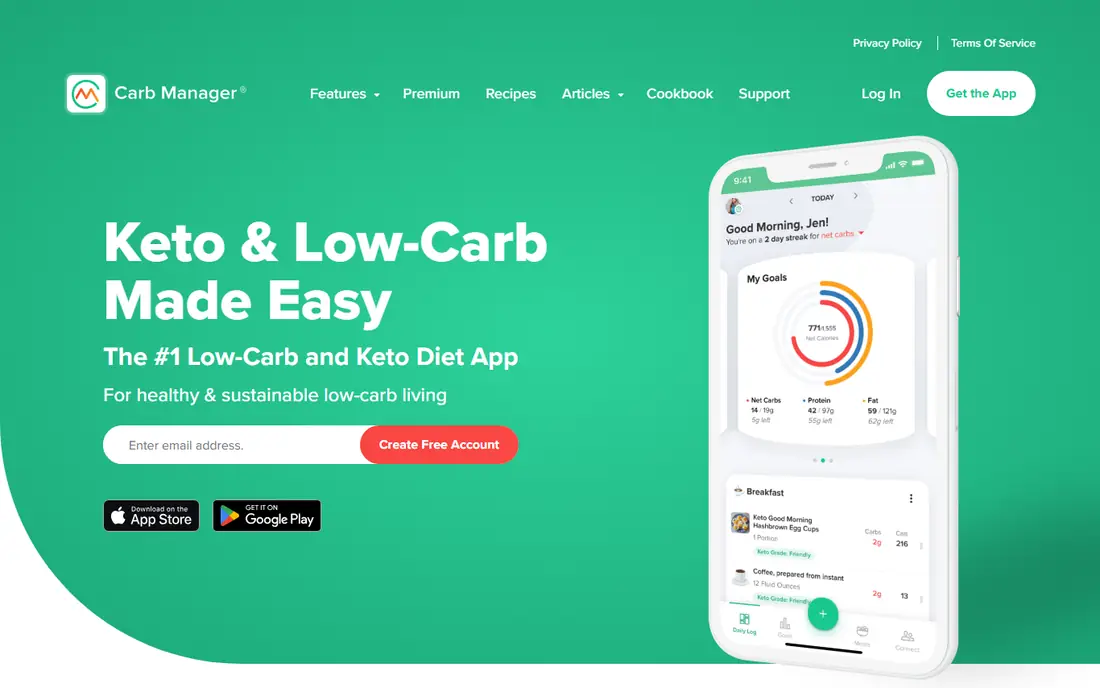
Carb Manager is the clear pick for low-carb and keto eaters, because net carbs, keto ratios and glucose-related tracking sit at the center of the app, not as an afterthought. The free tier includes macro targets by grams, barcode scanning without third-party ads, and a large set of keto recipes. Premium, at $39.99 per year in recent reporting, adds per-meal and day-of-week targets, advanced reports, meal plans and fasting tools.
General eaters may find the keto focus distracting, since the interface emphasizes net carbs and ketone-related features that other diets do not need. The food database, while good for low-carb products, is smaller than MyFitnessPal for general foods. For a keto or low-carb user, Carb Manager removes the manual net-carb math that general apps require. For a balanced-diet user, Cronometer or MyNetDiary will feel more neutral.
What we like- Net carb tracking built in
- Keto and low-carb recipes
- Macro targets by grams free
Watch out for- Less suited to non-keto diets
- Some features gated behind Premium
- Database smaller than general trackers
Starting price$59.99 per year
Free planYes
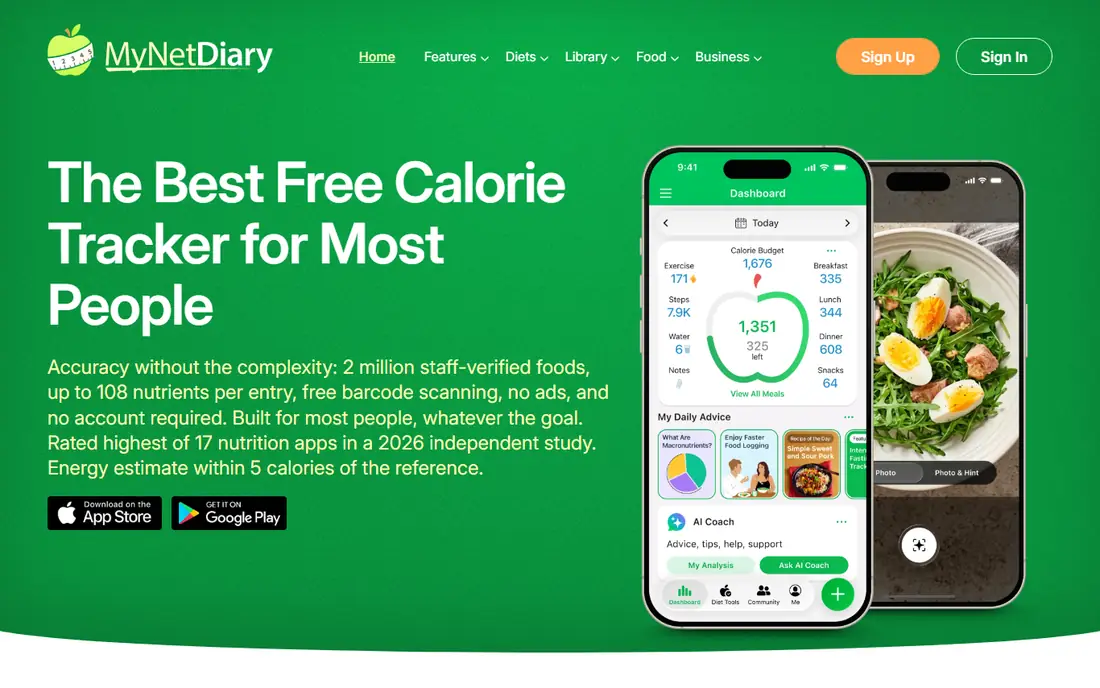
MyNetDiary earns its place as the best free replacement for users leaving MyFitnessPal Premium. The free tier includes barcode scanning, macro tracking by grams or percentages, and a diary with no ads, which is rare among free trackers. Premium, at $59.99 per year, adds advanced plans and analysis, while Premium Plus, at $99.99 per year, adds more coaching and AI tools. In a January 2026 logging speed comparison cited by the vendor, MyNetDiary needed fewer actions than rivals to log the same set of foods, which matches its reputation for fast entry.
Brand and community are smaller than MyFitnessPal, so finding an obscure restaurant item can take an extra step, and social features are less active. The interface is also more utilitarian than Lifesum or Yazio. For a user who wants free barcode scanning, free gram targets and a fast diary without paying, MyNetDiary is the strongest free option in this guide. For a user who wants the largest community and database, MyFitnessPal still wins on breadth.
What we like- Free macro tracking by grams or percentages
- Free barcode scanning
- Fast logging in independent speed tests
Watch out for- Smaller brand recognition than MyFitnessPal
- Advanced AI tools are paid
- Premium Plus costs $99.99 per year
Starting price$19.99 per year
Free planYes
FatSecret is the budget pick for users who want basic tracking without a large subscription. The free tier covers food, exercise and weight logging, with a community journal and challenges for motivation. Premium Plus, at $19.99 per year in recent reporting, adds an ad-free experience and extra features, making it the cheapest paid tier in this guide by a wide margin. For a user who only needs calories, macros and weight trends, that price is hard to beat.
The experience is less polished than newer rivals. The interface feels dated, database entries vary in accuracy, and integrations with wearables and other health apps are narrower than MyFitnessPal or Cronometer. Users who rely on a specific tracker or scale should check compatibility first. For a simple, low-cost diary, especially for a user testing whether tracking helps at all, FatSecret is a sensible low-risk choice.
What we like- Very low Premium Plus price
- Free basic tracking
- Community and journal features
Watch out for- Interface feels dated
- Database accuracy varies
- Fewer integrations than larger rivals
How we chose
We compared food database breadth, free versus paid logging features, macro customization, nutrient depth, device integrations and recent 2026 pricing reporting for each app. We favored apps that let a user log a normal day without paying, and that state clearly which features sit behind a subscription. We did not rank by claimed accuracy alone, since database accuracy varies by food type and portion method, and a food scale matters more than any single app claim. Prices can vary by app store, region and offer, so confirm the price shown at signup before subscribing. If you have a medical condition, an eating disorder history or a specific dietary requirement, talk to a clinician or dietitian before changing your intake.
Choosing by your eating style
Match the app to how you eat, not to the longest feature list. Beginners should start with Lose It or MyNetDiary, since both offer a clear budget and free barcode scanning in the case of MyNetDiary. Lifters and athletes cutting or bulking should consider MacroFactor for adaptive targets or Cronometer for nutrient depth. Keto and low-carb eaters should start with Carb Manager, while users who want meal ideas should test Lifesum or Yazio free first.
Logging habits that beat app switching
Log consistently for at least two weeks before judging an app, since the first week always feels slow. Use a food scale for calorie-dense foods such as oils, nuts, cheese and meat, where eyeballing portions causes the largest errors. Save frequent meals and recipes, since re-logging the same breakfast daily is the fastest way to cut logging time. If you miss a day, log the next day normally rather than trying to reconstruct every bite, since a gap hurts motivation more than it hurts the weekly average.
Free, premium and when to upgrade
Start free everywhere it is offered, and upgrade only for a feature you have actually missed. Barcode scanning, gram-level macros and photo logging are the most common reasons to pay, and several apps offer those free. Annual billing saves money on most premium plans, but only for an app you have used daily for at least a month. If you stop logging, cancel promptly, since a paid tracker you do not open is the most expensive kind of health app.
Frequently asked questions
What is the best free calorie counter app?
MyNetDiary and Cronometer offer the strongest free tiers, since both include barcode scanning and gram-level macro targets without paying. Lose It and FatSecret also offer useful free tracking, but barcode and photo logging sit behind their paid tiers in some cases. Test two free apps with your usual meals for a week, then keep the one that logs fastest for you.
Do calorie counter apps really work for weight loss?
Tracking can help weight loss by making intake visible and by revealing patterns, such as large portions or frequent snacks, that are easy to miss. Apps do not cause weight loss by themselves, and results depend on consistent logging, realistic targets and activity. If tracking triggers anxiety or restrictive eating, stop and talk to a clinician, since tracking is not suitable for everyone.
How accurate are calorie counts in these apps?
Accuracy varies by food and method. Verified entries and barcode scans tend to be closer than crowd-sourced entries, and weighed portions beat estimated portions. Even a good app can be off by a meaningful margin for restaurant meals and mixed dishes. Use trends over weeks, not a single day, to judge progress, and use a food scale for foods where small portion errors carry many calories.
Which app is best for tracking macros, not just calories?
Cronometer and MyNetDiary offer the best free macro tracking by grams, while MacroFactor offers the best adaptive macro coaching for lifters. Carb Manager is best for keto macro tracking, since net carbs sit at the center of the app. MyFitnessPal and Lose It offer strong macro tracking too, but gram-level and per-meal targets often require Premium.
Can I track calories without paying?
Yes. Several apps in this guide offer free calorie and macro tracking, including MyNetDiary, Cronometer, Lose It, Carb Manager, Yazio, Lifesum and FatSecret. Free tiers usually include ads or limit advanced features such as photo logging, detailed nutrient reports and meal plans. For basic calorie tracking, a free tier is often enough, and paying mainly buys speed and detail.
Is it safe to follow the calorie target an app gives me?
App targets are estimates based on age, height, weight, activity and a goal you enter, and they can be too low for some people, especially athletes, teenagers, pregnant users and people with medical conditions. Treat the target as a starting point, watch energy, hunger and health markers, and talk to a clinician or dietitian before following a large deficit. This is general information only and is not medical advice.
Sources we checked (11)
- https://www.myfitnesspal.com
- https://www.loseit.com
- https://www.cronometer.com
- https://www.macrofactor.com
- https://www.yazio.com
- https://www.lifesum.com
- https://www.carbmanager.com
- https://www.mynetdiary.com
- https://www.fatsecret.com
- https://www.mynetdiary.com/best-macro-tracking-apps.html
- https://calorietrackerlab.com/bestof/best-calorie-counter-app-2026-9-apps-compared-by-accuracy/
Is your product missing or out of date?
We review this list regularly. Vendors can request a listing, send updated pricing or ask about featured placement.

Shihab Mia · Founder, Rankite
Shihab has 5+ years in B2B and SaaS SEO. He writes Rankite's software buying guides from pricing pages, documentation and public user reviews. More about Shihab.