How we make this list: we compare pricing pages, product documentation and public user reviews. Ratings come from G2, Capterra or Trustpilot, with the date we checked them.
Key takeaways
- No caller ID app blocks every spam call, since spoofed numbers change constantly and legitimate numbers can be mislabeled.
- Truecaller is strongest for naming unknown numbers, while Hiya is strongest for quiet blocking without uploading your contacts.
- Paid plans mainly add screening, faster spam updates and ad removal, not a completely different database.
- Android users get more real time identification than iPhone users, due to platform limits on call handling.
- Keep your carrier spam filter on as well, since app and carrier layers together catch more calls than either alone.
Quick comparison
| Tool | Best for | Starting price | Free plan |
|---|
 Truecaller Truecaller | Naming unknown numbers | $9.99 per user/month | Yes |
 Hiya Hiya | Blocking spam without contact upload | $3.99 per user/month | Yes |
 RoboKiller RoboKiller | Aggressive robocall blocking | $4.99 per user/month | Free trial |
 YouMail YouMail | Voicemail plus spam protection | See website | Yes |
 Whoscall Whoscall | Lookup for international numbers | See website | Yes |
 CallApp CallApp | Caller ID with call recording options | See website | Yes |
 Should I Answer Should I Answer | Privacy focused free blocking | $0 per user/month | Yes |
 Nomorobo Nomorobo | Simple robocall and robotext blocking | See website | Free trial |
Is your product missing or out of date?
We review this list regularly. Vendors can request a listing, send updated pricing or ask about featured placement.
The best caller id apps
Starting price$9.99 per user/month
Free planYes
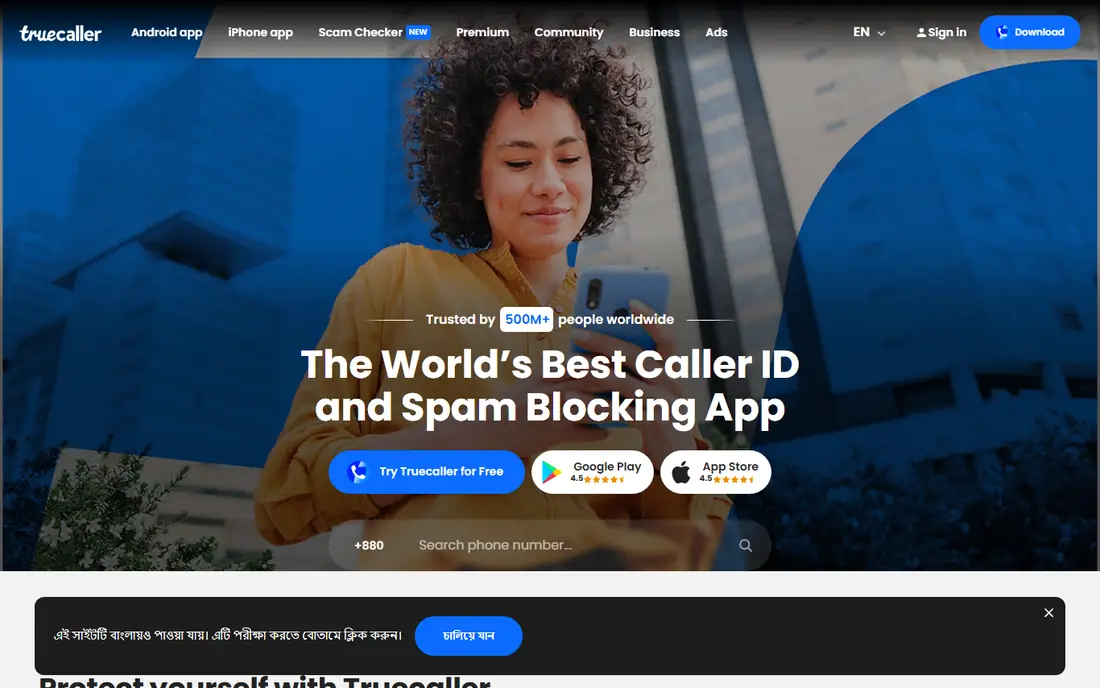
Truecaller is the best pick when your main problem is an unknown number and you want a name before you decide to answer. Its database draws on community reports and user contributed data, which gives it broad coverage, including many international numbers. On Android, identification appears in real time. After a missed call, you can search the number to see reports and decide whether to call back.
Privacy is the trade-off to weigh. Truecaller has faced questions about contact data, so read the privacy settings and decide whether to allow contact access. The free version shows ads, and Premium removes ads while adding profile view alerts, advanced blocking and an assistant that can screen calls in supported regions. Premium is listed at 9.99 dollars a month or 74.99 dollars a year. If you mainly want a name on a number, start free and only pay if ads or screening matter to you.
What we like- A very large number database
- Real time caller ID on Android
- Number search after a missed call
Watch out for- Free version shows ads
- Contact upload raises privacy questions for some users
- IPhone identification is more limited
Starting price$3.99 per user/month
Free planYes
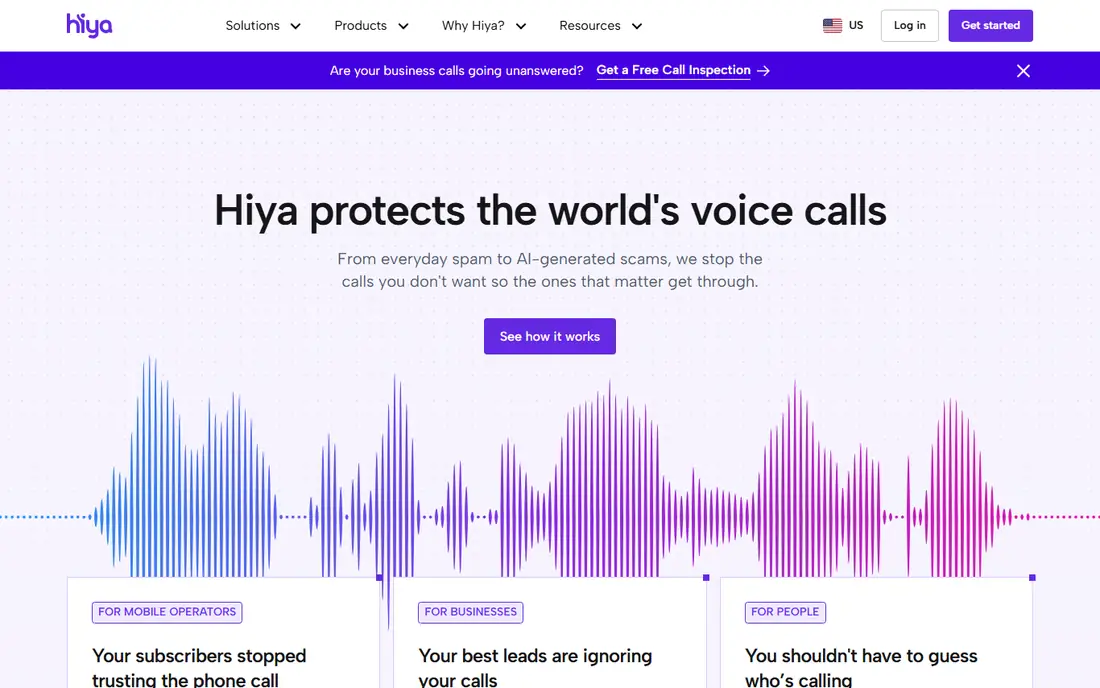
Hiya takes a different approach from Truecaller. It focuses on number reputation and blocking, and it does not need to upload your contacts to do that job. The free plan blocks spam and fraud calls and updates its spam list daily, which is enough for many users who simply want fewer interruptions. The interface stays out of the way, and calls that should get through, such as from a clinic or school, can be allowed explicitly.
Premium adds a larger offline database, more frequent spam updates, more lookups, and call screening with voice and fraud warnings. The App Store listing reviewed here puts Premium at 3.99 dollars a month, 9.99 dollars a quarter, or 24.99 dollars a year, with some screening features limited to the US and Canada. If privacy and quiet blocking matter more than a social directory, Hiya is the better fit.
What we like- Spam and fraud blocking without needing your contacts
- Daily spam list updates on the free plan
- A quiet, simple interface
Watch out for- Weaker at naming legitimate callers than Truecaller
- Screening features sit on the paid plan
- Some features are limited to the US and Canada
Starting price$4.99 per user/month
Free planFree trial
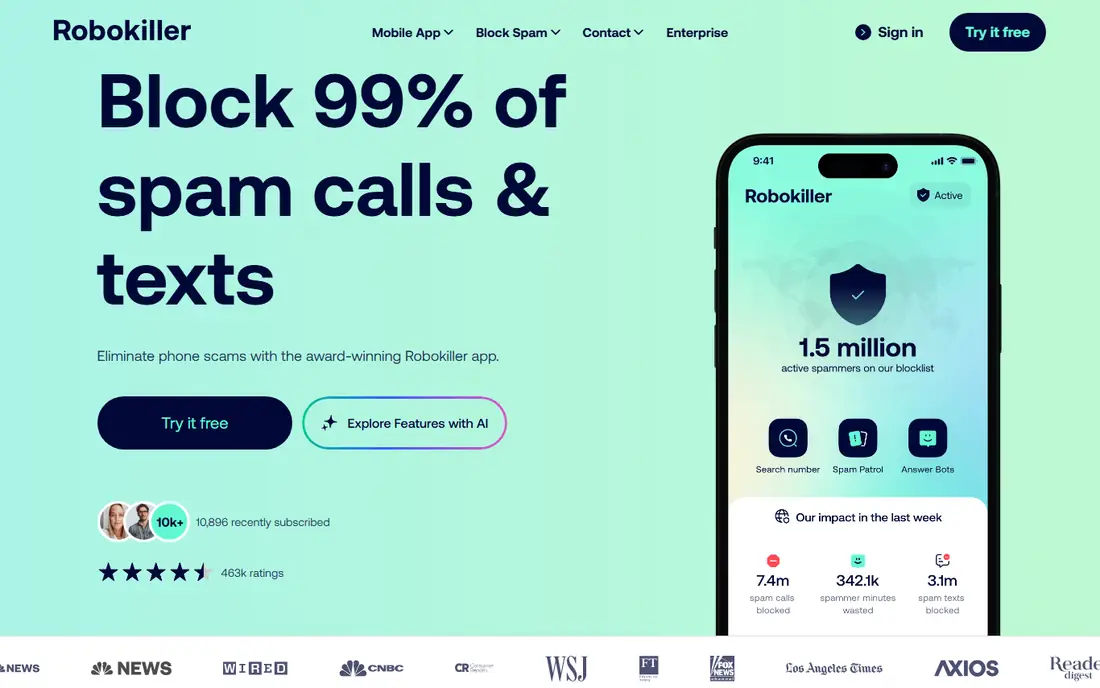
RoboKiller is built for people who get a lot of robocalls and want a stronger response than simple blocking. Its answer bots answer suspected spam calls with recorded responses, which keeps scammers on the line and away from real people. Audio fingerprinting helps catch spoofed calls that a number list alone might miss. Spam text blocking is included, which matters as robotexts grow.
There is no permanent free plan, so you need a trial or subscription to use it. Pricing starts around 4.99 dollars a month, with annual options that change over time, so check the current price in the app before you pay. False positives can happen, so review blocked calls during the trial and allow any legitimate numbers that were caught. If robocalls are a daily problem, RoboKiller is worth the trial. If you get only a few spam calls a week, a free app may be enough.
What we like- Answer bots that waste scammer time
- Audio based spam detection
- Spam text blocking as well as calls
Watch out for- No permanent free plan
- Higher price than free rivals
- Occasional false positives on legitimate calls
Starting priceSee website
Free planYes
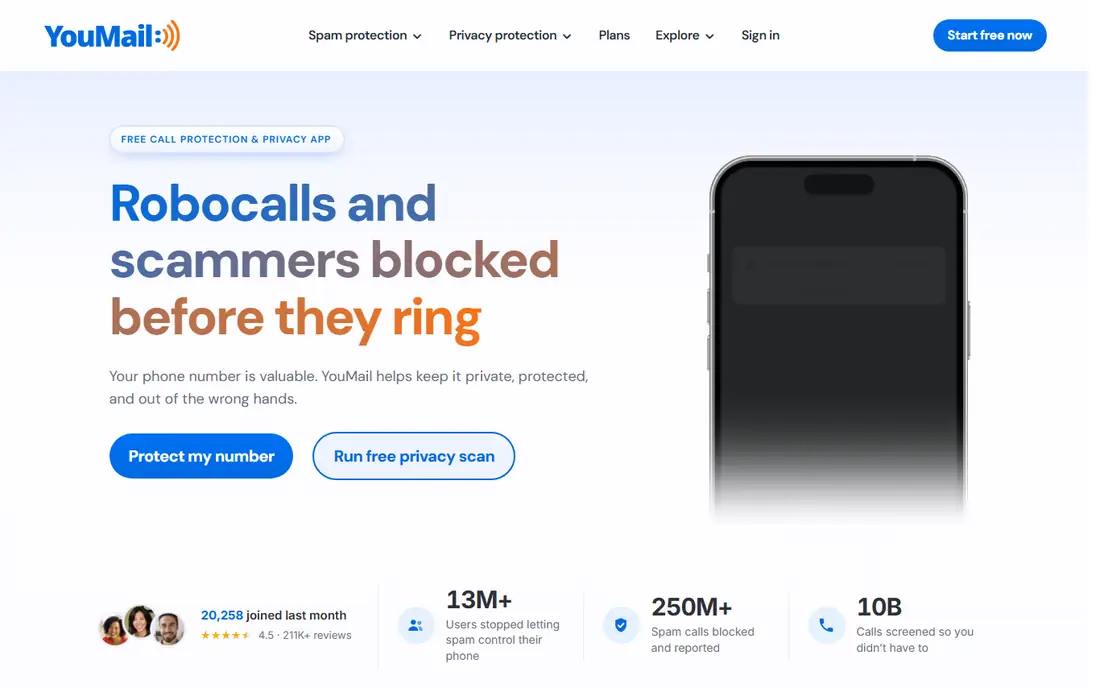
YouMail combines voicemail and spam protection, which suits people who let unknown calls go to voicemail and then decide from the transcript. Visual voicemail shows messages in a list, transcripts help you scan them quickly, and custom greetings let you set different messages for different callers. Spam blocking sits alongside those features, so a known spam number can be handled before it reaches your inbox.
Setup is the part to check. YouMail needs changes to your carrier voicemail settings, and the exact steps vary by carrier. Some advanced features sit on paid plans, so the free plan is best seen as a trial of the core idea. If you already use visual voicemail from your carrier, compare the transcript quality and spam tools before switching. If you miss many calls and hate listening to voicemail one by one, YouMail can save real time.
What we like- Visual voicemail with transcripts
- Spam blocking and custom greetings
- A useful fit for people who miss many calls
Watch out for- Voicemail features vary by carrier and phone
- Paid plans needed for full features
- Setup needs carrier voicemail changes
Starting priceSee website
Free planYes
Whoscall is worth a look if you receive calls from international numbers, or if you have contacts in Asia where its database is particularly strong. The free plan covers basic caller ID and spam blocking, while paid plans add offline lookups, which help when you have no data connection. Number search after a call is straightforward, and community reports help flag new spam numbers.
In the US, Whoscall is a solid alternative rather than the clear leader. Truecaller and Hiya have stronger US focused screening and carrier ties, so compare identification results for numbers you actually receive. Pricing is shown mainly inside the app and varies by region, so check the current plan before you pay. Choose Whoscall if international coverage matters to you, or if you want a second lookup tool alongside your main blocker.
What we like- A large database with strong coverage in Asia
- Offline lookup on paid plans
- Basic ID and spam blocking free
Watch out for- Database strength varies by region
- Paid pricing is shown mainly in app
- Fewer US focused screening features
Starting priceSee website
Free planYes
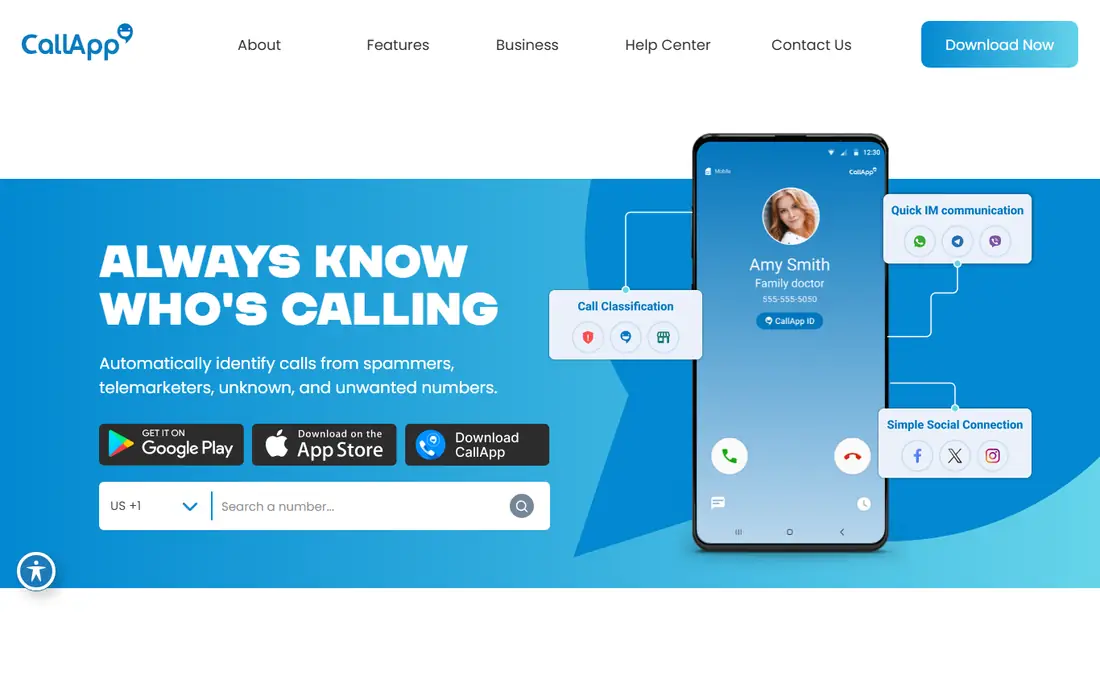
CallApp mixes caller ID with phone customization, including call recording, video ringtones and deeper blocklist controls on paid plans. For a user who wants one app to handle identification, recording and contact display, that bundle can be convenient. The free plan covers basic ID and blocking, so you can test identification quality before paying.
Call recording needs care. Laws vary by state and country, and some places require all parties to consent. Check the rules where you live and where the other person is located before you record. Pricing is not consistently published on the web, so check in the app and compare against a simpler blocker. Pick CallApp if recording and customization matter to you. Pick a simpler app if you only want spam blocking.
What we like- Caller ID plus spam blocking
- Call recording where legally allowed
- Custom ringtones and contact tools
Watch out for- Paid pricing is not consistently published
- Recording laws vary by state
- The app includes more features than a pure blocker needs
Starting price$0 per user/month
Free planYes
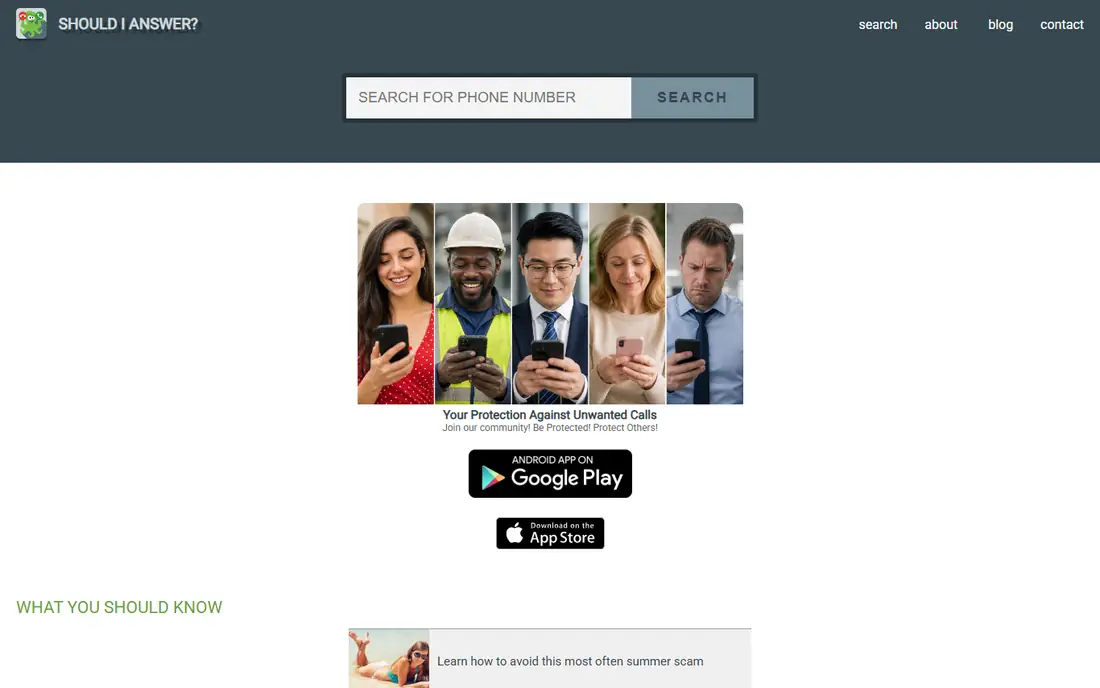
Should I Answer is the privacy first, free option on this list. It blocks calls based on community ratings and your own blocklist, without building a social directory around your contacts. The core app is free, which makes it easy to recommend to family members who do not want a subscription. The interface is simple, with a focus on answering one question: should this call ring or not.
The database is smaller than Truecaller or Hiya, so a new or rare spam number may slip through. There is also no paid assistant to screen calls for you, so you handle unknown numbers yourself. That trade-off is acceptable for many users, especially when combined with a carrier filter. If privacy and zero cost matter most, start here. If you need the largest database, use it alongside a larger app or choose Truecaller instead.
What we like- Free with no subscription for core features
- A privacy focused design
- Community ratings for numbers
Watch out for- Smaller database than large rivals
- A simpler interface with fewer extras
- No paid screening assistant
Starting priceSee website
Free planFree trial
Nomorobo keeps the job simple: identify robocalls and robotexts, then block or label them. Setup is short, and the app has been in this category for years. For a user who wants a set and forget blocker without a social directory or assistant, that simplicity is appealing. It also handles robotexts, which many call only blockers ignore.
The limit is that a robocall may ring once before Nomorobo intercepts it, due to how phone systems handle simultaneous ringing. Pricing has changed over time, with past listings at 1.99 dollars a month and more recent listings higher, so check the current price before you subscribe. A trial lets you test how many calls it catches on your number. If simplicity matters and you accept a trial first, Nomorobo is a practical pick.
What we like- Simple setup
- Blocks robocalls and robotexts
- A long track record in spam blocking
Watch out for- No permanent free plan
- A phone may ring once before a robocall is stopped
- Pricing has changed over time
How we chose
We compared pricing pages, app store listings, product documentation and public reviews on G2, Capterra and Reddit, along with each app identification method, blocking approach and platform limits. We looked for tools that serve US phone users on iPhone and Android, offer a free plan or trial, and publish enough pricing detail to compare. Company size fit was less relevant here than phone fit, since most buyers are individuals, so we weighed database coverage, privacy approach and screening features more heavily. We listed prices as See website where app store and vendor listings disagreed or did not give a clear current figure.
How to set up caller ID without missing important calls
Install one main blocker first, not three at once. Multiple blockers can conflict, duplicate warnings, or block each other settings. After install, follow the phone setup steps carefully, especially on iPhone, where you must enable the app under call blocking and identification settings. On Android, set the app as the default phone app only if you want its full screening features.
Build your allow list early
Add numbers that must always ring: your doctor, pharmacy, school, bank, workplace and family. Most apps let you allow a number even if it looks like spam, and that step prevents a missed appointment or a blocked delivery call. Review blocked calls during the first two weeks, and allow any legitimate numbers that were caught. That review is the difference between a quiet phone and a phone that hides important calls.
Use carrier tools alongside the app
Turn on your carrier spam filter as well, whether that is AT and T Call Protect, T-Mobile Scam Shield, Verizon Call Filter, or a similar tool. The carrier sees network level signals that an app cannot, and the app sees community reports that the carrier may not. Add your number to the National Do Not Call Registry too, since it is free and cuts legal sales calls, even though it will not stop scammers who ignore the law.
Treat unknown calls with a simple rule
Let unknown numbers go to voicemail when you are unsure, then check the transcript or search the number before calling back. Never call back a missed number that claims to be your bank or a government agency. Dial the number on your card or official website instead. That single habit protects you more than any app, since no blocker can catch every spoofed call.
Frequently asked questions
What is the best free caller ID app?
Hiya and Should I Answer offer the strongest free plans, with Hiya better for blocking without contact upload and Should I Answer better for privacy focused free use. Truecaller free is also strong on Android, though it shows ads. Test the free plan for two weeks and check how many spam calls it actually stops on your number.
Why do spam calls still get through after I install an app?
Spoofed numbers rotate constantly, and scammers use numbers that look local or legitimate. No database can list every new number in real time, so some calls slip through. Report those numbers in the app, block them manually, and keep your carrier filter on. The goal is far fewer spam calls, not zero.
Is Truecaller safe for my contacts?
Truecaller asks for contact access to build its database and power some features, which raises privacy questions for some users. You can limit permissions and use only identification features, but check the privacy settings after install. If contact upload is a concern, Hiya or Should I Answer are better fits, since they do not rely on that approach in the same way.
Do caller ID apps work on iPhone as well as Android?
They work on both, but Android allows more real time identification and default phone app features. iPhone limits how apps handle live calls, so some features, such as real time naming, may be weaker or sit behind a paid plan. Check the iPhone specific feature list for any app before you pay, rather than assuming Android features carry over.
Should I pay for a caller ID app?
Pay only if the paid features solve a problem you actually have. Screening, faster spam updates, offline databases and ad removal are the usual paid benefits. If the free plan already cuts most spam calls, paying adds little. Use the trial period to measure the difference, and cancel if the paid plan does not reduce interruptions further.
Can a caller ID app stop robotexts too?
Some apps, including RoboKiller and Nomorobo, include spam text blocking alongside call blocking. Others focus mainly on calls and offer only basic message filtering on Android. Check the text blocking feature for your phone platform before you buy, since iPhone message filtering works differently from Android.
Sources we checked (8)
- https://www.truecaller.com/premium
- https://www.hiya.com
- https://www.robokiller.com
- https://www.youmail.com
- https://whoscall.com
- https://www.callapp.com
- https://www.shouldianswer.net
- https://www.nomorobo.com
Is your product missing or out of date?
We review this list regularly. Vendors can request a listing, send updated pricing or ask about featured placement.

Shihab Mia · Founder, Rankite
Shihab has 5+ years in B2B and SaaS SEO. He writes Rankite's software buying guides from pricing pages, documentation and public user reviews. More about Shihab.