How we make this list: we compare pricing pages, product documentation and public user reviews. Ratings come from G2, Capterra or Trustpilot, with the date we checked them.
Key takeaways
- The best call blocker apps in 2026 stop robocalls and scam calls before the phone rings, using reputation databases built from billions of numbers.
- Truecaller catches the most numbers with its huge community database, while Hiya blocks spam without requiring access to your contacts.
- Whoscall works offline, which suits areas with unreliable internet, and Google Call Screen answers unknown callers for Pixel owners.
- Effectiveness varies by carrier and device, since iPhone limits what blocking apps can do compared with Android.
- Start with a free tier for two weeks before paying, and check app permissions carefully, since a call app should never need more access than caller identification requires.
Quick comparison
| Tool | Best for | Starting price | Free plan |
|---|
 Truecaller Truecaller | Largest spam number database | Free | Yes |
 Hiya Hiya | Spam blocking without contact upload | Free | Yes |
 Whoscall Whoscall | Offline caller identification | Free | Yes |
 RoboKiller RoboKiller | Aggressive robocall blocking | See website | Free trial |
 YouMail YouMail | Voicemail plus spam blocking | Free | Yes |
 CallApp CallApp | Caller ID plus call recording | Free | Yes |
 Nomorobo Nomorobo | Simple landline and mobile blocking | See website | Free trial |
 Google Phone Google Phone | Free screening on Pixel phones | Free | Yes |
Is your product missing or out of date?
We review this list regularly. Vendors can request a listing, send updated pricing or ask about featured placement.
The best call blocker app
Starting priceFree
Free planYes
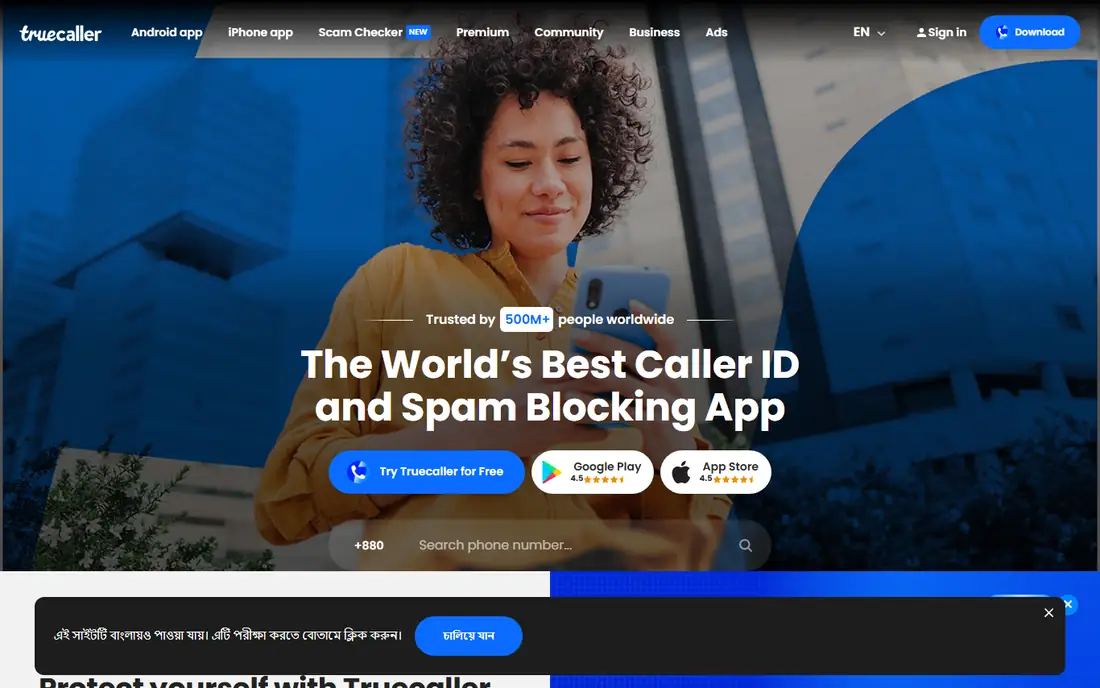
Truecaller is the biggest caller ID app in the world, with a database of 5.7 billion numbers drawn from community reports, public sources, and user contacts. That scale means it catches more robocall numbers than smaller rivals, and it pairs spam blocking with caller ID, SMS filtering, and a dialer. For high volume robocalls, its database catches the most numbers.
The trade is privacy and ads. Truecaller builds its directory partly from contact uploads, and its free version carries ads, with premium prices varying by platform and store, from about $4.99 to $10.99 per month in different sources. Users who value identification above all will accept that trade, while privacy focused users should look at Hiya first.
What we like- Database of 5.7 billion numbers
- Community reporting keeps data fresh
- Caller ID plus SMS filtering
Watch out for- Builds its directory partly from user contacts
- Free version carries ads
- Premium price varies by platform
Starting priceFree
Free planYes
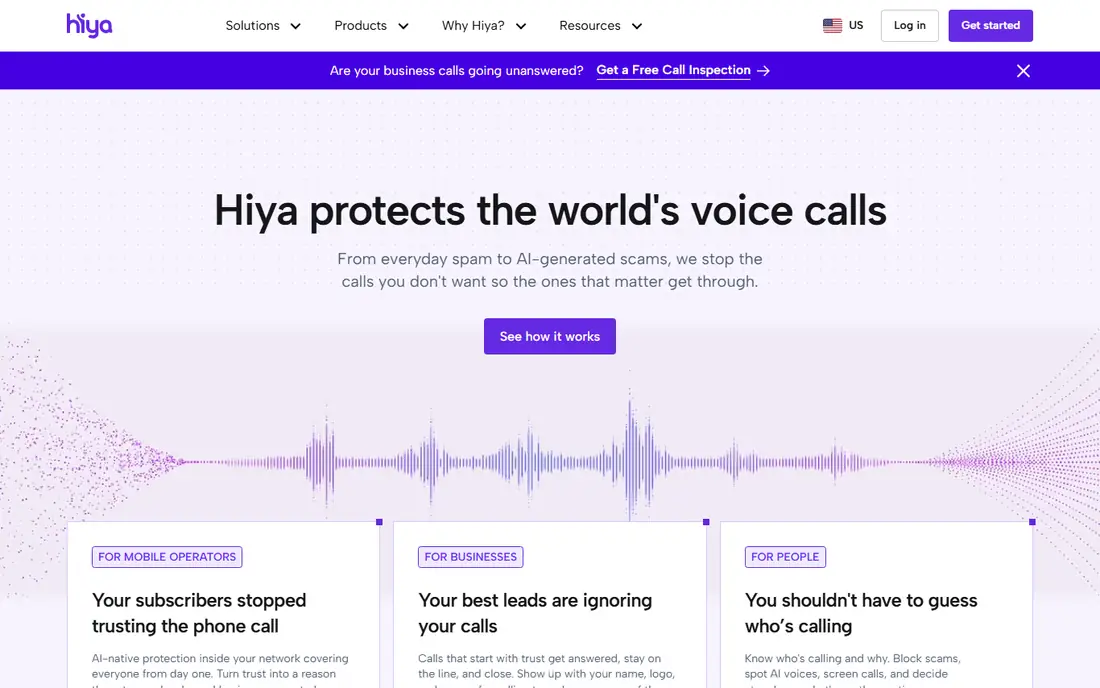
Hiya is the quiet professional of this category. Instead of building a social directory from contacts, it leans on number reputation: it warns about or blocks calls its database flags as spam or fraud, and on Android it can act as the default phone app so blocking happens the moment a call arrives. The free tier is unusually strong, with daily spam list updates and blocking that works without handing over a contact list.
The limits are identification depth and premium gating. Hiya is weaker at naming who a legitimate unknown caller is, and its call screener and offline database sit behind premium, priced around $3.99 per month on some stores. For a privacy conscious user who wants strong spam blocking, Hiya is the best pick.
What we like- Blocks spam without requiring contact access
- Strong free tier
- Carrier partnerships keep data fresh
Watch out for- Weaker at naming legitimate unknown callers
- Best features sit behind premium
- Premium packaging differs by platform
Starting priceFree
Free planYes
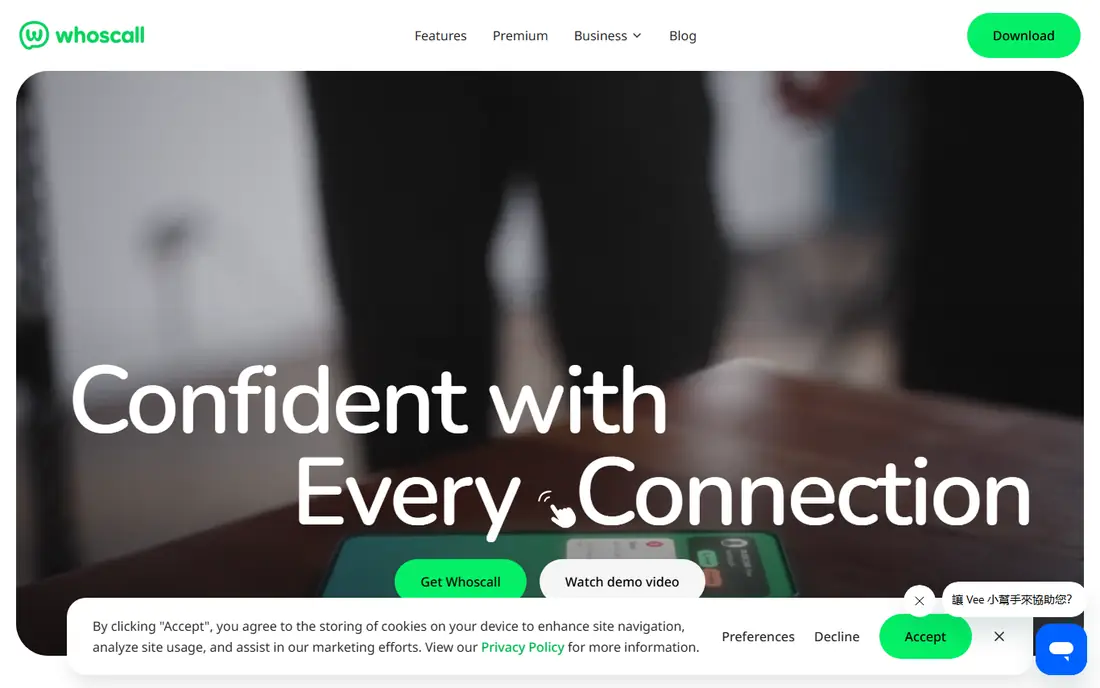
Whoscall stands out for one reason: it works offline. The app downloads a local database to the phone, so it can identify spam callers even without a data connection, which suits spotty coverage or international travel. Its database covers over 1 billion numbers from tens of millions of downloads worldwide, and it still flags known spam numbers in airplane mode.
The trade is database size and updates. Its database is smaller than Truecaller, and offline data needs regular updates to stay useful. Premium at $2.99 per month adds automatic blocking and a more frequently updated offline database. For a user who needs caller ID where internet is unreliable, Whoscall is unique.
What we like- Works offline with a downloaded database
- Over 1 billion numbers
- Premium adds automatic blocking
Watch out for- Database is smaller than Truecaller
- Offline data needs regular updates
- Premium costs $2.99 per month
Starting priceSee website
Free planFree trial
RoboKiller takes an aggressive approach: its answer bots pick up suspected robocalls and waste the caller's time with recorded responses, so scammers learn the number is unprofitable. That tactic, plus a large spam database and spam text filtering, makes it one of the most effective robocall blockers for users tired of constant calls.
The limits are price and platform. RoboKiller offers no free tier beyond a trial, pricing varies by store and plan, and iPhone limits reduce what any blocking app can do compared with Android. For a user drowning in robocalls who will pay to stop them, RoboKiller is worth a trial.
What we like- Answer bots waste scammers time
- Strong robocall blocking
- Spam text filtering included
Watch out for- No free tier beyond a trial
- Pricing is not always public
- IPhone limits reduce effectiveness
Starting priceFree
Free planYes
YouMail combines visual voicemail with spam blocking, which suits users who want one app for missed calls and messages. Its free basic plan blocks robocalls and transcribes voicemail, so a user can read a message from an unknown caller without calling back. Paid plans add more transcription, greetings, and business features.
The trade is setup and upsell. Carrier setup varies, and the best features need a paid plan. For a user who wants voicemail and blocking together without paying at first, YouMail is the most complete free option.
What we like- Free basic plan
- Visual voicemail with transcription
- Robocall blocking built in
Watch out for- Best features need a paid plan
- Carrier setup varies
- Business features cost more
Starting priceFree
Free planYes
CallApp pairs caller ID with call recording and a dialer, backed by a database of over 2 billion numbers. Its spam blocking covers calls and texts, and its recording feature suits users who need a record of business calls. The free tier covers basic identification and blocking.
The limits are privacy and platform. Its privacy posture is weaker than Hiya, since its directory draws on broader data sources, and call recording is Android only in most markets. Premium pricing varies by store. For an Android user who wants identification plus recording, CallApp is a strong free start.
What we like- Database of over 2 billion numbers
- Call recording on Android
- Spam blocking plus dialer
Watch out for- Privacy posture is weaker than Hiya
- Premium price varies
- Some features are Android only
Starting priceSee website
Free planFree trial
Nomorobo is the rare blocker that works on landlines as well as mobiles. It uses simultaneous ring technology to check incoming calls against its spam database and block known robocalls before the phone is answered. That simplicity suits households and small offices that still rely on a landline.
The trade is features and price. Nomorobo offers fewer features than app rivals, no free tier beyond a trial, and pricing varies by plan, so the entry price is "See website" here. For a landline owner, it is the simplest effective option.
What we like- Works on landlines as well as mobiles
- Simple setup
- Simultaneous ring blocking
Watch out for- No free tier beyond a trial
- Fewer features than app rivals
- Pricing varies by plan
Starting priceFree
Free planYes
Google Phone is the free screening tool built into Pixel phones, and it needs no extra app. Call Screen answers unknown callers, asks for a name and reason, and shows a live transcript, so the user decides whether to pick up. Spam warnings appear in the dialer automatically, and carrier level protection on some networks adds another layer.
The limits are device and region. Full Call Screen features need a Pixel phone, screening varies by region, and there is no cross platform database like Truecaller. For a Pixel owner, Google Phone handles the basics free, and a paid app only adds value for extreme spam volumes.
What we like- Free
- Call Screen answers unknown callers
- Spam warnings built into the dialer
- No extra app needed
Watch out for- Full features need a Pixel phone
- Call screening varies by region
- No cross platform database
How we chose
We ranked apps by spam accuracy, database size, privacy posture, offline use, and price. We favored apps with strong free tiers, since blocking should work before a user pays, and we gave extra weight to privacy, because a call app that uploads contacts trades one problem for another. We also weighed platform limits honestly, since iPhone restricts what blocking apps can do compared with Android.
We also weighed real world effectiveness. A database of billions of numbers means little if updates lag, so we favored apps with daily or frequent updates and carrier partnerships. Price figures that varied by store and platform were written as "See website" where sources disagreed, so readers check the current store listing before subscribing.
Buying guide
Start with the free tier for two weeks before paying. Install the app, grant only the permissions it needs for caller identification, and watch whether spam calls drop and whether wanted calls get blocked. A free test reveals more than any review, since spam patterns differ by number and region.
Next, check permissions and privacy settings. An app needs call access to identify callers, but it does not need full contact access to block spam, as Hiya proves. Read the privacy policy, turn off contact upload where offered, and save important numbers first so callbacks from clinics or schools are never screened.
Finally, pair the app with carrier and phone tools. Carrier spam protection, Pixel Call Screen, and Samsung built in blocking all stack with an app, and together they catch more calls than any single layer. Keep one app as the main blocker to avoid conflicts between competing blockers.
Frequently asked questions
What is the best free call blocker app?
Hiya offers the strongest free tier for privacy conscious users, while Truecaller catches more numbers with its larger database. Try both free for two weeks and keep the one that blocks more of your spam.
Do call blocker apps work on iPhone?
Yes, but iPhone limits what blocking apps can do compared with Android, since Apple routes blocking through system extensions. Hiya and Truecaller both work on iPhone, with slightly fewer features than on Android.
Will a call blocker block calls I actually want?
Saved contacts are not screened, so the risk sits with unknown numbers you were waiting for, like a callback from a clinic. Keep the setting on warning labels until you trust the results, and save important numbers first.
Do call blocker apps upload my contacts?
Some do and some do not. Truecaller builds its directory partly from user contacts, while Hiya blocks spam without requiring contact access. Check permissions before installing any call app.
Can I block robocalls on a landline?
Yes. Nomorobo works on landlines using simultaneous ring technology, and many carriers offer their own landline spam blocking. App based blockers like Truecaller and Hiya cover mobiles only.
Sources we checked (0)
Is your product missing or out of date?
We review this list regularly. Vendors can request a listing, send updated pricing or ask about featured placement.

Shihab Mia · Founder, Rankite
Shihab has 5+ years in B2B and SaaS SEO. He writes Rankite's software buying guides from pricing pages, documentation and public user reviews. More about Shihab.