How we make this list: we compare pricing pages, product documentation and public user reviews. Ratings come from G2, Capterra or Trustpilot, with the date we checked them.
Key takeaways
- Google Calendar is the best free starting point, since it syncs with Canvas, works on iPhone and Android, and shares easily for group projects.
- MyStudyLife is the best academic planner, built around rotating class schedules, homework, exams and revision reminders.
- Notion suits students who want notes, assignments and a semester dashboard in one workspace, with Plus free for students.
- Todoist and TickTick suit students who think in tasks and deadlines rather than time blocks.
- You do not need to pay for a calendar app: free options cover almost everything a student needs.
Quick comparison
| Tool | Best for | Starting price | Free plan |
|---|
 Google Calendar Google Calendar | Free schedules that sync everywhere | Free | Yes |
 MyStudyLife MyStudyLife | Academic timetables and exams | Free | Yes |
 Notion Notion | Notes plus semester dashboards | Free | Yes |
 Todoist Todoist | Assignment and task management | See website | Yes |
 TimeTree TimeTree | Shared calendars with friends | Free | Yes |
 TickTick TickTick | Tasks, habits and focus timers | $49.99 per year | Yes |
 Structured Structured | Visual daily study timelines | $6.99 per month | Yes |
 Microsoft Outlook Microsoft Outlook | Outlook-connected campus email | Free | Yes |
Is your product missing or out of date?
We review this list regularly. Vendors can request a listing, send updated pricing or ask about featured placement.
The best calendar apps for college students
Starting priceFree
Free planYes
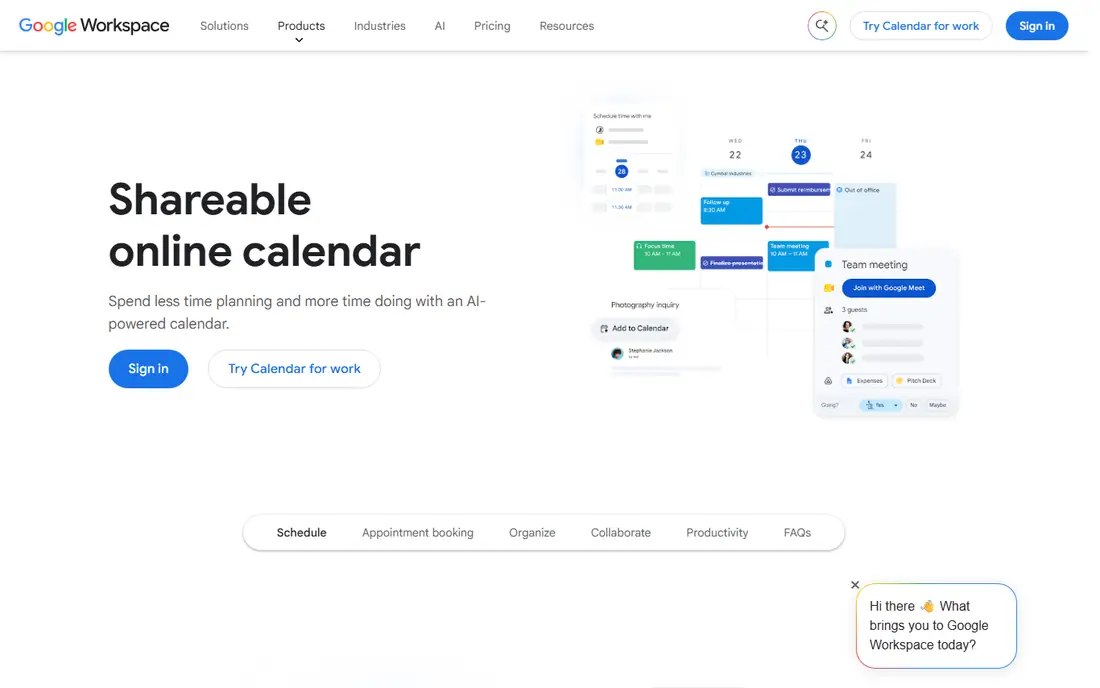
Google Calendar is the default recommendation for most students. It is free, syncs across phone, laptop and tablet when signed into the same account, and shares easily for group projects. Canvas calendar feeds can be added as subscribed calendars, which keeps class deadlines visible beside personal events.
The limits are real: Google Calendar has no built-in concept of subjects, terms or rotating schedules, so students fake academic structure with recurring events and color-coding. The Canvas feed is also read-only and updates on a delay, so it works as a backup rather than the only system for time-sensitive deadlines. For a free, universal starting point, nothing beats it.
What we like- Free
- Syncs with Canvas feeds
- Works on iPhone and Android
Watch out for- No built-in academic structure
- Canvas feed is read-only and delayed
Starting priceFree
Free planYes
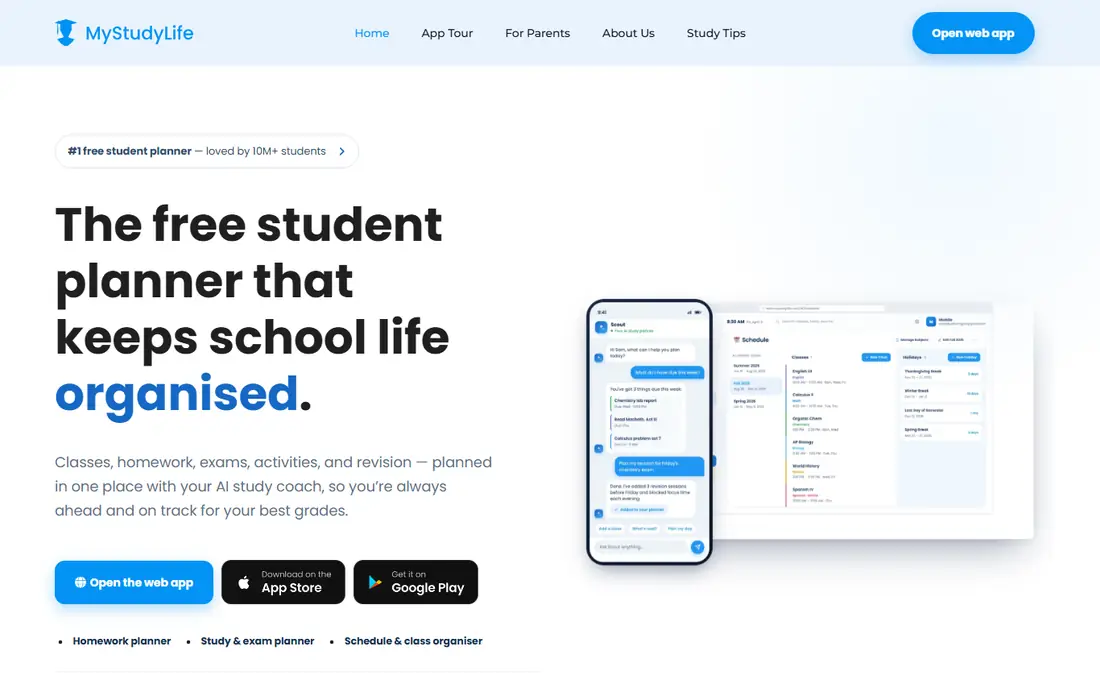
MyStudyLife was designed for students from the ground up, and it shows. It understands rotating and irregular class schedules, tracks homework per subject, reminds students about upcoming exams, and scales revision reminders as exams approach. It works offline with automatic background sync, so schedules stay available without a connection.
The free tier covers core planning, while premium near $4.99 per month adds features like AI schedule scan and subtasking. Canvas sync is also a paid feature, and it reads the timetable rather than the full syllabus. For a planner built around academic life rather than adapted from a work calendar, MyStudyLife is the strongest dedicated pick.
What we like- Rotating schedule support
- Homework, exam and revision task types
- Works offline
Watch out for- Canvas sync is a paid feature
- Interface is plainer than rivals
#3Notion
Best for: Notes plus semester dashboards4.6/5 on
G2 (13,834 reviews, checked Oct 2026)
Visit notion.so
Starting priceFree
Free planYes
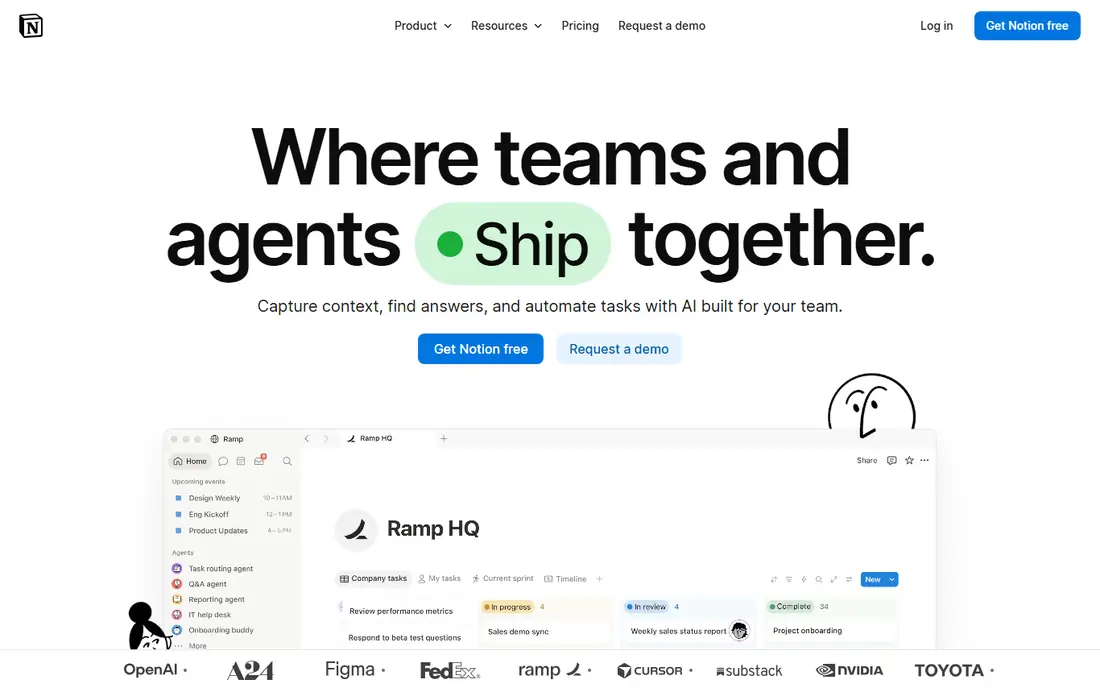
Notion combines a semester calendar, assignment tracker, reading log and class notes into one customizable workspace. Thousands of free student templates exist in the community, real-time collaboration covers group projects, and students get the Plus tier free with an education email. Notion AI can summarize lecture content and generate study guides from personal notes.
The catch is setup time: students often spend the first weekend building a perfect system instead of using it, and by week three the system can demand more upkeep than the studying. There is also no native LMS sync or syllabus parser, so maintenance stays manual. Students who enjoy building systems will love Notion; students who want something ready on day one should pick MyStudyLife or Google Calendar.
What we like- Semester dashboards
- Thousands of free student templates
- Plus free for students
Watch out for- Steep learning curve
- No native LMS sync
- Setup eats a weekend
#4Todoist
Best for: Assignment and task management4.5/5 on
G2 (832 reviews, checked Oct 2026)
Visit todoist.com
Starting priceSee website
Free planYes
Todoist suits students who think in tasks: biology essay due Friday, draft Wednesday, edit Thursday. Natural language dates make entry fast, and sync covers phone, laptop and web. The free plan covers basic lists, though it limits projects and lacks reminders, which matter for time-sensitive deadlines.
Paid plans add reminders, calendar layout and more projects, with pricing that has shifted across 2025 and 2026 guides, so check the current page before budgeting. For assignment tracking pure and simple, Todoist is the cleanest tool here. For time-blocking a study day, Structured or Google Calendar fit better.
What we like- Clean task lists
- Natural language dates
- Cross-platform sync
Watch out for- Free plan limits projects and reminders
- Calendar view is paid
Starting priceFree
Free planYes
TimeTree is built around shared calendars: create a calendar for a study group, a club or a household, and everyone sees the same events. Setup is simple, it works across iPhone and Android, and it suits the social side of student life that solo planners ignore.
Task management is weaker than Todoist or TickTick, and there is no academic structure like MyStudyLife. TimeTree works best as a companion to a personal planner: keep classes and deadlines in Google Calendar or MyStudyLife, and use TimeTree for the calendars shared with other people.
What we like- Shared calendars for groups
- Works on iPhone and Android
- Simple setup
Watch out for- Weaker task management
- No academic structure
#6TickTick
Best for: Tasks, habits and focus timers4.5/5 on
G2 (113 reviews, checked Oct 2026)
Visit ticktick.com
Starting price$49.99 per year
Free planYes
TickTick combines task lists, habit tracking, focus timers and a calendar view in one app. Students can plan assignments, build a daily study habit and run timed focus sessions without switching apps. The free tier covers core use, and premium at $49.99 per year adds full calendar features and more lists.
The interface packs a lot in, which can feel busy beside Todoist minimalism. Students who want one app for tasks, habits and focus will get the most from TickTick. Students who only need a calendar should start with Google Calendar instead.
What we like- Tasks plus habits and timers
- Calendar view
- Good free tier
Watch out for- Interface packs many features
- Premium needed for full calendar use
Starting price$6.99 per month
Free planYes
Structured turns a day into a visible timeline, which helps students who plan by time blocks rather than task lists. Drag study sessions, classes, meals and breaks into a timeline and see the day at a glance. The design is clean, and the free tier covers basic daily planning.
Structured is day-focused rather than semester-focused, so long-term assignment tracking still needs another tool. Premium runs near $6.99 per month or $29.99 per year for full features. For students whose main problem is structuring each study day, Structured is the most visual option here.
What we like- Visual timeline of the day
- Easy time-blocking
- Clean design
Watch out for- Day-focused rather than semester-focused
- Premium near $29.99 per year for full use
#8Microsoft Outlook
Best for: Outlook-connected campus email4.5/5 on
G2 (3,547 reviews, checked Oct 2026)
Visit outlook.live.com
Starting priceFree
Free planYes
Microsoft Outlook suits students whose campus runs on Microsoft 365, since calendar and email live in one place and sharing with classmates uses the same system. It works across iPhone, Android and web, and calendar feeds from Canvas can be added much like Google Calendar.
The experience feels corporate beside student-focused tools, and academic features like rotating schedules and exam tracking are basic. Students already on campus Microsoft accounts get the most value, since the calendar is already there. Students choosing freely should compare Google Calendar first.
What we like- Calendar plus campus email in one place
- Good sharing
- Cross-platform
Watch out for- Feels corporate
- Academic features are basic
How we chose
We compared pricing pages, feature lists and student-focused guides published in October 2026, favoring tools with a real free tier and cross-platform support. Prices shown come from vendor pages and recent guides; where guides conflicted, we wrote See website rather than picking a disputed figure. We weighed academic structure, sharing, task handling, offline use and setup effort, and we left out tools that duplicate another entry without a distinct strength.
Building a system that survives the semester
Pick one calendar of record and put everything in it. Splitting classes across Google Calendar, deadlines across Notion and group events across TimeTree is how things get missed. A workable setup is one main calendar for classes and deadlines, plus one shared calendar per group, with everything else feeding into the main view.
Add the Canvas calendar feed as a backup, but enter time-sensitive deadlines manually, since feeds update on a delay. Set two reminders for major exams: one a week out for revision planning, and one the day before for logistics like room, time and materials. That pair catches both the study problem and the showing-up problem, which are different failures. Review the week every Sunday evening: check upcoming exams, move unfinished tasks, and block study time before the week fills up. Finally, lock down sharing settings before sharing any calendar link for a group project, since a public link can expose more than intended.
When to pay for a planner
Start free, and give the free tier at least three full weeks before judging it. Early-semester enthusiasm makes every new app feel good, while week four reveals whether the system survives real deadlines, group projects and part-time work. If the free tool still covers classes, deadlines and reminders after that test, the paid upgrade mostly buys convenience, not grades.
Start free in practice means resisting the yearly plan discount until the app has earned it through a full exam period. A paid planner should solve a problem the current free tool cannot, such as Canvas sync in MyStudyLife premium or full calendar features in TickTick premium. If the free tool already covers classes, deadlines and reminders, the paid upgrade mostly buys convenience, not grades.
Frequently asked questions
What is the best free calendar app for students?
Google Calendar is the best free general pick, since it is free, cross-platform and syncs with Canvas. MyStudyLife is the better free pick for a calendar built specifically around classes and coursework.
Can I sync my Canvas calendar with Google Calendar?
Yes. In Canvas, open the Calendar and use the Calendar Feed link, then add it as a subscribed calendar in Google, Apple or Outlook. Note it is read-only and updates on a delay, so enter critical deadlines manually too.
Do I need to pay for a calendar app?
No. Free options cover what almost every student needs. Paid apps like Fantastical, near $5 per month, target Apple users who want power features like natural-language entry, which are nice to have rather than necessary.
Which calendar app works on both iPhone and Android?
Google Calendar, Microsoft Outlook, MyStudyLife and TimeTree are all cross-platform. Apple Calendar and Fantastical are Apple-only, so skip those if your study group splits between iPhone and Android.
What about privacy and sharing?
Google and Microsoft calendars tie into broader account ecosystems, which is convenient but means schedules live inside those accounts. MyStudyLife and TimeTree are more self-contained. Always check sharing settings before sharing a calendar link.
Is Notion Plus really free for students?
Yes, students and educators with an education email can get Notion Plus free. The free plan already covers solo student needs, while Plus adds unlimited file uploads and longer version history.
Sources we checked (8)
- https://selfmanager.ai/articles/best-planner-apps-students
- https://thecollegeinvestor.com/42519/best-calendar-apps-for-students/
- https://cal.com/blog/planner-apps-for-students
- https://www.mystudylife.com
- https://www.notion.so
- https://todoist.com
- https://ticktick.com
- https://structured.app
Is your product missing or out of date?
We review this list regularly. Vendors can request a listing, send updated pricing or ask about featured placement.

Shihab Mia · Founder, Rankite
Shihab has 5+ years in B2B and SaaS SEO. He writes Rankite's software buying guides from pricing pages, documentation and public user reviews. More about Shihab.