How we make this list: we compare pricing pages, product documentation and public user reviews. Ratings come from G2, Capterra or Trustpilot, with the date we checked them.
Key takeaways
- College budgets are small and irregular, so the best apps handle part-time paychecks, financial aid refunds, and shared expenses with roommates.
- Free plans from EveryDollar, Goodbudget, Rocket Money, and Splitwise cover most student needs without a subscription.
- YNAB offers a 34-day trial and a free year for students, which makes its paid method worth testing before you pay.
- Mint shut down in March 2024, so older guides recommending it are out of date: every app here is current and available.
Quick comparison
| Tool | Best for | Starting price | Free plan |
|---|
 YNAB YNAB | Learning to budget properly | See website | No |
 Goodbudget Goodbudget | Envelope budgeting | See website | Yes |
 EveryDollar EveryDollar | Simple zero-based budgets | $6.67 per month (billed annually) | Yes |
 Rocket Money Rocket Money | Subscriptions and spending | See website | Yes |
 PocketGuard PocketGuard | Seeing what is safe to spend | See website | Yes |
 Monarch Money Monarch Money | Full account tracking | See website | No |
 Copilot Money Copilot Money | Apple-first money tracking | $7.92 per month (billed annually) | No |
 Splitwise Splitwise | Splitting costs with roommates | See website | Yes |
Is your product missing or out of date?
We review this list regularly. Vendors can request a listing, send updated pricing or ask about featured placement.
The best budgeting apps for college students
#1YNAB
Best for: Learning to budget properly4.5/5 on
G2 (30 reviews, checked Oct 2026)
Visit ynab.com
Starting priceSee website
Free planNo
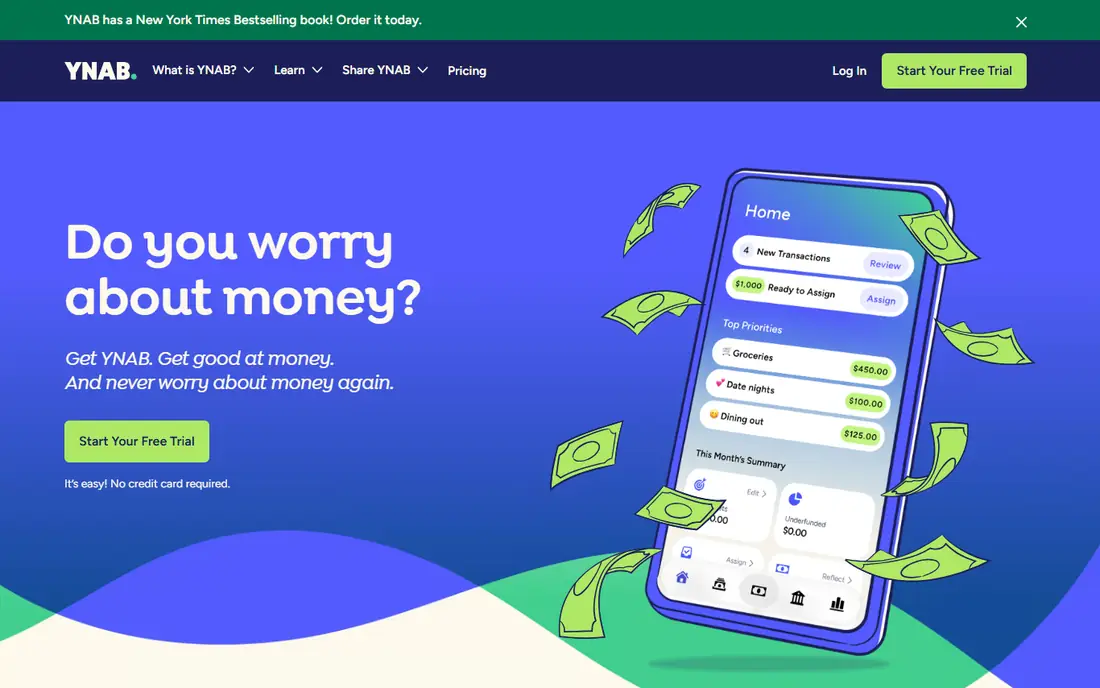
YNAB, short for You Need A Budget, is less an app than a method: give every dollar a job before you spend it, and adjust as life changes. That discipline suits students whose income arrives in bursts from part-time jobs, financial aid, and family support, since the method forces a plan for irregular money. The homepage offers a 34-day free trial with no credit card required, and students get a free year.
The catch is cost after the trial and a learning curve: YNAB takes a few weeks to feel natural, and pricing is not published on the homepage. If you want to actually learn budgeting rather than just watch transactions, YNAB is the best teacher here, and the student year makes it free to try properly.
What we like- Teaches a proven method, not just tracking
- 34-day free trial
- Free for one year for students
- Users report saving $600 in the first month on average
Watch out for- Paid after the trial
- The method takes a few weeks to learn
- Pricing is not on the homepage
Starting priceSee website
Free planYes
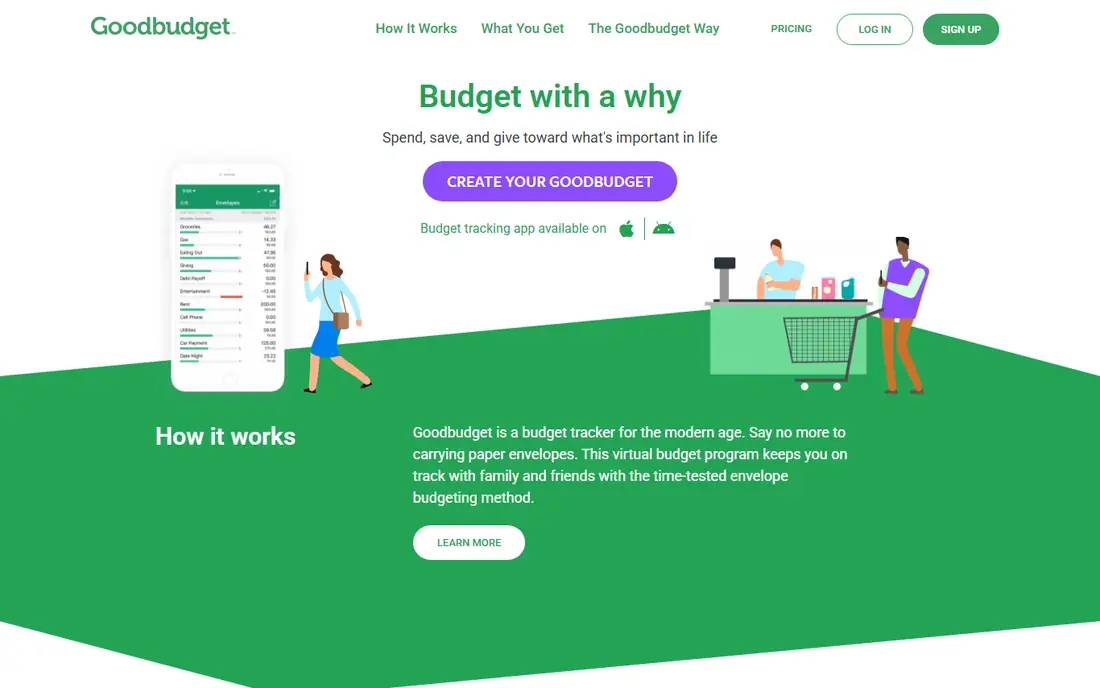
Goodbudget digitizes the envelope method: divide your money into virtual envelopes for rent, food, books, and fun, and spend only what each envelope holds. That hard limit prevents the classic student problem of spending rent money on a weekend trip, and budgets sync and share with family or roommates. The app is available on iPhone, Android, and web.
The free plan requires manual entry, since automatic bank sync is a premium feature, and envelope limits can feel rigid if your spending varies week to week. For students who want simple, visual control without connecting bank accounts, Goodbudget is the gentlest start.
What we like- Simple envelope method that works for irregular income
- Syncs and shares budgets with family or roommates
- Available on iPhone, Android, and web
Watch out for- No automatic bank sync on the free plan
- Envelope limits can feel rigid
- Premium pricing is not on the homepage
Starting price$6.67 per month (billed annually)
Free planYes
EveryDollar, from Ramsey Solutions, is the simplest zero-based budgeting app here: plan where every dollar goes before the month starts, so income minus expenses equals zero. The free version works indefinitely with manual entry, unlimited categories, and sinking funds, while premium adds automatic bank connection, personalized recommendations, and coaching. Premium costs $79.99 per year, or $6.67 per month billed annually, and $17.99 per month when billed monthly, after a 14-day trial.
The free version's manual entry is the main limitation, but for a student with a handful of accounts it takes minutes a week. EveryDollar suits students who want a clean, simple budget without a learning curve, and its household feature helps roommates or couples share one budget.
What we like- Free version works indefinitely with manual entry
- Premium adds bank connect and coaching
- Zero-based method is easy to learn
- Household sharing for couples and roommates
Watch out for- Premium costs $17.99 per month when billed monthly
- Free version needs manual transaction entry
- Reports and exports require premium
Starting priceSee website
Free planYes
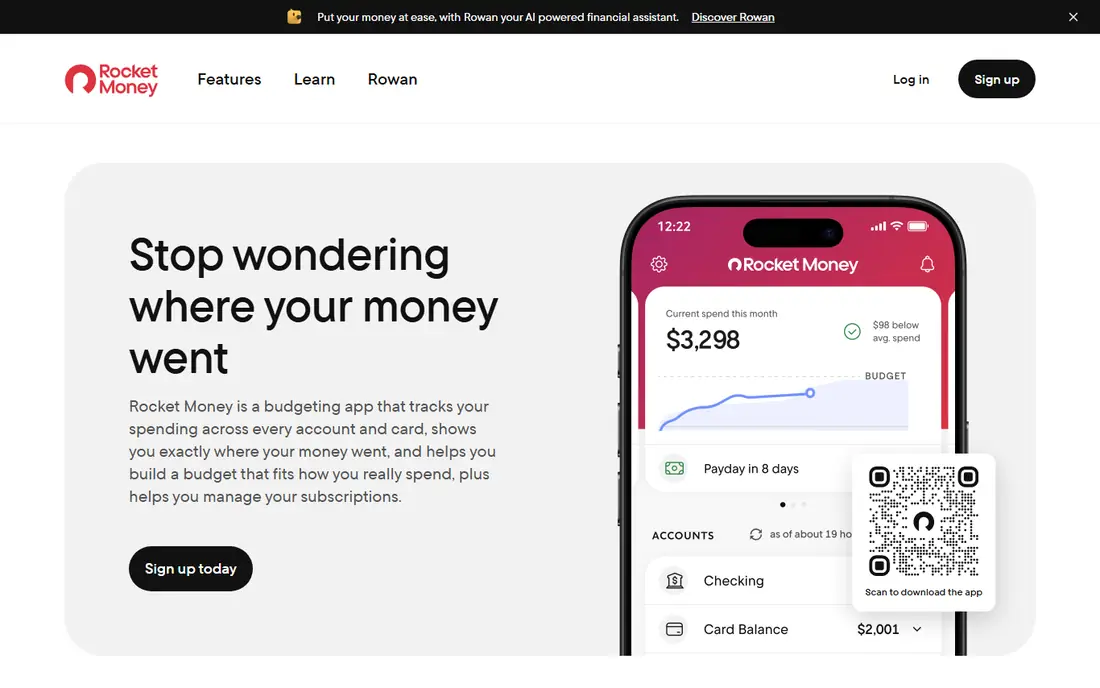
Rocket Money started as a subscription manager and grew into a full money app: it finds and tracks your subscriptions, alerts you when balances fall or spending spikes, and offers a cancellation assistant and bill negotiation on premium. With over 10 million members, it is the most popular app here for the specific student problem of forgotten subscriptions eating a tight budget.
The free plan covers account linking, balance alerts, subscription tracking, and spend tracking, while premium adds cancellation help, automated savings, and net worth tracking. Premium pricing is not published on the homepage. Rocket Money suits students whose main leak is subscriptions and small recurring charges.
What we like- Finds and tracks subscriptions automatically
- Cancels services for you on premium
- Spending breakdowns and balance alerts
- Over 10 million members
Watch out for- Full budgeting features need premium
- Premium pricing is not on the homepage
- Bill negotiation results vary
Starting priceSee website
Free planYes
PocketGuard answers the one question students ask most: how much can I spend right now? After accounting for bills, goals, and budgets, it shows your safe-to-spend amount, and its Pace feature forecasts whether you will overshoot by month end. It supports zero-based, envelope, and 50/30/20 budgeting, and syncs with over 20,000 institutions across the US, Canada, and the UK.
The free tier covers core tracking, while premium adds more features, with pricing not published on the homepage. PocketGuard suits students who want a quick daily answer rather than a detailed budgeting ritual, and its bank-grade encryption and read-only access keep account connections safe.
What we like- Shows exactly what is safe to spend after bills and goals
- Supports zero-based, envelope, and 50/30/20 methods
- Syncs with over 20,000 institutions
- Spending forecasts warn of overspending
Watch out for- Premium pricing is not on the homepage
- Some features need the paid tier
- Interface has a learning curve for new budgeters
Starting priceSee website
Free planNo
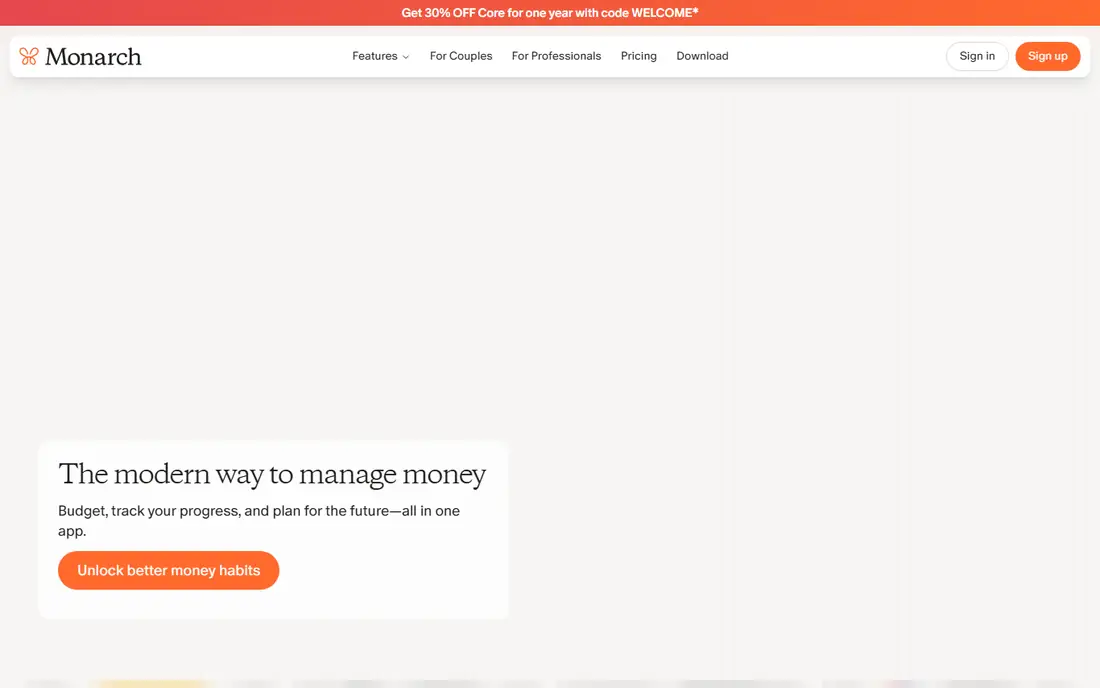
Monarch Money is the most complete financial dashboard here: connect bank accounts, credit cards, loans, and investments to see net worth, transactions, recurring charges, goals, and reports in one place. Collaboration with a partner costs nothing extra, and customizable categories and rules let you shape it to your exact situation.
The trade-offs for students are cost and complexity: there is no free plan, pricing is not on the homepage, and most students do not need investment tracking yet. Monarch suits students with several accounts, a side business, or a partner budget who want one serious dashboard and are willing to pay for it.
What we like- Brings all accounts into one clear view
- Net worth, goals, and reports in one place
- Collaboration with a partner at no extra cost
- Customizable categories and rules
Watch out for- No free plan
- Pricing is not on the homepage
- More power than most students need
Starting price$7.92 per month (billed annually)
Free planNo
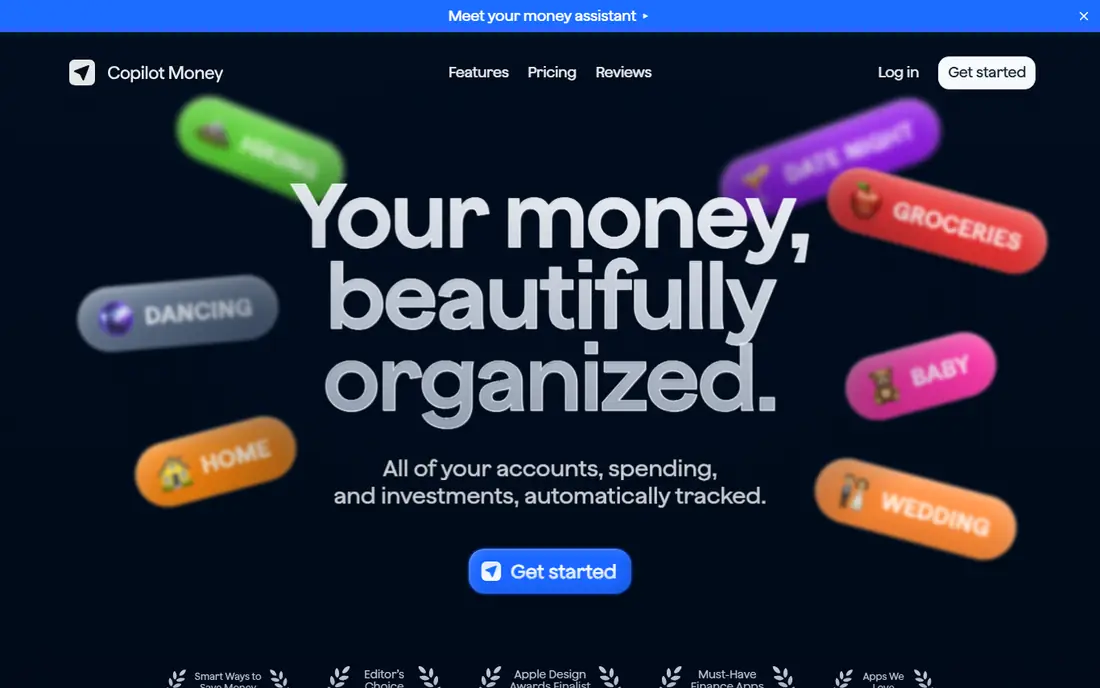
Copilot Money is the best-designed app here, with AI that learns your spending patterns and tags transactions automatically, rollovers for unspent categories, cash-flow summaries, and net worth tracking across accounts and investments. It runs on iPhone, iPad, Mac, and web, and its privacy-first approach means no ads and no hidden fees.
Pricing is published on the homepage: $95 per year, or $7.92 per month billed annually, and $13 per month when billed monthly, with a free trial to test it first. Copilot suits Apple-using students who want a polished, fast tracker and are willing to pay for design and privacy.
What we like- Beautiful, fast design on iPhone, iPad, Mac, and web
- AI transaction tagging
- Rollovers and cash-flow tracking
- No ads and a privacy-first approach
Watch out for- No free plan beyond a trial
- Apple-focused, though web is available
- $13 per month when billed monthly
Starting priceSee website
Free planYes
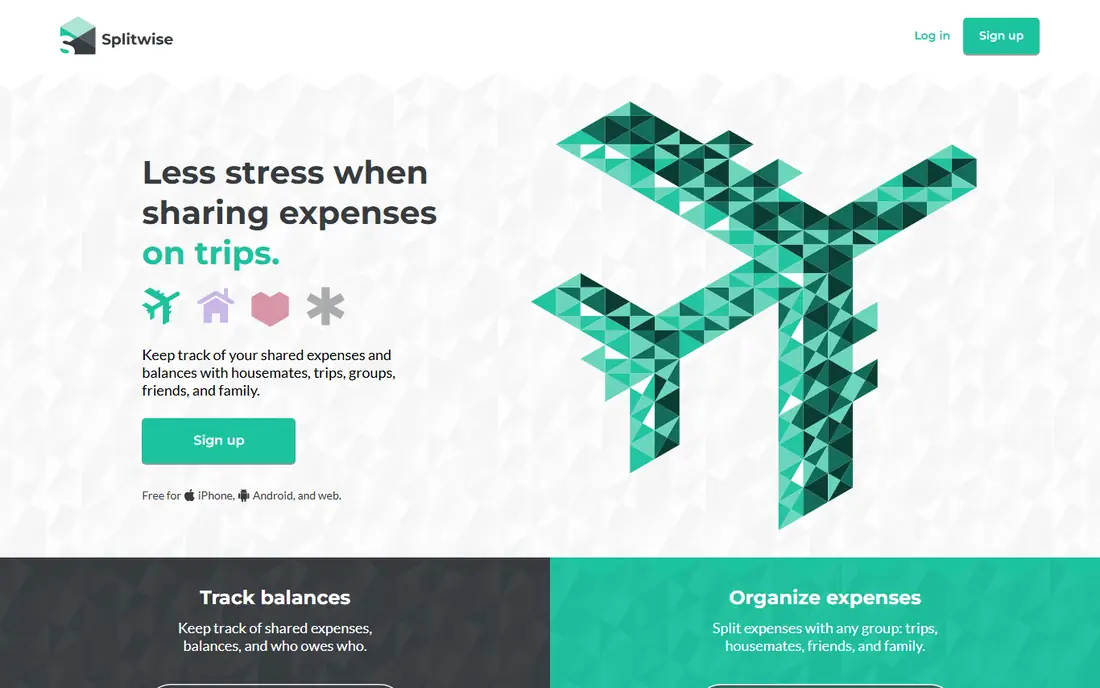
Splitwise is not a budget app but the app every student household needs: it tracks who paid for what, splits expenses equally, by percentage, or by shares, and simplifies debts so one payment settles the group. It supports over 100 currencies, recurring expenses, and offline mode, and core features are free.
Pro adds receipt scanning, itemization, charts, and an ad-free experience, with pricing not shown on the homepage. Pair Splitwise with any budget app here: budget your own money in one, and settle shared costs in Splitwise. For roommates, it prevents more arguments than any budgeting feature.
What we like- Splits rent, groceries, and trips equally, by percentage, or by shares
- Simplifies debts across a group
- Supports over 100 currencies
- Receipt scanning and itemization on Pro
Watch out for- Not a full budget app
- Pro features such as receipt scanning cost extra
- Someone still has to record every expense
How we chose
We verified all eight homepages by opening them and confirming each loads and belongs to the app listed. Prices were taken from vendor homepages where published, and we used "See website" where pricing is not on the homepage rather than repeat secondary-source figures. We weighted free-plan usefulness, since students work on tight budgets, and we excluded Mint, which shut down in March 2024.
How to budget as a college student
Start with your real income, not your hoped-for income: add up part-time pay, financial aid refunds, and family support, then subtract fixed costs such as rent, phone, and subscriptions. What remains is your flexible money, and that is what your budget actually controls.
Next, pick one method and stick with it for a month. Envelope budgeting in Goodbudget suits cash thinkers, zero-based budgeting in EveryDollar or YNAB suits planners, and PocketGuard's safe-to-spend number suits students who will not maintain a detailed budget. Finally, track shared costs in Splitwise from day one, review subscriptions monthly in Rocket Money, and keep a small emergency buffer, even $100, so one surprise expense does not become credit card debt.
Frequently asked questions
What is the best free budgeting app for college students?
EveryDollar and Goodbudget have the strongest free plans for actual budgeting, Rocket Money is best free for subscriptions, and Splitwise is best free for shared costs. Most students need two: one budget app plus Splitwise.
Is YNAB really free for students?
YNAB offers a free year for students, plus a 34-day trial for everyone. After the free year, a paid subscription is required, so set a reminder before it renews.
Should I connect my bank account to a budgeting app?
Bank connections save time and catch spending you forget, and the apps here use bank-grade encryption with read-only access. If you prefer not to connect accounts, Goodbudget and EveryDollar both work well with manual entry.
What happened to Mint?
Mint shut down in March 2024, and its users were directed to Credit Karma. Older guides still recommend Mint, but it is no longer available, so choose a current app from this list instead.
How much should a college student budget for fun?
There is no fixed number, but a common approach is the 50/30/20 split: 50 percent needs, 30 percent wants, 20 percent savings. On a tight student income, even 10 percent for fun and 10 percent for savings beats an all-or-nothing plan you abandon.
Sources we checked (8)
- https://ynab.com
- https://goodbudget.com
- https://everydollar.com
- https://www.rocketmoney.com
- https://pocketguard.com
- https://www.monarchmoney.com
- https://copilot.money
- https://www.splitwise.com
Is your product missing or out of date?
We review this list regularly. Vendors can request a listing, send updated pricing or ask about featured placement.

Shihab Mia · Founder, Rankite
Shihab has 5+ years in B2B and SaaS SEO. He writes Rankite's software buying guides from pricing pages, documentation and public user reviews. More about Shihab.