How we make this list: we compare pricing pages, product documentation and public user reviews. Ratings come from G2, Capterra or Trustpilot, with the date we checked them.
Key takeaways
- OpenPhone and Google Voice are the simplest ways to get a business number, with OpenPhone best for text-heavy teams and Google Voice best for Workspace users.
- Grasshopper's flat $14 a month plan is the cheapest option for a solo operator who just needs one business line.
- RingCentral and Nextiva are the safest all-round picks for growing teams that need voice, video, messaging and integrations.
- Dialpad stands out for AI features, with transcription and summaries included on every plan.
- Check texting limits and toll-free minutes before choosing, since entry plans often cap the features small teams use most.
Quick comparison
| Tool | Best for | Starting price | Free plan |
|---|
 OpenPhone OpenPhone | Text-heavy small teams | $15/user/month (billed annually) | Free trial |
 Google Voice Google Voice | Google Workspace teams | $10/user/month | No |
 Grasshopper Grasshopper | Solo operators | $14/month (billed annually) | Free trial |
 RingCentral RingCentral | All-round team phone system | $20/user/month (billed annually) | Free trial |
 Nextiva Nextiva | Reliability and support | $15/user/month (billed annually) | No |
 Dialpad Dialpad | AI transcription and summaries | $15/user/month (billed annually) | Free trial |
 Ooma Ooma | Simple pricing and desk phones | $19.95/user/month | Free trial |
 Vonage Vonage | Flexible plans and APIs | $13.99/line/month (billed annually) | No |
 Zoom Phone Zoom Phone | Teams already using Zoom | $10.50/user/month (billed annually) | No |
Is your product missing or out of date?
We review this list regularly. Vendors can request a listing, send updated pricing or ask about featured placement.
The best business phone number services
Starting price$15/user/month (billed annually)
Free planFree trial
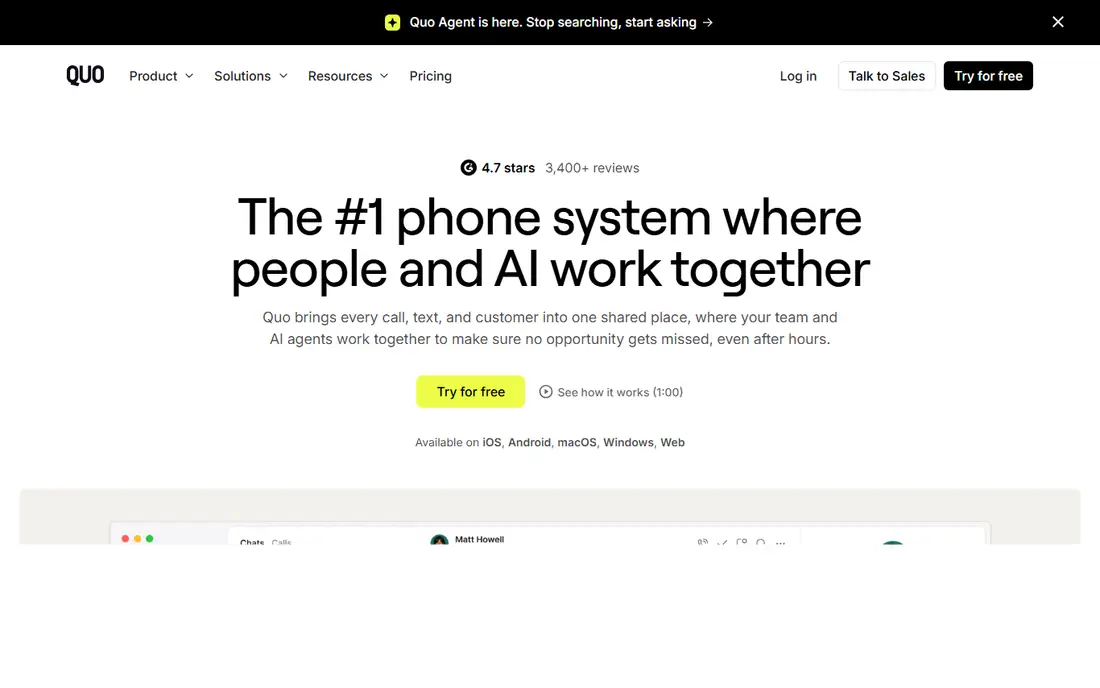
OpenPhone, which has rebranded as Quo, is the modern business phone app for small teams that live on text as much as calls. Each team member gets a business number, or the team shares numbers with a shared inbox, so any team member can answer a call or text and see the full conversation history. Integrations with HubSpot and Salesforce keep customer context close.
AI features include call summaries and an AI agent for handling calls, which saves time for busy teams. Setup takes minutes: pick a local or toll-free number, invite the team, and start calling from the app or browser. A 7-day free trial lets you test it properly.
The Starter plan lacks a phone menu, so businesses that need an auto-attendant must step up a tier, and per-user pricing means costs grow with headcount. For a small, text-heavy team that wants a clean, modern phone app, OpenPhone is the best pick.
What we like- Modern interface
- Shared numbers and team inbox
- AI call summaries and integrations
Watch out for- No phone menu on the Starter plan
- Per-user pricing adds up for large teams
Starting price$10/user/month
Free planNo
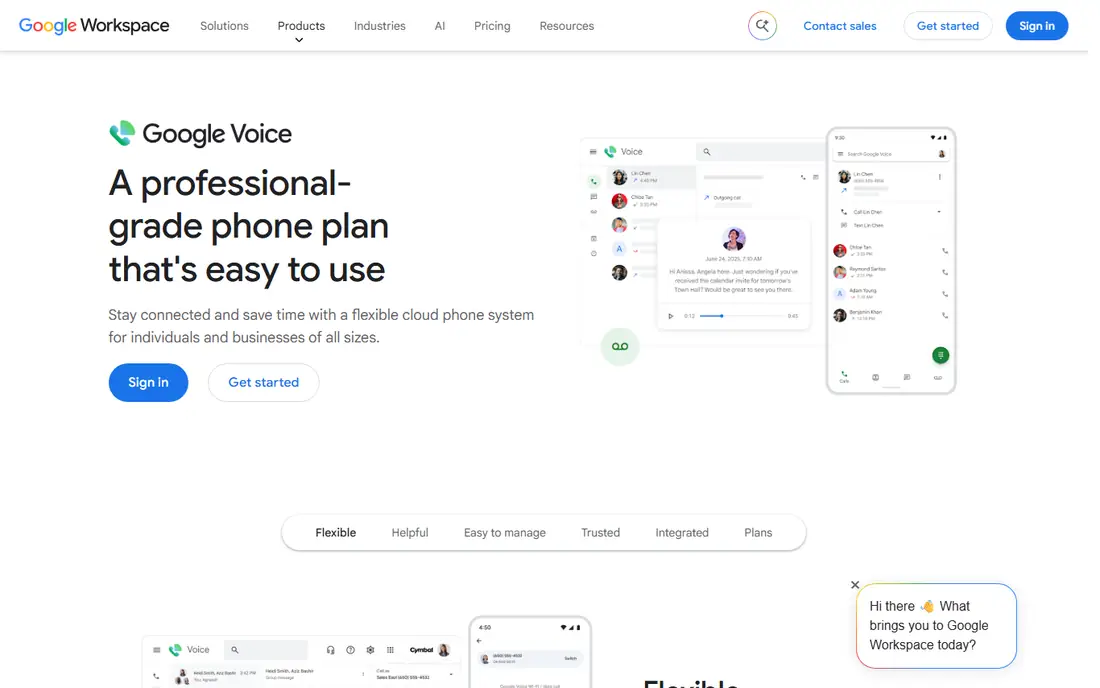
Google Voice for business adds a business number to a Google Workspace account for $10 per user per month on the Starter plan. Calls, texts and voicemail live in the Voice app or browser, with transcription for voicemail and simple call forwarding. For a team already paying for Workspace, it is the cheapest and simplest way to add business numbers.
The real cost is higher than $10, since Workspace itself starts at a few dollars per user per month, so factor both together. Features are also basic: there is no advanced auto-attendant, call queue or analytics on the entry plan, and support is lighter than at dedicated phone providers.
Google Voice suits a small team that wants a second number for work, uses Gmail and Calendar daily, and does not need a call centre. Teams that need routing, menus and reporting should look at RingCentral or Nextiva instead.
What we like- Simple and familiar
- Cheap entry price
- Works across devices with a Google account
Watch out for- Needs Google Workspace
- Fewer business features than rivals
- No advanced call centre tools
Starting price$14/month (billed annually)
Free planFree trial
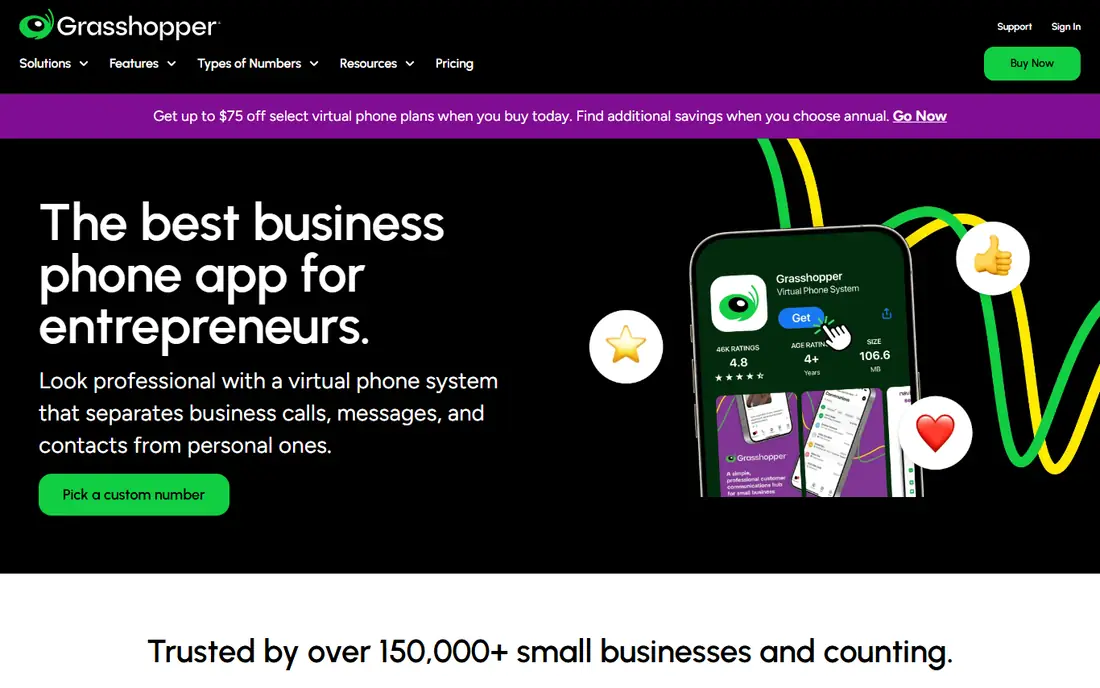
Grasshopper is a virtual phone system for solo operators and very small teams. For a flat $14 a month on the True Solo plan billed annually, you get one business number with extensions, voicemail, call forwarding and a professional greeting, without buying hardware or paying per user. Calls forward to your existing mobile or landline, so setup is quick.
The Small Business plan covers more numbers and unlimited users on shared lines, which can be cheaper than per-user pricing for a team that shares one main number. A 7-day free trial lets you test call quality and features.
Grasshopper is a forwarding service, not a full VoIP platform, so it lacks the advanced call handling, integrations and analytics of RingCentral or Dialpad. Porting an existing number can also be slow, according to user reports. But for a freelancer who just needs a professional business number, it is the cheapest credible option.
What we like- Flat-rate pricing
- One number for the whole business
- No hardware needed
Watch out for- Call forwarding only, no full VoIP handsets
- Support quality varies
#4RingCentral
Best for: All-round team phone system4.1/5 on
G2 (1,076 reviews, checked Oct 2026)
Visit ringcentral.com
Starting price$20/user/month (billed annually)
Free planFree trial
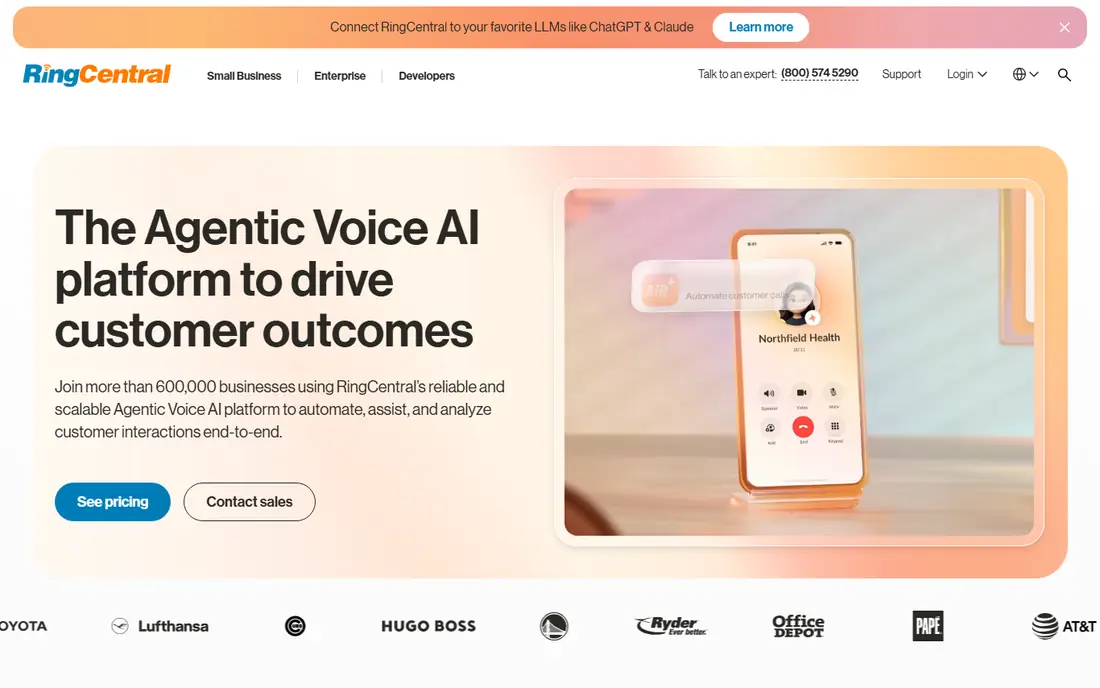
RingCentral is the most complete business phone platform in this list, combining voice, video meetings, team messaging and contact centre features in one app. The Core plan at $20 per user per month billed annually includes unlimited domestic calling, video meetings for up to 200 participants, a multi-level auto-attendant and integrations with Salesforce, HubSpot, Google Workspace and Slack.
That breadth suits growing teams that want one system for all communication, with room to add call queues, AI transcription and analytics on higher tiers. Call quality and uptime are strong, and the platform scales from a handful of users to thousands.
The Core plan's texting limit is the main gotcha: 25 texts per user a month is easy to exceed for a text-heavy team, and higher tiers raise it. Setup also takes longer than a simple app like OpenPhone. But for an all-round, reliable phone system, RingCentral is the safest choice.
What we like- Voice, video and messaging in one platform
- Huge integration library
- Multi-level auto-attendant
Watch out for- Core plan caps texts at 25 per user a month
- Learning curve is steeper than simpler apps
#5Nextiva
Best for: Reliability and support4.5/5 on
G2 (3,659 reviews, checked Oct 2026)
Visit nextiva.com
Starting price$15/user/month (billed annually)
Free planNo
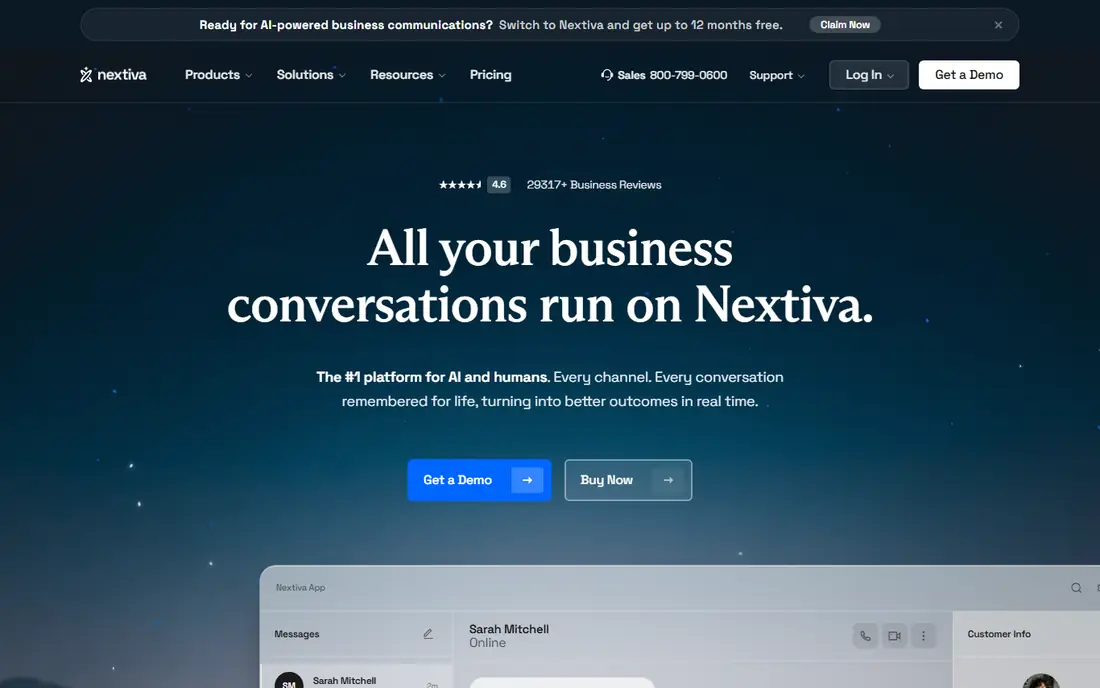
Nextiva's pitch is reliability: 99.999 percent uptime, US-based human support, and a platform that combines voice, video meetings, SMS and team chat from $15 per user per month billed annually on the Core plan. That combination makes it a strong pick for customer-facing teams that cannot afford downtime or long support waits.
Features include a visual auto-attendant builder, call recording, voicemail transcription and native Salesforce and HubSpot integrations, plus an AI assistant add-on for call summaries. The platform is easy to administer, and onboarding help is genuinely useful for small teams without IT staff.
There is no free trial on some plans, so test through a demo and reviews before committing. The interface is less modern than OpenPhone's, but for teams that value support and uptime over looks, Nextiva is a top pick.
What we like- Excellent uptime and human support
- Voice, video and SMS in one plan
- Good CRM integrations
Watch out for- No free trial on some plans
- Interface feels dated to some users
#6Dialpad
Best for: AI transcription and summaries4.4/5 on
G2 (4,201 reviews, checked Oct 2026)
Visit dialpad.com
Starting price$15/user/month (billed annually)
Free planFree trial

Dialpad builds AI into every plan, which is its main differentiator. Calls are transcribed in real time, with summaries, action items and sentiment analysis available after each call, and sales teams get live coaching prompts during conversations. For a team that lives on calls, that AI layer saves note-taking time and improves follow-up.
The Standard plan costs $15 per user per month billed annually and includes unlimited calling in the US and Canada, SMS and MMS, video meetings and integrations with Google Workspace, Microsoft 365, Salesforce and HubSpot. A 14-day free trial lets you test the AI features properly.
Watch the fine print: toll-free minutes are metered, and some advanced AI and contact centre features need higher tiers. But for a team that wants AI transcription without paying extra, Dialpad is the best value here.
What we like- AI transcription and summaries on every plan
- Real-time coaching features
- Clean interface
Watch out for- Toll-free minutes are metered
- Some advanced features need higher tiers
#7Ooma
Best for: Simple pricing and desk phones4.5/5 on
G2 (134 reviews, checked Oct 2026)
Visit ooma.com
Starting price$19.95/user/month
Free planFree trial
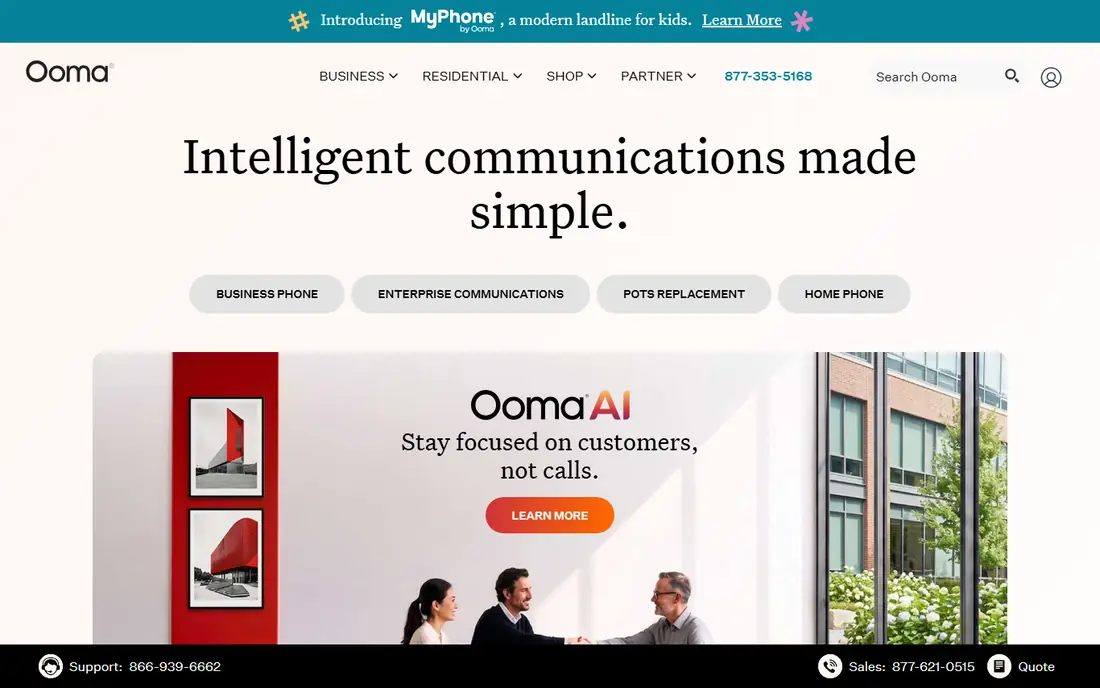
Ooma Office is the straightforward choice for small businesses that want desk phones and simple pricing. The Essentials plan costs $19.95 per user per month and includes a virtual receptionist, call forwarding, voicemail, call logs and support for physical desk phones, with no long contract. A 30-day free trial is longer than most rivals offer.
Ooma's hardware support is a real strength: if your team wants proper desk phones rather than softphones, Ooma's devices and setup are among the easiest. The platform also includes overhead paging and other features that suit offices, shops and clinics.
The entry price is higher than Google Voice, Grasshopper or Dialpad, and AI features are thinner. But for a small office that wants reliable phones, a receptionist menu and no fuss, Ooma is a dependable pick.
What we like- Simple, no-contract pricing
- Excellent desk phone support
- Virtual receptionist included
Watch out for- Higher entry price than rivals
- Fewer AI features
#8Vonage
Best for: Flexible plans and APIs4.3/5 on
G2 (503 reviews, checked Oct 2026)
Visit vonage.com
Starting price$13.99/line/month (billed annually)
Free planNo
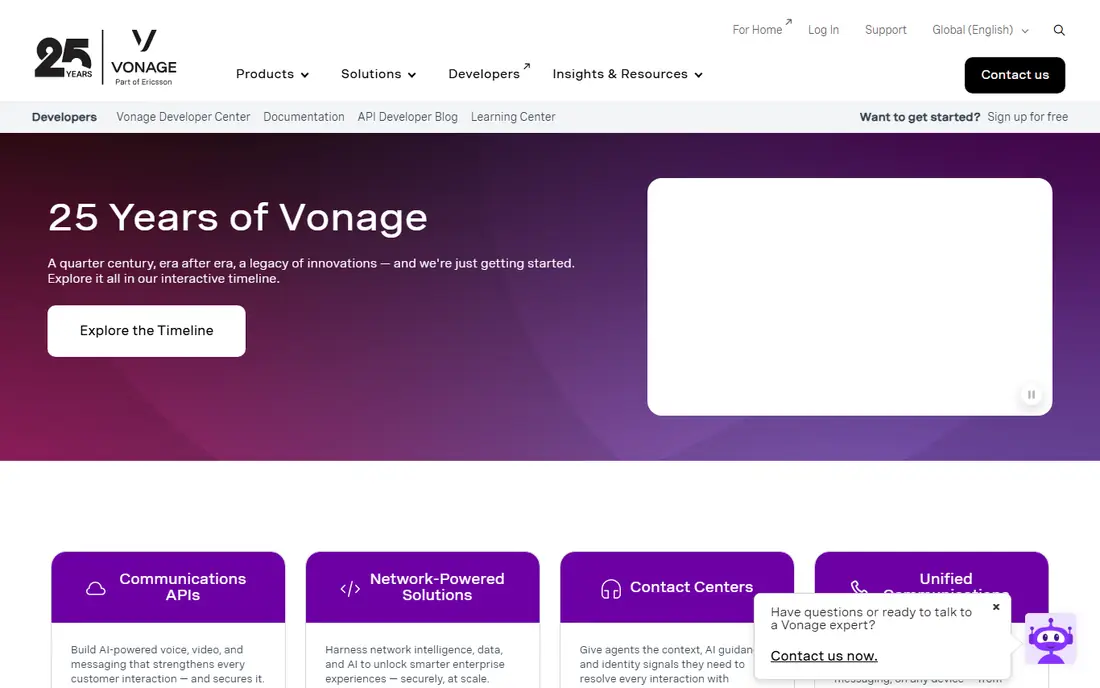
Vonage Business Communications starts at $13.99 per line per month billed annually on the Mobile plan, which is one of the lowest entry prices here. The a la carte approach lets you add features like video meetings, call recording and integrations as you need them, rather than paying for a bundle you will not use.
For developers and businesses that may build on voice APIs later, Vonage's programmable platform is a genuine advantage: the same company provides the APIs behind many custom calling products. Mobile and desktop apps cover the basics, and the platform scales well.
The downside of a la carte pricing is that the final bill can exceed the headline price once you add the features rivals bundle in. Support reviews are mixed. But for a flexible, low-cost start with room to build, Vonage is worth considering.
What we like- Low entry price
- A la carte features
- Strong APIs for custom builds
Watch out for- Features are add-ons, so costs rise
- Support quality varies
#9Zoom Phone
Best for: Teams already using Zoom4.6/5 on
G2 (2,672 reviews, checked Oct 2026)
Visit zoom.com
Starting price$10.50/user/month (billed annually)
Free planNo
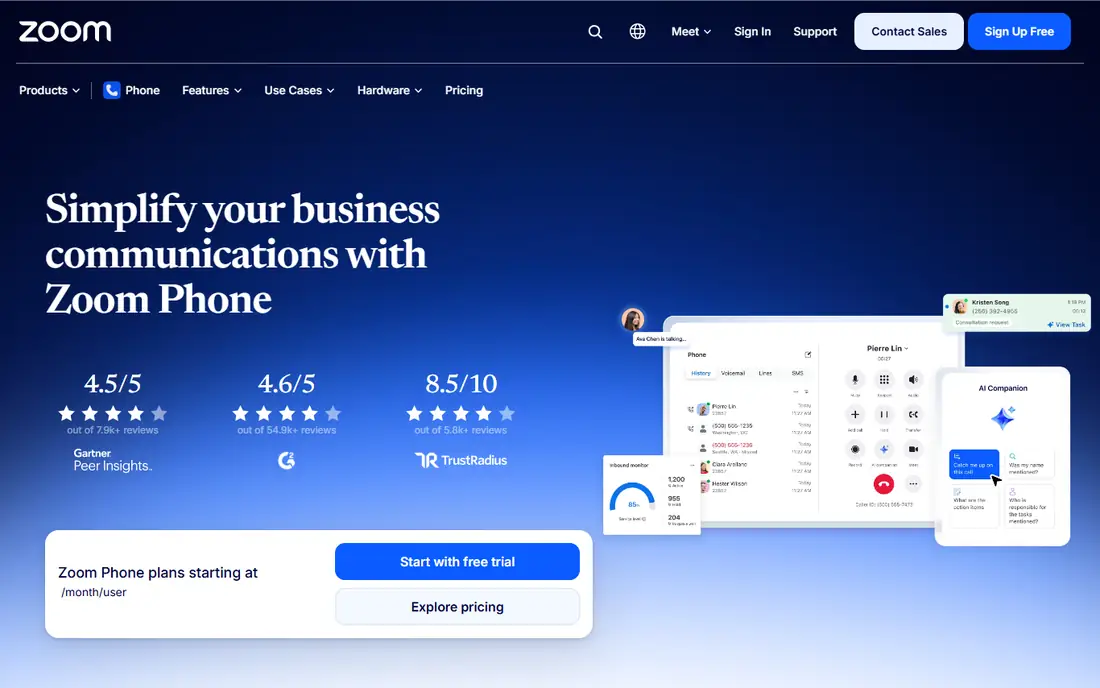
Zoom Phone adds cloud calling to the Zoom app your team already uses for meetings, for $10.50 per user per month billed annually on the US and Canada metered plan. Calls, meetings, chat and voicemail live in one app, which simplifies life for a team that already lives in Zoom.
Call quality is strong, setup is quick for existing Zoom admins, and features include auto-attendants, call queues, voicemail transcription and integrations with common CRMs. For a distributed team that meets on Zoom daily, adding phone to the same app is the path of least resistance.
Zoom Phone only makes sense if you already use Zoom, and its phone-specific feature set is narrower than RingCentral's or Nextiva's. But as a cheap, convenient add-on for Zoom shops, it is hard to beat.
What we like- Cheap add-on for Zoom users
- One app for meetings and calls
- Good call quality
Watch out for- Only makes sense with Zoom
- Fewer phone-specific features than RingCentral
How we chose
We compared services on price, number porting, call quality, texting limits, auto-attendant and routing features, integrations and support. Prices were checked against vendor pricing pages and recent comparison guides from October 2026, and where prices depend on annual billing we say so. We also read public user reviews to confirm real-world reliability and support quality, since a phone system that fails during business hours costs more than any monthly saving.
Choosing the right plan size
Start by counting how many people actually need a number, not how many employees you have. A solo operator needs one line, while a team that shares a main number may do better on a flat-rate plan like Grasshopper's. A growing team with separate numbers per person should compare per-user totals across OpenPhone, Nextiva, Dialpad and RingCentral, including texting limits and toll-free minutes, not just the headline price.
Port your number carefully
If you already have a business number, porting it to a new provider can take days or weeks, and mistakes can leave customers calling a dead line. Start the port early, keep the old service running until the port confirms, and test inbound and outbound calls before cancelling anything. Ask the new provider for a porting timeline in writing.
Frequently asked questions
What is the cheapest business phone number service?
Grasshopper's True Solo plan at $14 a month is the cheapest flat-rate option for one user. Google Voice at $10 per user per month is cheaper per person but needs a Google Workspace plan too, and Zoom Phone at $10.50 is the cheapest add-on for existing Zoom teams.
Can I keep my existing business number?
Yes, most providers support number porting for free. The process usually takes a few days to a few weeks, so start early and keep your old service active until the port is confirmed.
Do I need desk phones for a business phone service?
No. Most services work through apps on your phone and computer, which is enough for remote and hybrid teams. Desk phones suit offices, shops and clinics, and providers like Ooma and RingCentral support them well.
What is the difference between a virtual number and VoIP?
A virtual number is a phone number not tied to a physical line, which forwards calls to your existing phones. VoIP is the technology that carries calls over the internet. Most modern business phone services combine both: a virtual number delivered through VoIP apps.
How many texts do entry plans include?
It varies widely. RingCentral Core includes 25 texts per user a month, which is low for text-heavy teams, while other providers include more or charge per message. Check texting limits before choosing if your team texts customers often.
Can I text customers from a business number?
Yes, all the services in this list support business SMS, though limits and compliance rules apply. In the US, business texting needs 10DLC registration, which providers usually handle for a small fee. Ask your provider about the process before launching a texting campaign.
Sources we checked (9)
- https://www.openphone.com
- https://voice.google.com
- https://grasshopper.com
- https://www.ringcentral.com
- https://www.nextiva.com
- https://www.dialpad.com
- https://www.ooma.com
- https://www.vonage.com
- https://www.zoom.com/en/products/voip-phone/
Is your product missing or out of date?
We review this list regularly. Vendors can request a listing, send updated pricing or ask about featured placement.

Shihab Mia · Founder, Rankite
Shihab has 5+ years in B2B and SaaS SEO. He writes Rankite's software buying guides from pricing pages, documentation and public user reviews. More about Shihab.