How we make this list: we compare pricing pages, product documentation and public user reviews. Ratings come from G2, Capterra or Trustpilot, with the date we checked them.
Key takeaways
- LactApp is the strongest choice for breastfeeding questions, with trackers for feeds, stools, weight, and height alongside written guidance.
- Huckleberry and Talli Baby are the best all-round trackers when more than one caregiver needs the same up-to-date record.
- Glow Baby, Ovia Parenting, and What to Expect suit parents who want feeding logs inside a broader pregnancy and baby app.
- MyMedela is the natural pick for parents who already pump with Medela equipment and want pumping records in one place.
- A free plan covers the basics in most of these apps, while paid plans mainly add predictions, extra insights, and wider sharing.
Quick comparison
| Tool | Best for | Starting price | Free plan |
|---|
 Huckleberry Huckleberry | Parents who want feeding, sleep, and development records in one app | See website | Yes |
 LactApp LactApp | Parents who want detailed breastfeeding guidance plus tracking | Free | Yes |
 Glow Baby Glow Baby | Parents who already use Glow apps for health tracking | See website | Yes |
 Talli Baby Talli Baby | Households where several caregivers log feeds | See website | Yes |
 Ovia Parenting Ovia Parenting | Parents who want guided content alongside feeding records | See website | Yes |
 What to Expect What to Expect | First-time parents who want trusted first-year guidance | See website | Yes |
 MyMedela MyMedela | Parents who pump with Medela equipment | See website | Yes |
Is your product missing or out of date?
We review this list regularly. Vendors can request a listing, send updated pricing or ask about featured placement.
The best breastfeeding apps
Starting priceSee website
Free planYes

Huckleberry fits families who want one place for the daily record rather than a separate app for each job. Feeding entries sit beside sleep and development notes, so a parent can look back and see how a day unfolded instead of guessing from memory. The app also offers paid expert support and planning features, which may help when sleep and feeding feel out of step. New users can start tracking for free, and the site states that paid features come with two weeks of free access. The main drawback is scope. Parents who only need a left-right timer may find the extra sections unnecessary, and the most useful planning tools require payment.
What we like- Broad baby tracking, feeding and sleep records, expert sleep content
Watch out for- Paid features sit behind a subscription, and the wider scope can feel busy for parents who only want a feed timer
#2
LactApp
Best for: Parents who want detailed breastfeeding guidance plus tracking
Visit lactapp.es
Starting priceFree
Free planYes
LactApp is built around breastfeeding first, and that focus shows in both its content and its trackers. Parents can record feeds, note pain or problems, log stools, and follow weight and height against World Health Organization percentile charts. The guidance covers more than 50 topics, from milk supply and latch concerns to weaning, medicines, and tandem feeding. Answers adapt to the profile entered for the parent and baby, which makes the advice more relevant than a generic article. The site states that all of the app content is free. The limits are practical rather than technical: live chat has been restricted because of query volume, and some wording reflects its Spanish origins, so a few phrases read less smoothly in English.
What we like- Breastfeeding-specific content, feed and growth trackers, answers adapted to the baby's profile
Watch out for- Live chat access is limited by region, and some content is written with a Spain-based audience in mind
#3
Glow Baby
Best for: Parents who already use Glow apps for health tracking
Visit glowing.com
Starting priceSee website
Free planYes
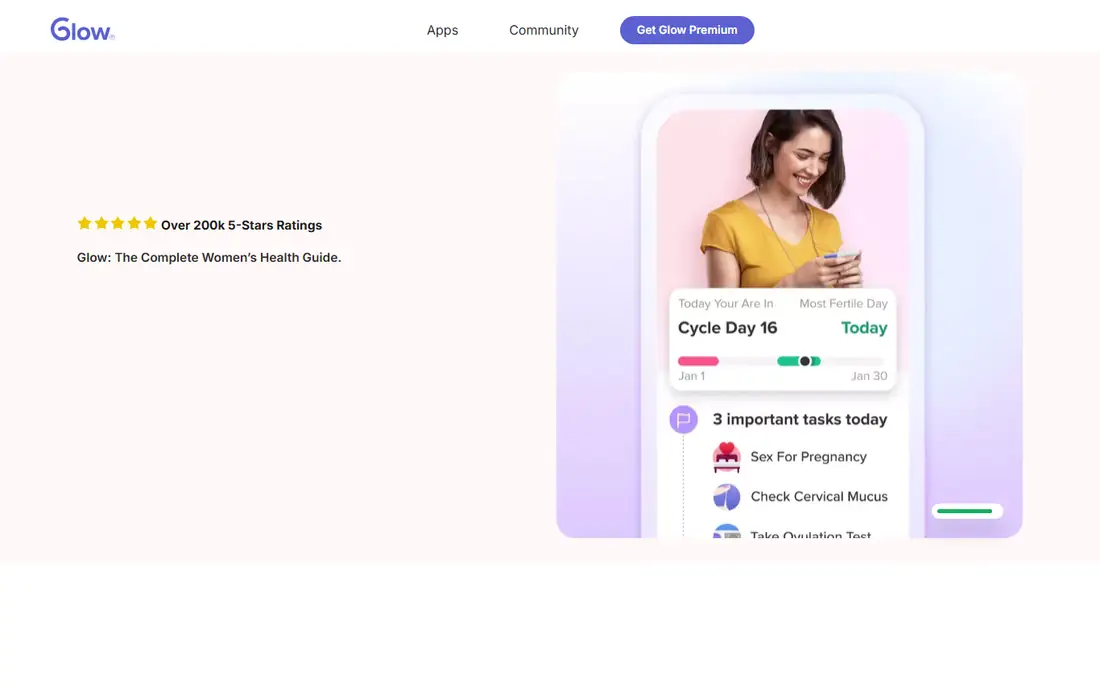
Glow Baby suits parents who prefer one account across several stages of family life. Glow offers four apps covering periods, ovulation, pregnancy, and baby care, and one premium subscription covers all of them. Within the baby app, parents can log feeds, sleep, diaper changes, and pumping, then review charts before a clinic visit. Partner sharing helps when two adults take turns with night feeds. The Glow site lists premium at 59.99 dollars per year after a 7-day free trial, with added articles, charts, and an ad-free view. The trade-off is focus. A parent who wants deep breastfeeding guidance will find more of it in LactApp, while Glow Baby works better as a general family record.
What we like- Part of a four-app family, shared partner access, community support
Watch out for- Breastfeeding is one feature inside a wider health app, not the whole product
Starting priceSee website
Free planYes
Talli Baby is designed for speed, which matters when a feed ends and a parent has a baby in one arm. Nursing timers record by side and by full session, pumping timers record by side or both sides at once, and bottle feeds can note breast milk, formula, or other contents. Every caregiver added to the account can log and view the same record in real time, so grandparents, nannies, and partners stay on the same page. Buttons can be changed to match the family, from Vitamin D drops to tummy time, and records can be downloaded for a pediatrician. An optional physical tracker logs events with one button press and sends them over Wi-Fi, but it is a separate purchase and, at the time of writing, ships only in the United States. The app alone still works well without it.
What we like- Very fast logging, highly customisable buttons, real-time sharing with caregivers
Watch out for- The optional one-touch device costs extra, and the device ships only in the United States
#5
Ovia Parenting
Best for: Parents who want guided content alongside feeding records
Visit oviahealth.com
Starting priceSee website
Free planYes
Ovia Parenting is part of a wider women's and family health service that includes pregnancy, fertility, and parenting programs. Its breastfeeding content sits within that broader service, which also offers tracking for symptoms and milestones and a care team reachable by message, phone, and video. That structure suits parents who want a guided path rather than a bare log, and who value content reviewed against clinical evidence. The company states that it has served family journeys in more than 200 countries and territories since 2012. The weakness is uneven access. Some support depends on whether an employer or health plan offers Ovia as a benefit, so two parents may see different options. Parents who only want a feed timer may also find the wider health platform more than they need.
What we like- Evidence-based programs, breastfeeding content, care team support
Watch out for- Some features depend on employer or health plan access, and the app covers far more than feeding
Starting priceSee website
Free planYes
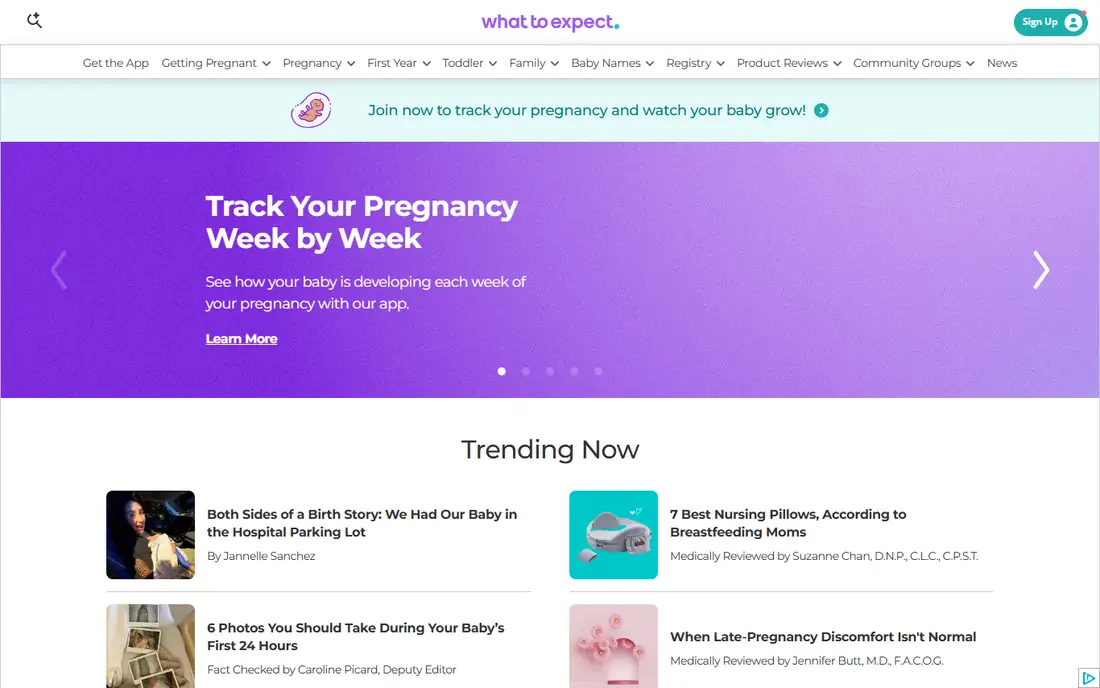
What to Expect is best known as a pregnancy and parenting brand, and its app carries that same library into the first year. Breastfeeding sits among topics such as baby care, postpartum health, sleep, development, and bottle feeding, with content edited and reviewed by doctors and parenting professionals. That breadth helps a new parent who has questions beyond feeding, from growth milestones to returning to work. Community groups add peer support, including birth month groups where parents compare notes. The drawback is that feeding tracking is not the centre of the product. Parents who want detailed side-by-side timers, pumping volumes, and pattern charts will get a stronger tool elsewhere, while parents who mainly want reliable reading and a simple log will find it enough.
What we like- Large library of pregnancy and baby content, breastfeeding topics, community groups
Watch out for- Feeding tracking is secondary to articles and community, and the site carries a lot of content to sort through
Starting priceSee website
Free planYes
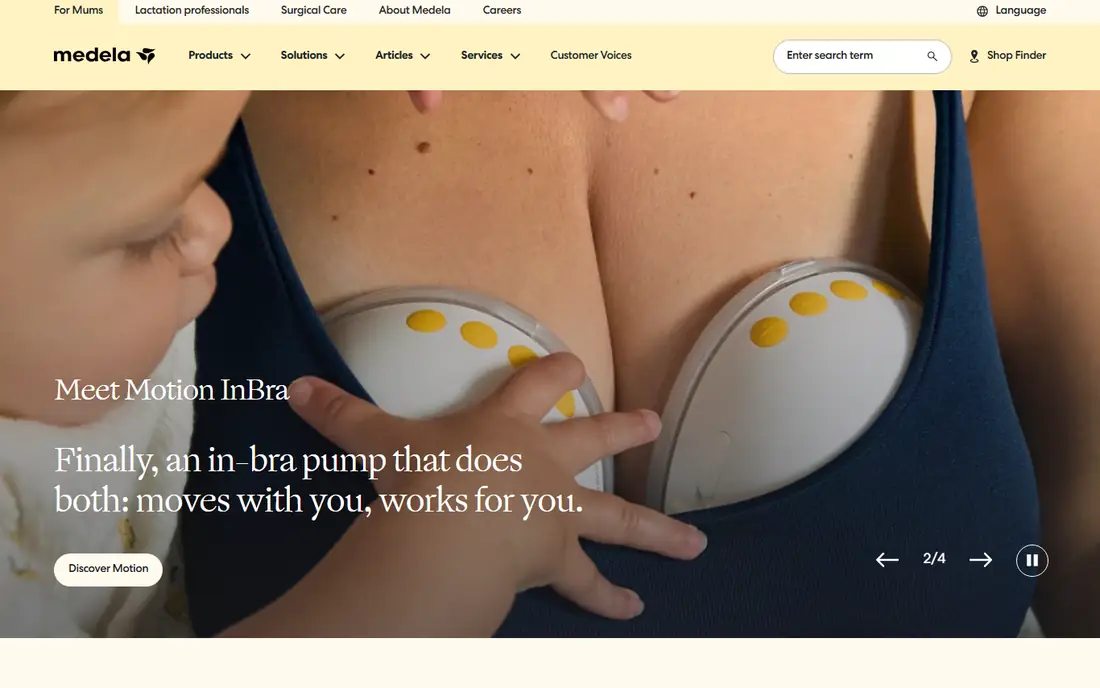
MyMedela is the companion app for parents who pump, and it makes most sense alongside Medela pumps and storage products. Medela is a long-established breastfeeding and pumping brand, and its site covers pump choice, storage, freezing, and thawing of breast milk, alongside latching and pumping tips. The app lets parents log pumping sessions and keep milk records in the same place as that guidance, which helps when a parent pumps at work while someone else feeds at home. The limit is brand fit. Parents who nurse without pumping, or who use another pump brand, will find less value here than in a brand-neutral tracker. It is a solid pumping companion, not a complete breastfeeding library.
What we like- Pumping records tied to a major pump brand, storage guidance, wide product support
Watch out for- Most useful only for Medela pump owners, and feeding guidance is thinner than in LactApp
How we chose
We compared these apps on whether they record the details parents actually need: feed start and end times, left and right sides, pumping volumes, and bottle contents. We also weighed caregiver sharing, since night feeds often involve more than one adult, and we checked whether guidance came from a clear source rather than vague tips. Pricing came from vendor sites and store listings, and where a price could not be confirmed we wrote See website instead of guessing. Public reviews on G2, Capterra, Reddit, and the app stores helped surface common complaints, such as paywalls and regional limits, but no app was ranked on review scores alone. We did not claim hands-on testing, and we favoured apps that stay useful on a free plan.
Choosing the right app for your feeding routine
Start with the question you ask most often. If it is simply which side was last, a focused timer such as Talli Baby or a simple tracker will serve you better than a large health platform. If you are worried about supply, pain, or weight gain, choose an app with breastfeeding-specific guidance, such as LactApp, and share its records with your clinician. If several adults share care, pick an app with real-time sharing and a clear history, so a handover does not rely on a half-remembered note. If you pump at work, check how the app records volume by side, stores session history, and exports data, since those details matter more than a pretty chart.
Also consider how the app handles your data. Check what it collects, whether you can export or delete records, and whether sharing with a partner is optional rather than automatic. A feeding log contains health details about you and your baby, so a clear privacy policy matters. Finally, keep the log light. The best app is the one you still open at 2 a.m., and that usually means one tap to start a feed, one tap to stop it, and a history you can read without hunting through menus.
These apps provide general information and personal records, not medical advice. If feeding is painful, if milk supply seems low, if your baby is not gaining weight, or if you notice signs of illness, contact a healthcare professional or a qualified lactation consultant promptly. A tracker can support that conversation by showing exact feed times and patterns, but it cannot diagnose a problem or replace clinical care. Use app guidance as a starting point for questions, not as a substitute for advice about your own situation.
Frequently asked questions
Can one app track both nursing and pumping?
Yes. Most apps on this list record nursing sessions by side and pumping sessions by side or by volume, and several also log bottle feeds. Talli Baby and Huckleberry handle all three in one timeline, while MyMedela is strongest on pumping specifically. Check that the app lets you switch sides mid-feed, since that detail is easy to lose at night.
Are free breastfeeding apps good enough?
For most families, yes. A free plan usually covers feed timers, diaper logs, and basic history, which are the features used daily. Paid plans tend to add predictions, deeper charts, expert support, and wider sharing. Start free, use the app for two weeks, and only pay if a specific paid feature solves a real problem you have already hit.
Should both parents use the same app?
Sharing usually helps. When both parents log in the same app, either one can answer which side was last or when the last feed ended, and night handovers become simpler. Talli Baby, Huckleberry, and Glow Baby all support caregiver sharing. Make sure each adult has their own login where possible, and agree on what gets logged so the record stays consistent.
Do these apps work for twins or multiples?
Yes, with care. Most trackers allow more than one child profile, and Talli Baby notes that each physical device covers one child, so multiples need separate devices or careful in-app switching. Always check that a feed is logged under the right child before saving, since a mixed record is worse than no record at a clinic visit.
Can I share feeding records with a pediatrician?
Yes. Several apps allow exports or summaries that can be shown at an appointment, and Talli Baby notes that data can be downloaded and uploaded to a patient portal. Bring a short summary rather than a raw log: total feeds per day, longest gap between feeds, and any pattern that worries you. That summary makes the visit more useful than scrolling through weeks of entries.
Is app advice a replacement for a lactation consultant?
No. App articles can explain common issues and suggest questions to ask, but they cannot watch a latch, weigh a baby, or assess your health. If pain continues, supply concerns persist, or your baby shows poor feeding, book an appointment with a qualified lactation consultant or clinician and bring your log with you.
Sources we checked (7)
- https://huckleberrycare.com/
- https://lactapp.es/
- https://glowing.com/
- https://tallibaby.com/
- https://www.oviahealth.com/
- https://www.whattoexpect.com/
- https://www.medela.com/
Is your product missing or out of date?
We review this list regularly. Vendors can request a listing, send updated pricing or ask about featured placement.

Shihab Mia · Founder, Rankite
Shihab has 5+ years in B2B and SaaS SEO. He writes Rankite's software buying guides from pricing pages, documentation and public user reviews. More about Shihab.