How we make this list: we compare pricing pages, product documentation and public user reviews. Rankite is independent; if a vendor ever pays for a featured spot, that listing is clearly labeled Partner.
Key takeaways
- Calendly is the safest all-round pick for teams that book meetings and sales calls, while Cal.com is the best open-source alternative with a genuinely free tier.
- If your shop already runs on Square, Square Appointments is hard to beat at $0 per location on the free plan.
- Setmore, Zoho Bookings, SimplyBook.me, Appointy, YouCanBookMe, and Bookafy all offer free plans, so you can start taking online bookings without spending anything.
- Acuity Scheduling (now Squarespace Scheduling) is the strongest choice for service businesses that sell packages, memberships, and gift cards.
- Most paid plans start between $6 and $16 per user per month, and every price in this guide was verified on the vendor's own pricing page.
Quick comparison
| Tool | Best for | Starting price | Free plan |
|---|
 Calendly Calendly | Sales and service teams | $10/seat/month (Standard, billed annually) | Yes |
 Cal.com Cal.com | Privacy-conscious teams and developers | $12/user/month (Teams, billed annually) | Yes (free-forever Individual plan) |
 Acuity Scheduling Acuity Scheduling | Service businesses selling packages and memberships | $16/month (Starter, billed annually) | Free trial (7 days) |
 SimplyBook.me SimplyBook.me | Appointment businesses with moderate booking volume | $11.90/month (Basic, billed annually) | Yes (50 bookings/month) |
 Setmore Setmore | Small teams wanting a generous free plan | $12/user/month (Pro) | Yes (up to 4 users) |
 Square Appointments Square Appointments | Salons and shops already taking payments with Square | $0/month (Free plan, per location) | Yes |
 Zoho Bookings Zoho Bookings | Businesses already using Zoho apps | $6/user/month (Basic, billed annually) | Yes (1 user) |
 Appointy Appointy | Service businesses wanting strong website integration | $19.99/month (Growth, billed annually) | Yes (100 appointments/month) |
 YouCanBookMe YouCanBookMe | Budget-conscious individuals and small teams | $9/month (Individual) | Yes (1 calendar, 1 booking page) |
 Bookafy Bookafy | Teams wanting unlimited bookings per user | $7/user/month (Pro, billed annually) | Yes |
Is your product missing or out of date?
We review this list regularly. Vendors can request a listing, send updated pricing or ask about featured placement.
Starting price$10/seat/month (Standard, billed annually)
Free planYes
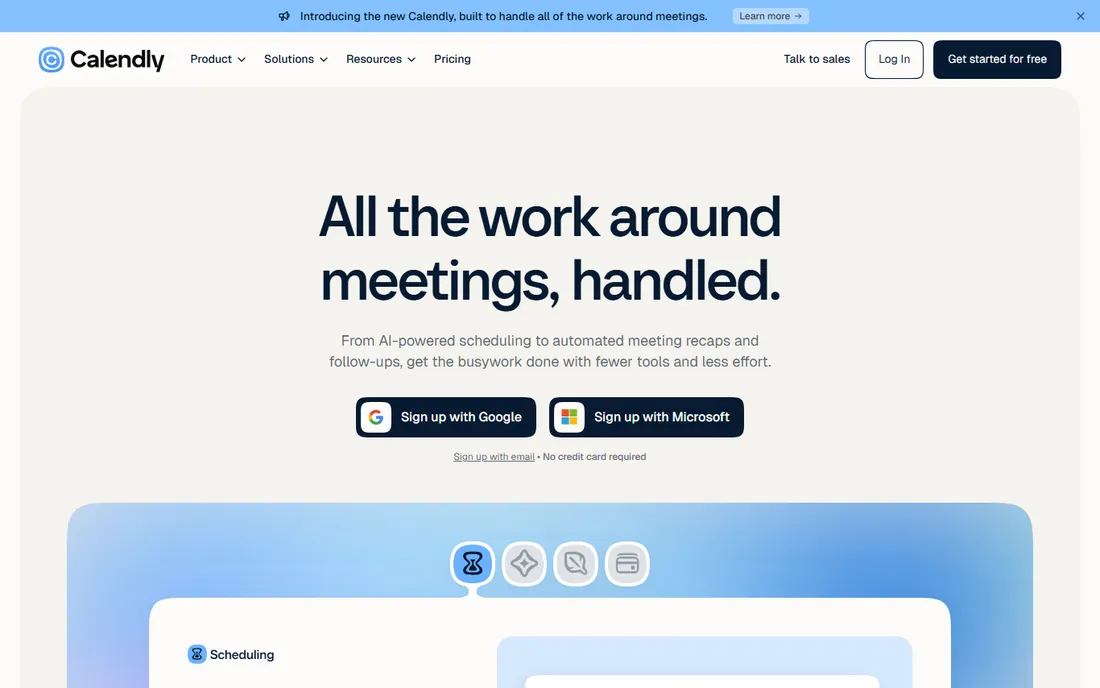
Calendly is the default choice in online scheduling for a reason. You connect your calendar, set your availability, and share a link. Clients pick a time, get a confirmation, and receive reminders. It handles time zones automatically, which alone ends half the scheduling confusion most businesses deal with. For teams, round-robin and collective event types spread bookings fairly across staff.
The trade-off is price structure. The free plan covers one event type, which is fine for a solo consultant but thin for a business with several services. Standard at $10 per seat per month adds group events, integrations, and workflows. If you run a five-person sales team, that is $600 a year before any add-ons. Still, for teams that live in their CRM and need booking to plug into an existing sales process, Calendly is the most polished option on this list.
What we like- Booking pages customers already know and trust
- 100+ integrations with CRMs, Zoom, and payment tools
- Smart routing that assigns meetings across a team
Watch out for- Per-seat pricing gets expensive as teams grow
- The best automation features sit on higher-priced tiers
#2
Cal.com
Best for: Privacy-conscious teams and developers
Visit cal.com
Starting price$12/user/month (Teams, billed annually)
Free planYes (free-forever Individual plan)
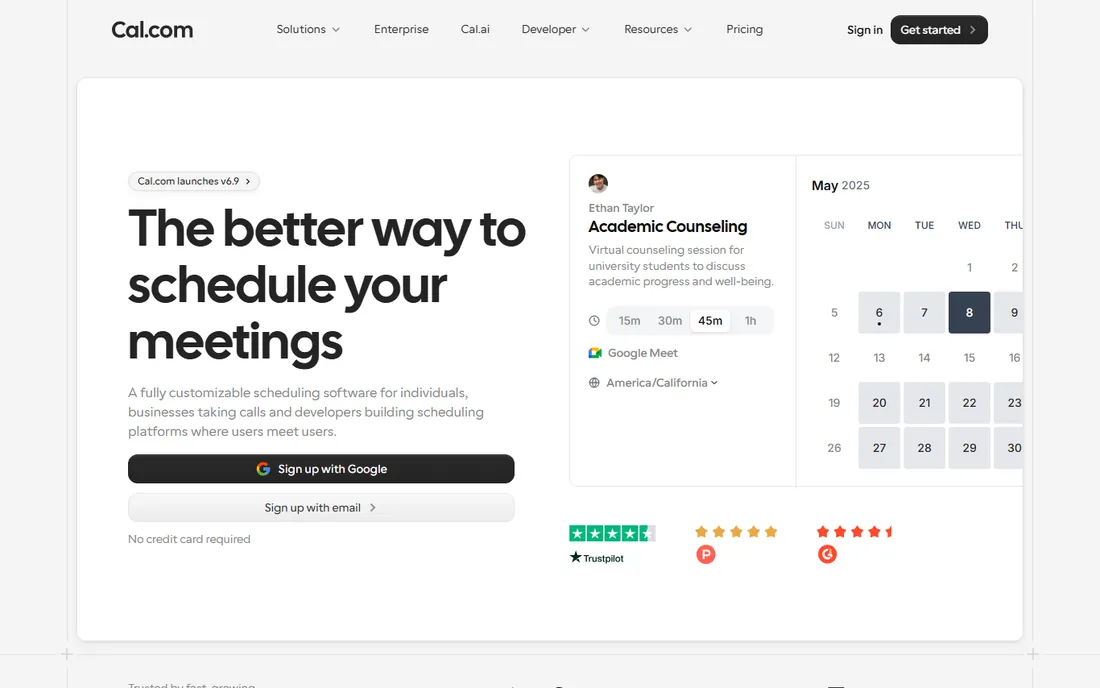
Cal.com is the open-source answer to Calendly. The hosted version gives individuals a free-forever plan with unlimited bookings and event types, which is more generous than most paid tiers elsewhere. Teams pay $12 per user per month and get shared event types, round-robin scheduling, and admin controls. Because the code is open, developers can self-host it and keep every byte of customer data on their own servers.
That openness is also the catch. Cal.com assumes you are comfortable configuring webhooks, API keys, and custom workflows. Non-technical owners can still use the hosted version without touching code, but the setup wizard is less hand-holding than Calendly or Setmore. If your team values data control, or you want booking embedded inside your own product, Cal.com is the strongest pick here. For everyone else, it is a very capable free tool that deserves a trial before you pay anyone.
What we like- Open-source software you can self-host
- Generous free Individual plan with unlimited event types
- Deep customization of booking pages and workflows
Watch out for- Takes more setup effort than plug-and-play rivals
- Smaller library of prebuilt templates and native integrations
Starting price$16/month (Starter, billed annually)
Free planFree trial (7 days)
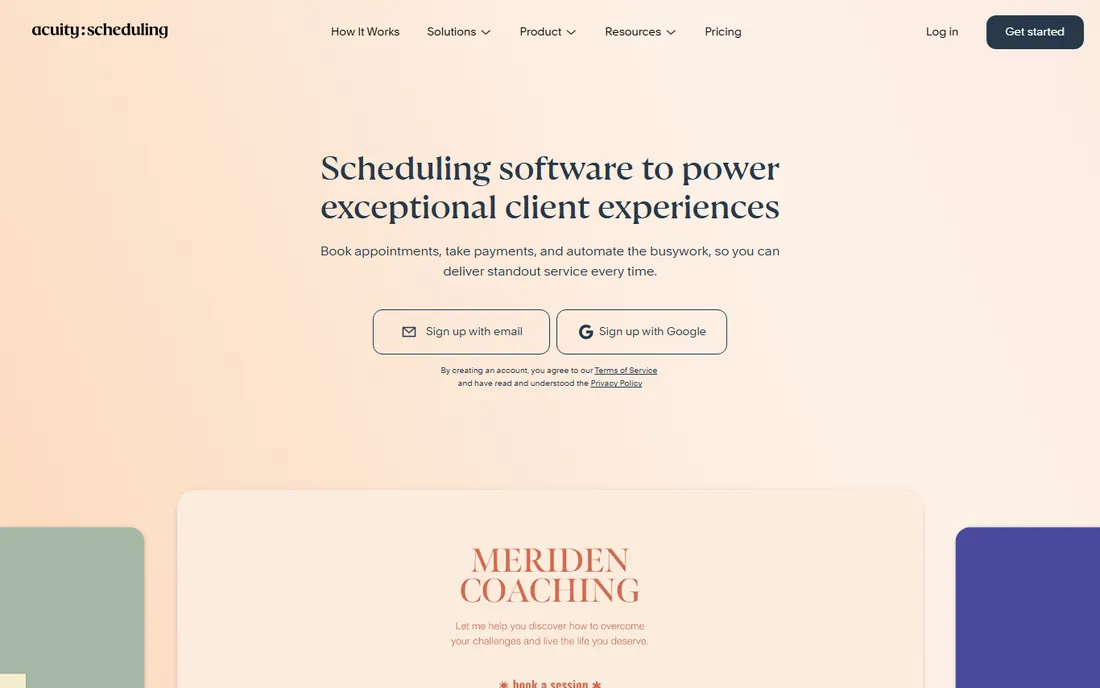
Acuity Scheduling, now sold as Squarespace Scheduling, is built for businesses where booking is the business. Coaches, therapists, studios, and clinics get intake forms that collect client details before the visit, packages that bundle sessions, and subscriptions for recurring clients. Automated email and text reminders go out without you touching anything, and clients manage their own rescheduling inside the rules you set.
Pricing starts at $16 per month billed annually for one calendar, rising to $27 for six calendars and $49 for 36. That per-calendar model means a ten-person salon lands on the Premium tier quickly. There is no free plan, which makes Acuity one of the pricier starting points on this list. What you get for the money is depth: few tools handle the combination of classes, packages, gift certificates, and HIPAA-friendly workflows as well. If appointments are your revenue, the price is easy to justify.
What we like- Intake forms, packages, subscriptions, and gift cards built in
- Clients can reschedule and cancel on their own
- Tight embedding inside Squarespace websites
Watch out for- No free plan, only a 7-day trial
- Plan tiers are priced by calendar count, which penalizes multi-staff teams
#4
SimplyBook.me
Best for: Appointment businesses with moderate booking volume
Visit simplybook.me
Starting price$11.90/month (Basic, billed annually)
Free planYes (50 bookings/month)
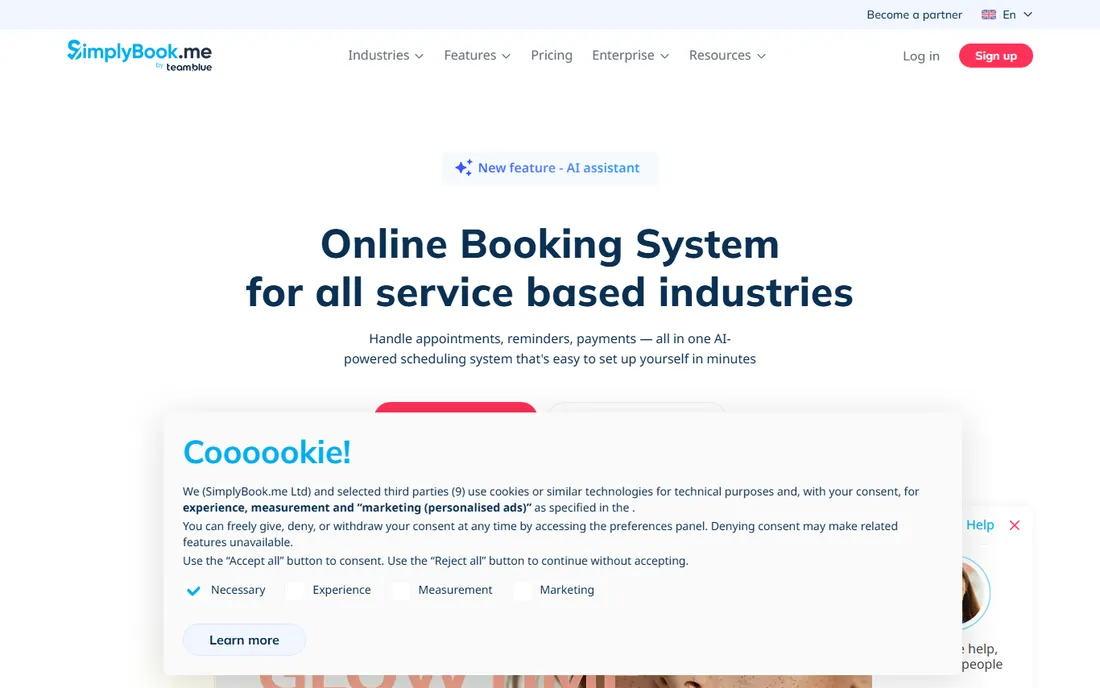
SimplyBook.me takes a different approach from most booking tools. Instead of fixed feature tiers, you pick from dozens of custom features, things like class scheduling, memberships, a client mobile app, or a queue manager, and switch them on as needed. The free plan includes 50 bookings a month and one provider, which suits a brand-new solo practice. Basic at $11.90 per month billed annually raises that to 100 bookings and 5 providers.
Watch the booking caps. Standard allows 500 bookings a month and Premium 2,000, and going over means buying extra booking packs or upgrading. A busy clinic can outgrow the cheaper tiers fast, and SMS notifications are billed separately too. Still, for businesses with specific needs, like a multilingual booking page or a built-in POS, SimplyBook.me's add-on system gets you there without paying for an enterprise platform.
What we like- Huge menu of add-on custom features for niche needs
- Built-in point of sale, payments, coupons, and gift cards
- Booking pages in 20+ languages
Watch out for- Every plan caps monthly bookings, so growth forces upgrades
- SMS credits and extra bookings cost more on top
Starting price$12/user/month (Pro)
Free planYes (up to 4 users)
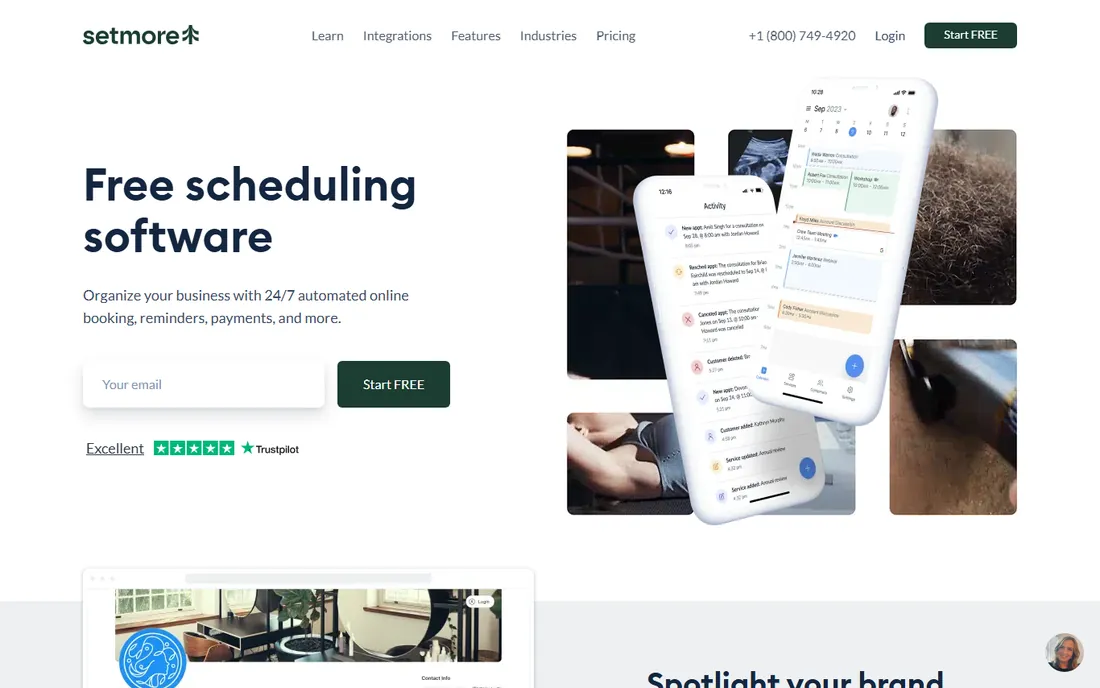
Setmore's free plan is one of the most generous in scheduling software. Up to four users get unlimited appointments, a branded booking page, email reminders, and mobile apps for nothing. That alone covers many small salons, clinics, and consultancies. The Pro plan at $12 per user per month adds SMS reminders, two-way calendar sync, recurring appointments, and removes Setmore branding.
The platform also plays well with social media. Customers can book straight from your Facebook page or Instagram profile, which matters if most of your clients find you there. Payments run through Square, Stripe, or PayPal, and a Reserve with Google integration puts your availability in search results. The interface is straightforward rather than beautiful, and reporting is basic, but for a small team that wants online booking live today at zero cost, Setmore is hard to argue with.
What we like- Free plan includes unlimited appointments for up to 4 staff
- Book Now buttons for Facebook and Instagram
- Integrations with Zoom, Stripe, and Square
Watch out for- Pro is priced per user, so larger teams pay more
- Text reminders and some branding controls need the paid tier
#6
Square Appointments
Best for: Salons and shops already taking payments with Square
Visit squareup.com
Starting price$0/month (Free plan, per location)
Free planYes
If you already swipe cards with Square, Square Appointments is the path of least resistance. The free plan covers one location with online booking, calendar sync, and email reminders. Clients book through your site or the Square marketplace, pay online or in person, and everything lands in the same dashboard as your sales. Plus at $49 per month per location adds multi-staff calendars, waitlists, and class bookings, while Premium at $149 adds resource management and advanced reporting.
The catch is the part of the bill that is not the subscription. Square takes its processing cut on every card payment, roughly 2.6% plus 15 cents in person and 3.3% plus 30 cents online on the free plan, slightly less on paid tiers. For a solo barber doing modest card volume, the free software still wins. For a busy multi-chair salon, run the full math before committing. And note the per-location pricing: a second shop doubles the subscription.
What we like- Free plan is genuinely free for one location
- Booking, payments, and POS live in one system
- Client marketplace can bring new customers
Watch out for- Card processing fees apply on every paid plan, including free
- Plus and Premium are priced per location, which multiplies costs for chains
#7
Zoho Bookings
Best for: Businesses already using Zoho apps
Visit zoho.com
Starting price$6/user/month (Basic, billed annually)
Free planYes (1 user)
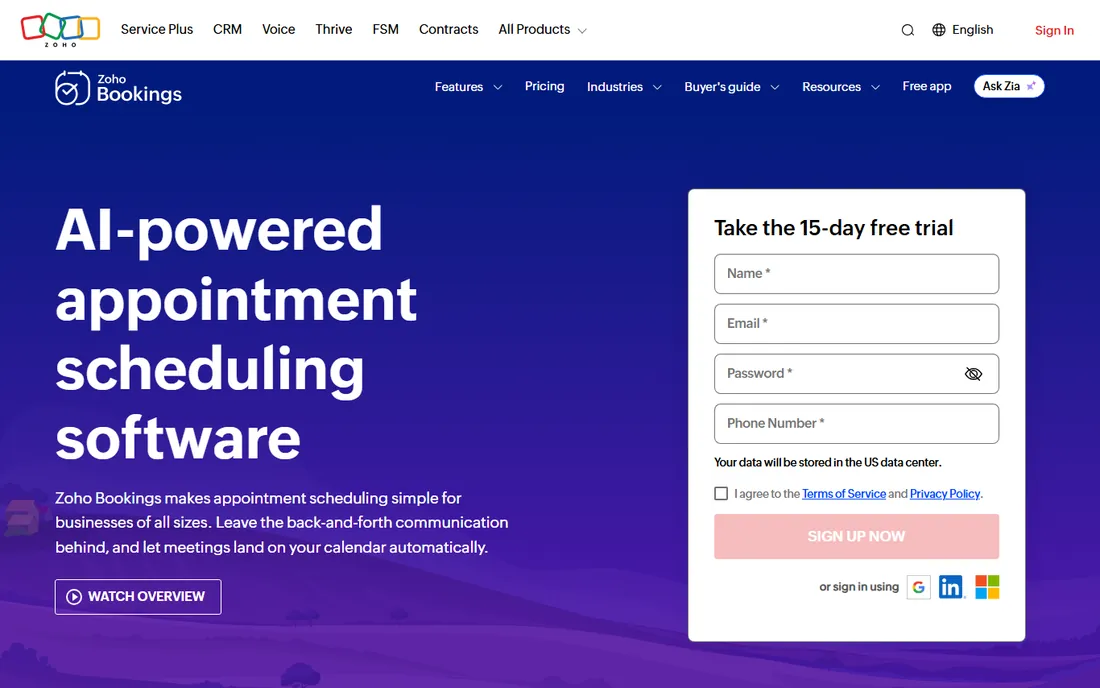
Zoho Bookings is the quiet value pick of this list. One user gets unlimited appointments, calendar sync, email notifications, and online meetings free forever. Paid plans start at just $6 per user per month billed annually for Basic, and $9 for Premium with payments, custom domains, and customer portals. A 15-day trial lets you test the paid tiers without a credit card.
The real draw is the ecosystem. If your business already runs on Zoho CRM, Zoho Meeting, or Zoho One, bookings slot into your workflows with native integrations instead of Zapier duct tape. Round-robin assignment, collective bookings for team meetings, and workspaces for departments all work well. As a standalone tool it is perfectly competent, but if you are not a Zoho shop, compare it honestly against Calendly and Cal.com before deciding on price alone.
What we like- Free forever for a single user with unlimited appointments
- Deep two-way sync with Zoho CRM and other Zoho apps
- Paid tiers are among the cheapest here
Watch out for- Shines brightest inside the Zoho ecosystem
- Resource booking and some extras cost more as add-ons
#8
Appointy
Best for: Service businesses wanting strong website integration
Visit appointy.com
Starting price$19.99/month (Growth, billed annually)
Free planYes (100 appointments/month)
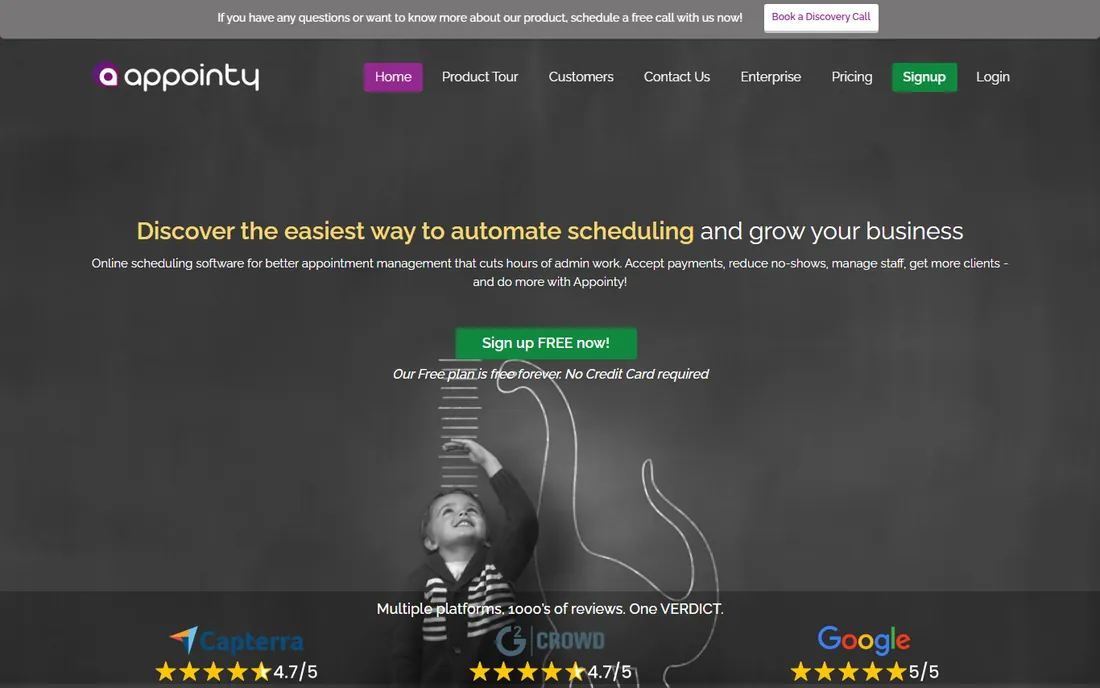
Appointy has been in the scheduling game since 2008, and it shows in the breadth of its integrations. Booking widgets drop into any website, clients can book through Facebook and Instagram, and Zapier connects it to more than a thousand other apps. The free plan covers one staff member and 100 appointments a month. Growth at $19.99 per month billed annually ($29.99 month to month) adds unlimited services and more staff capacity.
Support is a genuine differentiator. Live representatives around the clock is rare at this price point, and small business owners who want a human to call will appreciate it. The downside is the product's age: the interface looks and feels older than Setmore or Square Appointments, and some workflows take more clicks than they should. If you want proven, supported scheduling with strong website embedding and do not mind the retro UI, Appointy delivers.
What we like- Flexible booking widgets for any website
- 24/7 live support
- Connects with Facebook, Instagram, and Zapier
Watch out for- Monthly billing is $29.99, so annual commitment matters
- Interface feels dated next to newer rivals
Starting price$9/month (Individual)
Free planYes (1 calendar, 1 booking page)
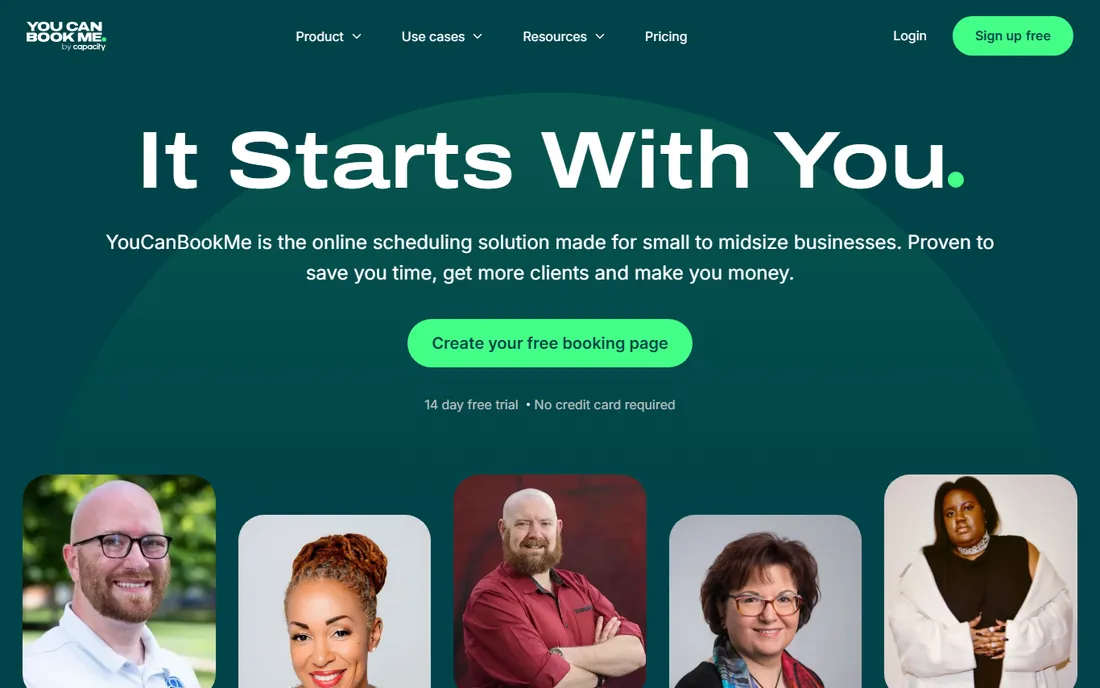
YouCanBookMe built its reputation on affordability and customization. The free plan gives you one calendar connection and one booking page, enough for a freelancer to look professional. Paid plans start at $9 per month for Individual with two calendar connections, and annual or two-year billing shaves 10 to 20 percent off. You get unlimited notifications, custom booking form questions, Stripe payments, and page styling that actually matches your brand.
The pricing model takes a minute to understand. Instead of per-seat billing, you pay based on how many calendars connect to your booking pages, which favors small teams sharing calendars. The trade-off is a thinner feature set than Calendly and no native mobile app for managing bookings on the go. For budget-focused owners who mainly need a polished, customizable booking page that works, YouCanBookMe is one of the best deals in this guide.
What we like- Highly customizable booking pages and notifications
- Some of the lowest paid prices in the category
- Supports 44 languages
Watch out for- No mobile app, web-based only
- Pricing by calendar connections can confuse first-time buyers
Starting price$7/user/month (Pro, billed annually)
Free planYes
Bookafy prices by people, not appointments. Every plan, including the free one, allows unlimited bookings, which flips the math for high-volume businesses. A three-person clinic doing 600 appointments a month pays $33 on Pro+ instead of jumping to a premium tier elsewhere just for the booking allowance. Text reminders are included in the plan rather than sold as credits, and the platform supports 32 languages with users in 180 countries.
Feature depth is solid: skill-based routing, round-robin booking, buffer times, custom intake forms, group events, and an open API all come standard. Payments go through your own Stripe or Authorize.net account, which keeps processing in your hands but means one more account to manage. The integration list is shorter than Calendly's, though Zapier and webhooks cover most gaps. If your team books heavy volume and hates watching a monthly appointment counter, Bookafy deserves a serious look.
What we like- No booking caps on any plan, including free
- Text reminders included rather than metered
- HIPAA-compliant with 32+ languages
Watch out for- Online payments run through Stripe or Authorize.net only
- Smaller integration marketplace than the big names
How we picked this list
We started with the appointment scheduling tools that show up most in buyer shortlists, then added smaller vendors with strong reviews and genuinely useful free plans. Every tool above exists today, accepts new customers, and fits the booking software category. We verified each starting price on the vendor's own pricing page on October 13, 2026, and marked anything we could not verify as "See website" (nothing in this article needed that label).
We read product documentation, feature lists, and integration directories to confirm what each plan actually includes. We also read public reviews on G2, Capterra, and Reddit to see where users praise the tools and where they complain. We did not accept vendor marketing claims at face value, and we did not invent ratings, user counts, or customer stories. The "best for" labels reflect where each tool's pricing and feature set fit most naturally for US small and mid-size businesses.
What to check before you pay for booking software
Price per month is only the first number. Start with your booking volume: if you do hundreds of appointments monthly, a tool with booking caps like SimplyBook.me can cost more than a per-user tool like Bookafy. Count your staff next, since per-seat pricing punishes larger teams while per-location pricing punishes multi-site businesses.
Then look at reminders. No-shows are the silent profit killer in appointment businesses, and automated SMS and email reminders are the feature that pays for the software. Check whether texts are included or sold as credits, because metered SMS adds up fast. Payments matter too: if clients pay deposits or full amounts online, confirm the tool connects to your processor and know the transaction fees, which are separate from the subscription.
Finally, test the customer experience yourself. Book a fake appointment on each finalist's demo page from your phone. If it takes more than a minute or looks broken on mobile, your clients will bounce. Most tools on this list offer a free plan or trial, so run a real week of bookings before you commit to anything annual.
Do you actually need paid booking software?
Honestly, maybe not yet. Six of the ten tools above offer free plans that cover real businesses: Square Appointments is free per location, Setmore covers four users free, and Zoho Bookings is free forever for one user. If you take under fifty appointments a month and work solo, a free plan plus your phone's calendar may be all you need for a year or more.
The moment to pay comes when free limits start costing you money. That looks like turning away online bookings because you hit a monthly cap, losing clients to no-shows because you have no automated reminders, or spending your evenings on scheduling admin instead of billable work. Paid tiers typically start making sense at that point for $6 to $16 per user per month, which one saved appointment usually covers. Start free, measure what breaks, and upgrade when the math is obvious.
Frequently asked questions
What is the best booking software for a small business?
There is no single winner, but Calendly is the safest all-round choice, Square Appointments is best if you already use Square, and Setmore offers the most generous free plan. Pick based on your booking volume, staff size, and whether you need payments built in.
How much does appointment scheduling software cost?
Most paid plans in 2026 run $6 to $16 per user per month when billed annually. Tools with per-location pricing, like Square Appointments Plus at $49 per month, or booking-cap pricing, like SimplyBook.me, can cost more or less depending on your shape. Six of the ten tools in this guide have free plans.
Is there really free booking software?
Yes. Square Appointments, Setmore, Zoho Bookings, SimplyBook.me, Appointy, YouCanBookMe, Bookafy, and Cal.com all offer free plans with real booking functionality. Free tiers usually limit users, bookings per month, or advanced features like SMS reminders.
Which booking software sends automatic text reminders?
Setmore, Bookafy, Square Appointments (paid tiers), Acuity Scheduling (Standard and up), and SimplyBook.me all support SMS reminders. Check whether texts are included in the plan or billed as separate credits, since that changes the real monthly cost.
Can booking software take payments online?
Most of them can. Square Appointments, SimplyBook.me, Acuity Scheduling, Bookafy, and YouCanBookMe all collect payments or deposits at booking time. Remember that card processing fees are separate from the software subscription, usually around 2.9% plus 30 cents per transaction.
What is the difference between booking software and appointment scheduling software?
The terms overlap heavily. Appointment scheduling software usually means calendar-based booking for meetings and services, while booking software sometimes implies payments, classes, and resource management too. Every tool in this guide handles online appointment scheduling; the ones with payments and class features cover the broader booking use case as well.
Sources we checked (15)
- https://calendly.com/pricing
- https://cal.com/pricing
- https://www.stylefactoryproductions.com/squarespace-pricing
- https://www.jpkdesignco.com/blog/acuity-scheduling-review
- https://simplybook.me/en/pricing
- https://schedulingkit.com/pricing-guides/simplybook-pricing
- https://www.setmore.com/pricing
- https://koalendar.com/blog/square-appointments-pricing
- https://www.zoho.com/bookings/pricing.html
- https://www.saasworthy.com/product/appointy
- https://www.trustradius.com/products/appointy/pricing
- https://prospeo.io/s/calendly-vs-youcanbookme
- https://www.jotform.com/blog/youcanbookme-vs-calendly/
- https://bookafy.com/pricing
- https://bookafy.com/simplybook-alternatives/
Is your product missing or out of date?
We review this list regularly. Vendors can request a listing, send updated pricing or ask about featured placement.

Shihab Mia · Founder, Rankite
Shihab has spent more than a decade helping SaaS and e-commerce brands grow through search. He writes Rankite's software buying guides from pricing pages, documentation and public user reviews. More about Shihab.