How we make this list: we compare pricing pages, product documentation and public user reviews. Ratings come from G2, Capterra or Trustpilot, with the date we checked them.
Key takeaways
- FreshBooks leads on easy invoicing for service businesses, with time tracking, estimates, and client-friendly invoices.
- QuickBooks Online leads on full accounting depth, pairing billing with bookkeeping, payroll, and tax reports in one system.
- Zoho Invoice leads on free invoicing, with a genuinely free tier for small businesses that covers core billing well.
- Wave leads on free accounting plus invoicing, though payment processing fees apply and support is thinner.
- Xero suits growing businesses that want strong bank reconciliation and multi-currency billing.
- Square Invoices suits sellers who already use Square, with in-person and online billing in one system.
- Always compare total cost including payment processing fees, since a cheap plan with high processing rates can cost more than a pricier plan at volume.
Quick comparison
| Tool | Best for | Starting price | Free plan |
|---|
 FreshBooks FreshBooks | Service business invoicing | See website | Free trial |
 QuickBooks Online QuickBooks Online | Full accounting depth | See website | Free trial |
 Zoho Invoice Zoho Invoice | Free invoicing | Free | Free plan |
 Wave Wave | Free accounting plus invoicing | Free app | Free plan |
 Xero Xero | Growing business accounting | See website | Free trial |
 Square Invoices Square Invoices | Square sellers | Free app | Free plan |
 HoneyBook HoneyBook | Client workflow plus billing | See website | Free trial |
 Invoice2go Invoice2go | Mobile invoicing | See website | Free trial |
Is your product missing or out of date?
We review this list regularly. Vendors can request a listing, send updated pricing or ask about featured placement.
The best billing software for small business
Billing software turns hours and products into invoices, tracks who paid, and chases who did not, which is the cash-flow core of any small business. The eight tools below cover simple invoicing, full accounting, and client workflows, and the right pick depends on whether you need invoices alone, invoices plus bookkeeping, or invoices inside a broader client system. Prices vary by billing period and user count, so where a figure is not confirmed on a vendor page, we use "See website" and flag the gap.
How we chose
We started from the billing tools small businesses actually use in 2026, drawing on vendor pricing pages, small business guides, and accountant recommendations. We favored tools with professional invoice templates, online payment options, late payment reminders, and clear pricing, and we excluded spreadsheet templates and enterprise-only billing systems, since this list is about small business software. Payment processing fees are noted separately from plan prices wherever possible, since they dominate total cost for many businesses.
Buying guide
Start with your billing pattern. Service businesses that bill hours need time tracking and estimates, product businesses need inventory and sales tax handling, and project businesses need progress billing and retainers. List your top three billing workflows before comparing tools, since a tool that handles one pattern beautifully may handle another poorly.
Next, check payment options and fees. Online payments through cards and bank transfers get you paid faster than checks, but processing fees near 2.9 percent plus 30 cents per transaction apply on most platforms. Compare the total cost at your real volume: a free plan with standard processing fees often beats a paid plan with the same fees, unless the paid plan adds features you need.
Then test invoice design and reminders. Professional templates, your logo, and clear payment terms make invoices easier for clients to pay, while automatic reminders save the awkward chasing emails. Check whether reminders are customizable and whether late fees can be applied automatically.
Finally, consider accounting integration. If you already use an accountant or accounting software, pick billing that syncs cleanly rather than creating double entry. FreshBooks, QuickBooks, Xero, and Wave all pair billing with bookkeeping at different depths, while Zoho Invoice and Square Invoices focus on billing alone and export to accounting tools.
One more factor matters for growing businesses: multi-user access and permissions. A solo freelancer needs one seat, while a team needs staff access with limited permissions, so an employee can send invoices without seeing payroll or bank data. Check seat pricing and permission controls before committing, since adding users later can double costs on some plans.
Frequently asked questions
What is the difference between billing and accounting software?
Billing software creates and tracks invoices and payments, while accounting software adds bookkeeping, bank reconciliation, tax reports, and financial statements. Some tools do both, while others focus on billing and export to accounting tools.
Can I send invoices for free?
Yes. Zoho Invoice and Wave offer free invoicing tiers, and Square Invoices is free to send, with payment processing fees only when clients pay by card. Free tiers usually limit users, clients, or advanced features.
How much do payment processing fees cost?
Most platforms charge near 2.9 percent plus 30 cents per card transaction, with bank transfer fees lower. Fees vary by provider and volume, so check the current rate for your chosen tool before estimating total cost.
Should I use the same tool for billing and accounting?
If your business is simple, a combined tool such as QuickBooks Online, Xero, or FreshBooks saves time. If you have an accountant with a preferred system, pick billing that syncs with it rather than forcing a switch.
How do automatic payment reminders work?
You set a schedule, such as reminders 3 days before due, on the due date, and 7 days after, and the tool emails clients automatically. Good tools let you customize wording and timing, and stop reminders once payment arrives.
Sources
- Vendor pricing and feature pages for FreshBooks, QuickBooks Online, Zoho Invoice, Wave, Xero, Square Invoices, HoneyBook, and Invoice2go
- Third-party 2026 comparisons of billing software for small businesses
- Small business guides on payment processing fees and invoicing practices
#1FreshBooks
Best for: Service business invoicing4.5/5 on
G2 (981 reviews, checked Oct 2026)
Visit freshbooks.com
Starting priceSee website
Free planFree trial
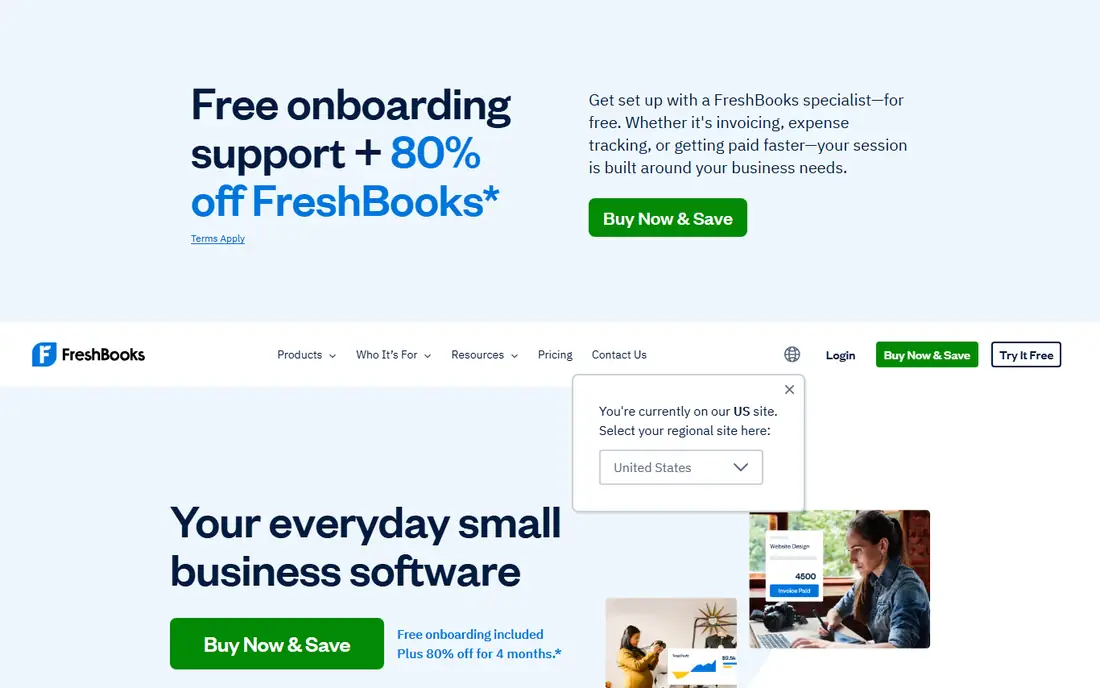
FreshBooks is the easiest full-featured billing tool for service businesses, combining invoicing with time tracking, estimates, expense capture, and client portals in a clean interface. Freelancers and agencies bill hours, convert estimates to invoices in one click, and let clients pay online, which shortens payment cycles noticeably. The interface is consistently praised for simplicity, and onboarding takes hours rather than days.
Accounting depth trails QuickBooks Online, so businesses that need full double-entry bookkeeping, payroll, and complex tax reports may outgrow FreshBooks. Higher tiers cost more as client counts grow, and inventory features are basic for product businesses. FreshBooks suits service businesses, freelancers, and agencies that value easy invoicing and time tracking over deep accounting.
What we like- Easy invoicing with time tracking
- Client-friendly invoices
- Estimates and proposals
Watch out for- Accounting depth trails QuickBooks
- Higher tiers cost more
- Inventory features are basic
Starting priceSee website
Free planFree trial
QuickBooks Online is the standard small business accounting platform in the US, pairing invoicing with full bookkeeping, bank reconciliation, payroll, sales tax tracking, and tax reports. Its accountant network is unmatched: most US accountants know QuickBooks, which makes year-end handoffs smoother than with any rival. Invoicing covers recurring invoices, payment links, and reminders, all inside the accounting system.
The learning curve is steeper than FreshBooks or Wave, pricing tiers confuse new buyers with feature splits, and support quality varies by channel. QuickBooks Online suits businesses that want billing plus full accounting in one system, and that value accountant familiarity at tax time.
What we like- Deepest small business accounting
- Huge accountant network
- Payroll and tax reports
Watch out for- Learning curve is steeper
- Pricing tiers confuse buyers
- Support quality varies
#3Zoho Invoice
Best for: Free invoicing4.7/5 on
G2 (365 reviews, checked Oct 2026)
Visit zoho.com
Starting priceFree
Free planFree plan
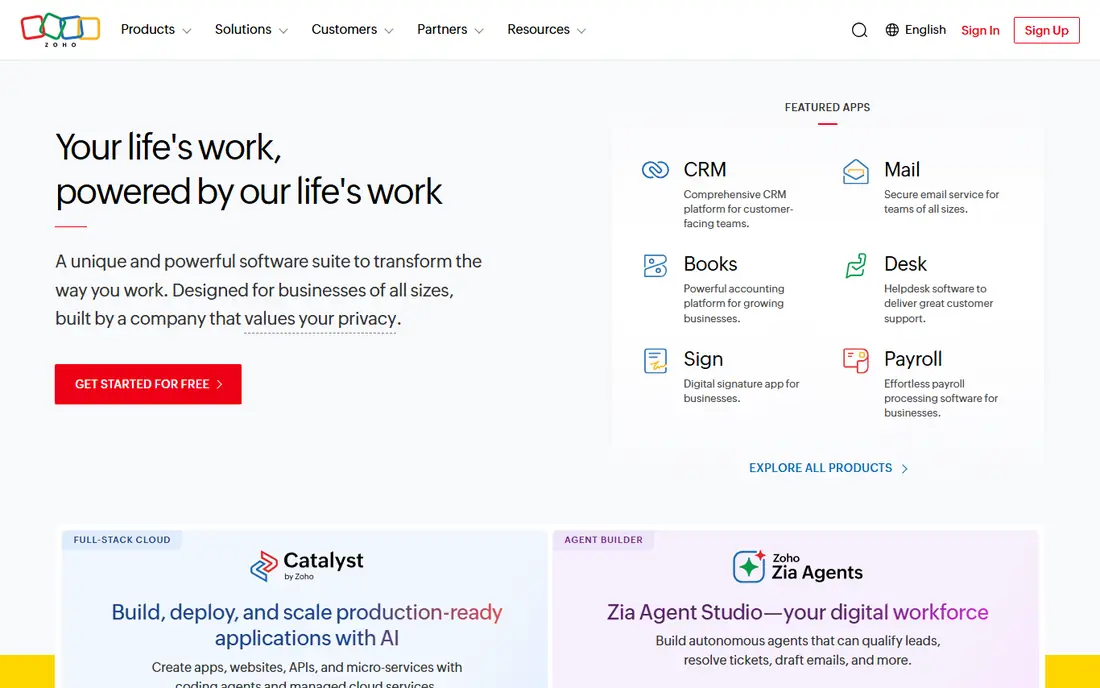
Zoho Invoice offers a genuinely free tier that covers core invoicing for small businesses: professional templates, estimates, client portals, payment links, and reminders, without a trial expiry. That free tier is the best deal in this category for businesses that only need billing, and it scales into paid Zoho products as needs grow.
Full accounting requires Zoho Books as a separate product, advanced features such as workflow automation sit on paid tiers, and support is thinner than QuickBooks. Zoho Invoice suits small businesses and freelancers who want free, professional invoicing and who do not yet need full accounting.
What we like- Genuinely free core invoicing
- Professional templates
- Client portal and reminders
Watch out for- Accounting needs Zoho Books
- Advanced features are paid
- Support is thinner
#4Wave
Best for: Free accounting plus invoicing4.3/5 on
G2 (328 reviews, checked Oct 2026)
Visit waveapps.com
Starting priceFree app
Free planFree plan
Wave pairs free invoicing with free accounting, covering income, expenses, bank connections, and basic reports at no monthly cost, which makes it the best free combined option for very small businesses. Invoices look professional, online payments work through Wave Payments, and the interface stays simple for non-accountants.
Payment processing fees apply when clients pay by card, payroll availability varies by state, and support is email-based rather than phone-first. Wave suits freelancers, sole proprietors, and tiny businesses that want free invoicing plus basic accounting without monthly fees.
What we like- Free invoicing and accounting
- Easy bank connections
- Simple interface
Watch out for- Payment processing fees apply
- Payroll is limited by state
- Support is email-based
#5Xero
Best for: Growing business accounting4.4/5 on
G2 (1,832 reviews, checked Oct 2026)
Visit xero.com
Starting priceSee website
Free planFree trial
Xero is the growing business pick for accounting plus billing, with strong bank reconciliation, multi-currency invoicing, and a large app ecosystem that extends into inventory, payroll partners, and industry tools. Its cloud-first design suits businesses with accountants or bookkeepers who work remotely, and its reports cover the full financial picture.
US payroll is limited compared with QuickBooks, pricing tiers split features in ways that confuse buyers, and new users face a learning curve. Xero suits growing businesses, especially those with international customers or multi-currency needs, that want strong accounting with billing built in.
What we like- Strong bank reconciliation
- Multi-currency billing
- Large app ecosystem
Watch out for- US payroll is limited
- Pricing tiers split features
- Learning curve for new users
#6Square Invoices
Best for: Square sellers4.7/5 on
G2 (217 reviews, checked Oct 2026)
Visit squareup.com
Starting priceFree app
Free planFree plan
Square Invoices is free to send, with payment processing fees only when clients pay, and it unifies with Square's in-person sales, so a business that sells at a counter and by invoice sees everything in one dashboard. Invoices are clean, payment links work by email or text, and recurring invoices cover retainers.
Accounting depth is basic compared with QuickBooks or Xero, advanced billing features need paid Square plans, and the system centers on Square payments. Square Invoices suits retailers, cafes, and service sellers already using Square who want free invoicing inside their existing sales system.
What we like- Free to send invoices
- Unified with Square sales
- Easy online payments
Watch out for- Accounting depth is basic
- Advanced billing needs paid plans
- Square-centric
#7HoneyBook
Best for: Client workflow plus billing4.5/5 on
G2 (250 reviews, checked Oct 2026)
Visit honeybook.com
Starting priceSee website
Free planFree trial
HoneyBook wraps billing inside a full client workflow for creative and service businesses: inquiries, proposals, contracts, invoices, and payments flow in one pipeline, with automation that moves clients from inquiry to paid without manual steps. That workflow focus suits photographers, designers, planners, and coaches who manage many clients.
Pricing targets creative businesses rather than bargain hunters, accounting depth is basic, and setup takes time to configure pipelines. HoneyBook suits client-based creative businesses that want billing inside a complete workflow, not just standalone invoices.
What we like- Invoices inside full client workflow
- Contracts and proposals
- Automation
Watch out for- Priced for creative businesses
- Accounting is basic
- Learning curve for setup
Starting priceSee website
Free planFree trial
Invoice2go is built for mobile invoicing: tradespeople and field service workers create estimates and invoices on site from a phone, capture client signatures, and track payment status without returning to a desk. Its mobile focus suits plumbers, electricians, cleaners, and other on-site businesses.
Accounting depth is basic, desktop tools are thinner than the mobile app, and pricing varies by plan. Invoice2go suits mobile field businesses that invoice on site and want the fastest phone-first workflow, with accounting handled elsewhere if needed.
What we like- Mobile-first invoicing
- Quick estimates on site
- Simple client tracking
Watch out for- Accounting is basic
- Desktop tools are thinner
- Pricing varies by plan
Is your product missing or out of date?
We review this list regularly. Vendors can request a listing, send updated pricing or ask about featured placement.

Shihab Mia · Founder, Rankite
Shihab has 5+ years in B2B and SaaS SEO. He writes Rankite's software buying guides from pricing pages, documentation and public user reviews. More about Shihab.