How we make this list: we compare pricing pages, product documentation and public user reviews. Ratings come from G2, Capterra or Trustpilot, with the date we checked them.
Key takeaways
- Power BI wins on price for Microsoft shops, while Tableau still leads on visual polish and depth.
- Looker and Qlik suit organizations that need governed metrics defined once and reused everywhere.
- ThoughtSpot is the strongest pick when business users should ask questions in plain language instead of waiting for dashboards.
- Metabase is the budget answer: open source, quick to set up, and good enough for most internal reporting.
- AI features are now table stakes, but check whether they need a paid capacity tier before you budget.
Quick comparison
| Tool | Best for | Starting price | Free plan |
|---|
 Microsoft Power BI Microsoft Power BI | Microsoft 365 teams that want low per-user cost | $14 per user/month (billed annually) | Yes |
 Tableau Tableau | Visual analysis and storytelling at enterprise scale | $15 per user/month (billed annually) | Free trial |
 Looker Looker | Governed metrics on cloud warehouses | See website | No |
 Qlik Sense Qlik Sense | Free-form exploration of connected data | See website | Free trial |
 ThoughtSpot ThoughtSpot | Search-based analytics in plain language | $25 per user/month (billed annually) | Free trial |
 Sigma Sigma | Spreadsheet-style analysis on live warehouse data | See website | Free trial |
 Domo Domo | Company-wide dashboards and data products | See website | Free trial |
 Metabase Metabase | Open source dashboards for smaller teams | Free | Yes |
Is your product missing or out of date?
We review this list regularly. Vendors can request a listing, send updated pricing or ask about featured placement.
The best BI software for analytics
#1Microsoft Power BI
Best for: Microsoft 365 teams that want low per-user cost4.5/5 on
G2 (1,661 reviews, checked Oct 2026)
Visit microsoft.com
Starting price$14 per user/month (billed annually)
Free planYes
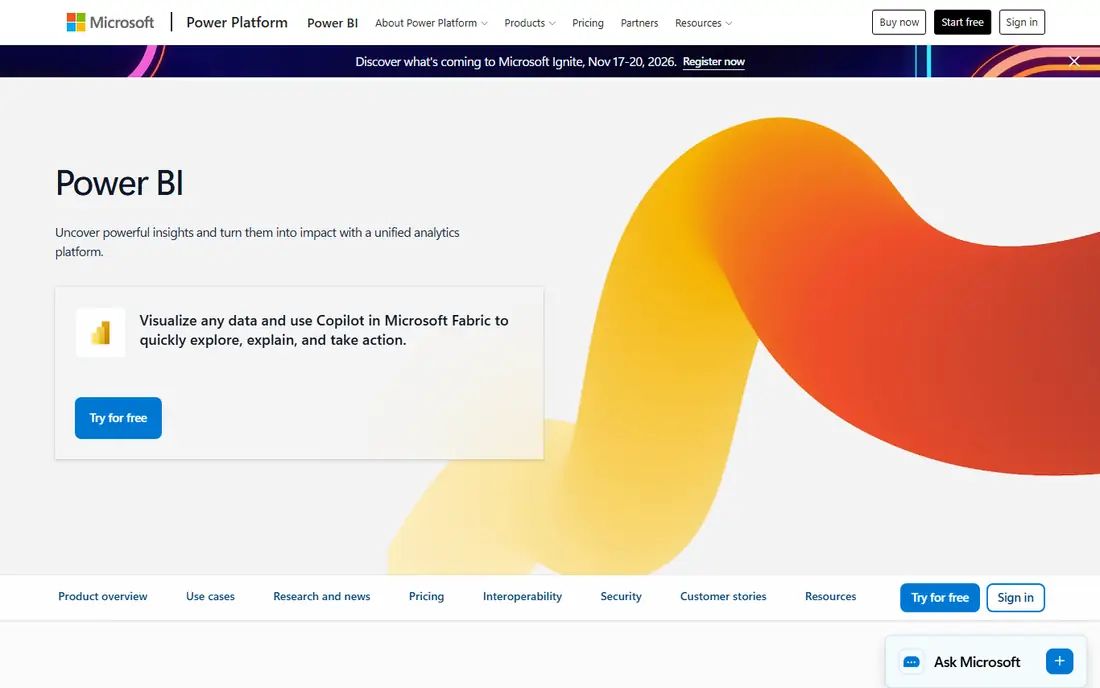
Power BI is the default business intelligence choice for a simple reason: most companies already pay for Microsoft 365, and Pro pricing keeps the per-seat cost low. Analysts build reports in the free Desktop app, publish to the cloud service, and colleagues view them in Teams, Excel or a browser. The connector list is long, and the DAX modeling language gives serious analysts real control over measures and calculations.
The catch sits in the licensing tiers. Viewers need Pro licenses too unless reports live on Premium or Fabric capacity, so company-wide rollouts cost more than the headline $14 suggests. AI features through Copilot also sit behind paid capacity. Still, for a Microsoft-centered company, no rival matches the combination of price, familiarity and integration, and the free tier makes evaluation painless.
What we like- Pro at $14 per user per month undercuts most rivals
- Deep Excel and Microsoft 365 integration
- Free Desktop app for building reports
Watch out for- Sharing and collaboration require paid licenses for viewers
- AI Copilot features need paid Fabric capacity
- Tiering across Pro, Premium and Fabric confuses buyers
#2Tableau
Best for: Visual analysis and storytelling at enterprise scale4.4/5 on
G2 (3,787 reviews, checked Oct 2026)
Visit tableau.com
Starting price$15 per user/month (billed annually)
Free planFree trial
Tableau earned its reputation one chart at a time. Analysts drag fields onto a canvas and get a sensible chart immediately, then refine it into something a board meeting can use. The visual grammar is flexible enough for both quick exploration and polished storytelling, and the community shares workbooks, techniques and training at a scale no rival matches.
Pricing is role-based, with Viewer at $15, Explorer at $42 and Creator at $75 per user per month on annual billing, and enterprise tiers roughly double those figures. That means a sensible deployment buys few Creator licenses and many Viewer ones. Tableau now pushes agentic analytics, with AI features that answer questions and surface insights inside Slack, Teams and other tools. If visual quality and analyst freedom matter most, Tableau remains the benchmark.
What we like- Best-in-class visual exploration with drag-and-drop ease
- Huge community and learning resources
- Cloud, Server and Salesforce-native options
Watch out for- Creator licenses at $75 per user per month add up fast
- Enterprise tiers raise viewer costs
- Heavier governance setup than Power BI for Microsoft shops
#3Looker
Best for: Governed metrics on cloud warehouses4.4/5 on
G2 (1,654 reviews, checked Oct 2026)
Visit looker.com
Starting priceSee website
Free planNo
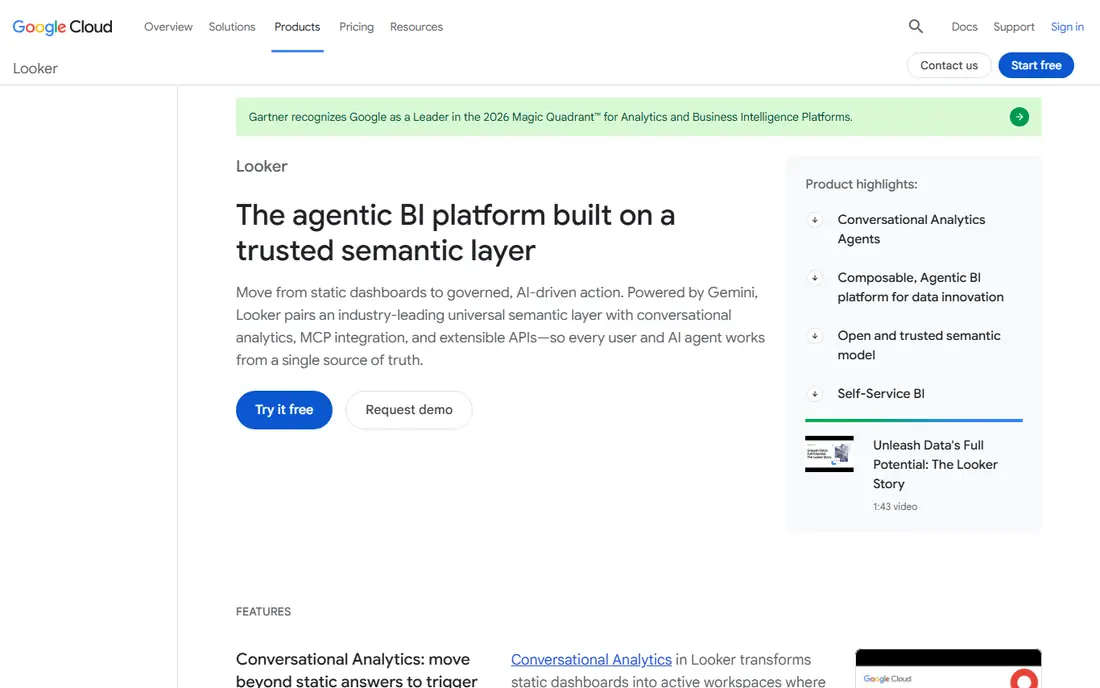
Looker takes a different position from dashboard-first tools. Its LookML modeling layer sits above the warehouse and defines each metric once, so revenue means the same thing in every dashboard, every embedded report and every AI answer. That single source of truth is why data teams with strict metric discipline pick Looker, and why Google now frames it as an agentic BI platform with Gemini-powered conversational analytics.
The trade is skill and cost. Someone on your team must write and maintain LookML models, which is real engineering work, and pricing is quote-based with platform and user components plus an annual commitment. Editions include Standard, Enterprise and Embed, each bundling a set number of standard and developer users. For a company already on BigQuery or Google Cloud, that investment pays off in consistency. For a team that wants quick dashboards without a modeling layer, it will feel heavy.
What we like- LookML semantic layer defines metrics once for every user and AI agent
- Strong BigQuery and Google Cloud integration
- Embedded analytics for customer-facing products
Watch out for- Quote-based pricing with platform plus user fees
- LookML requires developer skills to model
- Annual commitment on current editions
#4Qlik Sense
Best for: Free-form exploration of connected data4.4/5 on
G2 (929 reviews, checked Oct 2026)
Visit qlik.com
Starting priceSee website
Free planFree trial
Qlik Sense is built around its associative engine, which keeps every possible relationship in memory as users click. Select a region, a product and a quarter, and the interface immediately shows what is related, what is excluded, and what becomes possible next. That free-form exploration suits analysts who do not yet know which question to ask, and it sets Qlik apart from tools that only answer pre-built queries.
Qlik now sells a broader platform covering data integration, quality and analytics, with AI features woven through it. The company claims a large share of the Fortune 500 as customers, which speaks to enterprise staying power. Pricing is not published on the homepage, so budget planning starts with a sales conversation and a trial. Buyers who value guided exploration and a full data pipeline story should put Qlik on the shortlist.
What we like- Associative engine lets users explore freely without pre-built queries
- Strong data integration and quality tools in the same family
- AI-assisted insight generation
Watch out for- No published prices on the current site
- Learning curve for building governed apps
- Capacity-based enterprise pricing needs a sales conversation
#5ThoughtSpot
Best for: Search-based analytics in plain language4.4/5 on
G2 (340 reviews, checked Oct 2026)
Visit thoughtspot.com
Starting price$25 per user/month (billed annually)
Free planFree trial
ThoughtSpot asks a useful question: why should a sales manager wait for a dashboard when they can type a question and get a chart? Its search interface turns plain-language questions into answers grounded in governed business definitions, and its Spotter agent builds context from past usage to improve over time. Liveboards update as data changes, and anomalies surface without anyone scheduling a report.
Essentials starts at $25 per user per month on annual billing, with Pro at $50 and Enterprise custom, and lower tiers carry AI query caps worth checking before you commit. The platform only works as well as the data model beneath it, so teams with messy definitions will need cleanup work first. For companies where business users outnumber analysts, ThoughtSpot removes the queue between question and answer better than any dashboard tool here.
What we like- Natural-language search with governed answers
- Spotter AI agent learns from usage
- Strong embedded analytics for products
Watch out for- AI query caps apply on lower tiers
- Needs clean, well-modeled data to shine
- Enterprise pricing is custom
#6Sigma
Best for: Spreadsheet-style analysis on live warehouse data4.5/5 on
G2 (602 reviews, checked Oct 2026)
Visit sigmacomputing.com
Starting priceSee website
Free planFree trial
Sigma meets analysts where they already live: the spreadsheet. Users build calculations, pivot tables and dashboards in a familiar grid, except every cell queries the cloud warehouse live instead of a stale export. Permissions follow the warehouse down to the row, so a regional manager sees only their region without anyone building separate reports. Writeback goes further, letting teams build input tables and workflow apps that save edits back to the warehouse.
The company now positions itself as an AI runtime for business, with agents that answer questions, monitor metrics and draft next steps. That direction is promising but newer than its core spreadsheet product, so test agent behavior on your own data before relying on it. Pricing is quote-based. For warehouse-centered teams that think in spreadsheets, Sigma shortens the path from question to answer more than any traditional BI tool.
What we like- Familiar spreadsheet interface on live warehouse data
- Row-level security inherited from the warehouse
- Writeback lets teams build apps, not just dashboards
Watch out for- Quote-based pricing with no public tiers
- Warehouse-native design means no standalone data storage
- Newer AI agent features need evaluation in practice
#7Domo
Best for: Company-wide dashboards and data products4.3/5 on
G2 (1,086 reviews, checked Oct 2026)
Visit domo.com
Starting priceSee website
Free planFree trial
Domo sells the whole pipeline in one cloud platform: connectors pull data in, prep tools clean it, dashboards visualize it, and AI agents now answer questions and automate follow-ups. That breadth suits executives who want one place to watch the business, and product teams that want to ship data products to customers without stitching five vendors together. Its connector library is one of the largest in this list.
The pricing model deserves attention. Domo uses consumption credits on top of a custom quote, so heavy usage or large data volumes can push costs up in ways a flat per-seat price would not. A free trial helps size that risk, but buyers should model a realistic month of usage before signing. If you want one vendor for the full journey from source to dashboard, Domo is a credible alternative to assembling a stack yourself.
What we like- All-in-one cloud platform with connectors, prep, dashboards and AI agents
- Strong executive dashboard experience
- Embedded and customer-facing options
Watch out for- Quote-based, credit-based pricing that can climb with usage
- Broad platform means more to learn
- Smaller community than Power BI or Tableau
#8Metabase
Best for: Open source dashboards for smaller teams4.4/5 on
G2 (147 reviews, checked Oct 2026)
Visit metabase.com
Starting priceFree
Free planYes
Metabase is the tool teams reach for when they want dashboards this week without a procurement cycle. The open source edition runs from a single Docker command, connects to common databases and warehouses, and lets non-technical users build questions with a visual query builder or ask Metabot in plain language. Dashboards, subscriptions and alerts cover the daily reporting needs of most startups and mid-sized companies.
Paid cloud and enterprise tiers add SSO, granular permissions, usage analytics and support, so the free edition is a genuine on-ramp rather than a dead end. The limits show at scale: governance controls are lighter than Tableau or Looker, and very large deployments need planning. For internal reporting on a budget, though, Metabase delivers most of what teams actually use at a fraction of the cost.
What we like- Free self-hosted open source edition
- Setup in minutes with a single command
- Visual query builder needs no SQL for basic questions
Watch out for- Governance and advanced permissions sit behind paid tiers
- AI features are newer and lighter than enterprise rivals
- Large-scale deployments need care
How we chose
We compared vendor homepages, pricing pages and documentation against public comparisons and user reviews on G2 and Capterra. Every tool here had its official homepage opened and confirmed, and each one genuinely serves business intelligence rather than a neighboring category like data preparation alone. Where the vendor does not publish a price, we recorded "See website" instead of repeating third-party estimates.
What to weigh before you buy
Match the tool to who asks the questions. If analysts build and executives view, role-based pricing like Tableau or Power BI fits. If business users should self-serve, ThoughtSpot or Sigma removes the bottleneck. If metric consistency across teams and AI tools matters most, Looker or Qlik earns its complexity. And if budget is the binding constraint, start with Metabase or Power BI before committing to an enterprise platform.
Run a trial on your own data, not the vendor demo set. Connect two real sources, build three dashboards your team actually needs, and watch how long each step takes. Check viewer licensing costs for a company-wide rollout, confirm whether AI features need an extra tier, and ask how pricing changes as data volume or user counts grow. The cheapest headline price rarely stays the cheapest at full deployment.
Frequently asked questions
What is BI software?
Business intelligence software connects to your data sources, models the numbers, and turns them into dashboards, reports and answers that people can act on. Modern BI tools add search, AI assistants and alerts so users do not have to wait for a monthly report.
How much does BI software cost?
Prices range from free for open source tools like Metabase to $75 per user per month for Tableau Creator, with most enterprise platforms quote-based. Always budget for viewer licenses, implementation and any consumption or capacity charges on top of the headline seat price.
Is Power BI free?
Power BI Desktop is free for building reports, and a free cloud account covers personal use. Sharing reports with colleagues requires a Pro license at $14 per user per month on annual billing, or capacity-based Premium or Fabric plans for larger rollouts.
Do I need a data warehouse before buying BI software?
Not necessarily. Small teams can connect BI tools directly to databases, spreadsheets and SaaS apps. A warehouse becomes valuable once you combine many sources, need governed metrics, or want AI features grounded in consistent definitions.
What is the difference between BI and data analytics software?
The terms overlap. BI usually means dashboards, reporting and governed metrics for business users, while data analytics software leans toward exploration, modeling and statistical work by analysts. Most tools on this list cover both to some degree.
Sources we checked (10)
- https://www.tableau.com
- https://www.microsoft.com/en-us/power-platform/products/power-bi
- https://www.looker.com
- https://www.qlik.com
- https://www.thoughtspot.com
- https://www.sigmacomputing.com
- https://www.domo.com
- https://www.metabase.com
- https://www.ovaledge.com/blog/business-intelligence-tools
- https://www.basedash.com/blog/bi-tool-pricing-plans-seat-limits-and-ai-costs-2026
Is your product missing or out of date?
We review this list regularly. Vendors can request a listing, send updated pricing or ask about featured placement.

Shihab Mia · Founder, Rankite
Shihab has 5+ years in B2B and SaaS SEO. He writes Rankite's software buying guides from pricing pages, documentation and public user reviews. More about Shihab.