How we make this list: we compare pricing pages, product documentation and public user reviews. Ratings come from G2, Capterra or Trustpilot, with the date we checked them.
Key takeaways
- Automated deployment turns releases from risky events into routine steps, with tests, approvals, and rollbacks built in.
- GitHub Actions and GitLab CI suit teams that already live in those platforms, while Argo CD suits Kubernetes teams that want GitOps.
- Jenkins suits firms that need deep customization, while managed services suit teams that want less pipeline maintenance.
- Rollback speed matters more than deploy speed, since a fast bad release still breaks production.
- Start with staging parity, automated tests, and one click rollback before you chase advanced strategies such as canary releases.
Quick comparison
Is your product missing or out of date?
We review this list regularly. Vendors can request a listing, send updated pricing or ask about featured placement.
The best automated cloud deployment services
Starting priceFree
Free planFree
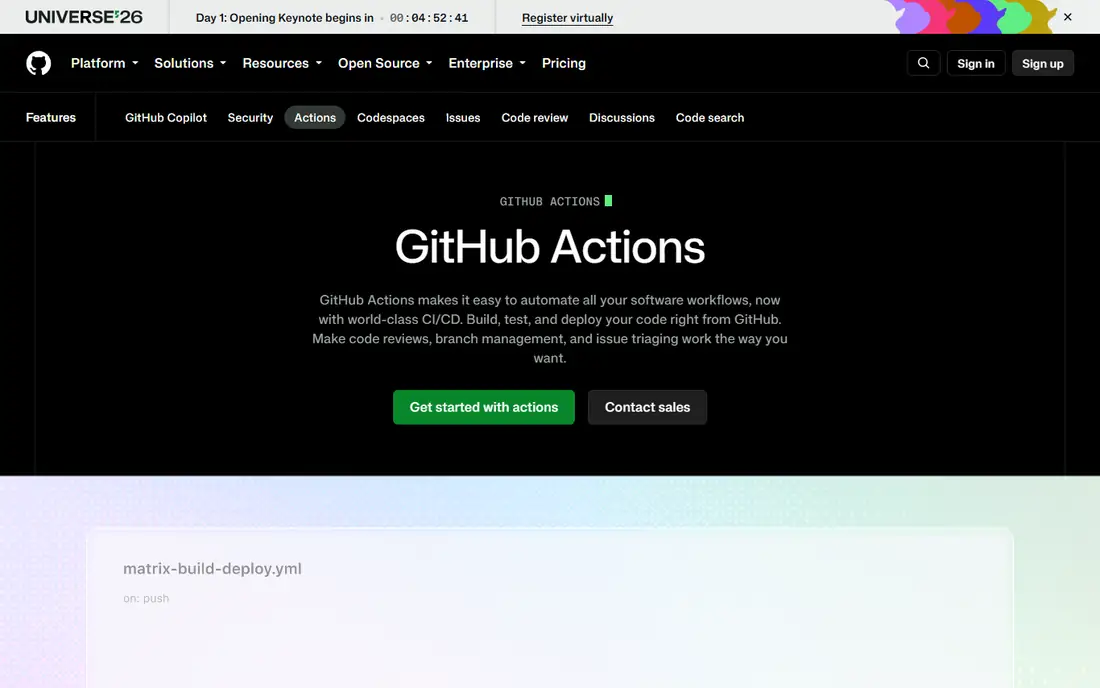
GitHub Actions runs pipelines from YAML files stored beside code, so builds, tests, and deploys live with the project they serve. The marketplace offers thousands of ready actions for cloud providers, containers, and security scans, which cuts setup time for common stacks. Matrix builds test several versions at once, and environments add approvals and secrets for production deploys.
Costs deserve attention, since private repositories get limited free minutes and heavy builds consume them fast, though self hosted runners cut that bill. Complex workflows with many jobs need careful design to stay readable and fast. For a team that already hosts code on GitHub, Actions is the shortest path to automated deploys, and its ecosystem keeps growing with each release.
What we like- Native GitHub integration
- Huge action marketplace
- Free minutes for public repos
Watch out for- Costs grow with private repo minutes
- Complex workflows need care
Starting priceFree
Free planFree
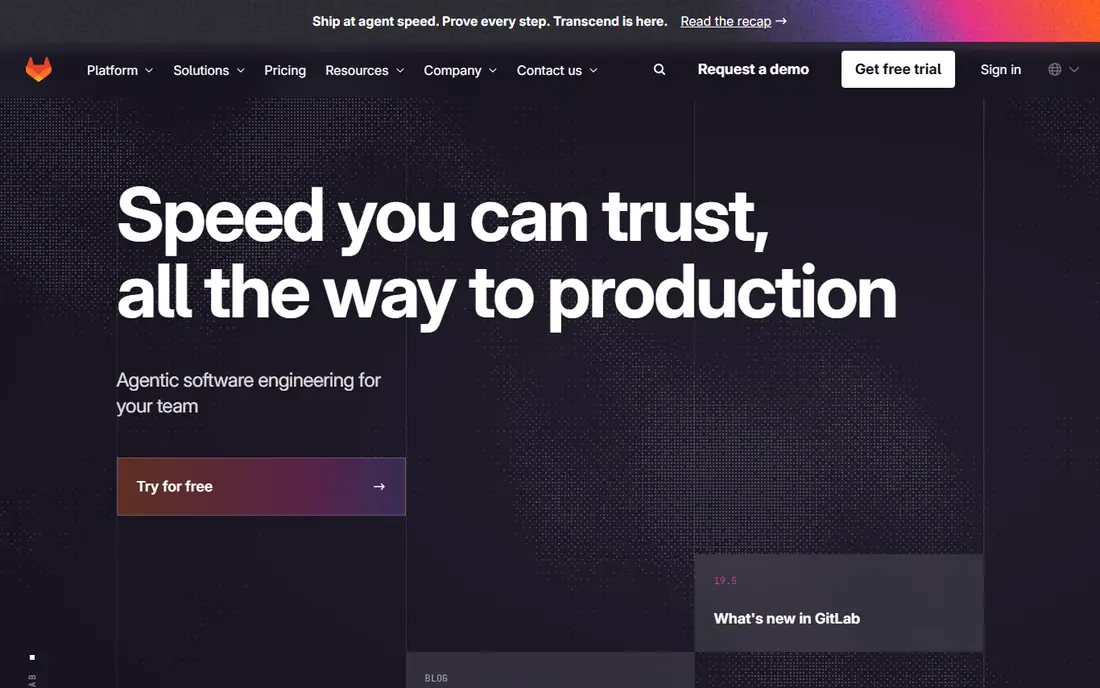
GitLab CI CD pairs code hosting with pipelines, registries, and security scanning in one platform, so teams avoid stitching separate tools together. Pipelines defined in gitlab-ci.yml run on shared or self hosted runners, and Auto DevOps can generate a pipeline for standard projects with little config. Review apps spin up a live preview for each merge request, which helps reviewers test before merge.
The interface packs many features, so newcomers may feel lost among menus for issues, packages, and operations. Self hosted runners need setup and maintenance, though shared runners cover small teams well. For a team that wants one platform from issue to deploy, GitLab gives a coherent path with fewer integrations to maintain.
What we like- Code, CI, and deploys in one place
- Auto DevOps
- Strong security scanning
Watch out for- Interface can feel dense
- Runner setup takes time for self hosting

#3Jenkins
Best for: Custom self hosted pipelines4.4/5 on
G2 (570 reviews, checked Oct 2026)
Visit jenkins.io
Starting priceFree
Free planFree
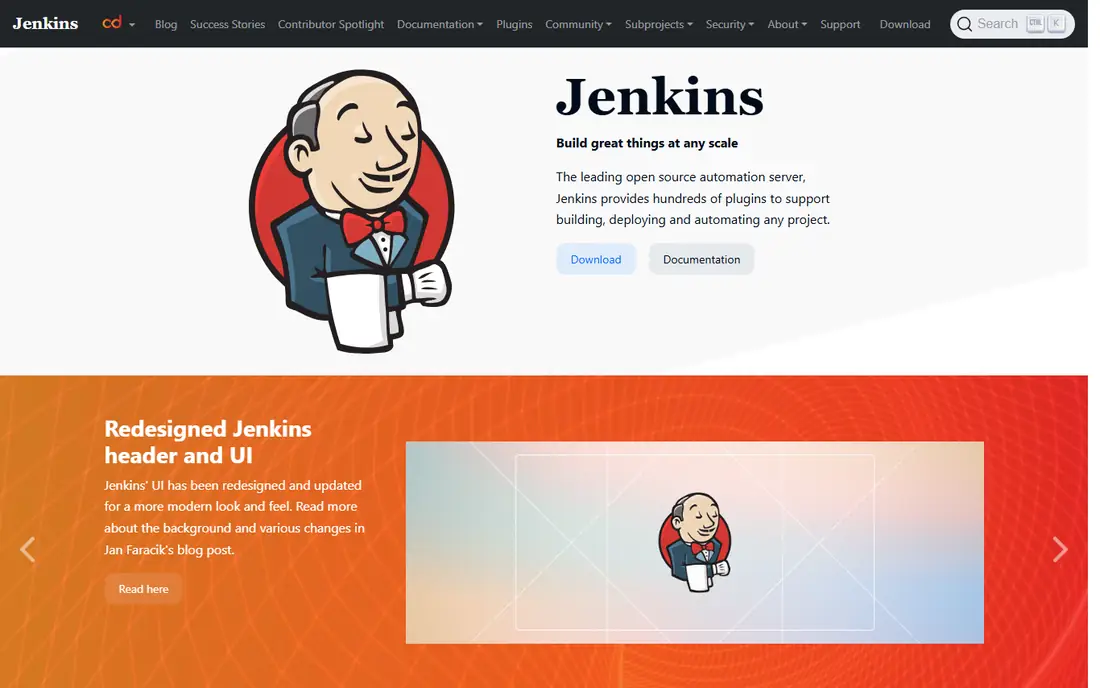
Jenkins remains the most customizable open source automation server, with plugins for nearly every cloud, tool, and language. Pipelines as code in Jenkinsfiles live beside source, and agents can run on any machine, container, or cloud, which suits firms with strict hosting rules. Decades of use mean answers exist for most problems.
Maintenance is the price of that freedom. The Jenkins controller, plugins, and agents need updates, backups, and security care, and plugin conflicts can break builds. The interface feels dated next to cloud rivals, though Blue Ocean and newer views help. For a firm that needs full control and already runs infrastructure well, Jenkins stays a powerful free choice.
What we like- Open source and free
- Huge plugin library
- Runs anywhere
Watch out for- Maintenance burden
- Plugin updates need care
- UI feels dated
Starting priceFree
Free planFree
Argo CD implements GitOps for Kubernetes, where the desired state lives in Git and Argo CD syncs the cluster to match it. Drift detection shows when live state differs from Git, and syncs can run automatically or with manual approval per application. Rollbacks mean reverting a Git commit, which is auditable and simple to explain.
Kubernetes only scope limits Argo CD to container teams, and GitOps concepts take time for teams new to declarative deploys. It pairs well with Argo Rollouts for canary and blue green strategies. For a Kubernetes team that wants deploys driven by Git, with a clear audit trail, Argo CD is the leading open source choice.
What we like- Git as source of truth
- Automatic drift detection
- Easy rollbacks
Watch out for- Kubernetes only
- Learning curve for GitOps concepts

#5Spinnaker
Best for: Multi cloud continuous delivery3.9/5 on
G2 (22 reviews, checked Oct 2026)
Visit spinnaker.io
Starting priceFree
Free planFree
Spinnaker, created at Netflix and Google, handles continuous delivery across AWS, GCP, Azure, and Kubernetes from one pipeline model. Canary analysis compares a new version against the old on live metrics before full rollout, which catches bad releases early. Pipeline stages cover bakes, tests, approvals, and deploys in a visual editor.
Running Spinnaker is heavy, with several services to operate, and setup complexity puts off small teams. The interface also takes learning, though managed offerings reduce the burden. For a large firm deploying across several clouds with strict canary rules, Spinnaker offers maturity few rivals match.
What we like- Multi cloud deploys
- Canary analysis
- Mature pipeline model
Watch out for- Heavy to run
- Setup complexity is high
- UI learning curve
Starting priceSee website
Free planNo
AWS CodePipeline automates build, test, and deploy stages inside AWS, connecting CodeBuild, CodeDeploy, Lambda, and third party tools. IAM controls who can approve or release, and pipelines scale without servers to manage. Pricing runs per active pipeline per month, which suits steady release cadences.
AWS only focus limits teams that deploy elsewhere, and custom flows may need extra Lambda steps where Jenkins offers a plugin. For a team already committed to AWS, CodePipeline gives a managed, secure path with little extra infrastructure, and its integration with CloudFormation and ECS covers common architectures well.
What we like- Native AWS integration
- Pay per pipeline
- IAM security model
Watch out for- AWS only focus
- Less flexible than Jenkins for custom flows
Starting priceFree
Free planFree
Azure DevOps bundles Pipelines, Boards, Repos, and Artifacts, which suits Microsoft focused teams that want planning and delivery together. YAML pipelines run on Microsoft hosted or self hosted agents, and integration with Azure, GitHub, and Visual Studio is deep. A free tier covers small teams and open source projects.
The breadth can confuse, since Boards, Repos, and Pipelines each carry their own menus and concepts. Non Microsoft stacks work, but need extra setup for some integrations. For a team building on Azure or .NET, Azure DevOps gives a coherent, well supported path from backlog to production.
What we like- Pipelines plus boards and repos
- Microsoft stack integration
- Free tier
Watch out for- Interface spans many services
- Non Microsoft stacks need extra setup

#8CircleCI
Best for: Fast cloud hosted CI CD4.4/5 on
G2 (510 reviews, checked Oct 2026)
Visit circleci.com
Starting priceFree
Free planFree
CircleCI offers fast cloud hosted runners with a clear YAML config model and orbs, which are reusable config packages for common tools and clouds. Docker layer caching and parallelism speed up builds, and insights show which jobs slow the pipeline. A free tier covers small projects, with paid plans scaling by credits.
Credit costs grow with heavy usage, so teams should watch parallelism and caching to control bills. Self hosting is limited compared with Jenkins, which suits cloud first teams but not strict on premises rules. For a team that wants fast, managed CI CD without running servers, CircleCI is a polished choice.
What we like- Fast cloud runners
- Docker and orb library
- Clear config model
Watch out for- Costs grow with usage
- Self hosted option is limited
How we chose
We compared pipeline model, cloud and Kubernetes support, rollback and canary options, security and approvals, ecosystem size, pricing, and public engineering feedback. We favored services that keep deploys auditable, support automated tests before production, and offer a clear rollback path. No hands on testing is claimed, and prices are shown as Free where a free tier exists, or See website where pricing is usage based.
Building a deployment pipeline that holds up
Start with a staging environment that mirrors production closely, since deploys tested only on a laptop hide environment bugs. Add automated tests in stages, fast unit tests first, then integration tests, then a smoke test after deploy, so failures surface early and cheaply. Gate production with an approval step for risky changes, but keep the approval light, since a heavy gate pushes teams to bypass the pipeline.
Rollbacks, canaries, and monitors
Make rollback a one click action, and test it before you need it, since an untested rollback fails at the worst moment. Use canary or blue green deploys for high traffic services, shifting a small share of traffic first and watching error rates, latency, and business metrics. Alert on deploy markers in your monitoring, so a spike after a release points at the change at once. A pipeline with tests, approvals, rollback, and monitors turns releases from events into routine, which is the real goal of automation.
Secrets, environments, and cost control
Keep secrets out of pipeline files, since a leaked token in Git history is hard to erase and easy to abuse. Use the secret store your platform provides, scope tokens to the smallest permission that works, and rotate them on a schedule, especially after a team member leaves or a contractor finishes. Separate secrets by environment, so a staging token cannot deploy to production, and audit secret access each quarter to catch stale entries that no one remembers creating.
Control cost by caching dependencies, running fast tests first, and cancelling redundant builds when a newer commit arrives on the same branch. Parallel jobs speed up feedback, but each parallel runner adds cost, so measure whether the time saved justifies the spend for your team size. Tag pipeline resources clearly, set monthly budget alerts, and review the largest jobs each month, since one slow integration test often costs more than every other job combined.
Frequently asked questions
What is the difference between CI and CD?
Continuous integration merges and tests code often, while continuous delivery automates release to staging or production after tests pass. CI catches integration bugs early, and CD removes manual deploy steps and their errors. Together they let teams ship small changes often with less risk.
Do I need Kubernetes to automate deploys?
No, most tools on this list deploy to virtual machines, containers, and serverless platforms without Kubernetes. Argo CD and Spinnaker suit Kubernetes and multi cloud container fleets, while GitHub Actions, Jenkins, and CircleCI cover a wider range. Pick the tool that matches your hosting, not the trend.
How do rollbacks work in automated pipelines?
A rollback redeploys the last known good version, either by reverting a Git commit, selecting a prior artifact, or shifting traffic back to the old version. Automated pipelines keep prior artifacts and configs, so rollback takes minutes rather than a rebuild. Test rollbacks regularly, since database changes can complicate a simple code rollback.
Are free tiers enough for a small team?
Yes, for most small teams, since GitHub Actions, GitLab, Jenkins, and CircleCI all offer free tiers or free self hosting. Costs grow with build minutes, parallelism, and private repo use, so watch usage and cache aggressively. Start free, and pay only when build volume justifies it.
Should deploys need manual approval?
For production, a light approval step suits most teams, especially for risky changes such as database migrations. Low risk changes, such as docs or minor fixes, can deploy automatically after tests pass. Balance speed with safety, and keep approvals in the pipeline record for audit.
Sources we checked (8)
- https://github.com/features/actions
- https://about.gitlab.com
- https://www.jenkins.io
- https://argo-cd.readthedocs.io
- https://spinnaker.io
- https://aws.amazon.com/codepipeline/
- https://azure.microsoft.com/en-us/products/devops
- https://circleci.com
Is your product missing or out of date?
We review this list regularly. Vendors can request a listing, send updated pricing or ask about featured placement.

Shihab Mia · Founder, Rankite
Shihab has 5+ years in B2B and SaaS SEO. He writes Rankite's software buying guides from pricing pages, documentation and public user reviews. More about Shihab.
 GitHub Actions
 GitLab CI CD
 Argo CD
 AWS CodePipeline
 Azure DevOps