How we make this list: we compare pricing pages, product documentation and public user reviews. Ratings come from G2, Capterra or Trustpilot, with the date we checked them.
Key takeaways
- PhoneBurner is the best pure power dialer for SDR teams that want maximum talk time with minimal admin work.
- Orum is the top pick for parallel dialing, letting reps work several lines at once to multiply conversations.
- Kixie fits small sales teams that want a power dialer deeply integrated with HubSpot or Salesforce.
- Five9 and Talkdesk suit larger operations that need predictive dialing inside a full contact center platform.
- Dialer choice comes down to dialing mode: power, predictive, preview, and parallel each fit different list sizes and compliance needs.
Quick comparison
| Tool | Best for | Starting price | Free plan |
|---|
 PhoneBurner PhoneBurner | pure power dialing for SDR teams | See website | See website |
 Orum Orum | parallel dialing at scale | See website | See website |
 Kixie Kixie | small teams on HubSpot or Salesforce | See website | See website |
 Five9 Five9 | predictive dialing in a full contact center | See website | See website |
 Talkdesk Talkdesk | AI-powered contact center dialing | See website | See website |
 JustCall JustCall | affordable dialer with SMS and workflows | See website | See website |
 Dialpad Dialpad | AI sales dialer with conversation intelligence | See website | See website |
 Aircall Aircall | cloud phone with power dialer features | See website | See website |
 CloudTalk CloudTalk | international teams needing local numbers | See website | See website |
Is your product missing or out of date?
We review this list regularly. Vendors can request a listing, send updated pricing or ask about featured placement.
The best autodialer software
Starting priceSee website
Free planSee website
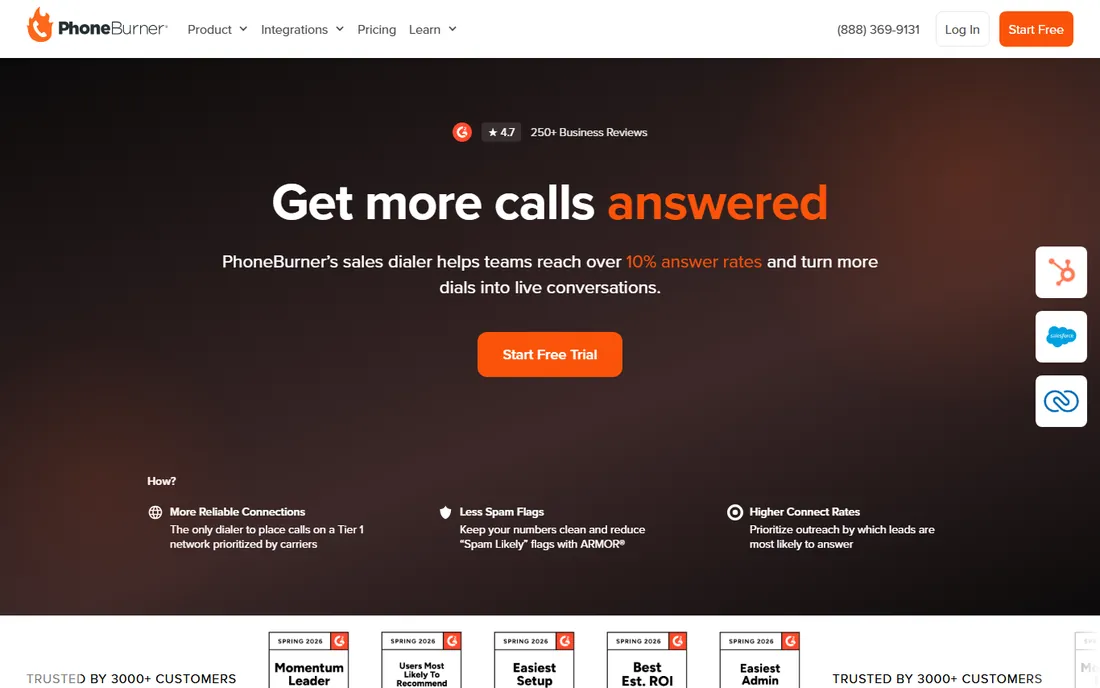
PhoneBurner does one thing and does it well: it keeps SDRs talking. The power dialer moves through lists automatically, drops pre-recorded voicemails with one click, sends follow-up emails between calls, and logs everything to the CRM. Teams report big jumps in dials per hour because the dead time between calls nearly disappears.
It is deliberately not a phone system. If you need IVR, inbound queues, or support ticketing, you will pair it with something else. But for outbound prospecting teams measured on conversations per day, that focus is the point. Evaluate it on talk time per hour against your current setup, since that single metric usually decides the purchase.
What we like- Purpose-built power dialer with one-click voicemail drop
- Strong Salesforce and HubSpot integrations
- Detailed call analytics and leaderboards
Watch out for- Limited to sales dialing, not a full phone system
- Pricing is per user with no free tier
Starting priceSee website
Free planSee website
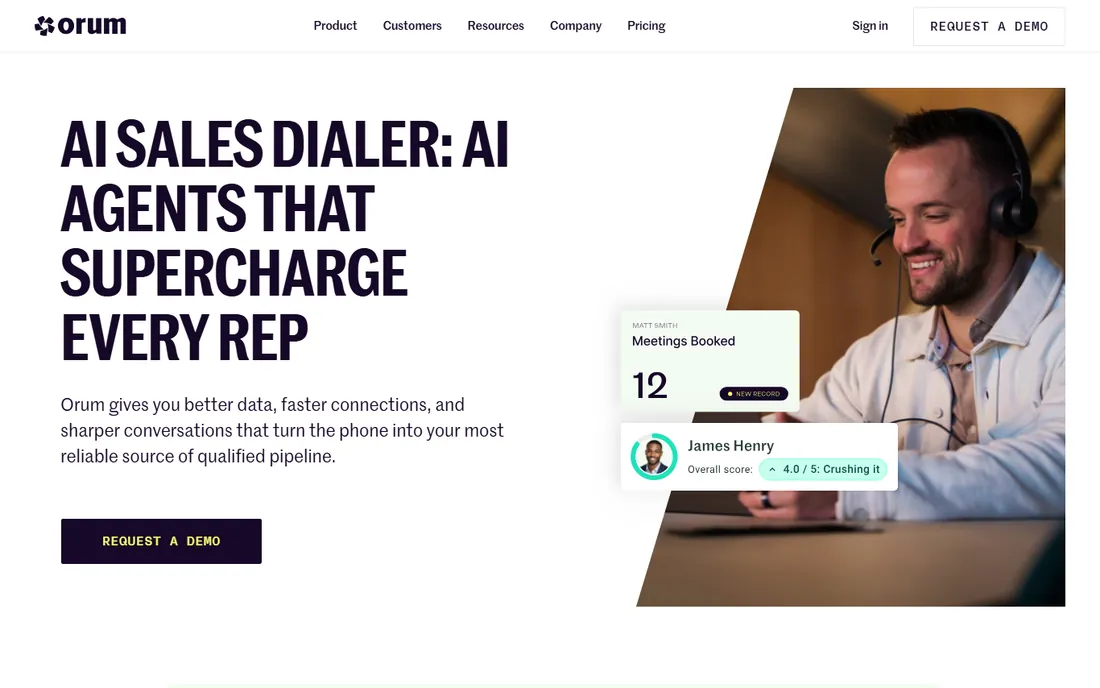
Orum changed the math on cold calling with parallel dialing: the system dials several prospects at once and connects the rep only when a human answers. Reps who used to have ten conversations a day can have thirty, because the dialer absorbs the voicemails, busy signals, and dead numbers. AI features detect voicemail beeps and leave messages automatically.
This only works with the right lists. Parallel dialing burns through numbers fast, so small or low-quality lists get exhausted quickly, and some teams find connect quality varies. It is also priced for teams that treat outbound as a core motion. When the list is big and the team is measured on meetings, Orum is hard to beat.
What we like- Parallel dialer multiplies connect rates
- AI handles voicemails and bad numbers automatically
- Strong Outreach and Salesloft integrations
Watch out for- Premium pricing aimed at funded teams
- Effectiveness depends on list quality and size
Starting priceSee website
Free planSee website
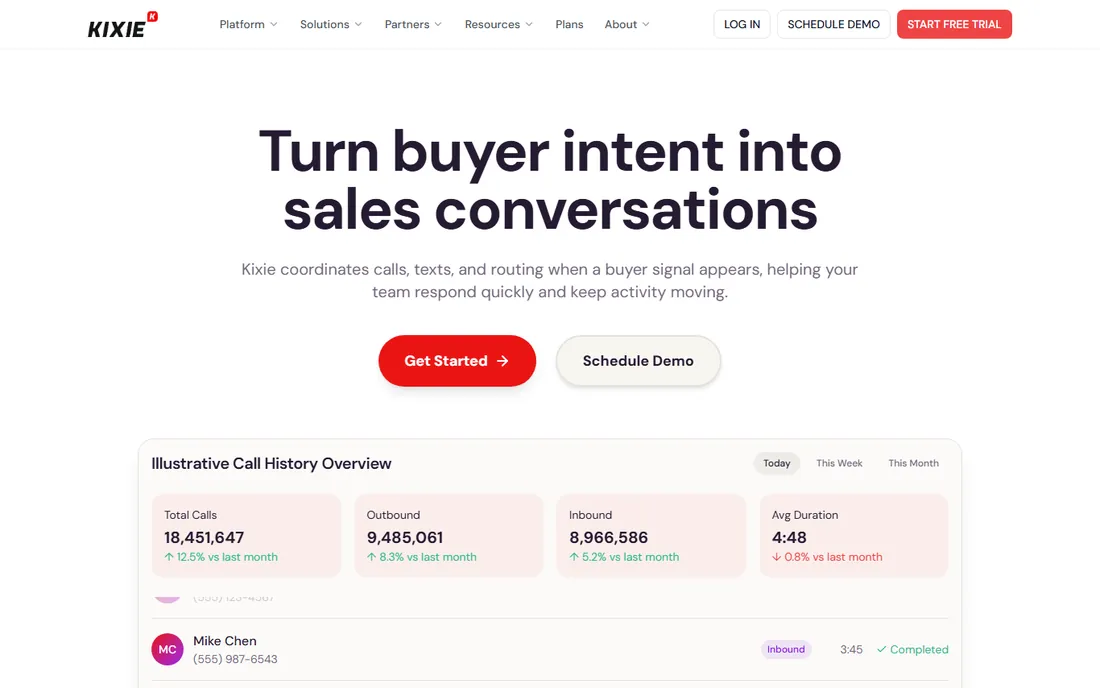
Kixie built its name on CRM integration done right. Calls, texts, notes, and outcomes log to HubSpot or Salesforce automatically, so reps never do data entry and managers get clean activity data. The power dialer, SMS, and local presence dialing cover the core outbound workflow for small teams without the complexity of a contact center platform.
Larger operations will notice the ceiling. Workforce management, advanced IVR, and complex queue routing are not Kixie's game. But for teams of five to fifty reps who live in their CRM, the combination of price, simplicity, and integration quality makes it an easy recommendation.
What we like- Deep two-way CRM integration with automatic logging
- Power dialer plus SMS in one tool
- Local presence dialing improves answer rates
Watch out for- Advanced contact center features are limited
- Reporting is solid but not enterprise-grade
#4
Five9
Best for: predictive dialing in a full contact center
Visit five9.com
Starting priceSee website
Free planSee website
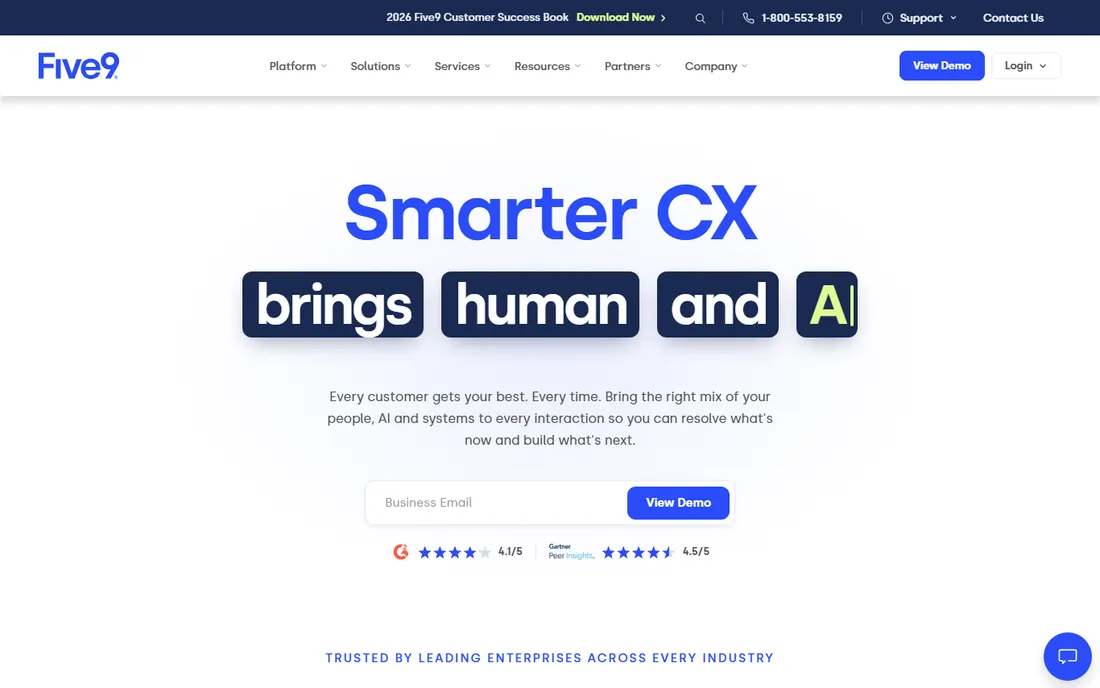
Five9 is a complete cloud contact center that happens to include a strong predictive dialer. Large sales and collections operations use it to run high-volume outbound with pacing algorithms, compliance guardrails, and supervisor monitoring, all inside a platform that also handles inbound, chat, and email. The AI features for agent assist and call summaries add real value at scale.
Small teams should look elsewhere. Five9 sells through enterprise contracts, onboarding takes weeks, and you pay for contact center breadth you may never use. It earns its keep when you have dozens of agents, compliance requirements, and blended inbound-outbound operations.
What we like- Enterprise-grade predictive dialer with compliance controls
- Full omnichannel contact center around the dialer
- Strong workforce management
Watch out for- Implementation takes time and professional services
- Overkill and overpriced for small SDR teams
Starting priceSee website
Free planSee website
Talkdesk positions itself as the AI-first contact center, and its dialing capabilities sit inside that broader story. Sales teams get predictive, power, and preview dialing alongside AI agent assist, conversation analytics, and quality management. Companies standardizing on one platform for sales and support like the unified reporting.
Like Five9, this is enterprise software with enterprise buying. The sales process is consultative, pricing is quote-based, and implementation is a project. Teams that only need a dialer will find better value in the specialists above. Talkdesk fits organizations already committed to a full contact center refresh.
What we like- Modern cloud contact center with AI across the platform
- Good predictive and preview dialing modes
- Strong analytics and quality management
Watch out for- Enterprise pricing and sales process
- Dialer is one module in a big suite
Starting priceSee website
Free planSee website
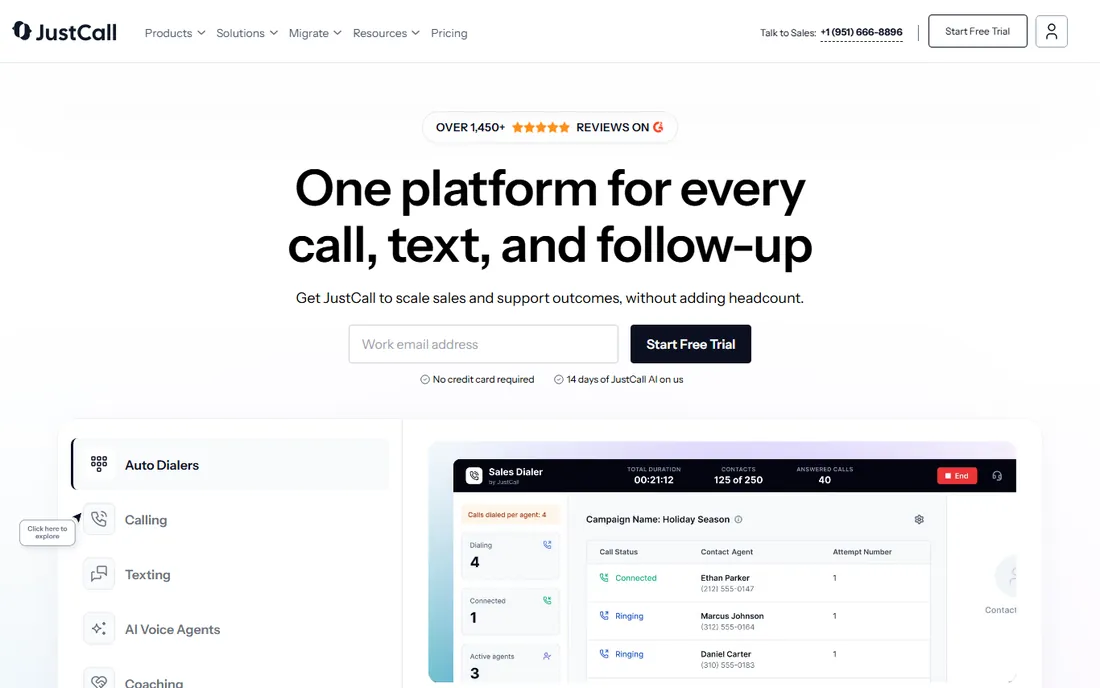
JustCall packs a lot into an affordable per-user price: a power dialer, business SMS, call recording, and workflow automation across more than a hundred integrations. Small businesses and startups get a credible sales phone system without enterprise contracts, and setup takes hours rather than weeks.
The trade-offs show up at scale. Power users note that predictive and parallel dialing are less refined than on PhoneBurner or Orum, and international call quality gets mixed reviews. For cost-conscious teams that need calling plus texting in one subscription, though, the value is strong.
What we like- Competitive per-user pricing with generous features
- SMS, MMS, and WhatsApp alongside calling
- 100+ integrations including major CRMs
Watch out for- Call quality can vary by region
- Advanced dialer modes are less sophisticated than specialists
Starting priceSee website
Free planSee website
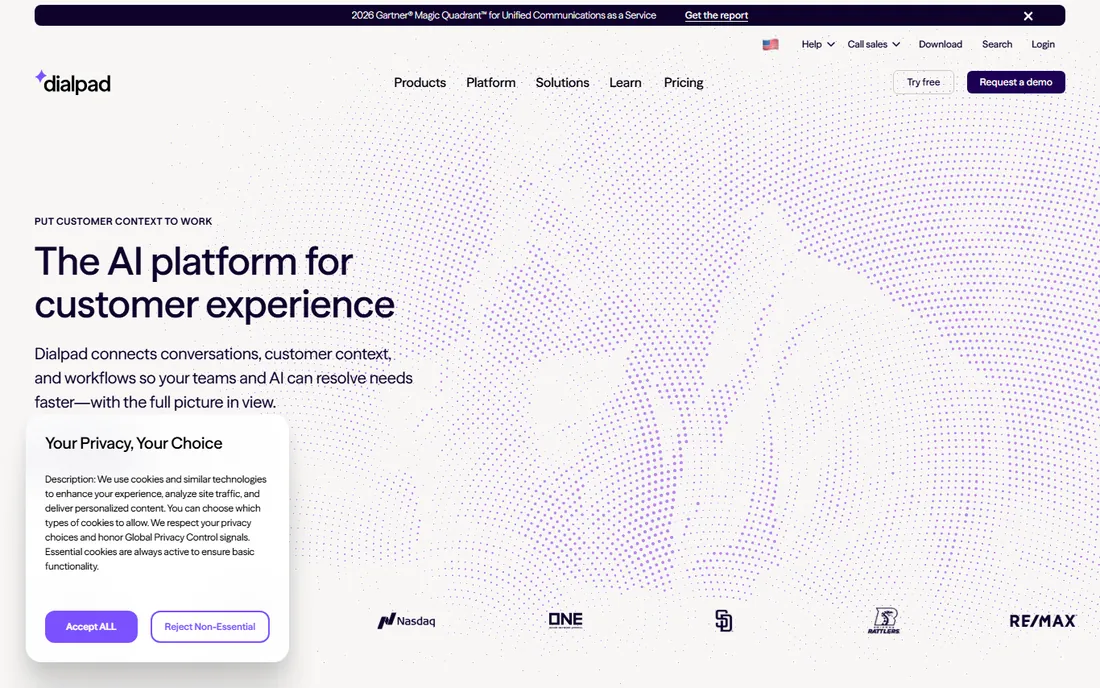
Dialpad's differentiator is AI baked into every call: live transcription, real-time coaching prompts, sentiment analysis, and automatic summaries. Sales managers get conversation intelligence without buying a separate Gong or Chorus, and reps get a modern phone experience across devices. The power dialer covers standard outbound workflows.
Teams buying primarily for dialing volume should compare carefully. Dialpad is a communications platform first, and its dialer modes are less aggressive than PhoneBurner's or Orum's. But if you want one vendor for business phone, sales dialing, and call analytics, Dialpad's bundle is compelling.
What we like- Real-time AI transcription and coaching during calls
- Unified phone, video, and messaging
- Clean interface reps actually like
Watch out for- AI features cost extra on higher tiers
- Dialer-specific depth trails pure-play dialers
Starting priceSee website
Free planSee website
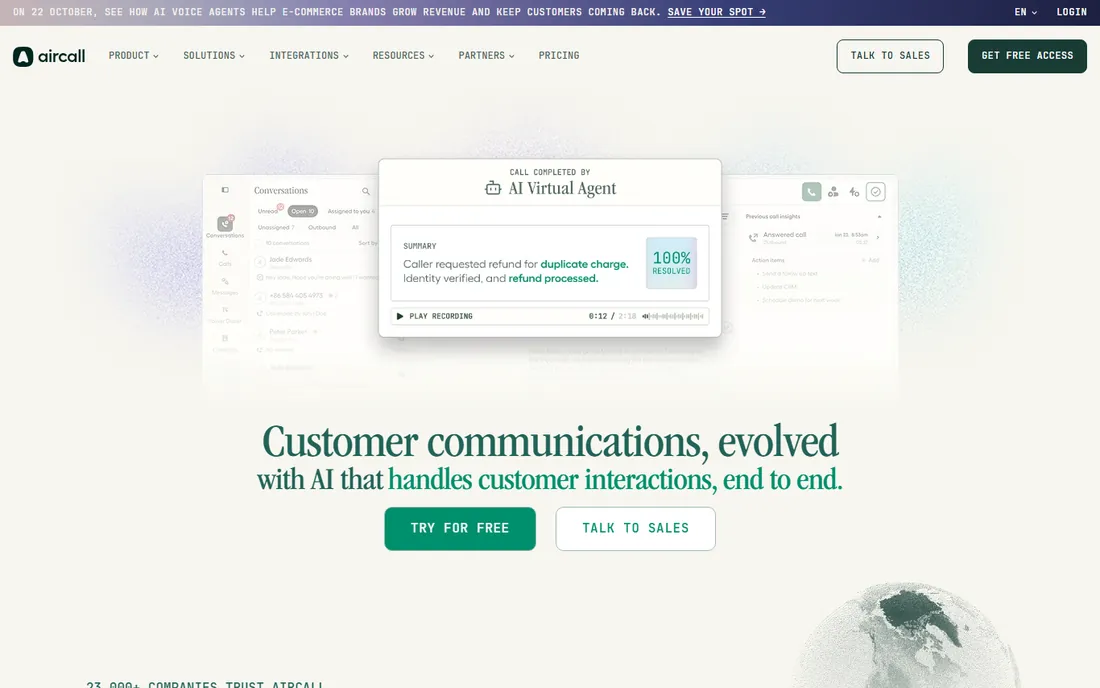
Aircall is the cloud phone system that sales teams adopt when they outgrow basic VoIP. You can spin up local numbers worldwide in minutes, route calls intelligently, and use the power dialer and click-to-call for outbound. The integration library is a real strength, with deep connections to Salesforce, HubSpot, and support tools.
High-volume outbound teams will hit limits. Aircall's dialer is a feature, not the product, so it lacks the aggressive modes and analytics of the specialists. It fits teams that split time between inbound and outbound and want one clean phone system for both.
What we like- Easy setup with numbers in 100+ countries
- Excellent CRM and helpdesk integrations
- Power dialer and click-to-call for sales teams
Watch out for- Per-user pricing adds up for large teams
- Not a dedicated high-volume dialer
Starting priceSee website
Free planSee website
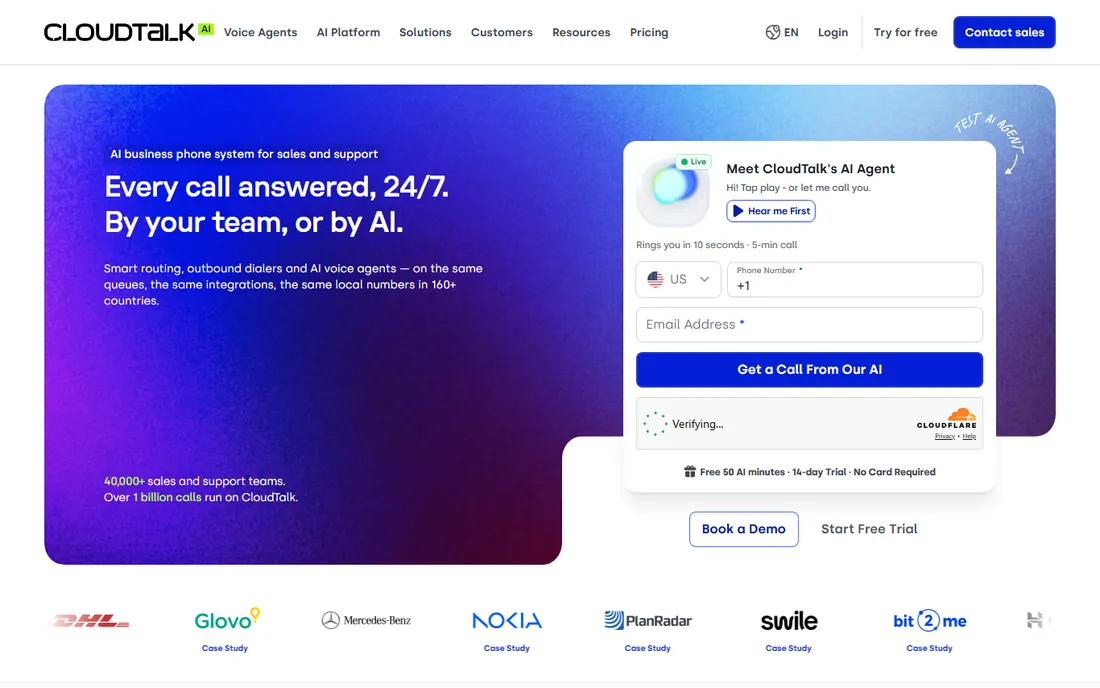
CloudTalk built its reputation on international calling. Distributed sales teams can get local presence numbers across 160+ countries, which lifts answer rates meaningfully outside the US. The power dialer, IVR, and CRM integrations cover the standard outbound and support workflows at a competitive price.
The ecosystem is smaller than Aircall's or Dialpad's, and the newest AI features have less track record. For US-only teams, the international strength matters less. But if your reps call across borders daily, CloudTalk's combination of global numbers and sensible pricing is difficult to match.
What we like- Local numbers in 160+ countries with easy provisioning
- Smart dialing features including power dialer
- Good value for distributed teams
Watch out for- Smaller ecosystem than US-centric rivals
- Some advanced AI features are newer and less proven
Power, predictive, preview, and parallel: pick your mode
Dialers are named for how they place calls, and the mode matters more than the brand. Power dialers call one number at a time and move to the next automatically, which suits small teams that want a steady, compliant pace. Predictive dialers use algorithms to dial ahead of agent availability, maximizing talk time for large teams but risking abandoned calls if tuned badly.
Preview dialers show the rep the prospect's details before dialing, which fits complex sales where preparation beats volume. Parallel dialers like Orum's dial several lines at once and connect on human pickup, delivering the highest conversation counts but burning through lists fast. Match the mode to your list size and sales motion: small curated lists need preview or power, large cold lists reward predictive or parallel, and regulated industries should favor modes with the clearest compliance controls.
What to check before you buy
Start with compliance, because dialing rules have teeth. The TCPA in the US restricts autodialed calls to mobile numbers without consent, and states add their own rules. Ask each vendor how their dialer handles consent, call pacing, and do-not-call suppression, and get written confirmation rather than a sales rep's verbal assurance.
Next, test call quality and CRM integration during the trial. Have reps make real calls through the dialer for a week and track connection rates, audio quality, and whether activities log correctly. Integration demos always look clean; production data entry is where dialers earn or lose their keep.
Finally, model the true per-rep cost. Beyond the seat price, factor in per-minute charges, phone number rentals, SMS fees, and any AI or analytics add-ons. A cheap seat with expensive usage fees often costs more than a pricier all-inclusive plan for high-volume teams.
How we chose
We selected dialers that appear consistently in sales technology shortlists on G2, Capterra, and sales community forums, covering power, predictive, parallel, and preview modes. We included both pure-play dialers and contact center platforms with strong dialing, so teams of different sizes see relevant options. Each vendor's site was checked to confirm the product is current in 2026. Pricing details come from vendor pages where published; where vendors sell by quote, we say so. No hands-on calling campaigns were run for this guide.
Frequently asked questions
What is autodialer software?
Autodialer software automatically places outbound calls from a list so sales reps spend their time talking instead of dialing. Different modes include power dialing (one call at a time, automatic advance), predictive dialing (algorithm-paced for large teams), preview dialing (rep reviews before calling), and parallel dialing (multiple lines at once).
Is autodialer software legal?
It depends on how you use it. In the US, the TCPA restricts autodialed calls and texts to mobile numbers without prior consent, with significant penalties per violation. Always get legal guidance for your use case, use the vendor's compliance features, and maintain do-not-call suppression lists.
How much does autodialer software cost?
Per-user pricing for sales dialers typically ranges from budget-friendly plans for small teams to premium per-seat pricing for parallel dialing and enterprise contact centers. Watch for usage charges on top of seats: per-minute rates, number rentals, and SMS fees can add substantially for high-volume teams.
What is the difference between a power dialer and a predictive dialer?
A power dialer calls one number after another automatically, keeping a steady pace suited to small teams. A predictive dialer uses algorithms to dial multiple numbers ahead of agent availability, maximizing talk time for large teams but requiring careful tuning to avoid abandoned calls.
Do autodialers integrate with my CRM?
Most do, with Salesforce and HubSpot integrations being standard. The depth varies: the best integrations log calls, recordings, texts, and outcomes automatically with no rep effort, while basic ones only log call activities. Test the integration with your actual workflows during the trial.
Can I use an autodialer for cold calling?
Yes, and that is the primary use case for most of these tools. Success depends on list quality, dialing mode, and compliance with calling regulations. Parallel and predictive modes suit large cold lists, while power and preview modes fit smaller, researched lists.
Sources we checked (14)
- https://www.phoneburner.com
- https://www.orum.com
- https://www.kixie.com
- https://www.five9.com
- https://www.talkdesk.com
- https://justcall.io
- https://www.dialpad.com
- https://aircall.io
- https://www.cloudtalk.io
- https://slashdot.org/software/comparison/Five9-vs-JustCall/
- https://slashdot.org/software/comparison/Five9-vs-PhoneBurner-vs-Talkdesk/
- https://slashdot.org/software/comparison/Kixie-vs-PhoneBurner-vs-VanillaSoft/
- https://sourceforge.net/software/compare/CloudTalk-vs-JustCall-vs-Kixie/
- https://slashdot.org/software/comparison/IntelliDialer-vs-Orum/
Is your product missing or out of date?
We review this list regularly. Vendors can request a listing, send updated pricing or ask about featured placement.

Shihab Mia · Founder, Rankite
Shihab has 5+ years in B2B and SaaS SEO. He writes Rankite's software buying guides from pricing pages, documentation and public user reviews. More about Shihab.