How we make this list: we compare pricing pages, product documentation and public user reviews. Rankite is independent; if a vendor ever pays for a featured spot, that listing is clearly labeled Partner.
Key takeaways
- Auth0 (free tier; paid plans) and Okta lead the enterprise identity market, with Auth0 favoring developers and Okta favoring IT departments.
- Clerk is the modern developer favorite for SaaS apps, with drop-in components that handle auth UI beautifully.
- Firebase Authentication and Supabase Auth are free to start and ideal when you are already in those ecosystems.
- Keycloak (free, open source) and FusionAuth suit teams that want self-hosted control; AWS Cognito covers the AWS-native case.
Quick comparison
| Tool | Best for | Starting price | Free plan |
|---|
 Auth0 Auth0 | developers building enterprise-grade login | Free; paid plans (see website) | Yes |
 Okta Okta | enterprise workforce identity management | See website (custom quote) | Free trial |
 Clerk Clerk | SaaS apps that want beautiful auth UI fast | Free; paid plans (see website) | Yes |
 Firebase Authentication Firebase Authentication | mobile and web apps in the Google ecosystem | Free; pay-as-you-go | Yes |
 Supabase Auth Supabase Auth | open-source Firebase alternative with Postgres | Free; paid plans (see website) | Yes |
 AWS Cognito AWS Cognito | AWS-native applications | Free tier; pay-as-you-go | Yes |
 FusionAuth FusionAuth | teams wanting auth control without building it | Free; paid plans (see website) | Yes |
 Keycloak Keycloak | free open-source identity with no vendor | Free (open source) | Yes |
Is your product missing or out of date?
We review this list regularly. Vendors can request a listing, send updated pricing or ask about featured placement.
The best authentication software
#1
Auth0
Best for: developers building enterprise-grade login
Visit auth0.com
Starting priceFree; paid plans (see website)
Free planYes
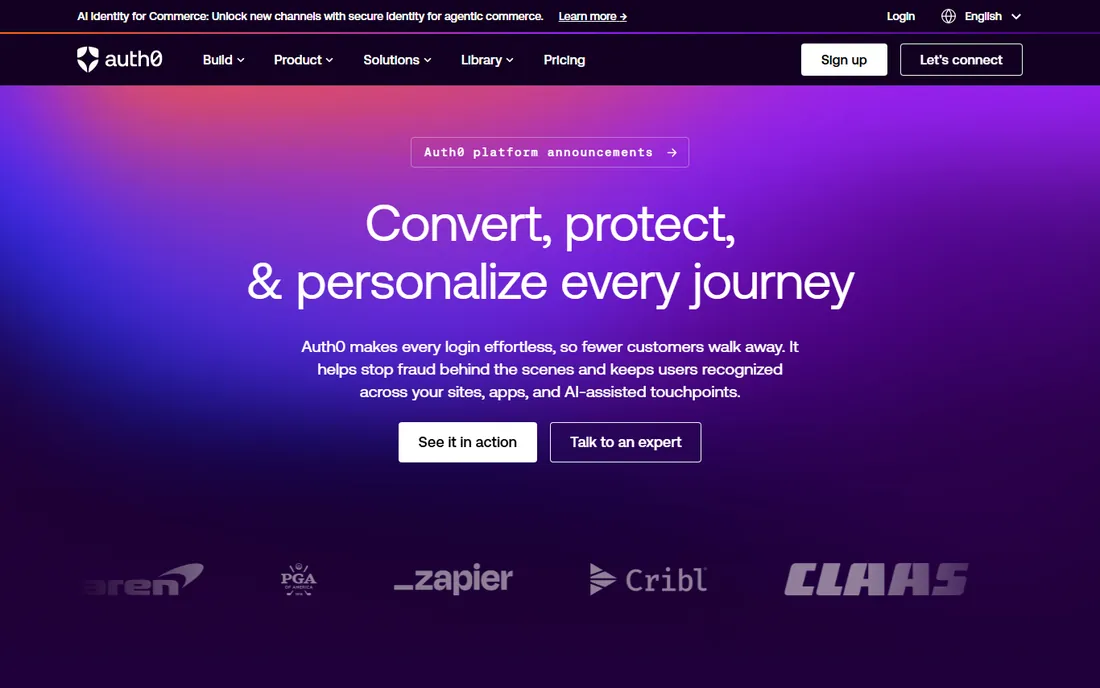
Auth0 made authentication something developers enjoy implementing: SDKs for every framework, social logins, MFA, passwordless and enterprise SSO from clean APIs. The free tier covers small apps generously, and the documentation is exemplary. Startups grow into paid tiers as MAUs climb.
Pricing at scale requires careful modeling: MAU-based tiers with feature gates confuse buyers. Okta's acquisition means roadmap watchers note the enterprise influence. For product teams that want auth handled well without building it, Auth0 remains the developer default.
What we like- Excellent developer experience
- Huge integration library
- Generous free tier
Watch out for- Pricing complexity at scale
- Okta ownership changes dynamics
#2
Okta
Best for: enterprise workforce identity management
Visit okta.com
Starting priceSee website (custom quote)
Free planFree trial
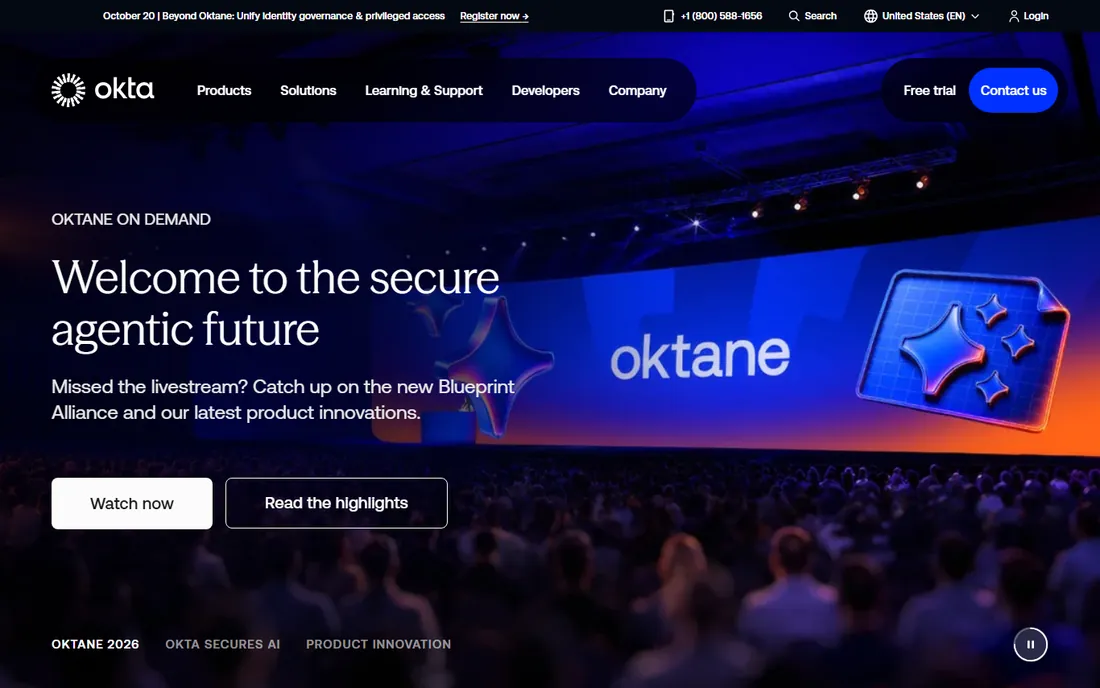
Okta rules enterprise workforce identity: SSO for thousands of apps, lifecycle management, adaptive MFA and governance that satisfies auditors. The integration network (7,000+ apps) means most enterprise software connects in clicks. IT departments trust it because it has handled their complexity for a decade.
Developers building customer-facing apps often prefer Auth0's experience. Pricing is custom and enterprise-grade. For workforce identity at scale, the choice is usually Okta versus Microsoft Entra, and Okta wins on neutrality across ecosystems.
What we like- Deepest enterprise identity features
- Huge app catalog
- Proven at scale
Watch out for- Quote-based pricing
- IT-admin focus less developer-friendly
#3
Clerk
Best for: SaaS apps that want beautiful auth UI fast
Visit clerk.com
Starting priceFree; paid plans (see website)
Free planYes
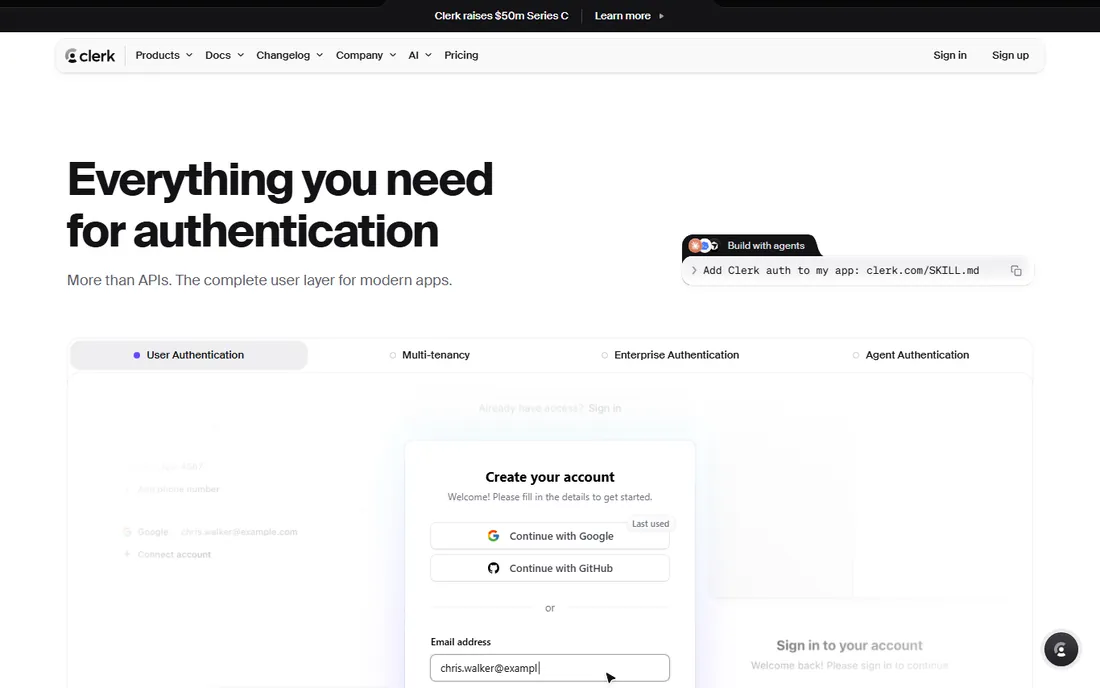
Clerk solved the part everyone hates: the auth UI. Drop-in components for sign-in, sign-up, user profiles and organization management that look great out of the box, backed by APIs for custom flows. Multi-tenant SaaS features (organizations, roles, invitations) work without custom code.
As a newer company, the long-term track record is shorter than Auth0's. MAU-based pricing needs modeling as you grow. For modern SaaS teams that want auth done this week and beautiful, Clerk is the current favorite.
What we like- Drop-in prebuilt components
- Excellent DX
- Handles organizations and roles
Watch out for- Newer vendor
- Pricing scales with MAUs
Starting priceFree; pay-as-you-go
Free planYes
Firebase Authentication is the path of least resistance for Firebase apps: add login with a few lines, get email, phone, Google, Apple and social providers free at generous quotas. The integration with Firestore security rules makes authorization natural.
Customization is limited compared to Auth0 or Clerk: the hosted UI is basic and advanced flows need workarounds. You are committing to Google's ecosystem. For indie hackers and startups already on Firebase, it is the obvious, nearly free choice.
What we like- Generous free tier
- Trivial Google/Firebase integration
- Phone auth included
Watch out for- Limited customization
- Google lock-in
#5
Supabase Auth
Best for: open-source Firebase alternative with Postgres
Visit supabase.com
Starting priceFree; paid plans (see website)
Free planYes
Supabase Auth pairs with Postgres Row Level Security for an elegant model: authentication and authorization in one coherent system. The open-source core means no lock-in fear, the free tier is generous, and the developer experience rivals Firebase.
The ecosystem is younger than Firebase's, and serious self-hosting requires operational effort. But for teams that want open source with a managed option, Supabase is the momentum pick. The Postgres foundation appeals to developers who think in SQL.
What we like- Open source
- Postgres Row Level Security integration
- Generous free tier
Watch out for- Younger ecosystem
- Self-hosting needs effort
Starting priceFree tier; pay-as-you-go
Free planYes
Cognito's pricing is its superpower: 50,000 monthly active users free, then fractions of a cent per MAU. For AWS shops, the integration with API Gateway, AppSync and IAM is natural, and costs stay low at serious scale.
The developer experience lags modern alternatives: the hosted UI looks dated, customization is painful, and the API shows its age. Teams choose Cognito for price and AWS integration, then often layer a custom UI on top. Budget developer patience accordingly.
What we like- Cheap at scale
- Deep AWS integration
- 50,000 free MAUs
Watch out for- Clunky developer experience
- Hosted UI dated
Starting priceFree; paid plans (see website)
Free planYes
FusionAuth offers what the big clouds do not: a complete customer identity platform you can self-host free, with paid tiers that drop MAU-based pricing entirely. Unlimited users on paid plans makes cost forecasting simple. The feature set (SSO, MFA, passwordless, multi-tenancy) covers real CIAM needs.
The community and integration library are smaller than Auth0's. Self-hosting means you own uptime and security patching. For companies with data-residency requirements or MAU counts that make per-user pricing punishing, the model is liberating.
What we like- Free self-hosted option
- No MAU limits on paid tiers
- Clean APIs
Watch out for- Smaller ecosystem
- Self-hosting is your ops burden
Starting priceFree (open source)
Free planYes
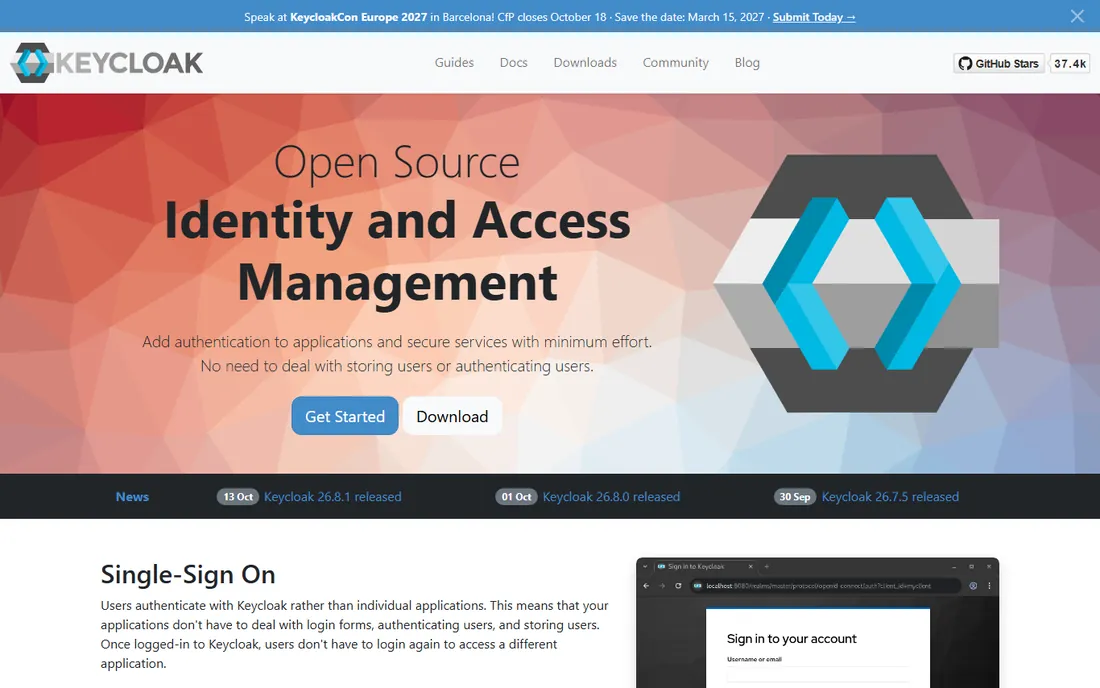
Keycloak is the open-source identity standard: SSO, SAML, OpenID Connect, user federation and admin consoles, all free, backed by Red Hat's stewardship and a large community. Organizations with identity expertise run it at massive scale without license costs.
You own everything: deployment, scaling, security updates and troubleshooting. The admin UI feels dated next to commercial polish. Teams with the ops capability save enormous sums; teams without it should buy managed auth instead. The price is right if the expertise is in-house.
What we like- Completely free
- Full-featured (SSO, SAML, OIDC)
- Large community
Watch out for- Operational burden
- UI dated
- Needs in-house expertise
How we chose
We evaluated current identity platforms on developer experience, features, pricing and maturity, cross-checked against engineering community feedback and 2026 comparisons. Every tool listed is actively maintained with a live homepage as of October 2026. We covered workforce identity, customer identity, developer-first tools and self-hosted options because "authentication" spans all four. Prices reflect each vendor's own published tiers.
The build vs buy decision, settled
Do not build authentication yourself. The logic seems tempting ("it's just login") until you enumerate the requirements: password hashing, MFA, passwordless, social logins, enterprise SSO, session management, breach detection, account recovery, audit logs, compliance certifications and the endless edge cases attackers probe.
Every week spent building auth is a week not building your product, and the security liability lasts forever. Managed services amortize the security expertise across thousands of customers. The only valid reasons to self-host (Keycloak, FusionAuth) are data residency, extreme scale economics, or regulatory constraints. "We want control" without those reasons is expensive pride.
What to check before you sign
Start with your user types. Workforce (employees) and customer (CIAM) identity have different requirements: employees need IT lifecycle management and app provisioning; customers need frictionless signup and social login. Okta leads workforce; Auth0, Clerk and FusionAuth lead CIAM. Buying the wrong category hurts.
Then model pricing against real growth. MAU-based pricing looks cheap at 1,000 users and painful at 1,000,000. Distinguish monthly active from total registered users in the vendor's definition. Ask about the cost of MFA, enterprise connections and support tiers, which often sit outside base pricing.
Finally, verify the compliance story. SOC 2, ISO 27001, GDPR data residency and industry specifics (HIPAA, PCI) matter for enterprise buyers and regulated industries. Get the certifications in writing and confirm data processing locations match your requirements.
Also plan for the passkey transition. WebAuthn passkeys are replacing passwords and increasingly MFA, with support built into iOS, Android, Windows and all major browsers. Ask each vendor about their passkey roadmap and current support: the platforms investing here (Clerk, Auth0) will save you a migration later. Authentication bought in 2026 should be passkey-ready, not password-forever.
Frequently asked questions
What is the difference between authentication and authorization?
Authentication verifies who someone is (login); authorization determines what they can do (permissions). These tools handle authentication primarily, with varying authorization features. Supabase's Row Level Security elegantly combines both.
Should I use social login?
Yes, as an option alongside email. Social login (Google, Apple, GitHub) reduces signup friction dramatically and offloads credential security. Always offer email as an alternative: not everyone wants to link accounts, and enterprise users often cannot.
What is passwordless authentication?
Login without passwords: magic email links, SMS codes, or passkeys (WebAuthn). Passkeys are the future: phishing-resistant, built into modern devices, and increasingly supported by these platforms. Plan your roadmap around them.
How much does authentication cost at scale?
Wildly variable. Firebase and Cognito are nearly free at moderate scale. Auth0 and Clerk charge per MAU, which adds up past hundreds of thousands of users. FusionAuth's unlimited-user paid tiers and Keycloak's free self-hosting suit extreme scale. Model your specific numbers.
Do I need MFA for my app?
For workforce and sensitive data, yes, enforce it. For consumer apps, offer it and encourage it. All tools on this list support MFA; the question is policy, not technology. Passkeys increasingly replace traditional MFA.
Can I migrate between auth providers?
Painfully. Password hashes often cannot transfer (you cannot decrypt them), forcing password resets for all users. Sessions and social connections need remapping. Choose carefully now: auth migrations are among the most dreaded projects in software.
What are passkeys and should I support them?
Passkeys use device biometrics (Face ID, fingerprint) with WebAuthn cryptography instead of passwords. They resist phishing, users prefer them, and all major platforms now support them. Enable passkeys alongside existing methods and let users opt in: adoption grows as familiarity spreads.
How do I handle authentication for mobile apps?
Use the provider's native SDKs (all tools on this list offer them) with secure token storage in the device keychain/keystore. Avoid embedding web views for login: native flows are more secure and feel better. Support biometric sign-in for returning sessions.
When should I choose workforce vs customer identity tools?
Workforce tools (Okta) manage employee lifecycles: provisioning, deprovisioning, app assignments and IT policies. Customer tools (Auth0, Clerk, FusionAuth) optimize signup conversion and user experience. If you need both, many companies run Okta for employees and Auth0 or Clerk for customers: they solve different problems and the combination is common.
The budget implications differ too. Workforce identity is priced per employee and relatively predictable. Customer identity scales with your user base and can surprise. Model both separately and do not assume one vendor's pricing logic applies to the other category. Getting this classification right at the start prevents expensive re-platforming later.
Sources we checked (8)
- https://auth0.com
- https://www.okta.com
- https://www.clerk.com
- https://firebase.google.com
- https://www.supabase.com
- https://aws.amazon.com
- https://www.fusionauth.io
- https://www.keycloak.org
Is your product missing or out of date?
We review this list regularly. Vendors can request a listing, send updated pricing or ask about featured placement.

Shihab Mia · Founder, Rankite
Shihab has spent more than a decade helping SaaS and e-commerce brands grow through search. He writes Rankite's software buying guides from pricing pages, documentation and public user reviews. More about Shihab.