How we make this list: we compare pricing pages, product documentation and public user reviews. Ratings come from G2, Capterra or Trustpilot, with the date we checked them.
Key takeaways
- Luna and Clue give teen health questions clear, age-appropriate answers instead of random social media posts.
- Canva, Pinterest, and Duolingo cover creativity and learning without asking for payment up front.
- Finch and Headspace turn small daily habits into something a teen may actually stick with.
- Most picks here are free to start, with paid extras that are easy to skip at first.
Quick comparison
| Tool | Best for | Starting price | Free plan |
|---|
 Luna Luna | Teen health and wellbeing guidance | See website | Yes |
 Clue Clue | Period and cycle tracking | See website | Yes |
 Canva Canva | Design and school projects | See website | Yes |
 Pinterest Pinterest | Ideas and inspiration boards | Free | Yes |
 Duolingo Duolingo | Language learning in short sessions | See website | Yes |
 Notion Notion | Notes, homework, and planning | Free | Yes |
 Finch Finch | Gentle daily self-care habits | See website | Yes |
 Headspace Headspace | Guided meditation and sleep | See website | Free trial |
Is your product missing or out of date?
We review this list regularly. Vendors can request a listing, send updated pricing or ask about featured placement.
The best apps for teenage girls
Starting priceSee website
Free planYes
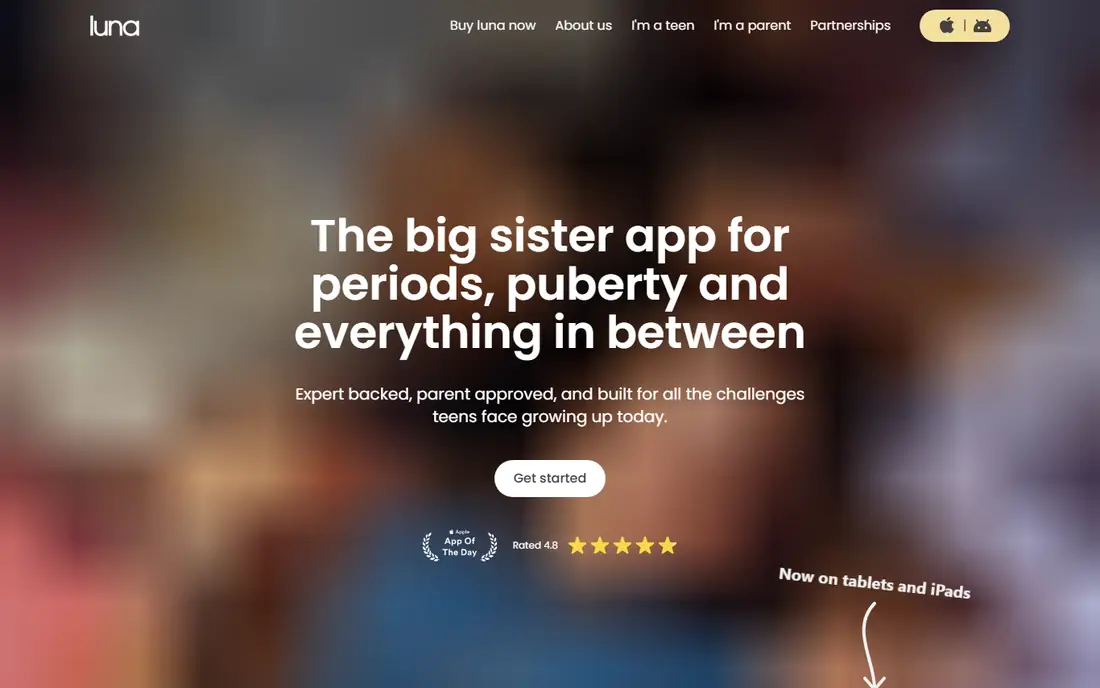
Luna was built for girls aged 11 to 18 who have questions about growing up and want answers they can trust. Its guides cover moods, friendships, periods, and confidence in plain language, and teens can ask questions anonymously and read expert-reviewed replies. That mix of learning and privacy is the reason it leads this list.
The catch is that Luna is a guide, not a medical service, so anything worrying still deserves a conversation with a doctor or a trusted adult. Its library is strongest on everyday teen topics and thinner on specialist subjects. Used that way, as a first stop for reliable information, it is a calm and sensible download.
What we like- Age-appropriate health content
- Anonymous questions answered by experts
- Mood and symptom tracking
Watch out for- Content depth varies by topic
- Some features need an account
Starting priceSee website
Free planYes
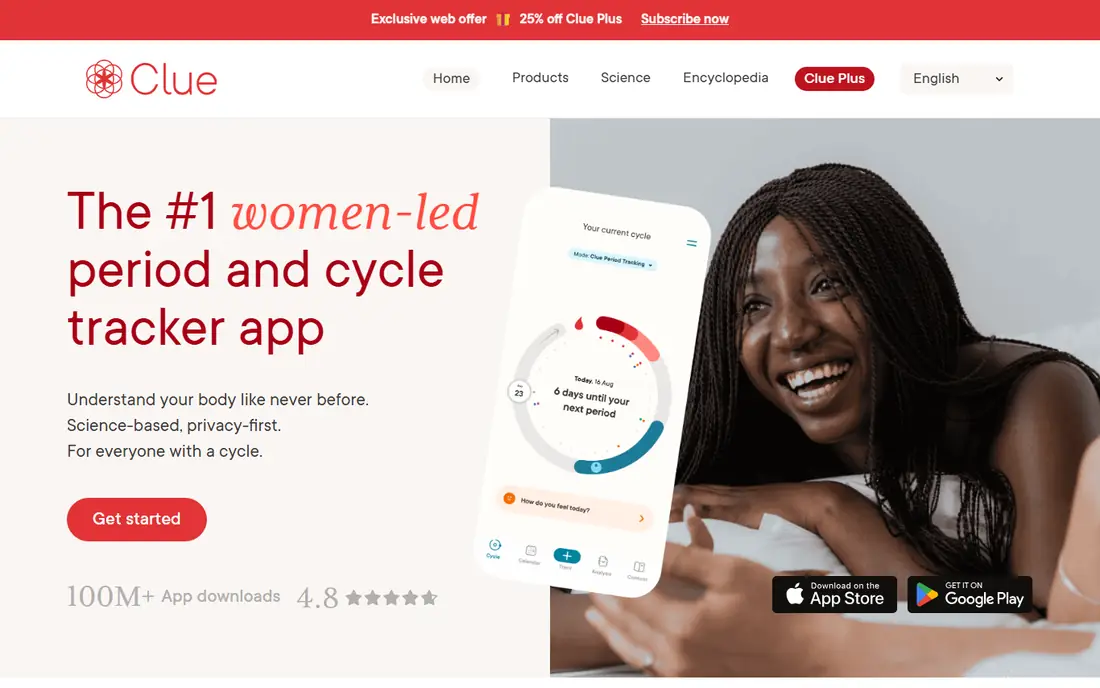
Clue suits a teen who wants a straightforward cycle tracker without a feed full of social content. Logging takes under a minute a day, and over time the app spots patterns in cycle length, symptoms, and mood. Its design stays neutral and readable, which helps when the app gets opened on a busy school morning.
Predictions start rough and get better only if logging stays consistent, so an irregular routine can make early forecasts feel off. Clue Plus adds extra analysis, but the free version covers the basics well. Teens who want community features or detailed health articles will find Luna a better companion app.
What we like- Clean, science-led cycle predictions
- Optional symptom and mood logging
- Strong privacy controls
Watch out for- Full predictions improve only with regular logging
- Some advanced features sit behind Clue Plus
#3Canva
Best for: Design and school projects4.7/5 on
G2 (7,678 reviews, checked Oct 2026)
Visit canva.com
Starting priceSee website
Free planYes
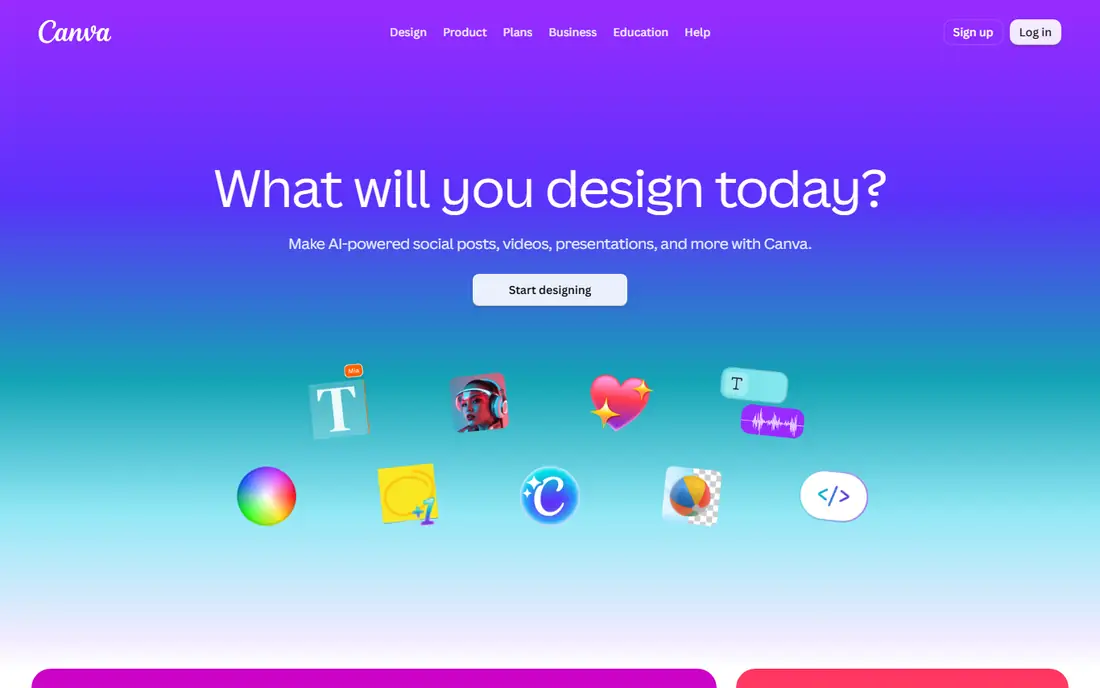
For posters, presentations, and social graphics, Canva is the easiest design tool a teen can open. Templates give every project a decent starting point, and the editor works in a browser or on a phone with no design training. Group projects benefit too, since files can be shared and edited together.
The free plan is generous, but the best stock photos and some brand tools sit behind Canva Pro, so a teen may hit a paywall on a favorite template. Export settings also deserve a quick check before printing. Even with those limits, it is the most useful creative app on this list for school and hobbies alike.
What we like- Thousands of templates for posters and slides
- Simple drag-and-drop editor
- Free plan covers most school work
Watch out for- Some fonts and images need a Pro subscription
- The template library can feel overwhelming at first
#4Pinterest
Best for: Ideas and inspiration boards4.6/5 on
G2 (250 reviews, checked Oct 2026)
Visit pinterest.com
Starting priceFree
Free planYes
Pinterest works like a visual notebook where a teen can collect outfit ideas, room decor, study setups, and craft projects on separate boards. Searching is fast, and saved pins stay organized without any extra effort. For planning a project or finding a new hobby, it beats a random social feed.
The downside is time. The feed is built to keep scrolling, so a five-minute search can turn into half an hour without a plan. A few pins also lead to thin or sales-heavy pages. Setting a time limit and sticking to boards for real projects keeps Pinterest useful instead of distracting.
What we like- Endless ideas for style, study, and crafts
- Boards keep ideas organized by topic
- Easy to save from the web
Watch out for- Endless scrolling can eat up time
- Some pins link to low-quality or commercial pages
#5Duolingo
Best for: Language learning in short sessions4.5/5 on
G2 (145 reviews, checked Oct 2026)
Visit duolingo.com
Starting priceSee website
Free planYes
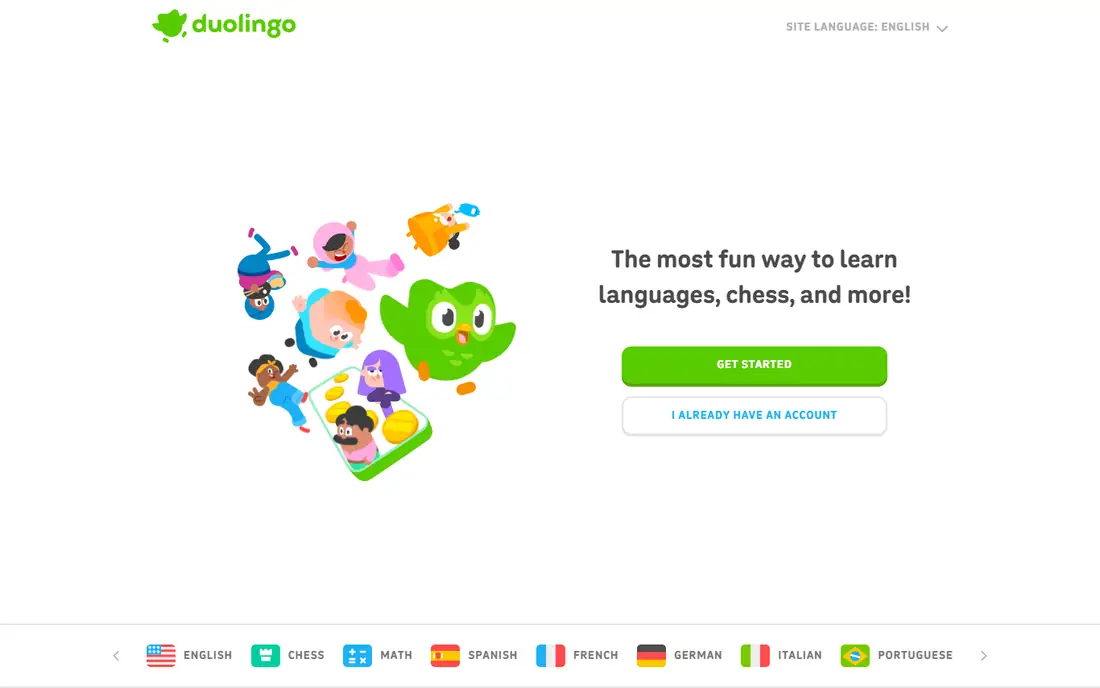
Duolingo turns language practice into a short daily game, with lessons that take about five minutes. That format suits a teen fitting study around school, clubs, and homework. Streaks, leagues, and small rewards give a reason to return, and the range of languages covers the ones most schools teach.
It will not make anyone fluent on its own, since conversation practice and grammar depth stay limited. Ads and a daily mistake cap interrupt the free version, and the paid Super plan removes both. Pair it with class work or a conversation partner for real progress.
What we like- Bite-size lessons that fit into spare minutes
- Streaks and rewards keep motivation up
- Many languages available
Watch out for- Free version includes ads and limited mistakes
- It teaches basics better than fluent conversation
#6Notion
Best for: Notes, homework, and planning4.6/5 on
G2 (13,834 reviews, checked Oct 2026)
Visit notion.com
Starting priceFree
Free planYes
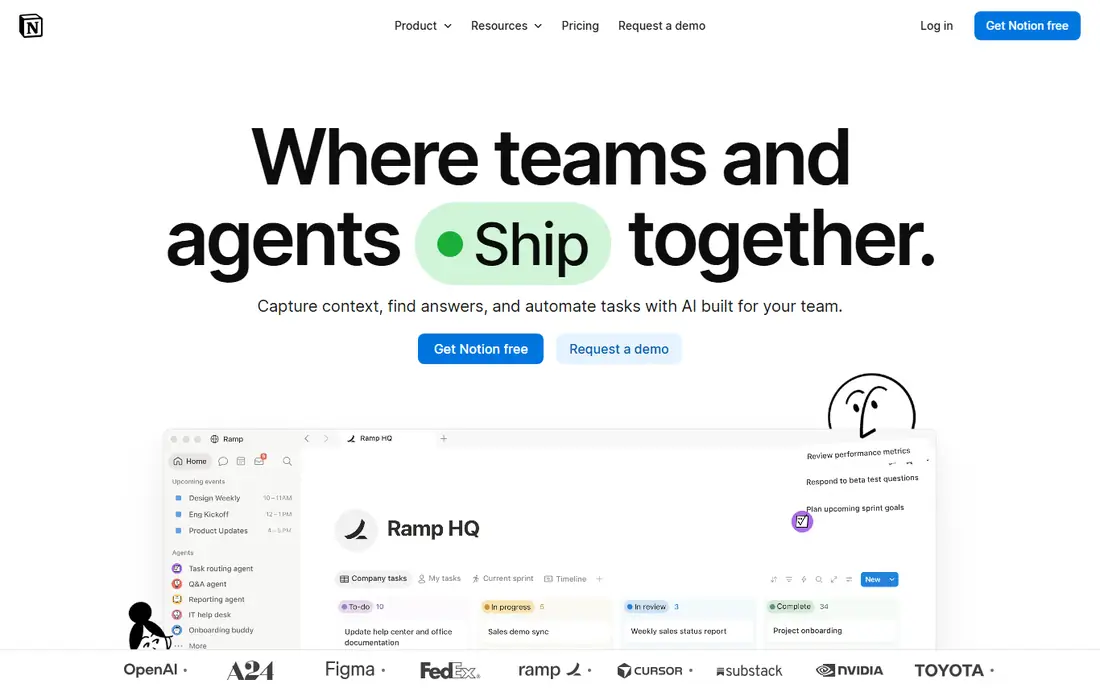
Notion gives a teen one place for homework lists, revision notes, and personal plans. Pages can hold checklists, tables, and embedded files, and templates remove the blank-page problem for common setups like a study planner. It syncs between phone and laptop, so notes started in class are there at home.
The flexibility is also the hurdle. A new user can spend more time designing pages than doing homework, so starting from a template matters. Long notes are easier to type on a computer than on a phone. With a simple setup, though, it beats scattered notebooks and loose paper.
What we like- Flexible pages for notes, tasks, and revision
- Templates for students and planners
- Syncs across phone and computer
Watch out for- Blank pages can feel confusing at first
- The mobile editor is slower for long notes
Starting priceSee website
Free planYes
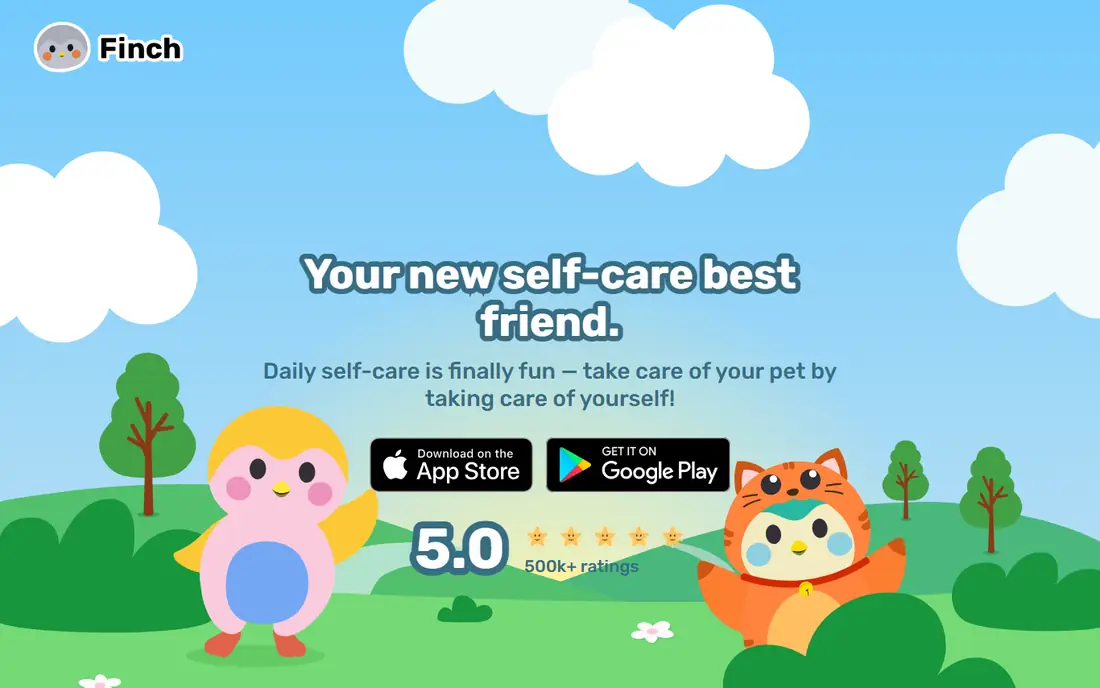
Finch pairs daily goals with a small virtual bird that grows as goals get checked off. A teen sets simple goals, like drinking water or stepping outside, and the pet's adventures give a light reason to return each day. Breathing exercises, reflections, and focus timers sit inside the same app.
Finch Plus adds prompts and customization, but the free version covers the habit loop that matters. The gentle, cute style is part of the charm for many users and a turnoff for others. It is a support tool for everyday routine, not a replacement for professional help when feelings get serious.
What we like- A virtual pet makes small goals feel rewarding
- Breathing exercises and reflections included
- Core features are free
Watch out for- Extra content sits behind Finch Plus
- The cute style will not appeal to every teen
#8Headspace
Best for: Guided meditation and sleep4.6/5 on
G2 (68 reviews, checked Oct 2026)
Visit headspace.com
Starting priceSee website
Free planFree trial
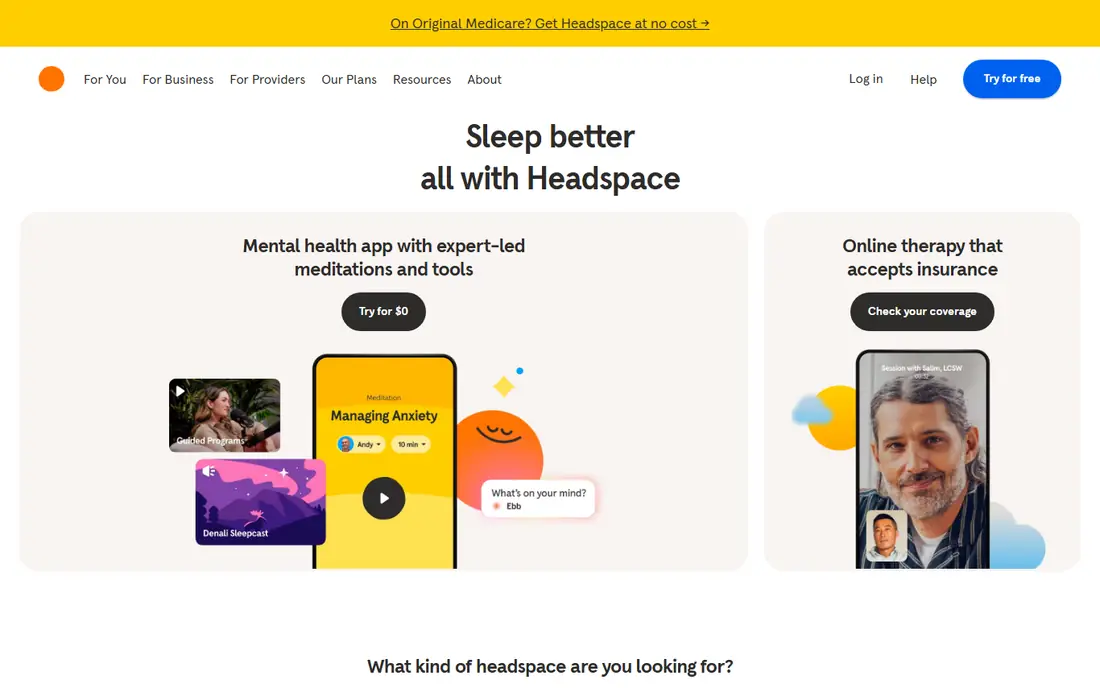
Headspace is the most polished way for a teen to try meditation without knowing where to start. Short sessions explain each step, and separate courses cover stress, focus, and sleep. Sleep stories and calming sounds help at night, when a racing mind makes rest harder.
After the free trial, most of the library needs a paid plan, which is the main drawback here. A few free sessions stay available, and schools sometimes offer access, so checking that first is worth it. Teens who prefer silence or music alone may find the guided voice distracting.
What we like- Short guided sessions for stress and sleep
- Courses for beginners
- Sleep stories and focus music
Watch out for- Most content needs a subscription after the trial
- Some teens may find the tone too slow
How we chose
We compared each app on its public pricing page, its feature documentation, and public reviews on G2, Capterra, Reddit, and the app stores. We checked what the free version actually includes, what sits behind a subscription, and where the app falls short for its stated audience. We did not run hands-on trials, so this guide weighs published facts and reported user experience rather than personal testing. Apps that were hard to verify, had no clear official home, or did not fit the category were left out.
We also read the complaints, not just the praise. Repeated reports about a paywall, a thin local pool, or a feature that stopped working weighed against an app, even when its marketing looked strong. That balance is why some well-known names sit lower in a list than a smaller app with fewer complaints and a clearer price.
What to check before a teen installs any of these
Before paying for anything, list the three features that would actually change daily use. If an app cannot name those three clearly on its pricing or features page, it is probably selling a feeling rather than a function. A short trial with a calendar reminder at the renewal date keeps that test honest, and a note about what was used each day makes the renewal decision easy.
One more check helps before committing: read the app's help pages for the feature that matters most, and confirm it works on the device that will actually be used. A feature listed on a desktop page sometimes behaves differently on a phone, and that gap only shows up after paying. A few minutes on the help pages prevents most subscription regrets.
Price alone rarely decides a good pick. An app that costs nothing but goes unused is worse value than a modest subscription that becomes part of a routine. Judge the choice after two weeks of real use, not after the first evening, and be ready to switch when a better fit appears. The lists above are a starting point, and the right answer is the app that still gets opened when the novelty fades.
Start with safety settings, not features. A private profile, a parent or guardian account where offered, and notifications set to a sensible level do more for a good experience than any single feature. Review what each app collects and whether it shows a public feed, since those two choices shape most problems teens run into online.
Pick one app per need
One creative app, one study app, and one wellbeing app is plenty. Adding more usually means none of them gets used well. Let the teen choose, since an app picked by someone else rarely survives the first week.
Watch the subscription traps
Free trials convert to paid plans unless cancelled, and in-app purchases add up fast. Turn off one-tap buying or require approval for purchases, and check the subscription list on the phone once a month.
Keep screen time honest
Use the phone's built-in screen time report for a week before deciding an app is a problem. An app that helps with homework or calms a teen down earns its place differently from one that only fills empty minutes.
Frequently asked questions
Is Luna safe for a 13-year-old?
Luna is designed for ages 11 to 18, with expert-reviewed content and anonymous questions. Parents should still review the app together with a younger teen and check its privacy settings before regular use.
Do these apps cost money?
Every app here is free to start, and most work well without paying. Paid plans add extras like more templates, advanced tracking, or full meditation libraries, but none of them are required to get value from the free version.
Which app is best for schoolwork?
Notion is the strongest pick for organizing homework and revision notes, while Canva covers posters and presentations. Duolingo fits best as a supplement to language classes rather than a replacement for them.
Can a teen use Finch or Headspace instead of talking to someone?
No. These apps support everyday routine and calm, but they are not a substitute for a trusted adult or a professional when anxiety, low mood, or other worries persist.
How many apps should a teen install from this list?
Two or three is a good start. Pick one for creativity or learning and one for wellbeing, use them for two weeks, and keep only the ones that still feel useful.
Sources we checked (8)
- https://weareluna.app
- https://helloclue.com
- https://www.canva.com
- https://www.pinterest.com
- https://www.duolingo.com
- https://www.notion.com
- https://finchcare.com
- https://www.headspace.com
Is your product missing or out of date?
We review this list regularly. Vendors can request a listing, send updated pricing or ask about featured placement.

Shihab Mia · Founder, Rankite
Shihab has 5+ years in B2B and SaaS SEO. He writes Rankite's software buying guides from pricing pages, documentation and public user reviews. More about Shihab.