How we make this list: we compare pricing pages, product documentation and public user reviews. Ratings come from G2, Capterra or Trustpilot, with the date we checked them.
Key takeaways
- Khan Academy Kids and PBS Kids suit parents who want free, trusted learning content, while ABCmouse suits parents who want a full early-learning curriculum.
- Duolingo ABC and Endless Alphabet suit young readers learning letters and words, while Crayola Create and Play suits creative kids who love drawing.
- Sago Mini World suits preschoolers who love gentle open play, while Lingokids suits families who want learning games with songs and videos.
- Child safety matters most: prefer apps with no open chat, no ads aimed at children, and parent controls for purchases and screen time.
Quick comparison
Is your product missing or out of date?
We review this list regularly. Vendors can request a listing, send updated pricing or ask about featured placement.
The best apps for kids
Starting priceFree
Free planYes
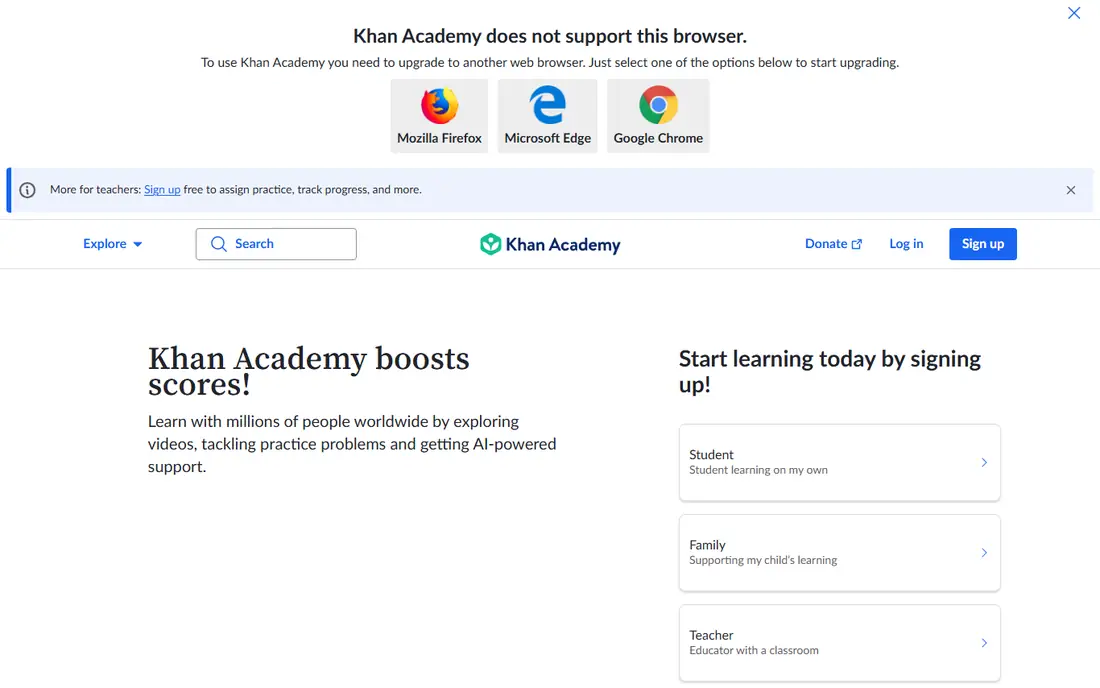
Khan Academy Kids suits a parent who wants free, trusted early learning without ads or purchases. Lessons cover reading, math, social-emotional learning and creative play, with characters that guide children through activities at their own pace. Parents can track progress and set learning paths, while children enjoy songs, stories and games that feel like play rather than school. For a free, safe early-learning app, Khan Academy Kids is the best choice in this list.
Content targets ages 2 to 8, so older children may outgrow it and need a more advanced app. A parent of an older child should consider Duolingo ABC for reading or a school learning platform instead. For free early learning with strong safety, Khan Academy Kids is outstanding.
What we like- Completely free
- Trusted learning content
- No ads or in-app purchases
Watch out for- Reading focus suits ages 2 to 8
- Older kids may outgrow content
Starting priceSee website
Free planFree trial
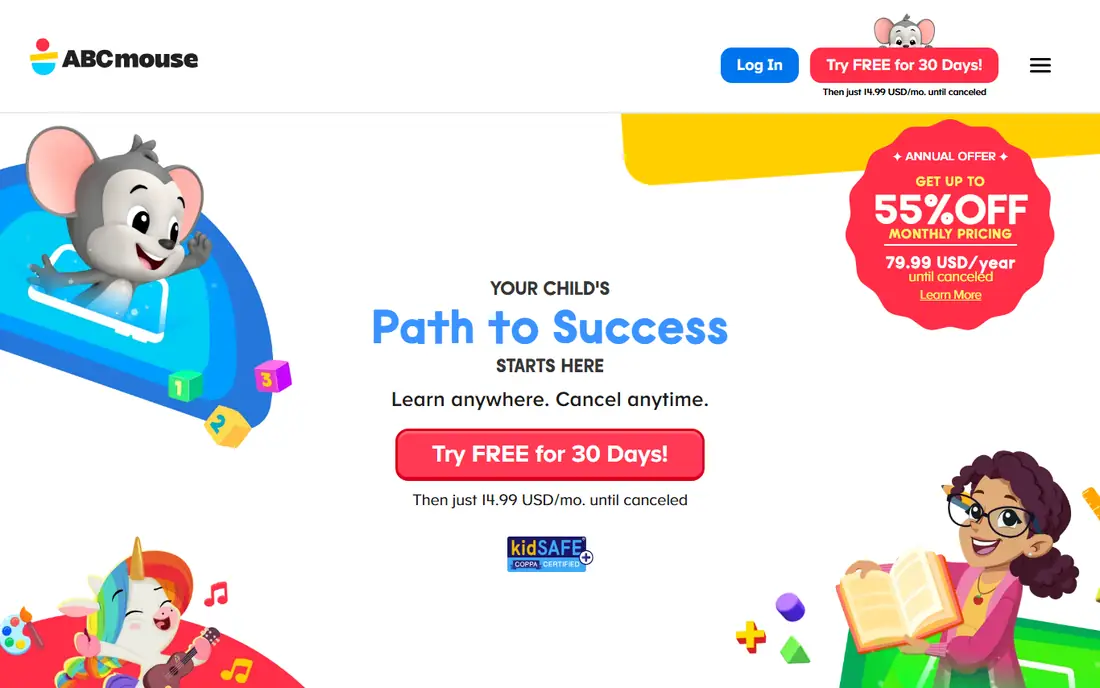
ABCmouse suits a parent who wants a full early-learning curriculum in one app. Thousands of activities cover reading, math, science, art and music, organized into a step-by-step learning path for ages 2 to 8. Parents can track progress across subjects, while children earn tickets and rewards for completing lessons. For a structured curriculum at home, ABCmouse offers the most complete package in this list.
ABCmouse is paid after a trial period, and some parents find the ticket reward system distracting from learning itself. A parent who wants a free option should pick Khan Academy Kids instead. For a full paid early-learning curriculum, ABCmouse is a leading choice.
What we like- Full curriculum for ages 2 to 8
- Thousands of activities
- Progress tracking for parents
Watch out for- Paid after trial
- Some parents find the reward system distracting
Starting priceFree
Free planYes
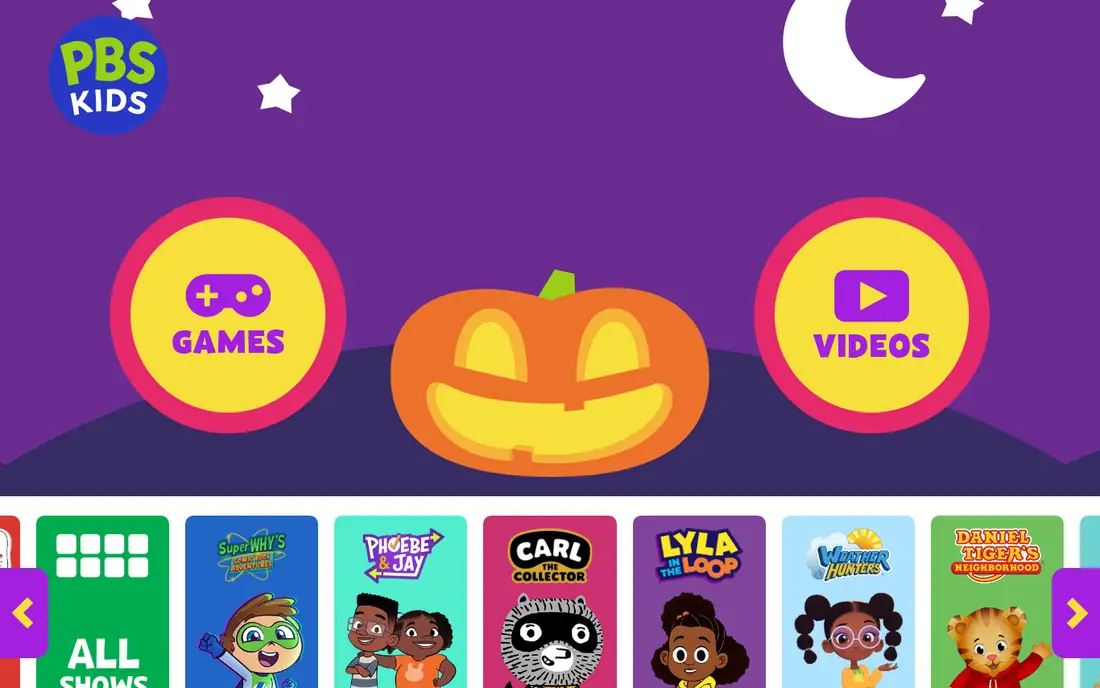
PBS Kids suits a parent who wants free, trusted shows and games for young children. Characters from Daniel Tiger, Wild Kratts and other PBS shows teach social skills, science and reading through videos and games, all without ads aimed at children. That trust matters for a parent who wants screen time that teaches rather than sells. For free, safe entertainment with learning goals, PBS Kids is a top pick.
Learning depth is lighter than ABCmouse, and content suits younger children mainly, so older kids may prefer Khan Academy Kids challenges or school apps. A parent who wants a full curriculum should pair PBS Kids with ABCmouse or Khan Academy Kids. For trusted free kids content, PBS Kids is excellent.
What we like- Free trusted content from PBS
- Shows and games with learning goals
- No ads for children
Watch out for- Learning depth is lighter than ABCmouse
- Content suits younger children mainly
Starting priceFree
Free planYes
Duolingo ABC suits a parent who wants free early reading lessons for a young child. Phonics-based lessons teach letters, sounds and first words through short, game-like activities, with progression that adapts to the child pace. The Duolingo style keeps children engaged, while parents can follow progress without paying. For free early reading, Duolingo ABC is a strong choice.
The focus is reading only, so a parent who wants math, science and art should add Khan Academy Kids or ABCmouse. Content suits ages 3 to 8 mainly, so older readers need a more advanced app. For free, fun early reading, Duolingo ABC is an excellent pick.
What we like- Free early reading lessons
- Phonics-based learning
- Fun, game-like progression
Watch out for- Reading-only focus
- Suits ages 3 to 8 mainly
Starting priceFree
Free planYes
Crayola Create and Play suits a creative child who loves drawing, coloring and making art. Digital crayons, markers and brushes mirror real Crayola tools, while activities, coloring pages and creative challenges encourage imagination without academic pressure. That creative focus helps a child who learns best by making things, and the Crayola brand gives parents confidence in content safety. For creative play, Crayola Create and Play is a joyful choice.
The focus is creative, not academic, so a parent who wants reading or math should add Khan Academy Kids or ABCmouse. Premium content needs a subscription, although free content is generous. For creative drawing play, Crayola Create and Play is a top pick.
What we like- Creative drawing and coloring tools
- Crayola brand trust
- Regular new activities
Watch out for- Creative focus, not academic learning
- Premium content needs a subscription
Starting priceSee website
Free planFree trial
Endless Alphabet suits a young child learning first words. Each word comes alive with a funny animation, phonics sounds and a simple definition, which helps a child remember spelling and meaning together. The app carries no ads, which matters for a parent who wants safe screen time, and the playful monsters make word learning feel like a game. For first-word learning, Endless Alphabet is delightful and effective.
Endless Alphabet is paid after a trial, and the focus is words only, not a full curriculum. A parent who wants reading, math and science should add Khan Academy Kids instead. For charming first-word learning, Endless Alphabet is a strong choice.
What we like- Charming word learning with animations
- Phonics and definitions
- No ads
Watch out for- Paid after trial
- Word focus only, not full curriculum
Starting priceSee website
Free planFree trial
Sago Mini World suits a preschooler who loves gentle, open-ended play. Dozens of mini games cover pretend play, building, cooking and exploring, with friendly characters and no ads or purchase pressure inside games. That calm design helps a parent who wants screen time that feels safe and unhurried, rather than fast and noisy. For preschool play, Sago Mini World offers warmth and variety.
Sago Mini World is paid after a trial, and the focus is play, not academic learning. A parent who wants a curriculum should add ABCmouse or Khan Academy Kids. For gentle preschool play, Sago Mini World is a lovely choice.
What we like- Gentle open-ended play
- No ads or in-app pressure
- Many mini games in one subscription
Watch out for- Paid after trial
- Play-focused, not academic
Starting priceFree
Free planYes
Lingokids suits a family who wants learning games, songs and videos in one app. Activities cover English, math, science and social skills, with songs and videos that keep young children engaged. Parent progress reports show what a child practiced, which helps a parent guide screen time toward learning goals. For a family that wants playful learning with music, Lingokids is a strong choice.
Premium content needs a subscription, and some content suits younger children mainly, so older kids may outgrow it. A parent who wants a free full curriculum should pick Khan Academy Kids instead. For learning games and songs, Lingokids is an excellent pick.
What we like- Learning games, songs and videos
- English and early learning focus
- Parent progress reports
Watch out for- Premium content needs a subscription
- Some content suits younger children mainly
How we chose
We compared vendor pages, feature lists and public reviews for kids apps serving US families. We looked for learning quality, age fit, safety features such as no open chat and no child-targeted ads, parent controls and honest pricing. We did not claim hands-on testing, and we used "See website" where pricing varies by plan or trial, since kids app subscriptions change often.
How to pick a safe app for your child
Start with age fit and safety, not popularity. Check the age range, confirm there is no open chat with strangers, and confirm ads, if any, are not aimed at children. Turn on parent controls for purchases, screen time and content, and test the app yourself for ten minutes before handing it to a child. A quick parent test reveals ads, purchase prompts and chat features faster than any store description.
Next, balance learning and play. A mix of a learning app such as Khan Academy Kids, a creative app such as Crayola Create and Play, and a play app such as Sago Mini World covers more growth than one app alone. Finally, set screen time limits together with your child, and watch or play together sometimes, since co-play turns screen time into conversation and learning. An app supports parenting, but it never replaces it.
Device settings add another safety layer beyond the app itself. Use a child profile on a tablet, require a parent password for purchases and downloads, and turn off web browsing inside kids apps where possible. Review installed apps monthly with your child, removing apps that no longer fit their age or that added ads or chat features in updates.
Frequently asked questions
What is the safest free app for kids?
Khan Academy Kids and PBS Kids are among the safest free apps, with no ads aimed at children and no in-app purchases in Khan Academy Kids. Both offer trusted learning content with parent controls for progress and screen time.
Should young children use apps with chat features?
No, in most cases. Prefer apps with no open chat, since chat with strangers creates safety risks for young children. If an app includes chat, use only closed, parent-approved friend lists and supervise use closely.
How much screen time is right for a child?
It depends on age and family rules. Many pediatric guidelines suggest limited, high-quality screen time for young children, with co-viewing and play breaks. Set a daily limit, choose learning or creative apps, and balance screens with outdoor play, reading and sleep.
Are paid kids apps worth it?
They can be, when they offer a full curriculum or a large play library without ads. ABCmouse suits a structured curriculum, while Sago Mini World suits preschool play, but free apps such as Khan Academy Kids cover much early learning at no cost. Trial before subscribing.
Can kids apps replace school learning?
No. Kids apps support learning, practice and creativity, but they do not replace teachers, classmates and hands-on learning. Use apps as a supplement to school, reading and play, not as a substitute.
Sources we checked (8)
- https://www.khanacademy.org
- https://www.abcmouse.com
- https://pbskids.org
- https://www.duolingo.com
- https://www.crayola.com
- https://www.originatorkids.com
- https://sagomini.com
- https://lingokids.com
Is your product missing or out of date?
We review this list regularly. Vendors can request a listing, send updated pricing or ask about featured placement.

Shihab Mia · Founder, Rankite
Shihab has 5+ years in B2B and SaaS SEO. He writes Rankite's software buying guides from pricing pages, documentation and public user reviews. More about Shihab.
 Khan Academy Kids
 ABCmouse
 PBS Kids
 Duolingo ABC
 Crayola Create and Play
 Endless Alphabet
 Sago Mini World
 Lingokids