How we make this list: we compare pricing pages, product documentation and public user reviews. Ratings come from G2, Capterra or Trustpilot, with the date we checked them.
Key takeaways
- Coinbase is the easiest first app for US beginners, but simple buys cost more than pro trading interfaces on the same platform.
- Kraken Pro and Binance.US usually cost less for active traders, once you move past instant buy screens.
- Robinhood Crypto looks free, but the cost sits in the spread, so compare the executed price, not just the commission line.
- Coin choice, staking rules, and withdrawal fees vary by state and by asset, so check them for the coins you actually plan to hold.
- Crypto is volatile and not federally insured like a bank deposit. This is not financial advice, and you should only risk money you can afford to lose.
Quick comparison
| Tool | Best for | Starting price | Free plan |
|---|
 Coinbase Coinbase | Beginners in the US | See website | Yes |
 Kraken Kraken | Security focused active traders | See website | Yes |
 Crypto.com Crypto.com | Rewards and mobile trading | See website | Yes |
 Binance.US Binance.US | Low fee altcoin trading | See website | Yes |
 Gemini Gemini | Regulated custody and security | See website | Yes |
 Robinhood Crypto Robinhood Crypto | Simple stock plus crypto trading | $0 commission | Yes |
 Uphold Uphold | Cross asset trading | See website | Yes |
 Bitstamp Bitstamp | Simple reliable trading | See website | Yes |
 eToro eToro | Social and copy trading | See website | Yes |
Is your product missing or out of date?
We review this list regularly. Vendors can request a listing, send updated pricing or ask about featured placement.
The best app to buy and sell crypto
Starting priceSee website
Free planYes
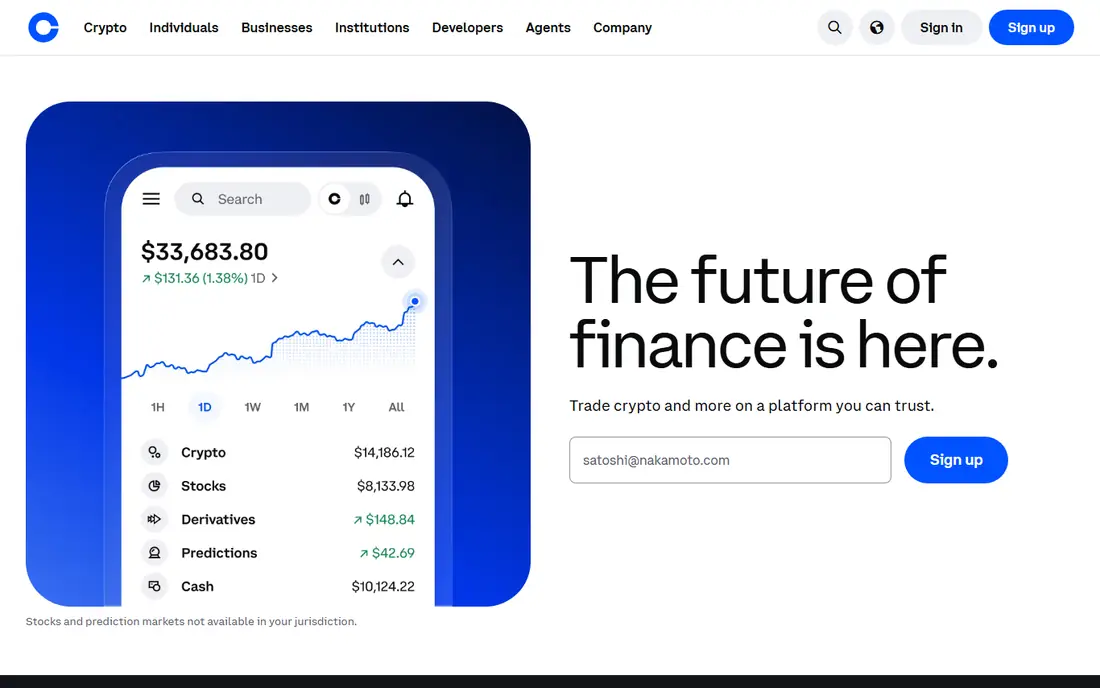
Coinbase is the default first exchange for many US buyers because signing up, linking a bank account, and making a first purchase takes little time. The app covers hundreds of assets, offers learning content, and provides a separate Advanced Trade interface with limit orders and volume based maker taker fees that are far lower than simple buys. That two level structure is the key to using Coinbase well: start simple, then graduate to Advanced Trade once you trade regularly.
Simple buys are where beginners overpay. The price you see includes a spread, and fees vary by payment method, with card purchases costing more than bank transfers. Coinbase One, a monthly subscription, can remove trading fees for some users, but it only pays off at higher volume. Use Coinbase for ease, trust, and coin choice, and check the fee preview on every order before you confirm.
What we like- Easy onboarding
- Large US presence
- Advanced Trade for lower fees
Watch out for- Simple buys carry a spread and fee
- Support can be slow during market spikes
Starting priceSee website
Free planYes
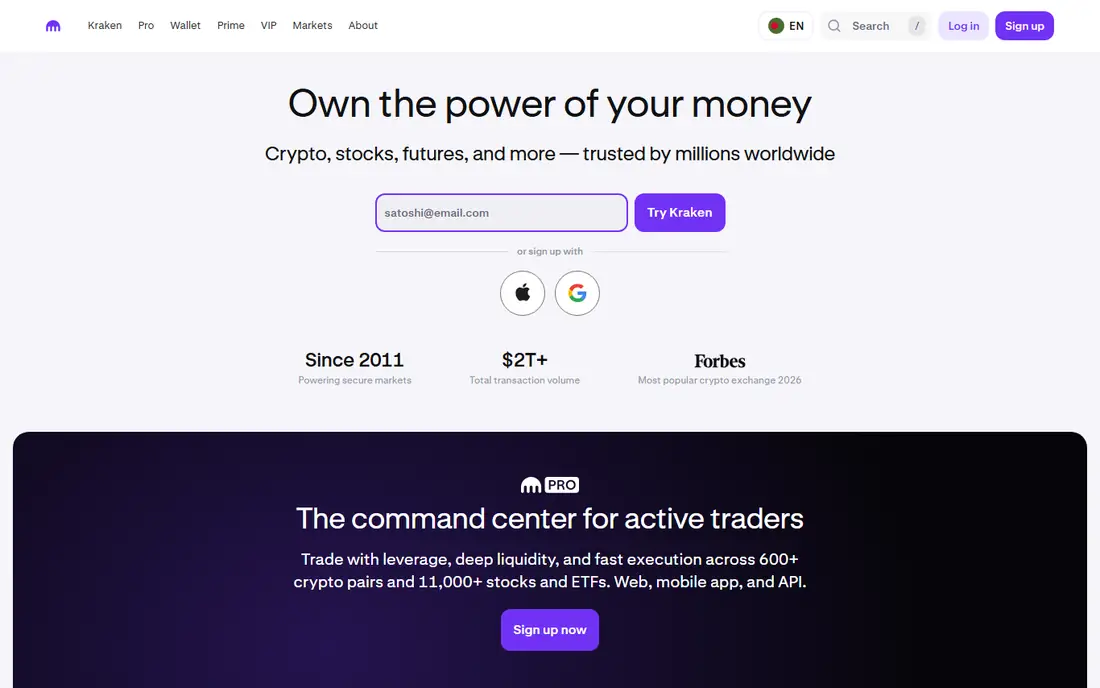
Kraken, operating since 2011, has built a reputation around security and proof of reserves, which matters when you leave assets on an exchange. The main app offers instant buys at a higher cost, while Kraken Pro offers lower maker taker fees, charting, and order types for active traders. That split mirrors Coinbase: convenience costs more, pro trading costs less. Kraken also supports staking for some assets, subject to state rules, and offers futures and margin for experienced users in eligible regions.
Beginners may find Kraken Pro busy at first, and instant buy fees should not be ignored if you buy small amounts often. The right approach is to learn the Pro interface with small orders, set up two-factor authentication, and move larger holdings to a hardware wallet if you plan to hold long term. For traders who value security and lower pro fees, Kraken is a strong main exchange.
What we like- Strong security reputation
- Kraken Pro for lower fees
- Wide asset range
Watch out for- Instant buys cost about 1 percent
- Interface can feel dense for beginners
Starting priceSee website
Free planYes
Crypto.com is a mobile first exchange with a large asset list, an earn program, and a Visa card that offers rewards tied to staking its native token. The main app is easy to use for buying and selling, while the exchange interface offers lower maker taker fees for active traders. That combination appeals to users who want trading, rewards, and a card in one ecosystem, rather than separate apps for each job.
The cost warning matters. Instant buys in the main app can be expensive compared with exchange trading, and reward rates and card tiers change, so a benefit that looks attractive today may shrink later. Read the current fee schedule and rewards terms before you stake tokens to open a higher tier. Crypto.com fits mobile users who want rewards and are willing to use the exchange interface for larger trades.
What we like- Large coin range
- Rewards and card ecosystem
- Strong mobile app
Watch out for- Simple app buys can cost up to several percent
- Rewards rules change often
Starting priceSee website
Free planYes
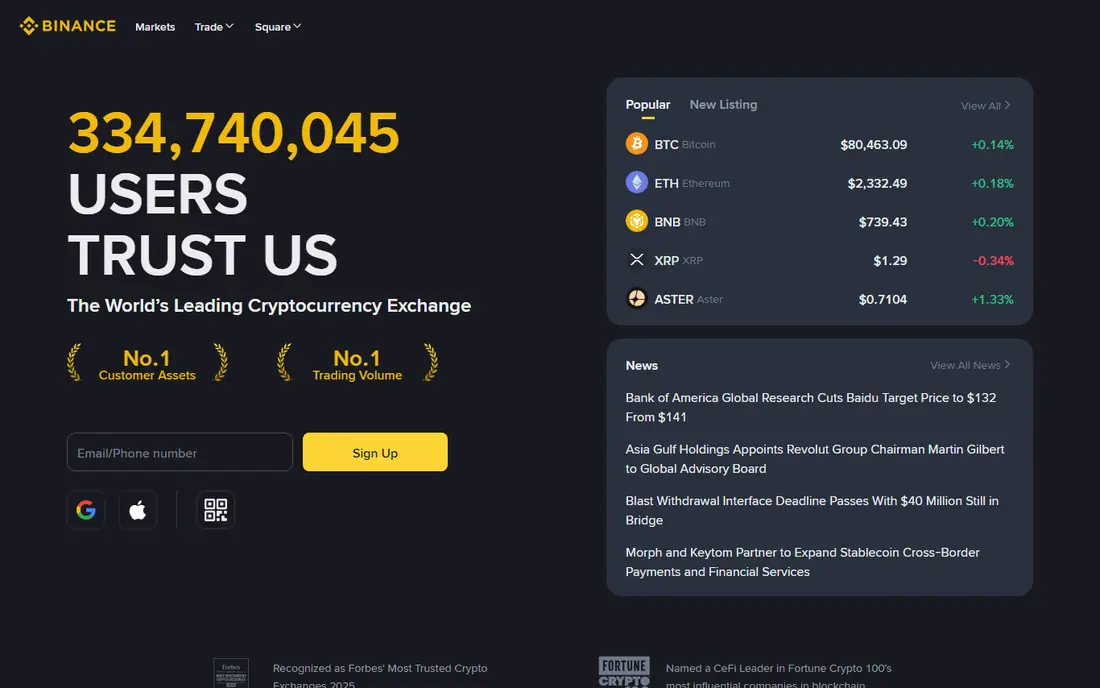
Binance.US is the US arm of the global Binance group, and its main draw is low spot trading fees, with a base maker taker rate that undercuts many rivals. It lists a solid range of altcoins, offers staking for some assets, and provides an app plus a pro interface for active traders. For US traders who want altcoins without paying beginner buy fees, Binance.US is often the cheapest route to a trade.
It is not the global Binance platform, so asset availability is smaller, and some states have restrictions, so check eligibility for your state before you plan around it. Customer support quality is also mixed in public reviews. Use Binance.US when low fees and altcoin access matter most, and keep records for tax reporting, because active altcoin trading creates many taxable events.
What we like- Low spot fees
- Good altcoin range
- High liquidity on major pairs
Watch out for- Fewer assets than global Binance
- Availability varies by state
- Support varies
#5Gemini
Best for: Regulated custody and security4.4/5 on
G2 (635 reviews, checked Oct 2026)
Visit gemini.com
Starting priceSee website
Free planYes
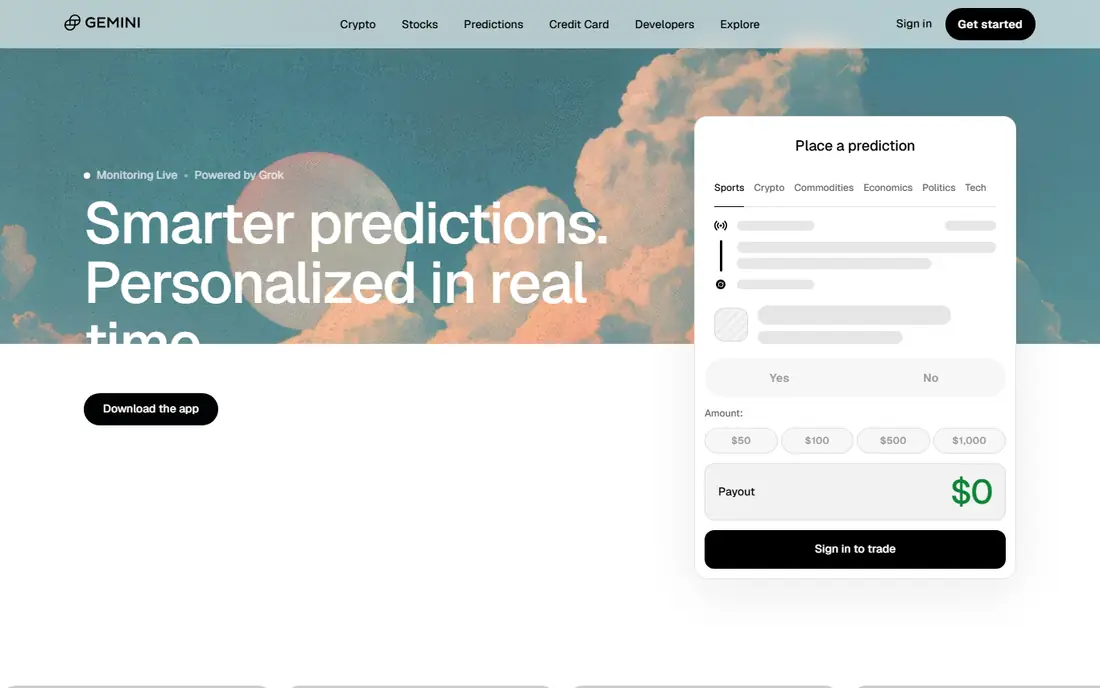
Gemini, founded by the Winklevoss twins, positions itself around regulation and custody. It holds a New York BitLicense, uses regulated custody practices, and offers both a simple buy interface and an ActiveTrader interface with lower fees. That focus appeals to security conscious buyers who want a US regulated venue and are willing to accept a smaller coin list in return. Gemini also offers an earn style program and a card in some regions, though availability changes.
Simple buys cost more than ActiveTrader orders, so the same rule applies as elsewhere: learn the pro interface for regular trading. Coin choice is narrower than Coinbase or Crypto.com, so check that your target assets are listed. Gemini fits buyers who rank regulation and custody above coin count and lowest possible fees.
What we like- New York regulated
- Strong custody practices
- Simple and ActiveTrader interfaces
Watch out for- Higher simple buy costs
- Smaller coin range than larger rivals
Starting price$0 commission
Free planYes
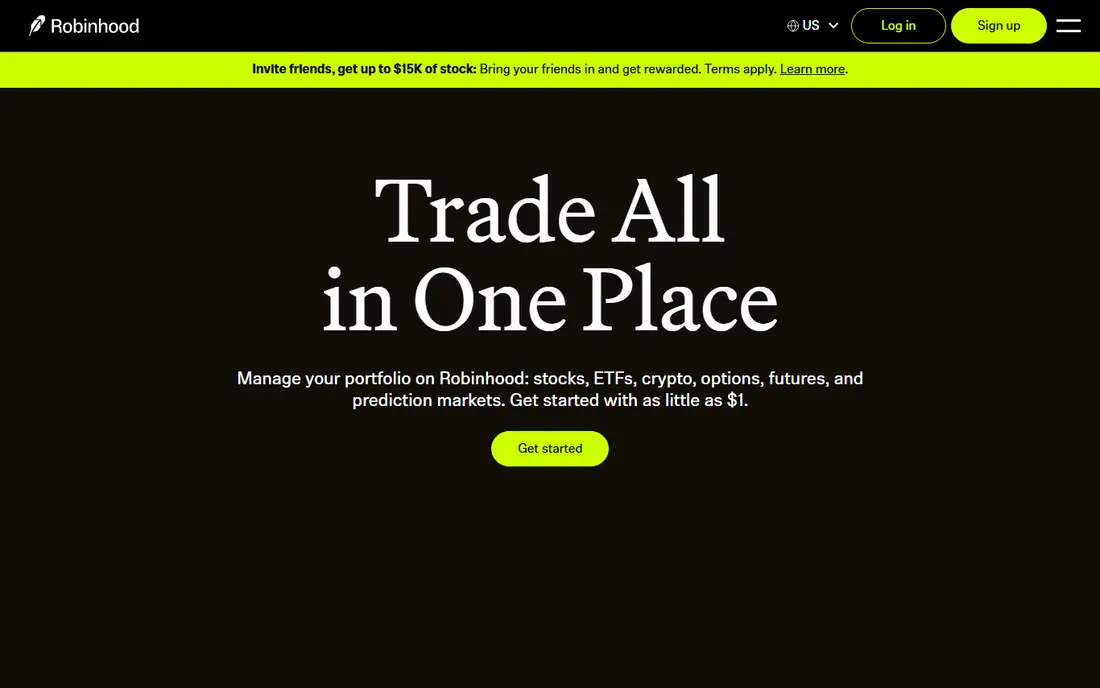
Robinhood Crypto lets users trade a limited set of cryptocurrencies inside the same app they use for stocks, with no commission shown on the order. That simplicity is attractive for dabblers and for investors who want one app for both asset types. The interface is clean, funding is familiar to existing Robinhood users, and small purchases feel frictionless.
The cost is not zero, it is hidden in the spread between buy and sell prices, and the coin range is much smaller than a full exchange. Advanced traders will miss order types, charting depth, and staking options available elsewhere. Robinhood fits casual buyers who value simplicity and already use Robinhood for stocks. Active crypto traders should compare executed prices with a pro exchange before making it their main venue.
What we like- No commission line item
- Stocks and crypto in one app
- Very simple interface
Watch out for- Cost sits in spread
- Fewer coins
- Fewer advanced order types
Starting priceSee website
Free planYes
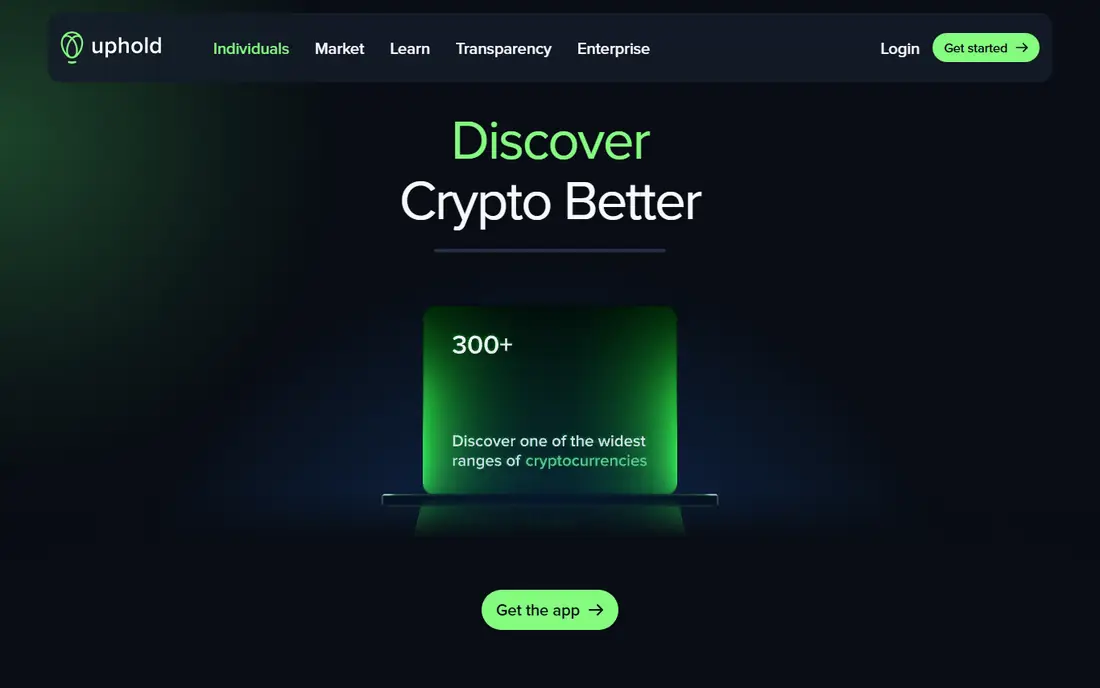
Uphold stands out because it lets users move between crypto, US stocks, precious metals, and other assets in one account, without withdrawing to a bank in between. That cross asset design suits investors who rebalance across asset types and want a single wallet view. The app is straightforward, and the asset list covers hundreds of digital assets alongside traditional options.
Fees vary by asset and can be higher than pro exchange fees, especially for altcoins, so the convenience of swapping in one place has a price. Pro traders will also find fewer advanced tools than on Kraken or Coinbase Advanced Trade. Uphold fits investors who value cross asset flexibility over the absolute lowest fee on a single crypto trade.
What we like- Trade crypto, stocks, and metals in one account
- Easy cross asset swaps
- Broad asset list
Watch out for- Trading fees can be high for some assets
- Spread matters
- Less depth for pro traders
Starting priceSee website
Free planYes
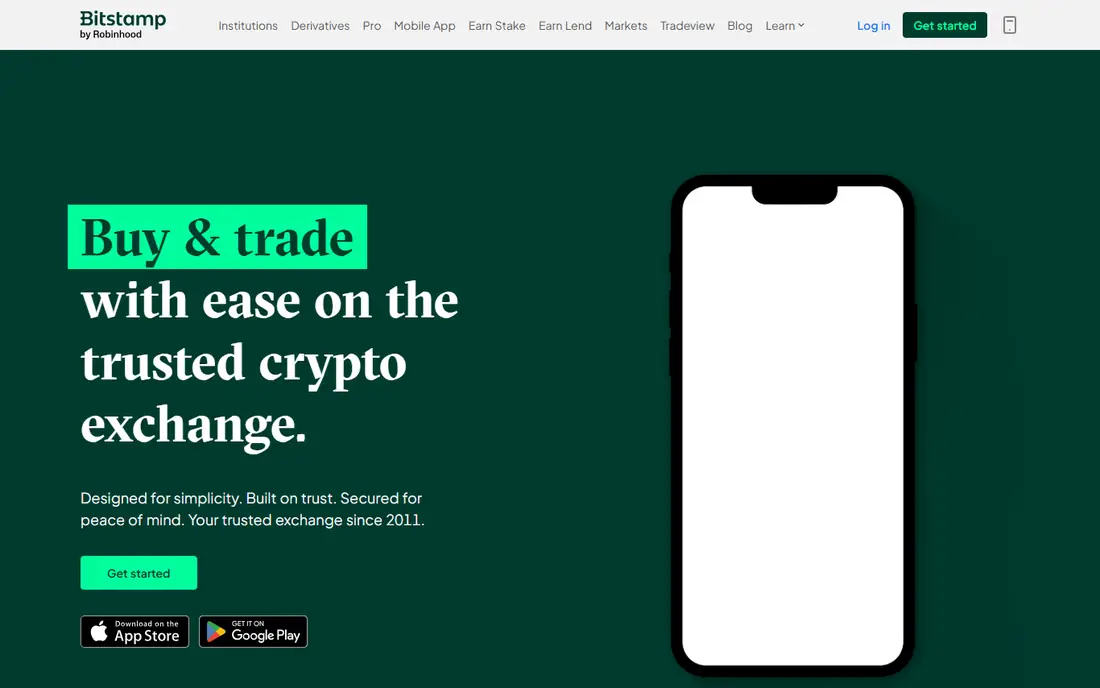
Bitstamp, operating since 2011, is one of the oldest exchanges still running, and its appeal is reliability rather than novelty. It offers straightforward spot trading, a clear maker taker fee schedule, and a simple app for buying and selling major assets. Users who want a stable venue without rewards programs, social trading, or a maze of features often prefer that restraint.
The coin range is smaller than larger rivals, and extras like staking and cards are limited by comparison. That plainness is a drawback for traders who want every feature in one app, and a benefit for buyers who want fewer distractions. Bitstamp fits long term buyers of major assets who value a long track record and a simple fee structure.
What we like- Long operating history
- Clear fee tiers
- Reliable basic trading
Watch out for- Smaller coin range
- Fewer rewards and extras
- Interface feels plain
#9eToro
Best for: Social and copy trading3.6/5 on
G2 (27 reviews, checked Oct 2026)
Visit etoro.com
Starting priceSee website
Free planYes
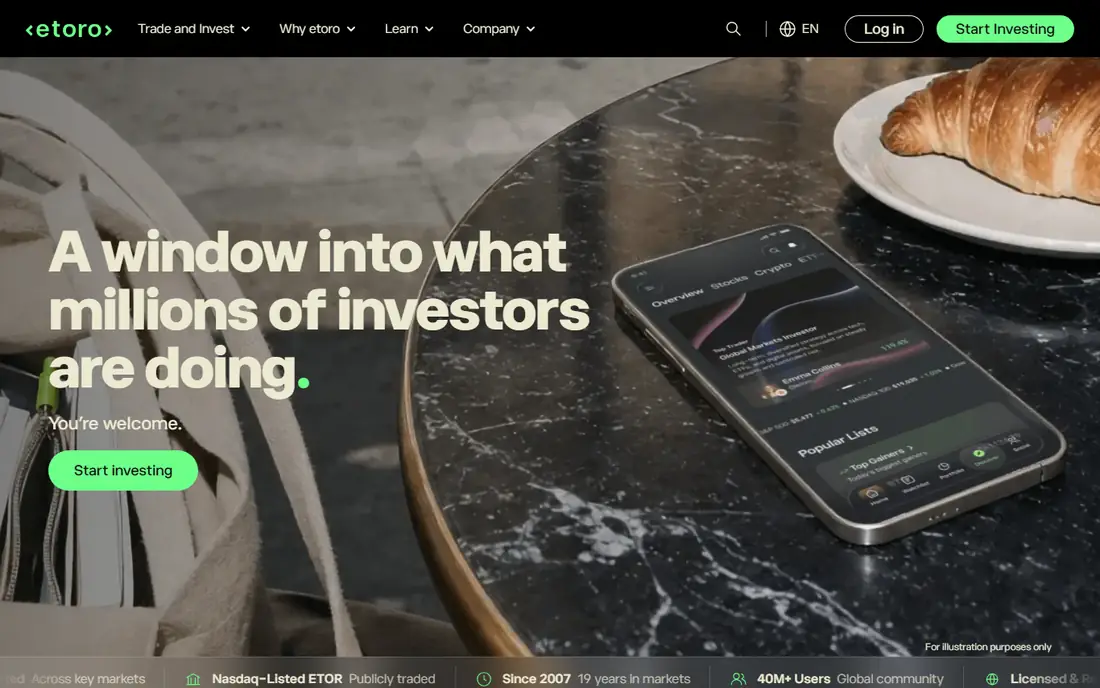
eToro combines trading with a social platform, where users can follow other traders, see their portfolios, and copy their trades automatically. That social layer helps beginners learn by watching experienced traders, and the platform also covers stocks and ETFs alongside crypto. The interface is friendly, and the copy feature is genuinely different from a standard exchange.
Crypto trading fees are around 1 percent on many trades, plus spreads, which is high for active traders. Pro tools are also thinner than on dedicated exchanges. Copy trading carries its own risk: past results of a copied trader do not guarantee future results, and this is not financial advice. eToro fits social learners and casual traders. Active traders should use a lower fee pro exchange for regular orders.
What we like- Copy trading
- Social feeds
- Stocks plus crypto in one platform
Watch out for- About 1 percent fee on many crypto trades
- Spreads apply
- Limited pro tools
How we chose
We compared fee structures, coin range, security practices, US availability, staking and rewards, and app ease of use, using vendor fee pages, documentation, and public reviews. Prices and fees were checked in October 2026, and any figure we could not confirm is shown as See website. We did not claim hands-on testing. The list favors venues a US reader can actually use today, with a clear note where cost hides in a spread rather than a commission.
How to keep trading costs down
Use the pro interface on your chosen exchange once you trade more than occasionally. Simple buy screens are built for convenience, and they charge for it through spreads and fees. Set limit orders when you care about price, compare the final executed price across two venues for a test trade, and avoid card purchases for large buys when a bank transfer costs less.
Security matters as much as fees. Turn on two-factor authentication with an authenticator app, use a unique password, and consider moving long term holdings to a hardware wallet you control. Exchanges can restrict withdrawals during outages or market stress, so a holding you cannot move is a risk, not just an inconvenience. Keep tax records from day one, because every sale, swap, and staking reward can create a taxable event in the US.
Frequently asked questions
What is the cheapest app to buy crypto?
It depends on how you buy. Pro interfaces on Kraken, Binance.US, and Coinbase Advanced Trade usually beat simple buy screens. Robinhood shows no commission but charges through the spread, so compare the final price you pay, not just the fee line.
Is crypto safe to buy on an app?
Buying on a regulated, long running exchange is safer than buying through an unknown site, but crypto itself remains volatile and is not federally insured. Use strong security, keep only trading funds on an exchange, and move long term holdings to a wallet you control when possible.
Can I buy crypto in India or the US on the same app?
Availability varies by country, state, and asset. Some apps in this guide focus on the US, while others serve India and other markets with different rules. Check your country and state eligibility, tax rules, and withdrawal options before you fund an account.
Do I need a separate wallet?
Not for small, short term trading, but a separate wallet gives you control of your keys and reduces exchange risk for long term holdings. Hardware wallets cost money and require care with recovery phrases, so learn the setup before moving large sums.
Is this guide financial advice?
No. This guide compares apps and fees only. Crypto prices can fall sharply, and past performance does not predict future results. This is not financial advice. Do your own research and consider talking to a qualified adviser before investing.
Sources we checked (9)
- https://www.coinbase.com/pricing
- https://www.kraken.com/pricing
- https://www.crypto.com/pricing
- https://www.binance.us/pricing
- https://www.gemini.com/pricing
- https://robinhood.com/pricing
- https://uphold.com/pricing
- https://www.bitstamp.net/pricing
- https://www.etoro.com/pricing
Is your product missing or out of date?
We review this list regularly. Vendors can request a listing, send updated pricing or ask about featured placement.

Shihab Mia · Founder, Rankite
Shihab has 5+ years in B2B and SaaS SEO. He writes Rankite's software buying guides from pricing pages, documentation and public user reviews. More about Shihab.