How we make this list: we compare pricing pages, product documentation and public user reviews. Ratings come from G2, Capterra or Trustpilot, with the date we checked them.
Key takeaways
- The best onboarding shows value before asking for an account, as Duolingo does with a first lesson.
- Personalization works when it asks a few useful questions and then changes what the user sees, not when it asks a long form.
- Guided first tasks beat feature tours, since users learn by doing a real task in the app.
- Onboarding is not a single screen flow, since tooltips, checklists, and empty states guide users for days after signup.
Quick comparison
| Tool | Best for | Starting price | Free plan |
|---|
 Duolingo Duolingo | Value before signup | Free; Super $12.99 per month | Yes |
 Headspace Headspace | Calm, guided first session | Free; Premium plans available | Yes |
 Canva Canva | First design in minutes | Free; Pro plans available | Yes |
 Slack Slack | Guided team setup | Free; paid plans available | Yes |
 Airbnb Airbnb | Personalized search setup | Free to join | Yes |
 Calm Calm | Mood-based personalization | Free; Premium plans available | Yes |
 Spotify Spotify | Taste-based setup | Free; Premium plans available | Yes |
 Notion Notion | Template-led workspace setup | Free; paid plans available | Yes |
Is your product missing or out of date?
We review this list regularly. Vendors can request a listing, send updated pricing or ask about featured placement.
The best app onboarding experiences
#1Duolingo
Best for: Value before signup4.5/5 on
G2 (145 reviews, checked Oct 2026)
Visit duolingo.com
Starting priceFree; Super $12.99 per month
Free planYes
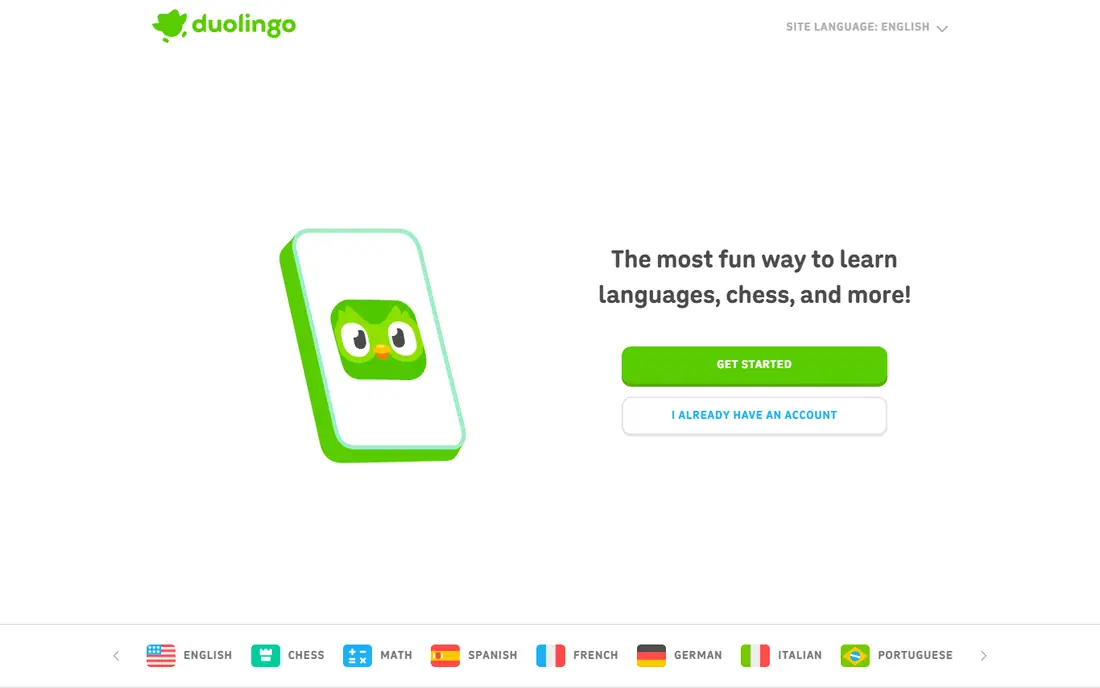
Duolingo onboarding is famous because it delays the account wall. A new user picks a language, sets a daily goal, and starts a first lesson within a minute, earning points and seeing progress before any signup screen appears. That order matters: by the time Duolingo asks for an account, the user has already felt the core value, which is learning a few words in a short, playful lesson. Goal questions and placement checks then shape the path, so the next lessons feel tailored rather than generic.
The lesson for product teams is about friction order, not just design polish. Ask for the minimum needed to deliver value, let users try the core action first, and collect account details after they have a reason to stay. Duolingo also shows the limit of gamification: streaks and leagues keep many users returning, but they can push quantity over depth, so teams should pair a strong first lesson with clear progress toward a real skill.
What we like- First lesson starts before account creation
- Goal and level questions shape the path
- Streaks reward return visits
Watch out for- Gamification can distract from depth
- Hearts and ads in the free tier interrupt flow
- Advanced learners may find early lessons slow
#2Headspace
Best for: Calm, guided first session4.6/5 on
G2 (68 reviews, checked Oct 2026)
Visit headspace.com
Starting priceFree; Premium plans available
Free planYes
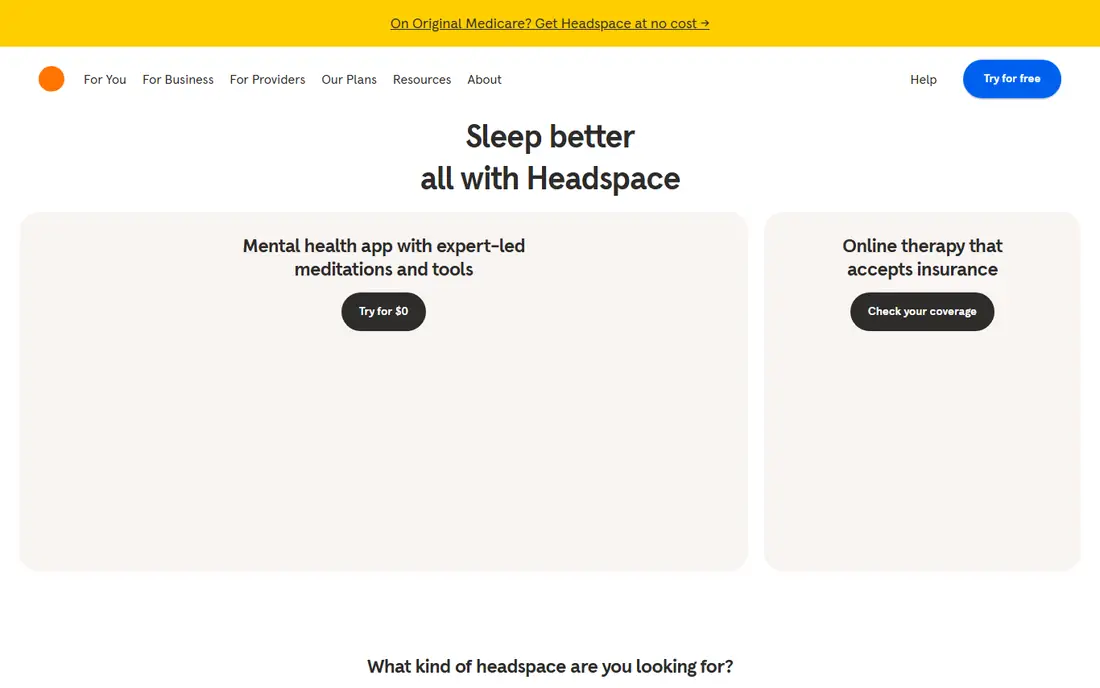
Headspace onboarding starts with the feeling the app promises. New users answer a few questions about goals, such as sleep, stress, or focus, then try a short guided meditation rather than reading a feature list. That first session gives a taste of calm within minutes, which creates an emotional anchor: the user associates Headspace with a calmer state, not just with a set of audio files. The Basics course then builds skills gradually, so a beginner is not dropped into a large library with no path.
The trade is that the full library sits behind a paid plan, so free users see only part of the value. The style is also specific, with a calm voice and simple visuals that suit many users but not all. For wellness and habit apps, Headspace shows that onboarding should deliver the promised feeling in the first session, then guide users into a structured course rather than leaving them to browse.
What we like- First session delivers calm, not just explanation
- Goal questions tailor content
- Basics course builds a habit step by step
Watch out for- Premium needed for full library
- Meditation style may not suit everyone
- Free content is limited
#3Canva
Best for: First design in minutes4.7/5 on
G2 (7,678 reviews, checked Oct 2026)
Visit canva.com
Starting priceFree; Pro plans available
Free planYes
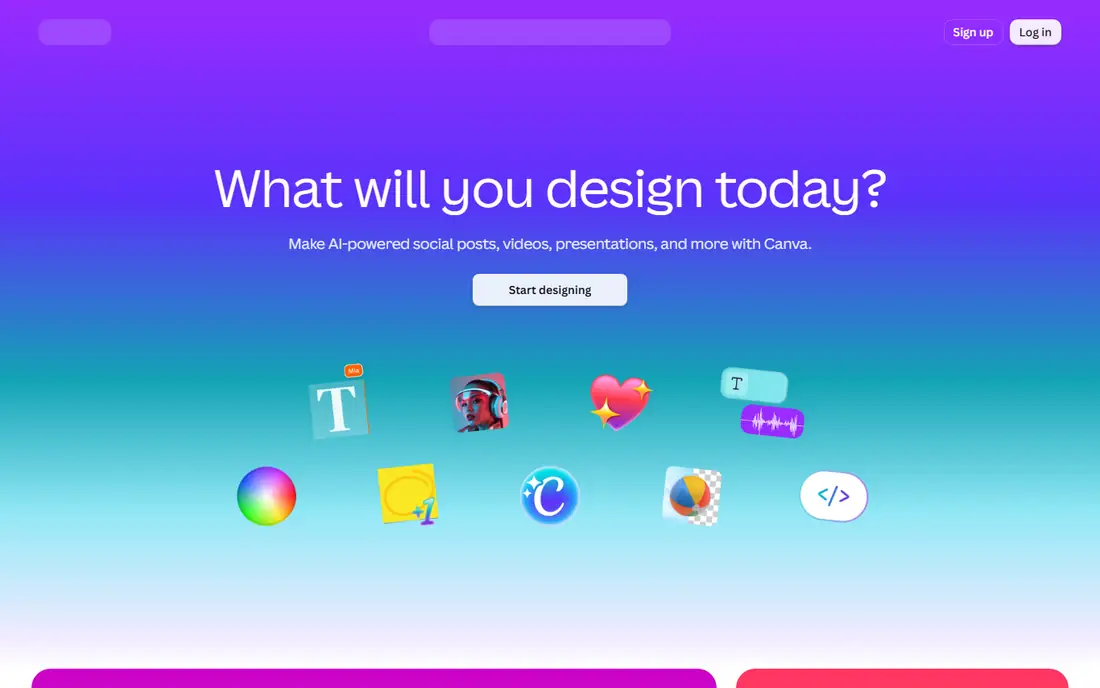
Canva onboarding asks what you plan to design, such as social posts, presentations, or marketing material, then shows templates for that goal and guides you into a first design. Within minutes, a new user has edited text, changed a color, and downloaded or shared something they made, which is a concrete win that a feature tour cannot match. Role and goal questions also shape the home screen, so a teacher, a small business owner, and a student see different starting points.
The limit is template dependence. A first design made from a template feels easy, but users who need original layouts may need more guidance to move beyond templates. Pro features, such as background removal and brand kits, also appear early, which can frustrate free users. Canva shows that the best onboarding for a creative tool is a finished artifact, not a tour of menus, and that templates are a strong starting point when they lead to a real result.
What we like- Template-led first design
- Role questions tailor the home screen
- Guided tutorial shows a real task
Watch out for- Template reliance can limit original design
- Pro features are easy to hit
- Large library can overwhelm new users
#4Slack
Best for: Guided team setup4.5/5 on
G2 (39,944 reviews, checked Oct 2026)
Visit slack.com
Starting priceFree; paid plans available
Free planYes
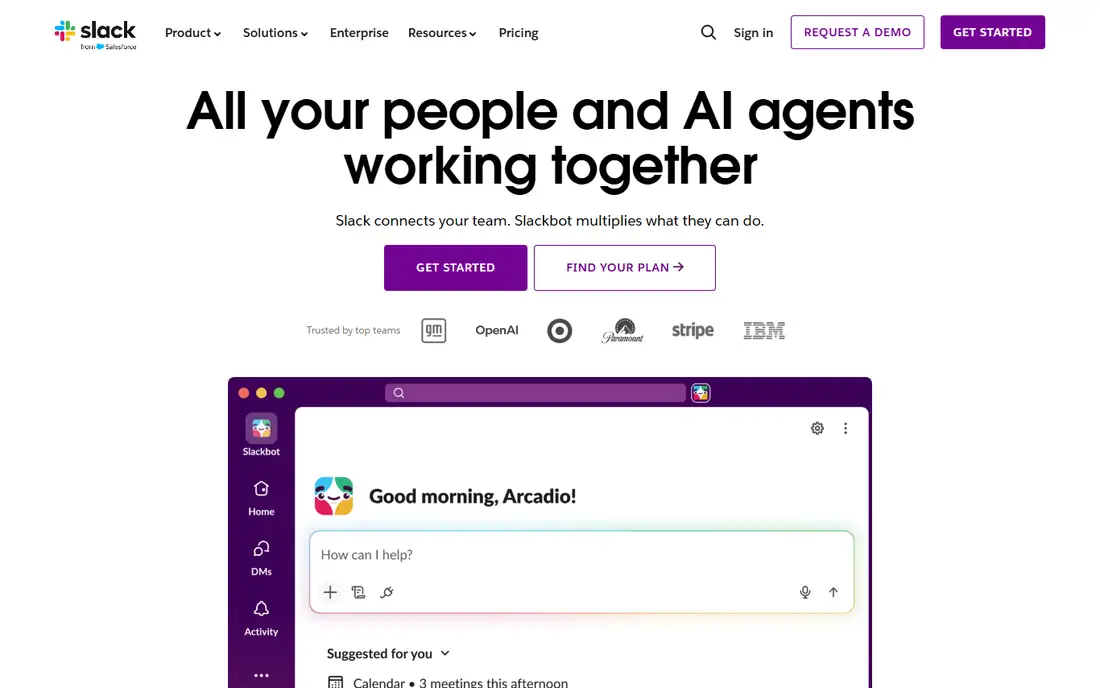
Slack onboarding guides a new user through creating a workspace, naming it, inviting teammates, and creating a first channel, with friendly copy and clear steps at each stage. That guided setup matters because Slack value depends on people: a workspace with no teammates and no channels feels empty, while a workspace with one active channel gives an immediate reason to return. Slackbot messages and tips then explain features in context, rather than in a single long tour.
The setup can feel heavy for a solo user or a small team that only needs one channel, and channel sprawl can grow if no one sets naming or purpose rules early. Slack shows that onboarding for a team tool must solve the empty-room problem, by getting people and a first conversation into the product quickly, and that in-product tips work best when they appear at the moment a feature is first useful.
What we like- Step-by-step workspace and channel setup
- Friendly copy guides new users
- First channel gives an immediate place to talk
Watch out for- Setup can feel long for solo users
- Channel sprawl appears without guidance
- Paid plans needed for full history and features
Starting priceFree to join
Free planYes
Airbnb onboarding is search-first, which is its main strength. A new user can search for a place, dates, and guests without a long signup flow, and the app asks whether the trip is for work or leisure to tailor results and filters. That approach respects the user goal, which is finding a place to stay, rather than forcing account setup before any value appears. Host and guest paths are also separated clearly, so a person who wants to host does not follow the guest flow by mistake.
The limits appear later in booking. Identity checks, payment details, and host messages add steps that a simple search does not show, and personalization is thin until a user has search and booking history. Airbnb shows that onboarding for a marketplace should start with the core search, use a few purpose questions to tailor results, and save trust and payment steps for the moment they are actually needed.
What we like- Simple search-first onboarding
- Travel purpose questions tailor results
- Host and guest paths are clearly separated
Watch out for- Full booking flow still needs many steps
- Personalization is limited for new users with no history
- Trust steps add friction
Starting priceFree; Premium plans available
Free planYes
Calm onboarding asks how you feel and what you want, such as better sleep, less stress, or more focus, then recommends meditations, sleep stories, and music for that goal. The first session is short, which lowers the barrier for a new user who may be trying meditation for the first time. Sleep stories give a second entry point for users who do not want a traditional meditation, which widens the app appeal beyond a single use case.
The free tier is limited, so many recommendations lead to a paywall, and early recommendations can feel generic until the app learns from use. Calm shows that mood-based personalization works when questions are few and the first recommendation is easy to try, but teams should be honest about what is free, so users do not feel tricked by a paywall after a promising setup.
What we like- Mood and goal questions shape recommendations
- First meditation is short and easy
- Sleep stories give a second entry point
Watch out for- Premium needed for most content
- Recommendations can feel generic at first
- Free tier is limited
Starting priceFree; Premium plans available
Free planYes
Spotify onboarding asks new users to pick artists and genres they like, then starts playback right away and builds personalized playlists from those picks. That fast path to music is the core value, and it appears within minutes, without a long profile form. Daily Mixes, Discover Weekly, and other personalized lists then improve as listening history grows, so the app feels more tailored over time.
The free tier limits are clear on mobile, with ads and shuffle-only playback for many playlists, which can frustrate users who expect full control. Taste picks also give only a rough starting point, so early recommendations may miss. Spotify shows that onboarding for a content app should ask a few taste questions, deliver the core content immediately, and let personalization improve with real use rather than a long initial questionnaire.
What we like- Artist and genre picks shape recommendations
- Immediate music playback
- Personalized playlists appear quickly
Watch out for- Free tier has ads and shuffle limits on mobile
- Taste setup is thin for new users
- Recommendations need listening history to improve
#8Notion
Best for: Template-led workspace setup4.6/5 on
G2 (13,834 reviews, checked Oct 2026)
Visit notion.so
Starting priceFree; paid plans available
Free planYes
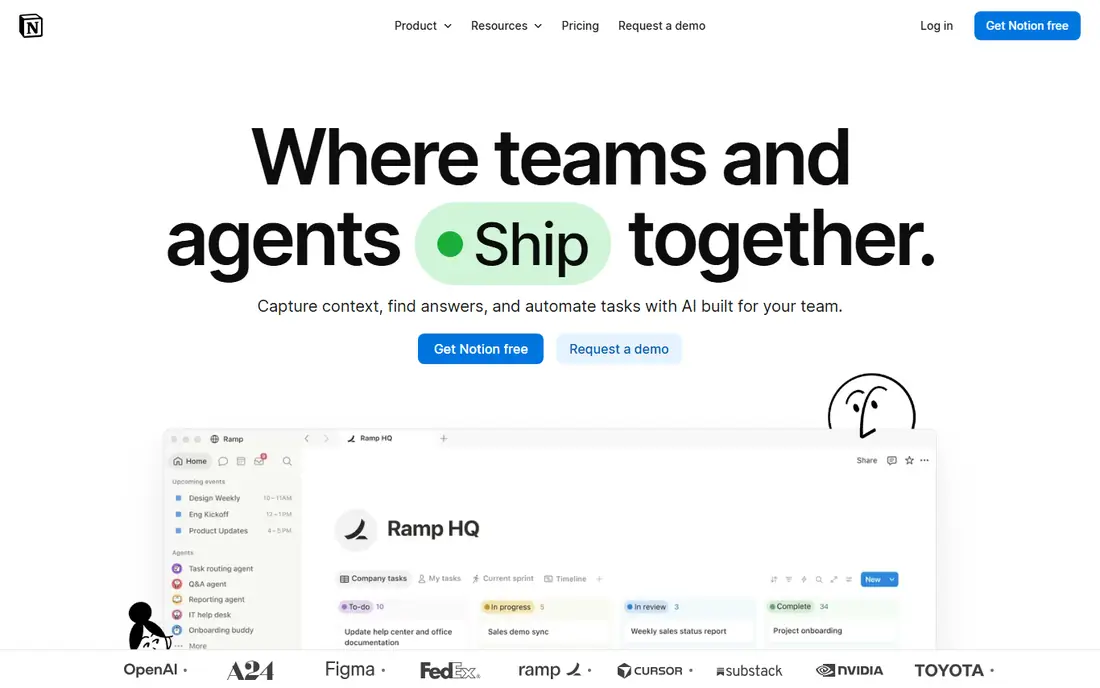
Notion onboarding faces a harder problem than most apps on this list, since Notion can be notes, tasks, docs, and wikis in one tool. Its answer is templates and role questions: new users pick a use case, such as personal notes, student work, or team docs, and Notion suggests templates and a starter workspace for that goal. Empty states and in-product guides then show how to create a first page, add a task, or build a simple database, which turns a blank workspace into a working one.
The flexibility that makes Notion powerful also makes onboarding harder. Too many templates can overwhelm a new user, and the learning curve is steeper than a single-purpose app such as Calm or Duolingo. Notion shows that onboarding for a flexible tool should narrow choices at first, offer one clear template per goal, and let users expand into more complex features only after a first page is working.
What we like- Templates for notes, tasks, and wikis
- Role questions tailor suggestions
- Empty states guide first pages
Watch out for- Flexibility can overwhelm new users
- Template choice takes time
- Learning curve is steeper than single-purpose apps
How we chose
We compared app onboarding flows using vendor product pages, design case studies, and public reviews, focusing on time to first value, number of setup steps, personalization quality, and guidance after signup. Each app had to be live today, offer a clear first task, and show a distinct onboarding pattern, from value-before-signup to template-led setup. We favored flows that teach by doing a real task over flows that rely on feature tours or long forms.
Lessons product teams can borrow
Start by mapping time to first value. Count the steps from install to the first real result, such as a finished lesson, a first design, a first meditation, or a first song, and cut any step that does not help that result. Duolingo, Canva, and Spotify all show that a first win within minutes beats a polished tour that explains features without delivering anything. If signup is required, explain why in one line and let users try the core action first where possible.
Next, ask few questions and use the answers visibly. A goal question that changes the home screen, the first lesson, or the first playlist feels useful, while a long form that leads to the same generic screen feels like a chore. Limit setup to three to five questions, show the tailored result right away, and let users change their answers later. Add progressive guidance after signup, such as checklists, empty-state hints, and tooltips that appear when a feature is first used, rather than front-loading every explanation into day one.
Finally, measure drop-off by step, not just by signup total. If users quit at a specific screen, that screen is the problem, whether it asks for too much, explains too little, or appears too early. Test a shorter version, a later account wall, or a guided first task, and compare completion and return rates. Onboarding is a product habit, not a launch checklist, and the best flows keep improving as user behavior shows where people actually stop.
Frequently asked questions
What makes a good app onboarding experience?
A good onboarding flow shows value quickly, asks only a few useful questions, and guides users through a real first task. It avoids long forms, feature tours with no action, and paywalls that appear before the user has tried the core product.
Should users create an account before trying an app?
Not always. Duolingo shows that letting users try a first lesson before signup can increase completion, since users already see value when the account screen appears. If signup is needed for sync or personalization, explain why and keep the form short.
How many onboarding steps are too many?
There is no fixed number, but most strong flows use three to five steps before the first value, then add guidance gradually. If users drop off at a specific step, shorten that step, move it later, or replace it with a guided task.
Is personalization worth the extra setup questions?
Yes, when the answers change what the user sees. Goal, role, and taste questions work when they shape the home screen, first lesson, or first playlist. They fail when they lead to the same generic screen, so teams should show the tailored result immediately.
What is progressive onboarding?
Progressive onboarding spreads guidance over days, using checklists, tooltips, and empty-state hints when a feature is first needed. It avoids front-loading every explanation into day one and helps users learn features in context.
How do teams measure onboarding success?
Teams track activation, which is the share of new users who complete a key first action, plus return rate after day one and day seven, and drop-off by step. Those numbers show where onboarding helps and where it blocks users better than signup totals alone.
Sources we checked (8)
- https://www.duolingo.com
- https://www.headspace.com
- https://www.canva.com
- https://www.slack.com
- https://www.airbnb.com
- https://www.calm.com
- https://www.spotify.com
- https://www.notion.so
Is your product missing or out of date?
We review this list regularly. Vendors can request a listing, send updated pricing or ask about featured placement.

Shihab Mia · Founder, Rankite
Shihab has 5+ years in B2B and SaaS SEO. He writes Rankite's software buying guides from pricing pages, documentation and public user reviews. More about Shihab.