How we make this list: we compare pricing pages, product documentation and public user reviews. Ratings come from G2, Capterra or Trustpilot, with the date we checked them.
Key takeaways
- The best app for tracking work hours in 2026 depends on why you track: Toggl Track for a simple timer, Clockify for free team tracking, Harvest for client billing, and Homebase for hourly shift teams.
- Clockify is the most generous free option, free for up to 5 users with unlimited projects and reporting, while Jibble offers a free plan with unlimited users.
- Toggl Track is the tool employees are least likely to resist, with a free tier for up to 3 users and no screenshots, so teams actually use it.
- Tell staff what is tracked: time tracking with GPS or screenshots raises privacy expectations, and state law on location tracking varies, so disclose tracking before turning it on.
Quick comparison
| Tool | Best for | Starting price | Free plan |
|---|
 Toggl Track Toggl Track | Simple timer | Free | Yes |
 Clockify Clockify | Free team tracking | Free | Yes |
 Harvest Harvest | Client billing | Free | Yes |
 Hubstaff Hubstaff | Remote team proof of work | $4.99 per seat per month | Yes |
 Time Doctor Time Doctor | Accountability with screenshots | $6.67 per user per month | No |
 Everhour Everhour | Tracking inside project tools | Free | Yes |
 Jibble Jibble | Free unlimited users | Free | Yes |
 Homebase Homebase | Hourly shift teams | Free | Yes |
Is your product missing or out of date?
We review this list regularly. Vendors can request a listing, send updated pricing or ask about featured placement.
The best apps for tracking work hours
#1Toggl Track
Best for: Simple timer4.6/5 on
G2 (1,589 reviews, checked Oct 2026)
Visit toggl.com
Starting priceFree
Free planYes
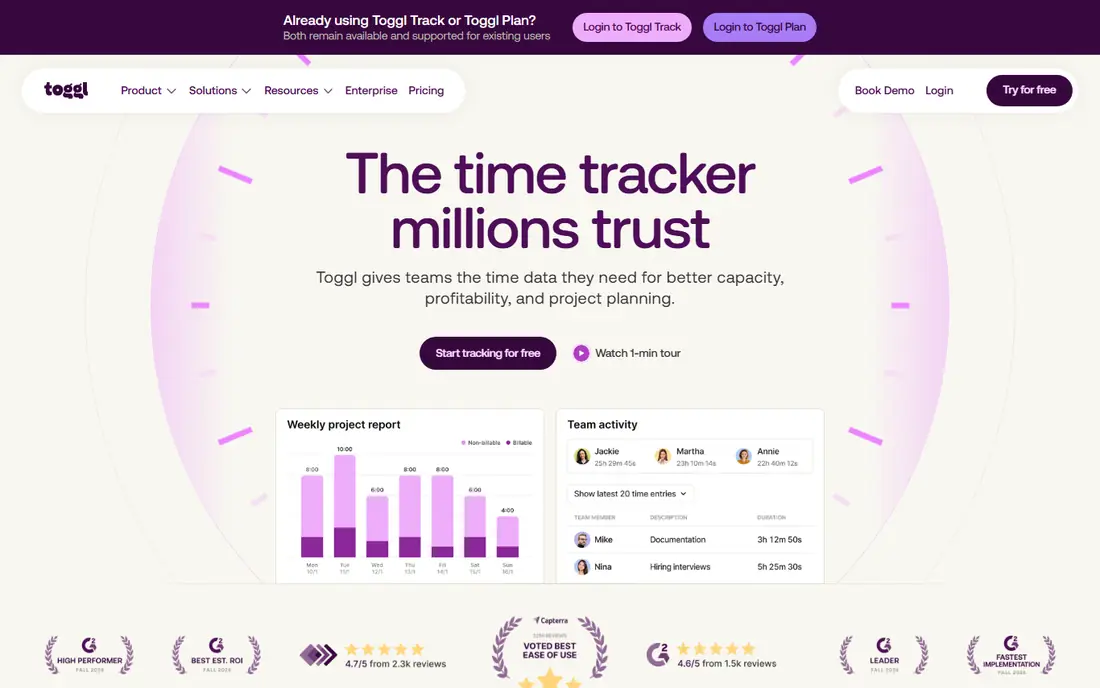
Toggl Track is the best fit for most teams: free for up to 3 users, 9 dollars per user per month on Starter, and no screenshots, so employees actually use it. Its timer buttons sit inside Jira, GitHub, Asana, and dozens of other tools through browser extensions, which fixes the number one reason time tracking fails: forgetting to start and stop the timer.
Toggl Track has no native invoicing on Free, Starter, or Premium, so you export hours and bill them elsewhere, and timesheet approvals need Premium. For a simple timer freelancers and small teams use daily, Toggl Track leads.
What we like- Simplest timer teams adopt fast
- Free for up to 3 users
- No screenshots, so employees actually use it
Watch out for- No native invoicing on any plan
- Approvals need Premium at 16 dollars per user per month
- Free tier caps at 3 users
#2Clockify
Best for: Free team tracking4.5/5 on
G2 (204 reviews, checked Oct 2026)
Visit clockify.me
Starting priceFree
Free planYes
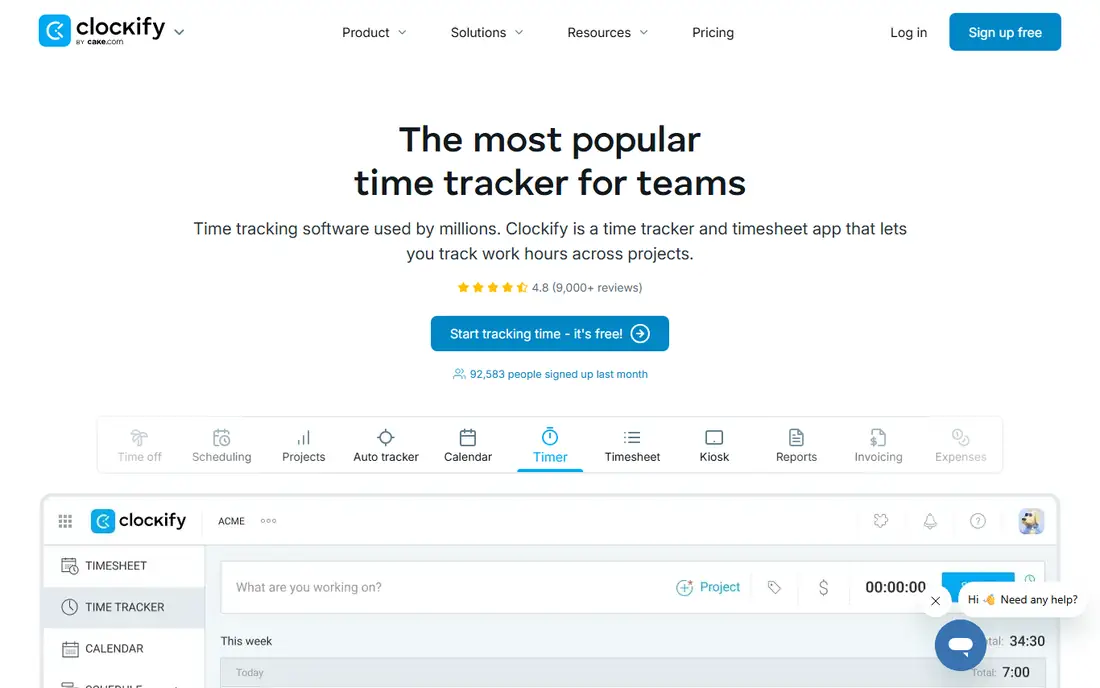
Clockify is the most generous free time tracker, with a free plan for up to 5 users covering unlimited tracking, projects, and reporting, and the lowest paid price at 3.99 dollars per seat per month. It covers attendance and kiosk use, which suits teams that clock in at a shared device.
Invoicing, approvals, and locked timesheets start on Standard at 5.49 dollars per seat per month billed annually, and chat integrations rely on Zapier or Make. For free team tracking, Clockify is the best pick.
What we like- Free for up to 5 users with unlimited projects and reporting
- Lowest paid price at 3.99 dollars per seat per month
- Attendance and kiosk use
Watch out for- Invoicing and approvals need Standard at 5.49 dollars per seat per month
- Chat integrations need Zapier or Make
- GPS needs paid tiers
Starting priceFree
Free planYes
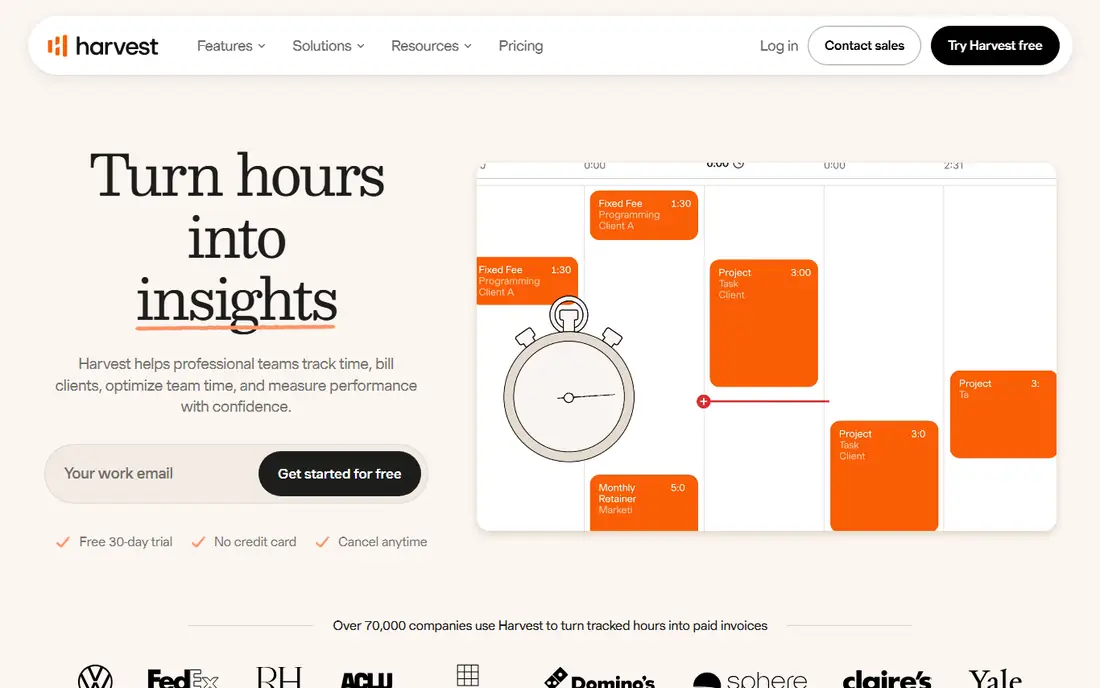
Harvest suits teams that invoice clients, with invoicing on every plan and expenses beside time. Tracked hours flow directly into invoices, which suits agencies and freelancers who bill hours rather than fixed fees.
The free plan covers only 1 user and 2 projects, paid plans start at 12 dollars per user per month, and timesheet approvals need Enterprise at 14 dollars per seat per month billed annually. For client billing tied to tracked time, Harvest leads.
What we like- Invoicing on every plan
- Expenses beside time
- Client billing tied directly to tracked hours
Watch out for- Free plan covers only 1 user and 2 projects
- Paid plans from 12 dollars per user per month
- Approvals need Enterprise
Starting price$4.99 per seat per month
Free planYes
Hubstaff suits remote teams that need proof of work, with screenshots, activity levels, and native contractor payroll from 4.99 dollars per seat per month. It is the cheapest way to add accountability and pay remote staff from tracked hours.
Monitoring can erode trust if not disclosed, so tell staff what is tracked before turning it on, and desk-based teams gain nothing from GPS and should skip it. For remote team proof of work, Hubstaff is the best pick.
What we like- Cheapest way to add proof of work
- Screenshots and activity levels
- Native contractor payroll
Watch out for- Monitoring can erode trust if not disclosed
- GPS features add cost
- Desk teams gain nothing from GPS
#5Time Doctor
Best for: Accountability with screenshots4.4/5 on
G2 (491 reviews, checked Oct 2026)
Visit timedoctor.com
Starting price$6.67 per user per month
Free planNo
Time Doctor suits teams that need accountability with screenshots and activity monitoring, plus payroll at Standard. Its detailed reporting helps managers see where hours go, and its monitoring depth suits remote teams that need proof of work.
There is no free plan beyond a trial, and monitoring needs clear disclosure to staff, since state law on location and activity tracking varies. For accountability with screenshots, Time Doctor leads.
What we like- Screenshots and activity monitoring for accountability
- Payroll at Standard
- Detailed reporting for managers
Watch out for- No free plan, trial only
- Monitoring needs clear disclosure
- Higher price than Hubstaff for similar features
Starting priceFree
Free planYes
Everhour suits project-based teams that want tracking inside the project tools they already use. Its timer sits inside Asana, Trello, Jira, and other tools, with project-based reporting that ties hours to tasks without switching apps.
The free plan covers up to 5 users, paid plans start at 8.50 dollars per user per month, and payroll runs through integrations rather than natively. For tracking inside project tools, Everhour is the best pick.
What we like- Free for up to 5 users
- Tracking inside Asana, Trello, Jira, and other project tools
- Project-based reporting
Watch out for- Paid plans from 8.50 dollars per user per month
- Payroll runs through integrations, not natively
- Smaller ecosystem than Toggl or Clockify
#7Jibble
Best for: Free unlimited users4.7/5 on
G2 (579 reviews, checked Oct 2026)
Visit jibble.io
Starting priceFree
Free planYes
Jibble suits teams that want a completely free time tracker for a whole team. Its free plan allows unlimited users, with clock in and out in Slack and Microsoft Teams, plus attendance and scheduling beside time tracking.
Billing features are thinner than Harvest, and payroll needs integrations. For free tracking at any team size, Jibble leads.
What we like- Free plan allows unlimited users
- Clock in and out in Slack and Microsoft Teams
- Attendance and scheduling beside time tracking
Watch out for- Paid features vary by plan
- Fewer billing features than Harvest
- Payroll needs integrations
Starting priceFree
Free planYes
Homebase suits hourly shift teams that want scheduling, time clock, and hiring in one app. Its free plan covers 1 location with up to 10 employees, while paid plans start at 24 dollars per location per month, with a payroll add-on offering unlimited runs.
GPS clock-ins and geofencing sit on paid tiers, and per-location pricing rises with each address. For hourly shift teams, Homebase rounds out the list.
What we like- Free for 1 location with up to 10 employees
- Scheduling, time clock, and hiring in one app
- Payroll add-on with unlimited runs
Watch out for- Priced per location, so costs rise with addresses
- GPS and geofencing need paid tiers
- Paid plans from 24 dollars per location per month
How we chose
We ranked tools by fit for tracking employee hours, price and free plan, employer features such as approvals, payroll links, and reports, ease of use, and third-party ratings. We favored tools employees actually use, since a tracker nobody opens produces no data at all, and we gave extra weight to free tier generosity, because small teams should not pay before proving the workflow.
We also weighed privacy honestly. GPS tracking suits field teams that need verified clock-ins, while desk-based teams gain nothing from GPS and should skip it, since it adds cost and erodes trust without benefit. Tell staff what is tracked, and check state law on location tracking before turning on GPS or screenshots.
Buying guide
Start by matching the tool to why you track time. For simple timesheets, pick Clockify or Toggl Track, for client billing pick Harvest, for hourly shift teams pick Homebase or Deputy, for payroll integration pick Hubstaff or QuickBooks Time, and for project-based teams pick Everhour.
Next, run a two-week pilot with real staff before buying. Every tool here has a free plan or a free trial, so test timer adoption, reporting, and payroll export on real work. Run the pilot with real staff, not managers alone. The number one reason time tracking fails is forgetting to start and stop the timer, so favor tools with integrations and reminders that fix that habit.
Finally, disclose tracking clearly. Tell staff what is tracked, including GPS, screenshots, and activity levels, and check state law on location tracking, since rules vary. A tool staff trust gets honest hours, while a tool that feels like surveillance gets workarounds and resentment, and resentment costs far more than any reporting feature saves.
Frequently asked questions
What is the best app for tracking work hours overall?
Toggl Track leads for a simple timer, Clockify for free team tracking, Harvest for client billing, and Homebase for hourly shift teams. Match the tool to why you track time.
Is there a free time tracker for a whole team?
Yes. Jibble free plan allows unlimited users, while Clockify is free for up to 5 users, Toggl Track for up to 3, and Homebase for up to 10 employees at one location. TimeCamp free plan also allows unlimited users.
Do I need GPS tracking for work hours?
Only for field teams. QuickBooks Time, Deputy, and Homebase paid tiers offer GPS clock-ins and geofencing that verify where hourly staff clock in. Desk-based teams gain nothing from GPS and should skip it, since it adds cost and erodes trust without benefit, and field teams should still disclose it clearly.
Can time tracking software handle payroll?
Some can. Hubstaff has native contractor payroll, Homebase offers a payroll add-on with unlimited runs, and QuickBooks Time feeds directly into QuickBooks Payroll. Clockify, Toggl Track, and Everhour integrate with payroll tools rather than running it.
Should I tell staff about monitoring features?
Yes. Tell staff what is tracked, including GPS, screenshots, and activity levels, before turning monitoring on. State law on location tracking varies, and undisclosed monitoring erodes trust and can create legal risk. Put the disclosure in writing, explain why each feature is used, and let staff ask questions before the first tracked shift.
Sources we checked (0)
Is your product missing or out of date?
We review this list regularly. Vendors can request a listing, send updated pricing or ask about featured placement.

Shihab Mia · Founder, Rankite
Shihab has 5+ years in B2B and SaaS SEO. He writes Rankite's software buying guides from pricing pages, documentation and public user reviews. More about Shihab.