How we make this list: we compare pricing pages, product documentation and public user reviews. Ratings come from G2, Capterra or Trustpilot, with the date we checked them.
Key takeaways
- The best apps to track work hours in 2026 are led by Toggl Track for simplicity, Clockify for budget teams, and Harvest for billing clients.
- The number one reason time tracking fails is forgetting to start and stop the timer, not the app, the features, or the price.
- Automatic tracking tools like RescueTime and Timely solve the forgetting problem, but they cost more and need a different mindset.
- Monitoring tools like Hubstaff and Time Doctor add screenshots and activity scores, so they suit teams that need oversight, not only a timer.
- A good tracker disappears into the workday and produces clean data, while a bad one becomes another chore everyone resents.
Quick comparison
| Tool | Best for | Starting price | Free plan |
|---|
 Toggl Track Toggl Track | Simple manual tracking | $9 per user per month | Yes |
 Clockify Clockify | Budget teams | $3.99 per user per month | Yes |
 Harvest Harvest | Time tracking with invoicing | See website | Yes |
 Hubstaff Hubstaff | Remote teams and payroll | $4.99 per user per month | No |
 Time Doctor Time Doctor | Productivity analytics | $6.67 per user per month | No |
 RescueTime RescueTime | Personal focus habits | $7 per month | Yes |
 Everhour Everhour | Teams inside project tools | $8.50 per user per month | Yes |
 Timely Timely | Automatic time capture | $9 per user per month | No |
Is your product missing or out of date?
We review this list regularly. Vendors can request a listing, send updated pricing or ask about featured placement.
The best apps to track work hours
#1Toggl Track
Best for: Simple manual tracking4.6/5 on
G2 (1,589 reviews, checked Oct 2026)
Visit toggl.com
Starting price$9 per user per month
Free planYes
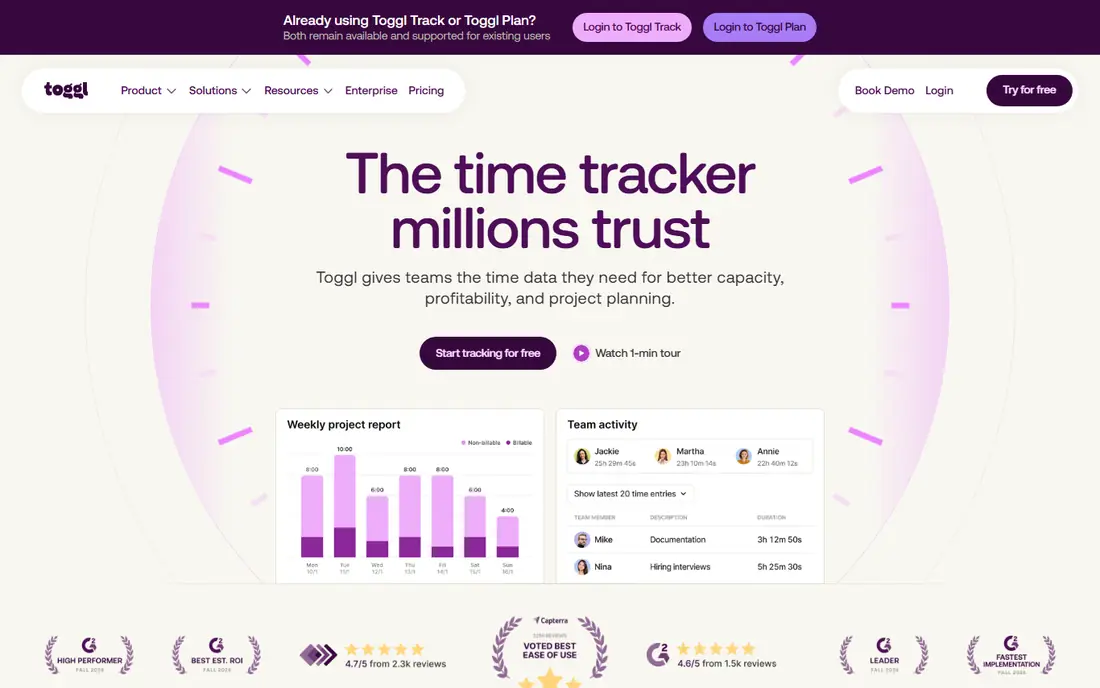
Toggl Track is the timer people actually remember to use. The one click timer runs in the browser, on the desktop, and on mobile, and the free plan covers up to 5 users with unlimited projects and time entries. Reports break hours down by project, client, and team member with filtering that stays readable, and the browser extension starts timers inside tools like Asana, Notion, and Google Docs.
The paid Starter plan at 9 dollars per user per month adds billable rates, rounding, and project estimates, while Premium at 18 dollars adds timesheet approvals, labor costs, and profitability reporting. That is double the price of Clockify for a comparable seat, so Toggl is worth it when simplicity drives adoption. If your team resists tracking, Toggl's low friction wins.
What we like- Cleanest interface in the category
- Strong reports
- Browser extension in 100 plus tools
Watch out for- Billable rates need paid plans
- Free plan caps at 5 users
- No monitoring features
Starting price$3.99 per user per month
Free planYes
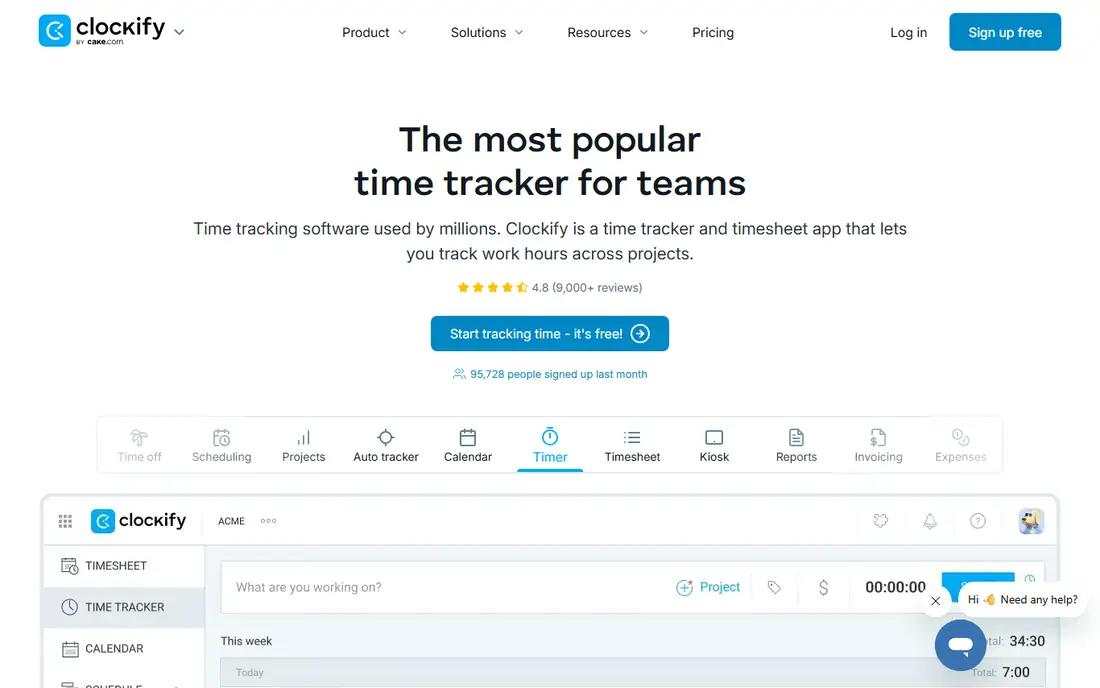
Clockify is the cheapest way to track time for a large team, with a free plan that covers unlimited users and paid plans from 3.99 dollars per user per month. Its timer is simple, its timesheets are clear, and its free tier covers the core tracking most teams need.
The limits are polish and billing depth. Reports are less polished than Toggl, and invoicing is lighter than Harvest. For a large team on a tight budget, Clockify is the best value choice.
What we like- Free for unlimited users
- Cheapest paid plans
- Simple timer and timesheets
Watch out for- Reports less polished than Toggl
- No invoicing depth
- Fewer integrations
#3Harvest
Best for: Time tracking with invoicing4.3/5 on
G2 (836 reviews, checked Oct 2026)
Visit getharvest.com
Starting priceSee website
Free planYes
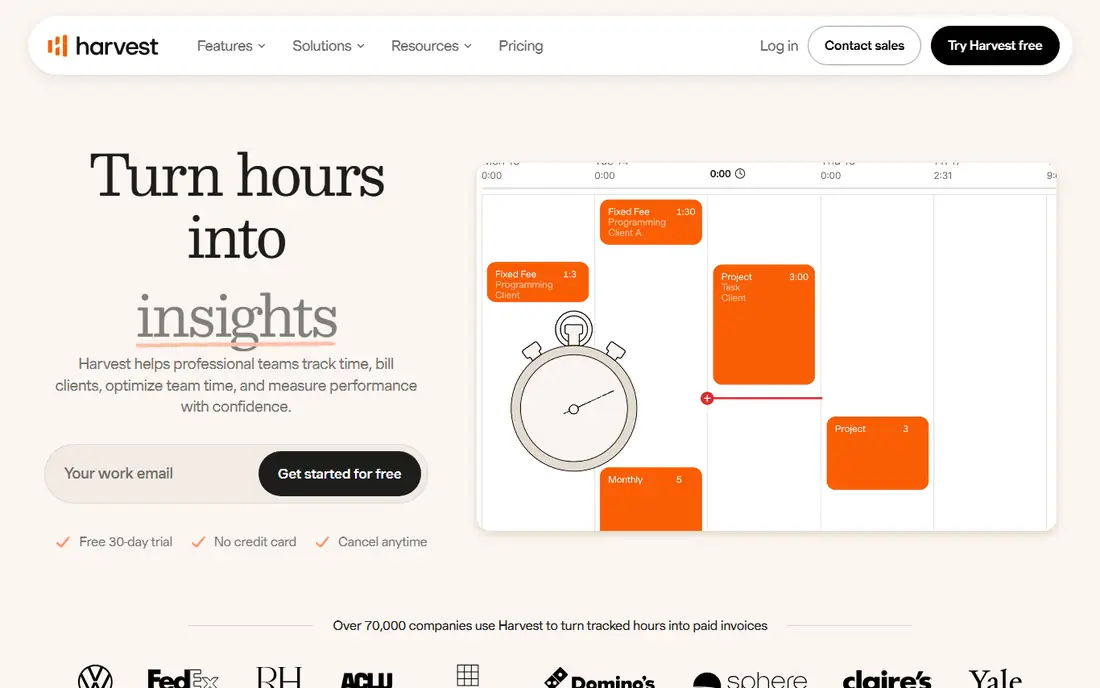
Harvest is the best fit when tracked hours must turn into invoices, because billing rates, budgets, and payments sit close to the timer itself. The free plan covers 1 seat and 2 projects, while paid plans run around 11 to 14 dollars per user per month depending on tier. Harvest integrates well with QuickBooks, Xero, project tools, and CRM systems.
The limits are free plan size and price. The free plan is the weakest of the three leaders, and paid plans cost more per seat than Clockify. For freelancers and agencies that bill clients by the hour, Harvest is the best choice.
What we like- Billing rates and budgets near the timer
- Invoicing and payments
- QuickBooks and Xero sync
Watch out for- Free plan caps at 1 seat and 2 projects
- Paid plans cost more than Clockify
Starting price$4.99 per user per month
Free planNo
Hubstaff suits remote and field teams that need payroll and oversight, with GPS tracking, screenshots, activity scores, and payroll integration. Paid plans start at 4.99 dollars per user per month on annual billing, with a 14 day free trial.
The limits are privacy and setup. Monitoring features can feel intrusive to staff, and teams should explain clearly what is tracked and why. For a distributed team that needs auditable hours and payroll, Hubstaff is a strong choice.
What we like- GPS tracking
- Screenshots and activity scores
- Payroll integration
Watch out for- Monitoring can feel intrusive
- No free plan
- Setup takes time
#5Time Doctor
Best for: Productivity analytics4.4/5 on
G2 (491 reviews, checked Oct 2026)
Visit timedoctor.com
Starting price$6.67 per user per month
Free planNo
Time Doctor focuses on productivity, with distraction alerts, activity tracking, and detailed reports on how time is spent across apps and websites. Paid plans start at 6.67 dollars per user per month on annual billing, with a 14 day free trial.
The limits are cost and culture. Time Doctor is the most expensive option in feel for small teams, and its monitoring features need careful handling to avoid damaging trust. For a distributed team that needs auditable hours and productivity insight, Time Doctor is a strong fit.
What we like- Distraction alerts
- Productivity analytics
- Detailed activity reports
Watch out for- Most expensive feel for small teams
- Monitoring can feel intrusive
- Learning curve
Starting price$7 per month
Free planYes
RescueTime suits people who forget manual timers, since it runs in the background, records what you are doing, and turns it into a reviewable record. It offers focus sessions, distraction blocking, and a free Lite plan, with premium at 7 dollars per month on annual billing.
The limits are team fit. RescueTime is built for personal productivity, not team billing or client invoicing. For an individual who wants to understand and improve focus habits, RescueTime is the best choice.
What we like- Automatic background tracking
- Focus sessions
- Distraction blocking
Watch out for- Personal focus, not team billing
- Premium costs 7 dollars per month
- Less useful for client invoicing
Starting price$8.50 per user per month
Free planYes
Everhour embeds its timer inside project tools like Asana, Jira, Trello, and Notion, so teams track time without leaving their work. It adds budgets, cost tracking, and clean reports, with paid plans starting at 8.50 dollars per user per month on annual billing and a free plan for small teams.
The limits are dependence and price. Everhour shines only when your team already lives in a supported project tool, and costs add up for larger teams. For a team already working in Asana or Jira, Everhour is the most natural tracker.
What we like- Timer inside Asana, Jira, Trello, and Notion
- Budgets and cost tracking
- Clean reports
Watch out for- Needs a project tool to shine
- Price rises with team size
- No monitoring features
Starting price$9 per user per month
Free planNo
Timely uses automatic AI time capture, recording work in the background so users never need to start or stop a timer. Users review and categorize the captured time afterward, which solves the forgetting problem completely. Paid plans start at 9 dollars per user per month, with a 14 day free trial.
The limits are cost and review time. Timely has no free plan, and automatic capture still needs daily review to stay accurate. For agencies and consultancies that hate manual timesheets, Timely is the best automatic option.
What we like- Automatic AI time capture
- No timers to forget
- Clean project timelines
Watch out for- No free plan
- Automatic capture needs review
- Higher cost for small teams
How we chose
We ranked apps by timer ease, report quality, invoicing, integrations, and cost, favoring tools that teams actually keep using over feature heavy tools that get abandoned. We gave extra weight to the forgetting problem, since a tracker that nobody remembers to start produces no data at any price. We also weighed privacy, since monitoring features change the relationship between managers and staff. Finally, we checked mobile tracking, since field teams and freelancers log hours from phones, and a tracker with a weak mobile app misses the hours that matter most.
Buying guide
Start by naming your tracking goal. A freelancer who invoices clients needs Harvest, a large team on a budget needs Clockify, a team that forgets timers needs RescueTime or Timely, and a remote team that needs oversight needs Hubstaff or Time Doctor. One goal beats a long feature list, and a tool chosen for one clear job gets adopted far faster than a tool chosen for every possible job.
Next, fix the forgetting problem before buying features. Add a timer button inside the tools your team already uses, since browser extensions for Toggl and Clockify put a timer inside Jira, GitHub, Asana, and dozens of other apps. The integration approach is the most effective habit fix for manual tracking tools.
Finally, set the rules before rolling out monitoring. If you choose a tool with screenshots or activity scores, tell the team exactly what is tracked, why, and who sees it. Monitoring without clear rules damages trust fast, and a team that distrusts its tracker will find ways around it. Also review tracked data weekly at first, since early review catches miscategorized time, forgotten timers, and project mix ups before they harden into bad invoices or wrong payroll.
Frequently asked questions
What is the best free time tracking app?
Clockify offers the best free plan for teams, with unlimited users, while Toggl Track offers the best free plan for small teams of up to 5 users. Both cover core tracking without payment.
Why do teams abandon time trackers?
The top reason is forgetting to start and stop timers, followed by clunky interfaces and unclear value. Automatic tools and browser integrations fix the forgetting problem better than reminders alone.
Should I use monitoring features like screenshots?
Only with clear rules and team consent. Monitoring suits distributed teams that need auditable hours, but it can damage trust when introduced without explanation. Many teams do fine with simple timers and no surveillance.
How much does time tracking software cost?
Free plans cover basic tracking, while paid plans run from 3.99 dollars per user per month for Clockify to 18 dollars for Toggl Premium. Compare per seat cost at your real team size, since free caps change the math.
Can time tracking help with invoicing?
Yes, when the tool links hours to billing rates and invoices, like Harvest does. Tracked hours that never reach an invoice are wasted effort, so pick a tool that closes the loop from timer to payment.
Sources we checked (0)
Is your product missing or out of date?
We review this list regularly. Vendors can request a listing, send updated pricing or ask about featured placement.

Shihab Mia · Founder, Rankite
Shihab has 5+ years in B2B and SaaS SEO. He writes Rankite's software buying guides from pricing pages, documentation and public user reviews. More about Shihab.