How we make this list: we compare pricing pages, product documentation and public user reviews. Rankite is independent; if a vendor ever pays for a featured spot, that listing is clearly labeled Partner.
Key takeaways
- You have an app idea and two quotes: $40,000 from an agency, or a weekend with an app builder. For MVPs and internal tools, the builder wins almost every time.
- No-code and low-code are not the same purchase: Bubble, Adalo and Glide need no coding, while FlutterFlow, Mendix and Retool reward technical users with more control.
- Entry prices cluster between $19 and $39 per month (Glide Explorer, Adalo Starter, Bubble Starter, FlutterFlow Basic), and every one of them has a free plan for prototyping.
- The real cost question is lock-in: only FlutterFlow and Webflow let you take real code with you, so know your exit before you build.
Quick comparison
| Tool | Best for | Starting price | Free plan |
|---|
 Bubble Bubble | Full-featured web apps and SaaS MVPs | $29/month (Starter, billed annually) | Yes |
 FlutterFlow FlutterFlow | Native mobile apps with code export | $39/month (Basic) | Yes |
 Adalo Adalo | Native mobile apps for non-technical founders | $36/month (Starter, billed annually) | Yes |
 Glide Glide | Internal tools from spreadsheets | $19/month (Explorer, billed annually) | Yes |
 Webflow Webflow | Design-led web apps and sites | $15/month (Basic, billed annually) | Yes |
 Microsoft Power Apps Microsoft Power Apps | Apps inside the Microsoft 365 ecosystem | $20/user/month (Premium, paid yearly) | Yes (Developer Plan) |
 Retool Retool | Internal dashboards for technical teams | $10/standard user/month (Team, billed annually) | Yes |
 Mendix Mendix | Enterprise low-code at scale | See website | Yes |
 OutSystems OutSystems | Enterprise mobile and web delivery | See website | Yes |
Is your product missing or out of date?
We review this list regularly. Vendors can request a listing, send updated pricing or ask about featured placement.
The best app builder
Asking "what is the best low code platform" gets you ten confident answers and zero useful ones, because the right app builder depends on what you are building and who is building it. A founder with a marketplace idea needs something different from an IT manager digitizing a warehouse form, and both differ from an agency shipping client apps monthly. Nine platforms cover the real spread: pure no-code for non-technical builders, low-code for technical teams, and enterprise platforms for regulated scale.
Starting price$29/month (Starter, billed annually)
Free planYes
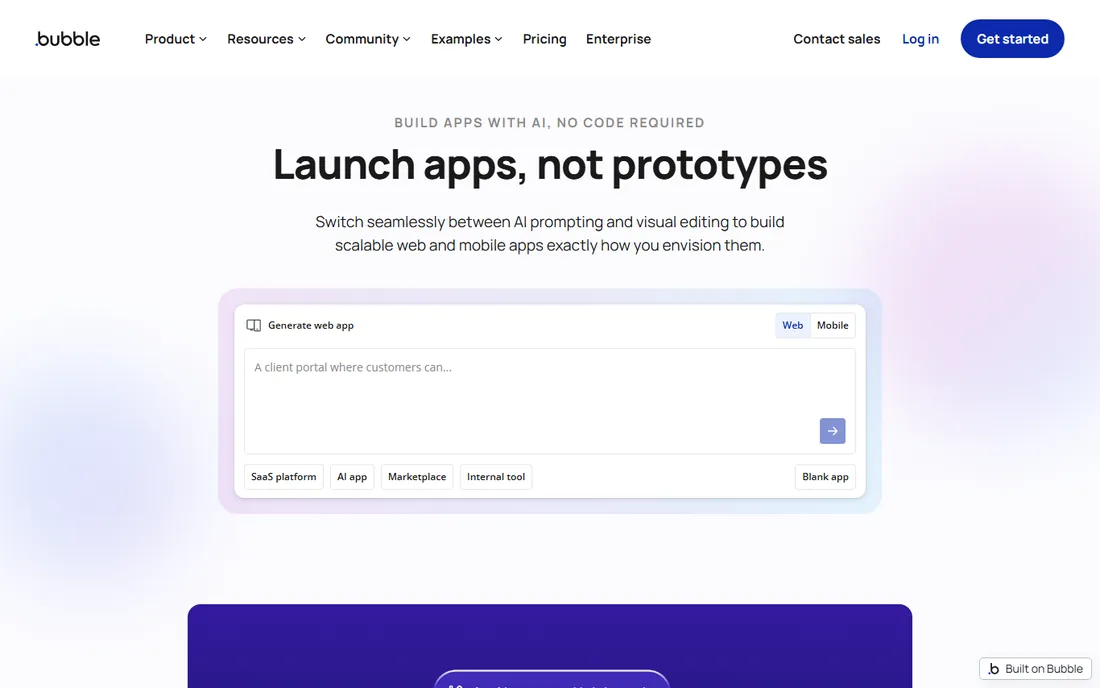
Bubble is where serious no-code web apps get built. The visual editor covers design, database, workflows, user authentication and API connections deeply enough that real SaaS products with thousands of users run on it. Starter at $29 per month billed annually includes a live app, custom domain and 175,000 workload units; Growth at $119 raises capacity for growing products. The free plan is genuinely useful for learning, with 50,000 monthly workload units.
Workload units are the catch every buyer must understand. Searches, workflow steps and API calls all consume them, so a badly designed repeating group can burn the monthly allowance fast, and overages bill on top. There is also no code export: your app runs on Bubble's runtime forever. For founders validating a web product, that trade is usually worth it. For teams that expect to hand the product to engineers later, look at FlutterFlow instead.
What we like- The deepest no-code logic and database of any pure no-code tool
- Huge plugin marketplace and template ecosystem
- Proven for real SaaS products with paying users
Watch out for- Workload-unit pricing punishes inefficient builds and surprises founders at scale
- No code export, so you are committed to the platform
Starting price$39/month (Basic)
Free planYes
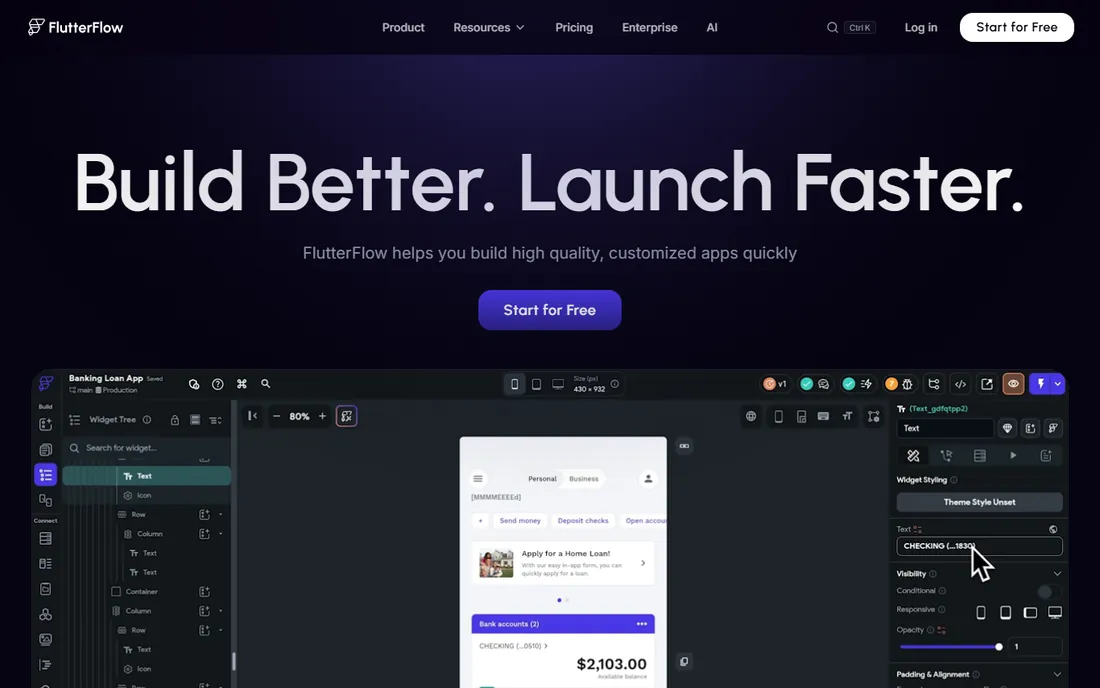
FlutterFlow is the low-code answer for founders who want native mobile apps without surrendering their codebase. The builder outputs real Flutter and Dart source you can download from the $39-per-month Basic plan, which means an agency or in-house developer can take over the project later. That single feature removes the biggest objection to no-code mobile development. Growth at $80 per month for the first seat adds GitHub integration, branching and one-click store deployment.
The price of that power is complexity. Expect 40 to 100 hours to get comfortable if you have never touched Flutter concepts, and the database question is yours to solve: Firebase or Supabase setup, security rules and hosting costs sit outside the subscription. For technical founders and agencies shipping real mobile products, FlutterFlow is the strongest pick on this list. For pure non-technical builders, Adalo is gentler.
What we like- Real Dart and Flutter source code export, the cleanest exit in no-code
- True native performance on iOS and Android
- AI-assisted building with metered requests
Watch out for- Steepest learning curve here, with real Flutter concepts to absorb
- No built-in database, so you set up and pay for Firebase or Supabase separately
#3
Adalo
Best for: Native mobile apps for non-technical founders
Visit adalo.com
Starting price$36/month (Starter, billed annually)
Free planYes
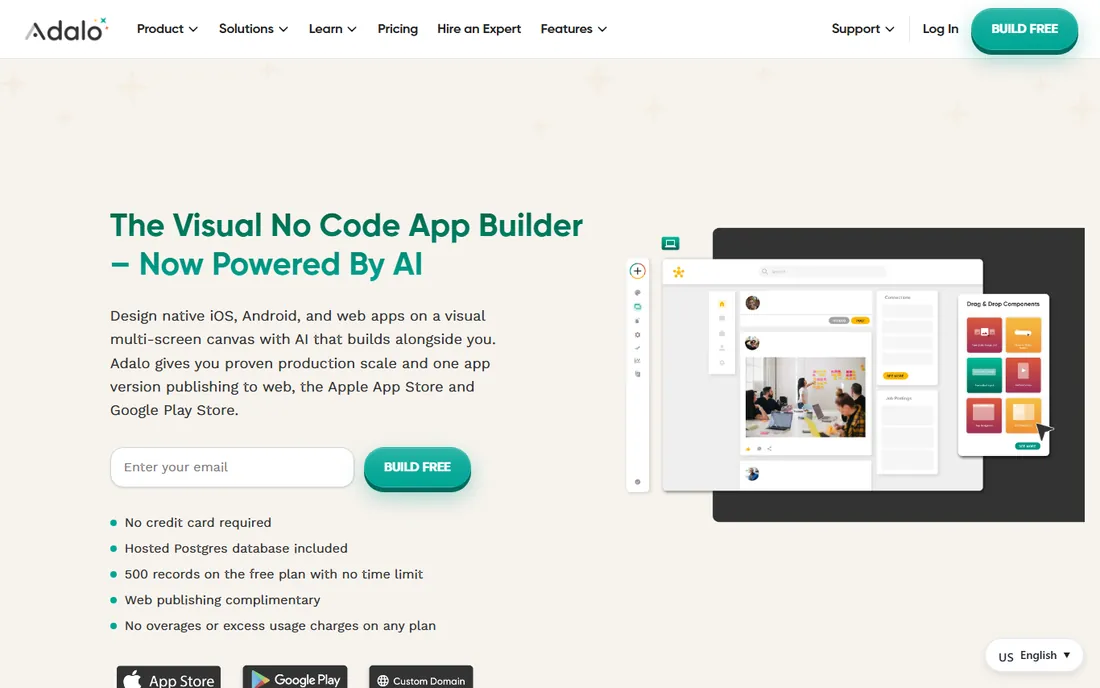
If you can make a slide deck, you can ship an app with Adalo. That is not marketing copy; the drag-and-drop builder, built-in database and automated app-store publishing really do let non-technical founders launch on iOS and Android. Starter at $36 per month billed annually covers one published app with custom domain and web publishing; Professional at $52 adds push notifications, analytics and custom actions. App actions are unlimited on every plan, which makes costs predictable.
The honest trade is lock-in and ceiling. There is no code export at any tier, so your app lives on Adalo permanently, and large datasets and complex logic hit limits sooner than on Bubble or FlutterFlow. The free plan is prototyping-only with 500 records per app. For a first mobile MVP from a non-technical founder, Adalo remains the fastest route to the app stores.
What we like- The easiest path from idea to app-store publishing for non-developers
- Built-in database with no external setup
- Flat pricing with no usage-based charges
Watch out for- No code export, so vendor lock-in is total
- Performance and scale ceilings appear earlier than on FlutterFlow or Bubble
Starting price$19/month (Explorer, billed annually)
Free planYes
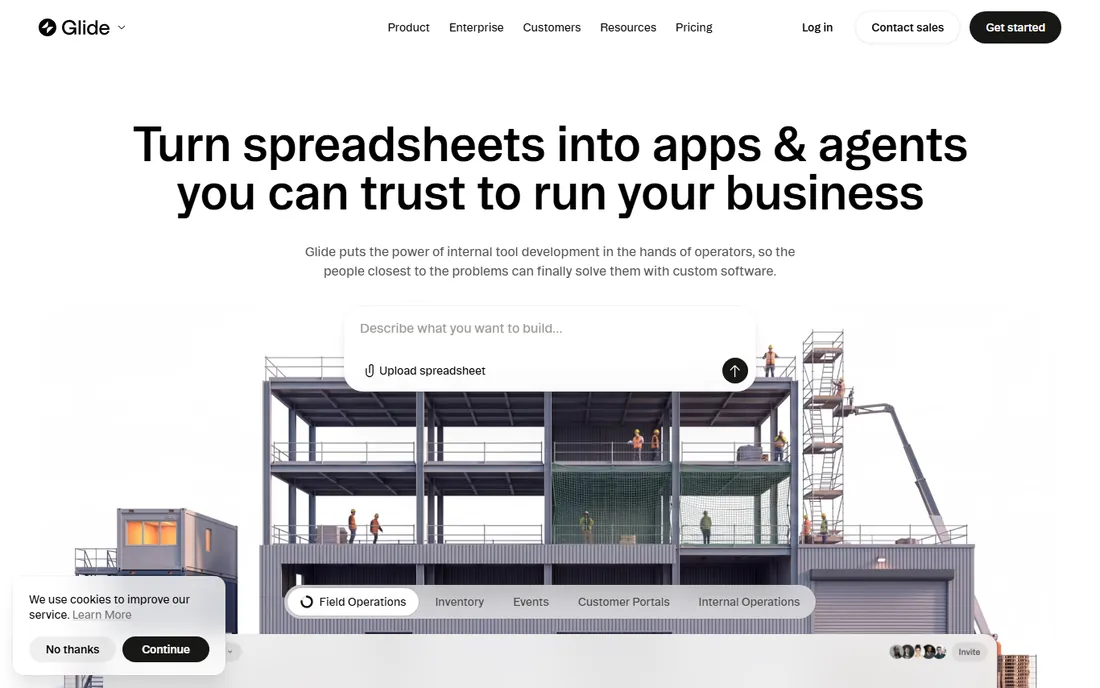
Glide turns spreadsheets into apps faster than anything else on this list. Connect a Google Sheet, pick a layout, and you have a working internal tool the same afternoon: inventory trackers, field data collection, simple CRMs and portals. Explorer at $19 per month billed annually publishes one app for up to 100 users; Maker at $49 covers three apps with custom domains; Business at $199 serves teams with API access. The free plan handles genuinely small internal tools.
Two limits shape the buying decision. Glide apps are web apps, not native, so there is no app-store publishing. And usage is metered on updates: data syncs count, and overages bill at around 2 cents each, which can surprise teams with chatty integrations. For internal tools built on spreadsheet data, nothing beats the speed. For customer-facing mobile apps, look at Adalo or FlutterFlow.
What we like- The fastest path from a Google Sheet to a working app
- Polished mobile-first design with almost no effort
- Generous free plan for small internal tools
Watch out for- No native app-store publishing, web apps only
- Update-metered pricing can surprise teams with active data syncing
Starting price$15/month (Basic, billed annually)
Free planYes
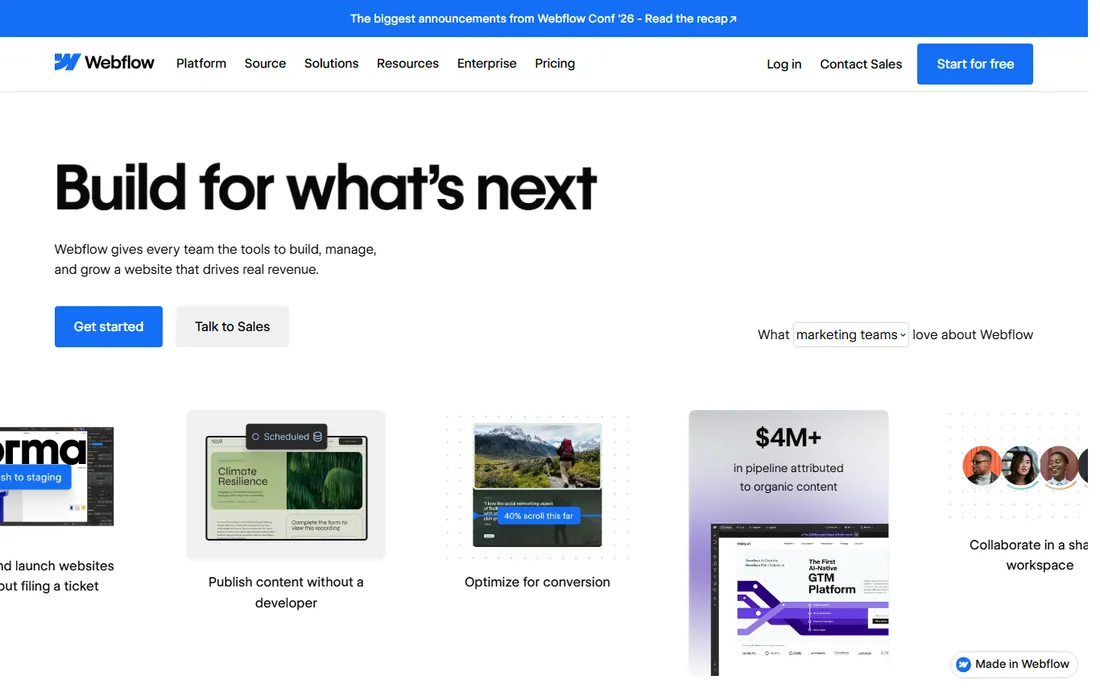
Webflow sits at the edge of this category, and it belongs here because many "apps" are really polished marketing sites with accounts and content. For that job, Webflow is unmatched: pixel-level design control, a real CMS, interactions and animations without plugins, and clean HTML and CSS export. Basic at $15 per month billed annually covers a custom-domain site; the CMS tier at $23 to $25 handles content collections.
The boundary matters. Webflow has no native database relationships for user-generated data and no built-in user authentication; membership features come through integrations like Memberstack or Outseta, each with its own subscription. If your product is content plus design, Webflow wins. If it is workflows plus user data, Bubble is the honest pick.
What we like- Unmatched visual design control with clean code export
- Built-in CMS for content-driven products
- Fast global hosting included
Watch out for- Not a real app platform: complex user data and logic need third-party tools
- User authentication requires integrations like Memberstack
Starting price$20/user/month (Premium, paid yearly)
Free planYes (Developer Plan)
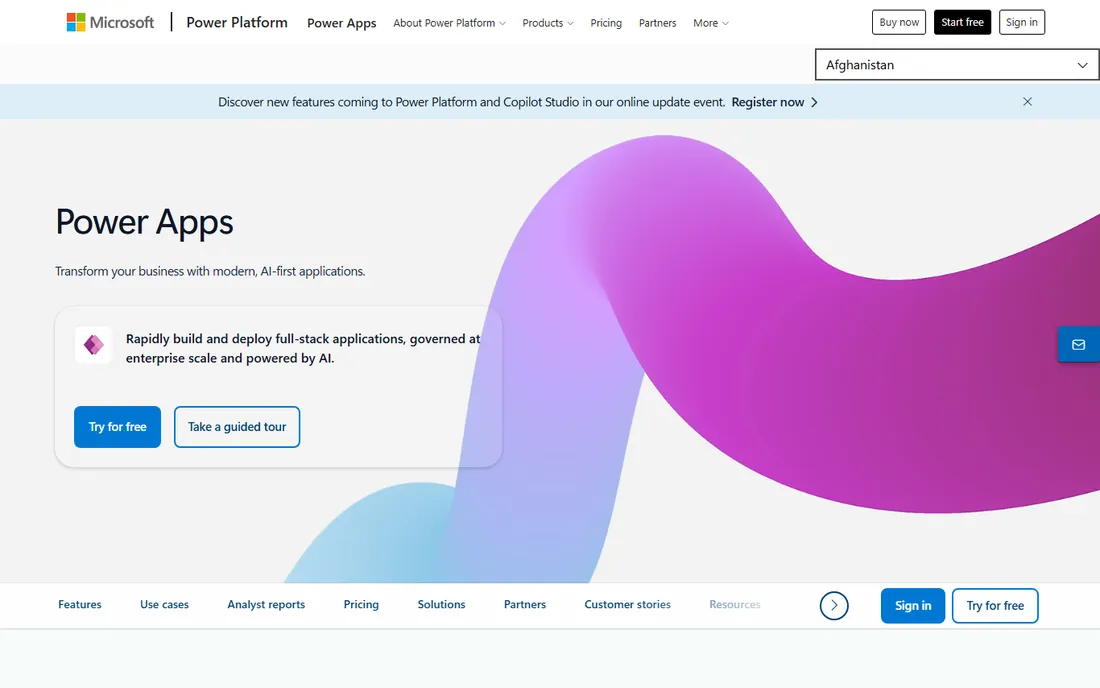
For organizations living in Microsoft 365, Power Apps is the path of least resistance. Apps embed in Teams, read SharePoint lists, write to Dataverse and respect the same identity and data-loss-prevention policies as everything else in the tenant. Premium at $20 per user per month paid yearly covers unlimited apps for that user, with premium connectors and Dataverse access. The free Developer Plan is fine for learning.
The pricing structure demands planning. Every user who runs a premium app needs a license, so costs scale with adoption, which Microsoft's own partners call the success penalty. The cheaper per-app plan was removed from most purchasing channels in early 2026, pushing new buyers to Premium. For Microsoft-centric IT departments, the integration value outweighs the licensing math; for everyone else, the per-user meter is a reason to look at flat-priced builders.
What we like- Native fit with Teams, SharePoint, Dataverse and the Microsoft stack
- One Premium license covers unlimited apps per user
- Strong governance with managed environments
Watch out for- Per-user pricing compounds fast across large workforces
- The per-app entry plan was removed for most new buyers in 2026
Starting price$10/standard user/month (Team, billed annually)
Free planYes
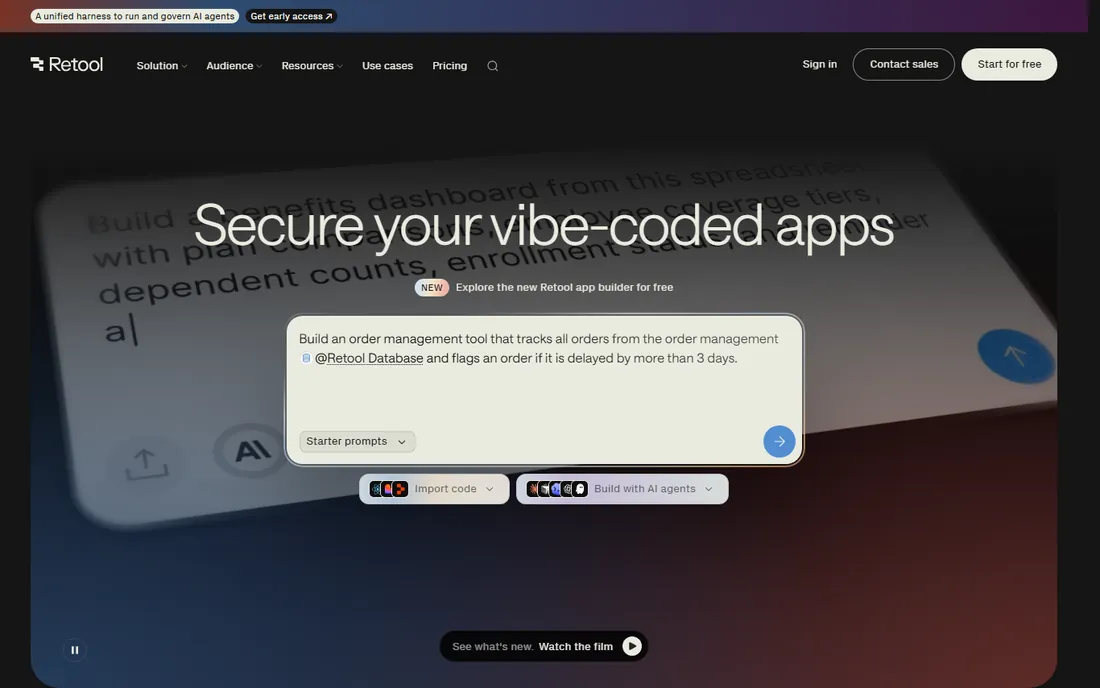
Retool is the low-code platform engineers actually enjoy. Drag components onto a canvas, wire them to any database or API with SQL or JavaScript, and ship the admin panel, approval queue or customer lookup tool that would take a sprint to build by hand. Team at $10 per standard user per month billed annually suits small builder groups; Business at $50 adds permissions, audit logs and portals. The free plan covers up to five users for real prototyping.
The pricing model is the whole evaluation. Costs scale per user, and the governance features growing companies need sit on Business, five times the Team price. Workflow runs and AI actions add usage meters on top. For engineering-led teams drowning in internal tool requests, Retool pays for itself in weeks. For non-technical builders, it is the wrong tool: Glide or Power Apps will serve them better.
What we like- The fastest way for engineers to ship admin panels and dashboards
- 90-plus components with SQL and JavaScript extensibility
- Sensible split between builders and cheaper end users
Watch out for- Per-user pricing stings as internal tools spread
- Governance features like SSO and audit logs require the Business tier
Starting priceSee website
Free planYes
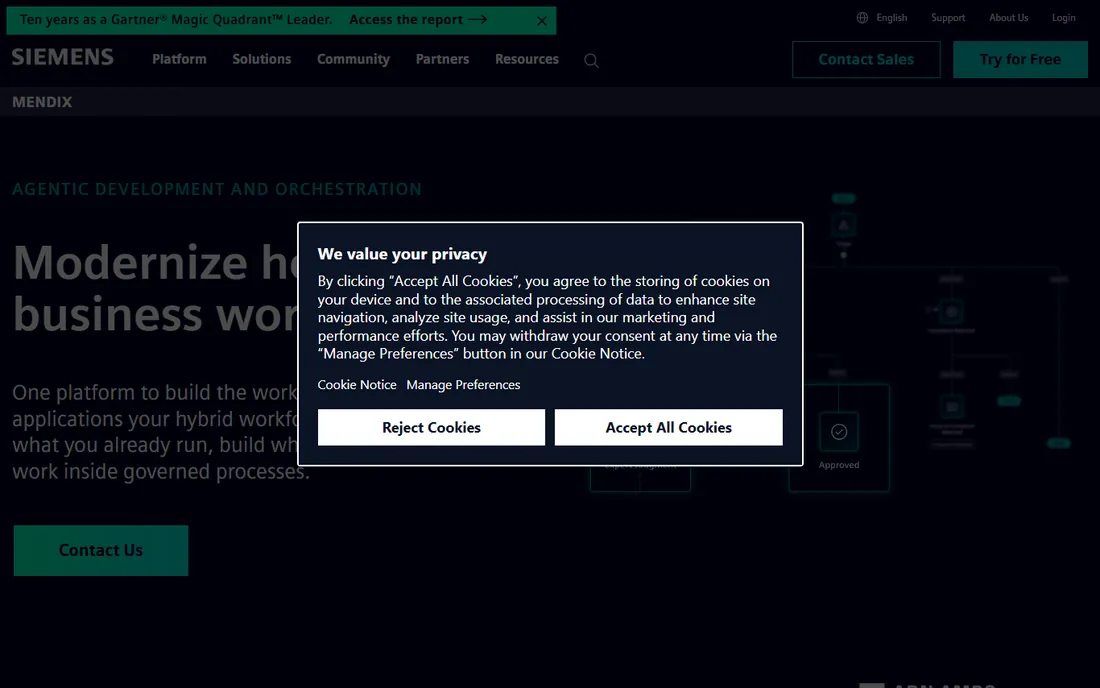
Mendix, part of Siemens, is what low-code looks like at enterprise scale: visual development with the governance, security and deployment controls a large organization demands. It handles complex multi-system workflows, integrates with the Siemens industrial ecosystem, and comes with the partner network enterprises expect for big rollouts. The free tier lets teams prototype before engaging sales.
This is not a tool for startups. Pricing is quote-based and enterprise-grade, and the platform's depth assumes dedicated developers and architects. If you are asking what the best low code platform is for a Fortune 500 digitization program, Mendix is on every shortlist. If you are a founder with an MVP, every other tool on this list will serve you better and cheaper.
What we like- A mature enterprise low-code platform with serious governance
- Strong for complex workflows across large organizations
- Siemens backing with a deep partner network
Watch out for- Quote-based pricing that starts at enterprise levels
- Far more platform than a small team needs
Starting priceSee website
Free planYes
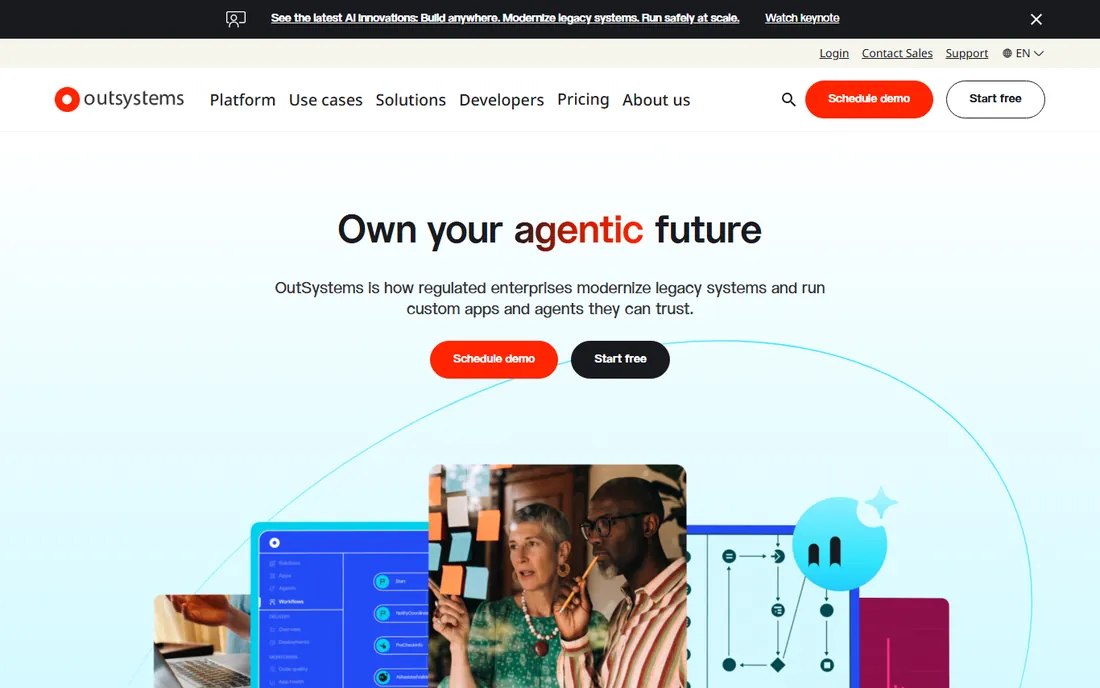
OutSystems competes with Mendix for the enterprise low-code crown, with particular strength in mobile: it generates real native mobile apps from the visual model, which matters for field-workforce and customer-facing scenarios. The platform includes architecture governance that keeps large app portfolios maintainable, and it has a long track record in banking, insurance and government. A free edition supports evaluation and small experiments.
The commercial reality matches the enterprise positioning. Pricing is quote-only with substantial minimums, and adopting OutSystems is a platform decision involving architecture review and multi-year planning. For large organizations standardizing how applications get built, it is a strong contender. For everyone else, it is inspiration for what low-code can become, not a purchase.
What we like- Full-stack low-code with strong mobile delivery
- AI-assisted development and architecture governance
- Proven in regulated industries
Watch out for- Quote-only pricing with significant minimums
- Platform commitment comparable to an enterprise software purchase
How we chose
We separated the category before ranking it: pure no-code for non-technical builders, low-code for technical teams, and enterprise platforms for regulated scale. Within each group we verified starting prices on vendor pricing pages and recent pricing analyses, marking Mendix and OutSystems as "See website" because they do not publish prices. We checked what each platform actually produces, hosted runtime versus exported code, native apps versus web apps, because that distinction decides more purchases than any feature list. We read public reviews on G2 and Capterra and practitioner discussions on Reddit for the recurring complaints: workload-unit surprises, update metering, lock-in regret and learning curves. Every tool here has a free plan or tier, because nobody should buy an app builder without building something first.
The lock-in question nobody asks early enough
Six months into a successful app, the question changes from "can I build this" to "can I leave." Only two tools on this list give you a real exit: FlutterFlow exports genuine Dart and Flutter source code, and Webflow exports clean HTML and CSS. Everything else runs on the vendor's runtime permanently. That is not automatically a bad deal; Bubble apps serve thousands of users happily inside Bubble. But price the lock-in honestly: estimate what rebuilding would cost, check the vendor's financial health, and confirm data export options before you commit your business to a platform.
The practical hedge is to keep your data portable regardless of platform. Use external databases where the platform allows it, document your data model outside the builder, and avoid proprietary workflow features for logic you might need to reimplement. Founders who plan the exit on day one negotiate from strength; founders who discover lock-in during a pricing dispute do not.
What actually decides whether your app survives year two
Year-one success is about shipping speed. Year-two survival is about cost structure and maintainability. Audit the pricing meters before you build: Bubble's workload units, Glide's update counts, Retool's per-user seats and Power Apps' per-user licenses all behave differently as usage grows. Model your costs at 10 times your launch traffic, not at launch traffic, and confirm what happens at each meter's limit.
Maintainability is the quieter killer. No-code apps accumulate the same cruft as coded ones: duplicated logic, undocumented workflows, mystery integrations. Pick the platform whose editor your team will actually maintain, name things consistently from the start, and keep one person responsible for the app's health. The builders that survive year two are rarely the cleverest; they are the ones somebody owns.
Finally, match the tool to the builder you have, not the builder you wish you had. A non-technical founder on FlutterFlow will stall where they would have shipped on Adalo. An engineer handed Glide will fight its guardrails. The best app builder is the one your actual team can ship and maintain, at a price your actual budget sustains.
Frequently asked questions
What is the best low code platform?
There is no single winner. For non-technical founders building mobile apps, Adalo is the easiest path to the app stores. For web apps with real logic, Bubble is the deepest no-code option. For technical teams that want code export, FlutterFlow is the standout. For enterprises, Mendix and OutSystems lead. Match the platform to your team's skills and your app's requirements, not to a ranking.
Can I really build an app with no coding experience?
Yes, for defined scopes. Adalo, Glide and Bubble are designed for non-developers, and thousands of founders have shipped real products on them. The honest limit is complexity: intricate logic, unusual integrations and performance tuning still benefit from technical help. Start with the builder, and bring in a freelancer for the parts that exceed it rather than abandoning the approach.
How much does it cost to run an app built with these tools?
Entry plans run $19 to $39 per month for the no-code builders, plus usage: Bubble's workload units, Glide's update counts and database hosting for FlutterFlow apps. Internal-tool platforms price per user: Retool from $10 and Power Apps at $20 per user per month. Enterprise low-code is quoted annually at much higher levels. Model costs at 10 times launch usage before committing.
Will my app be able to scale?
It depends on the platform and the architecture. Bubble and FlutterFlow both support apps with large user bases when built efficiently; Adalo and Glide hit ceilings earlier. The common scaling failure is not the platform but the build: unoptimized database queries and workflows. Follow each platform's performance guidance from the start, and load-test before a big launch.
Do I own my app and my data?
You own your data on every platform here; data export is standard. You do not own the runtime on most of them: only FlutterFlow and Webflow give you real code export. If eventual code ownership matters, choose accordingly from day one, because migrating a complex app between no-code platforms is effectively a rebuild.
Should I just hire a developer instead?
Compare honestly. An agency MVP costs $20,000 to $50,000 and takes months; a builder MVP costs under $100 per month and takes weeks. If you need to validate an idea, build with the tool. If the idea is validated, revenue is growing and the platform is constraining you, that is the right moment to hire developers, ideally with code export from FlutterFlow making the handoff clean.
Sources we checked (33)
- https://goodspeed.studio/blog/bubble-review
- https://www.adalo.com/posts/bubble-pricing/
- https://www.fahimai.com/bubble
- https://smartkeys.org/bubble-io-review/?no_cache=1
- https://www.saasworthy.com/product/bubble-io
- https://aitoolpick.org/blog/webflow-vs-bubble-2026/
- https://bilt.me/blog/flutterflow-pricing
- http://www.rapidevelopers.com/review/flutterflow
- https://hackceleration.com/labs/review/flutterflow
- https://www.adalo.com/posts/flutterflow-pricing/
- https://taskade.com/compare/free-adalo-alternative
- https://www.adalo.com/posts/top-8-no-code-tools-for-operations-leaders/
- https://costbench.com/software/no-code/adalo/
- https://www.rapidevelopers.com/review/adalo
- https://www.fahimai.com/glide-vs-adalo
- https://toolquestor.com/vs/glide-vs-replit
- https://www.zite.com/blog/glide-vs-appsheet
- https://www.lowcode.agency/blog/glide-vs-retool
- https://www.vendr.com/marketplace/retool
- https://www.jetadmin.io/blog/retool-pricing-2026-plans-user-costs-add-ons/
- https://laracopilot.com/blog/retool-pricing/
- https://www.caspio.com/blog/caspio-vs-microsoft-power-apps-2026/
- https://redresscompliance.com/microsoft-power-platform-licensing-complete
- https://www.g2.com/products/microsoft-power-apps/pricing
- https://bubble.io
- https://flutterflow.io
- https://www.adalo.com
- https://www.glideapps.com
- https://webflow.com
- https://powerapps.microsoft.com
- https://retool.com
- https://www.mendix.com
- https://www.outsystems.com
Is your product missing or out of date?
We review this list regularly. Vendors can request a listing, send updated pricing or ask about featured placement.

Shihab Mia · Founder, Rankite
Shihab has spent more than a decade helping SaaS and e-commerce brands grow through search. He writes Rankite's software buying guides from pricing pages, documentation and public user reviews. More about Shihab.