How we make this list: we compare pricing pages, product documentation and public user reviews. Rankite is independent; if a vendor ever pays for a featured spot, that listing is clearly labeled Partner.
Key takeaways
- Norton 360 Deluxe packs the most complete bundle (antivirus, VPN, password manager, 50 GB backup) at $49.99 for the first year, then renews at $124.99.
- Bitdefender Total Security and ESET Home Security earn the strongest independent lab scores while staying light on older PCs.
- If you want to pay nothing, Avast Free and Sophos Home Free are the only free tiers here worth installing. Both restrict commercial use in their license terms.
- Nearly every vendor discounts the first year by 40 to 60 percent, then bills the renewal at full price with auto-renewal on. Calendar the renewal date before you buy.
Quick comparison
| Tool | Best for | Starting price | Free plan |
|---|
 Norton 360 Norton 360 | Families and small offices that want everything in one bundle | $49.99/year (Deluxe, first year; renews at $124.99) | No (60-day money-back guarantee) |
 Bitdefender Total Security Bitdefender Total Security | Buyers who want the highest independent test scores | $59.99/year (first year, 5 devices) | No (30-day money-back guarantee) |
 McAfee Total Protection McAfee Total Protection | Households with a small army of phones, tablets and laptops | See website | No |
 ESET Home Security ESET Home Security | Older PCs and anyone who hates bloat | See website | No |
 Trend Micro Maximum Security Trend Micro Maximum Security | Ransomware protection and scam defense | $59.95/year (first year, 5 devices) | No |
 Malwarebytes Premium Security Malwarebytes Premium Security | Cleaning a PC that is already infected | $59.99/year (1 device) | Yes, free on-demand scanner |
 Avast One Avast One | Buyers who want a genuinely capable free tier | See website | Yes, Avast Free Antivirus |
 Sophos Home Premium Sophos Home Premium | Managing every family or office PC from one dashboard | See website | Yes, Sophos Home Free (up to 3 devices) |
 TotalAV TotalAV | Non-technical users who want the simplest possible setup | $99/year | Yes, limited free antivirus tier |
 Webroot Antivirus Webroot Antivirus | Featherweight protection that never slows you down | $34.99/year (1 device) | No |
Is your product missing or out of date?
We review this list regularly. Vendors can request a listing, send updated pricing or ask about featured placement.
The best antivirus computer software
#1
Norton 360
Best for: Families and small offices that want everything in one bundle
Visit norton.com
Starting price$49.99/year (Deluxe, first year; renews at $124.99)
Free planNo (60-day money-back guarantee)
Norton 360 Deluxe is the default pick for buyers who want one subscription covering the whole household. Five devices get real-time antivirus, a VPN, password manager, dark web monitoring and 50 GB of cloud backup for the $49.99 first-year price. The 100% Virus Protection Promise is unusual in this market: if Norton technicians cannot remove a virus from your device, you get a refund.
The catch is the renewal: year two bills at $124.99 unless you switch off auto-renewal or buy a fresh discounted license. The suite can also feel heavy on older machines. For a family or a five-person office wanting a single bill and a generous money-back window, Norton remains the safest mainstream choice.
What we like- 100% Virus Protection Promise with refund
- 60-day money-back window
- VPN, password manager and 50 GB cloud backup included
Watch out for- Renewal jumps to $124.99
- Suite includes features many users never open
- Occasional upsell prompts in the dashboard
#2
Bitdefender Total Security
Best for: Buyers who want the highest independent test scores
Visit bitdefender.com
Starting price$59.99/year (first year, 5 devices)
Free planNo (30-day money-back guarantee)
Bitdefender sits at or near the top of the independent lab rankings year after year. Total Security gives you the full set: antivirus for Windows, Mac, Android and iOS on five devices, a firewall, anti-phishing, webcam protection and a password manager. It is also one of the lightest suites here, so scans run quietly even on five-year-old office machines.
Two things to know before checkout. The included VPN is metered at 200 MB per day, which covers email but not much else, and unlimited VPN costs extra. Bitdefender also discontinued its old free edition, so there is no free tier, only the 30-day money-back window. If raw protection scores matter more to you than bonus features, this is the one.
What we like- Consistently top marks from AV-TEST and SE Labs
- Light on system resources
- Password manager and parental controls included
Watch out for- Built-in VPN capped at 200 MB/day unless you pay for unlimited
- Steep first-to-second-year price jump
- Support is chat and ticket only
#3
McAfee Total Protection
Best for: Households with a small army of phones, tablets and laptops
Visit mcafee.com
Starting priceSee website
Free planNo
McAfee's pitch is simple: stop counting devices. Its McAfee+ tiers cover unlimited PCs, Macs, phones and tablets under one subscription, which suits a family where everyone carries two or three gadgets. Higher tiers add identity monitoring, a VPN, and credit monitoring that watches for new accounts opened in your name.
The trade-offs are well documented in user reviews. Full system scans can drag on older hardware, and first-year discounts hide the true long-term price until renewal time. If your device count keeps growing and you want one bill for all of it, McAfee earns its place. Just turn off auto-renewal on day one and decide at month eleven whether to stay.
What we like- Plans that cover unlimited devices
- Identity monitoring and credit alerts on higher tiers
- File shredder and encrypted storage included
Watch out for- Full scans have a reputation for slowing older PCs
- Renewal pricing is hard to pin down before purchase
- Dashboard pushes add-on upsells
#4
ESET Home Security
Best for: Older PCs and anyone who hates bloat
Visit eset.com
Starting priceSee website
Free planNo
ESET has spent three decades building a reputation on one idea: protection that stays out of the way. Home Security Essential covers the antivirus fundamentals with a scanner that uses noticeably less RAM and CPU than most rivals, and the company's own pages lean hard on that "lighter on system" claim. For a small business running older Dell or Lenovo desktops that cannot be replaced this year, that lightness is a real feature, not marketing. Banking protection opens financial sites in a hardened browser, and the firewall and network inspector catch rogue devices on your Wi-Fi.
What you give up is polish: the dashboard looks dated, and the base tier skips the password manager and VPN that Norton and Bitdefender include. ESET also splits home and business into entirely separate product lines, so a growing company will eventually need to migrate to ESET PROTECT. As a pure antivirus engine for modest hardware, though, few do it better.
What we like- Famously small system footprint
- Gamer mode silences notifications during full-screen work
- Strong phishing and banking protection
Watch out for- Interface looks dated next to Norton and Bitdefender
- Fewer lifestyle extras on the base tier
- Business plans are a separate product line
#5
Trend Micro Maximum Security
Best for: Ransomware protection and scam defense
Visit trendmicro.com
Starting price$59.95/year (first year, 5 devices)
Free planNo
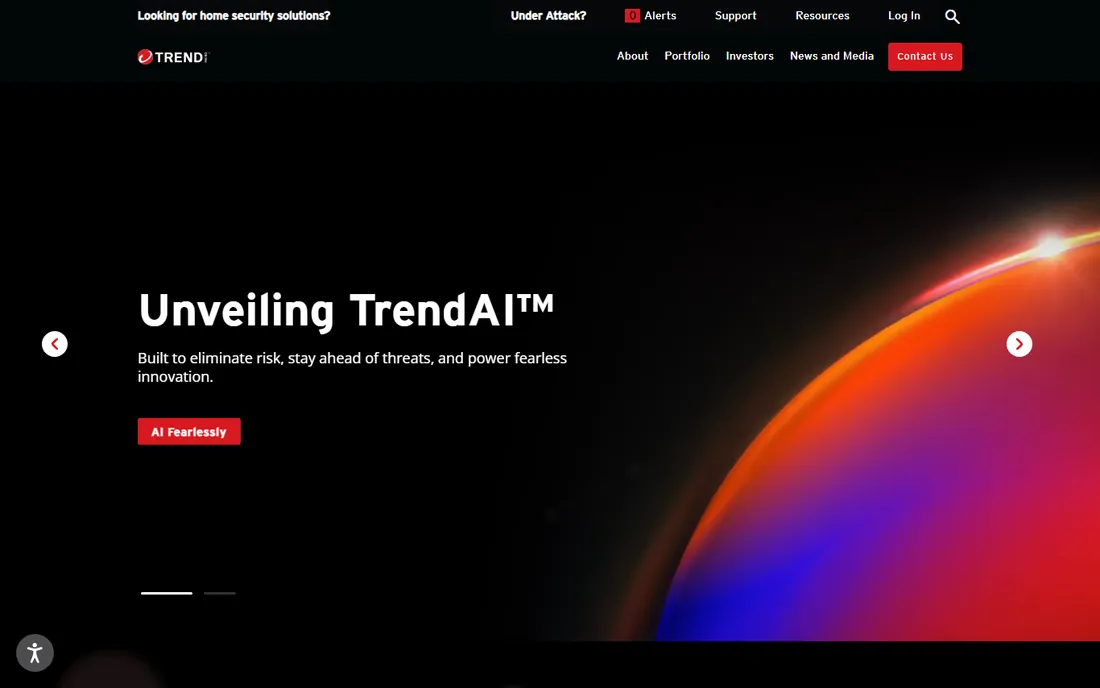
Trend Micro earns its spot with two features most suites treat as afterthoughts. Folder Shield marks folders off-limits so ransomware cannot encrypt them even if it gets in, and Pay Guard opens banking sites in an isolated browser that blocks keyloggers. The $59.95 first-year price covers five devices, and the email scam filter is genuinely good at catching the fake invoice and shipping-notification emails that target small businesses.
The honest weakness is value at renewal, when the price climbs well above the intro rate for the same five devices. You also get no identity theft insurance or credit monitoring, which Norton and McAfee include on comparable tiers. Buy it for the ransomware and banking protection rather than bundle value, and revisit the renewal price before month twelve.
What we like- Folder Shield blocks ransomware from touching protected files
- Pay Guard hardens online banking
- Strong email scam filtering
Watch out for- Five-device limit is stingy next to unlimited-device rivals
- Renewal jumps sharply
- No identity theft insurance in the bundle
Starting price$59.99/year (1 device)
Free planYes, free on-demand scanner
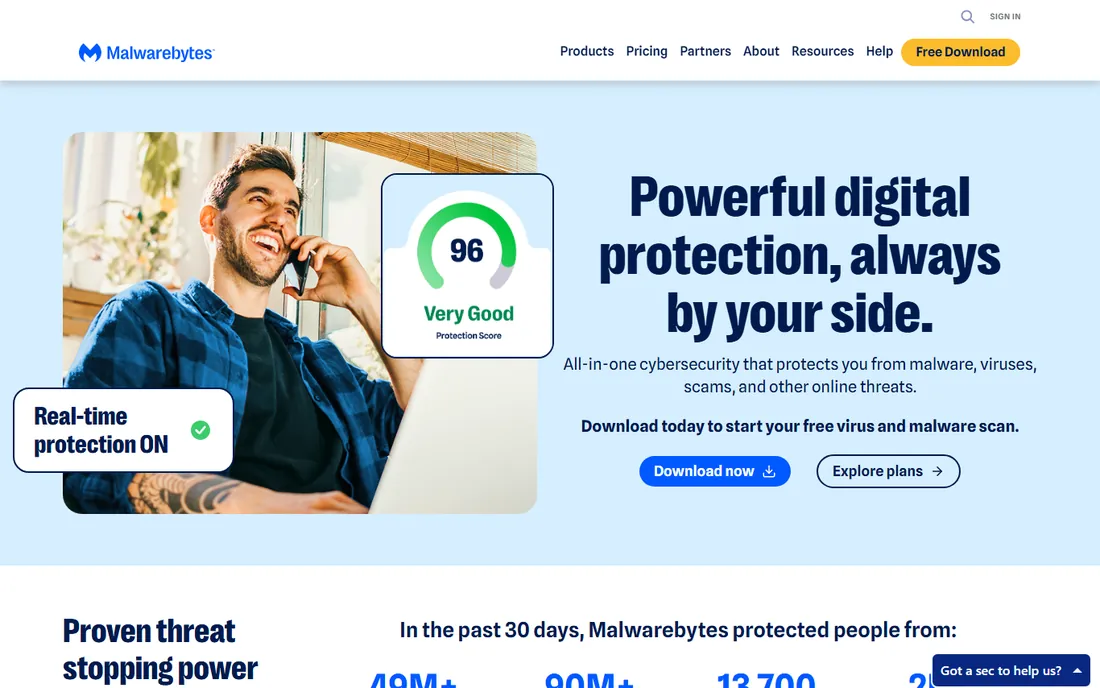
Ask any IT technician what they install on a machine that is already misbehaving and Malwarebytes comes up constantly. Its scanner is unusually good at finding and removing adware, spyware and rogue browser extensions that other products miss, which is why the free on-demand version has a permanent place in many repair shops. The paid Premium Security adds real-time protection, the Browser Guard extension that blocks tech-support scam pages, and a VPN. The company advertises 24/7 human support and a 60-day money-back window, both above average.
The pricing structure is the catch. $59.99 a year covers a single device, so a five-device household pays several times what Norton charges for the same count. Independent prevention tests also rank it a notch below Bitdefender and Norton. Think of Malwarebytes as the cleanup specialist, and pair it with another product if you need full multi-device coverage.
What we like- Best-in-class removal of existing infections
- Browser Guard blocks tech-support scams
- 60-day money-back guarantee with 24/7 human support
Watch out for- $59.99 covers only one device, pricey per seat
- Weaker prevention scores in some lab tests
- No built-in firewall
#7
Avast One
Best for: Buyers who want a genuinely capable free tier
Visit avast.com
Starting priceSee website
Free planYes, Avast Free Antivirus
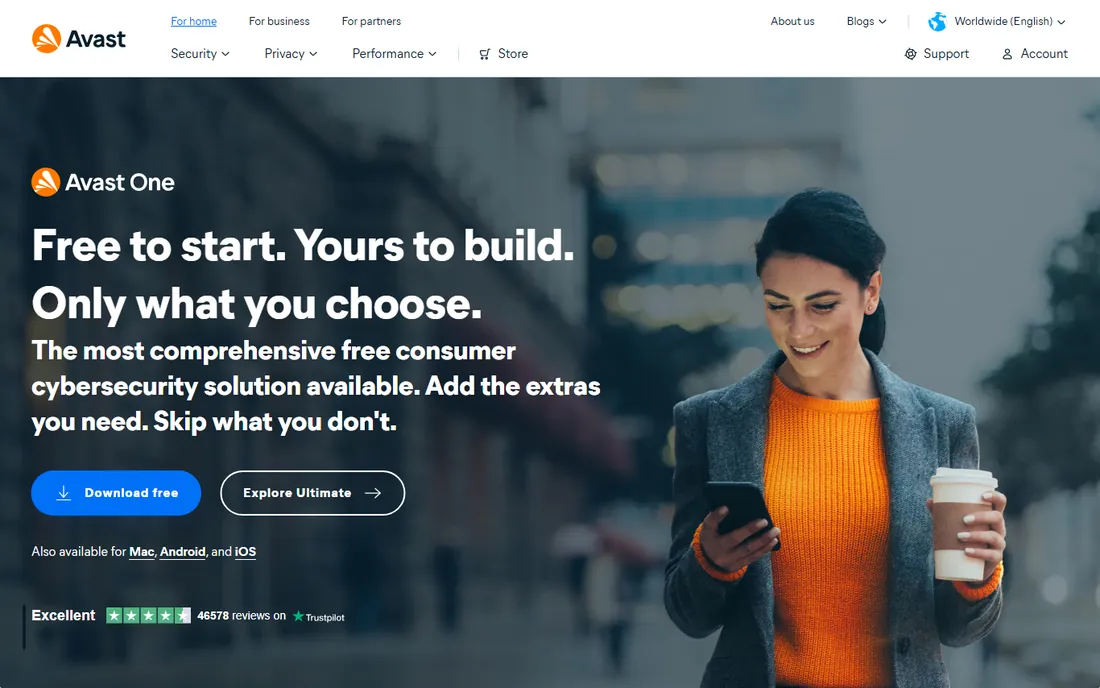
Avast Free Antivirus is the rare free product that independent labs rate as genuinely protective rather than a demo. You get real-time scanning, a Wi-Fi network inspector that flags weak router passwords, and ransomware behavior monitoring without paying anything. Paid Avast One tiers add an unlimited VPN, data-breach monitoring and a driver updater. For a freelancer or a two-person shop watching every dollar, the free tier covers the basics honestly.
Two caveats belong in any fair review. Avast's parent company settled regulatory action over selling supposedly anonymized user browsing data, which cost it trust even though the practice ended. And the free product nudges you toward paid upgrades regularly. If you can live with the prompts and you read the privacy settings carefully, it is the strongest free option on this list.
What we like- Free tier includes real-time antivirus and Wi-Fi inspector
- Paid One adds VPN, data-breach monitoring and driver updater
- Simple interface
Watch out for- Troubled history on user-data privacy
- Free version shows upsell prompts
- Paid plans renew at much higher rates
#8
Sophos Home Premium
Best for: Managing every family or office PC from one dashboard
Visit sophos.com
Starting priceSee website
Free planYes, Sophos Home Free (up to 3 devices)
Sophos sells the same core engine to enterprises and then repackaged it for homes, and the remote management console is the reason to care. From a browser you can check each device's status, run scans, block malicious websites and push web-filtering rules to your kids' laptops without touching them. Premium covers ten devices, and the free version protects three with the same engine.
The product feels like business software wearing a consumer jacket. There is no password manager, no VPN and no identity monitoring, and the console assumes you know what a web-filtering category is. Pricing only appears once you start the purchase flow, which is annoying. But if your actual problem is "I am the tech support for six relatives," nothing else on this list manages remote machines this well.
What we like- Remote web console manages all devices from anywhere
- Covers 10 devices
- Business-grade malware engine with web filtering
Watch out for- No free trial of the Premium tier itself
- Fewer consumer extras like a password manager
- Interface assumes some technical comfort
#9
TotalAV
Best for: Non-technical users who want the simplest possible setup
Visit totalav.com
Starting price$99/year
Free planYes, limited free antivirus tier
TotalAV is built for the buyer who finds antivirus dashboards intimidating. Installation walks you through a first scan step by step, the interface uses plain language instead of security jargon, and the bundle throws in a junk-file cleaner, startup manager and ad blocker that actually speed up neglected PCs. Tiers run $99, $129 and $149 per year depending on extras, and a limited free tier covers basic scanning.
Be clear-eyed about the business model. First-year promos run far below renewal rates, and the product surfaces upgrade prompts more often than most rivals. Independent lab scores are respectable but not chart-topping. If the person using the computer calls you for help with every dialog box, TotalAV's hand-holding has real value. Confident users get more protection per dollar elsewhere.
What we like- Guided setup a beginner can finish in minutes
- System tune-up tools (junk cleaner, startup manager) included
- Ad blocker bundled
Watch out for- Large gap between intro promos and the $99 renewal
- Frequent upsell screens
- Lab test scores trail Norton and Bitdefender
#10
Webroot Antivirus
Best for: Featherweight protection that never slows you down
Visit webroot.com
Starting price$34.99/year (1 device)
Free planNo
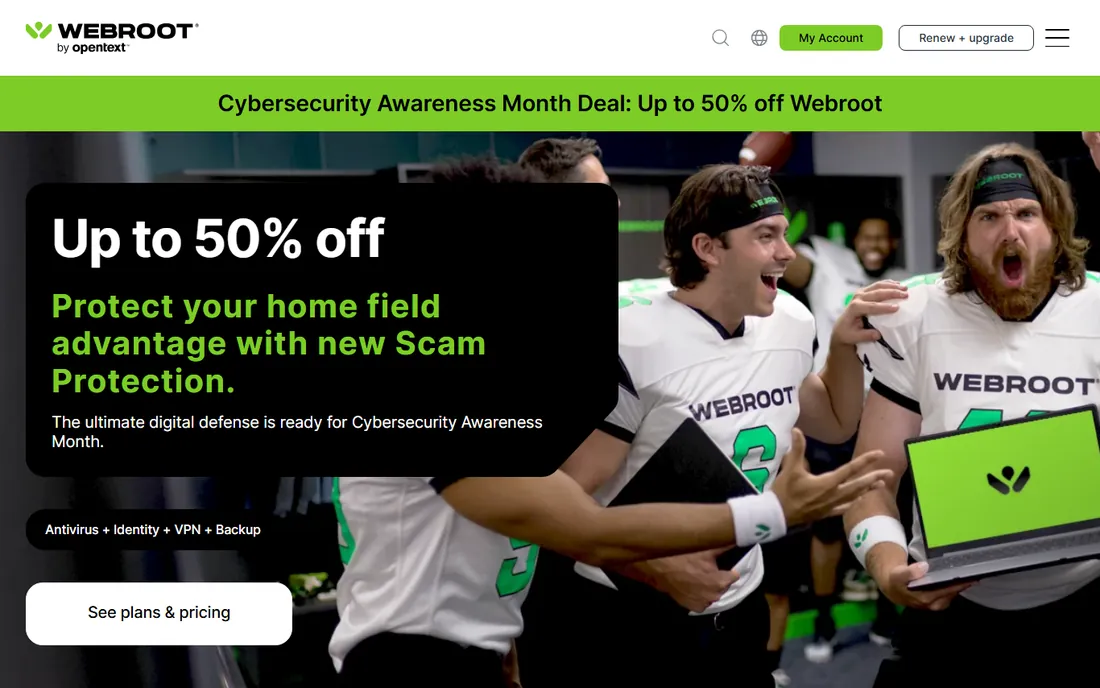
Webroot takes a different technical approach from everyone else on this list. Instead of downloading a giant virus-definition database, it checks suspicious files against a cloud database in real time, which keeps the install tiny and full scans down to under a minute. At $34.99 a year for one device it is the cheapest paid starting price here.
That minimalism cuts both ways. There is no VPN, no password manager, no identity monitoring and no free tier to test-drive. Because verdicts come from the cloud, a laptop with no internet connection gets thinner protection than a traditional suite would give. Webroot suits a secondary machine or a user who wants antivirus to be invisible.
What we like- Tiny install with scans measured in seconds
- Cloud-based definitions mean no bulky updates
- Simple per-device pricing
Watch out for- No free tier or trial
- Thin feature set (no VPN, no password manager)
- Weaker protection when offline since analysis happens in the cloud
How we chose
We started from each vendor's own pricing and product pages and recorded the actual first-year price, renewal price, device count and free-tier terms shown there. Then we checked independent lab results from AV-TEST and SE Labs, read recent G2 and Capterra reviews for complaints about renewals and slowdowns, and weighed fit for a small US business: per-device cost, commercial-use licensing, and how much hand-holding the interface provides. We skipped Kaspersky because of the US sales ban.
What to check before you buy
Count your devices first, and count honestly. A "five-device" plan sounds generous until you add two work laptops, two phones and a tablet. Unlimited-device plans from McAfee remove the math entirely, while per-device pricing from Malwarebytes and Webroot gets expensive fast past three machines.
Next, look past the first-year price. Every major vendor discounts year one and bills year two at full price with auto-renewal already on. Before you enter a card number, find the renewal price, decide whether you would pay it, and set a calendar reminder two weeks before it hits.
Check the license terms for business use. Free tiers like Avast Free and Sophos Home Free restrict commercial use. ESET, Sophos and Malwarebytes sell separate business lines with central management, worth the step up once you have five or more staff.
Finally, match the extras to your real risks. A company that wires money by email needs banking protection more than a VPN. A household with kids clicking everything benefits from parental controls and web filtering.
The intro-price trap: how antivirus pricing really works
The price you see in big type is the first-year promotional rate, often 40 to 60 percent off, and the renewal price sits in smaller type nearby. Norton 360 Deluxe shows $49.99 for year one and $124.99 after.
You have three defenses. First, buy directly from the vendor's site so the renewal terms are the ones you agreed to. Second, turn off auto-renewal the day you subscribe and buy a fresh discounted license before expiry if the renewal price looks bad. Third, use the money-back window (30 days at most vendors, 60 at Norton and Malwarebytes) to test the product on your slowest machine before you commit.
Frequently asked questions
Is Windows Security enough, or do I need third-party antivirus?
Windows Security is a solid baseline and scores decently in lab tests, so a careful user on an updated Windows 11 PC is reasonably protected. Third-party suites add ransomware file protection, hardened banking browsers, VPNs, password managers and better phishing filters. For a business handling customer data, the extras are worth paying for.
Why is the renewal price so much higher than what I paid?
First-year discounts are the industry's standard customer-acquisition cost. Vendors assume some buyers will forget about auto-renewal and pay full price in year two. Note the renewal price before you buy, disable auto-renewal immediately, and shop for a new discounted license before the subscription lapses.
Can I use a free antivirus for my small business?
Usually not under the license terms. Avast Free and Sophos Home Free are licensed for personal, non-commercial use. Once you have employees, buy a business product with proper licensing and a management console.
What happened to Kaspersky? Should I consider it?
The US banned Kaspersky sales in 2024 over national-security concerns, and the FCC added it to its covered list. US businesses should not buy it. Every product on this list is available to US buyers without restriction.
How many devices should my plan cover?
Count every PC, Mac, smartphone and tablet that touches your work or family accounts, then add one or two for replacements. A five-device plan covers a typical family; a ten-device plan like Sophos Home Premium suits an extended family or a micro office. If the count keeps changing, an unlimited-device plan removes the guesswork.
Does antivirus slow down my computer?
Modern suites are far lighter than the reputation suggests, but full scans still use CPU. ESET and Webroot are the lightest picks here for aging hardware. Schedule full scans for lunch or overnight, keep real-time protection on during work hours, and test any trial on your slowest machine before buying for the whole office.
Sources we checked (10)
- https://www.norton.com
- https://www.bitdefender.com/en-us/consumer/
- https://www.mcafee.com
- https://www.eset.com
- https://www.trendmicro.com/en_us/forHome/products/maximum-security.html
- https://www.malwarebytes.com/pricing
- https://www.avast.com
- https://www.sophos.com
- https://www.totalav.com/pricing
- https://www.webroot.com/us/en/home/products/av
Is your product missing or out of date?
We review this list regularly. Vendors can request a listing, send updated pricing or ask about featured placement.

Shihab Mia · Founder, Rankite
Shihab has spent more than a decade helping SaaS and e-commerce brands grow through search. He writes Rankite's software buying guides from pricing pages, documentation and public user reviews. More about Shihab.