How we make this list: we compare pricing pages, product documentation and public user reviews. Ratings come from G2, Capterra or Trustpilot, with the date we checked them.
Key takeaways
- Alarmy is the best pick for heavy sleepers, because photo, barcode, maths, and shake missions make snoozing in your sleep much harder.
- Sleep Cycle Premium at $39.99 per year is the best-known smart alarm, waking you inside a window you set rather than at a single harsh moment.
- Sleep as Android suits Android power users, with sonar, accelerometer, and wearable tracking plus deep automation options.
- Alarm Clock Xtreme is the best free anti-snooze option on Android, with snooze caps, shortening snooze intervals, and maths or shake dismissals.
- Pillow, BetterSleep, and ShutEye suit iPhone users who want sleep tracking, sounds, and a smart alarm in one app, but their best features are paid.
Quick comparison
| Tool | Best for | Starting price | Free plan |
|---|
 Alarmy Alarmy | Heavy sleepers who need missions | Free | Yes |
 Sleep Cycle Sleep Cycle | Smart wake window on iPhone and Android | $39.99 per year (Premium) | Yes |
 Sleep as Android Sleep as Android | Android sleep tracking depth | See website | Yes |
 Alarm Clock Xtreme Alarm Clock Xtreme | Free anti-snooze alarms on Android | Free | Yes |
 Pillow Pillow | Apple Health sleep tracking on iPhone | See website | Yes |
 BetterSleep BetterSleep | Sleep sounds and stories plus alarm | $59.99 per year (Premium) | Yes |
 ShutEye ShutEye | Falling asleep plus smart alarm | See website | Free trial |
 Alarm Clock for Me Alarm Clock for Me | Simple loud alarms with custom tones | Free | Yes |
Is your product missing or out of date?
We review this list regularly. Vendors can request a listing, send updated pricing or ask about featured placement.
The best alarm apps
#1
Alarmy
Best for: Heavy sleepers who need missions
Visit alar.my
Starting priceFree
Free planYes
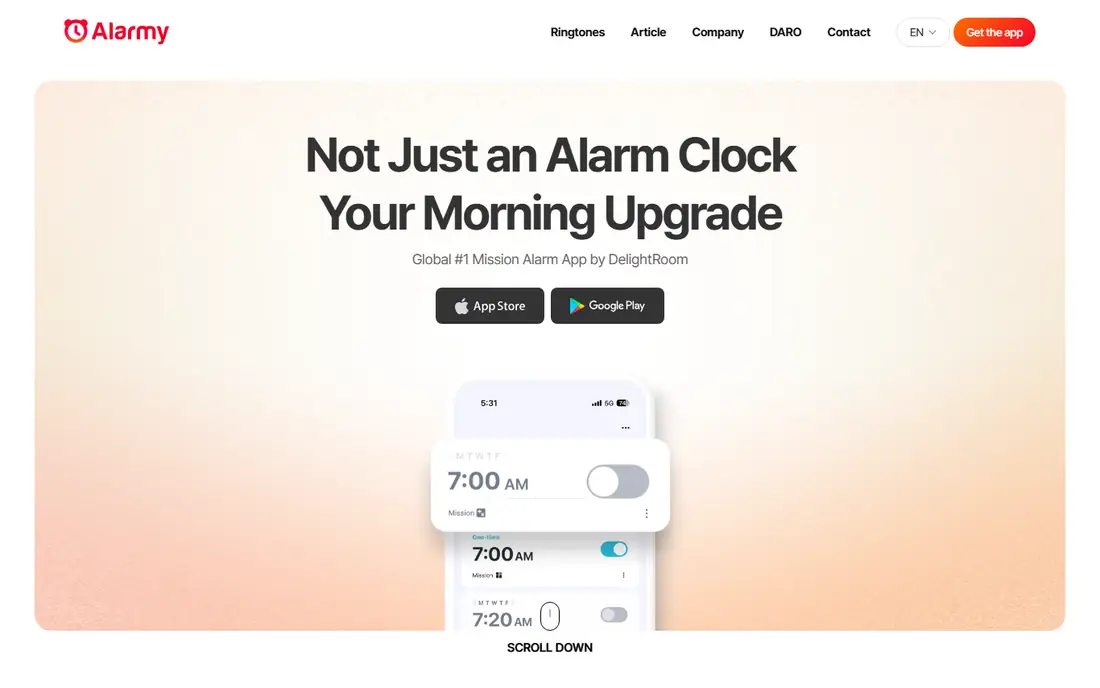
Alarmy is famous for one reason: it does not let you turn off an alarm with a single tap. To silence it, you complete a mission, such as taking a photo of a place you chose the night before, scanning a barcode in another room, solving maths problems, or shaking the phone a set number of times. That physical step is what breaks the half-asleep snooze habit, and it is why Alarmy tops most heavy sleeper lists.
The free tier is generous, with maths, shake, photo, barcode, and memory missions available without paying, plus sleep tracking and sleep sounds. Premium adds walking and squat missions, mission chaining, backup sound, and time pressure, with a 7-day free trial of paid features. If you regularly sleep through normal alarms, start with a photo mission in your bathroom or kitchen, because getting out of bed is the hardest part.
What we like- Photo, barcode, maths, shake, and memory missions
- Sleep tracking and calm sounds included
- Free tier covers core missions
Watch out for- Premium missions and ad removal are paid
- Full sleep suite can feel large if you only want an alarm
Starting price$39.99 per year (Premium)
Free planYes
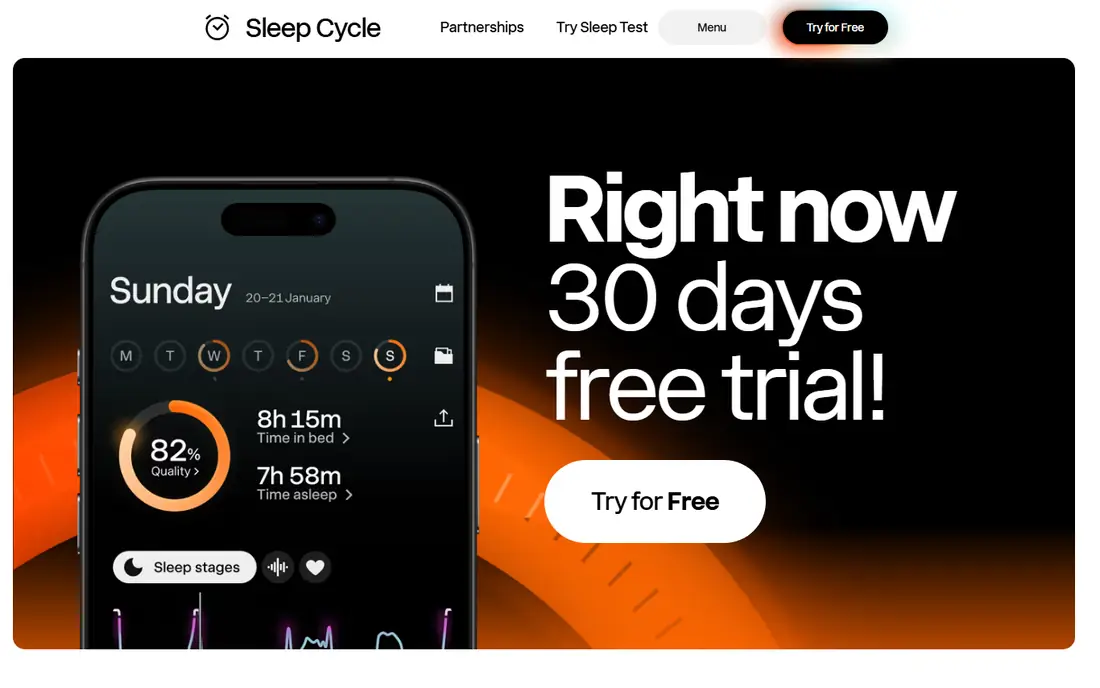
Sleep Cycle takes the opposite approach to Alarmy. Instead of forcing you awake, it tries to wake you at a better moment. You set a wake window, often 30 minutes, and the app uses your phone microphone and motion sensors to judge when you are in lighter sleep, then sounds the alarm inside that window. Many users report feeling less groggy than with a fixed-time alarm, even when total sleep is the same.
The free tier covers the smart alarm and basic tracking, which is enough to test whether the window approach suits you. Premium at $39.99 per year adds full trend history, detailed analysis, and extra sleep aids. Sleep Cycle works on iPhone and Android with similar features, which matters if you switch phones. It is not a medical device, and it will not match a wearable for sleep stage accuracy, but for gentle waking it is the best-known option.
What we like- Smart alarm wakes you in a light sleep window
- Works with phone microphone, no wearable required
- Snore detection and sleep notes
Watch out for- Phone-based staging is less precise than a wearable
- Full trend history needs Premium
- Price has risen in recent listings
Starting priceSee website
Free planYes
Sleep as Android is the Android power user's alarm app, and its depth is both its strength and its barrier. It tracks sleep with sonar from the phone speaker, accelerometer data, microphone recording, and wearables such as Wear OS and Garmin devices. That range lets you choose the method that fits your bedroom, whether your phone sits on a mattress, a nightstand, or charges across the room.
The smart alarm works inside a window you set, and dismissal can require tasks, CAPTCHA-style checks, or a QR code scan. Automation through Tasker lets advanced users link alarms to lights, sounds, or routines. The app offers a trial period, then a one-time licence key rather than a subscription in many listings, so check the current store page for price. If you want simple setup, Sleep Cycle is easier. If you want control, Sleep as Android wins on Android.
What we like- Sonar, accelerometer, microphone, and wearable tracking
- Smart alarm with custom windows
- Tasker integration and automation options
Watch out for- Android only
- Interface is dense for new users
- Full features need a paid licence after trial
Starting priceFree
Free planYes
Alarm Clock Xtreme has been around for years, and its anti-snooze system remains its best feature. You can cap the number of snoozes, shorten each snooze interval, or both, which stops the common pattern of snoozing for an hour in small steps. Maths problems and shake tasks add friction when you need it, and a gradual pre-alarm raises volume slowly before the main alarm.
The app is free with ads, with a one-off purchase to remove them in many listings, and it also includes basic sleep tracking. That makes it the best free starting point for Android users who do not want a subscription. The interface is less polished than Alarmy or Sleep Cycle, and some features feel dated. If price and anti-snooze control matter most, those flaws are easy to accept.
What we like- Snooze caps and shortening snooze intervals
- Maths and shake dismissals
- Gradual pre-alarm volume
Watch out for- Free version includes ads
- Design feels older than newer apps
- IOS availability is limited compared with Android
Starting priceSee website
Free planYes
Pillow is the most polished sleep app in the Apple ecosystem, and it shows in how cleanly it syncs with Apple Health. With an Apple Watch, it tracks automatically using heart rate, motion, and audio recording, so you can hear snoring or sleep talk in the morning. Without a watch, it still tracks from the phone, but the watch experience is where Pillow feels most complete.
The smart alarm, sleep-aid sounds, and basic tracking are free to start, while Premium adds unlimited history, detailed analysis, and full audio features, with public listings putting Premium at around $4.99 per month or $29.99 per year. Check the App Store listing for your region before paying, because prices vary. Pillow suits iPhone users who already live in Apple Health and want one app for tracking and waking, rather than a mission-heavy alarm.
What we like- Deep Apple Health and Apple Watch integration
- Audio recording for snoring and sleep talk
- Smart alarm with sleep-aid sounds
Watch out for- IPhone and Apple Watch only
- Free tier is thin for history and analysis
- Premium price varies by store listing
Starting price$59.99 per year (Premium)
Free planYes
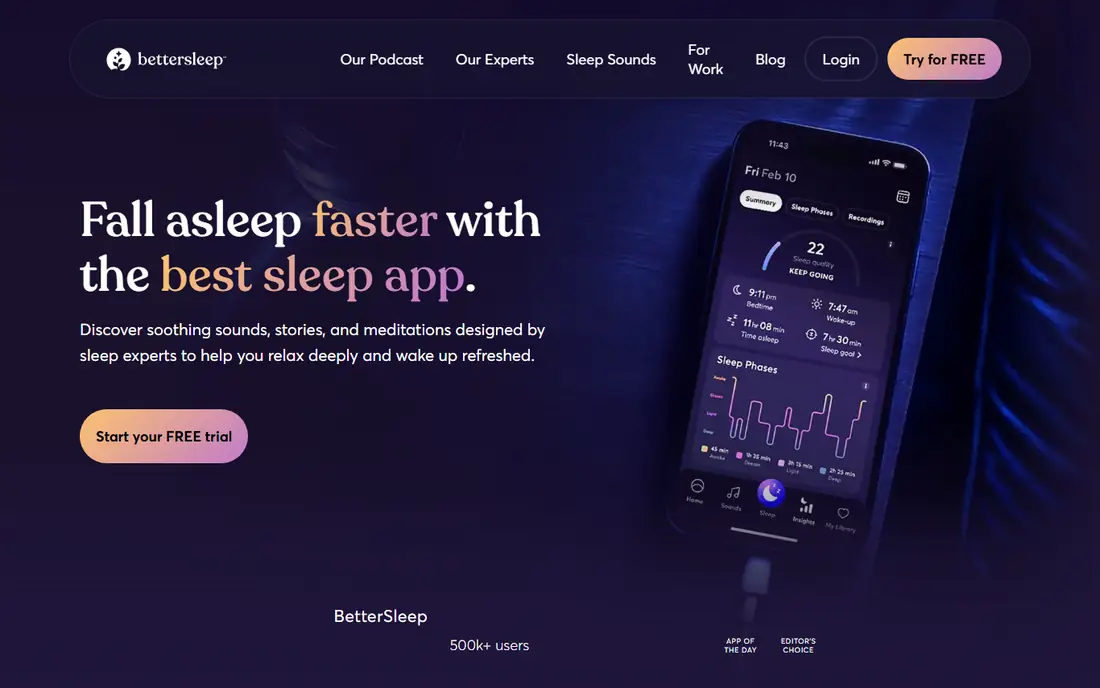
BetterSleep, formerly Relax Melodies, is built around the hour before sleep as much as the moment of waking. Its sound mixer lets you combine rain, white noise, and other sounds, and its library includes sleep stories and guided programmes. That focus helps people whose main problem is falling asleep, not just waking up, because a calmer night often leads to an easier morning.
Premium at $59.99 per year in recent comparisons adds the full sound catalog, stories, programmes, and advanced customisation, while the free tier gives limited sounds and basic features. A lifetime option appears at times for around $249, which can suit long-term users. If you already fall asleep easily and only need a loud alarm, Alarmy or Alarm Clock Xtreme will serve you better and cost less.
What we like- Large sound mixer and sleep story library
- Smart alarm and sleep tracking
- Custom mixes for falling asleep
Watch out for- Free version works more like a preview
- Premium costs more than Sleep Cycle
- Lifetime option appears only at times
Starting priceSee website
Free planFree trial
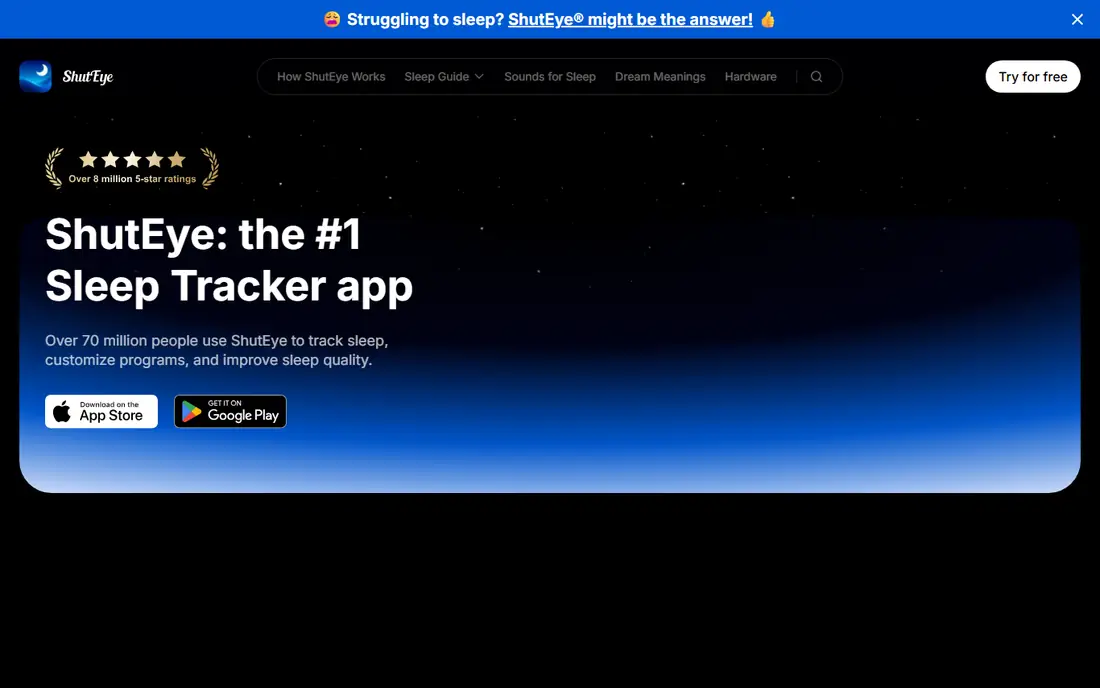
ShutEye sits between a sound app and a tracker. It offers a library of sleep sounds and stories to help you fall asleep, snore detection overnight, and a smart alarm in the morning, all in a simple interface that does not overwhelm new users. That combination suits people who want one app for the whole night, without learning a dense settings menu.
The catch is the trial model. ShutEye offers a free trial, but continued use of premium sounds, detailed analysis, and full history needs a subscription, with prices varying by store listing and promotion, so check before you commit. It does not match Sleep as Android for tracking depth or Alarmy for forcing you awake. For users who struggle to fall asleep and want a gentle alarm, it is a fair middle choice.
What we like- Sleep sounds, stories, and snore detection
- Smart alarm with sleep tracking
- Clean, simple interface
Watch out for- Best features need a subscription after trial
- Tracking depth is thinner than Sleep as Android
- Price varies by store and promotion
#8
Alarm Clock for Me
Best for: Simple loud alarms with custom tones
Visit apalon.com
Starting priceFree
Free planYes

Alarm Clock for Me is included for readers who do not want missions, tracking, or subscriptions. It is a straightforward alarm app: set multiple alarms, pick a tone or song, adjust volume and vibration, and go. That simplicity is useful for shift workers, students, and anyone who wants a reliable backup alarm on top of a smart alarm app.
The honest limit is that it will not fix a snooze habit on its own. There is no smart wake window and no photo or maths mission to force you out of bed. Use it as a loud, reliable second alarm, or as a primary alarm if you already wake easily and only need custom tones and repeat schedules. For heavy sleepers, pair it with Alarmy rather than relying on it alone.
What we like- Simple setup with multiple alarms
- Custom tones and music options
- Weather and basic extras in one app
Watch out for- No smart wake window
- No mission dismissals for heavy sleepers
- Extra features can feel unrelated to waking
How we chose
We compared app store listings, vendor sites, and public reviews on G2, Capterra, Reddit, and app store review pages, focusing on alarm dismissal methods, smart wake windows, tracking methods, platform availability, and free versus paid limits. We favoured apps that are live now on iPhone or Android, that clearly describe their alarm method, and that offer a usable free tier or trial, rather than apps that only promise better sleep in general terms.
We did not claim hands-on testing, and we did not invent prices, ratings, or user counts. App store prices vary by country and change with promotions, so where a price could not be verified on the vendor's own page, we listed it as See website and advised checking the store listing. Sleep tracking in these apps is an estimate, not a medical measurement, and persistent sleep problems deserve a clinician, not an app change alone.
Matching the app to your waking problem
The fastest way to choose is to name the failure. Do you sleep through alarms, wake groggy, struggle to fall asleep, or need an alarm that works on a shift schedule? Each answer points to a different app, and buying the wrong type will not help even if the app is well reviewed.
If you sleep through alarms
Choose a mission app first. Alarmy with a photo mission in another room is the strongest option, followed by Alarm Clock Xtreme with snooze caps and maths dismissals. Put your phone where you must stand up to reach it, and set a backup alarm five minutes later in a second app. Do not rely on volume alone, because heavy sleepers learn to sleep through louder sounds over time.
If you wake groggy
Choose a smart alarm app. Sleep Cycle, Sleep as Android, Pillow, and ShutEye all wake you inside a window rather than at a fixed second. Set the window to 20 to 30 minutes, keep a regular bedtime where possible, and place the phone where its sensors can work, on the mattress for motion or on a nightstand for sound, as the app directs. A smart alarm helps most when sleep timing is fairly regular.
If falling asleep is the problem
Choose BetterSleep or ShutEye for sounds and stories, and use their alarm as a secondary benefit. A consistent wind-down routine, a dark room, and a phone charging outside the bed often matter more than any sound library. If snoring, breathing pauses, or daytime sleepiness persist, talk to a clinician rather than trying another app.
Frequently asked questions
What is the best alarm app for heavy sleepers?
Alarmy is the best pick for heavy sleepers, because missions such as photo, barcode, maths, and shake tasks force you to get up and engage before the alarm stops. Alarm Clock Xtreme is a good free alternative on Android, with snooze caps and maths dismissals.
Is there a good free alarm app?
Yes. Alarmy and Alarm Clock Xtreme both offer strong free tiers, and Sleep Cycle offers a free smart alarm with basic tracking. Free tiers usually include ads or limit history and premium missions, so check what is free before you rely on a feature daily.
Do smart alarms really work?
Smart alarms can reduce grogginess for many users by waking them during lighter sleep inside a set window, but phone-based sleep staging is an estimate, not a medical measurement. Results vary with phone placement, sleep regularity, and the app used, so test the free tier for a week before paying.
Which alarm app works on both iPhone and Android?
Sleep Cycle works on both platforms with similar features, and Alarmy is also available on both. Sleep as Android and Alarm Clock Xtreme are Android-focused, while Pillow is iPhone and Apple Watch only, so check platform support before subscribing.
Can an alarm app wake me if my phone is on silent?
It depends on the app and your phone settings. Many alarm apps can override silent mode or use their own volume settings, but do-not-disturb rules and battery optimisation on Android can block alarms. Test the app for a few nights, allow notifications and alarms in system settings, and keep the phone charged.
Should I use two alarm apps?
For heavy sleepers and shift workers, yes, as a backup. Use a mission app as the main alarm and a simple loud app five minutes later as a safety net. That setup costs nothing extra if both free tiers cover your needs, and it protects against a single app being blocked by battery settings.
Sources we checked (8)
- https://alar.my
- https://www.sleepcycle.com
- https://sleep.urbandroid.org
- https://alarmclockxtreme.com
- https://pillow.app
- https://www.bettersleep.com
- https://www.shuteye.ai
- https://apalon.com
Is your product missing or out of date?
We review this list regularly. Vendors can request a listing, send updated pricing or ask about featured placement.

Shihab Mia · Founder, Rankite
Shihab has 5+ years in B2B and SaaS SEO. He writes Rankite's software buying guides from pricing pages, documentation and public user reviews. More about Shihab.